STORM II AI Dance
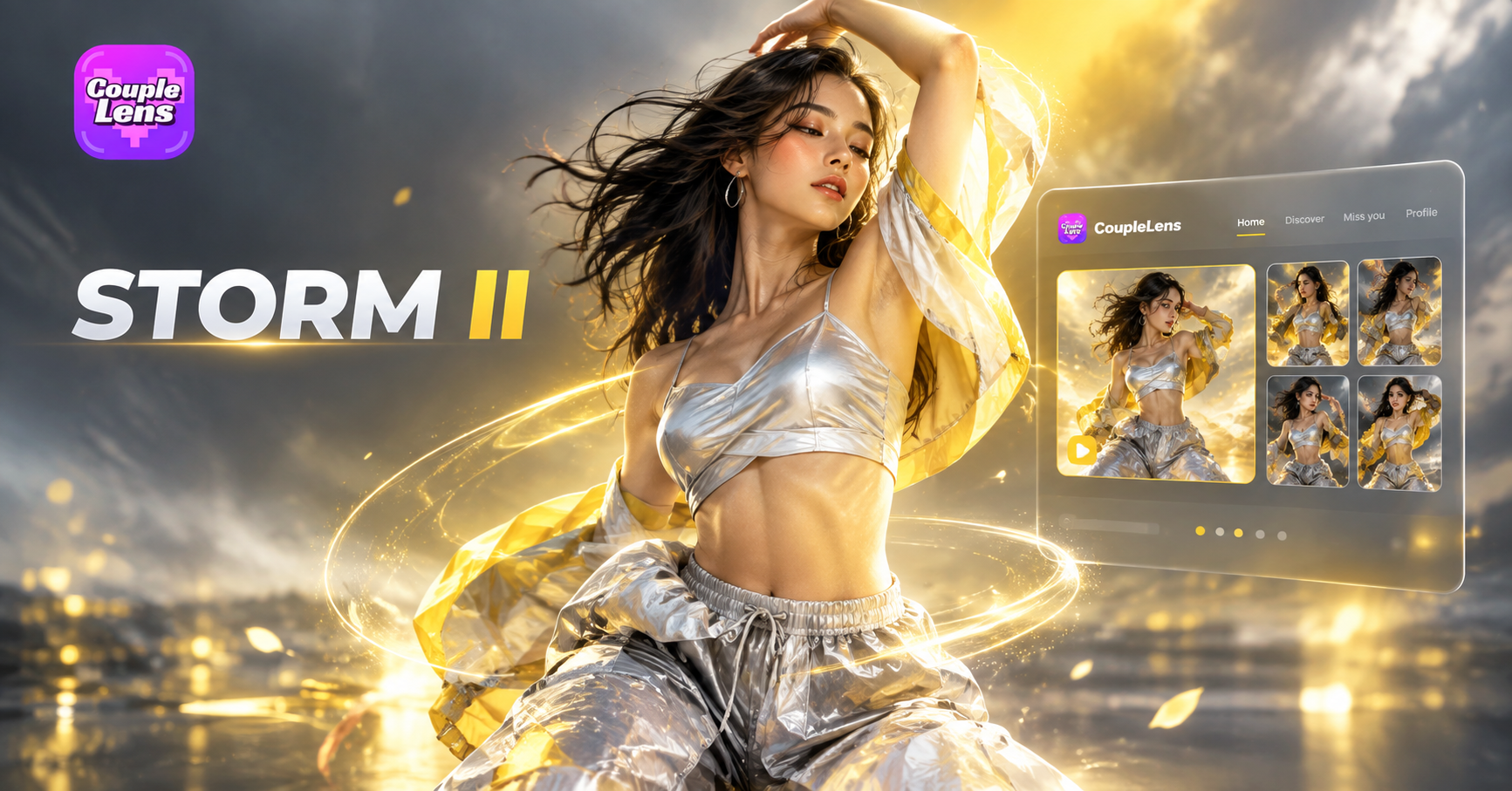
STORM II Dance Filters Ready to Drop You In
STORM II AI dance templates live inside CoupleLens. Pick one. Upload a photo. The crowd dance video is ready before the trend cools down.
Use CoupleLens for the STORM II AI Dance Trend
Most AI dance tools put you on a PC, ask for a long prompt, and burn through free credits fast. CoupleLens skips all of that. The STORM II dance filter is one tap inside a mobile app. Crowd handling keeps every face in sync. No reference video. No login wall. No CapCut at the end. Pick the template, upload one photo, share the viral AI dance video in one minute.

Real STORM II Crowd Dance Videos From CoupleLens Users
Browse STORM II AI dance results made by the CoupleLens community. Step into the center, march with the crowd.
How to Create Your Own STORM II AI Dance Video?
Three steps. The full STORM II dance template lives inside CoupleLens, ready for one photo and one tap.

Step 01.
Download CoupleLens from Google Play and open the app on your phone. Sign in once and you are set for every viral dance AI trend.

Step 02.
Pick a STORM II AI dance filter inside the app. Upload one photo of yourself, a friend, or a character. The template already knows the crowd and the camera.

Step 03.
Tap generate. Wait about twenty seconds. Save the STORM II crowd dance video and share it straight to TikTok, Reels, or Shorts from inside CoupleLens.
Key Features of the STORM II AI Dance Filter
Three things make the STORM II crowd dance AI work inside CoupleLens. The full flow runs on your phone with no prompt and no PC.
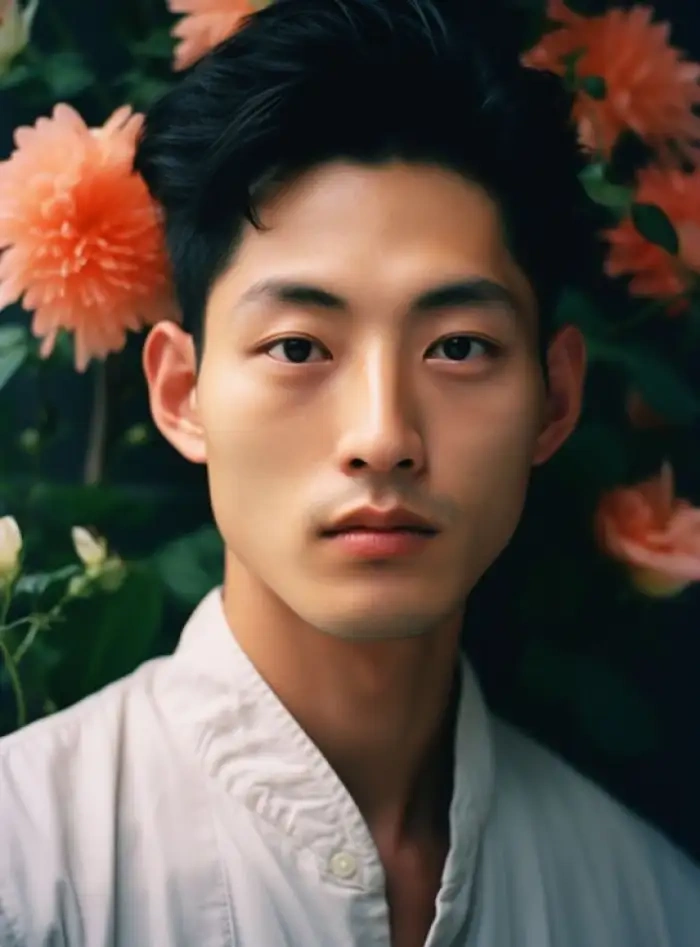 Before
Lead Character Lock
You stand in the center of the frame. Your face, hair, and outfit stay the same across every camera angle and dance beat. The motion transfer pulls the original STORM II choreography onto your body while the AI keeps your identity intact. No face drift. No mid video morph. Just you, leading the crowd.
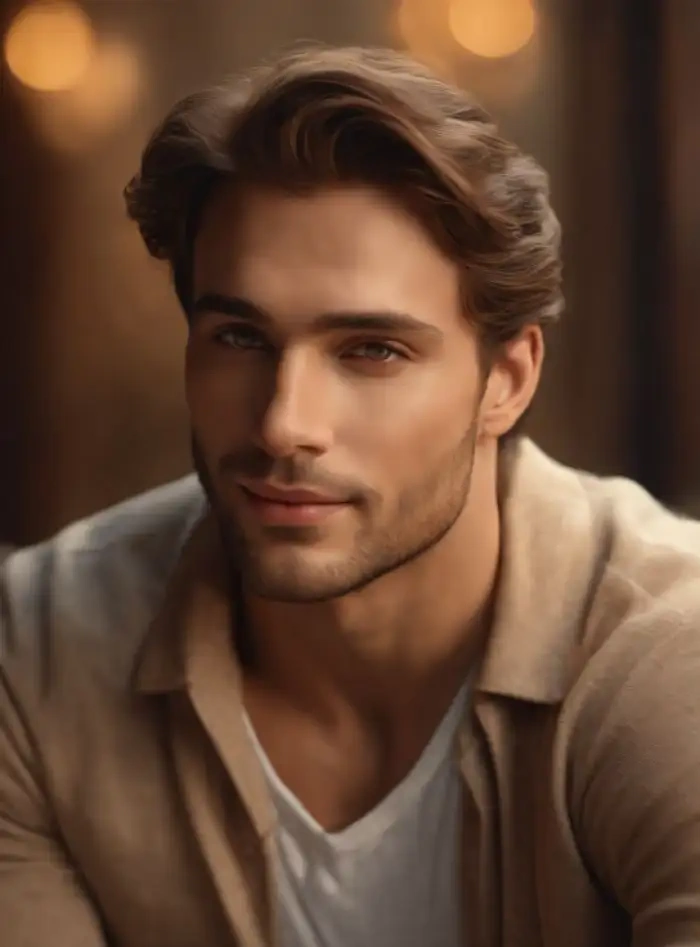 Before
Crowd Formation Sync
The AI reads your photo plus the full STORM II scene and rebuilds the staircase around you. Up to ten supporting figures can be filled with friends, characters, or AI extras. Each face stays separate across the whole clip. Group photo handling means no blending. No missing subjects. No one cut off at the edge.
 Before
One Tap Mobile Workflow
Open CoupleLens. Tap a STORM II filter. Upload one photo. Wait about twenty seconds. That is the full workflow. No reference video to download. No prompt to paste. No login wall before you see your first result. Everything runs in one mobile app on Google Play.
Watch the STORM II AI Dance Filter in Action
Two short clips that show the STORM II crowd dance filter running inside CoupleLens.
Frequently Asked Questions
Quick answers about the STORM II dance filter, the CoupleLens app, and the result you get. Read once, then go make your own crowd dance video.
More Topics You May Like
Other AI dance trend filters live inside CoupleLens. All sit in the same app, one tap away.
Vishwakarma Puja AI Photo Generator: Create Your Vishwakarma Puja AI Picture with CoupleLens
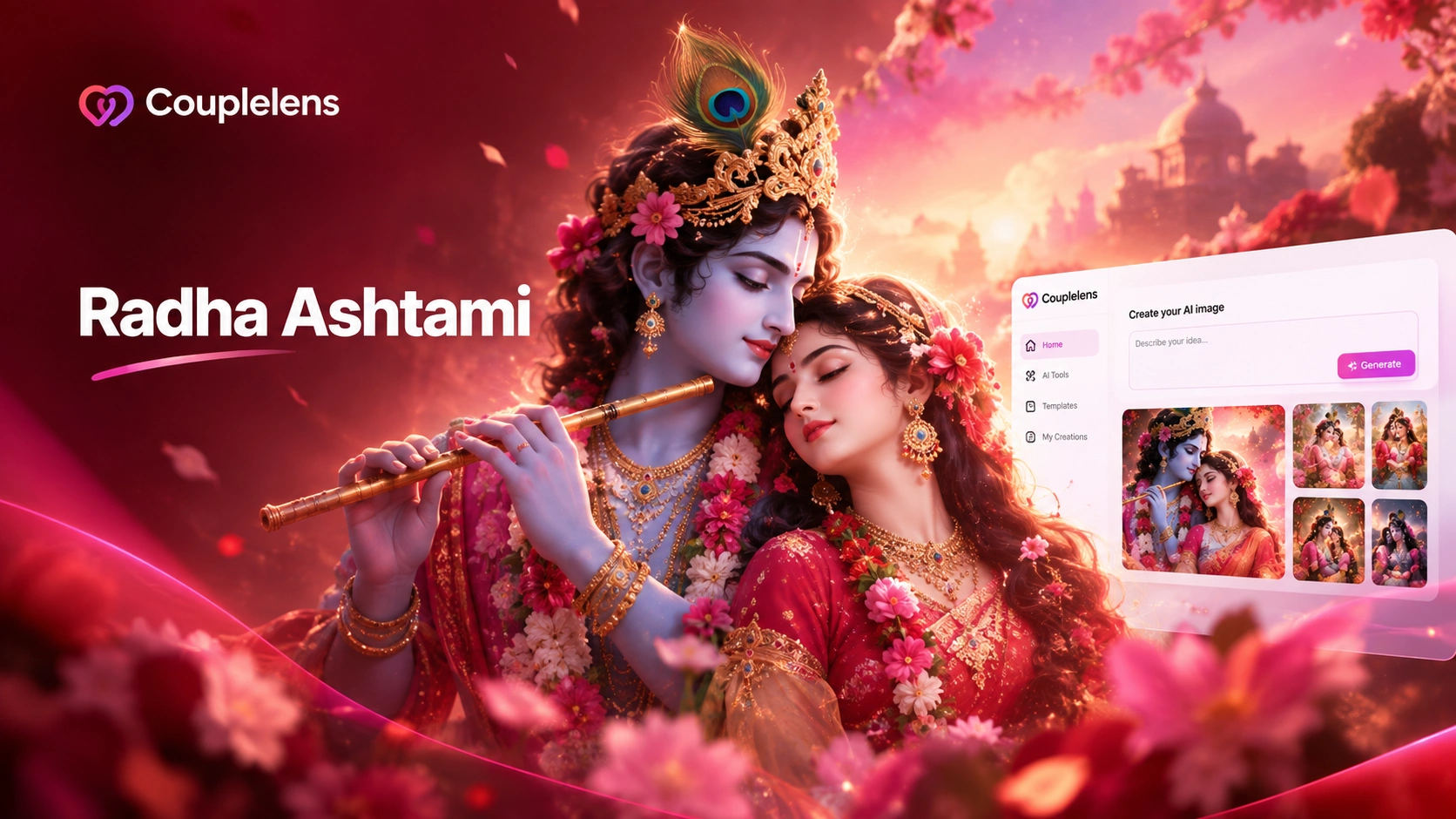
Create Devotional Radha Ashtami AI Photos with CoupleLens
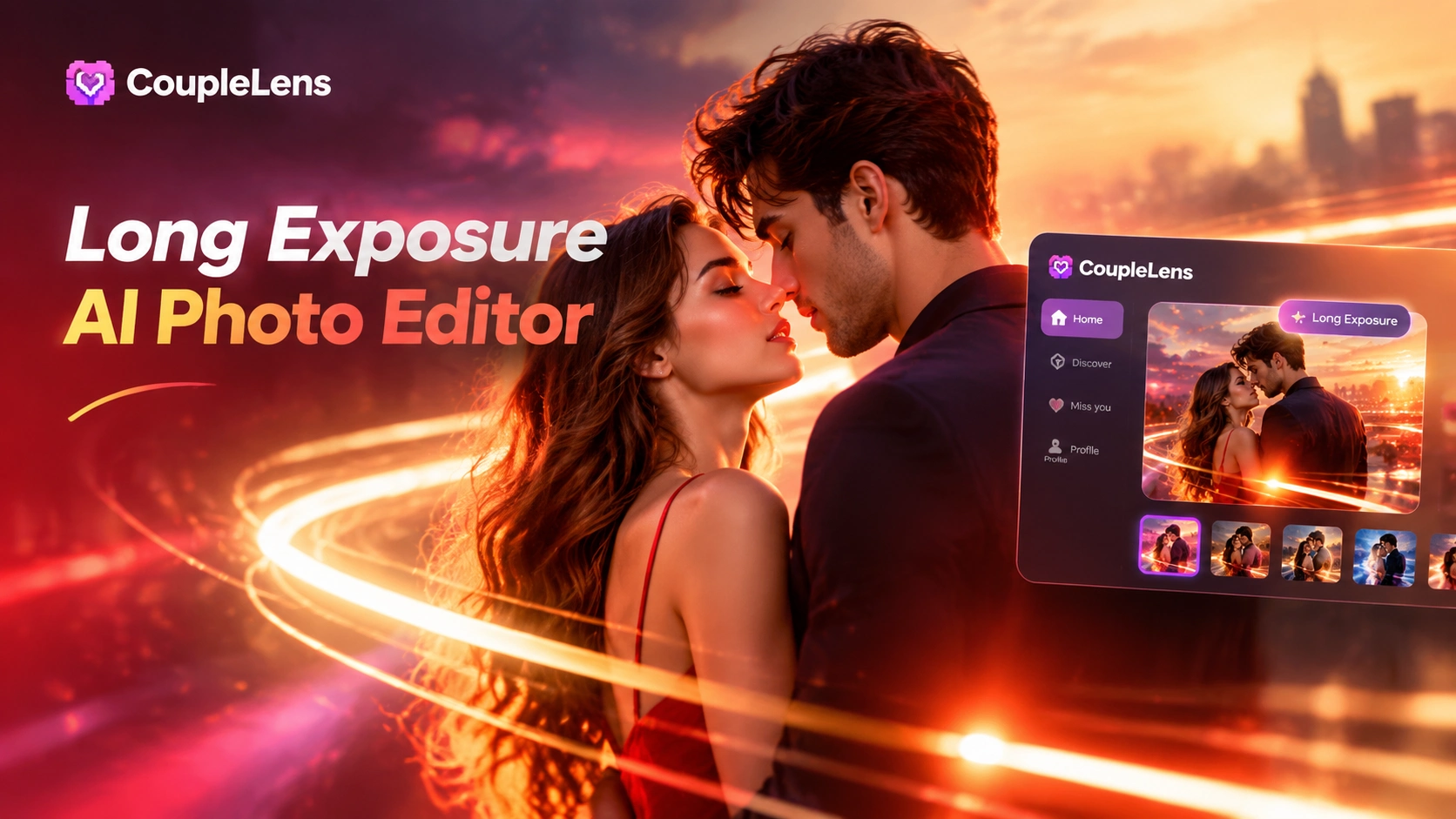
Long Exposure AI Photo Editor: Silky Motion in One Tap on Mobile with CoupleLens
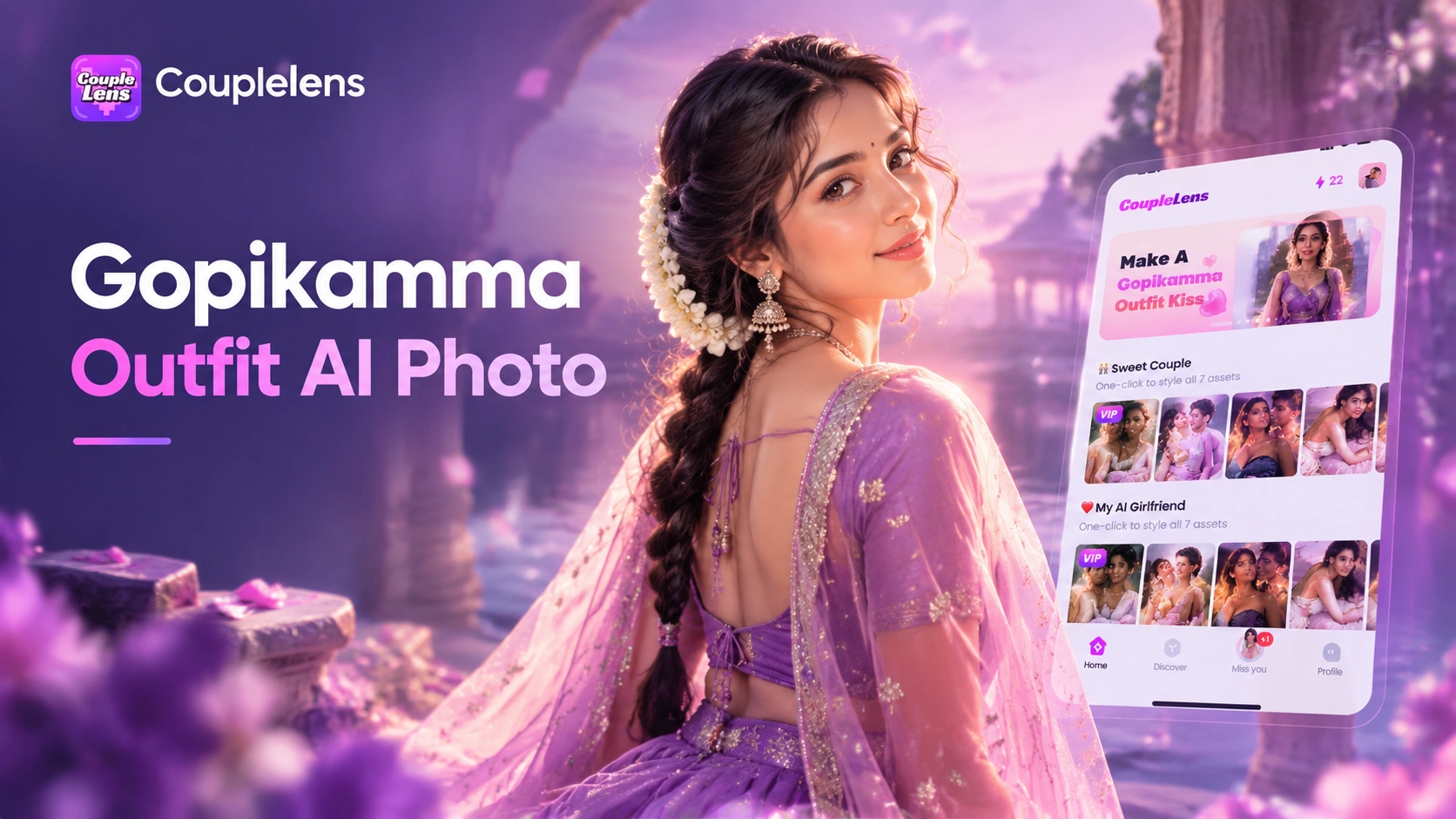
Gopikamma Outfit AI Photo: Create Traditional Indian Looks on CoupleLens
Vishwakarma Puja AI Photo Generator: Create Your Vishwakarma Puja AI Picture with CoupleLens
Create Devotional Radha Ashtami AI Photos with CoupleLens
Long Exposure AI Photo Editor: Silky Motion in One Tap on Mobile with CoupleLens
Gopikamma Outfit AI Photo: Create Traditional Indian Looks on CoupleLens
Drop Into the STORM II Crowd Before the Trend Moves On
The STORM II AI dance is everywhere right now. CoupleLens puts you in the center in one tap. Download on Google Play. Pick the crowd filter. Post your version today.
Drop Into the STORM II Crowd Before the Trend Moves On
The STORM II AI dance is everywhere right now. CoupleLens puts you in the center in one tap. Download on Google Play. Pick the crowd filter. Post your version today.