Radha Ashtami AI Photo
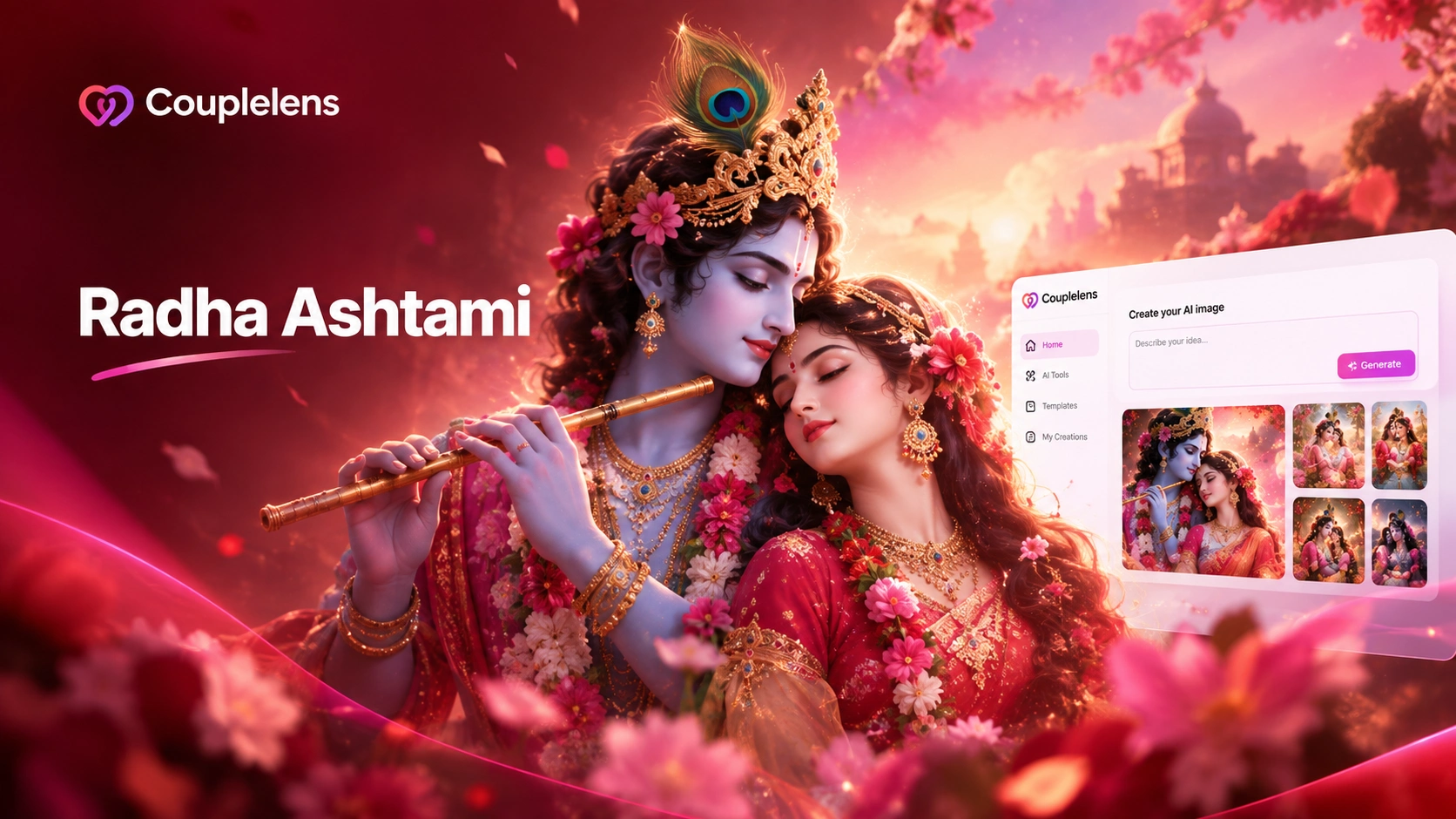
Pick a Radha Ashtami Filter
CoupleLens ships with thousands of festival-ready Radha Ashtami AI photo templates.
Key Features of Radha Ashtami AI Photo Generator
Every feature below is built for one job. Make your Radha Ashtami AI photo look like a real festival portrait, not a costume edit.
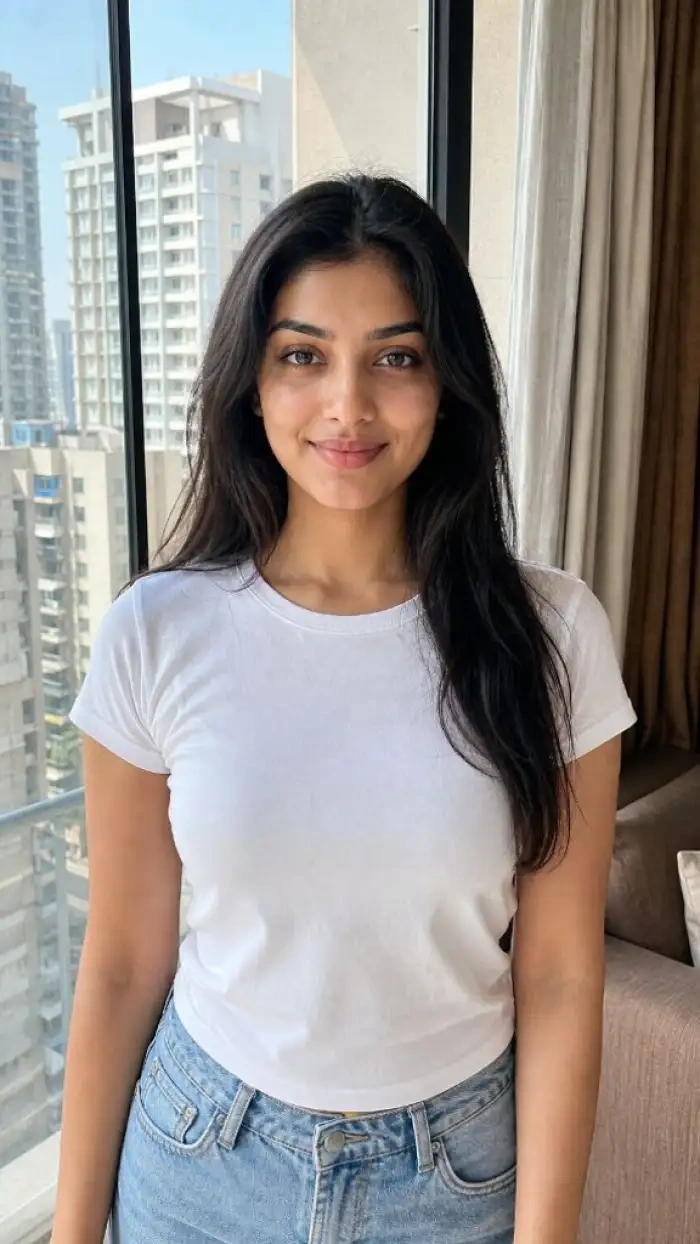 Before
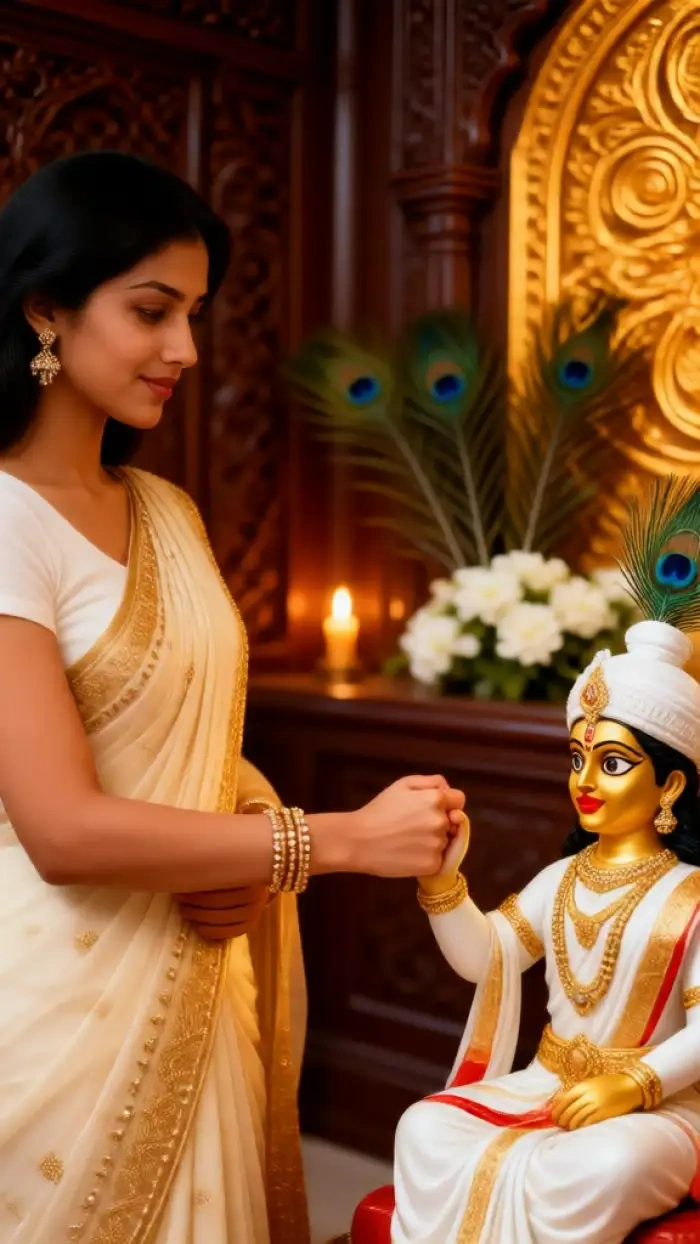 After
AfterOne Tap Radha Rani Filter Library
CoupleLens packs more than 25,000 AI filters into one mobile app. The Radha Ashtami collection covers traditional lehenga, soft pastel drape, royal Barsana AI photo backdrops, and golden hour Vrindavan scenes. You pick the look, the app does the styling. No prompt writing, no settings screen, no Photoshop detour. Just a real Radha Rani AI photo in 10 to 20 seconds.
 Before
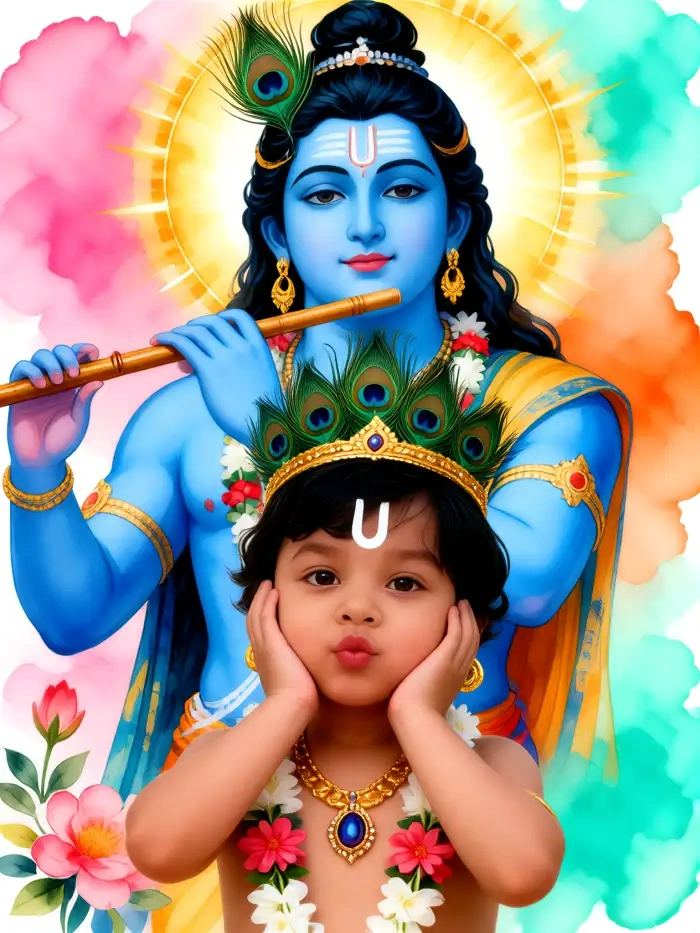 After
AfterRadha Krishna AI Photo Engine
Most AI tools mix faces when two people are in the frame. CoupleLens is built for couples. The app reads both faces in one photo, keeps skin tone and expression for each person, and locks them into a Radha Krishna AI photo scene without swapped heads or merged eyes. Great for devotional couples, sibling pairs, or mother-and-child Radha Ashtami portraits.
Animate Your Radha Ashtami Photo Into a Short Video
Still photos are everywhere on Radha Ashtami morning. CoupleLens adds motion. Turn your Radha Rani AI photo into a 5 to 10 second clip with blinking, soft smiles, drifting petals, or flickering diyas. Perfect for Instagram Reels, WhatsApp status, or a personal Radha Ashtami greeting card with sound.
How to Create Your Radha Ashtami AI Photo?
You do not need a laptop. You do not need to write prompts. You only need the CoupleLens app and one selfie.

Step 01.
Download CoupleLens from Google Play on your Android phone. Search "CoupleLens" and tap install.

Step 02.
Open the app and pick a Radha Ashtami filter from the library. Upload one photo for a solo Radha Rani AI photo look, or upload two photos for a Radha Krishna AI photo scene.

Step 03.
Save your HD photo or short video to your phone, or post it straight to your CoupleLens profile. Share to WhatsApp, Instagram, or your family group with one tap. Done.
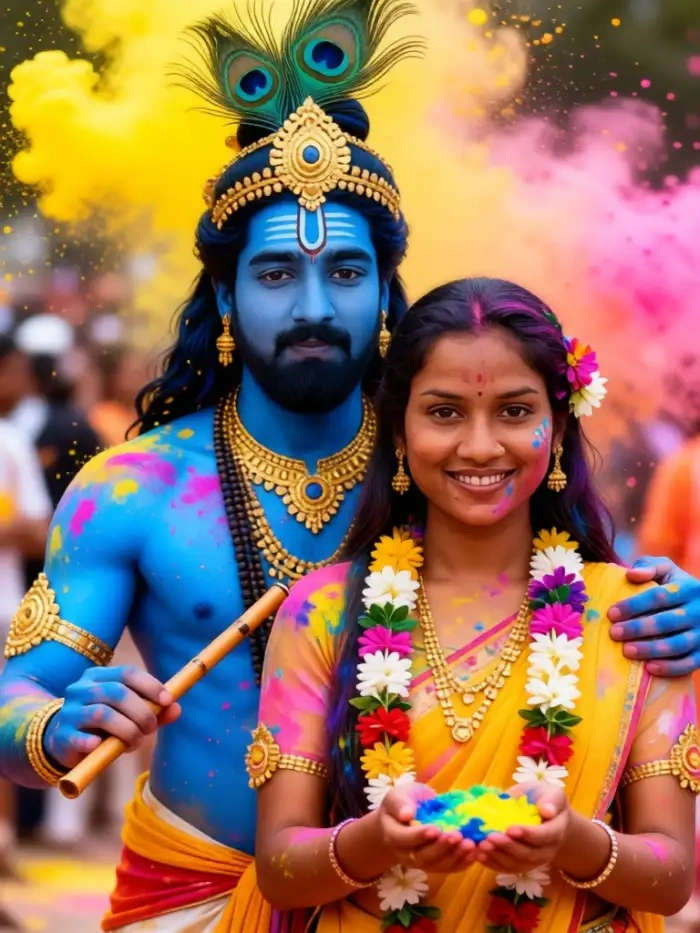
Use CoupleLens for Radha Ashtami AI Photo
Other apps make you type long prompts. Other apps change your face. Other apps give you one still image and call it done. CoupleLens is different on every count. The app reads both faces in your photo, keeps your real skin tone and expression, and styles you into a Radha Ashtami look that still looks like you. The 25,000 filter library covers solo Radha Rani AI photo, royal Barsana AI photo portraits, and full Radha Krishna AI photo couple scenes. You can turn any output into a short video inside the same app, with soft blinks, drifting petals, or temple light.

CoupleLens Video Guides for Radha Ashtami AI Photo
They walk through picking a Radha Ashtami filter, uploading your photo, and turning the result into a Radha Rani AI photo video for social posts.
What Our Users Say about CoupleLens
CoupleLens is a shortcut I actually trust now.
I shot a real Radha Ashtami portrait for a client last year. This year I used the CoupleLens Radha Rani filter on her reference selfie and she cried happy tears. The lehenga, the jewelry, the Vrindavan glow, all of it landed. Try CoupleLens once and you will not go back to prompt lists.
CoupleLens is genuinely the best for two person festival photos.
I make WhatsApp good morning posts every Radha Ashtami. Prompt tools always gave me a face that looked nothing like me. CoupleLens kept my eyes, my skin tone, my smile, and just dressed me up. I made three posts in twenty minutes flat.
Highly recommend CoupleLens for school projects too.
My girlfriend and I wanted a Radha Krishna AI photo together for Radha Ashtami. Every other app blended our faces into one. CoupleLens kept us as two separate people in one frame. We posted it on Instagram and our DMs exploded.
Frequently Asked Questions
CoupleLens handles the questions that come up the most when people try to make a Radha Ashtami AI photo for the first time.
More Topics You May Like
Love the Radha Ashtami look? Try these next. Each one is a one tap style inside CoupleLens.
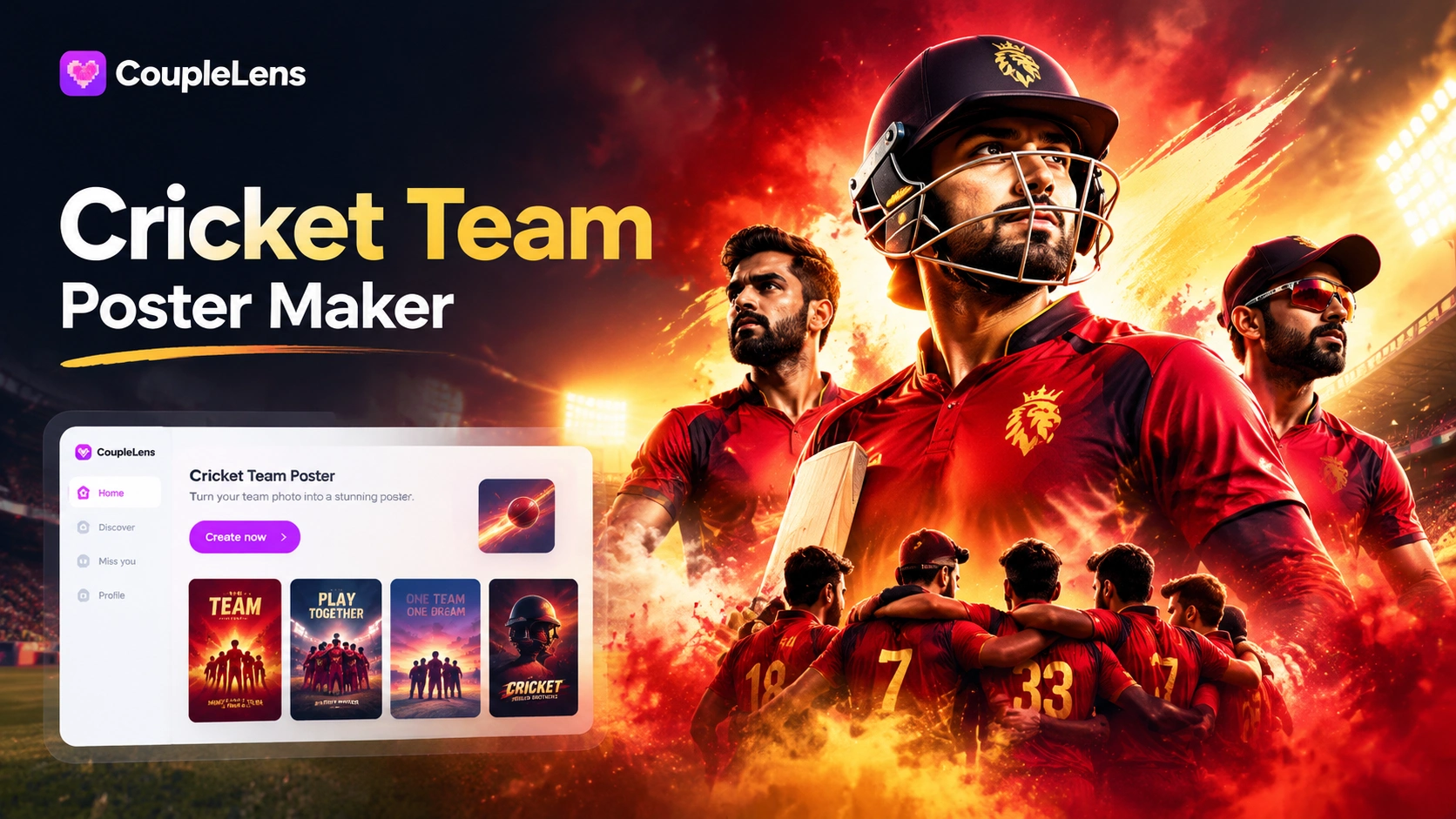
AI Cricket Team Poster Maker: Create Posters in CoupleLens App

12 Rabi Ul Awal AI Photo Editing with CoupleLens
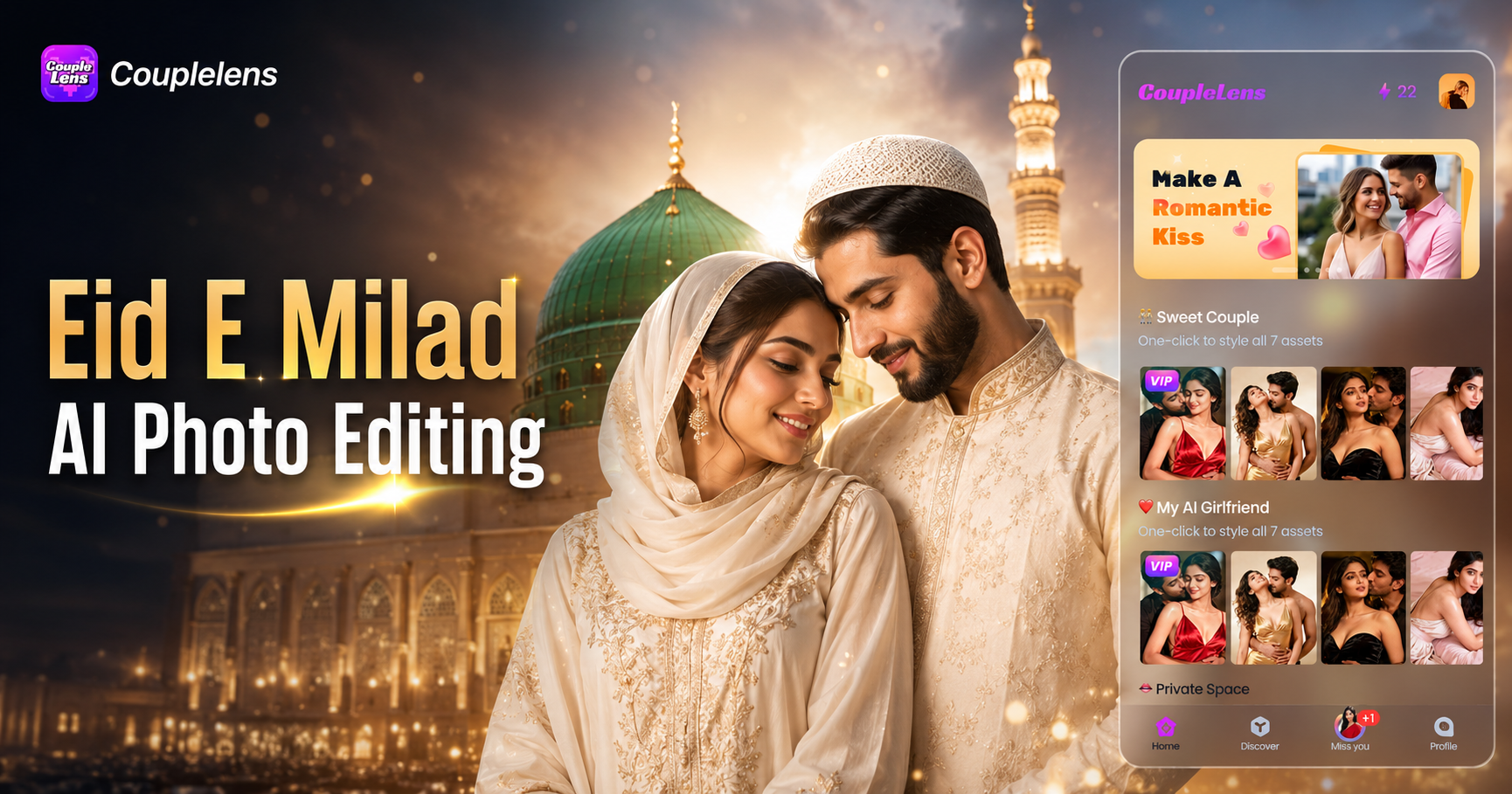
Eid E Milad AI Photo Editing: Create Festive Milad Portraits with CoupleLens
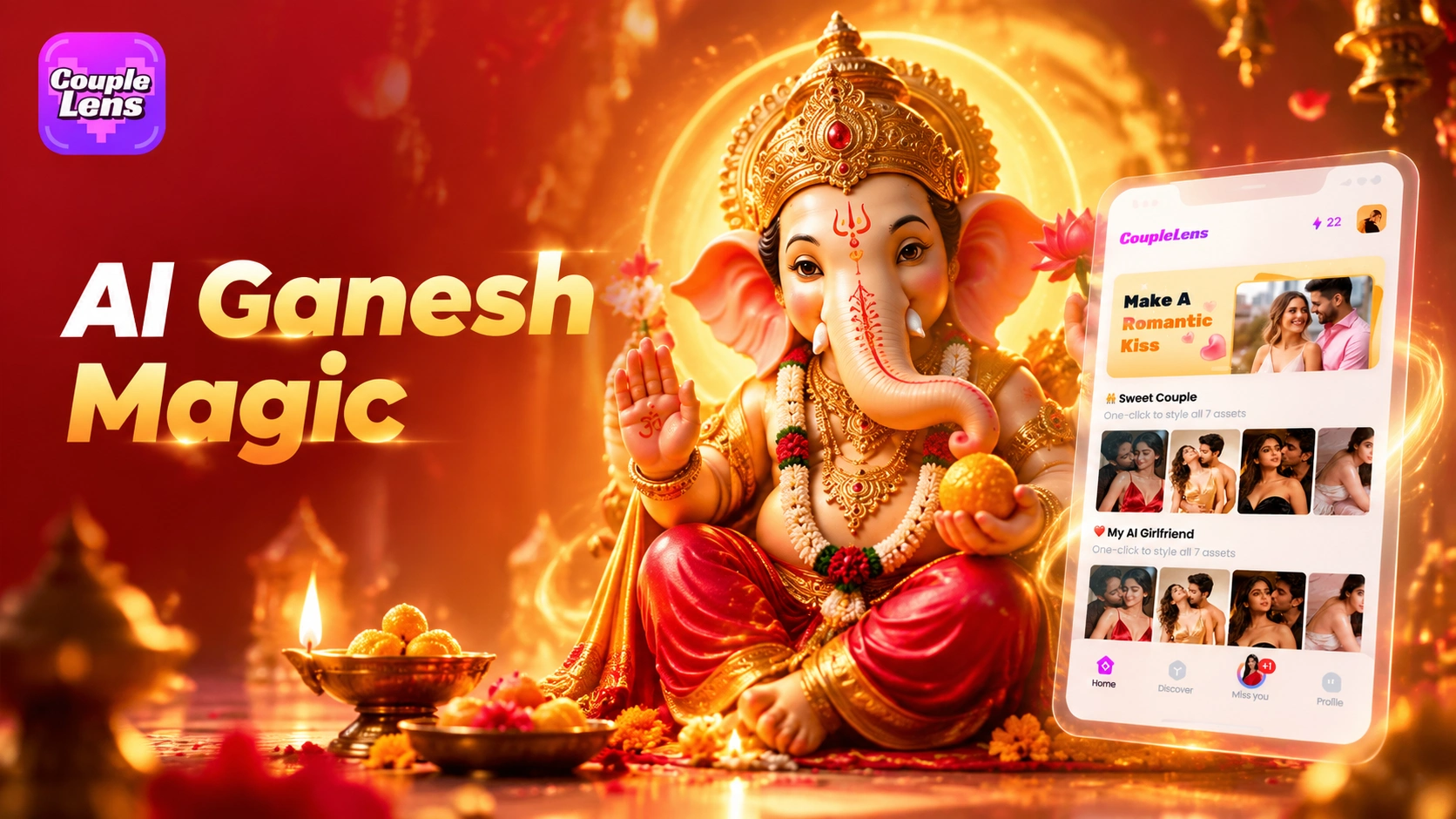
CoupleLens Ganesh Chaturthi AI Photo Generator: Add Ganpati Bappa to Any Photo
AI Cricket Team Poster Maker: Create Posters in CoupleLens App
12 Rabi Ul Awal AI Photo Editing with CoupleLens
Eid E Milad AI Photo Editing: Create Festive Milad Portraits with CoupleLens
CoupleLens Ganesh Chaturthi AI Photo Generator: Add Ganpati Bappa to Any Photo
Ready to Post Your Radha Ashtami AI Photo
Open CoupleLens, pick a Radha Ashtami filter, and post a real devotional portrait today. Free to download on Google Play.
Ready to Post Your Radha Ashtami AI Photo
Open CoupleLens, pick a Radha Ashtami filter, and post a real devotional portrait today. Free to download on Google Play.