Cricket Team Poster Maker
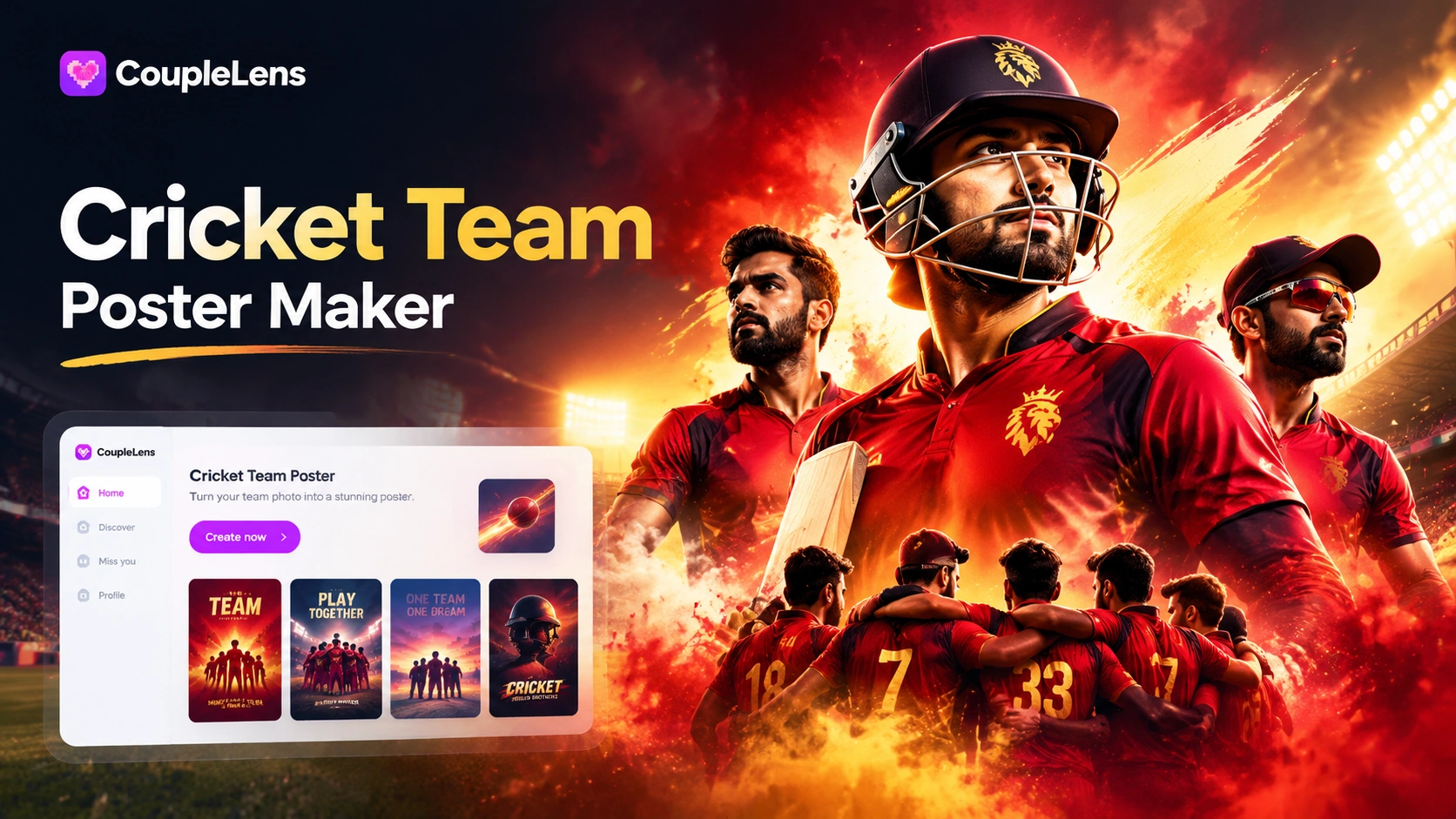
Cricket Poster Maker Built Right Into CoupleLens
Open CoupleLens, tap a cricket poster filter below, upload your photo, and the AI builds the poster for you.
Key Features of the AI Cricket Team Poster Maker
You get face keeping on full team photos, 25000+ ready filters, and 10 to 20 second renders, all on your phone.
Multi Person AI for Full Squad Posters
Upload a team photo with 6, 8, or 11 players. CoupleLens keeps every face separate, then drops the whole squad into a stadium, a tunnel walk, or a celebration scene. No melted faces. No missing players. The AI also handles jersey colors, lighting, and pose, so the final cricket team poster looks like a real squad photo, not a group cutout pasted onto a background.
Multi Person AI for Full Squad Posters
Upload a team photo with 6, 8, or 11 players. CoupleLens keeps every face separate, then drops the whole squad into a stadium, a tunnel walk, or a celebration scene. No melted faces. No missing players. The AI also handles jersey colors, lighting, and pose, so the final cricket team poster looks like a real squad photo, not a group cutout pasted onto a background.
 Before
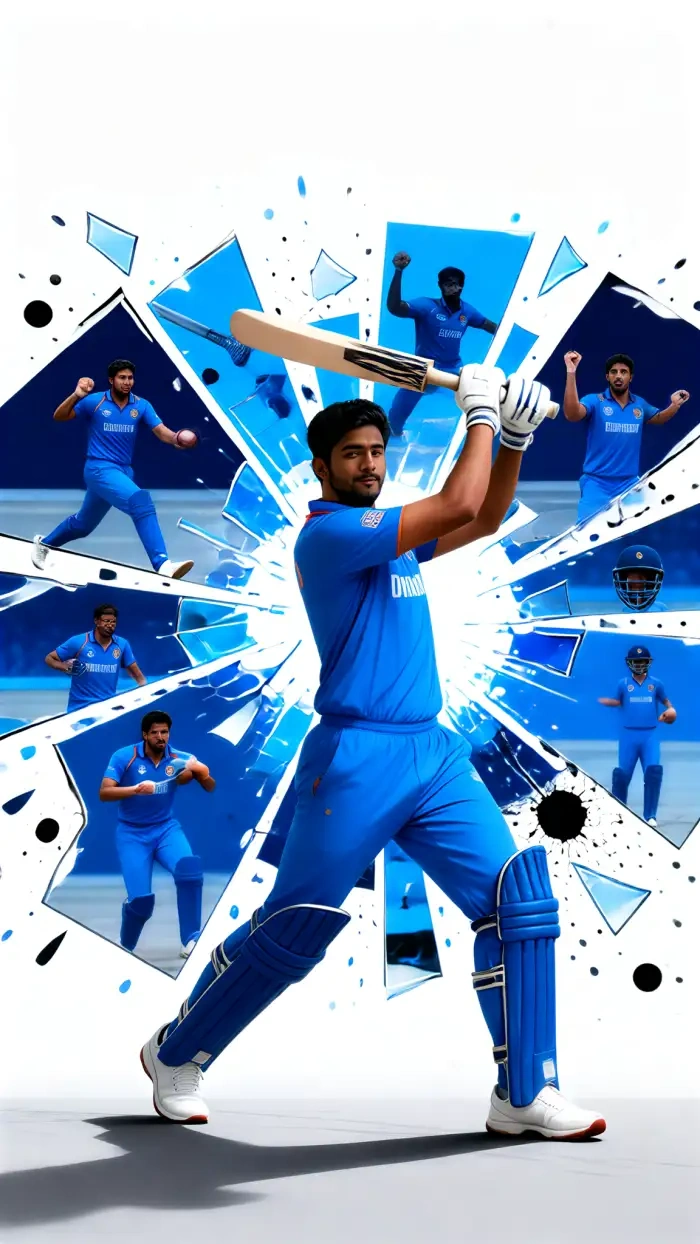 After
After25000+ Cricket Poster Filters
CoupleLens ships with 25000+ style filters, and cricket gets its own shelf. IPL colorways, gully cricket mood, anime action, Ghibli calm, 3D clay, cinematic lights, water color, you name it. Pick one, upload a photo, and the app does the rest. Each filter is pre tuned for cricket posters, so the output looks match ready without you writing a single word of a prompt.
BeforeAfter25000+ Cricket Poster Filters
CoupleLens ships with 25000+ style filters, and cricket gets its own shelf. IPL colorways, gully cricket mood, anime action, Ghibli calm, 3D clay, cinematic lights, water color, you name it. Pick one, upload a photo, and the app does the rest. Each filter is pre tuned for cricket posters, so the output looks match ready without you writing a single word of a prompt.
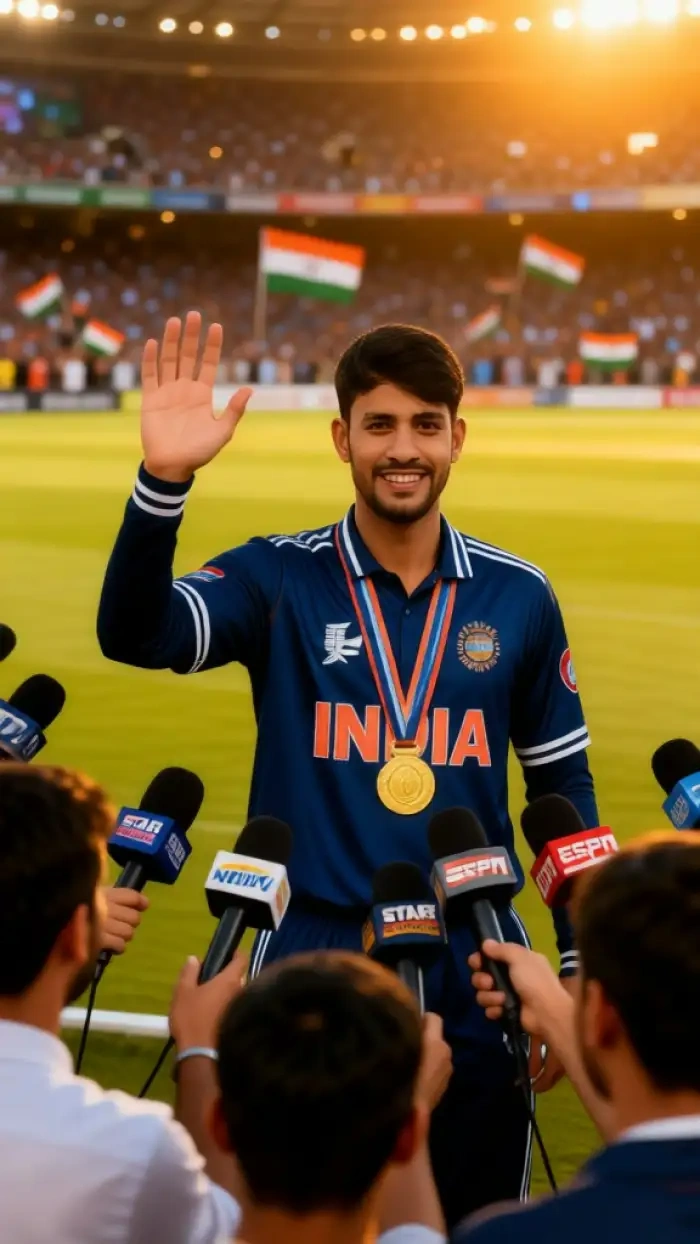
Cricket player Interviewing Winner
Text to Cricket Hero Image AI
Got a squad snap and no idea how to design a cricket team poster around it? Open CoupleLens, type one line like "team in blue jerseys under floodlights," and the AI builds the full scene. You can also upload a reference photo and let the app remix it into a poster. Text in, image out. Photo in, poster out. Same app, same tap.
Cricket player Interviewing Winner
Text to Cricket Hero Image AI
Got a squad snap and no idea how to design a cricket team poster around it? Open CoupleLens, type one line like "team in blue jerseys under floodlights," and the AI builds the full scene. You can also upload a reference photo and let the app remix it into a poster. Text in, image out. Photo in, poster out. Same app, same tap.
Cricket Team Posters Made With CoupleLens
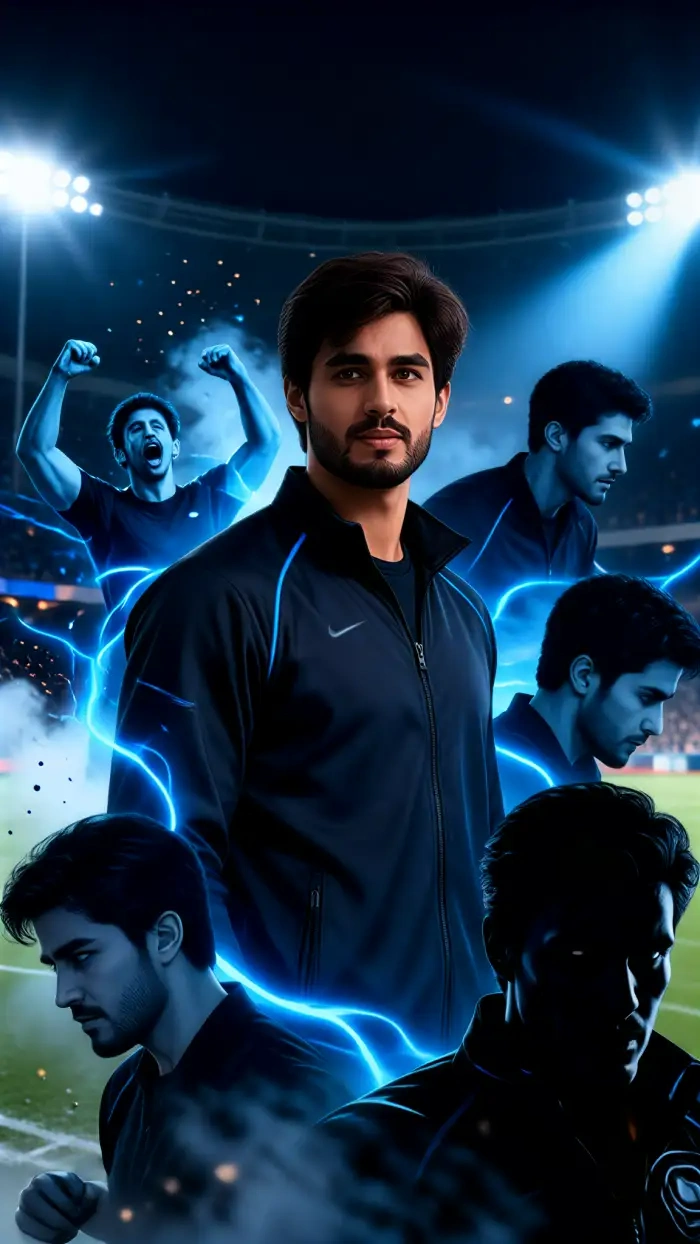
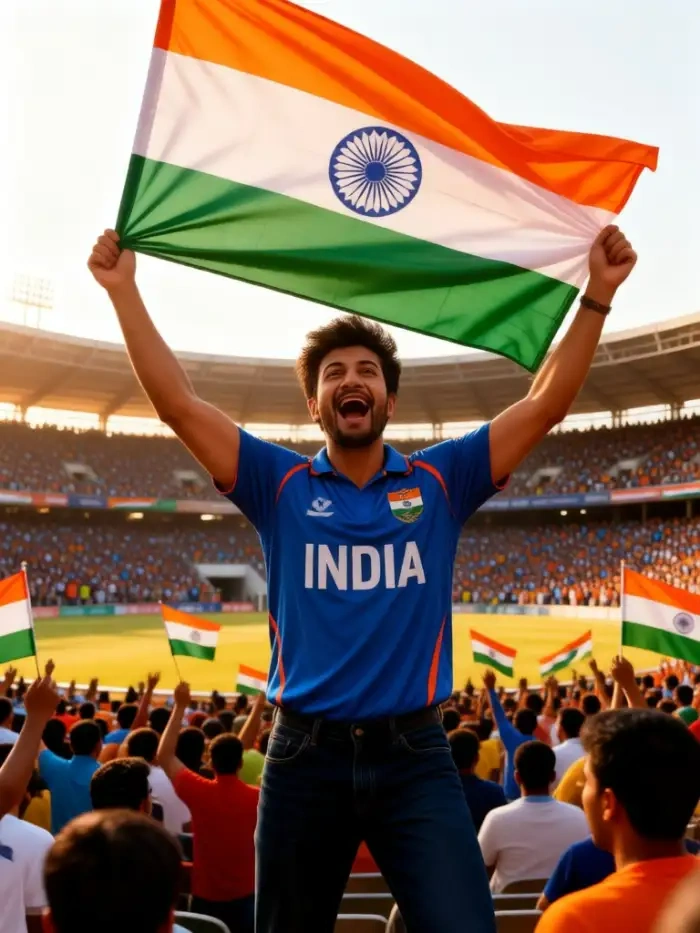
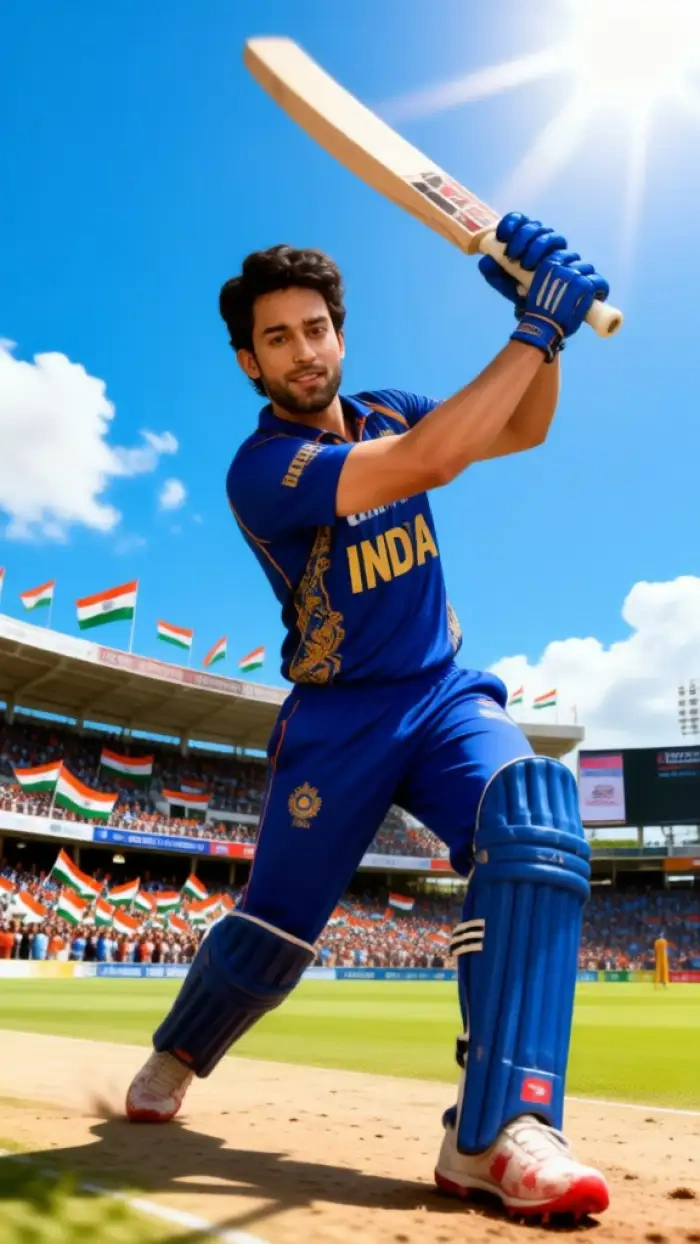
Real renders from the CoupleLens app. Tap a style, swipe through, and picture your own team on the cover.
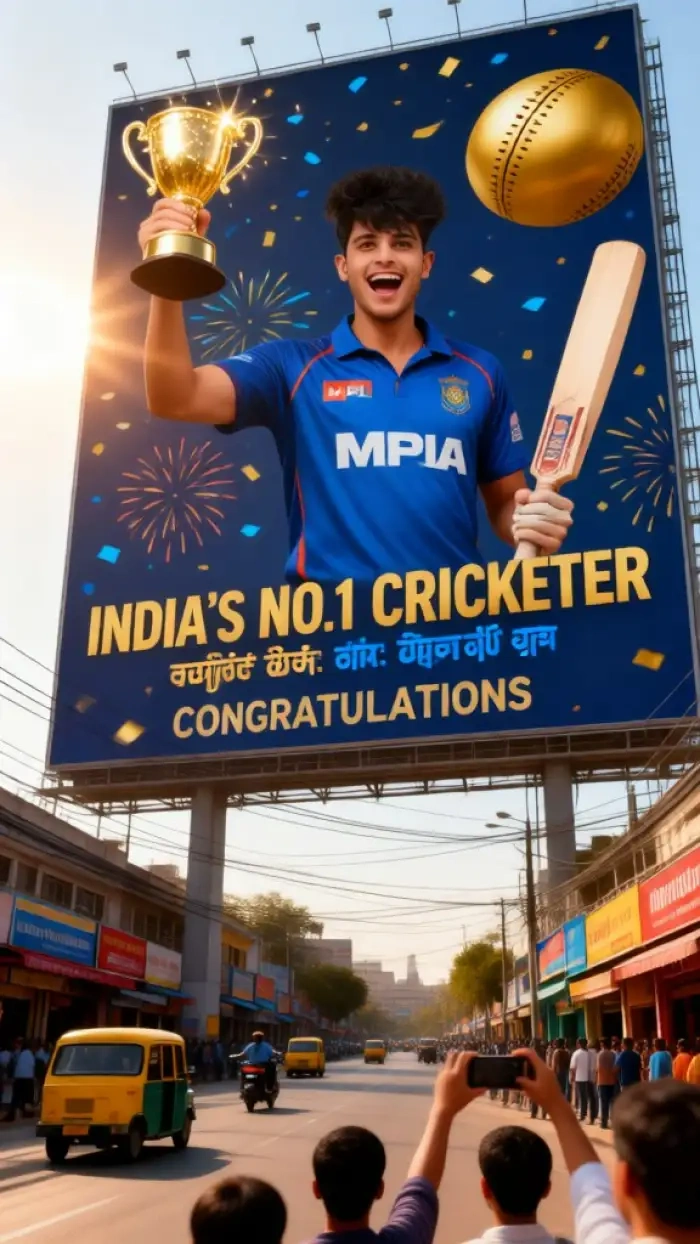

How to Create a Cricket Team Poster in CoupleLens?
Three steps, one app, zero design skills. Your cricket team poster lives inside the CoupleLens app, ready when you are.

Step 01.
Download CoupleLens from the Google Play Store. The install is quick, the app is mobile only, and every cricket poster feature is inside.

Step 02.
Open CoupleLens, browse the cricket poster filters, and tap the one that fits your team. Upload your squad photo or your own portrait, then hit generate.

Step 03.
Save the cricket team poster to your phone or post it straight from CoupleLens. Match day, club update, fan page, or Insta story, it is ready to ship.
Watch CoupleLens in Action
Two short clips that walk you through CoupleLens and the cricket team poster filters. Watch, copy, and create your own version today.
What Our Users Say About the CoupleLens Cricket Team Poster Maker
CoupleLens is the cricket team poster maker I will keep using for every match this season.
I coach a school team and we needed posters for the season opener. I opened CoupleLens, picked a filter, and dropped in our squad photo. Eleven faces, all in frame, no blur. The kids actually posted it on the team group chat. This app just made my Friday easier.
Try CoupleLens and you will never go back to old school poster apps again.
Running a fan page is a lot of work. CoupleLens cut my design time from 30 minutes to about 20 seconds. I drop in a team photo, pick a filter, and the cricket team poster is done. The faces stay clean and the colors match our club kit. I am hooked.
CoupleLens made me look like a pro and my team wants their own posters now.
I am not a designer. I just wanted a poster of me batting. CoupleLens took my phone snap and turned it into a cricket team poster with stadium lights behind me. It looked like a real ad. My teammates all asked me which app I used. CoupleLens, that is the one.
Frequently Asked Questions
Quick answers about making cricket team posters with the CoupleLens app. Mobile first, no laptop, no design course, just clean results.
More Topics You May Like
Other CoupleLens filters and use cases that pair well with your cricket team poster. Pick one, drop in a photo.
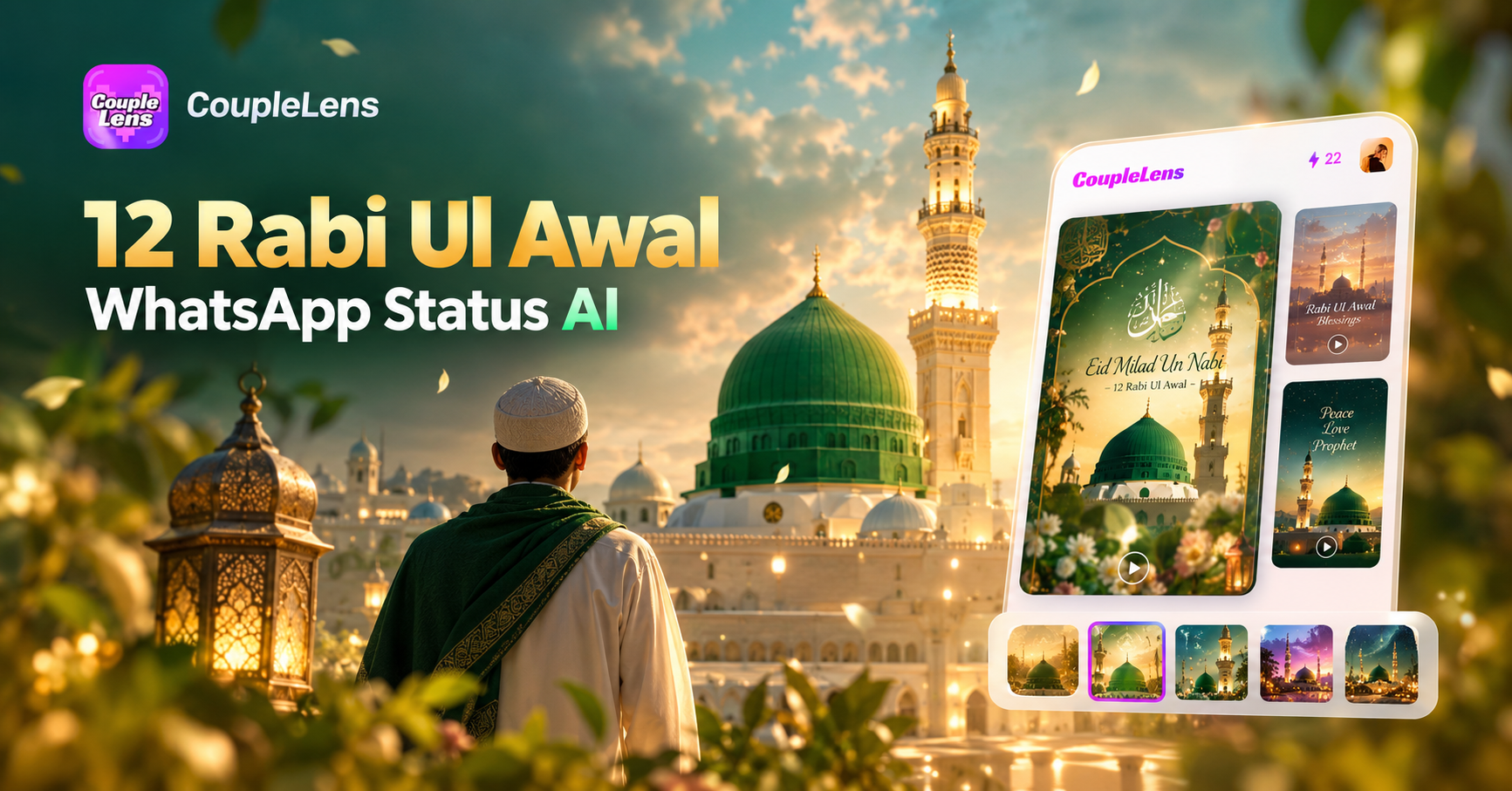
12 Rabi Ul Awal Whatsapp Status AI: Make a Personal Mawlid Greeting Fast
Viral Eye Close Up CapCut Style Video with CoupleLens
Eid Milad Un Nabi AI Photo Editing: Create Festive Portraits with CoupleLens

Edit ID Picture with Formal Attire: One Tap in CoupleLens
12 Rabi Ul Awal Whatsapp Status AI: Make a Personal Mawlid Greeting Fast
Viral Eye Close Up CapCut Style Video with CoupleLens
Eid Milad Un Nabi AI Photo Editing: Create Festive Portraits with CoupleLens
Edit ID Picture with Formal Attire: One Tap in CoupleLens
Your Squad Deserves a Real Poster
Stop sharing blurry WhatsApp pics. Open CoupleLens, pick a cricket poster filter, and your team shows up looking like champions. Design your first cricket team poster in under a minute.
Your Squad Deserves a Real Poster
Stop sharing blurry WhatsApp pics. Open CoupleLens, pick a cricket poster filter, and your team shows up looking like champions. Design your first cricket team poster in under a minute.