Edit ID Picture with Formal Attire
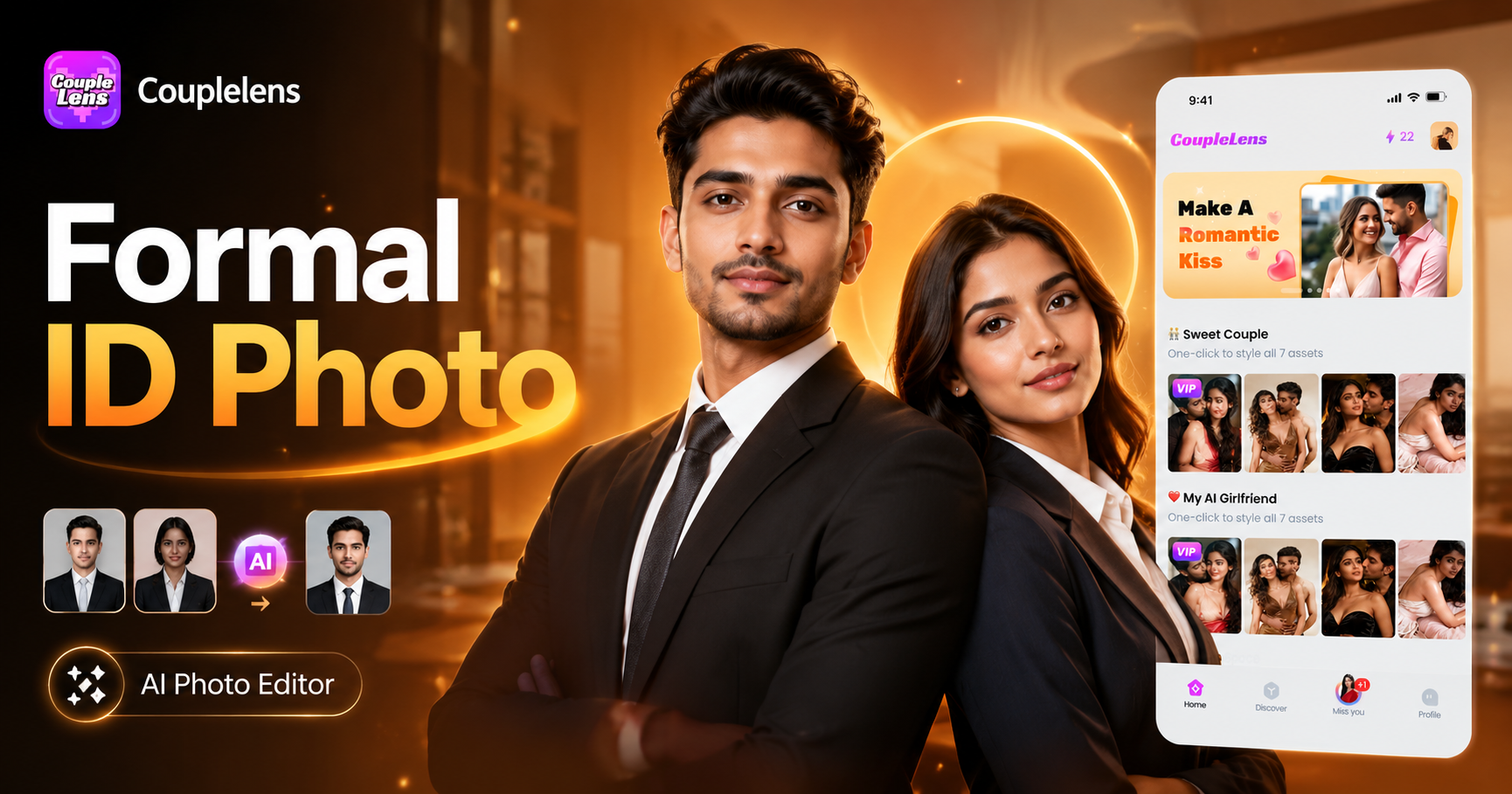
Pick Your Formal Attire in One Tap
You bring the selfie. CoupleLens brings the wardrobe. Here are 8 formal attire filters built for ID pictures, job applications, and professional profiles.
Key Features of Editing an ID Picture with Formal Attire
Each filter keeps your real face. Each one fits the outfit to your body shape and pose. Mix and match until the headshot feels right.
 Before
 After
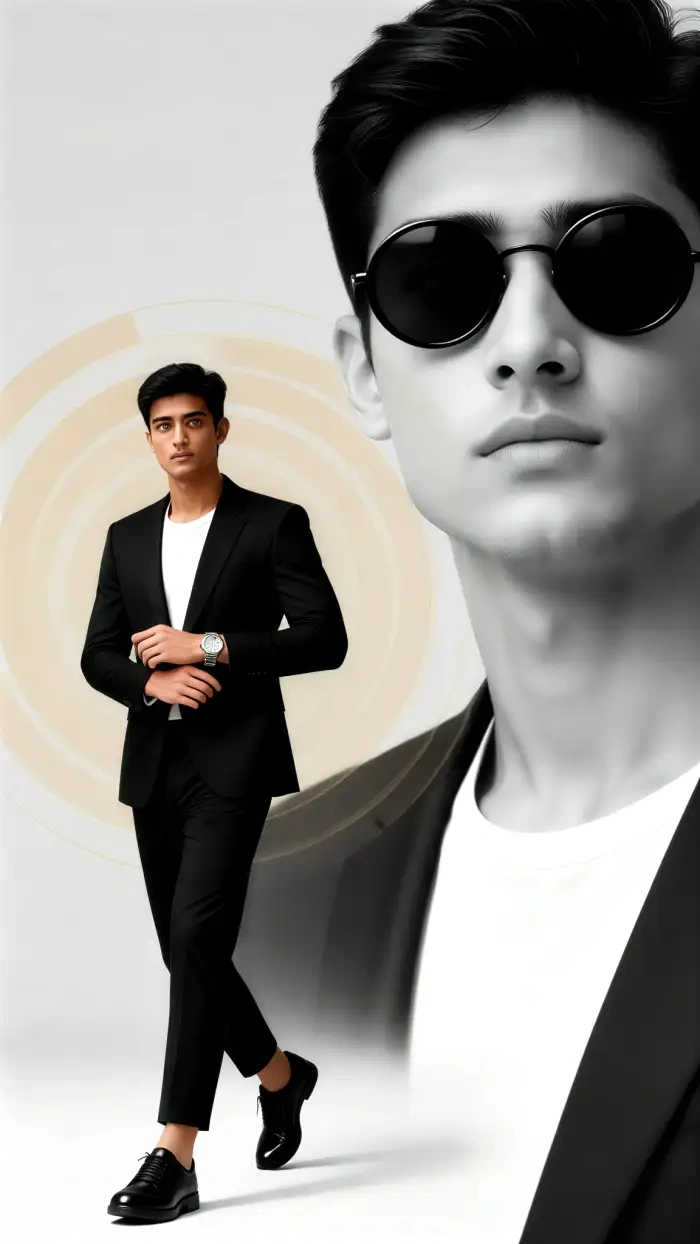
AfterOne Tap Formal Wardrobe
Skip the prompt writing. Skip the Photoshop layers. CoupleLens gives you a wardrobe of 8 pre-built formal attire looks plus access to 25,000 total style filters. Pick a suit, a blazer, a traditional dress, or a professional look. The app maps the outfit to your body in one tap. Your face stays the same. Your posture stays the same. The clothes just fit.
 Before
 After
AfterBackground and Size Auto Fix
ID photos need clean white or blue backgrounds. They also need the right head position and frame size. CoupleLens handles both. Upload a messy selfie from your couch and the app cleans the background, centers your face, and crops to standard ID proportions. You spend zero time on sliders or rulers.
 Before
 After
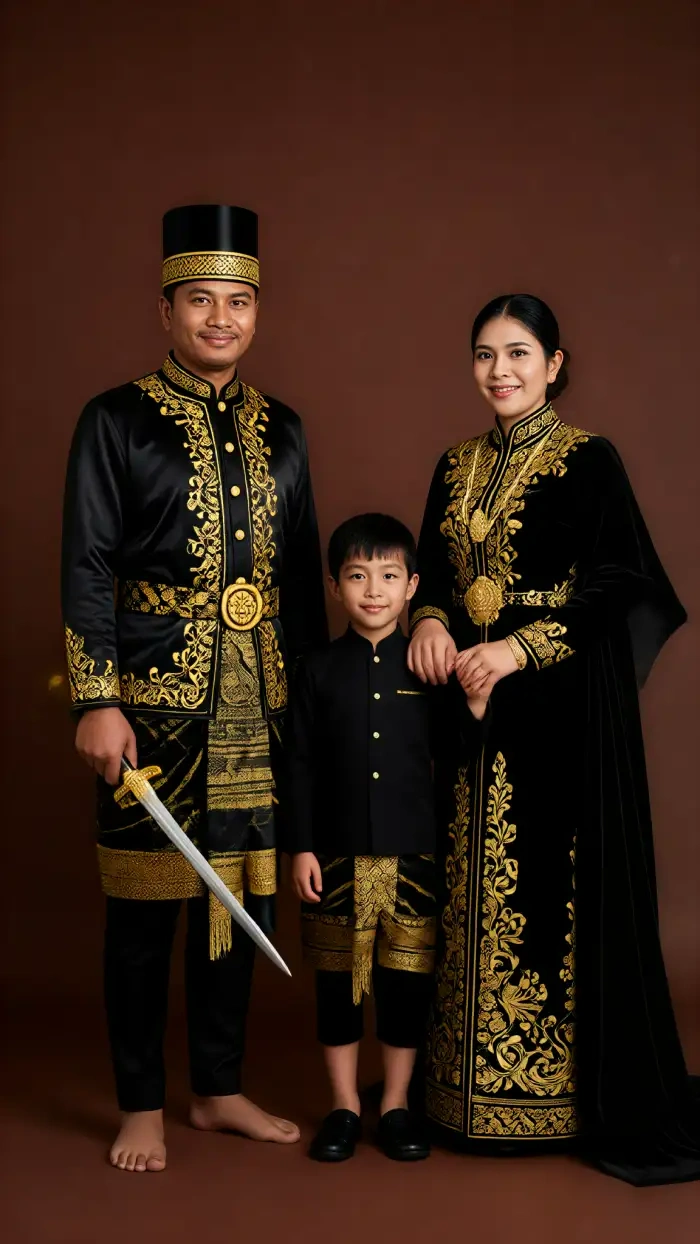
AfterMulti Subject Precision ID Photo
Here is where CoupleLens pulls ahead of every other ID editor on the market. Want a warm, sweet ID photo with attire that shows your family members? Use it as your WhatsApp ID or Instagram profile photo: same face, traditional and beautiful outfit, more reach. CoupleLens lets me swap formal attire looks without rebooking a photographer.
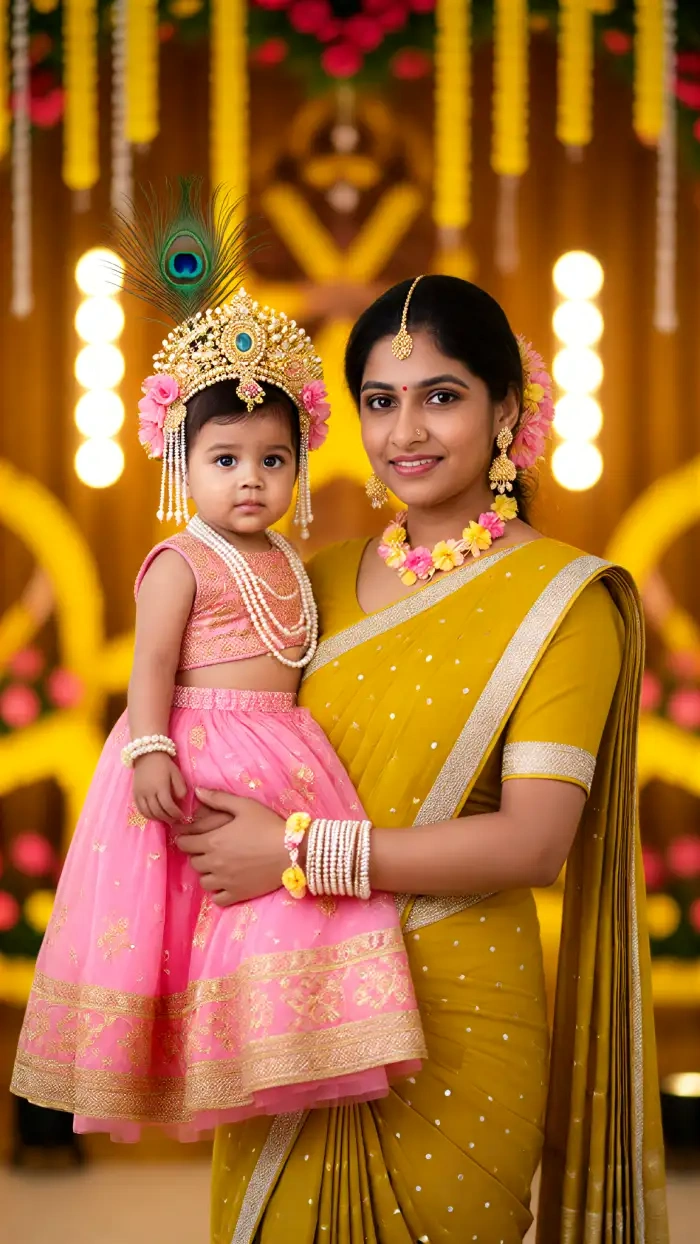
Real ID Picture Results from the CoupleLens Community
Want to see the formal attire filters in action? Browse the CoupleLens community feed. Every image below was made by a real user inside the app.
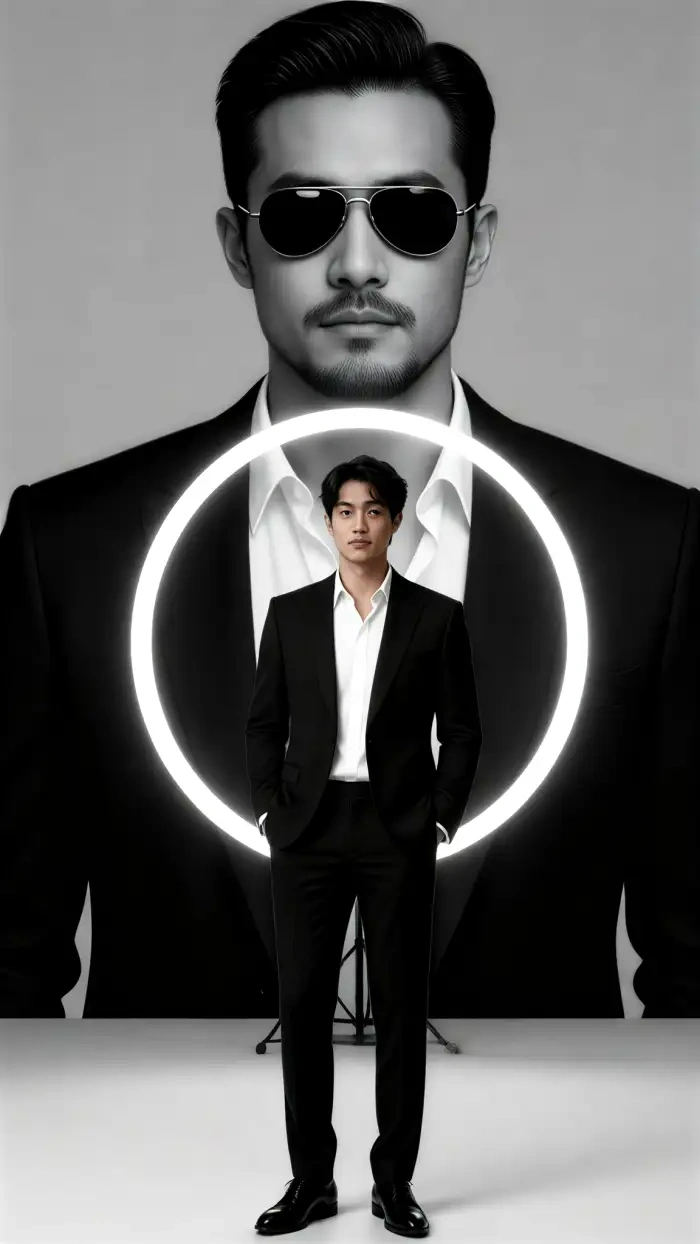
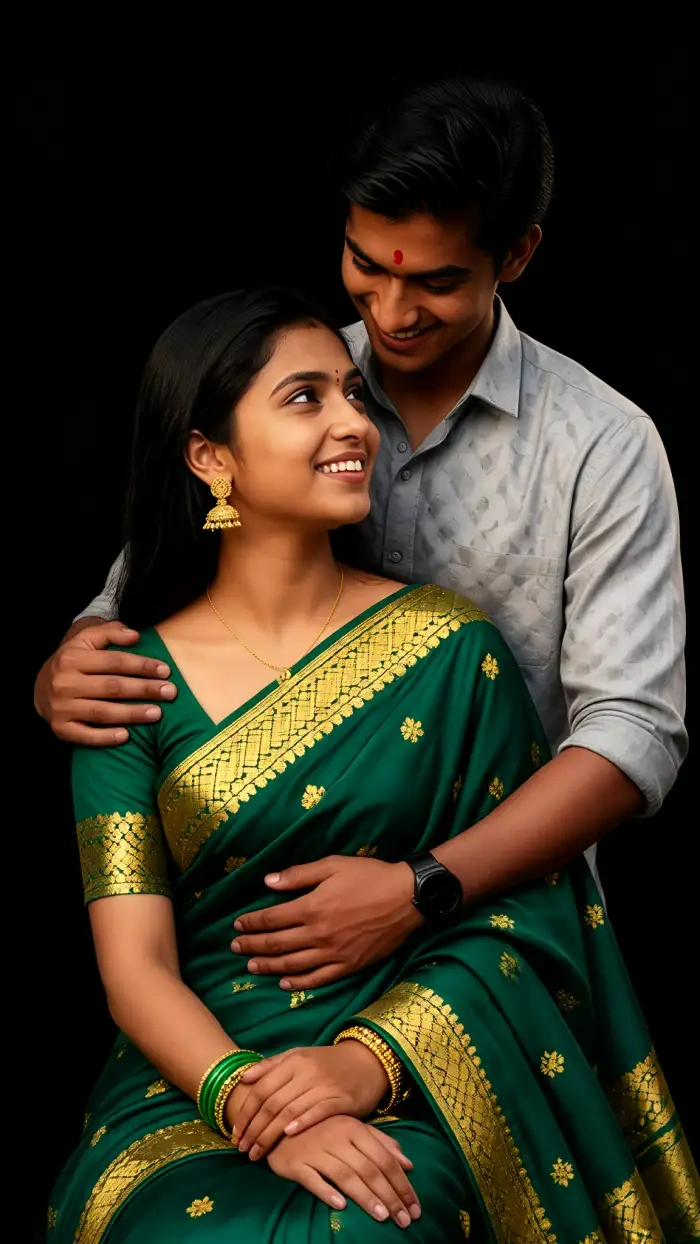
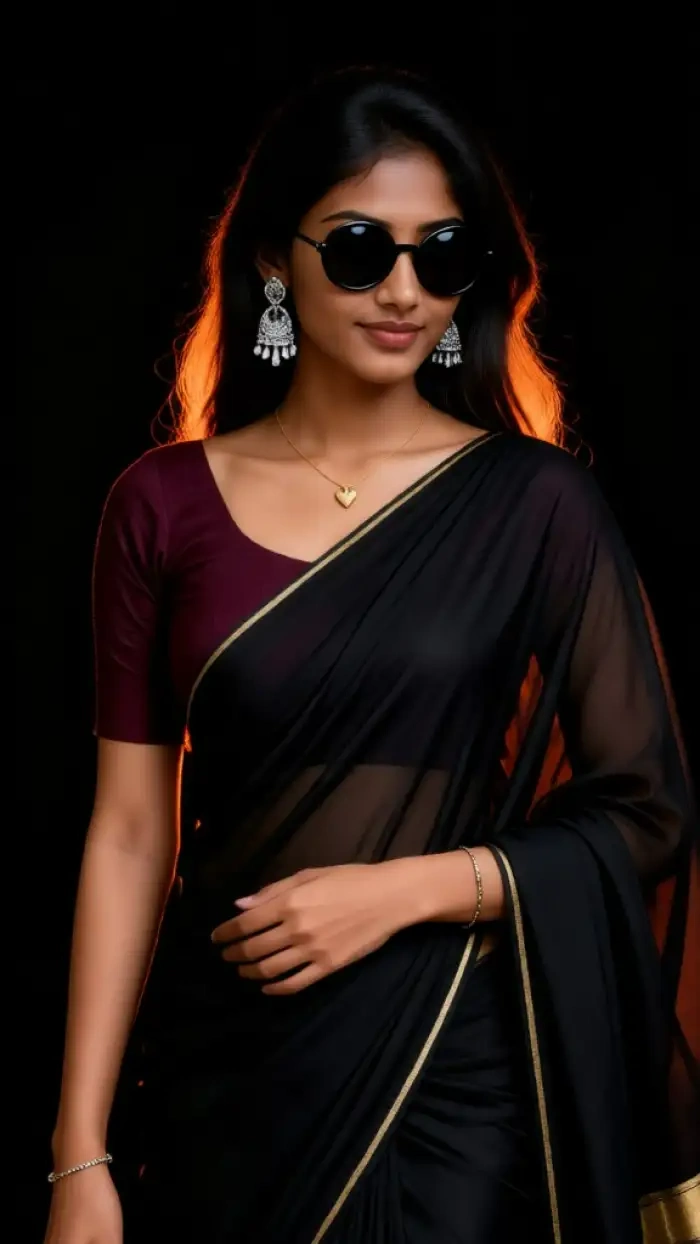
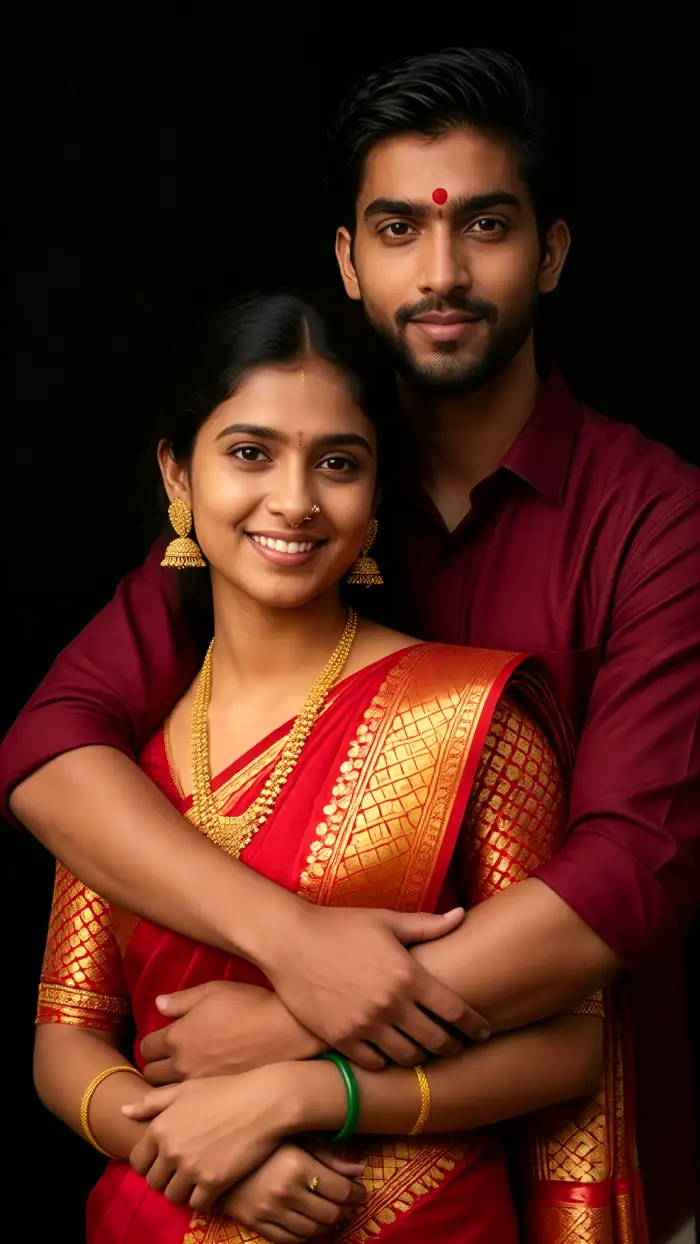
How to Edit an ID Picture with Formal Attire in CoupleLens?
Three simple steps to edit an ID picture with formal attire in CoupleLens, Upload a front-facing selfie with good light. The app returns your formal ID picture.

Step 01.
Grab the CoupleLens app from the Google Play Store. The install takes under a minute. Open the app and you land on the filter library right away.

Step 02.
Browse the formal attire filter list above or search "formal" inside the app. Tap the one you like.

Step 03.
Save the finished photo to your phone for the ID submission. Or tap the video option to make a close up video version of the same look.
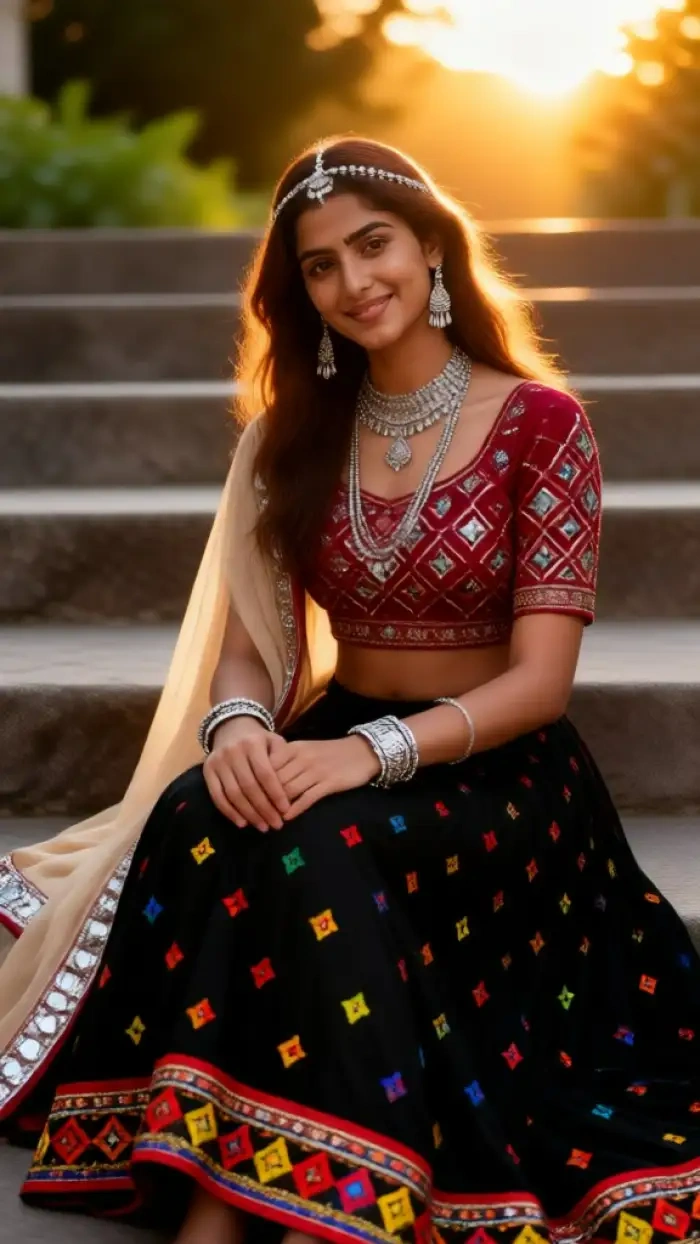
Use CoupleLens to Edit Your ID Picture with Formal Attire
Most ID photo tools give you one suit and one background. CoupleLens gives you 8 dedicated formal attire filters, 25,000 total style options, automatic background cleanup, and the only close up video feature in the category. The app is mobile first, so you can edit on the bus, in the lobby, or five minutes before the deadline. Your face stays consistent across photos and videos. Your data stays on your device. The whole process takes less time than ordering coffee.

Check out Two Short Walkthroughs
Watch CoupleLens in action to see how fast you can go from a casual selfie to a formal ID picture and a close up video.
Frequently Asked Questions
Find clear answers to common questions and get the guidance you need to edit an ID picture with formal attire.
More Topics You May Like
Want to keep going beyond a single ID picture? CoupleLens has more templates and filters for every formal moment.
Ganpati Eco Friendly AI Poster Maker for Festival Designs with CoupleLens
Ganpati Bappa AI Video: Animate Lord Ganesha in One Tap
Ganpati Bappa CapCut Alternative: CoupleLens AI Video Generator
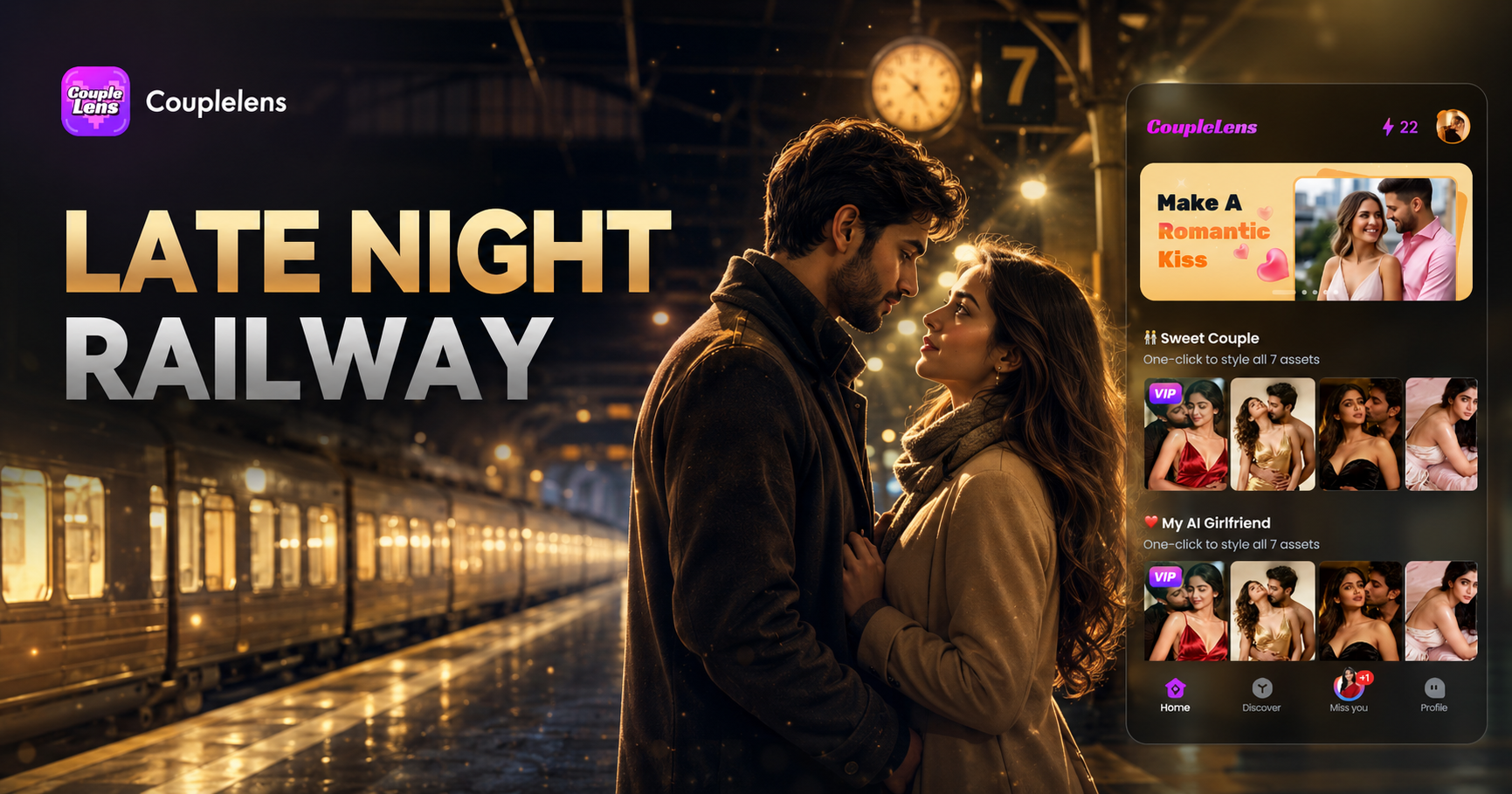
Late Night Railway Station AI Video: Cinematic Clips in One Tap with CoupleLens
Ganpati Eco Friendly AI Poster Maker for Festival Designs with CoupleLens
Ganpati Bappa AI Video: Animate Lord Ganesha in One Tap
Ganpati Bappa CapCut Alternative: CoupleLens AI Video Generator
Late Night Railway Station AI Video: Cinematic Clips in One Tap with CoupleLens
Your Formal ID Picture Is One Tap Away
Stop booking the studio. Open CoupleLens, pick a formal attire filter, and walk out with a clean ID photo in under a minute. Download the app on Google Play and try your first formal edit today.
Your Formal ID Picture Is One Tap Away
Stop booking the studio. Open CoupleLens, pick a formal attire filter, and walk out with a clean ID photo in under a minute. Download the app on Google Play and try your first formal edit today.