Ganpati Bappa CapCut
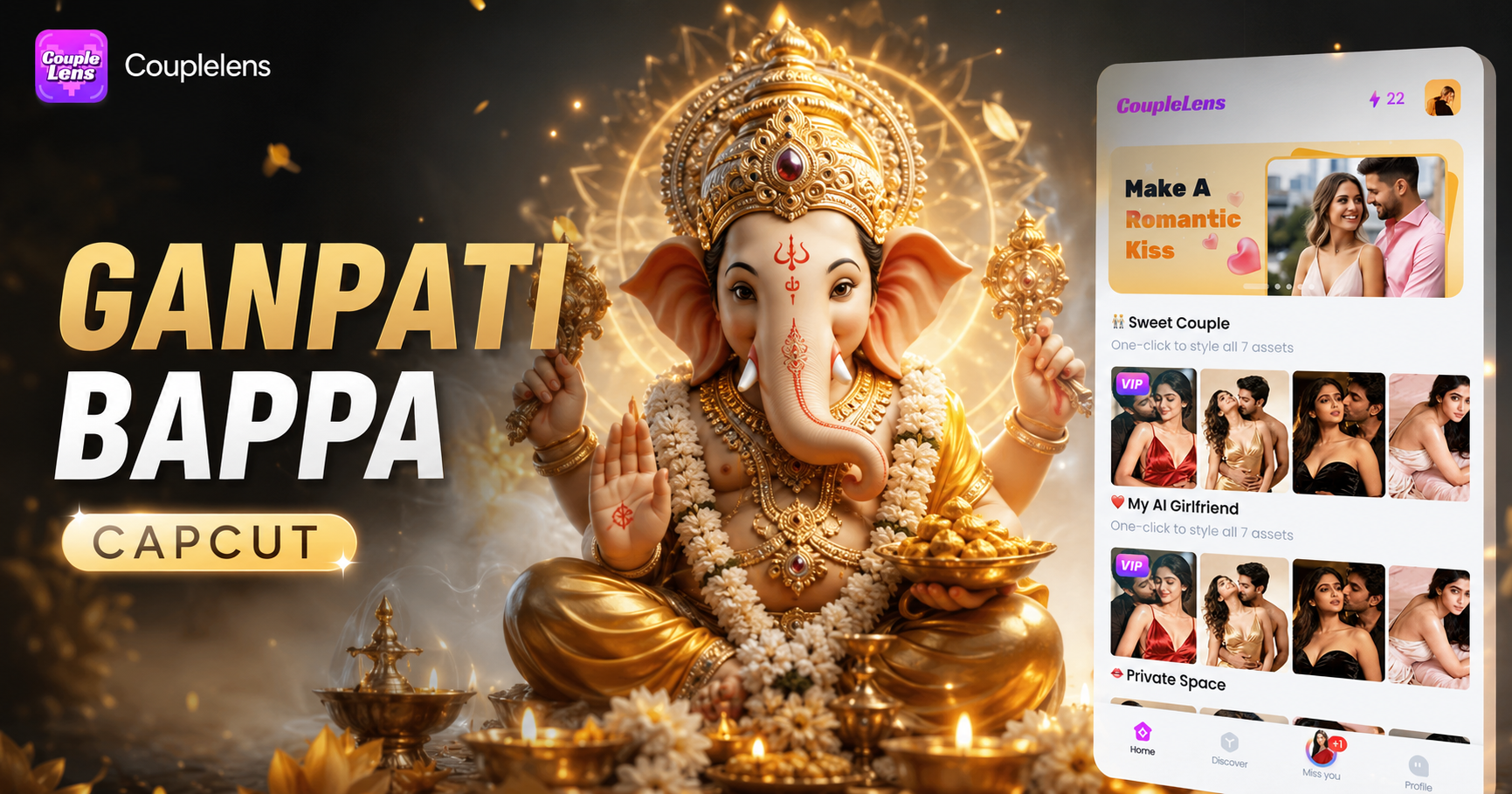
Pick a Ganpati Bappa Filter That Matches Your Vibe
Ready-to-use Ganpati Bappa filters cover every devotional mood, from 3D clay idol to Pixar sculpture, and from beach celebration to realistic darshan style.
How to Create a Ganpati Bappa CapCut Style Video With CoupleLens?
You do not need CapCut. Three steps inside the CoupleLens app take you from idea to shareable video.

Step 01.
Tap the Google Play badge on this page and install CoupleLens on your Android phone. The app is the only place where every Ganpati Bappa filter lives.

Step 02.
Open the CoupleLens app, tap the Filters tab, and search for Ganpati Bappa.

Step 03.
Tap the download icon to save the video to your phone in full HD. CoupleLens also lets you publish directly to your CoupleLens profile.
Key Features of Ganpati Bappa CapCut AI Video Generator
CoupleLens packs a complete AI video editor, a face-consistency engine, and a viral template library into one mobile app.
 Before
3D Festival Art With Zero Prompt Skills
You do not write a single prompt. Choose a Ganpati Bappa filter like 3D Clay Bappa Idols or Pixar Elephant-Headed Sculpture, upload one photo, and CoupleLens builds a devotional 3D scene with marigold petals, oil lamps, and a clay-toned idol in roughly 15 seconds. The AI handles lighting, depth, and texture so the final video looks like a small movie poster, not a filter overlay.
 Before
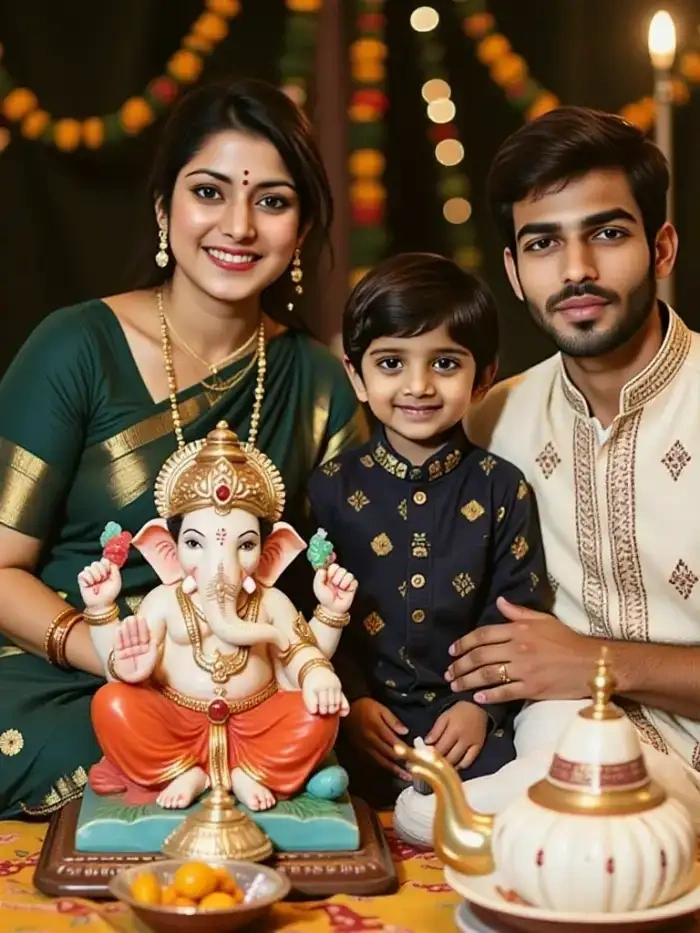 After
AfterMulti-Person Shots That Actually Keep Faces
Upload a family portrait of five people and the app will place each face in the right spot next to Bappa. The same uncle, the same nephew, the same grandmother. No face melt, no missing sibling, no ghost limb. This is the feature most CapCut tutorials cannot solve even with 30 minutes of keyframing.
Bring Bappa to Life With Image to Video
Take any still Bappa photo, including old black and white family shots, and watch CoupleLens animate it. The image to video engine adds gentle blinks, a soft smile, a hand wave, or a slow head turn. It feels like the idol is blessing the viewer. The AI video editor keeps the sacred vibe so the motion never looks cartoonish or disrespectful to the festival mood.
See Ganpati Bappa Videos Made With CoupleLens
A scroll through real outputs from the CoupleLens app, showing how the same filter can serve Instagram Reels and more.
Here is What People Think About Us
My customers thought I hired a designer. I have not opened CapCut since.
I needed a Ganpati Bappa reel for my shop page on Day 1 and I had no time. CoupleLens did it in one minute. The 3D clay Bappa filter looked like a real pandal shoot.
That Ganesha AI video feature alone is worth the download.
My mom is in Chennai and could not come to the pandal this year. I used the Bappa and Baby on the Beach filter with her old photo and the AI video generator animated her smiling next to Bappa. She cried on the video call.
Everyone on the committee now uses CoupleLens.
Our college festival committee had to post five Reels in two days. I am not an editor. The Pixar Elephant-Headed Sculpture filter gave us a clean thumbnail in 15 seconds, and the 3D Cartoon Festival filter handled the dance Reel.
Watch CoupleLens Ganpati Bappa Tutorials
Two short CoupleLens walkthroughs show how the AI video editor handles Ganpati Bappa filters, family group photos, and image to video motion in real time.
Frequently Asked Questions
Common questions Indian festival creators ask before switching from CapCut templates to the CoupleLens AI video generator for their Ganpati Bappa content.
More Topics You May Like
Beyond Ganpati Bappa, CoupleLens ships daily trending filters for every festival mood.
Kadayawan Photo Edit with CoupleLens AI: Festival Style in One Tap
Buwan Ng Wika Photo Edit App: CoupleLens AI Image Generator Free
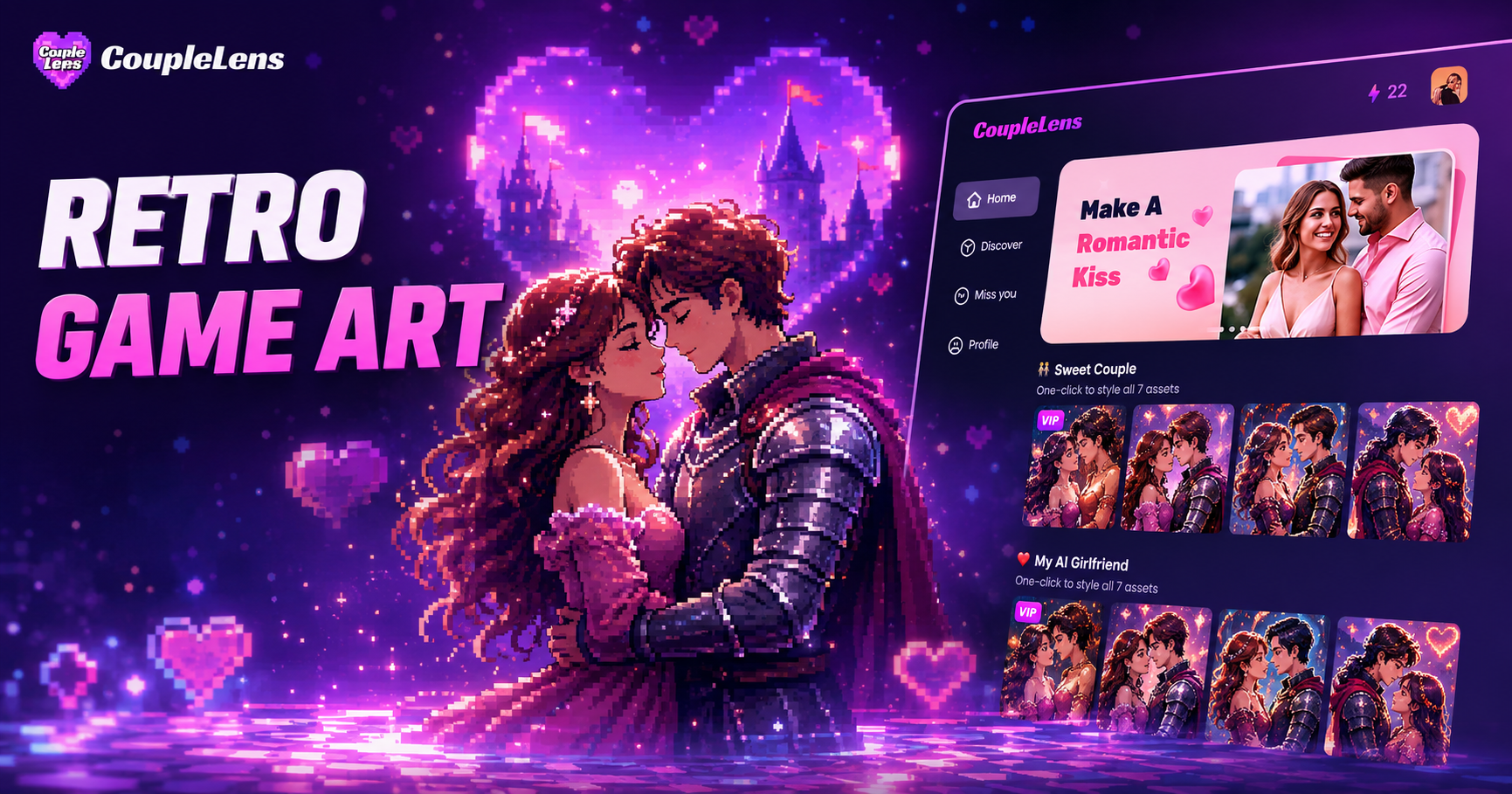
Retro Game Art Generator: Turn Photos Into Pixel Art with CoupleLens
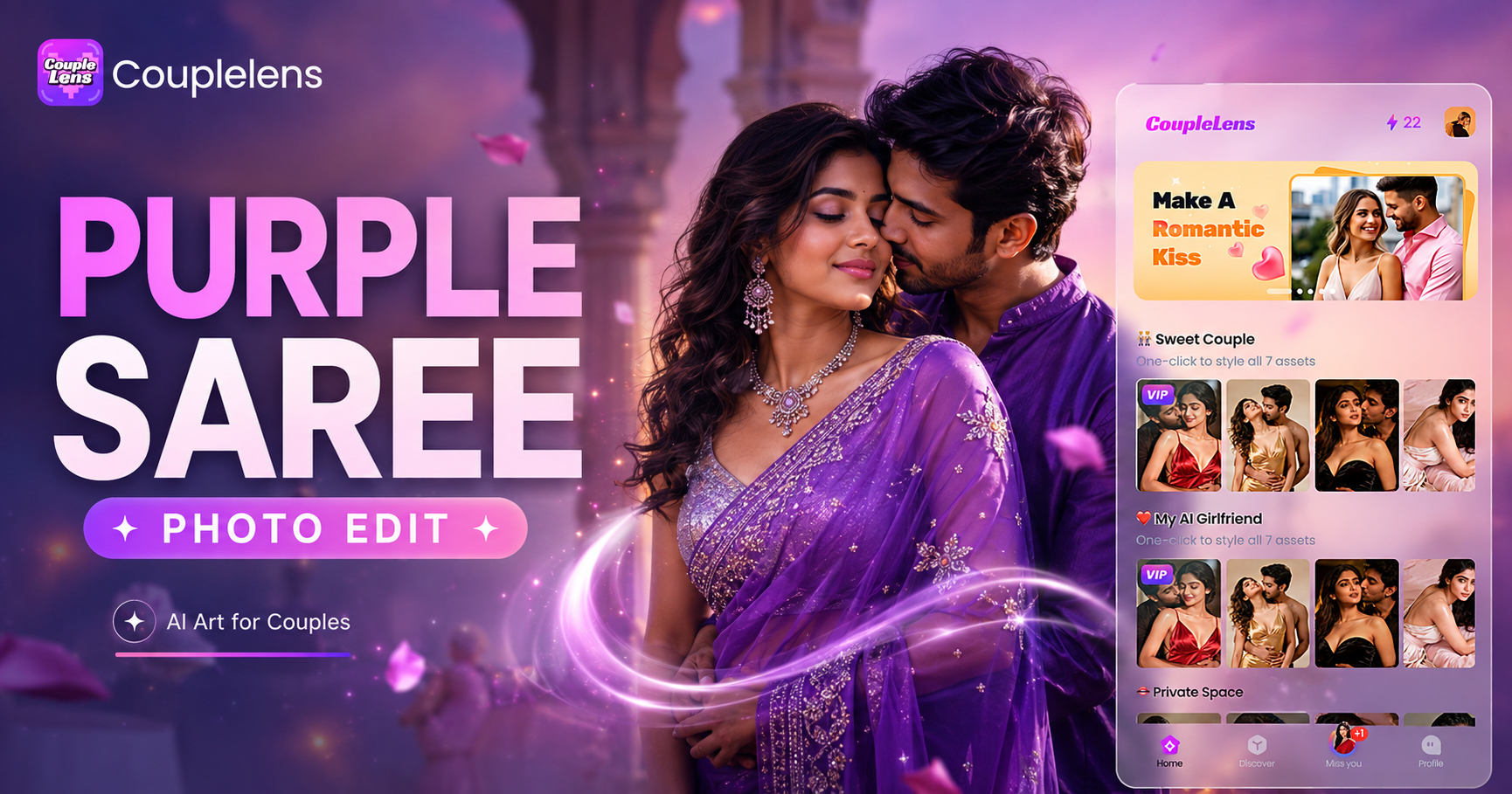
Purple Saree Photo Editing: Get Royal Purple Looks in Seconds with CoupleLens
Kadayawan Photo Edit with CoupleLens AI: Festival Style in One Tap
Buwan Ng Wika Photo Edit App: CoupleLens AI Image Generator Free
Retro Game Art Generator: Turn Photos Into Pixel Art with CoupleLens
Purple Saree Photo Editing: Get Royal Purple Looks in Seconds with CoupleLens
Bappa Is Waiting. Bring Him to Life in 15 Seconds.
Download CoupleLens on Google Play, pick your favorite Ganpati Bappa filter, and post a festival video that looks like a pro made it. Free to try, ready in seconds, made for the pandal crowd.
Bappa Is Waiting. Bring Him to Life in 15 Seconds.
Download CoupleLens on Google Play, pick your favorite Ganpati Bappa filter, and post a festival video that looks like a pro made it. Free to try, ready in seconds, made for the pandal crowd.