Retro Game Art Generator
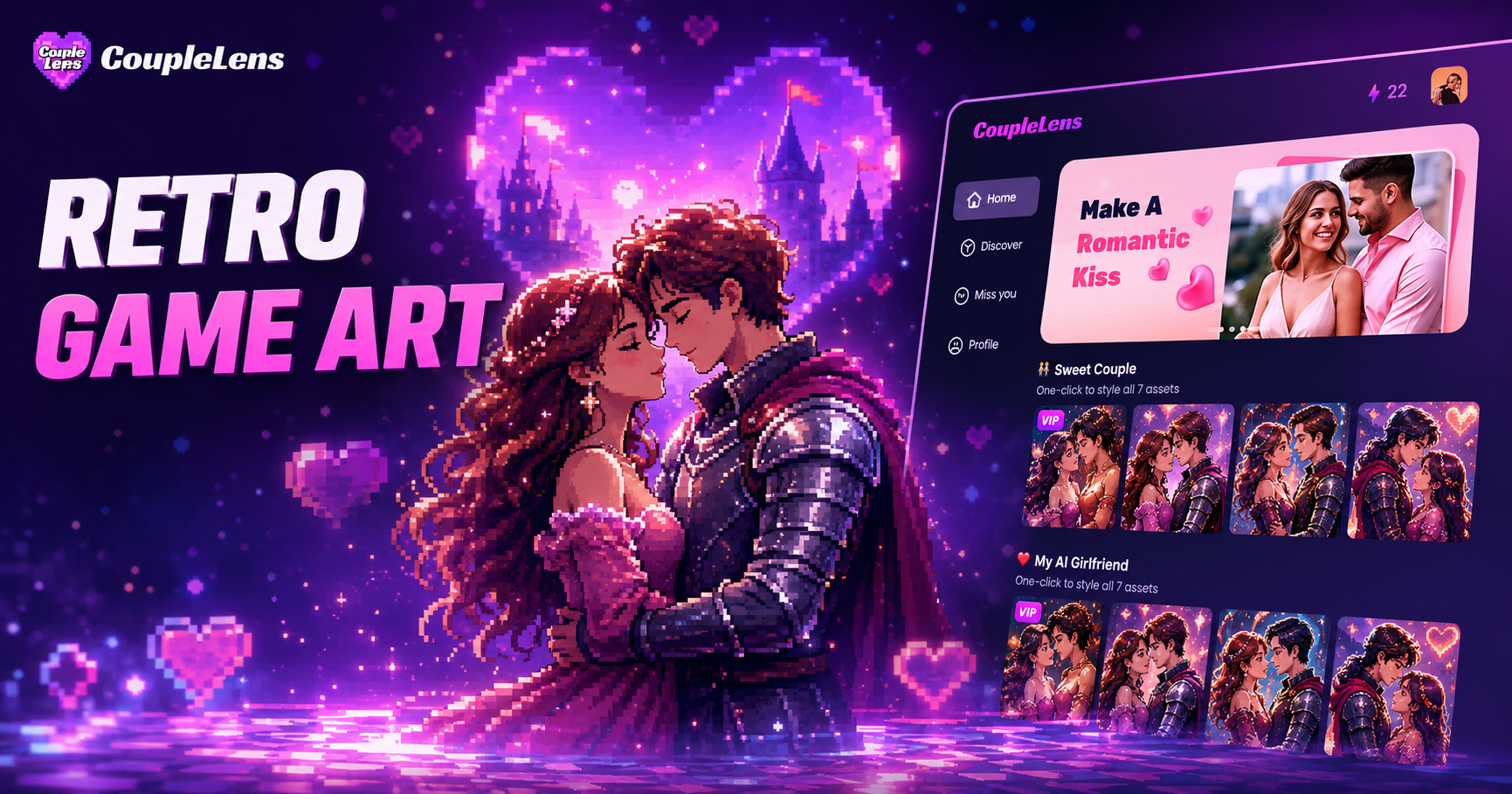
Pick a Retro Game Filter and Start Playing
CoupleLens packs 25,000 plus style filters, and the retro game collection below is hand picked for fans of old school pixel art.
Key Features of the Retro Game Art Generator in CoupleLens
CoupleLens is more than a one click pixel AI photo filter. It bundles a full retro game art generator workflow into one mobile app.
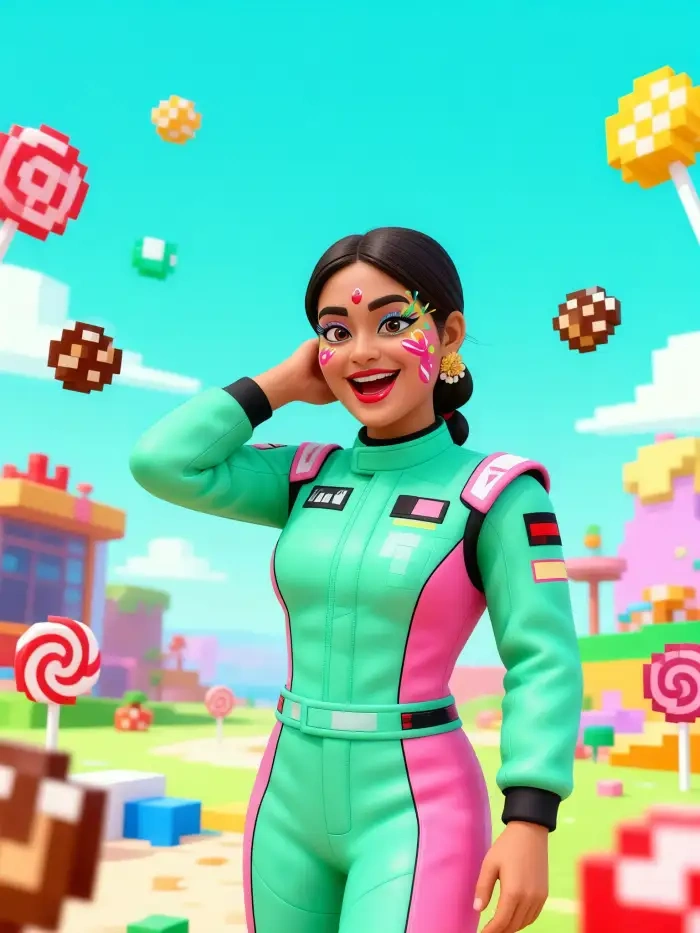
One Tap Style Filters, No Prompt Required
CoupleLens ships with over 25,000 style filters, and the retro game section covers every console era you can think of. Pick a filter like 8-Bit Arcade Hero, 16-Bit RPG Knight, or Pixel Art Boxer, upload one photo, and the app rebuilds it in the chosen pixel style in about 10 to 20 seconds. There is no need to learn prompt engineering or fight with sliders. As an AI image generator, CoupleLens handles the palette, the pixel grid, and the color limits for you, so every output looks like it just popped out of a 1990s arcade cabinet.
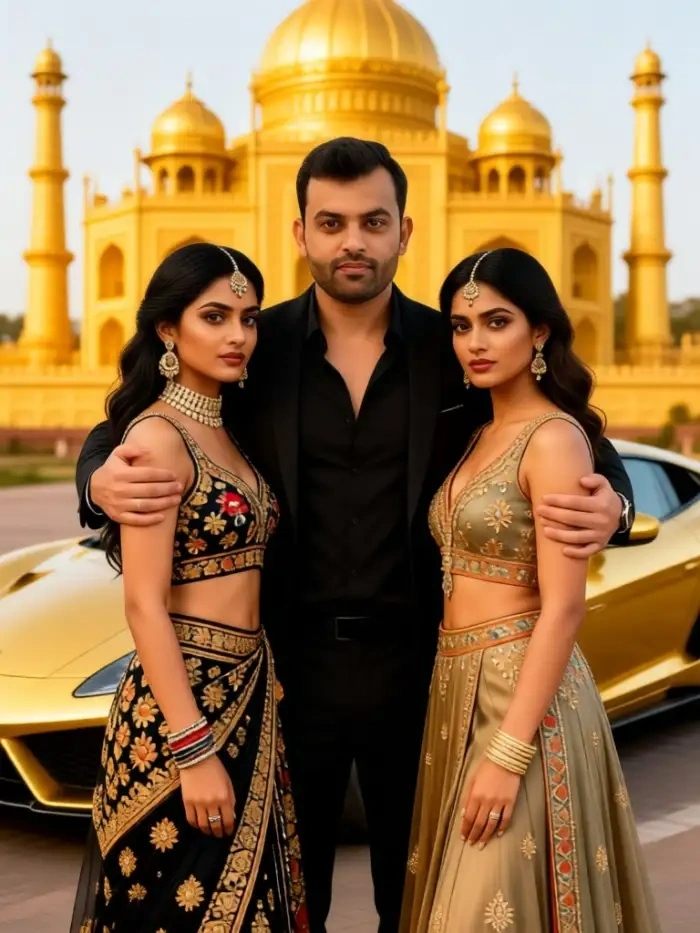
Multi Character Consistency for Squads and Couples
Retro games almost always have parties, teams, and couples on screen, and CoupleLens is built to handle them. Upload a group photo or two single portraits, and the AI keeps every face separate and on model across the whole scene. You can stage two characters hugging, standing shoulder to shoulder, or fighting side by side, and the app will not melt the faces together. This is huge for indie devs who need matching NPC sprites, for couples who want matching pixel avatars, and for squads that want a unified group portrait in game style.
Turn Static Pixel Art Into Animated Clips
This is the feature that classic retro game art generators simply do not have. Once your pixel art looks the way you want, CoupleLens can animate it. Add a blink, a smile, a head turn, a small jump, or a short story loop, and the app generates a tiny retro game style video that you can drop into TikTok, YouTube Shorts, or a Discord channel. The same AI photo editor pipeline keeps the pixel grid and palette locked while the motion plays, so your animated sprite still feels like it came from the same game.
Real Retro Game Art Made Inside CoupleLens
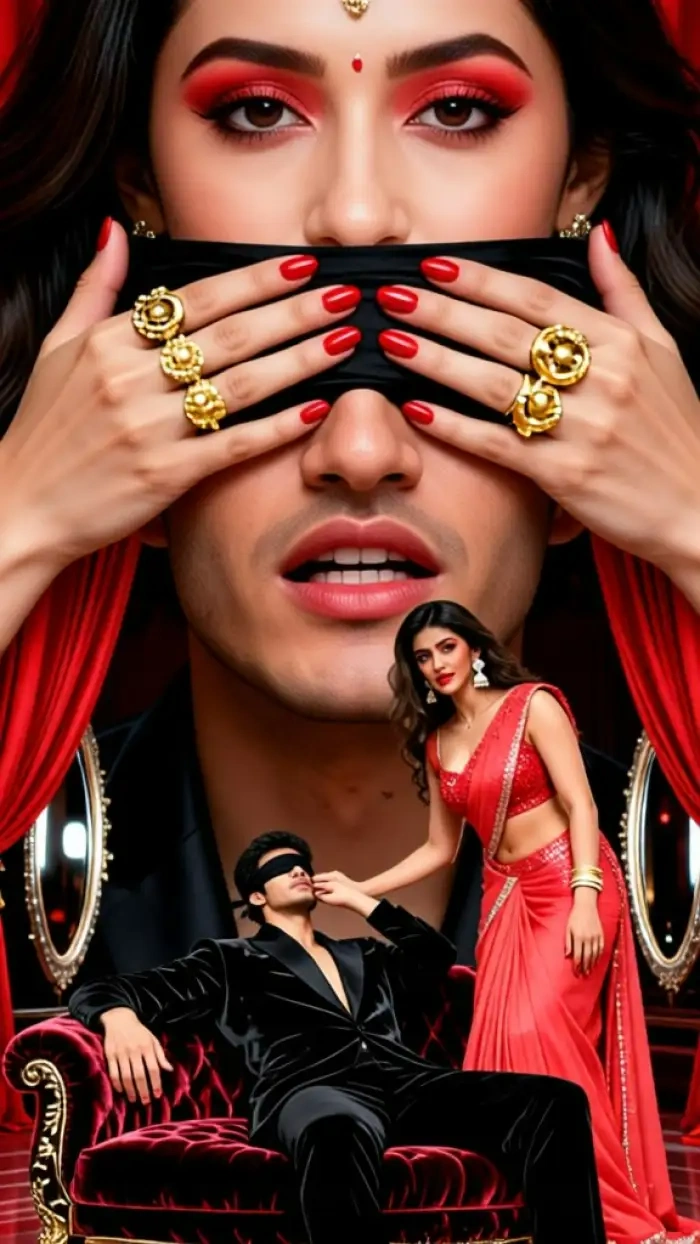
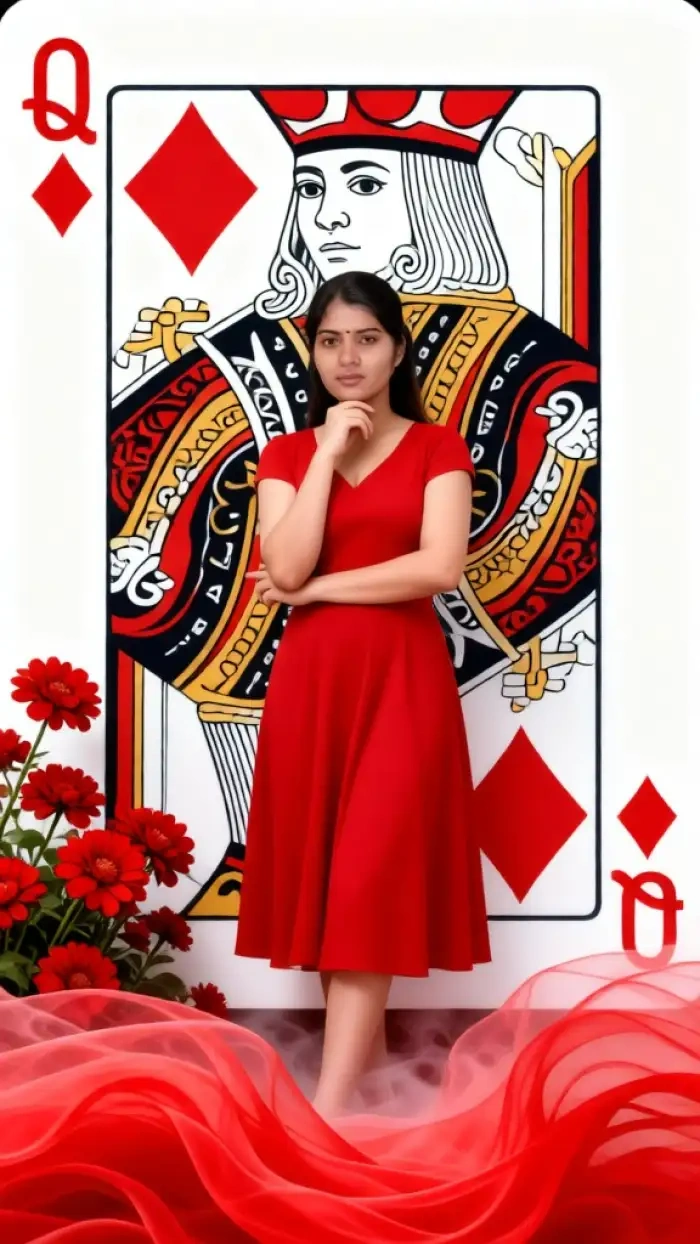
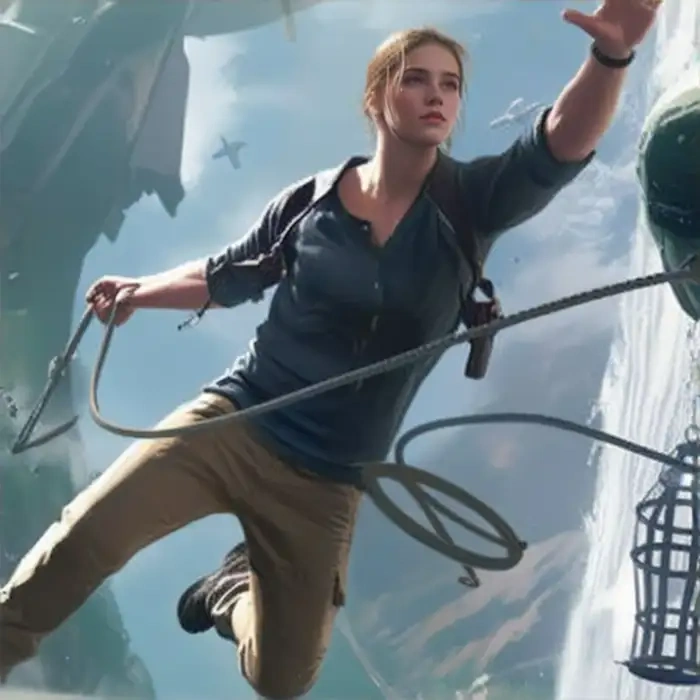
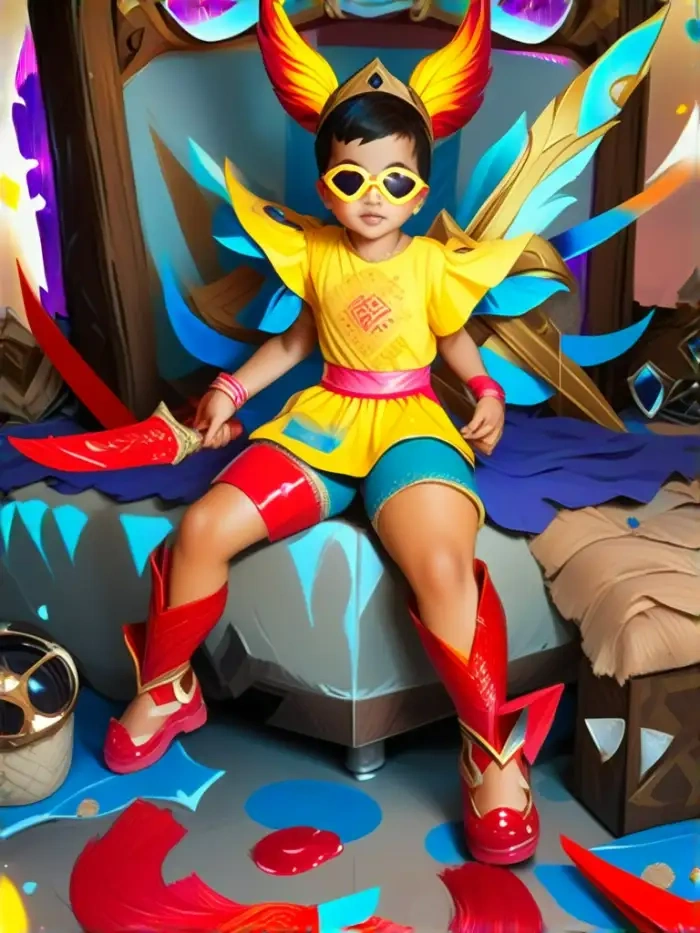
Take a look at what other players are shipping with our retro game art generator. Browse the feed for inspiration, then build your own.
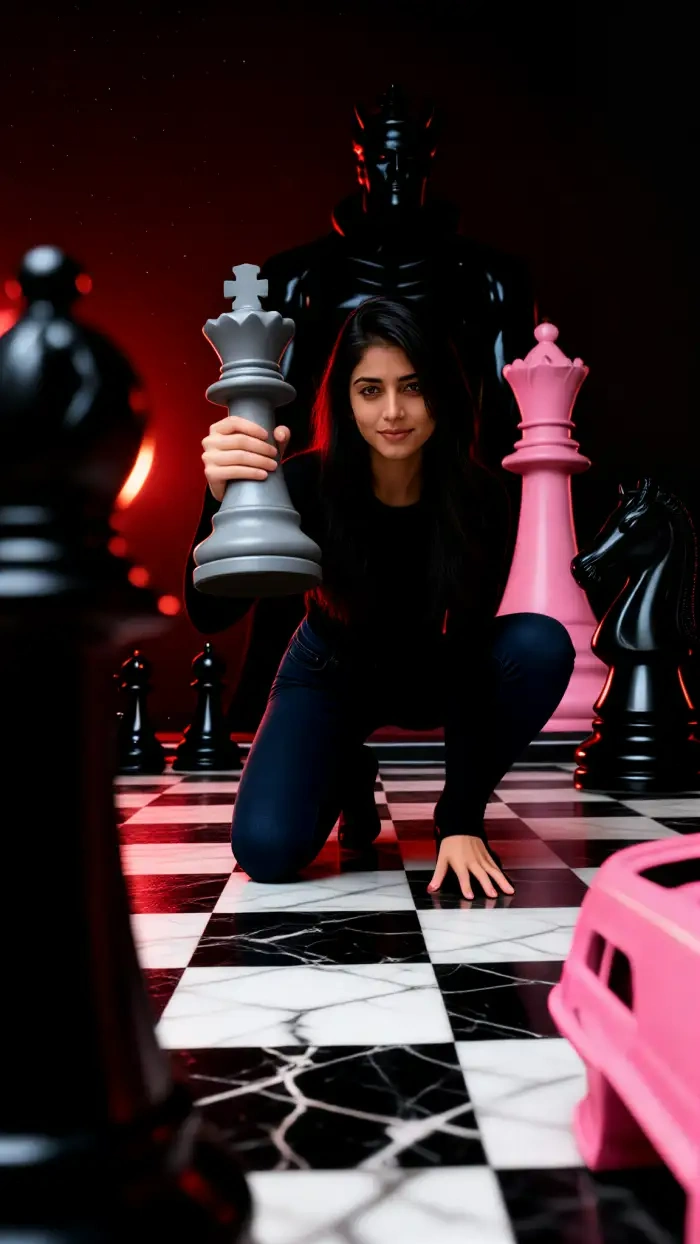
How to Create Retro Game Art with CoupleLens?
Every step happens inside the CoupleLens mobile app, and the whole process takes less than a minute from idea to share.

Step 01.
Open Google Play on your Android phone, search for CoupleLens, and install the app. The download is small, and the sign up is a single tap.

Step 02.
Open CoupleLens, scroll to the retro game filter collection, and tap the look you like. Upload one photo or several, write one short sentence if you want a tweak.

Step 03.
Save the finished pixel art or animated clip to your phone, or post it straight to your CoupleLens profile, TikTok, Instagram, Discord, or X with one tap.
Watch How to Use the Retro Game Art Generator
These two short walkthroughs show how to open CoupleLens, pick a filter, generate a pixel portrait, and turn it into an animated clip.
What Players Are Saying About CoupleLens
If you want retro game art that looks like the real thing, CoupleLens is the most fun way to make it on your phone.
I needed matching NPC sprites for a tiny pixel RPG I am building on the side. CoupleLens kept every face on model across six different scenes, which saved me at least a week of manual work in Aseprite. The 16-Bit RPG Knight filter is now my default look.
CoupleLens actually nails the limited palette and hard pixel edges, and the video feature lets me add tiny walk cycles to my sprites.
I run a retro game stream on weekends, and CoupleLens gave me a full pixel avatar set in one evening. My chat keeps asking how I made the blinking sprite animation. I just tell them it is the app, not me.
I came in expecting this AI photo editor with the most powerful retro game AI filters.
My girlfriend and I used the Arcade Cabinet Couple filter on a regular phone selfie and it came out like a real NES co op screen. We posted it to TikTok and it pushed past 200K views in three days. The group consistency is the real star of the show.
Frequently Asked Questions
Find clear answers to common questions and get the guidance you need to make the most of our retro game art generator.
More Topics You May Like
If retro game art is your thing, you will probably also love these CoupleLens style collections.
Kebaya Photo Edit with AI: Try Traditional Outfits in 10 Seconds with CoupleLens
Hourly Photo Challenge Generator: Make a Two Lives Reel Fast with CoupleLens
Google Gemini AI Photo Editing in Filipino | Try on Mobile App
Baju Kurung Photo Edit: Try On Traditional Wear with CoupleLens AI
Kebaya Photo Edit with AI: Try Traditional Outfits in 10 Seconds with CoupleLens
Hourly Photo Challenge Generator: Make a Two Lives Reel Fast with CoupleLens
Google Gemini AI Photo Editing in Filipino | Try on Mobile App
Baju Kurung Photo Edit: Try On Traditional Wear with CoupleLens AI
Make Your First Retro Game Art Today
The cartridge is in your pocket. Download CoupleLens on Google Play, pick a retro game filter, and ship a pixel portrait, a couple scene, or an animated NPC clip in under a minute.
Make Your First Retro Game Art Today
The cartridge is in your pocket. Download CoupleLens on Google Play, pick a retro game filter, and ship a pixel portrait, a couple scene, or an animated NPC clip in under a minute.