Kebaya Photo Edit
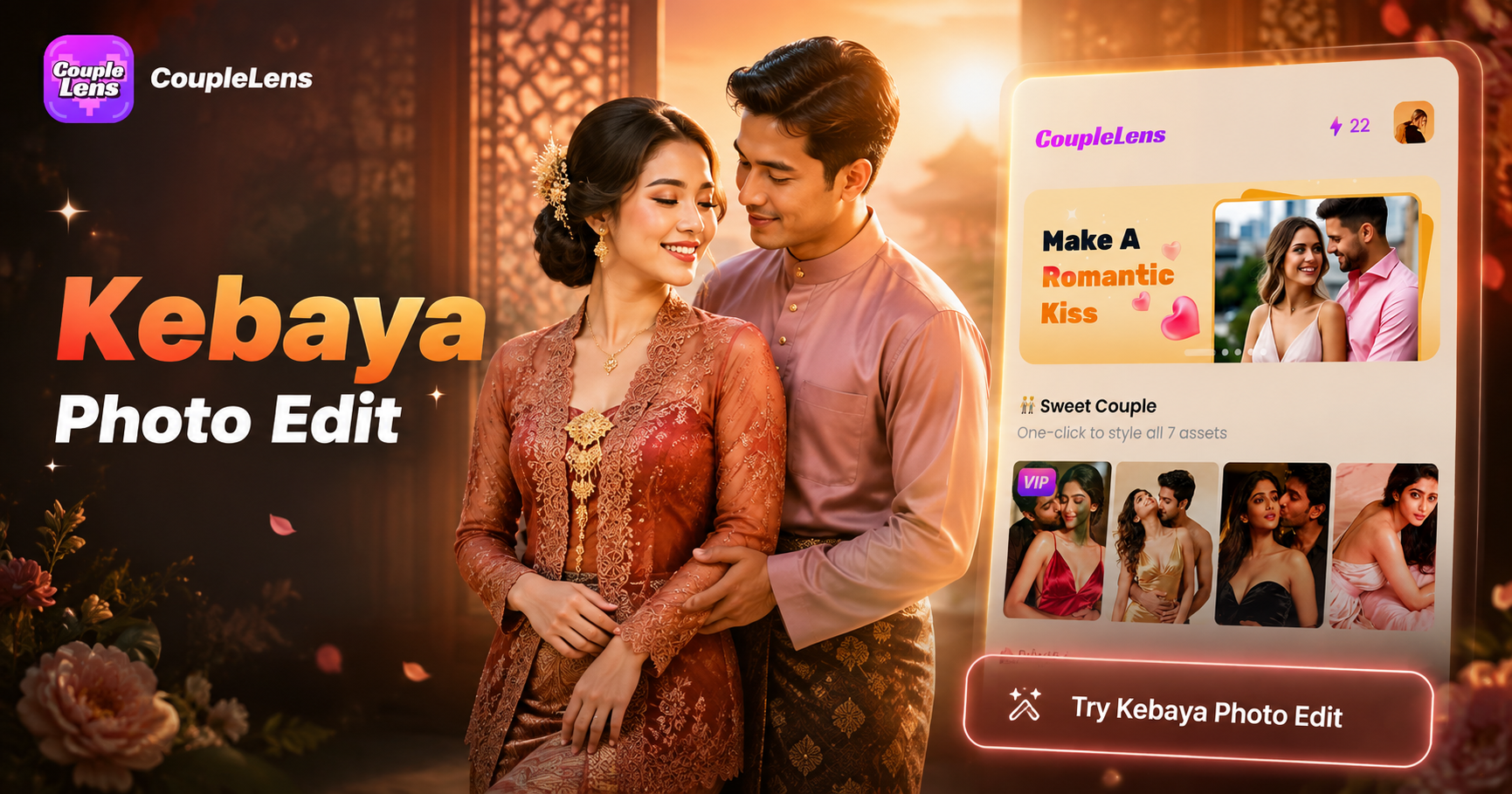
Pick a Kebaya Photo Edit Filter You Love
Browse the most loved Kebaya filters on CoupleLens. Each one turns a single photo into a different cultural look. Tap once, wait ten seconds, and you are done.
How to Create a Kebaya Photo Edit?
Three steps. One minute. One beautiful Kebaya woman portrait. All in one coupleLens app.

Step 01.
Tap the Google Play button and install CoupleLens on your Android phone. The app is free to start, light, and ready in seconds.

Step 02.
Open the app, scroll to the Kebaya style, and pick the filter you want. Upload a clear face photo. CoupleLens handles the rest.

Step 03.
Wait ten to twenty seconds. Save the result. Post it to Instagram, TikTok, or send it in the family group chat. Done.
Key Features of Kebaya Photo Edit on CoupleLens
Turn your ideas into reality with a flexible and powerful platform. Create, customize, and launch with ease, no matter what you're working on.
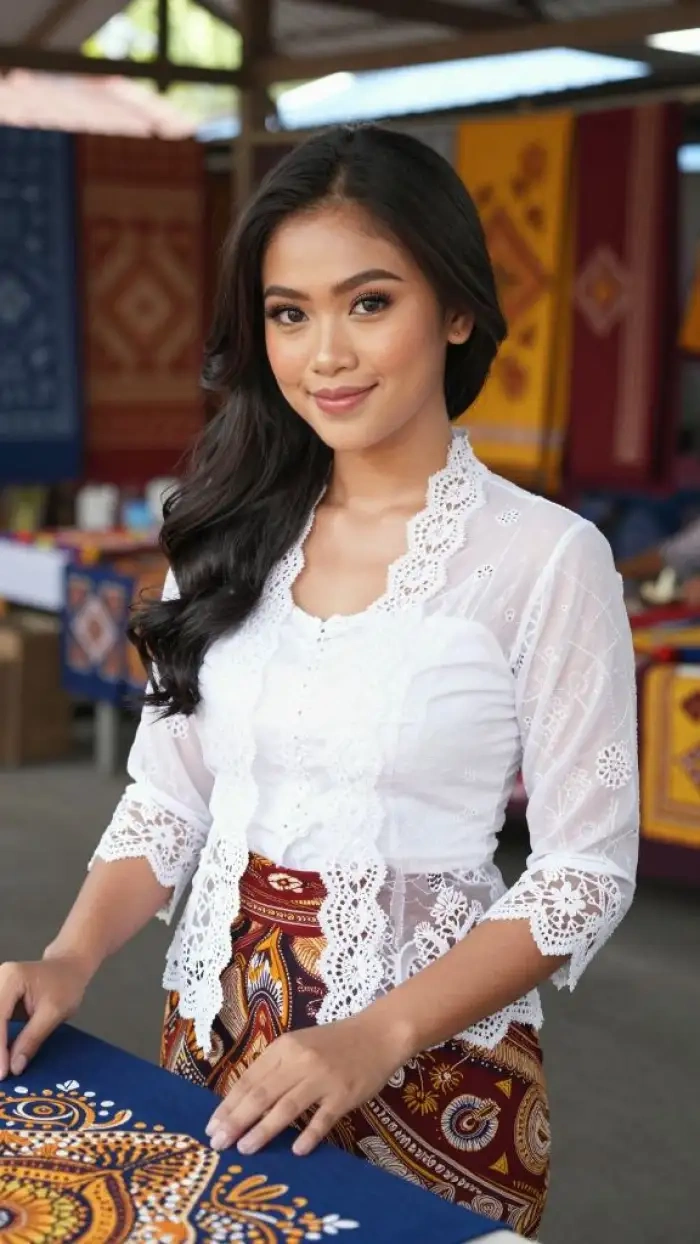 Before
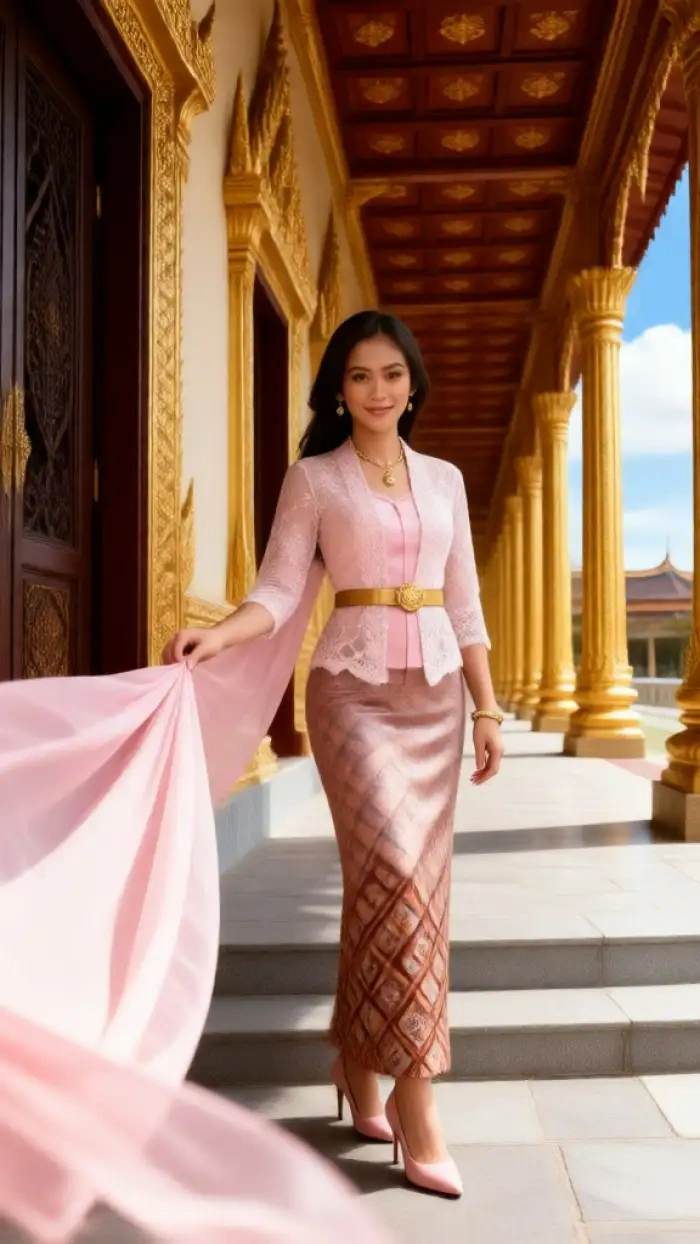 After
AfterOne-Tap AI Image Generation for Kebaya Portraits
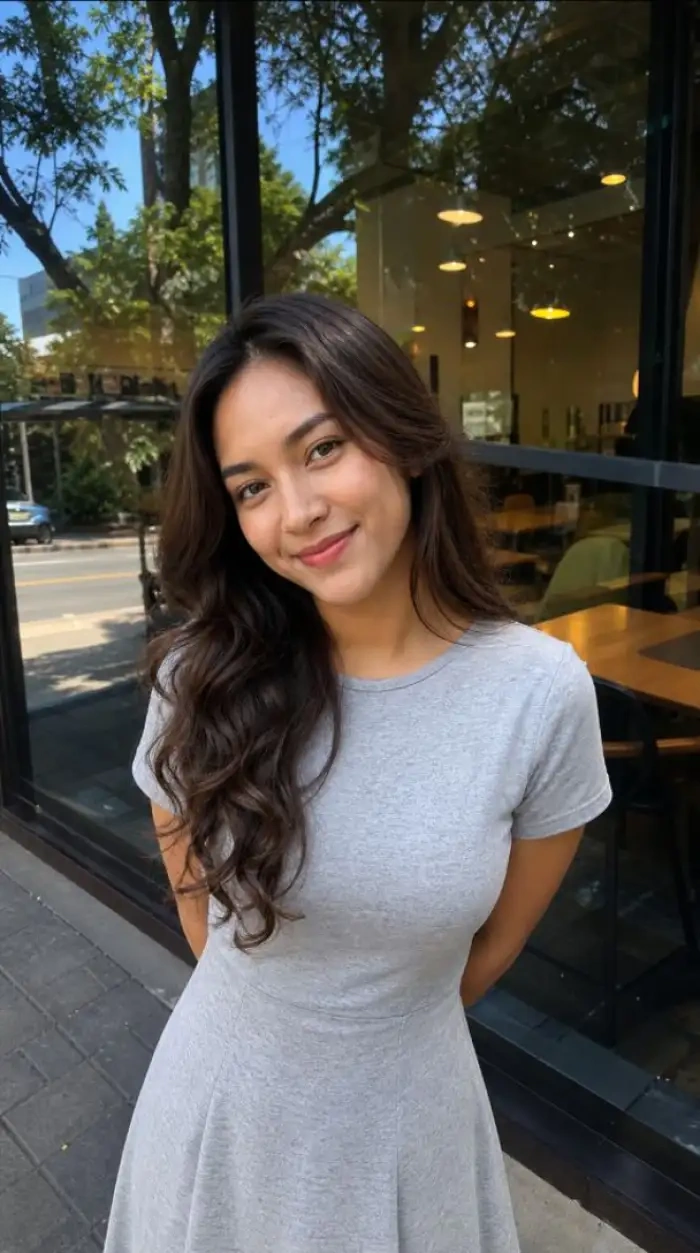
CoupleLens turns one photo and one filter into a full Kebaya portrait. The AI keeps your face shape, skin tone, and hairline. The fabric, the lace, and the embroidery all come out sharp. You can pick a songket pattern, a modern cut, or a vintage Kartini look. No prompt writing. No sliders to drag. Every result is high resolution and social ready. This is the simplest AI image generator flow for cultural fashion on mobile.
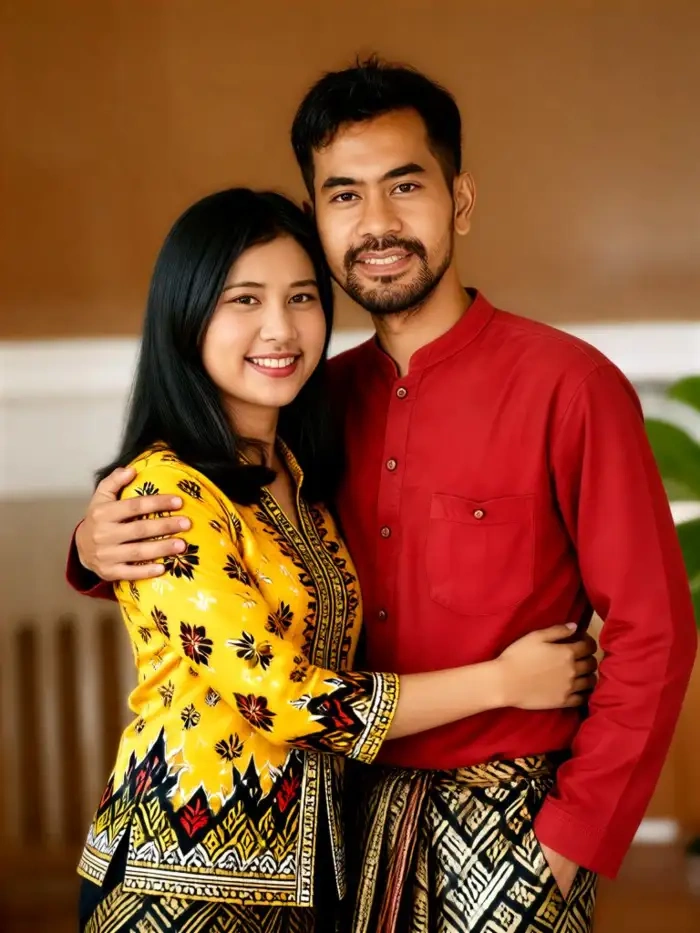 Before
 After
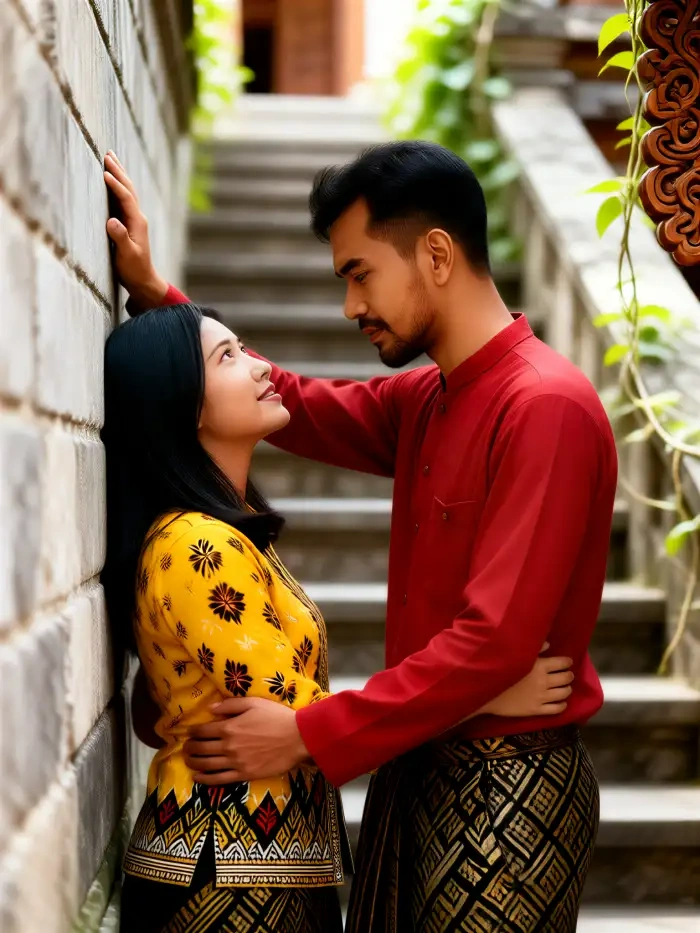
AfterMulti-Person AI for Couple and Family Kebaya Photos
CoupleLens handles more than one face in a single photo. The AI separates each person, dresses them in matching or matching-but-different Kebaya looks, and keeps every face clean. No mixed faces. No missing heads. No swapped hairstyles. You can do a two-person couple portrait, a sibling trio, or a full family Raya frame. The Group Photo feature is what most online AI photo editor tools still cannot do well, and it ships native in the CoupleLens app.
 Before
AI Video Generation for Moving Kebaya Shots
Still photos are only the start. CoupleLens can also turn your Kebaya portrait into a short video. Blink, smile, turn your head, walk forward. The dress moves with you. The fabric holds its pattern across every frame. Perfect for TikTok, Reels, and Raya greeting videos. You get the same one-tap flow, just with a video filter instead of a photo filter.
Watch CoupleLens in Action
Watch before you install, or skip straight to Google Play if you are ready.
Real Kebaya Edits from Real Users
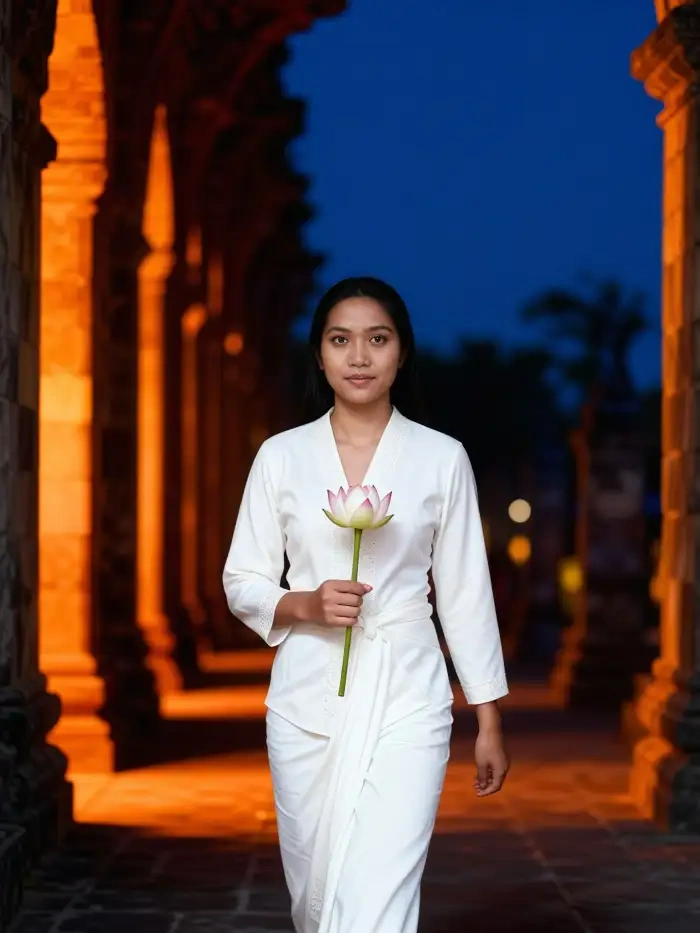
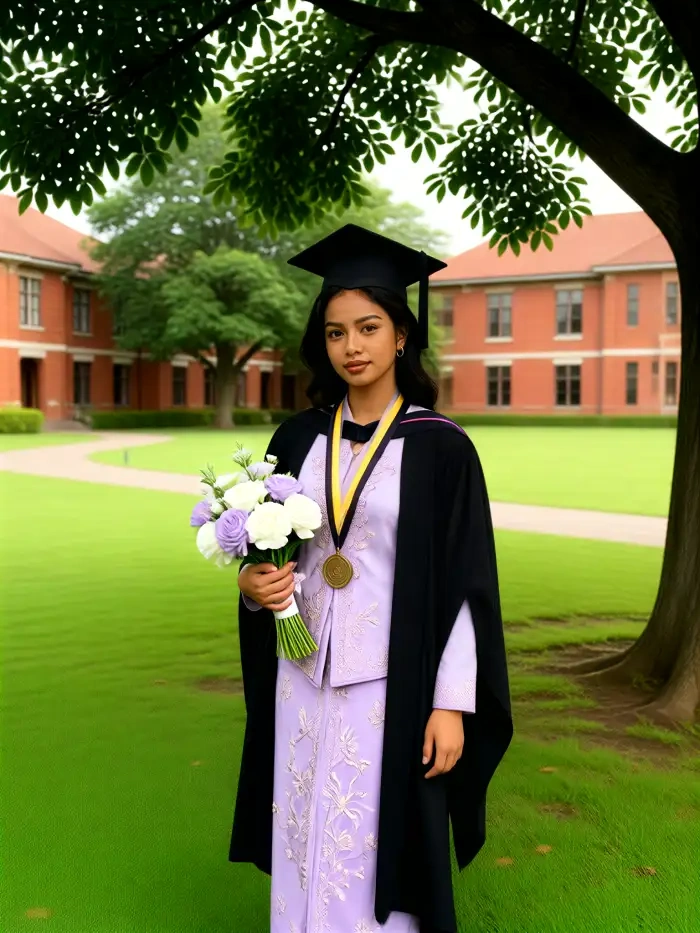
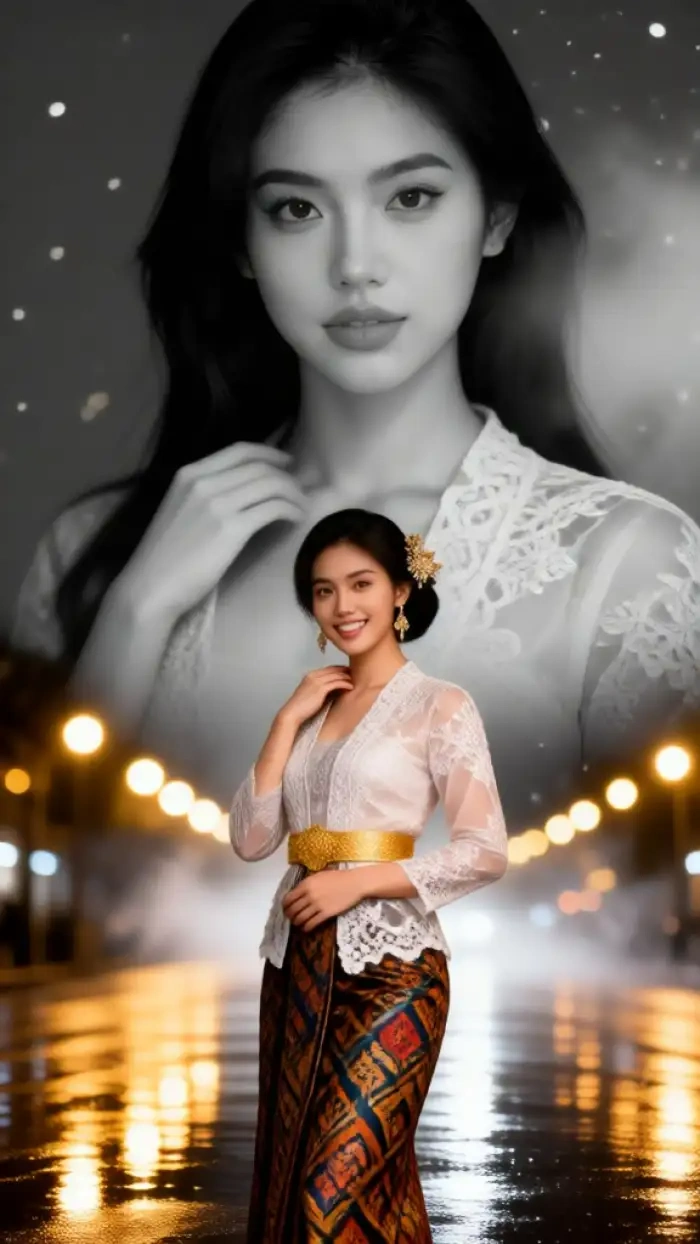
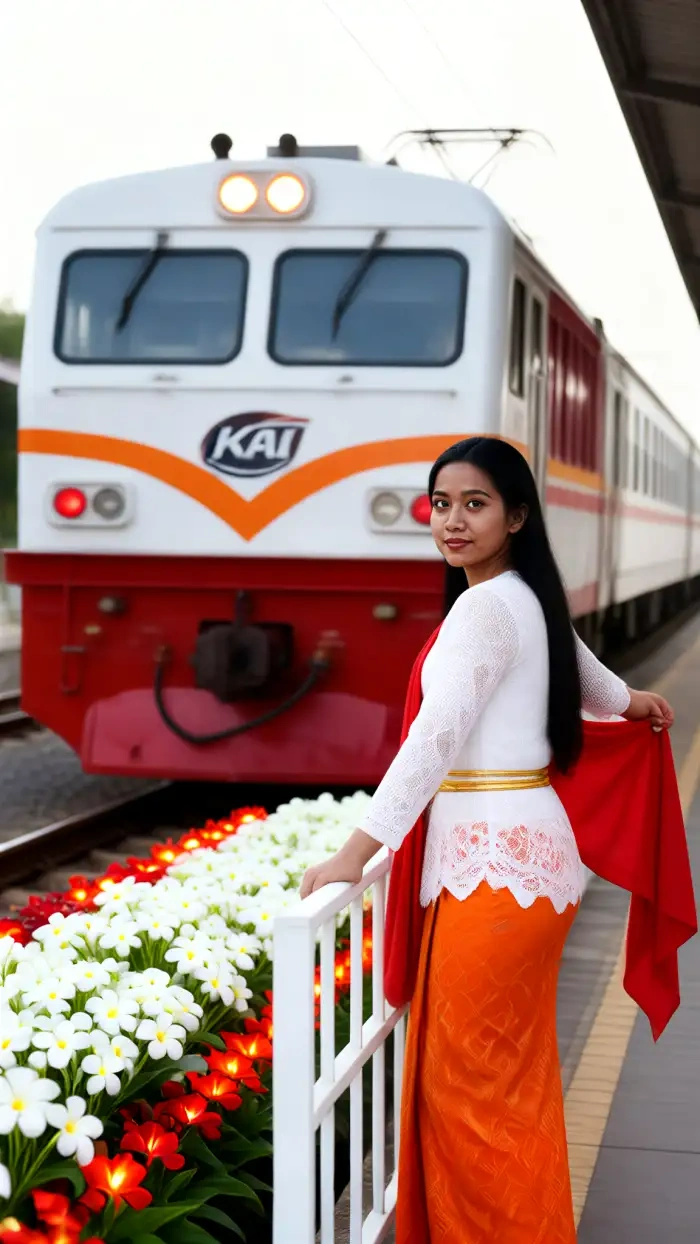
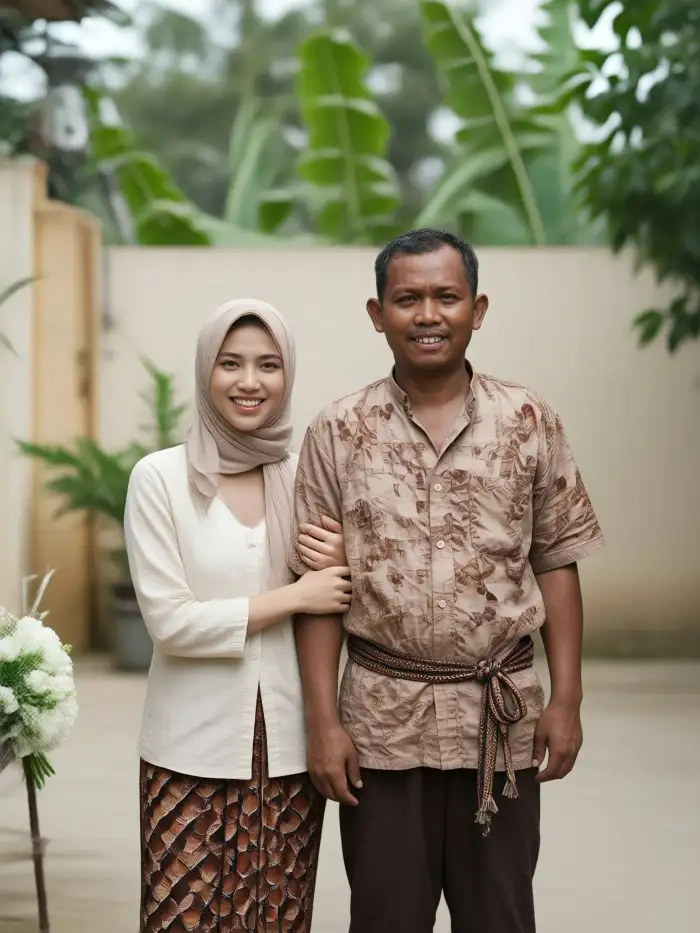
Scroll the CoupleLens community feed and see what others made today. Hari Raya couple frames. Solo Kartini portraits. Cartoon Kebaya avatars for group chats.
What Our Users Say About Kebaya Photo Edit on CoupleLens
CoupleLens is now my go-to AI Kebaya photo editor for any cultural look.
I needed a Raya profile picture and had no time for a real photoshoot. Picked the Pretty Girl With Kebaya filter, dropped in a selfie, and the lace on the dress looked real. My mom asked where I went to the studio.
The Group Photo feature of CoupleLens Kebaya photo edit saves me hours per booking.
I tested every AI image generator for Kebaya edits before this. CoupleLens is the only one that handles fabric texture right. I now offer digital Kebaya mockups to my clients before the real fitting.
CoupleLens is the kind of AI photo editor that just works on the first try.
I got four angles in one tap. My TikTok blew up because of that one video. CoupleLens is hands down the best AI image generator for fashion content on mobile. The Kebaya Photo AI Filter gave me a clean, realistic portrait in twelve seconds.
Frequently Asked Questions
Find clear answers to common questions and get the guidance you need to create beautiful Kebaya portraits.
More Topics You May Like
Once your Kebaya portrait is done, try these next. CoupleLens ships thousands of style filters across cultural fashion, holiday looks, and trending social formats.
Baju Kurung Photo Edit: Try On Traditional Wear with CoupleLens AI
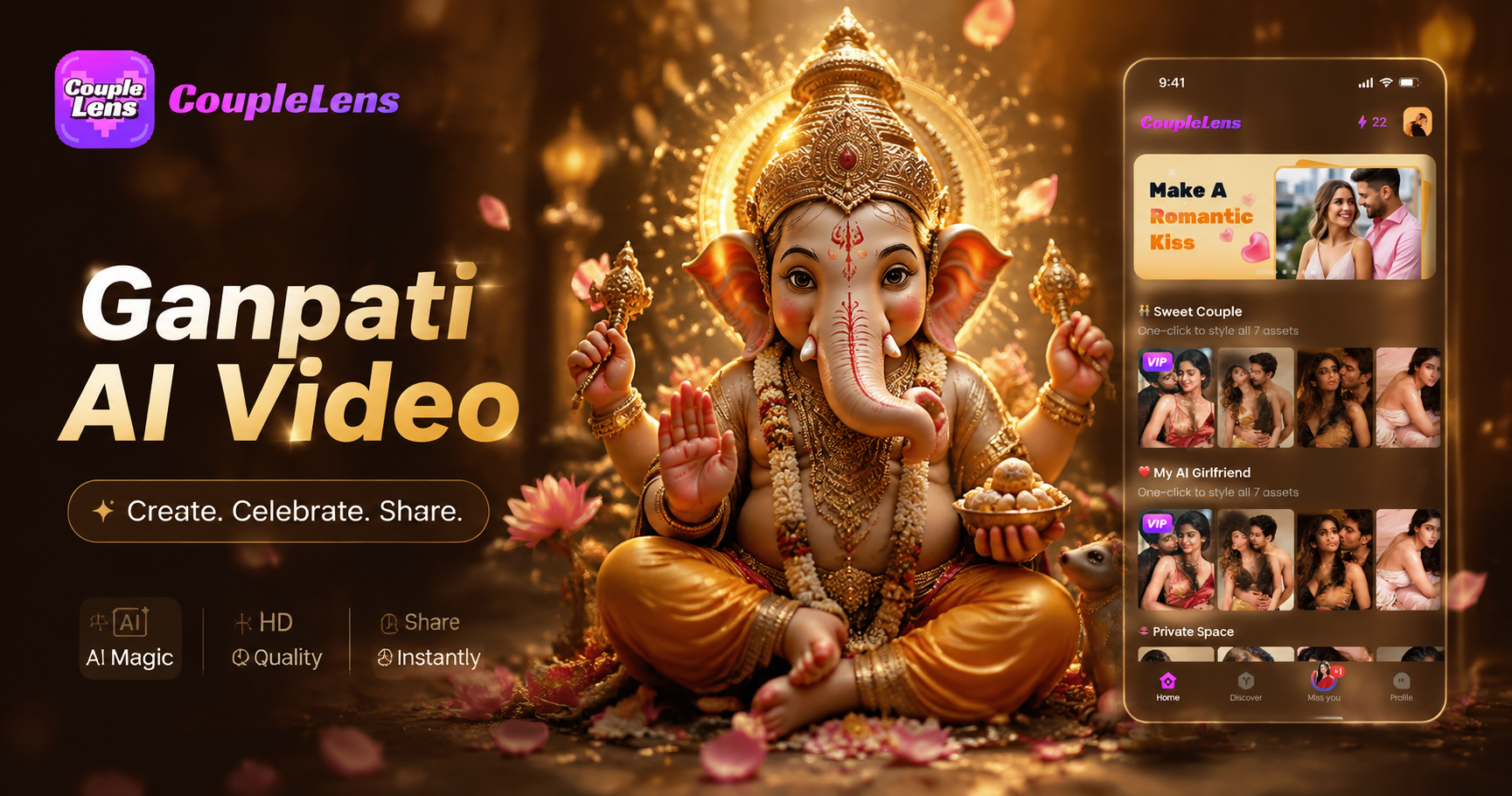
Cute Ganpati AI Video: Make Baby Bappa Clips Fast | CoupleLens
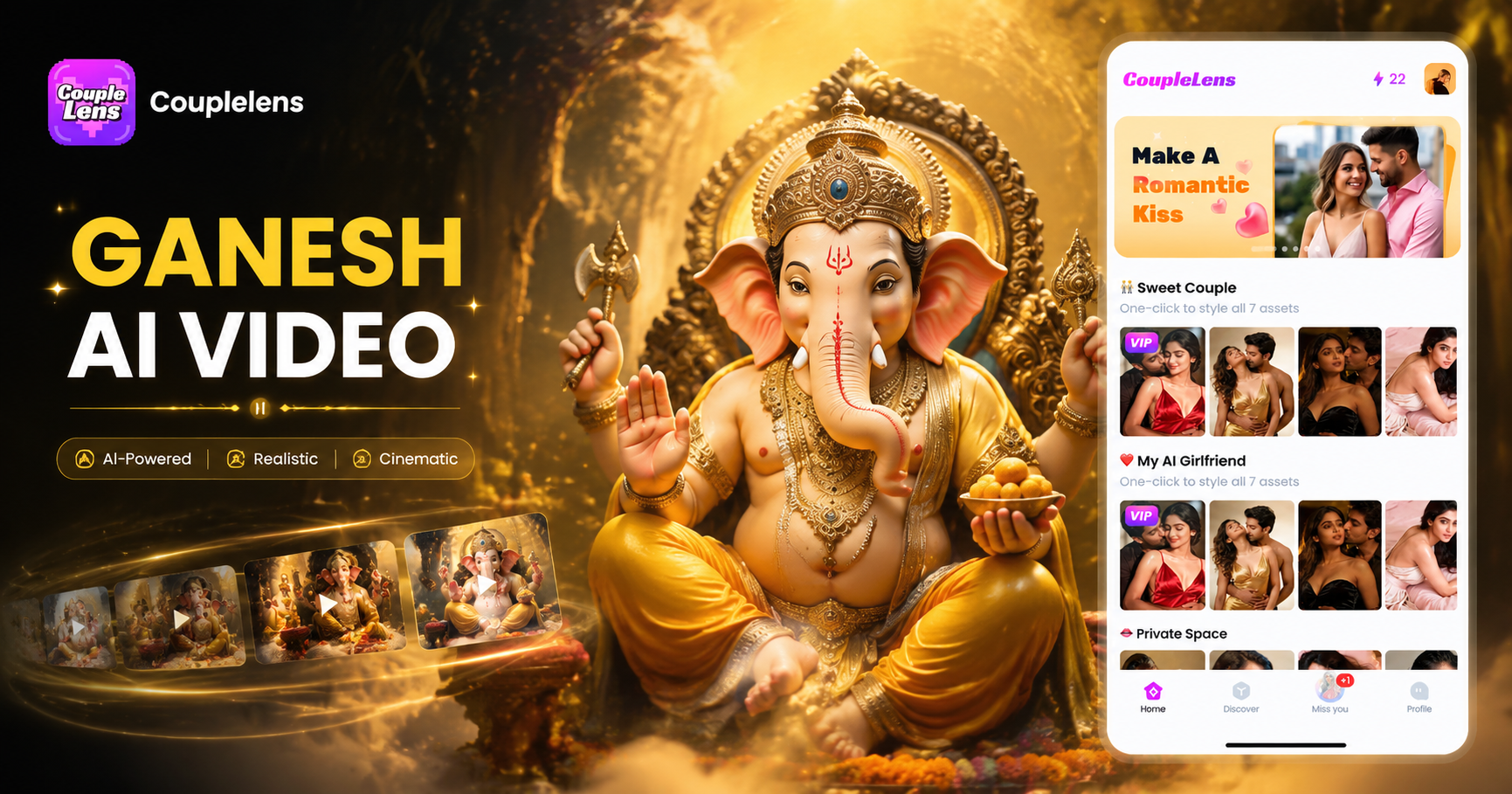
Ganesh Murti AI Video Generator: Create Devotional Clips Fast
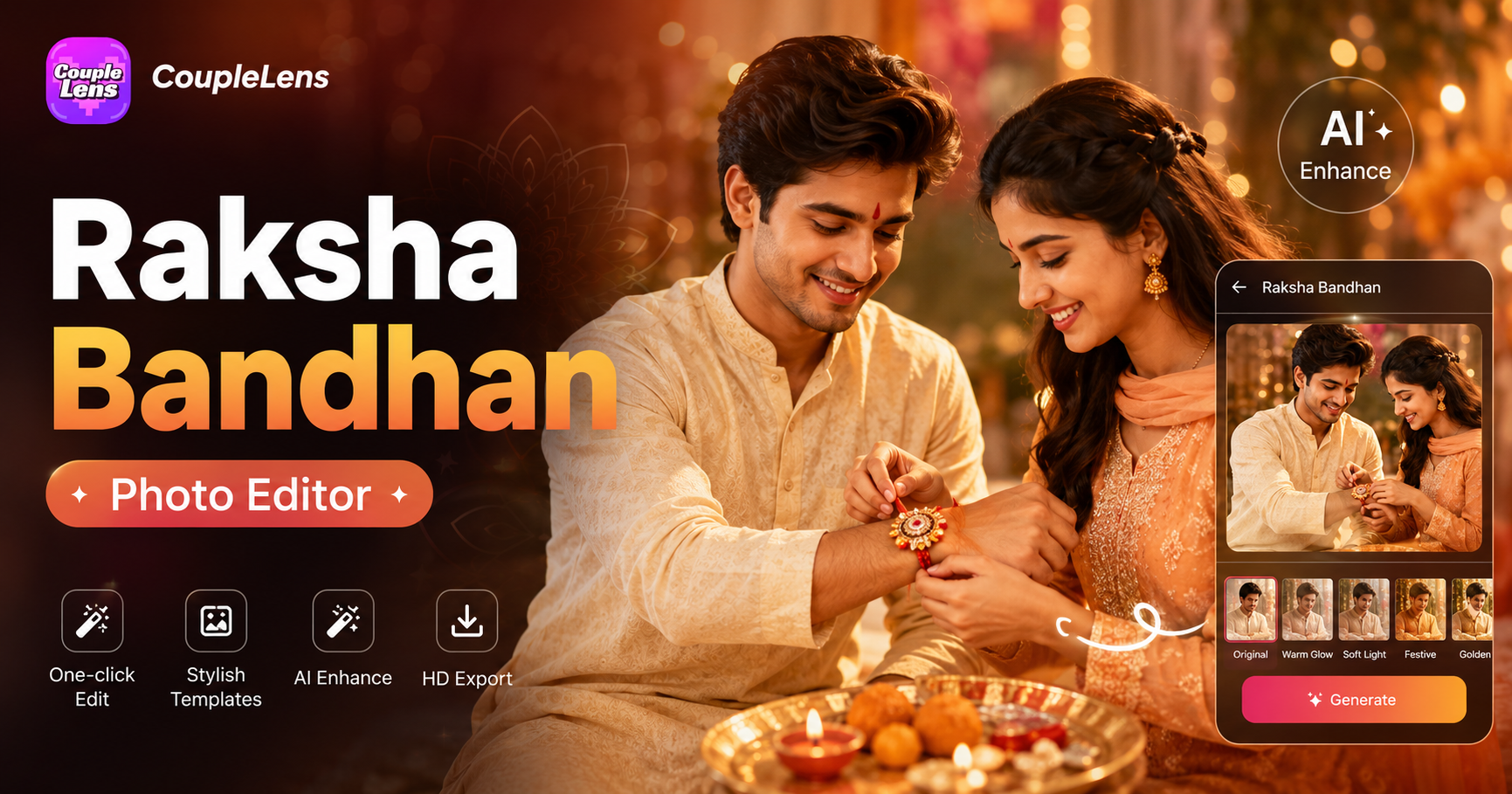
Raksha Bandhan Photo Editor: Create AI Rakhi Photos | CoupleLens
Baju Kurung Photo Edit: Try On Traditional Wear with CoupleLens AI
Cute Ganpati AI Video: Make Baby Bappa Clips Fast | CoupleLens
Ganesh Murti AI Video Generator: Create Devotional Clips Fast
Raksha Bandhan Photo Editor: Create AI Rakhi Photos | CoupleLens
Your Kebaya Portrait Is One Tap Away
Stop renting. Stop driving to studios. Stop writing prompts. CoupleLens is the fastest way to wear a Kebaya in any photo.
Your Kebaya Portrait Is One Tap Away
Stop renting. Stop driving to studios. Stop writing prompts. CoupleLens is the fastest way to wear a Kebaya in any photo.