Raksha Bandhan Photo Editor
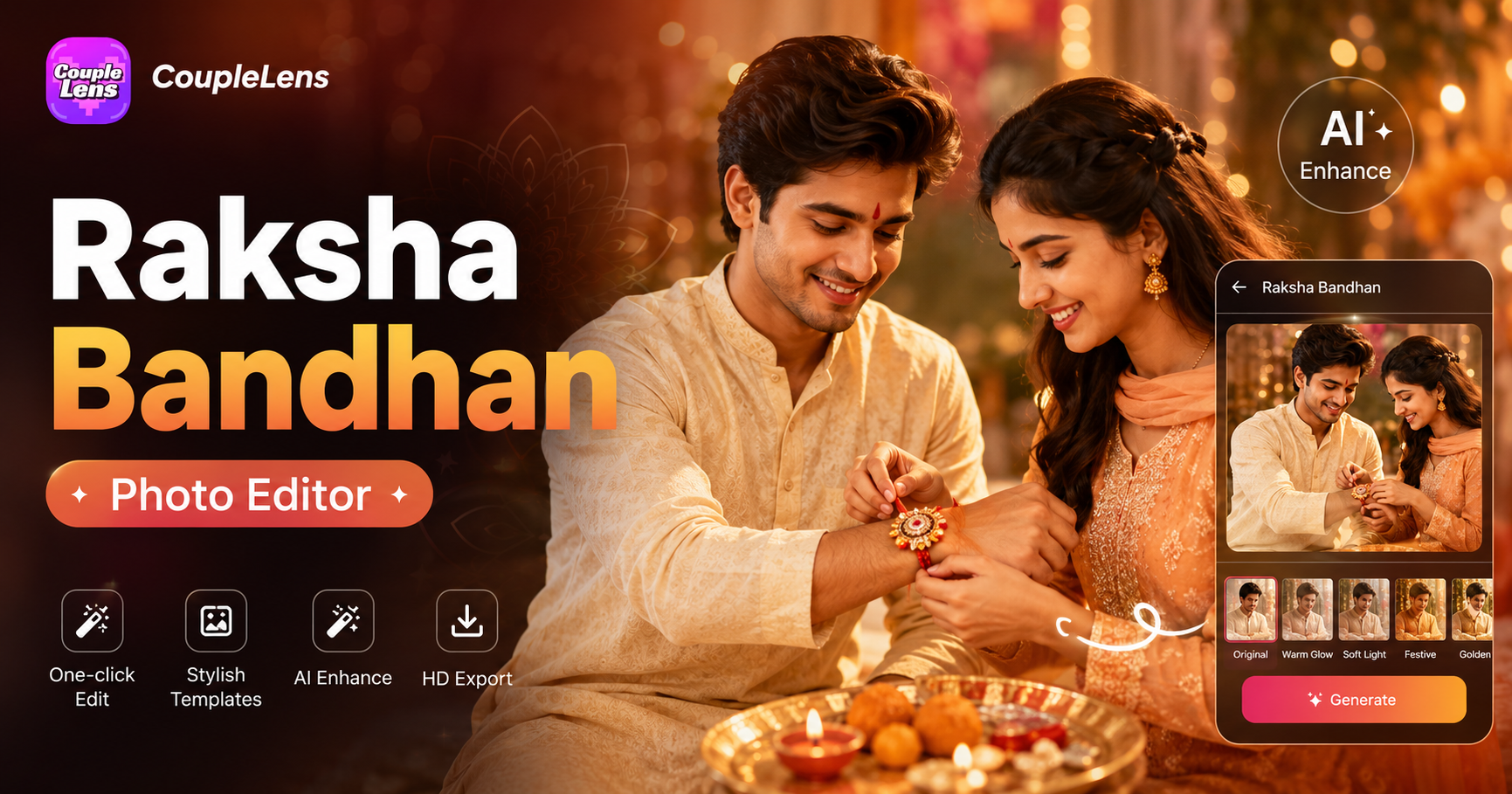
Pick Your Raksha Bandhan Mood
Discover the Raksha Bandhan festive filter that perfectly matches your style and mood.
Watch How the Raksha Bandhan Photo Editor Works
Two short video guides sit below. Watch the first to set up. Watch the second to see the full Raksha Bandhan AI photo editor in action.
Raksha Bandhan Creation Showcase
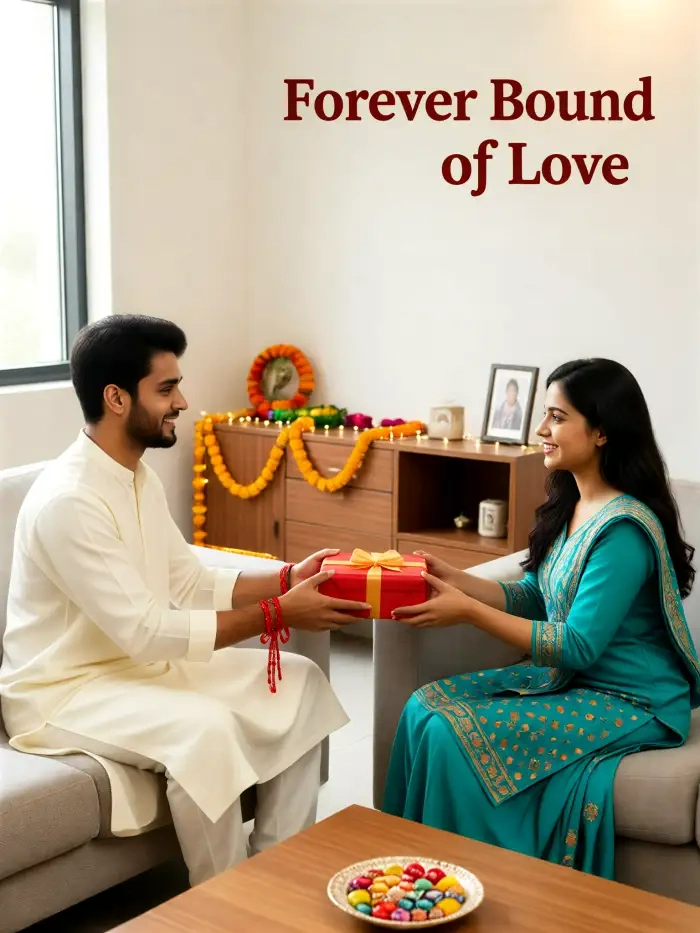
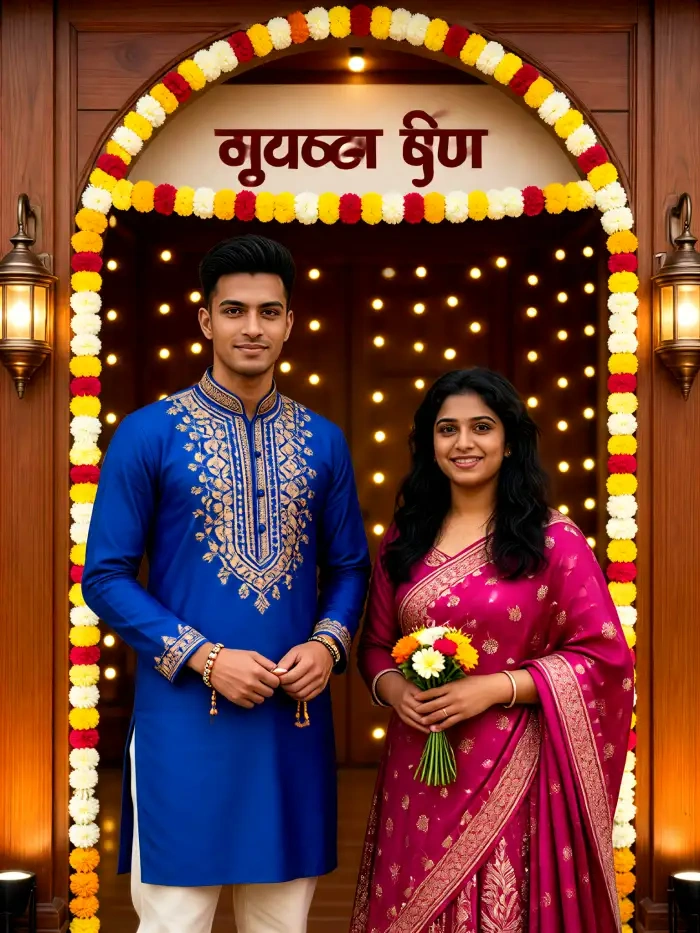
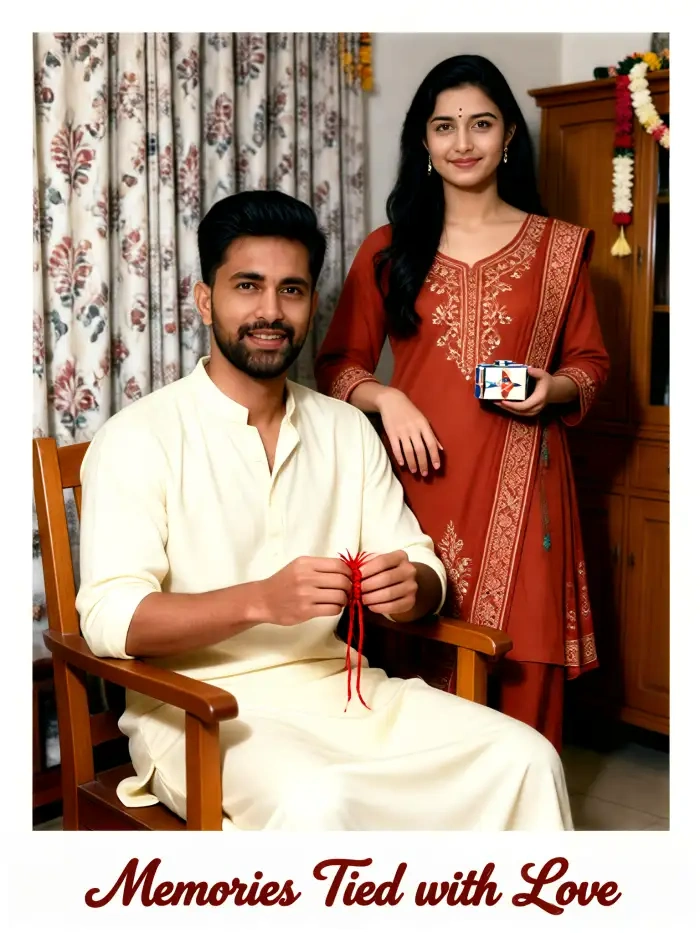
Access our growing library of AI Raksha Bandhan festive poster photos created by CoupleLens users.
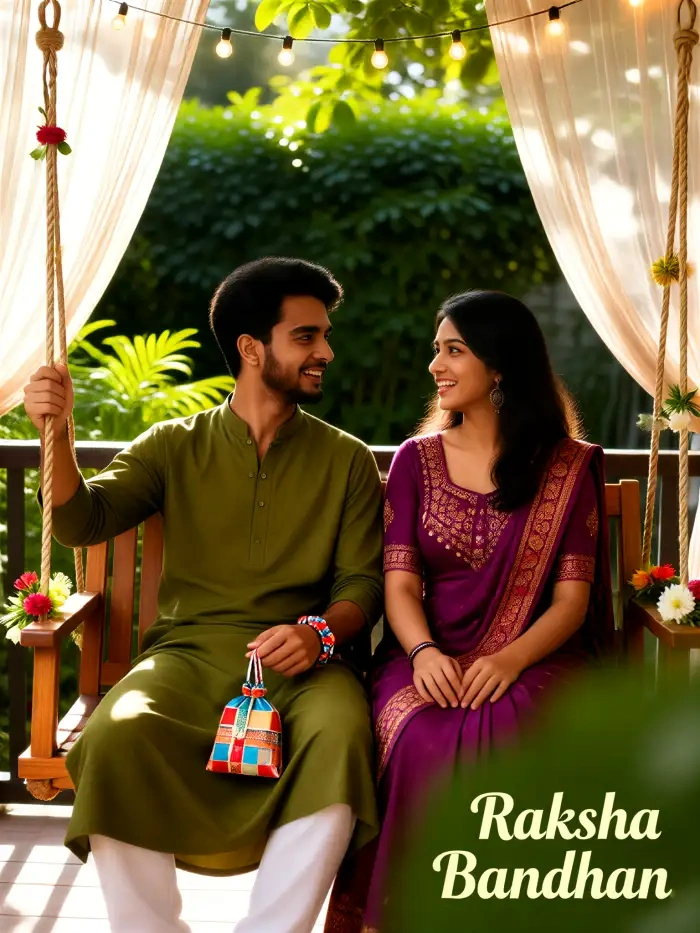
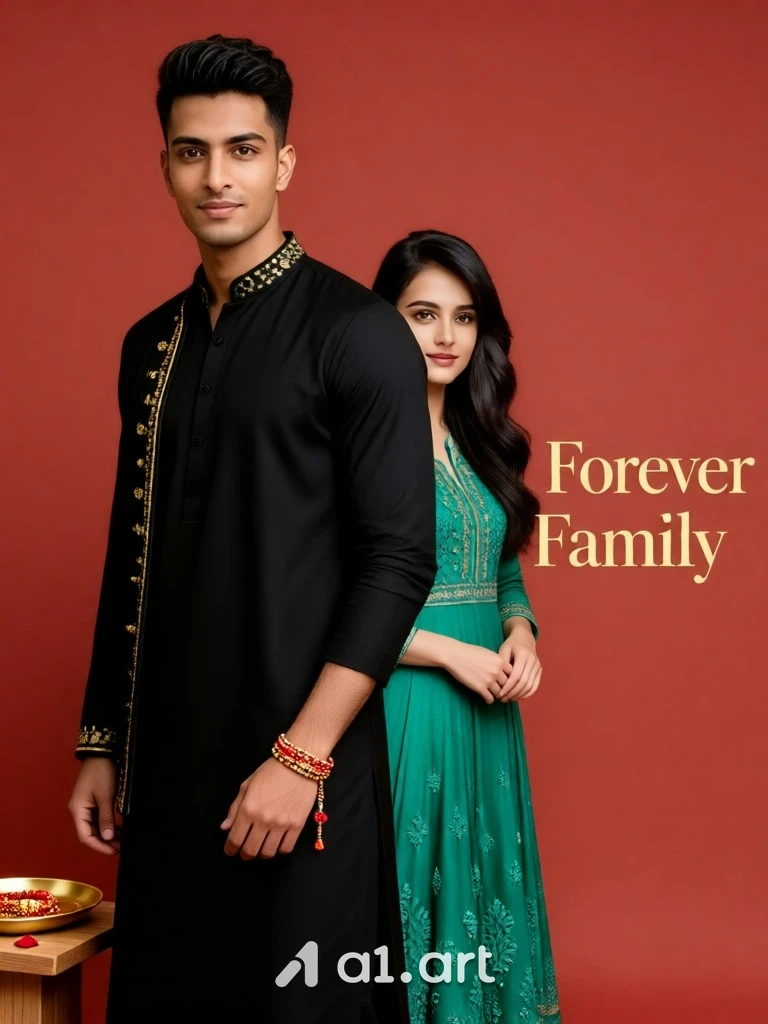
Key Features of the Raksha Bandhan Photo Editor in CoupleLens
CoupleLens App ships with a hand-tuned Raksha Bandhan filter that knows the Raksha Bandhan photo editing.
 Before
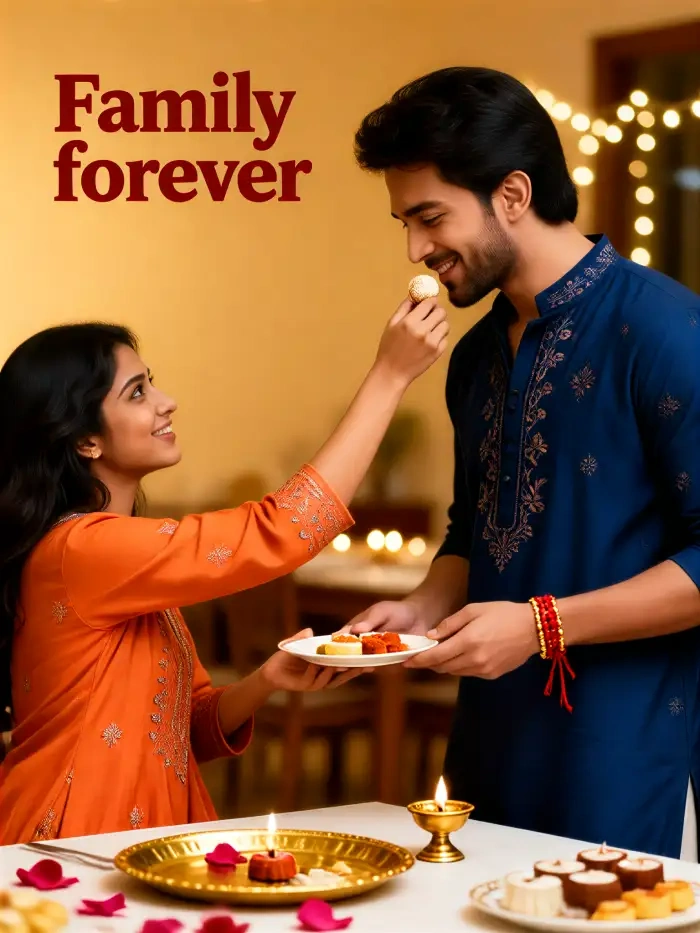 After
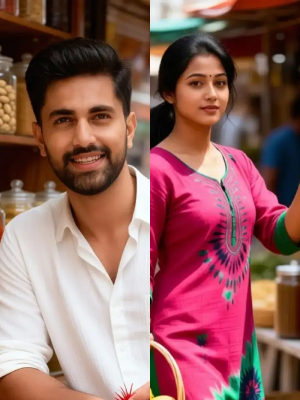
AfterTwo-Person Rakhi Scenes Without Mixed Faces
CoupleLens group photo AI looks at both faces in the upload. It maps each one as a separate subject. The brother keeps his jaw. The sister keeps her smile. When the AI draws a new Rakhi scene, the two people stand side by side, hug, or tie a rakhi without faces bleeding into each other. You can pick a pose, drop in two photos, and the app does the rest in about ten seconds. Other Raksha Bandhan photo editor apps choke on two faces. CoupleLens was trained for it.
 Before
 After
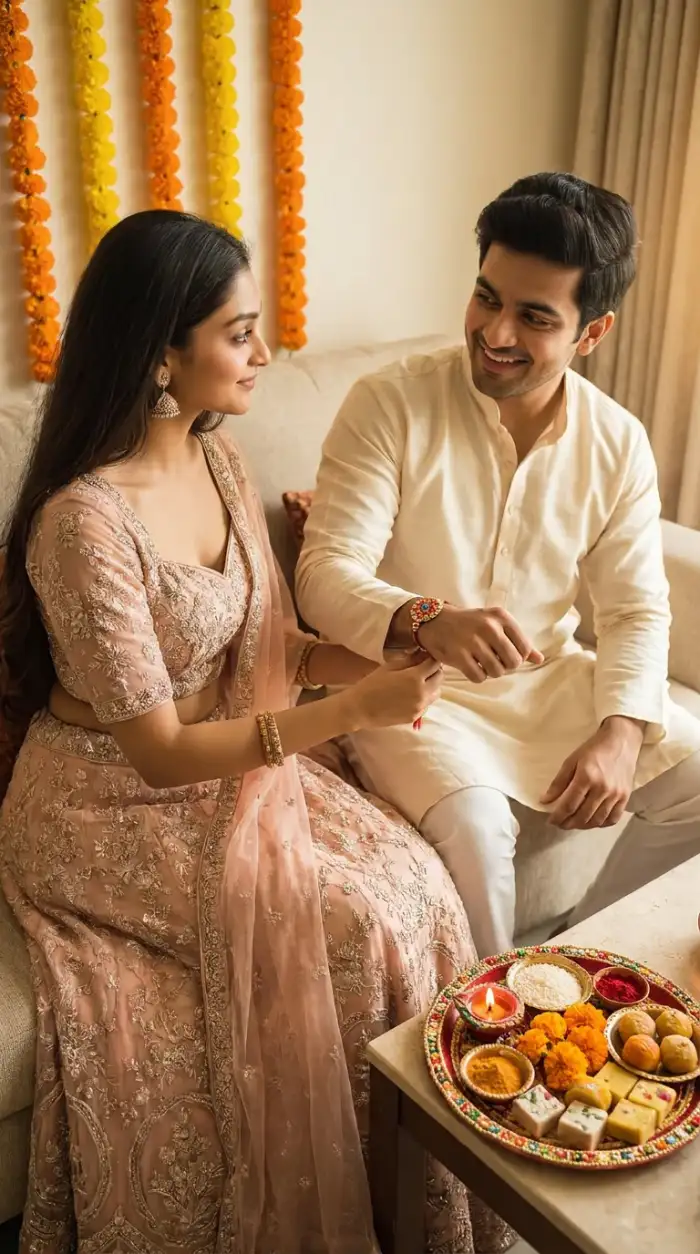
AfterFestive Vibe Raksha Bandhan Photo Editing
Traditional pooja thali scenes. 3D claymation siblings. Ghibli-style festival hugs. Cyberpunk lit rakhi shots. All of these came from regular phone photos and a single Rakhi filter. When you open CoupleLens App, the Raksha Bandhan photo generator is waiting for your own brother or sister photo. Browse. Pick. Generate. When you like the look, open the full library inside the CoupleLens App and pick from thousands of festival-ready templates.
 Before
 After
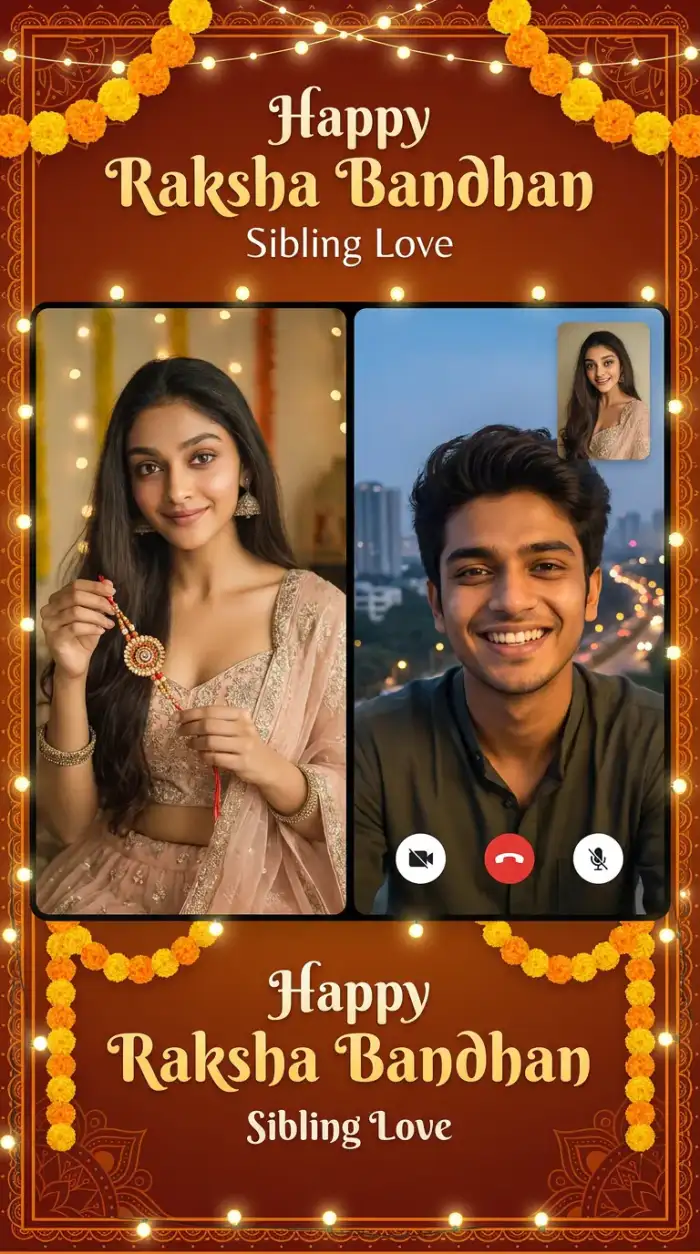
AfterSame Faces Across the Whole Rakhi Drop
You might want a poster, a video, and a greeting card. CoupleLens locks the faces you upload as the source identity. The AI keeps the brother and sister looking like the brother and sister across every output. You get a matching set for the family group chat without telling your sibling to sit for ten shoots. Pick a style, swap a background, change the lighting, and the people stay themselves. That is the kind of consistency older Raksha Bandhan photo editor tools cannot do.
How to Create a Raksha Bandhan Photo in CoupleLens?
Create adorable Raksha Bandhan AI photos in just a few simple steps using our Raksha Bandhan photo editor.

Step 01.
Search CoupleLens in the Google Play Store and tap install. The app is small. It opens straight to the filter library.

Step 02.
Scroll the CoupleLens App filter shelf until you find the Rakhi filter. Tap it. The app shows you what works best.

Step 03.
Wait around ten seconds. The app shows your finished Rakhi image on screen. Your Raksha Bandhan photo editor task just ended.
What Our Users Say About the Raksha Bandhan Photo Editor

Aarav Mehta
I sent my sister the Rakhi video CoupleLens made from our old childhood photo. She called me in five minutes. The motion pass got her right. The Ghibli style was a nice touch. Best Raksha Bandhan photo editor I have tried by far.

Priya Sharma
I uploaded two selfies with my brother and the app kept both our faces. No mixing. No weird skin tone. The rakhi scene actually looks like us. I posted the still on WhatsApp and the video on my Insta Reels. Got more DMs than my actual Rakhi thread.

Rohan Iyer
I am bad at design. I opened the CoupleLens App, picked the Rakhi filter, dropped two photos, and a poster came out in under a minute. My mom thought I paid a designer. The Raksha Bandhan photo editor part is real. The video part is the surprise win.
Sneha Kapoor
As someone who shoots for a living, I am picky. CoupleLens nailed the warm festival palette and kept skin texture clean across the group shot. I use the Raksha Bandhan photo editor inside the app for quick client greeting cards now.
Aarav Mehta
I sent my sister the Rakhi video CoupleLens made from our old childhood photo. She called me in five minutes. The motion pass got her right. The Ghibli style was a nice touch. Best Raksha Bandhan photo editor I have tried by far.
Priya Sharma
I uploaded two selfies with my brother and the app kept both our faces. No mixing. No weird skin tone. The rakhi scene actually looks like us. I posted the still on WhatsApp and the video on my Insta Reels. Got more DMs than my actual Rakhi thread.
Rohan Iyer
I am bad at design. I opened the CoupleLens App, picked the Rakhi filter, dropped two photos, and a poster came out in under a minute. My mom thought I paid a designer. The Raksha Bandhan photo editor part is real. The video part is the surprise win.
Sneha Kapoor
As someone who shoots for a living, I am picky. CoupleLens nailed the warm festival palette and kept skin texture clean across the group shot. I use the Raksha Bandhan photo editor inside the app for quick client greeting cards now.
Aarav Mehta
I sent my sister the Rakhi video CoupleLens made from our old childhood photo. She called me in five minutes. The motion pass got her right. The Ghibli style was a nice touch. Best Raksha Bandhan photo editor I have tried by far.
Priya Sharma
I uploaded two selfies with my brother and the app kept both our faces. No mixing. No weird skin tone. The rakhi scene actually looks like us. I posted the still on WhatsApp and the video on my Insta Reels. Got more DMs than my actual Rakhi thread.
Rohan Iyer
I am bad at design. I opened the CoupleLens App, picked the Rakhi filter, dropped two photos, and a poster came out in under a minute. My mom thought I paid a designer. The Raksha Bandhan photo editor part is real. The video part is the surprise win.
Sneha Kapoor
As someone who shoots for a living, I am picky. CoupleLens nailed the warm festival palette and kept skin texture clean across the group shot. I use the Raksha Bandhan photo editor inside the app for quick client greeting cards now.
Frequently Asked Questions
Find clear answers to common questions and get the guidance you need to make the most of our AI Rakhi card templates you can swap names on.
More Topics You May Like
Raksha Bandhan season is wide. CoupleLens covers more than the main sibling photo. Look at these related ideas.
15 August Photo AI Generator: Independence Day Pictures by CoupleLens
World Cup 2026 Prompt: Create FIFA Fan Art, Jersey Edits & Stadium Posters | CoupleLens
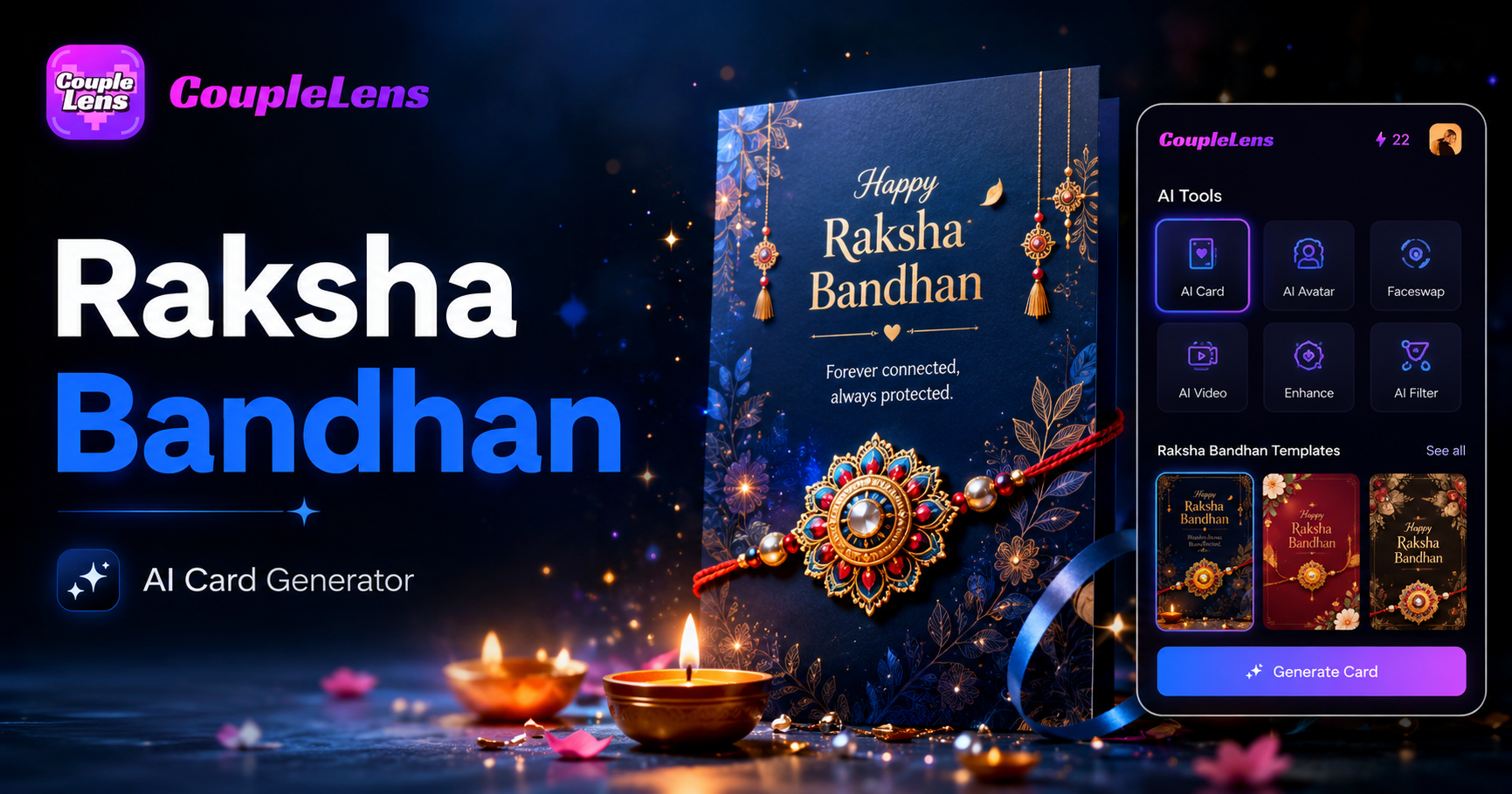
AI Raksha Bandhan Card Design Generator | CoupleLens
AI Chibi Cartoon Video Effect: Make Cute Anime Videos With CoupleLens
15 August Photo AI Generator: Independence Day Pictures by CoupleLens
World Cup 2026 Prompt: Create FIFA Fan Art, Jersey Edits & Stadium Posters | CoupleLens
AI Raksha Bandhan Card Design Generator | CoupleLens
AI Chibi Cartoon Video Effect: Make Cute Anime Videos With CoupleLens
Your Brother or Sister Is Waiting for a Real Rakhi Photo This Year
Stop sending frame stickers. Open CoupleLens on Google Play. Drop in a photo. Pick the Rakhi filter. The Raksha Bandhan photo editor that lives in your pocket is one tap away.
Your Brother or Sister Is Waiting for a Real Rakhi Photo This Year
Stop sending frame stickers. Open CoupleLens on Google Play. Drop in a photo. Pick the Rakhi filter. The Raksha Bandhan photo editor that lives in your pocket is one tap away.