World Cup 2026 Prompt

Top World Cup 2026 Filters to Try First in CoupleLens
Three CoupleLens World Cup 2026 filters are live. Each one runs a full FIFA fan scene in 20 seconds.
Key Features of World Cup 2026 Fan Art in CoupleLens
CoupleLens covers every World Cup 2026 fan moment in one mobile app. The filters handle the heavy lifting so you never touch a prompt.
 Before
 After
AfterAI National Team Fan Portrait
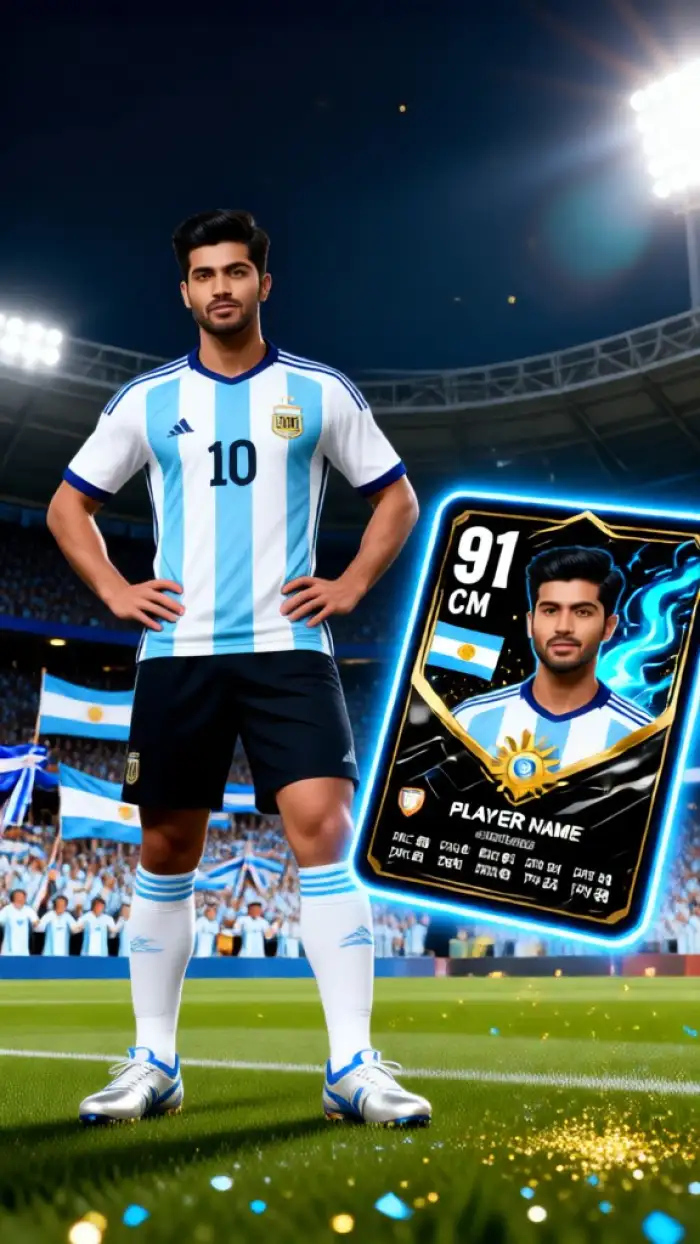
Drop a selfie into the CoupleLens World Cup 2026 portrait filter. The AI keeps your face while dressing you in a national team jersey. Add face paint, a scarf, or a floodlit stadium background in one tap. The result looks like a real match day photo, not a stiff edit. Football fans can swap teams in seconds without writing a single World Cup 2026 prompt.
BeforeAfterAI National Team Fan Portrait
Drop a selfie into the CoupleLens World Cup 2026 portrait filter. The AI keeps your face while dressing you in a national team jersey. Add face paint, a scarf, or a floodlit stadium background in one tap. The result looks like a real match day photo, not a stiff edit. Football fans can swap teams in seconds without writing a single World Cup 2026 prompt.
Cinematic Match Day Poster and Video
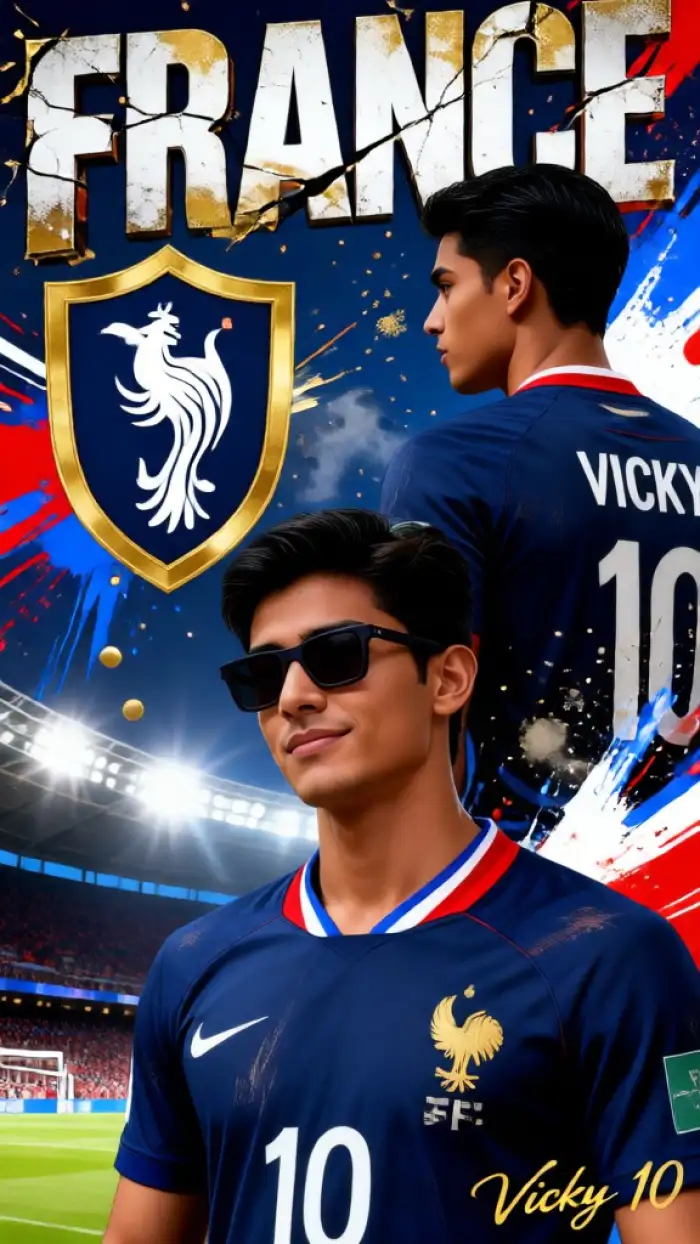
Want a vertical poster for the timeline? Pick the CoupleLens cinematic match day filter. The AI drops you into a packed stadium, golden hour light, confetti flying, and your team colors on every banner. Tap once more and the scene animates into a short celebration video. Output ratio is ready for Instagram, TikTok, or a phone wallpaper, with no World Cup 2026 prompt on your end.
Cinematic Match Day Poster and Video
Want a vertical poster for the timeline? Pick the CoupleLens cinematic match day filter. The AI drops you into a packed stadium, golden hour light, confetti flying, and your team colors on every banner. Tap once more and the scene animates into a short celebration video. Output ratio is ready for Instagram, TikTok, or a phone wallpaper, with no World Cup 2026 prompt on your end.
 Before
 After
AfterMulti-Person Fan Group Photo
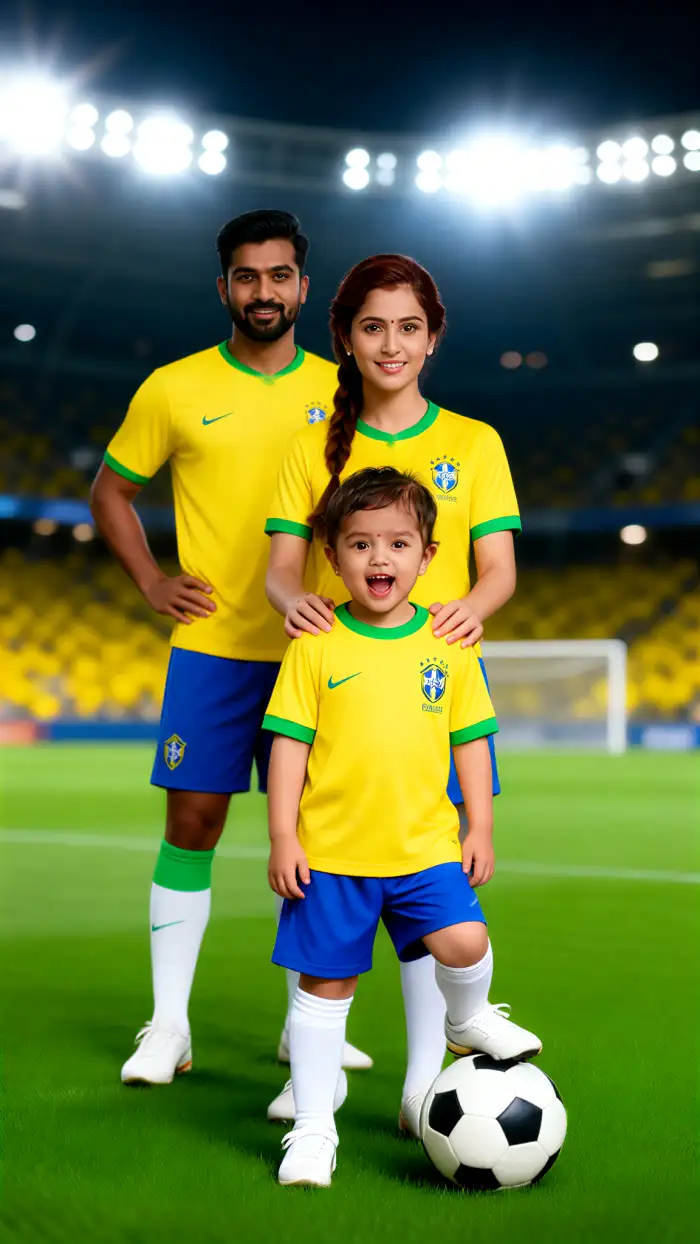
Planning a watch party or fan club selfie? Upload a group shot into the CoupleLens multi-person filter. The AI maps each face and dresses every fan in matching World Cup 2026 jerseys or different national kits. Hugging, cheering, holding scarves, the scene stays clean. No mixed faces, no missing friends, no FIFA World Cup 2026 AI prompts required.
BeforeAfterMulti-Person Fan Group Photo
Planning a watch party or fan club selfie? Upload a group shot into the CoupleLens multi-person filter. The AI maps each face and dresses every fan in matching World Cup 2026 jerseys or different national kits. Hugging, cheering, holding scarves, the scene stays clean. No mixed faces, no missing friends, no FIFA World Cup 2026 AI prompts required.
How to Create a World Cup 2026 Fan Posters?
The CoupleLens mobile app is the only place where the full World Cup 2026 filter set lives.

Step 01.
Grab the CoupleLens app from Google Play and open it on your phone. Sign in takes one tap.

Step 02.
Pick the national team portrait, cinematic match day poster, or group fan photo filter. Each filter already carries the prompt logic, so you do not write any text.

Step 03.
Download the result, or post it straight to TikTok, Instagram, or your favorite fan page. Your World Cup 2026 fan art is live before kickoff.
Why Use CoupleLens for World Cup 2026 Prompts
Other World Cup 2026 prompt tools make you copy long text and paste it into a model. CoupleLens skips the prompt step. Pick a filter, upload a photo, and the app handles lighting, jersey, face lock, and stadium scene. Output lands in 20 seconds, ready for any social platform. Football fans get more posts, less typing.

CoupleLens App Walkthrough
Two clips show how to pick a filter, upload a photo, and share a World Cup 2026 fan portrait within seconds.
Frequently Asked Questions
Quick answers about how CoupleLens handles World Cup 2026 prompts, fan portraits, jerseys, and match day videos inside the mobile app.
More Topics You May Like
Explore more topics you may like and discover fresh ideas tailored to your interests.
Ai Chibi Cartoon Video Effect
Ai Buzz Cut Filter
Try On Piercings
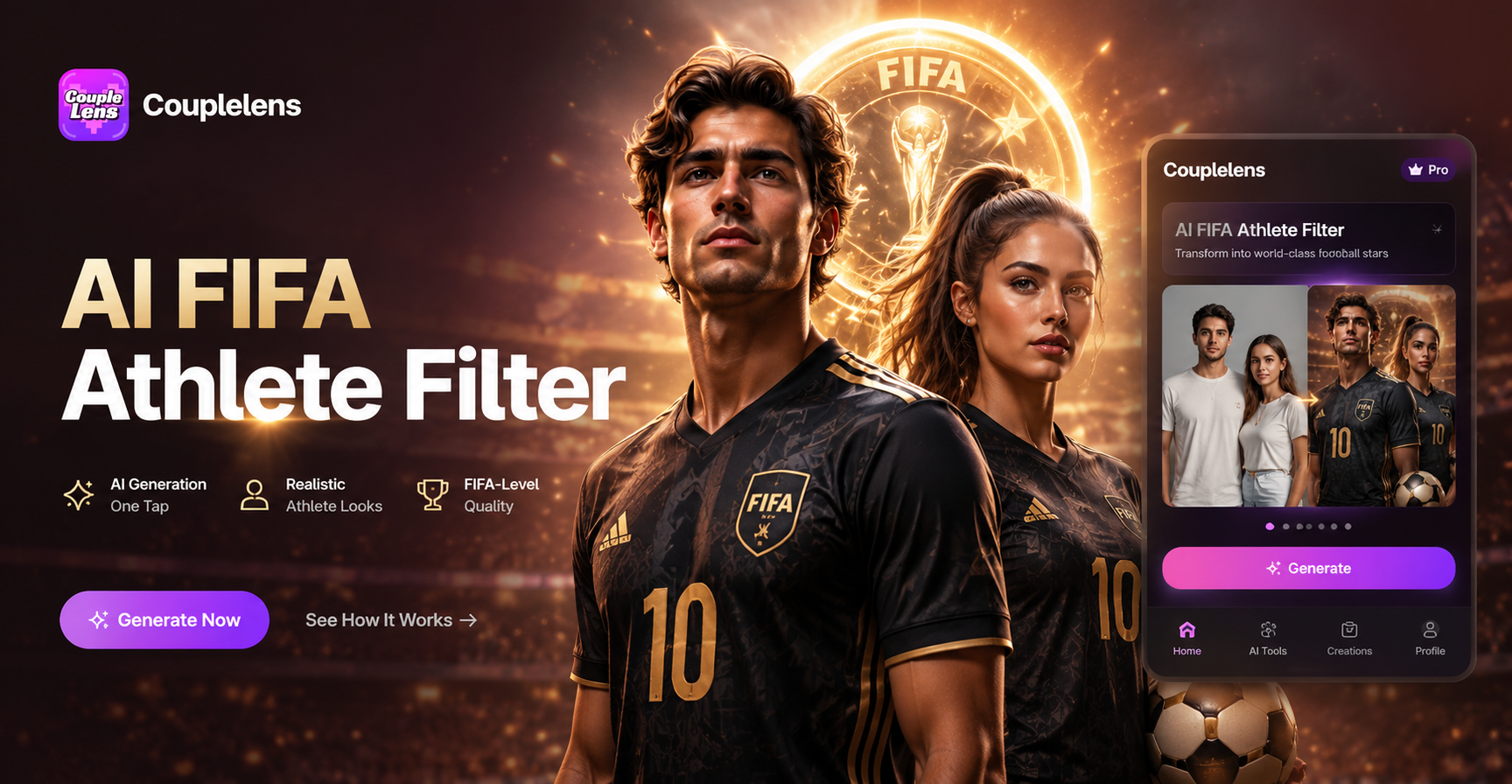
Ai Fifa Athlete Filter
Ai Chibi Cartoon Video Effect
Ai Buzz Cut Filter
Try On Piercings
Ai Fifa Athlete Filter
Score Big with CoupleLens This World Cup 2026
Download the CoupleLens app, pick a World Cup 2026 filter, and post your fan art before kickoff. Football is better in CoupleLens.
Score Big with CoupleLens This World Cup 2026
Download the CoupleLens app, pick a World Cup 2026 filter, and post your fan art before kickoff. Football is better in CoupleLens.