AI Buzz Cut Filter
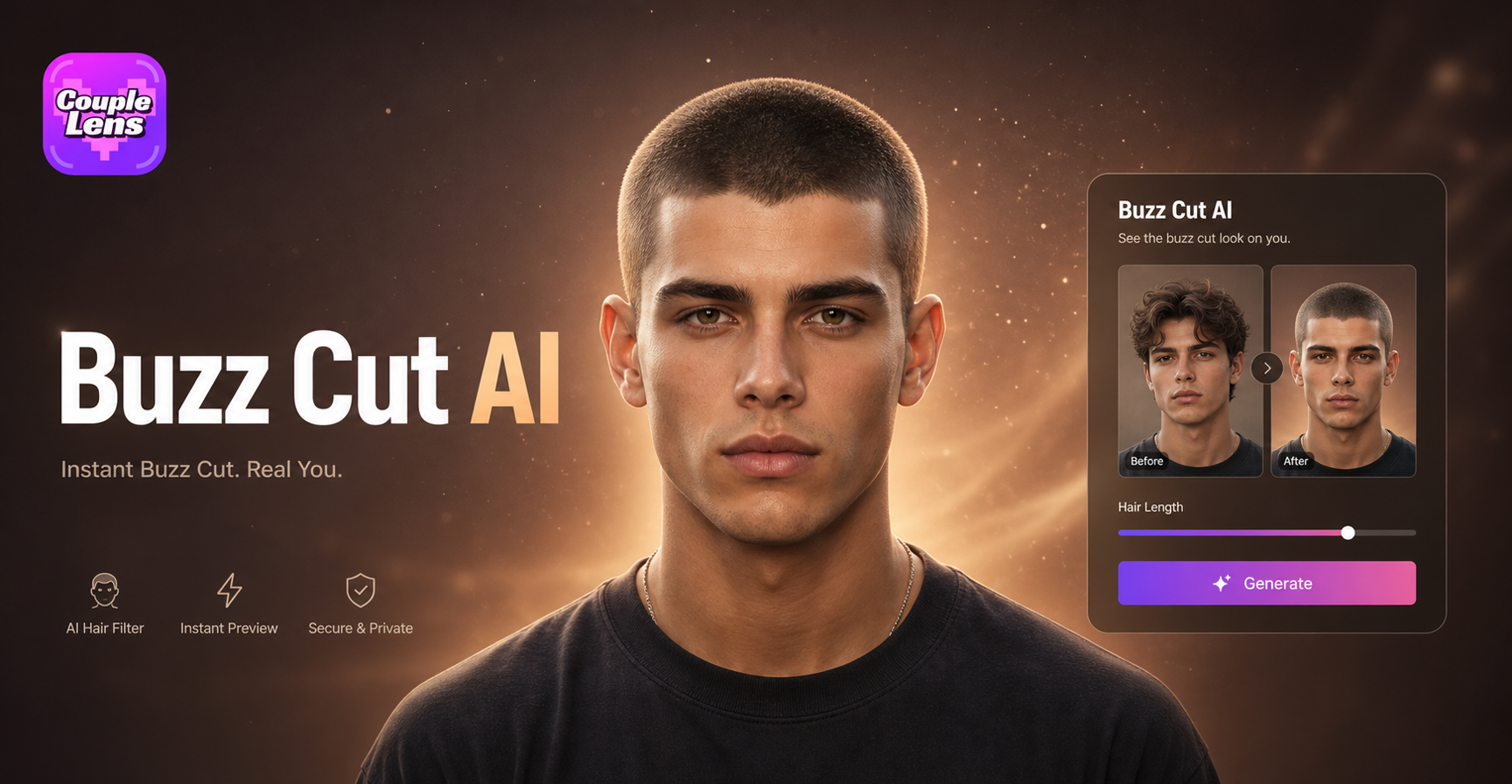
buzz cut



Watch a Real Buzz Cut Try-On on CoupleLens
See how creators use CoupleLens. Great way to see the face lock and the video output in action on CoupleLens.
Key Features of AI Buzz Cut Filter on CoupleLens
Three things make the CoupleLens buzz cut filter feel different from a basic photo editor.
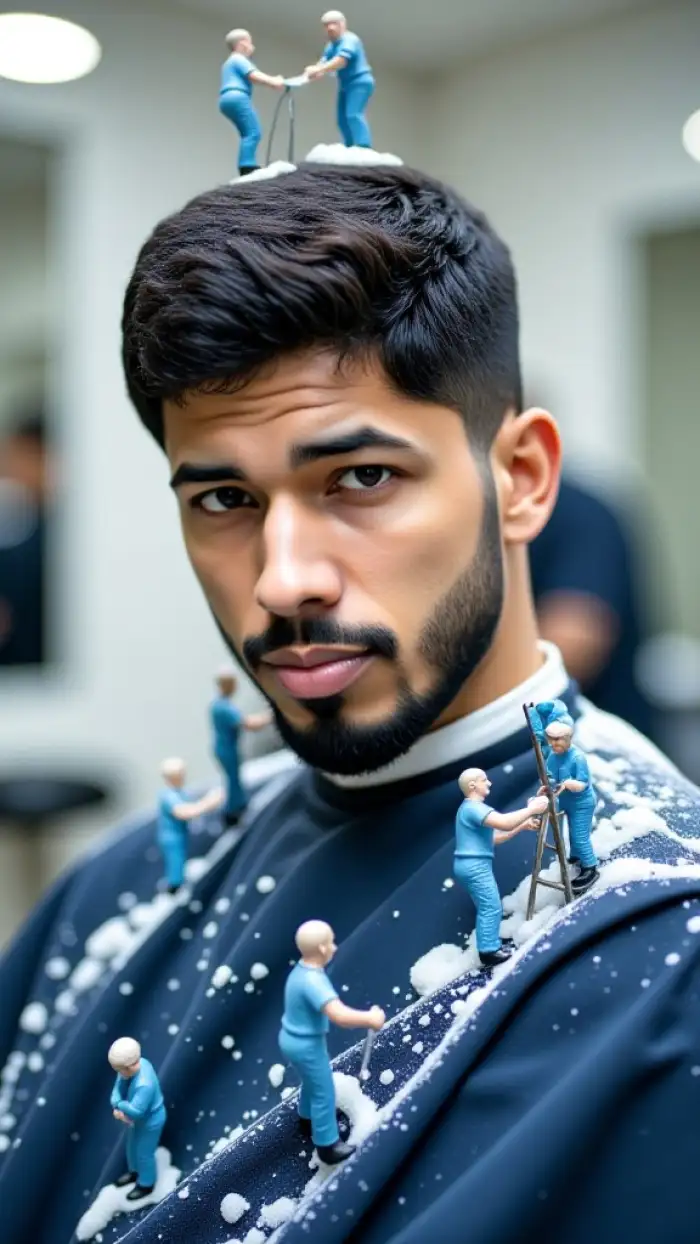
25,000+ Buzz Cut Style Templates
oupleLens packs over 25,000 ready-to-use templates, so buzz cut is just the start. Try a tight military fade, a soft crew cut, a bald fade, or a skin blade look in the same session. Every template is one tap. No prompt writing. No slider tweaking. The app just swaps the look and keeps your face intact, so picking between styles feels like flipping through a barber's lookbook.
 Before
 After
AfterFace-Lock Character Consistency
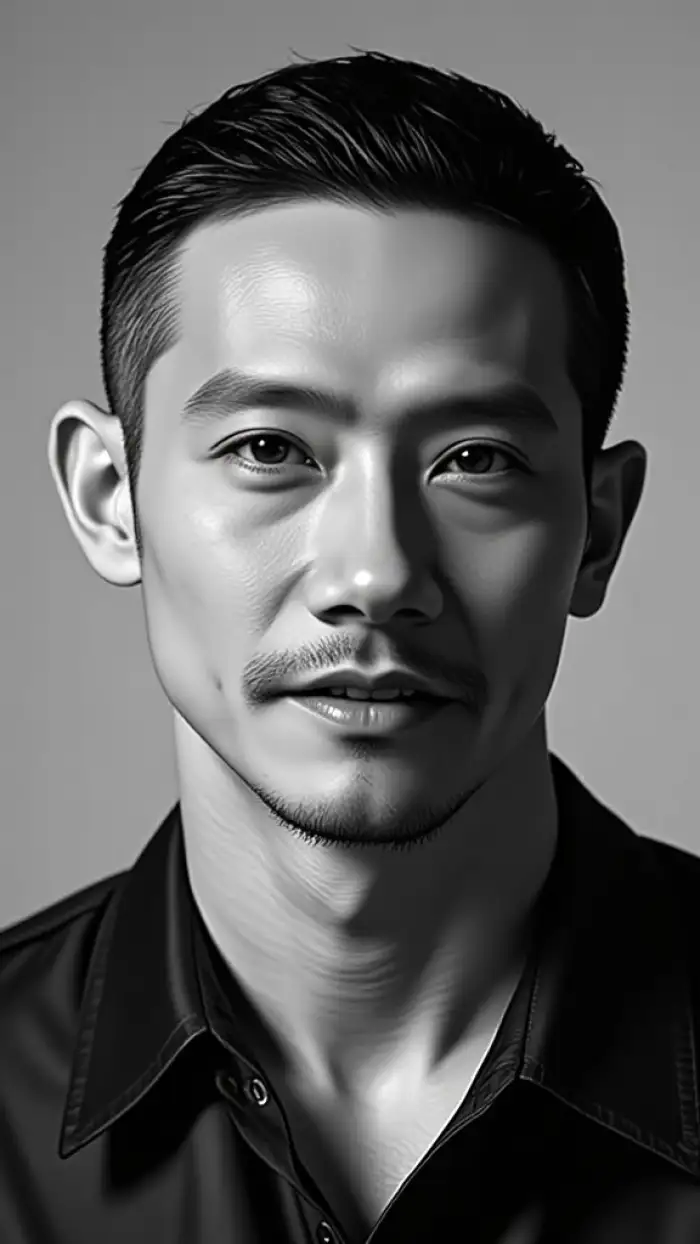
Most face filters melt your jaw into a stranger. The CoupleLens face lock keeps your eye shape, skin tone, hairline, and bone structure. Upload one photo, and the AI buzz cut filter on CoupleLens produces a series of cuts that still look like you. Great for a side-by-side reel or a poll with friends.
 Before
 After
AfterRealistic Buzz Cut Hairstyle
CoupleLens generates a preview of your new cut, so you can see how the buzz naturally sits on your head without going to a salon. The same AI buzz cut filter free of charge also handles different types of buzz cut hairstyles, so you can try on different haircuts just like you really have your hair cut in the salon. It is the closest thing to looking in a mirror without actually cutting your hair.
How to Create Your AI Buzz Cut on CoupleLens?
See your AI buzz cut new look in just a few simple steps using our powerful platform.

Step 01.
Get started by downloading our app to easily generate AI buzz cut images anytime, anywhere.

Step 02.
Open the app, tap a buzz cut filter, upload one clear front-facing photo, and hit generate.

Step 03.
Save the buzz cut image or video to your phone, or post it straight to TikTok, Reels, or Shorts.
Why Use CoupleLens for Your AI Buzz Cut Filter?
The free buzz cut tools online all show you a flat photo. CoupleLens shows you a video, keeps your face, and gives you 25,000+ looks to flip through. You get a buzz cut preview that moves, a result that looks like you, and a one-tap share to social. No salon booking. No bad haircut day. Just a quick, fun way to test a buzz cut filter free before you commit. The mobile app also lets you save a private version, so nobody sees the try-on unless you post it yourself.
What Our Users Say about AI Buzz Cut Filter on CoupleLens
Saves a lot of mirror time using CoupleLens App.
I tell every nervous client to run their face through the AI buzz cut filter free on CoupleLens before they sit down. The face lock is the real deal. It keeps the bone structure right, so the buzz cut on the screen actually looks like the cut I am about to do.
I sat with the result for a week, then walked into the barber and asked for exactly what I saw.
I have been growing my hair out for four years and got scared the second I thought about chopping it. CoupleLens let me run a buzz cut filter free in like fifteen seconds. I tried three looks in a row, sent the video to my group chat, and finally felt brave enough to book the cut.
The CoupleLens app keeps the AI buzz cut filter try-on on my own profile.
Most filters freeze your face in one pose. The CoupleLens buzz cut video feature is the only one I have seen that animates the head turn. I drop the result into a Reel, ask my followers to vote yes or no, and the comments do the rest of the work for me.
Frequently Asked Questions
Find clear answers to common questions and get the guidance you need to use AI buzz cut filters.
More Topics You May Like
Explore more topics you may like and discover fresh ideas tailored to your interests.
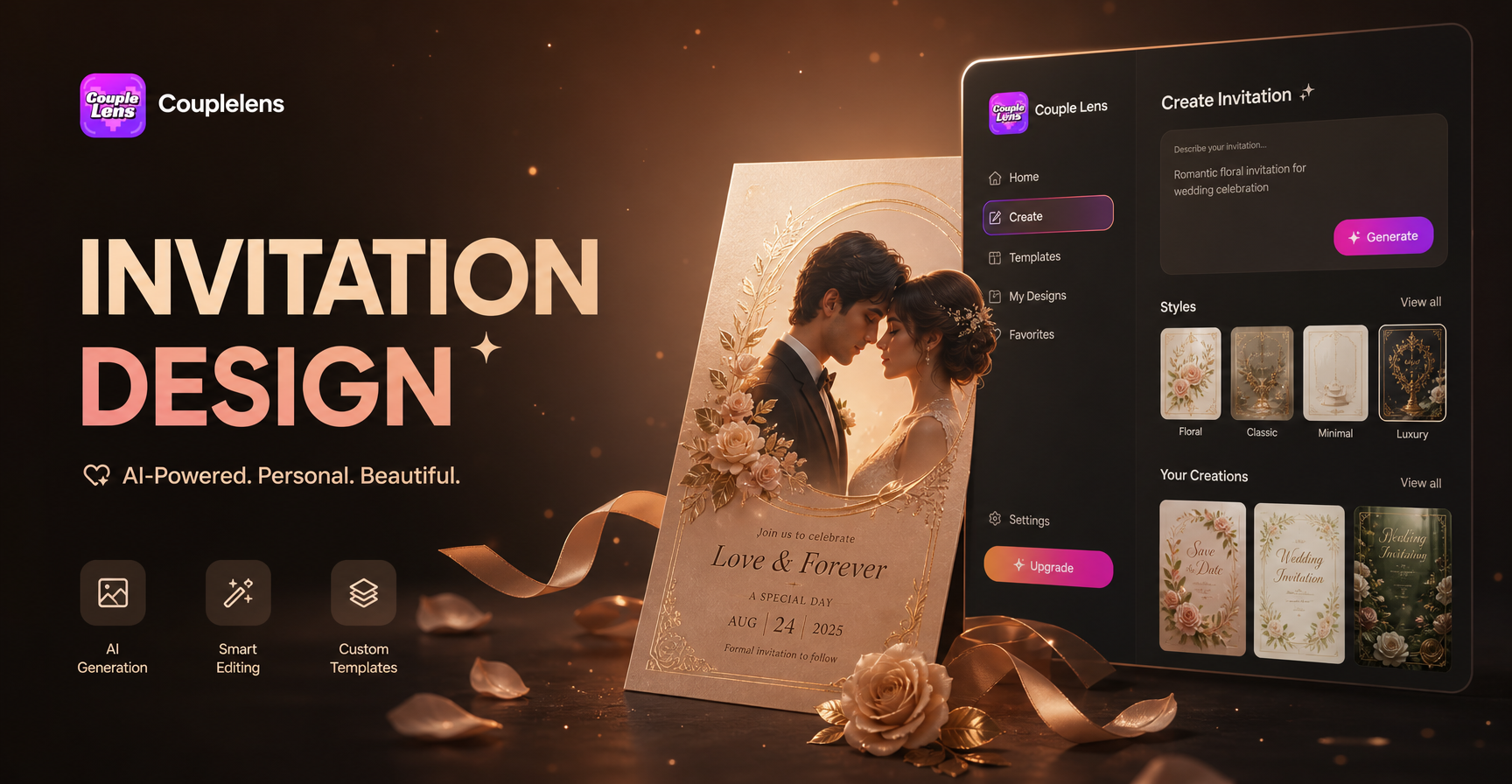
Invitation Card Design
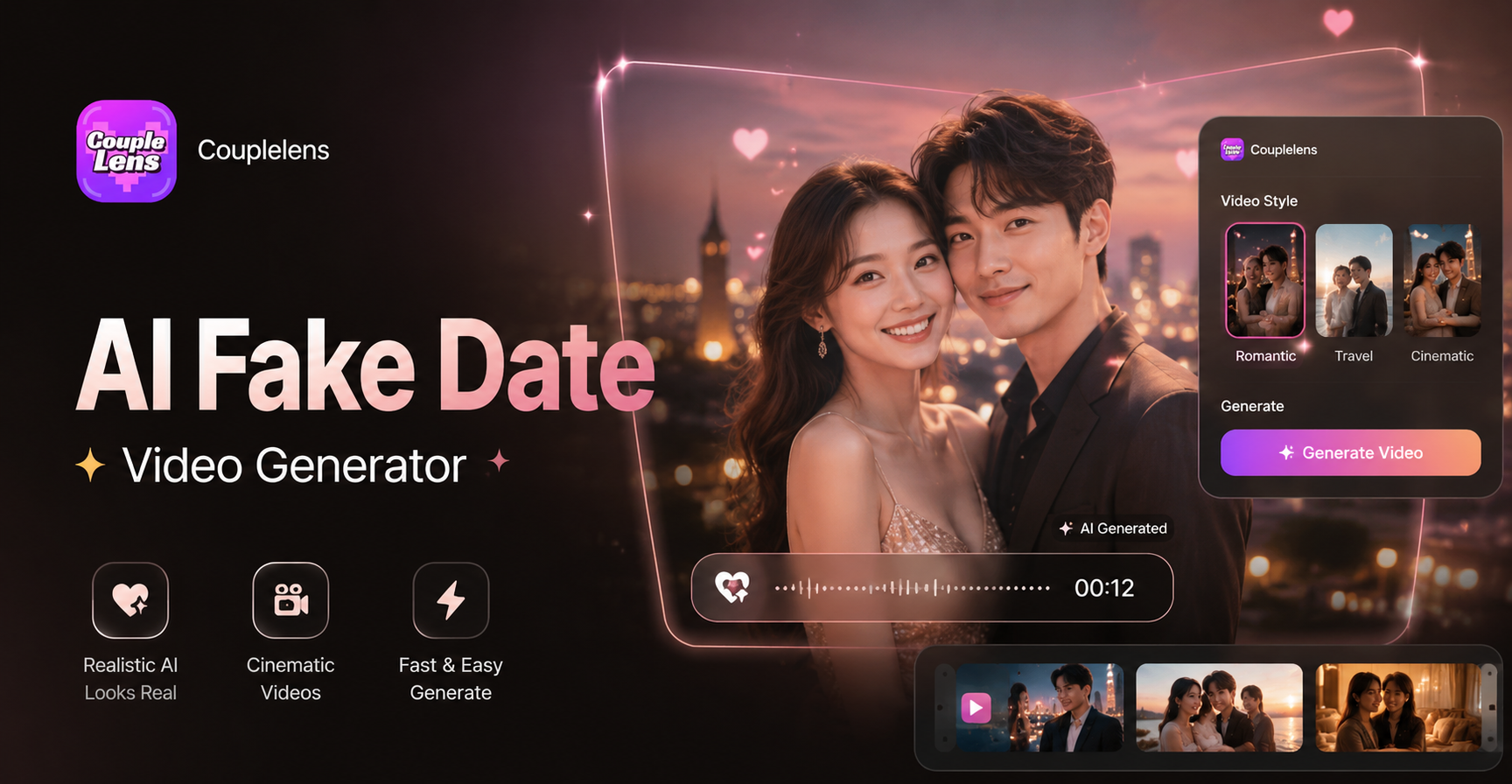
AI Fake Date Video Generator
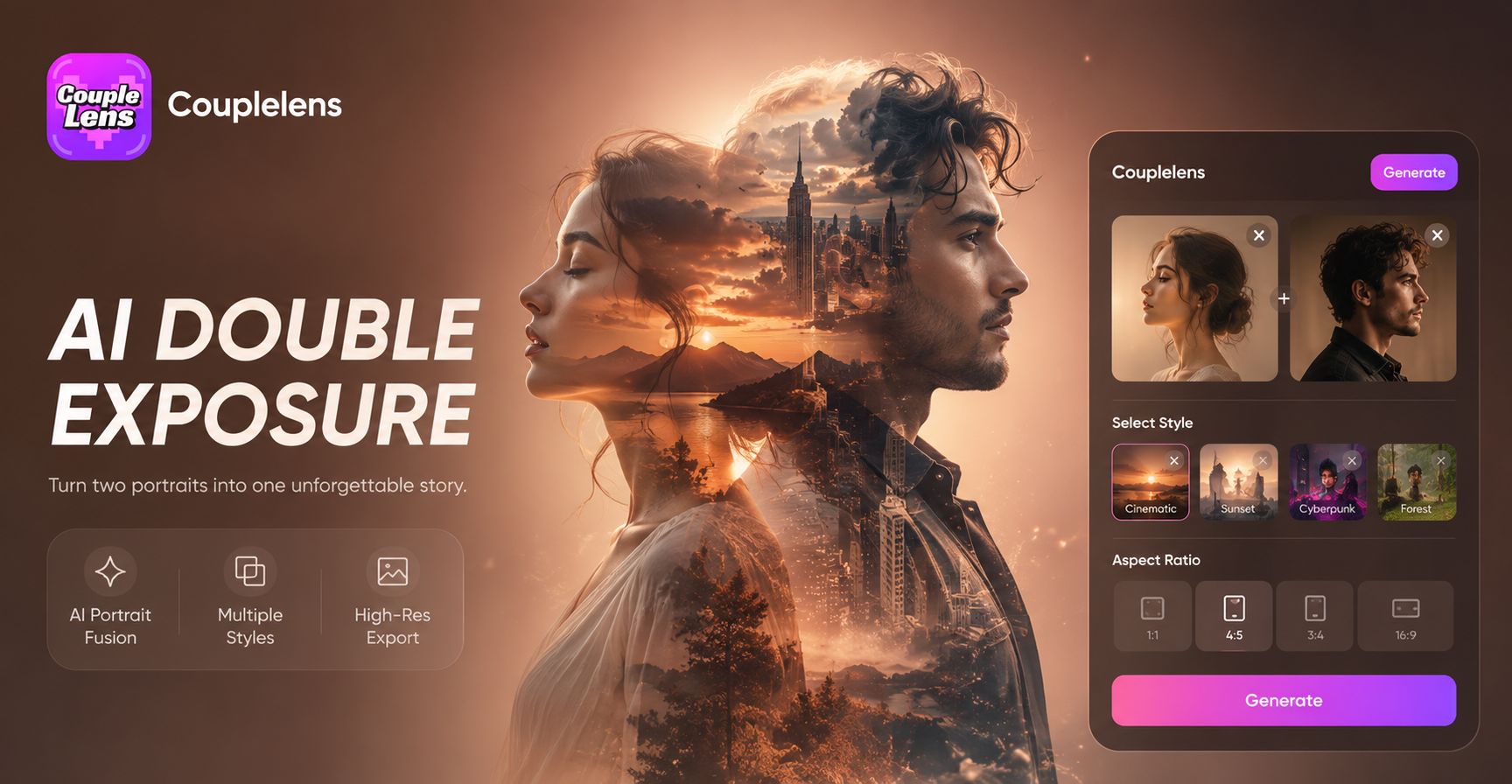
AI Double Exposure Portrait
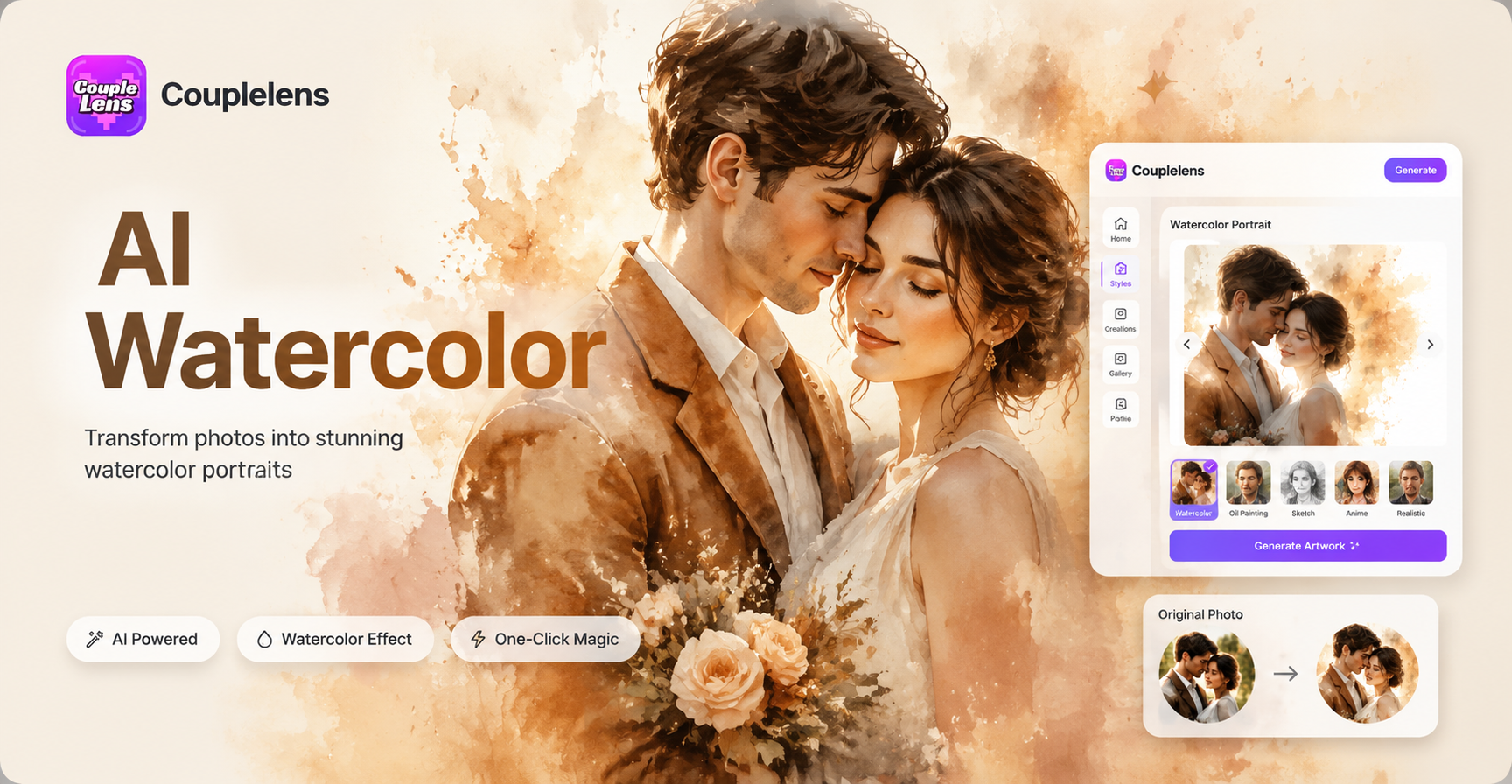
AI Watercolor Portrait Effect
Invitation Card Design
AI Fake Date Video Generator
AI Double Exposure Portrait
AI Watercolor Portrait Effect
Get Your Buzz Cut Video in 10 Seconds
Download CoupleLens, pick a buzz cut filter, and see the cut on your own face before the barber ever does.
Get Your Buzz Cut Video in 10 Seconds
Download CoupleLens, pick a buzz cut filter, and see the cut on your own face before the barber ever does.