AI Double Exposure Portrait
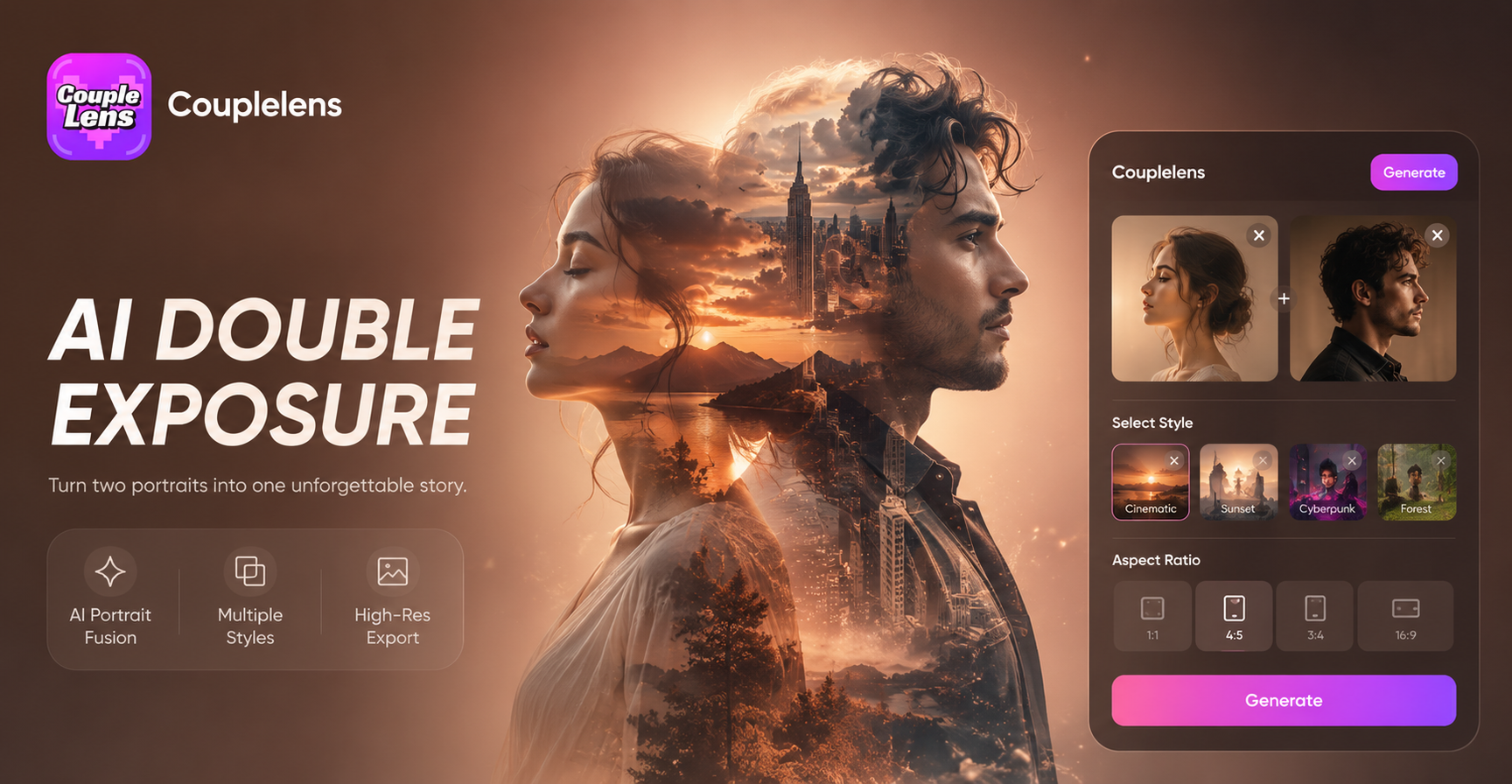
Pick a Double Exposure Filter and Start Creating
Tap a style below to open it in the App and start your AI photo editor to create double exposure portraits.
Key Features of the AI Double Exposure Portrait
CoupleLens is built as a mobile AI photo editor to create double exposure portraits without prompt writing. E
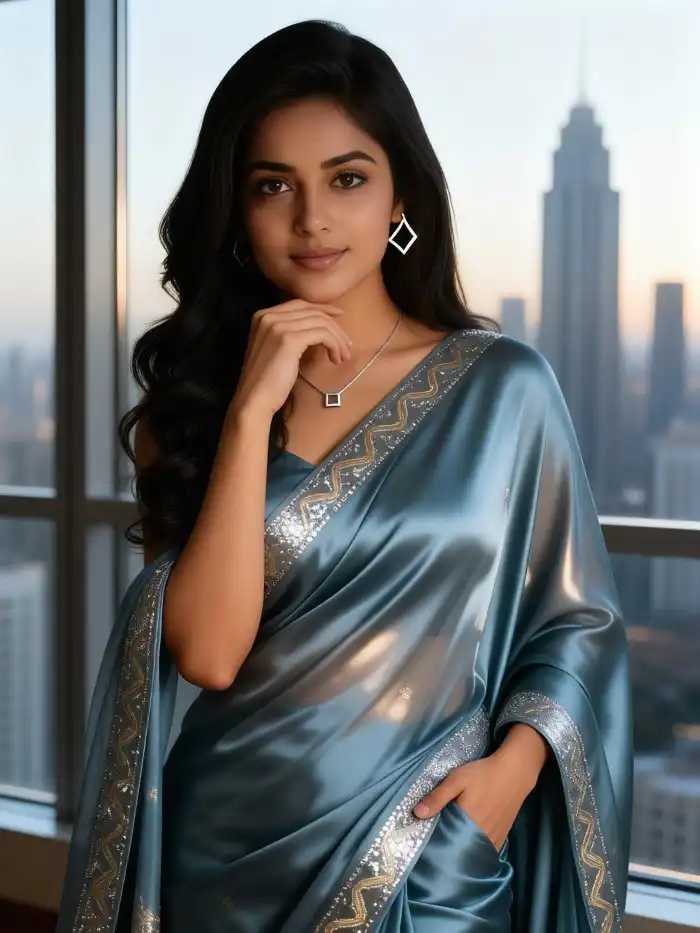 Before
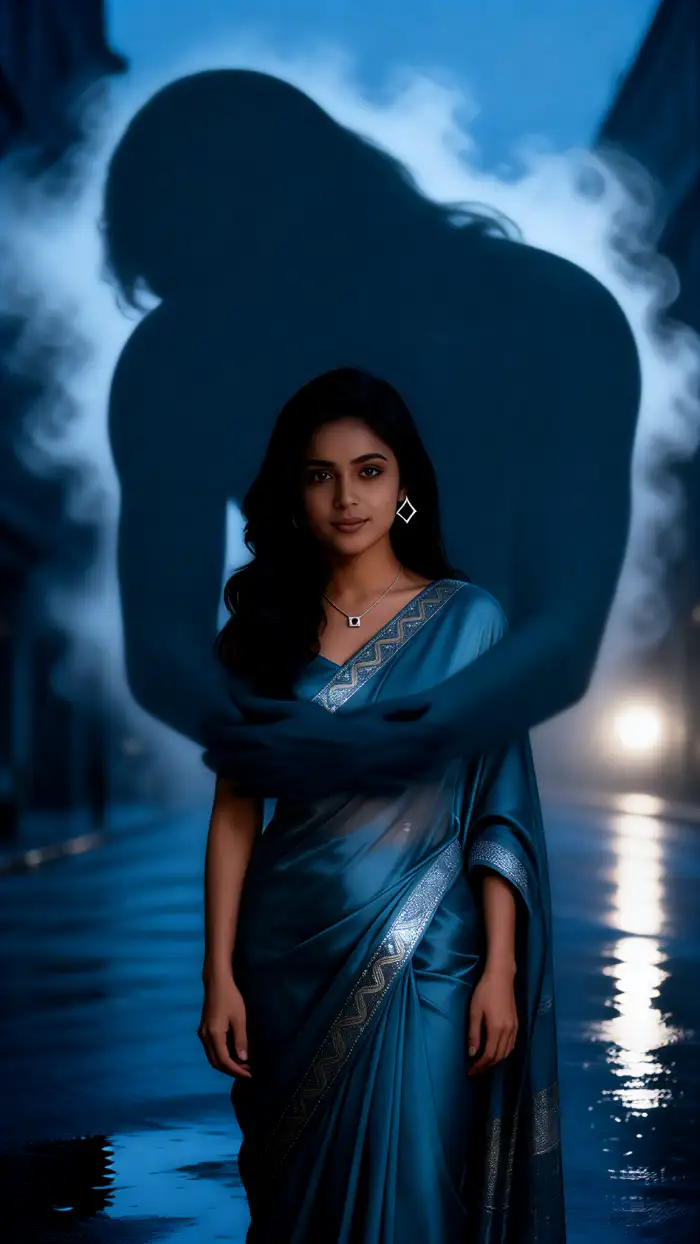 After
AfterOne Tap Double Exposure Filters
Instead of writing a long English prompt about forests, oceans, or galaxies, CoupleLens hands you nine curated double exposure filters. Each filter is a trained style template. You only pick the look you want. The filter does the rest. This is the fastest path from a normal selfie to a cinematic AI double exposure portrait, even if you have never opened an editing app before.
BeforeAfterOne Tap Double Exposure Filters
Instead of writing a long English prompt about forests, oceans, or galaxies, CoupleLens hands you nine curated double exposure filters. Each filter is a trained style template. You only pick the look you want. The filter does the rest. This is the fastest path from a normal selfie to a cinematic AI double exposure portrait, even if you have never opened an editing app before.
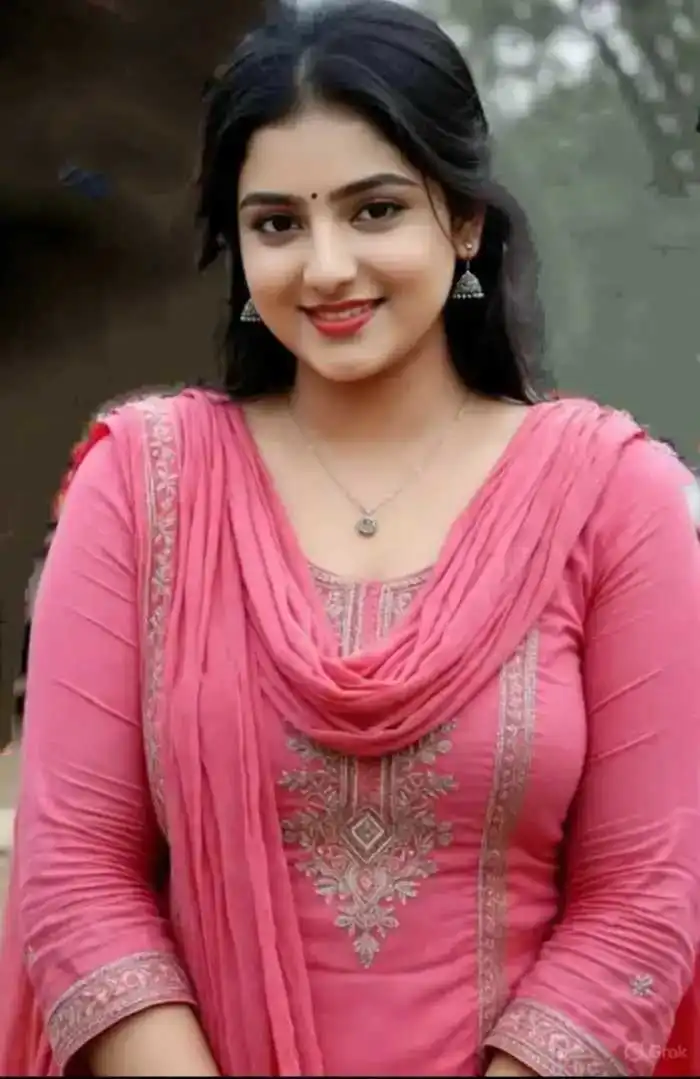 Before
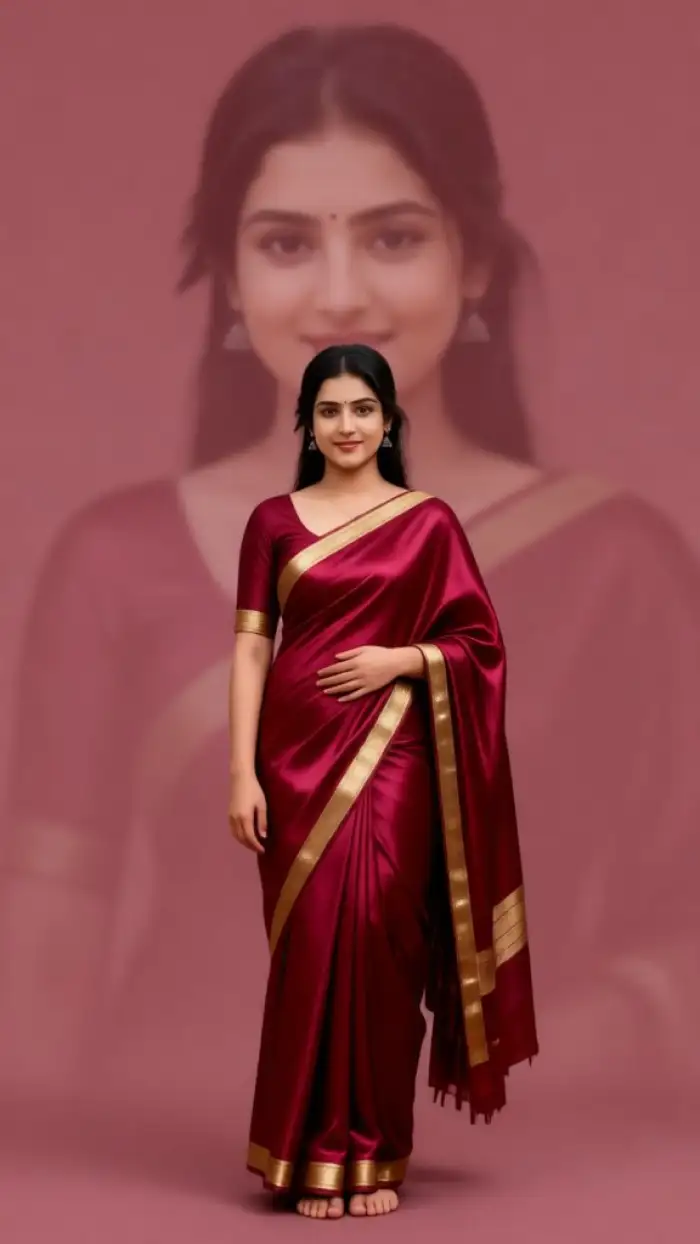 After
AfterFast Double Exposure Portrait Creation
CoupleLens is a mobile first App. You do not need to sit at a computer. You do not need a VPN. You do not need to top up credits on a stranger site. Open the App, upload one clear photo, tap a filter, and the result lands in about ten to twenty seconds. That speed turns a quick coffee break into a finished portrait worth posting.
BeforeAfterFast Double Exposure Portrait Creation
CoupleLens is a mobile first App. You do not need to sit at a computer. You do not need a VPN. You do not need to top up credits on a stranger site. Open the App, upload one clear photo, tap a filter, and the result lands in about ten to twenty seconds. That speed turns a quick coffee break into a finished portrait worth posting.
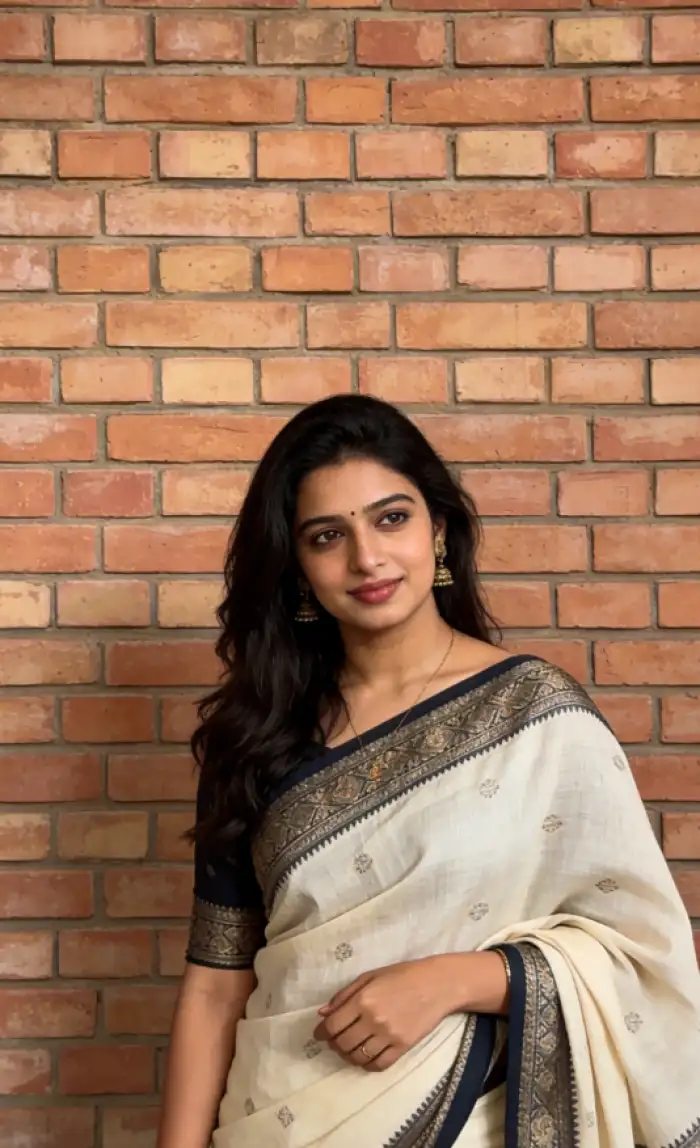 Before
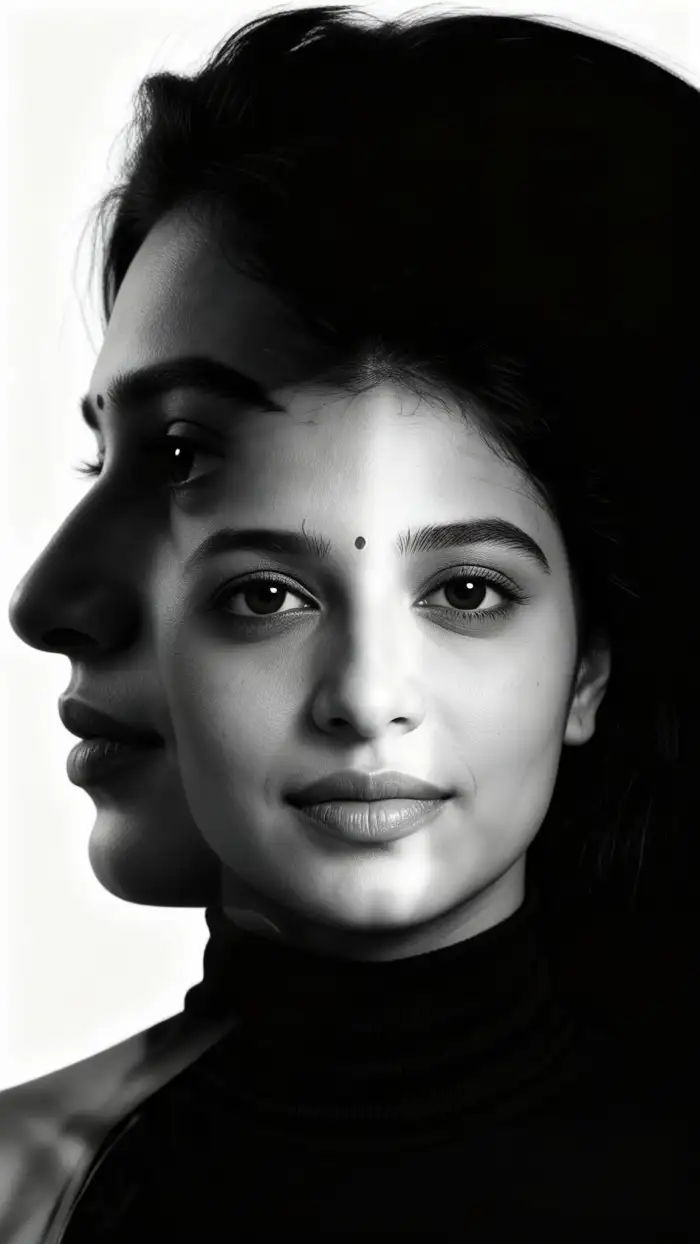 After
AfterFace Consistency and Accuracy
The double exposure effect can easily ruin a face. CoupleLens keeps facial features, hair shape, and identity stable inside the silhouette. Group photos also work. Upload your selfie or friend shot, and the AI identifies the face accurately even when wrapped in mountains, city lights, or stars. No melted faces. No missing friends.
BeforeAfterFace Consistency and Accuracy
The double exposure effect can easily ruin a face. CoupleLens keeps facial features, hair shape, and identity stable inside the silhouette. Group photos also work. Upload your selfie or friend shot, and the AI identifies the face accurately even when wrapped in mountains, city lights, or stars. No melted faces. No missing friends.
How to Create an AI Double Exposure Portrait?
Create beautiful AI double exposure portrait images in just a few simple steps using our powerful platform.

Step 01.
Grab CoupleLens from the Google Play. Sign up free. Open the double exposure category in the filter library.

Step 02.
Pick a clear photo of your face or side profile from your camera roll. Tap the chosen double exposure filter.

Step 03.
Save the finished AI double exposure portrait to your phone. Post it to Instagram, TikTok, or set it as your profile picture.
What Our Users Say About CoupleLens Double Exposure

Marcus Whitfield
I needed an album cover fast and had zero Photoshop skills. CoupleLens let me pick the Volcanic Fire double exposure filter, drop in a side profile, and the cover was ready before my coffee got cold. Looks like a real movie poster. Honestly wild for a phone App.
Aisha Rahman
I post a lot on Instagram and was tired of the same presets every blogger uses. The Galaxy Sky and Bokeh Light filters in CoupleLens gave my feed a brand new mood. Took me maybe thirty seconds per shot. Way easier than writing prompts on those website tools.
Daniel Kovac
I started using CoupleLens for quick previews to send clients before the final edits. The face stays clean and the scene blend looks real. Clients love seeing themselves wrapped in cherry blossoms before the wedding day. Huge time saver for mood boards and save the dates.
Priya Natarajan
I am not a designer at all. I just wanted a cool profile pic for my study group chat. The Misty Mountain double exposure filter in CoupleLens turned my boring dorm selfie into something that looks like a movie still. Friends keep asking which app I used.
Marcus Whitfield
I needed an album cover fast and had zero Photoshop skills. CoupleLens let me pick the Volcanic Fire double exposure filter, drop in a side profile, and the cover was ready before my coffee got cold. Looks like a real movie poster. Honestly wild for a phone App.
Aisha Rahman
I post a lot on Instagram and was tired of the same presets every blogger uses. The Galaxy Sky and Bokeh Light filters in CoupleLens gave my feed a brand new mood. Took me maybe thirty seconds per shot. Way easier than writing prompts on those website tools.
Daniel Kovac
I started using CoupleLens for quick previews to send clients before the final edits. The face stays clean and the scene blend looks real. Clients love seeing themselves wrapped in cherry blossoms before the wedding day. Huge time saver for mood boards and save the dates.
Priya Natarajan
I am not a designer at all. I just wanted a cool profile pic for my study group chat. The Misty Mountain double exposure filter in CoupleLens turned my boring dorm selfie into something that looks like a movie still. Friends keep asking which app I used.
Marcus Whitfield
I needed an album cover fast and had zero Photoshop skills. CoupleLens let me pick the Volcanic Fire double exposure filter, drop in a side profile, and the cover was ready before my coffee got cold. Looks like a real movie poster. Honestly wild for a phone App.
Aisha Rahman
I post a lot on Instagram and was tired of the same presets every blogger uses. The Galaxy Sky and Bokeh Light filters in CoupleLens gave my feed a brand new mood. Took me maybe thirty seconds per shot. Way easier than writing prompts on those website tools.
Daniel Kovac
I started using CoupleLens for quick previews to send clients before the final edits. The face stays clean and the scene blend looks real. Clients love seeing themselves wrapped in cherry blossoms before the wedding day. Huge time saver for mood boards and save the dates.
Priya Natarajan
I am not a designer at all. I just wanted a cool profile pic for my study group chat. The Misty Mountain double exposure filter in CoupleLens turned my boring dorm selfie into something that looks like a movie still. Friends keep asking which app I used.
Watch How an AI Double Exposure Portrait Comes Together
These videos show how real users turn one selfie into a full AI double exposure portrait inside CoupleLens, using the same AI filters.
Frequently Asked Questions
Quick answers about how the AI photo editor to create double exposure portraits works inside CoupleLens.
More Topics You May Like
Want more ways to remix your selfies with CoupleLens? Bring new moods to every photo.
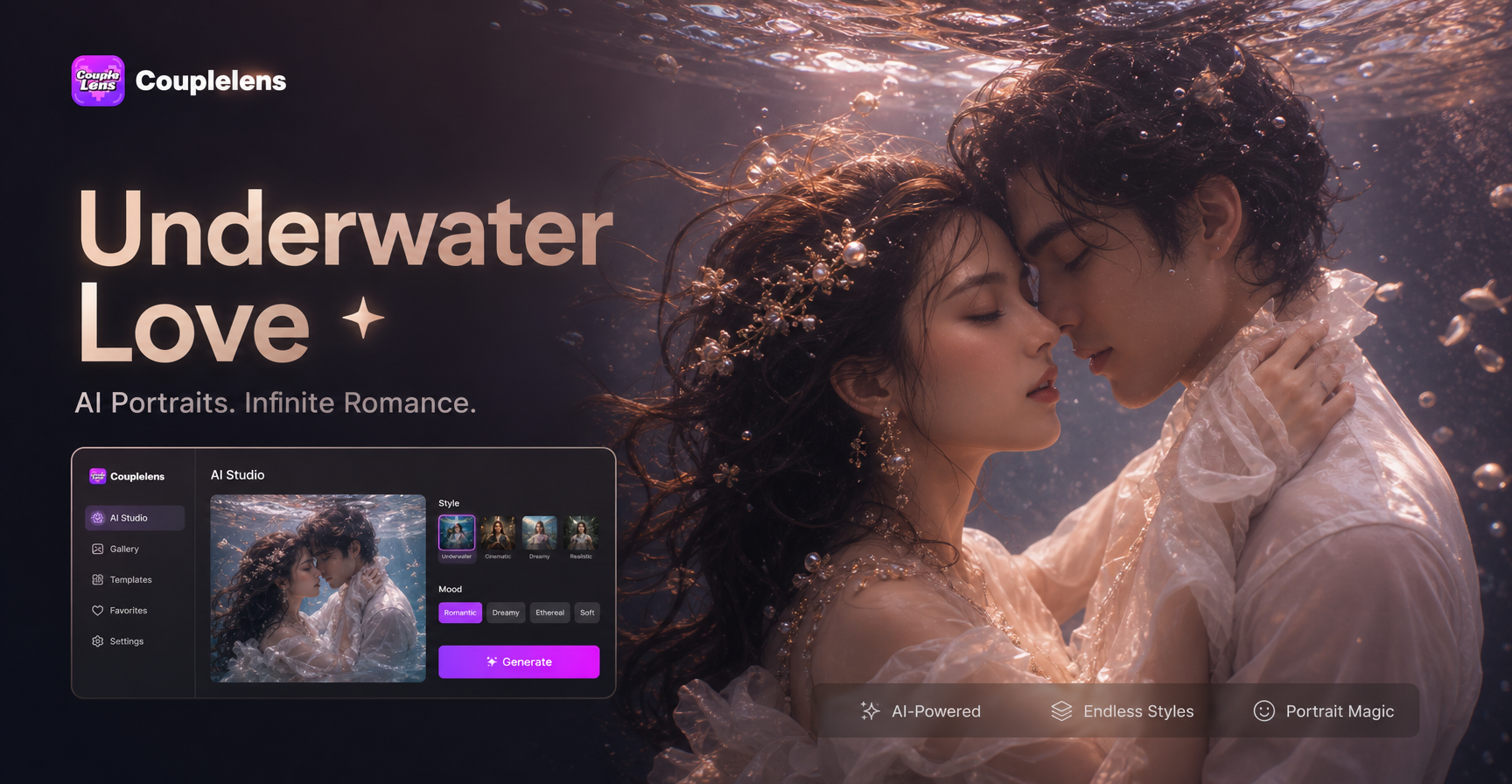
Underwater Couple Portrait
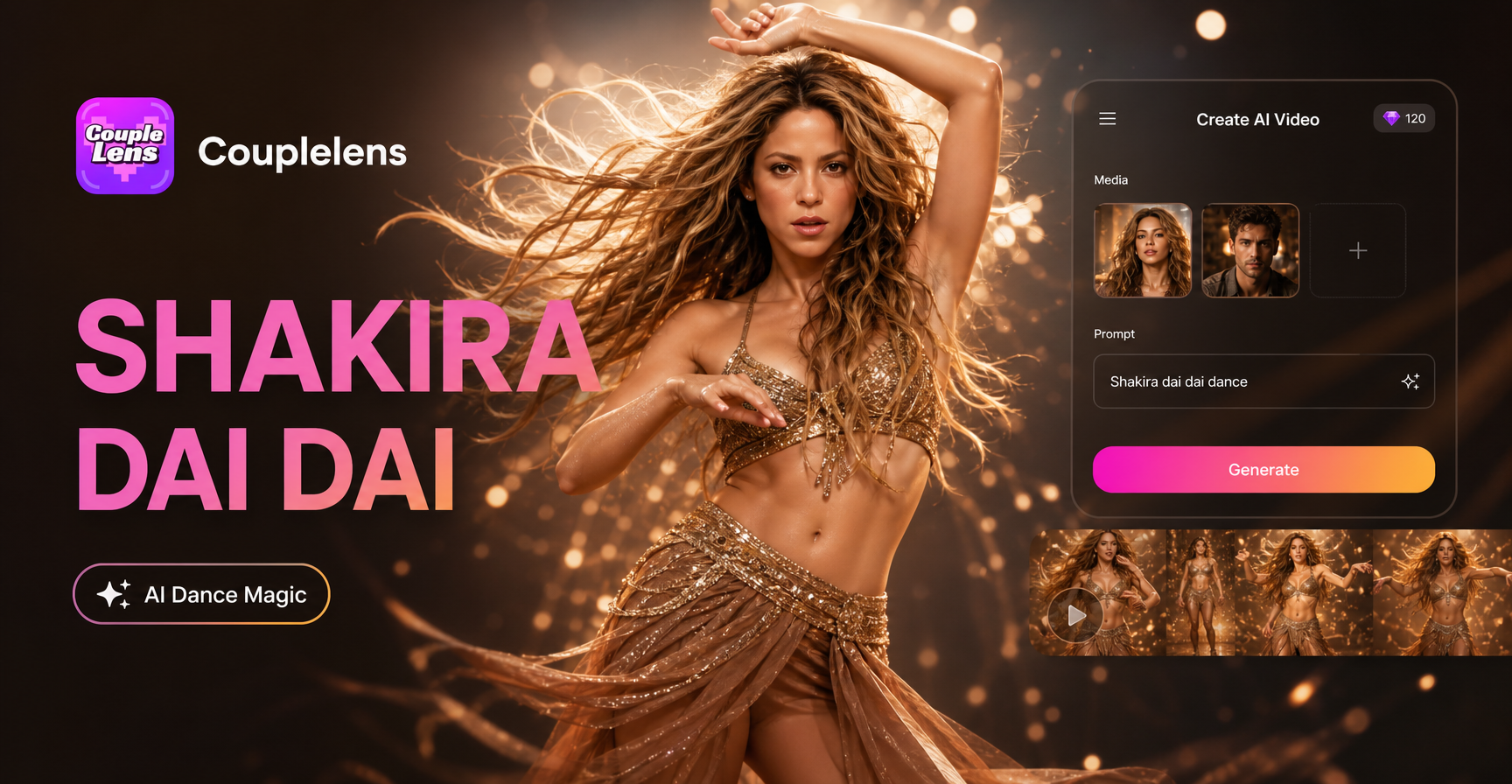
Shakira Dai Dai Dance
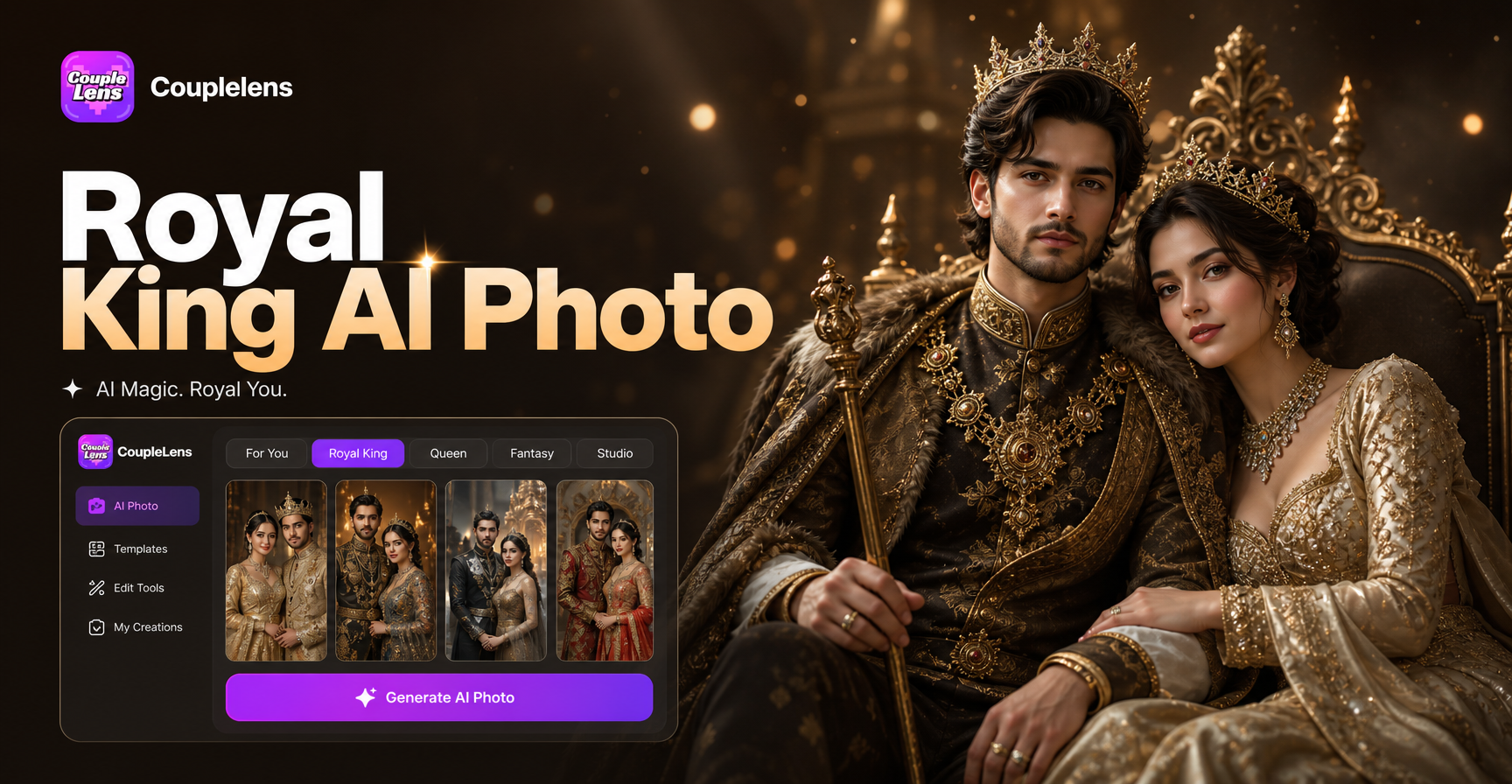
Royal King AI Photo
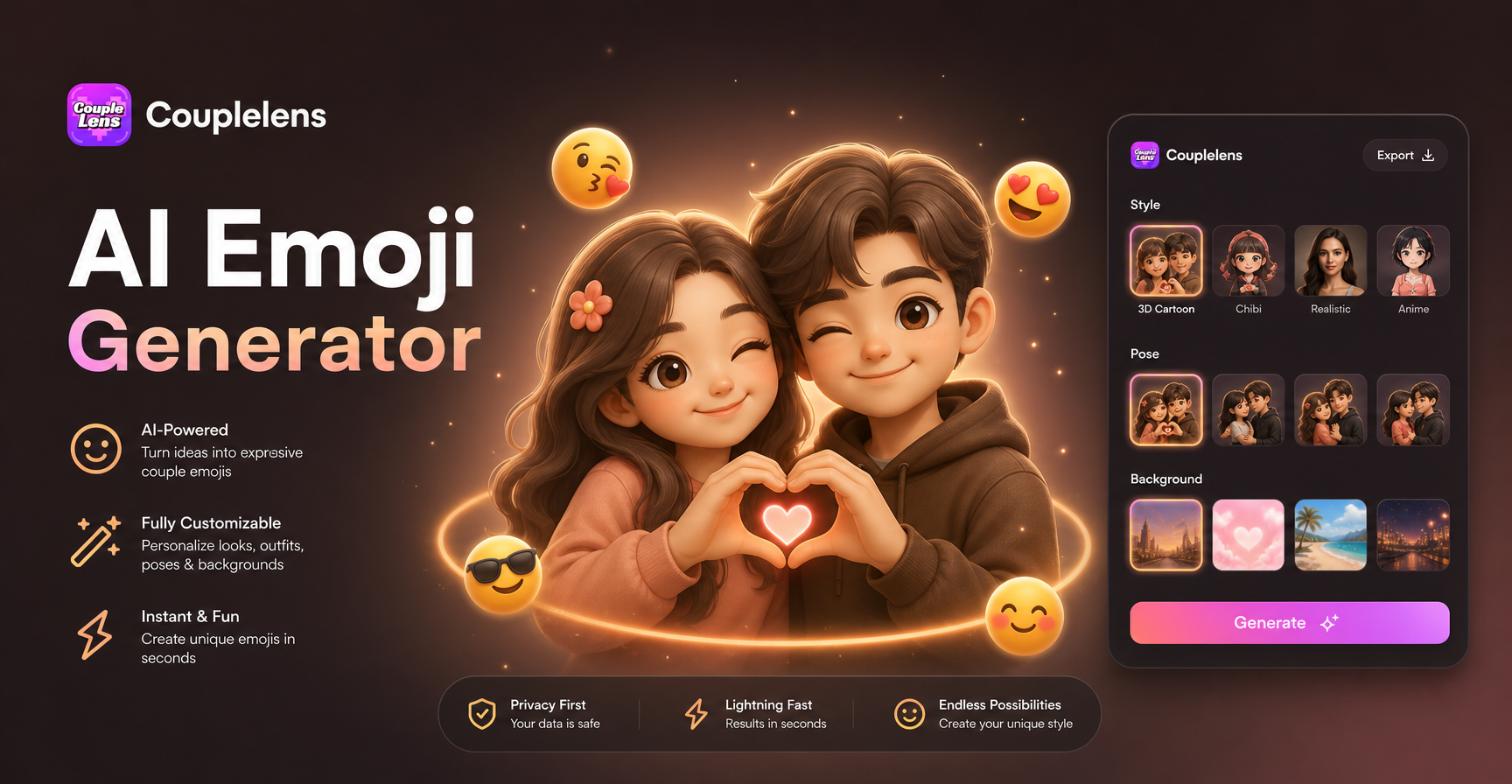
AI Emoji Generator
Underwater Couple Portrait
Shakira Dai Dai Dance
Royal King AI Photo
AI Emoji Generator
Your Next Portrait Is One Filter Away
Grab CoupleLens now, open the double exposure collection, and turn a normal selfie into a cinematic AI double exposure portrait in under twenty seconds.
Your Next Portrait Is One Filter Away
Grab CoupleLens now, open the double exposure collection, and turn a normal selfie into a cinematic AI double exposure portrait in under twenty seconds.