Royal King AI Photo
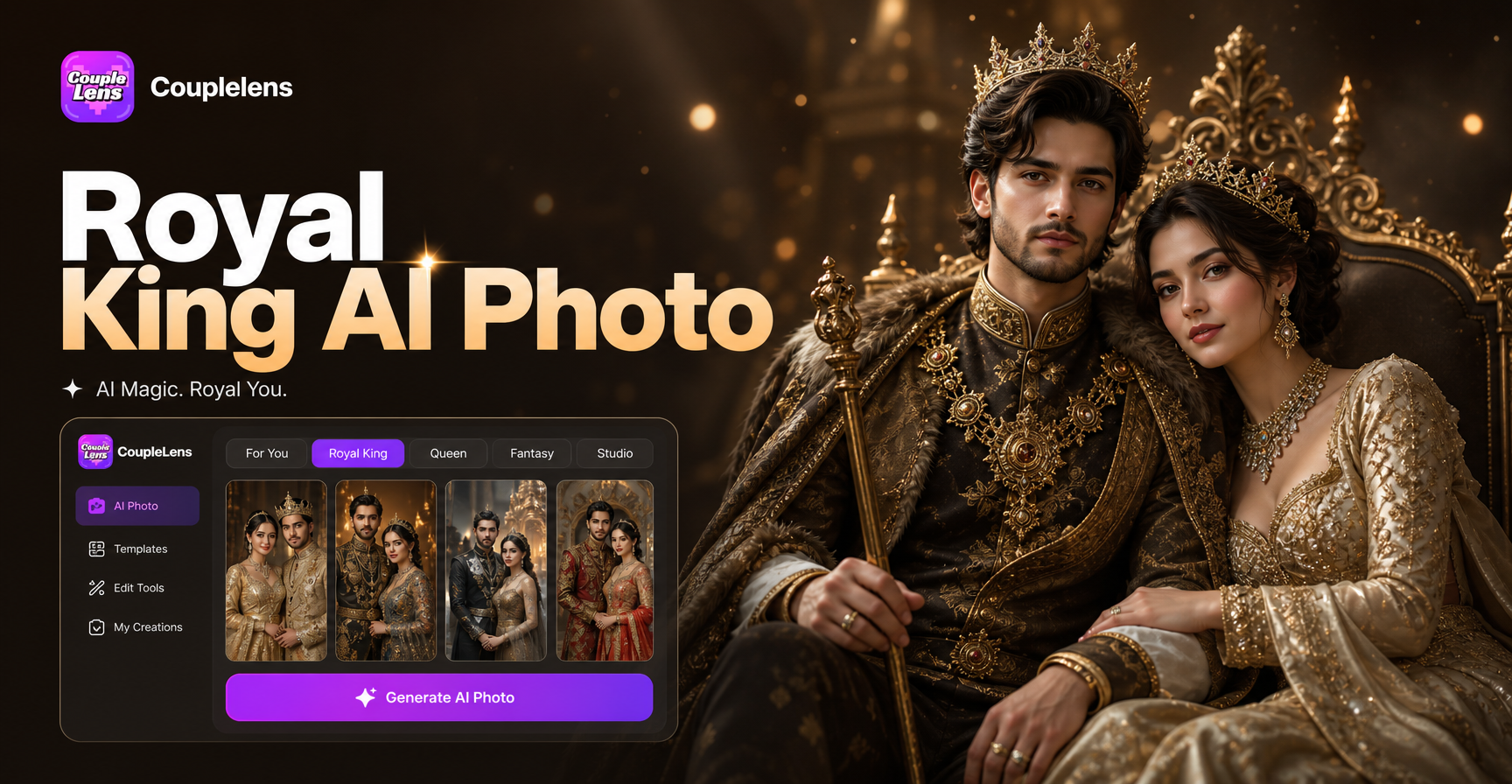
The Crown: King's Ascent

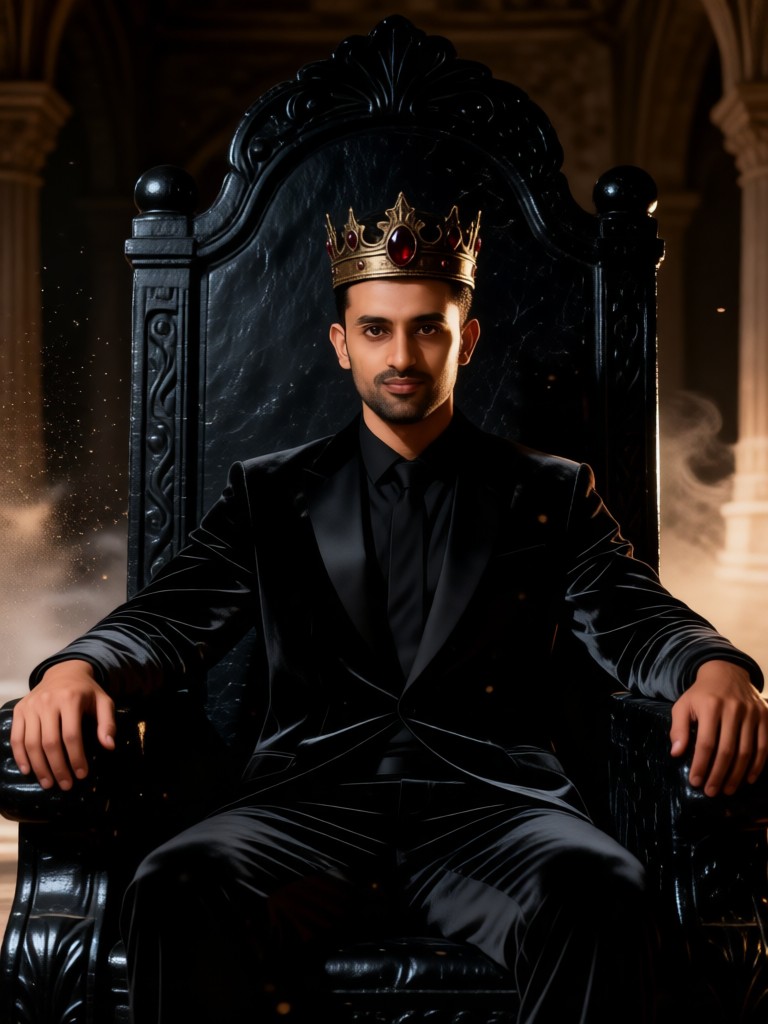

Key Features of Royal King AI Photo
CoupleLens is built around one tap. Pick a royal king filter, upload one photo, and your crown is ready.
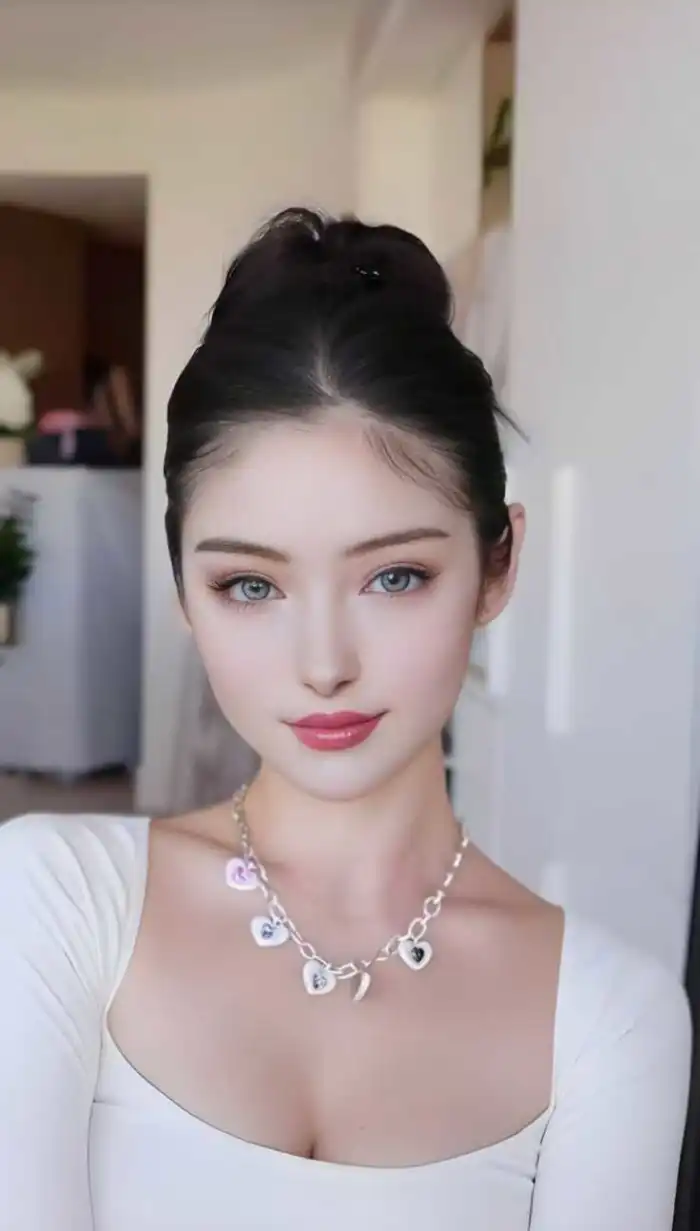 Before
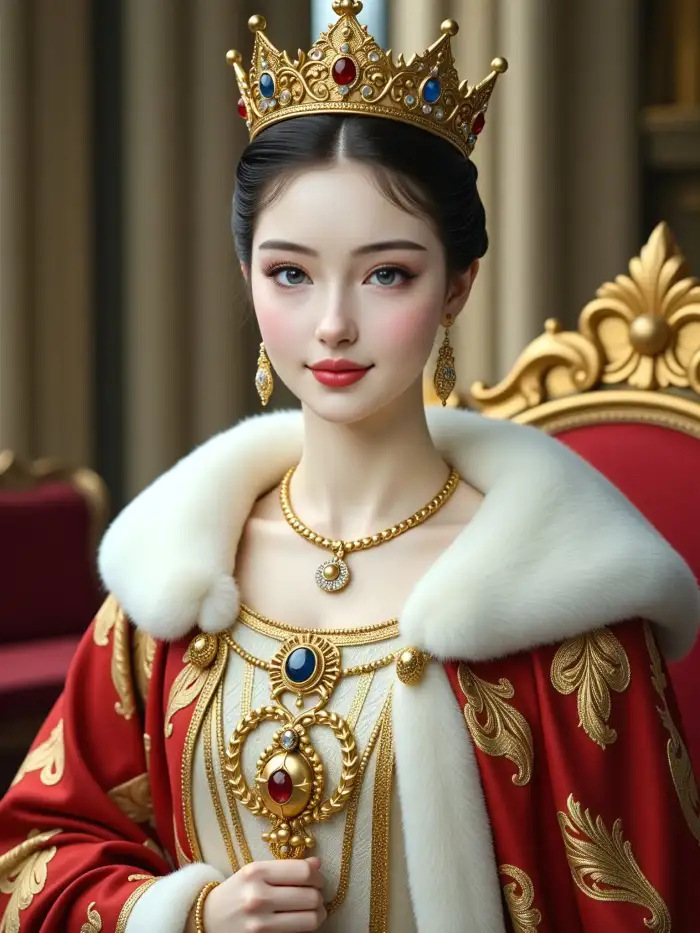 After
AfterOne Tap Royal King AI Photo
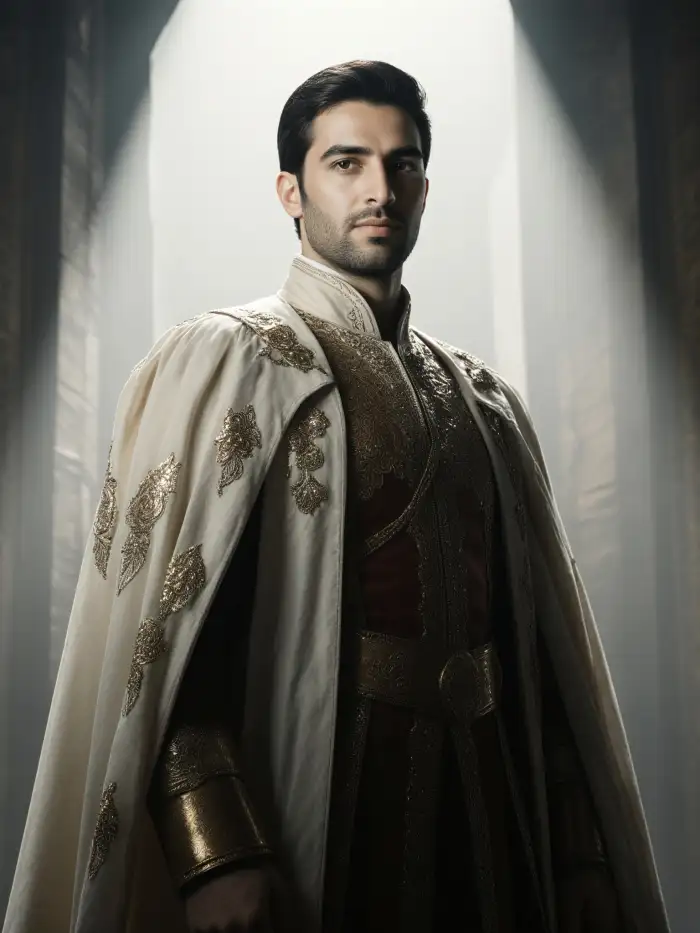
CoupleLens runs on filters, not on prompt engineering. Pick The Crown King's Ascent or Royal King Throne Pose, upload your selfie, and the CoupleLens app applies the full royal king template, crown, robe, throne, palace lighting, in one tap. Users with no AI experience get the same cinematic royal portrait as power users.

25000 Plus Styles and Daily Drops
Thousands of royal king filters live inside the CoupleLens app. Each one gives a different flavour of regal. Pick the vibe, tap once, and the AI royal portrait generator inside CoupleLens does the rest. Notice the cinematic light, the anime character, the steady facial features, and the consistent costume. No long prompts. Just upload, tap, share.
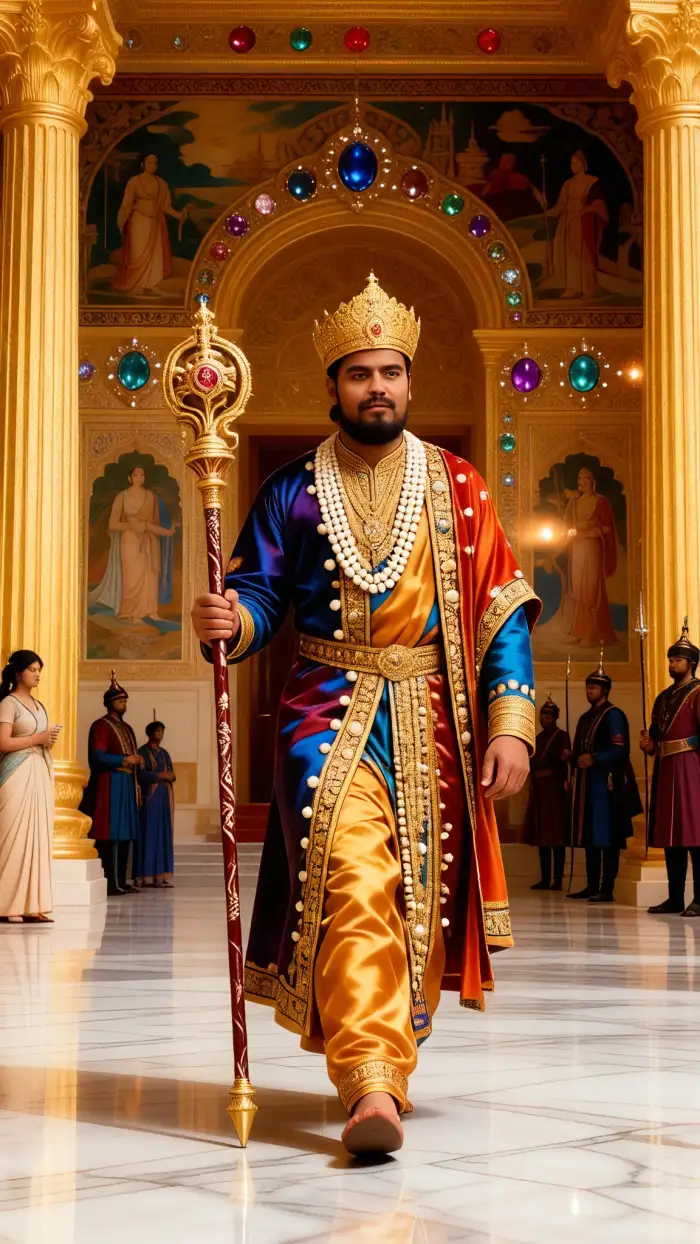
Golden king Royal scepter Magnificent imperial palace
Text to Royal King Style
You can describe your expected royal king photo design by just typing in a few words. CoupleLens will read your mind and deliver the output that meets what you need. Everything happens inside one mobile app. No browser, no plug-in, no extra tool. Not a paragraph-long prompt, just some short phrases that help CoupleLens sketch up.
AI Photo Generator Walkthrough
Great primer if you want to see the full CoupleLens app flow before you download.
How to Create Your Royal King AI Photo on CoupleLens?
Three simple steps. Just finished the AI royal king portrait inside the CoupleLens app easily and swiftly.

Step 01.
Grab the CoupleLens app from Google Play. Open it, and you land straight on the filter feed.

Step 02.
Upload one photo of yourself, your partner, your kid, or even your pet. The filter does the heavy lifting.

Step 03.
Tap Generate. CoupleLens renders the royal king portrait in 10 to 20 seconds. Tap Save to keep it on your device.
Why Use CoupleLens for Your Royal King AI Photo
Most AI royal portrait tools force you into one of two bad spots. They either make you write a long prompt with words like "Tudor," "chiaroscuro," and "brocade velvet," or they push you to sign up, buy credits, and wait hours for a model to train. CoupleLens skips the slow part. The Royal King AI Photo experience on CoupleLens uses ten thousand-plus ready style filters, so the heavy design work is already done for you. You just pick a royal king preset and let the AI finish. Results land in 10 to 20 seconds, not in 10 to 20 minutes.

What Users Say About Royal King AI Photo on CoupleLens
I posted it on my TikTok and pulled eight thousand likes overnight. Genuinely wild.
I tried two other AI royal portrait apps before CoupleLens. Both wanted me to write a paragraph-long prompt and wait an hour. CoupleLens took me ten seconds. The Crown King's Ascent filter nailed the throne lighting on my first try.
CoupleLens handled the multi-person rendering on the royal king filter with no face swap.
I had a couple ask for a regal portrait for their anniversary. The groom got his robe, the bride got her crown, and both stayed themselves. The shoot booked a month of new clients after I posted the result to my portfolio.
The AI royal portrait generator on CoupleLens is now a permanent tool in my workflow.
We needed a Royal King AI Photo campaign concept for a luxury watch client. I used the CoupleLens Royal King Throne Pose on the test selfie. It looked like a four-thousand-dollar shoot. We sent the image to the client within an hour and got the green light the same day.
Frequently Asked Questions
Each one ties back to the royal king AI photo experience inside the CoupleLens app.
More Topics You May Like
Explore more topics you may like and discover fresh ideas tailored to your interests.
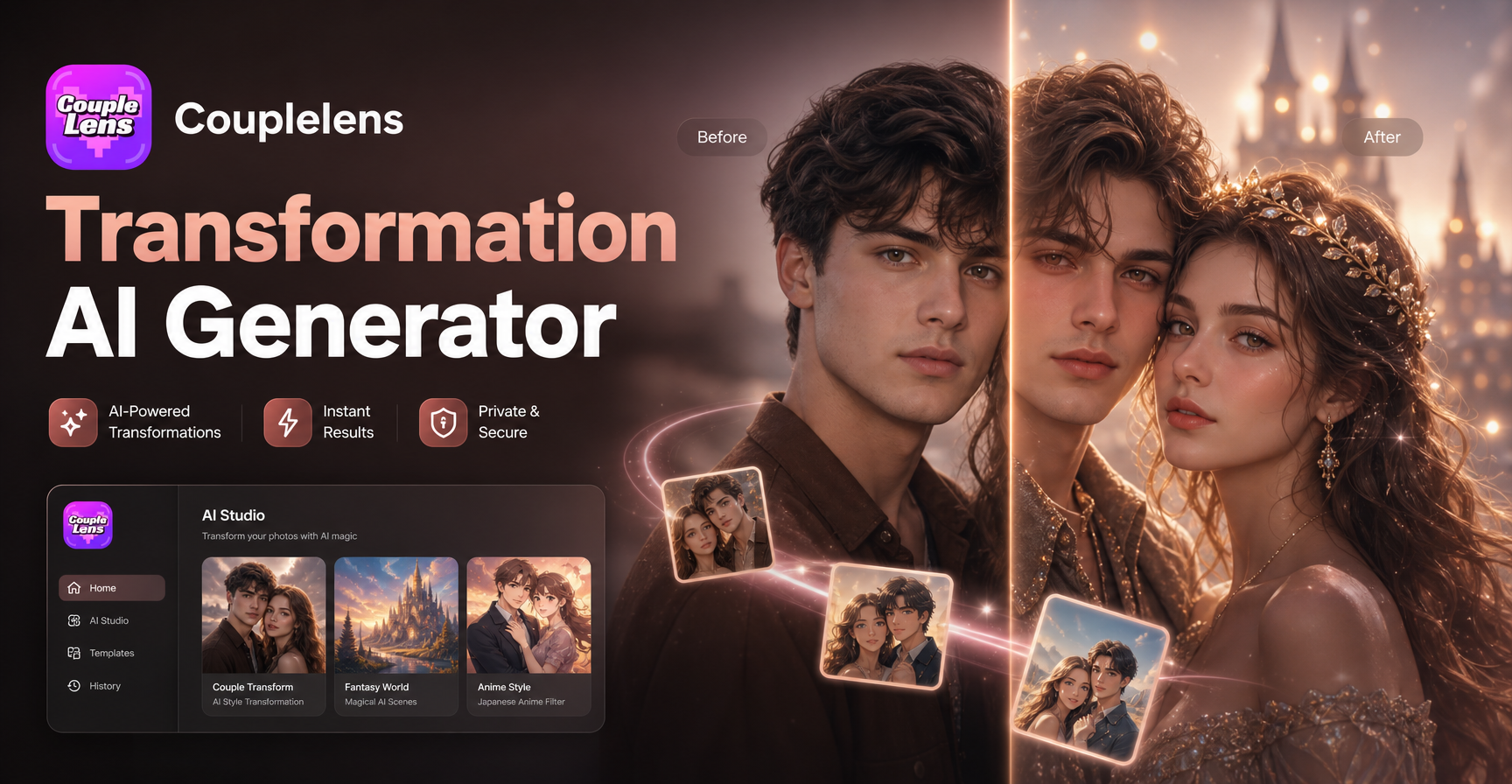
Transformation AI Generator
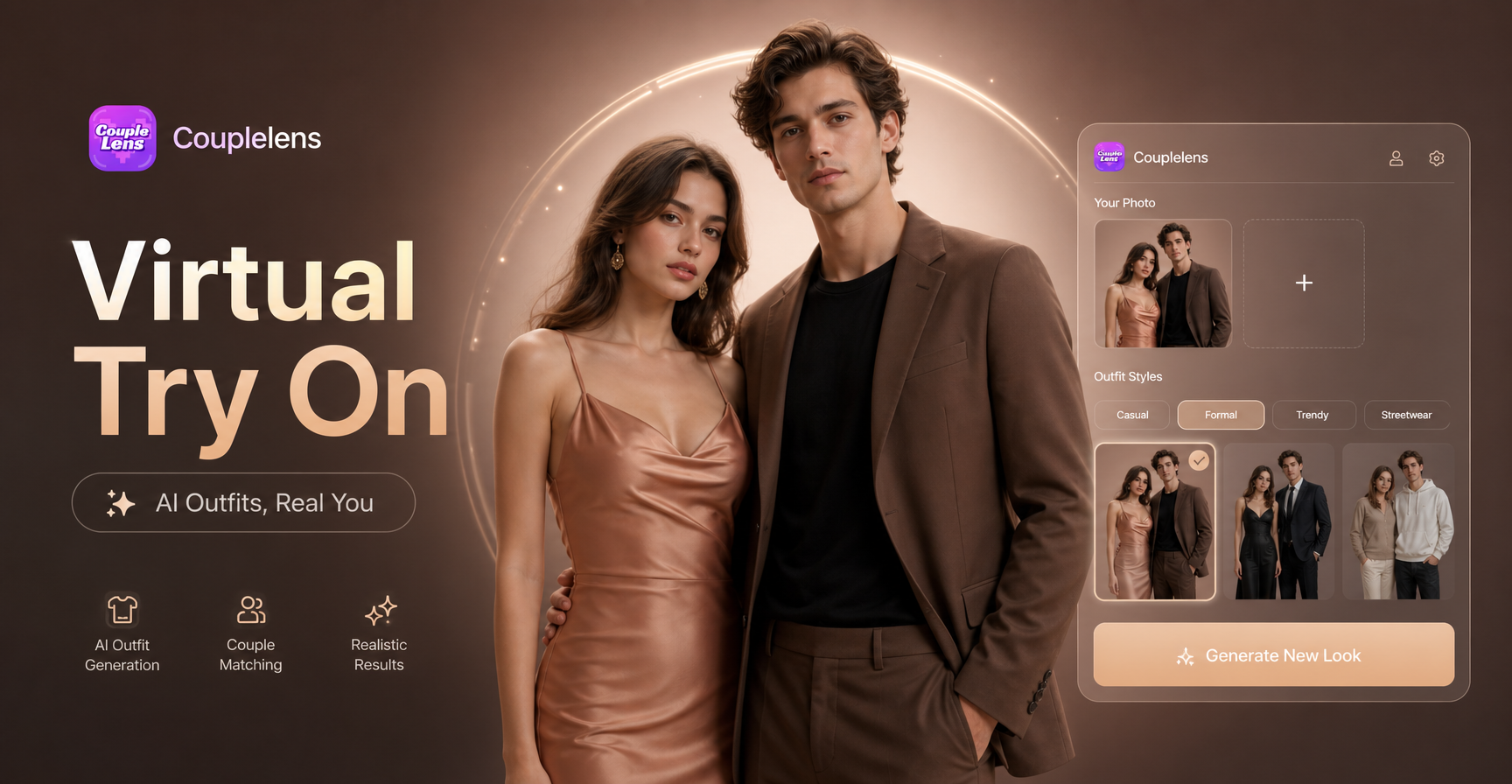
Virtual Outfit Try On
AI Horse Riding Generator

AI Claw Machine Video Effect
Transformation AI Generator
Virtual Outfit Try On
AI Horse Riding Generator
AI Claw Machine Video Effect
Build Your Royal King AI Photo Right Now
Crown, robe, throne, palace light. CoupleLens handles the whole regal look in one tap. Download the CoupleLens app today.
Build Your Royal King AI Photo Right Now
Crown, robe, throne, palace light. CoupleLens handles the whole regal look in one tap. Download the CoupleLens app today.