Virtual Outfit Try On
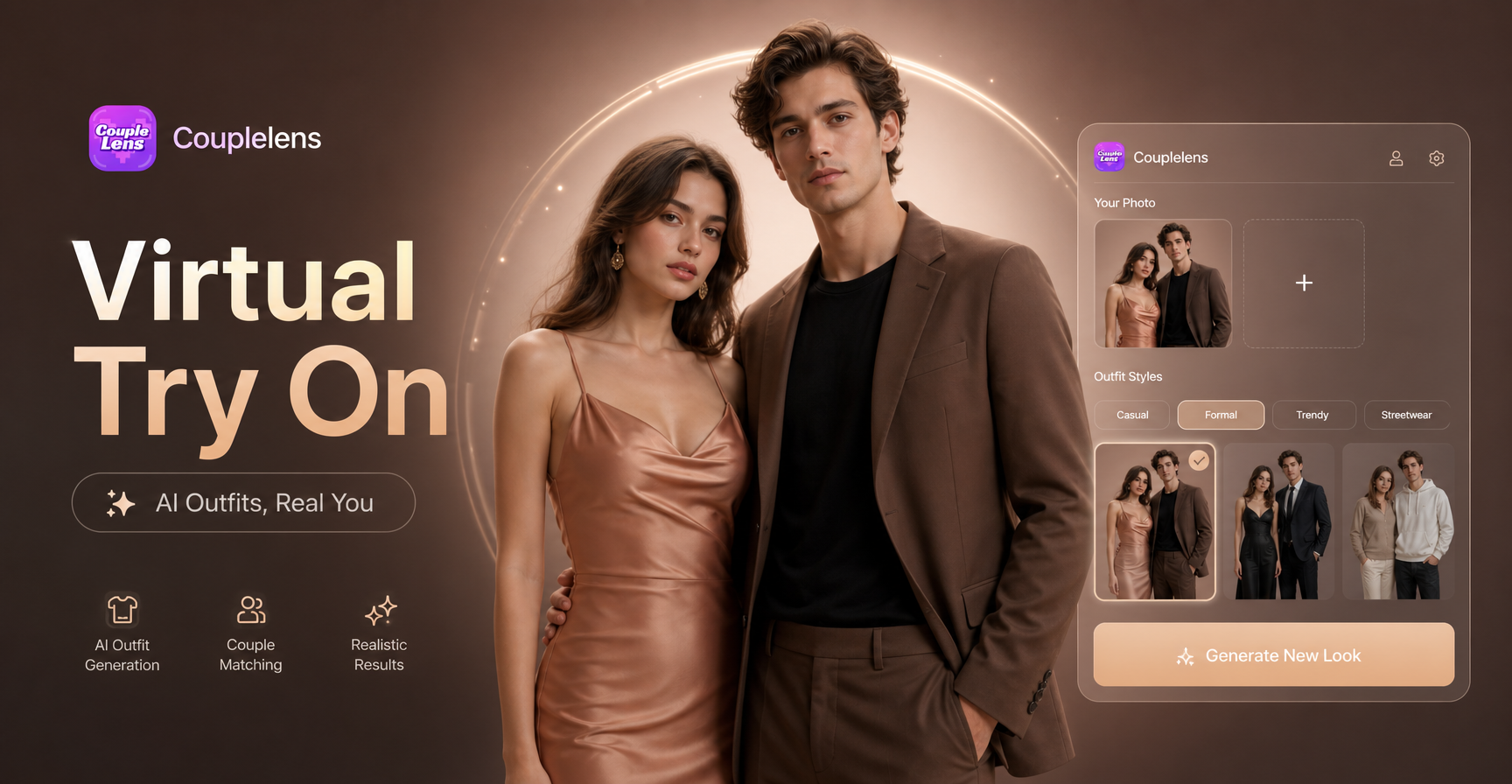
Pick Your AI Outfit Filter
Pick one based on your fit, your mood, or your feed. One tap. One look. Done.
Why Use CoupleLens for Virtual Outfit Try on
CoupleLens runs on your phone so you can do a virtual outfit try on anywhere. No prompts to type. No PC needed. The AI keeps your face, hair, and body shape the same across every shot, so your look stays yours. Pick a filter, snap a photo, post a fresh look in 20 seconds. Every shot started as a regular photo. Every shot ended as a fresh outfit moment you can post today. Browse the gallery. Make yours.
How to Create a Virtual Outfit Try on Look?
See how your virtual OOTD changes in just a few simple steps using our powerful platform.

Step 01.
Get started by downloading our app to easily generate AI virtual try-on clothes anytime, anywhere.

Step 02.
Browse the OOTD filters in the app. Upload your photo. Tap generate. Wait 10 to 20 seconds.

Step 03.
Your new look is ready. Save it to your phone or post it from CoupleLens to your public page.
Key Features of AI Virtual Try on Clothes
CoupleLens gives you three solid ways to do AI virtual try-on clothes, image or video creations.
 Before
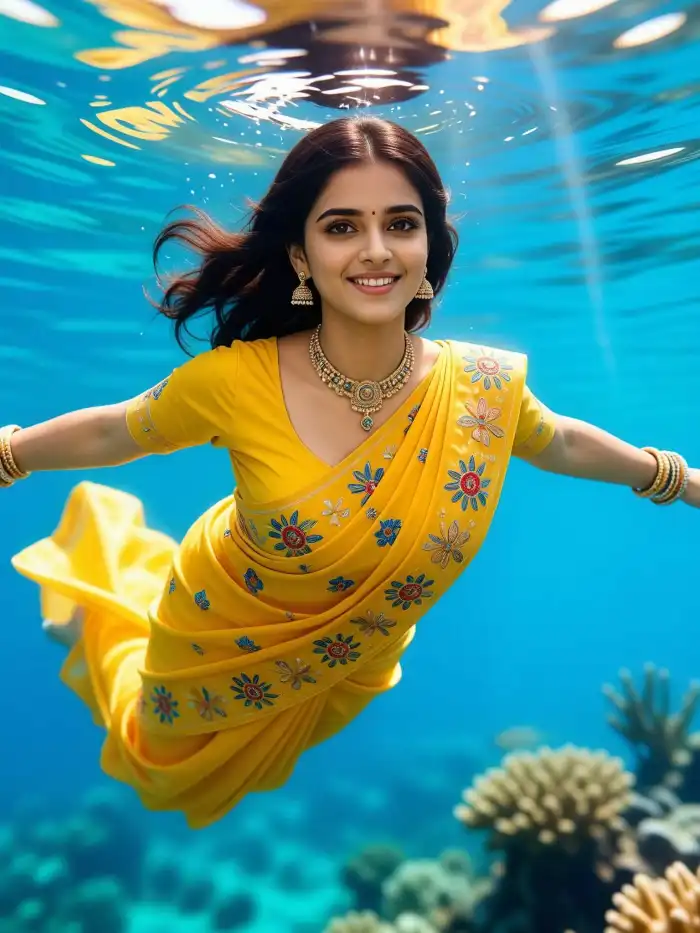
Style Transfer That Keeps Your Face and Pose
Drop your photo into CoupleLens and pick a style. Real photography, anime, 3D clay, Ghibli, cyberpunk, or water color. Your face and pose stay the same. Your outfit shifts to the new look. You get a clean, share ready image in about 20 seconds. No prompts to write. No tools to learn.
BeforeStyle Transfer That Keeps Your Face and Pose
Drop your photo into CoupleLens and pick a style. Real photography, anime, 3D clay, Ghibli, cyberpunk, or water color. Your face and pose stay the same. Your outfit shifts to the new look. You get a clean, share ready image in about 20 seconds. No prompts to write. No tools to learn.
 Before
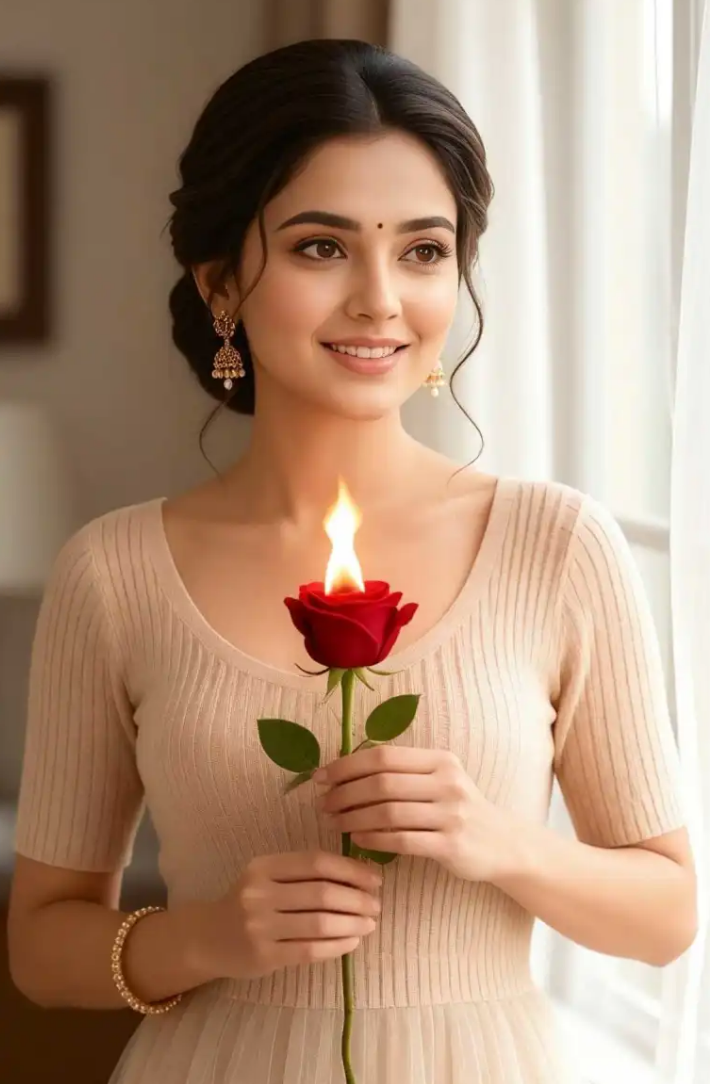
25,000 Styles to Show Your OOTD
Open CoupleLens and you see 25,000 ready templates. OOTD, formal, street, sport, or wedding style. Pick one. Upload your photo. Tap generate. Wait 10 to 20 seconds. Save to your phone or post right to your CoupleLens page. No editing app. No Photoshop. No learning curve.
Before25,000 Styles to Show Your OOTD
Open CoupleLens and you see 25,000 ready templates. OOTD, formal, street, sport, or wedding style. Pick one. Upload your photo. Tap generate. Wait 10 to 20 seconds. Save to your phone or post right to your CoupleLens page. No editing app. No Photoshop. No learning curve.
 Before
Change Your Clothes in Action
Upload one of your selfie photos, and CoupleLens reads your face and turns the selfie into a video. Couplens AI keeps your facial features unchanged and builds a new outfit look for you. You can see how you walk, run, and drink coffee in the street in the video generated by CoupleLens.
BeforeChange Your Clothes in Action
Upload one of your selfie photos, and CoupleLens reads your face and turns the selfie into a video. Couplens AI keeps your facial features unchanged and builds a new outfit look for you. You can see how you walk, run, and drink coffee in the street in the video generated by CoupleLens.
What Our Users Say About CoupleLens

Sofia Martinez
I run a fashion blog, and I post almost every day. CoupleLens lets me try on a new outfit look before I even buy the clothes. Saves me hours. My followers love the AI virtual try-on clothes posts. Way more likes than my old photo posts.

Marcus Chen
CoupleLens helps me see how an outfit would look on me before I spend money I do not have. The 3D clay and cyberpunk filters are my favourite. Fast, fun, free to start. Best app on my phone right now.

Aisha Johnson
I use CoupleLens for TikTok and Reels all the time. Drop my photo in, pick an OOTD template, and post. The 20-second wait is a vibe. My engagement jumped because my outfits look fresh every week. Easy tool. Real results.
Daniel Park
As a photographer I was sure AI outfits would look fake. CoupleLens proved me wrong. The lighting matches my source photo. Skin tone stays right. Pose does not break. I use it for client mood boards and personal OOTD shots now.
Sofia Martinez
I run a fashion blog, and I post almost every day. CoupleLens lets me try on a new outfit look before I even buy the clothes. Saves me hours. My followers love the AI virtual try-on clothes posts. Way more likes than my old photo posts.
Marcus Chen
CoupleLens helps me see how an outfit would look on me before I spend money I do not have. The 3D clay and cyberpunk filters are my favourite. Fast, fun, free to start. Best app on my phone right now.
Aisha Johnson
I use CoupleLens for TikTok and Reels all the time. Drop my photo in, pick an OOTD template, and post. The 20-second wait is a vibe. My engagement jumped because my outfits look fresh every week. Easy tool. Real results.
Daniel Park
As a photographer I was sure AI outfits would look fake. CoupleLens proved me wrong. The lighting matches my source photo. Skin tone stays right. Pose does not break. I use it for client mood boards and personal OOTD shots now.
Sofia Martinez
I run a fashion blog, and I post almost every day. CoupleLens lets me try on a new outfit look before I even buy the clothes. Saves me hours. My followers love the AI virtual try-on clothes posts. Way more likes than my old photo posts.
Marcus Chen
CoupleLens helps me see how an outfit would look on me before I spend money I do not have. The 3D clay and cyberpunk filters are my favourite. Fast, fun, free to start. Best app on my phone right now.
Aisha Johnson
I use CoupleLens for TikTok and Reels all the time. Drop my photo in, pick an OOTD template, and post. The 20-second wait is a vibe. My engagement jumped because my outfits look fresh every week. Easy tool. Real results.
Daniel Park
As a photographer I was sure AI outfits would look fake. CoupleLens proved me wrong. The lighting matches my source photo. Skin tone stays right. Pose does not break. I use it for client mood boards and personal OOTD shots now.
Frequently Asked Questions
Quick answers about app, filters, speed, and safety. All you need to know about CoupleLens.
More Topics You May Like
Check out more AI virtual oufit looks in CoupleLens for your next post.
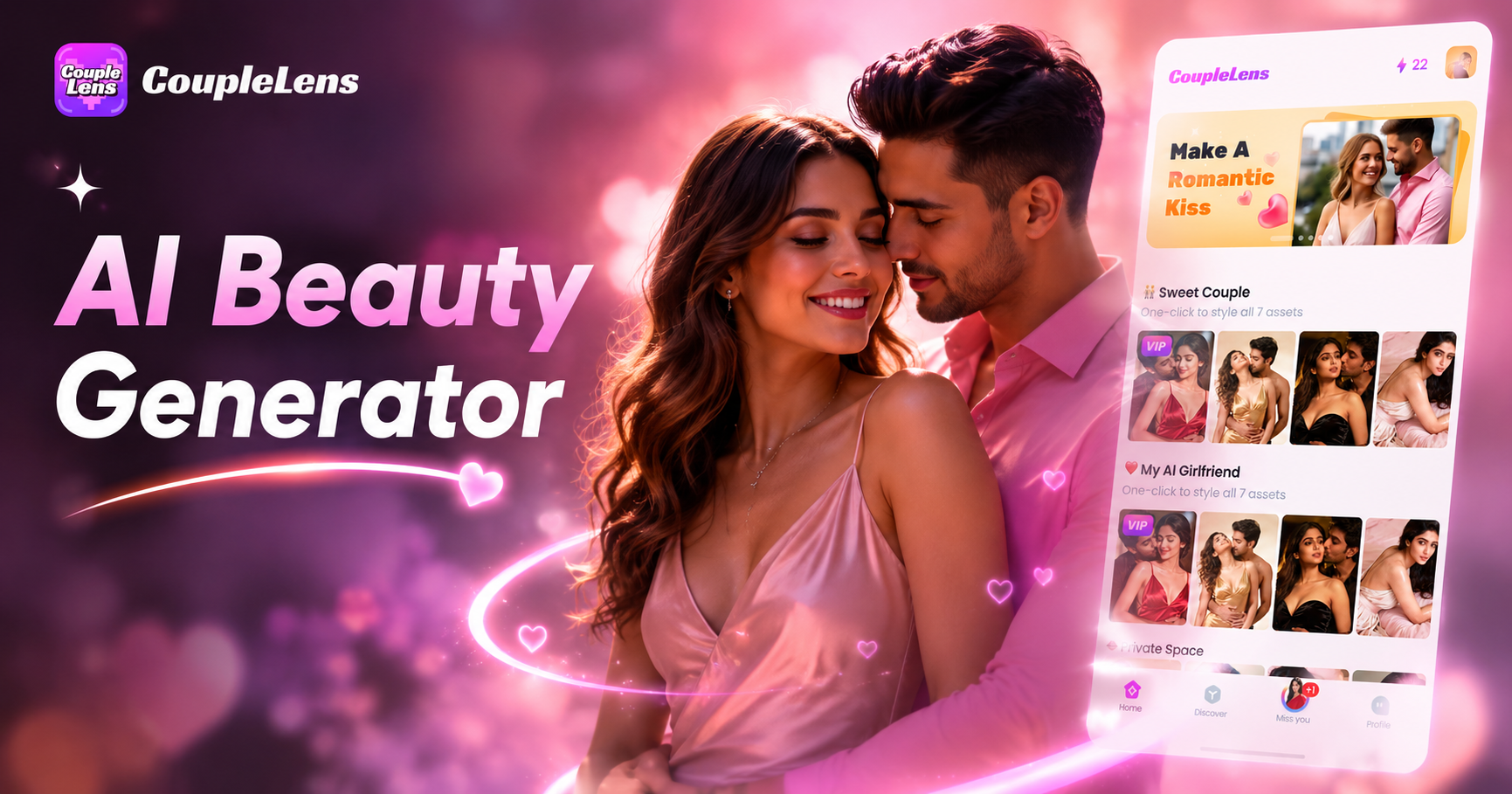
AI Beauty Generator
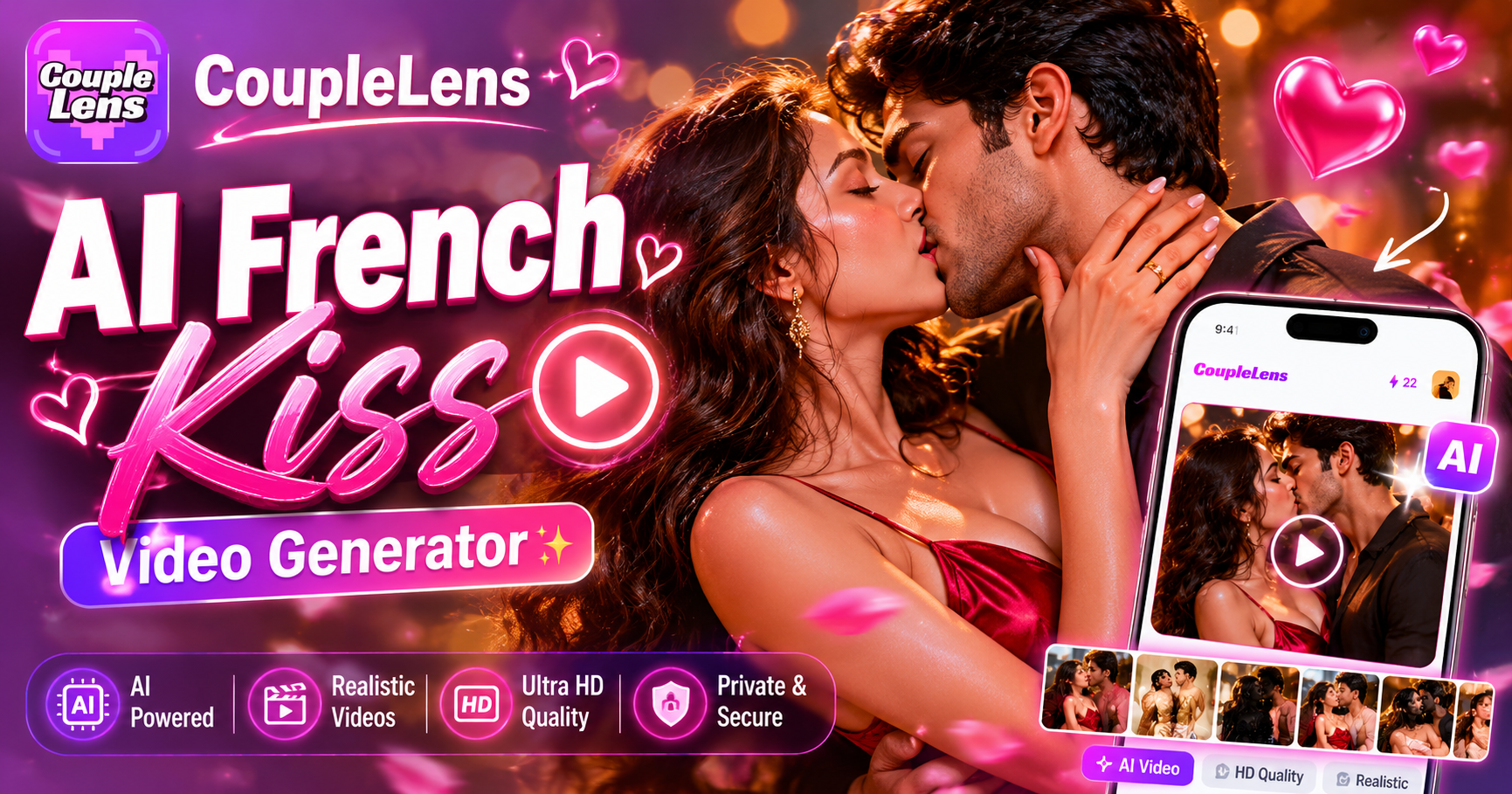
AI French Kiss Video Generator
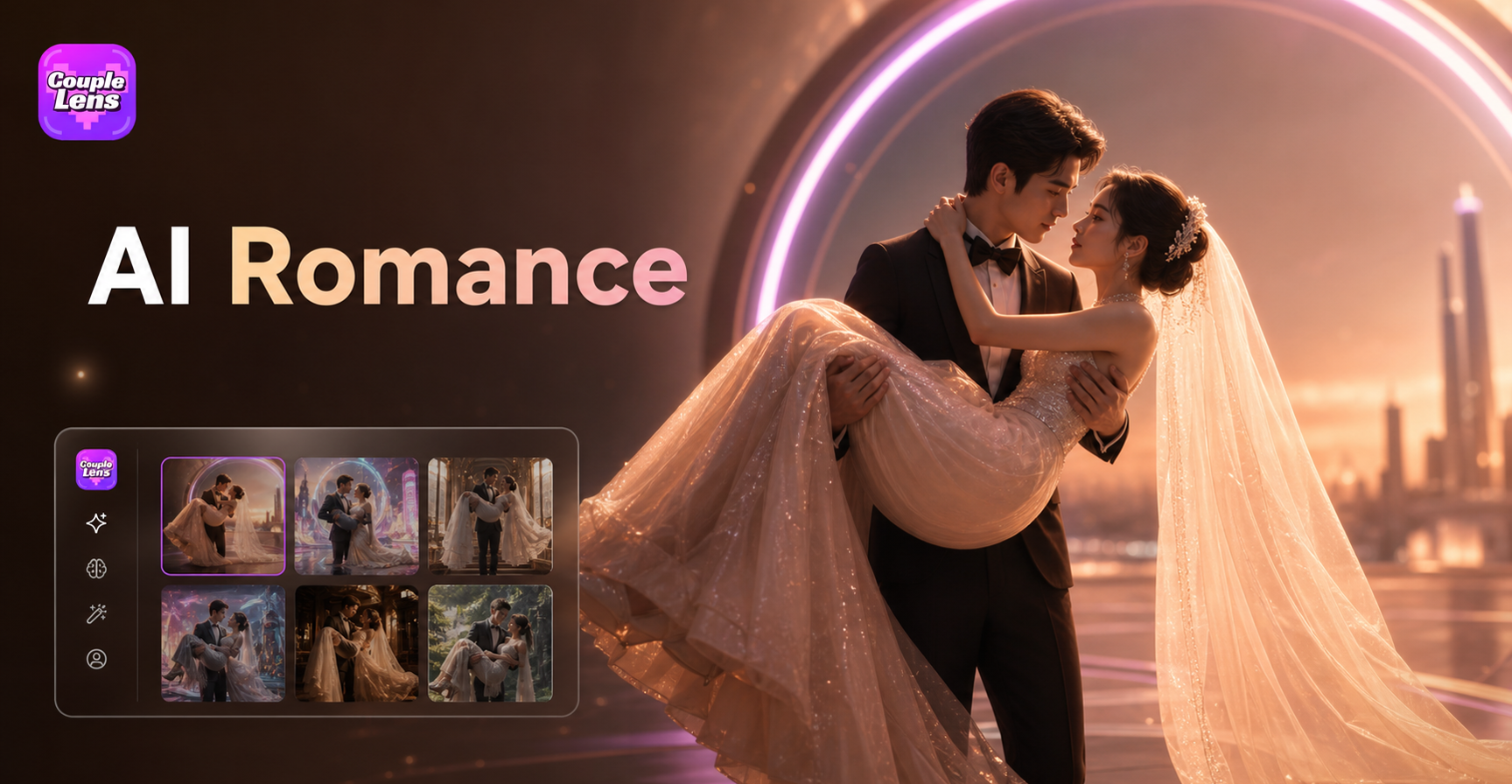
AI Bridal Carry
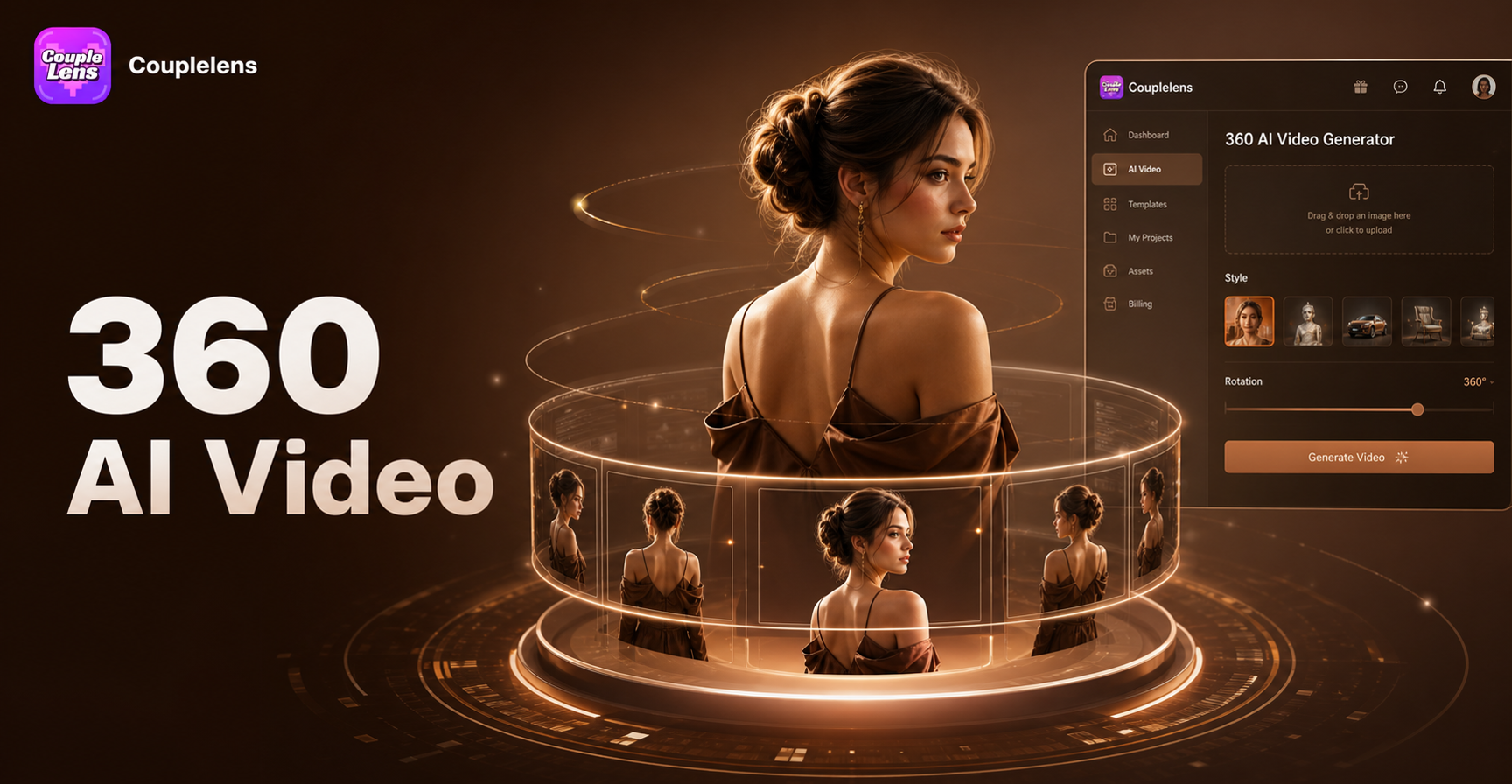
AI 360 Rotation Video Generator
AI Beauty Generator
AI French Kiss Video Generator
AI Bridal Carry
AI 360 Rotation Video Generator
Start Your Virtual Outfit Try on Look
Download CoupleLens. Pick an OOTD filter. Upload your photo. Post your new look. That is it.
Start Your Virtual Outfit Try on Look
Download CoupleLens. Pick an OOTD filter. Upload your photo. Post your new look. That is it.