AI Watercolor Portrait Effect
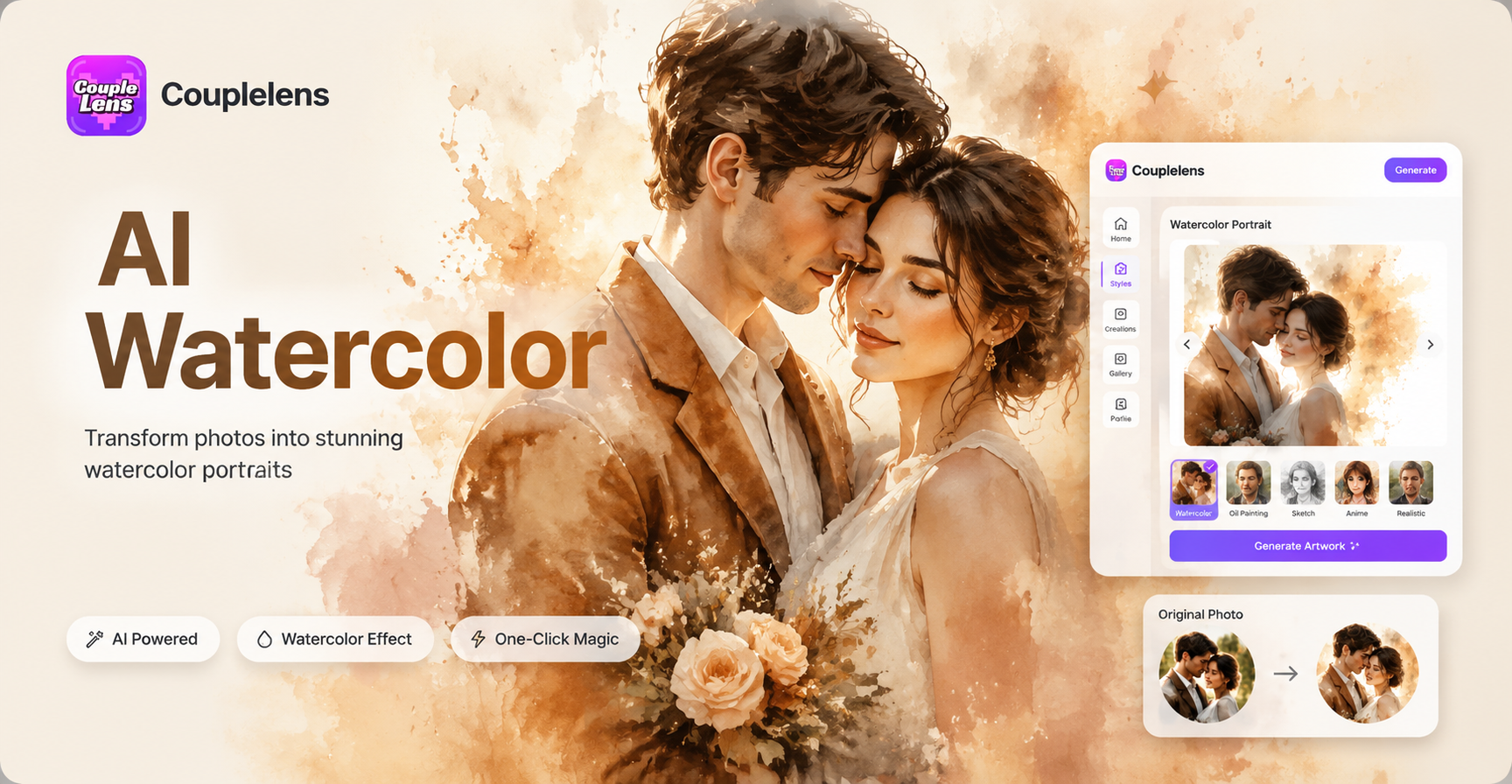
Choose the Filter That Suits You Best
Discover the filter that perfectly matches your style and mood.
Why Use CoupleLens for Your Watercolor Portrait?
CoupleLens is the fastest mobile path to a believable watercolor portrait, and the only one designed around filters instead of prompts. You tap a template, the AI does the brush work, and the result looks like a real studio painting. Pick the portrait you want to paint, the clearer the face, the better the watercolor result. With twenty five thousand templates, character consistency, and multi person support, CoupleLens turns the AI watercolor portrait idea into a thirty second habit rather than a weekend project.

How to Create Your AI Watercolor Portrait?
Three steps. Twenty seconds to deliver a watercolour portraits. Zero design skill required.

Step 01.
Grab CoupleLens from the App Store, install it, and open the camera roll icon. This first step sets up your AI watercolour portrait.

Step 02.
Scroll the filter tab and tap any watercolor portrait filter from the collection. Hit generate and CoupleLens paints your AI watercolor portrait

Step 03.
Save the finished AI watercolor portrait to your phone or post it straight to your CoupleLens personal page.
Key Features of AI Watercolor Portrait on CoupleLens
The three features below make CoupleLens the easiest way to create an AI watercolour portrait today.

Twenty Five Thousand Style Filters Ready in Your Pocket
CoupleLens hosts over twenty-five thousand style filters and templates, and the watercolor family is one of the deepest. From soft pastels to bold pigment, you can browse a filter that matches your mood in seconds. No prompt trial and error, no slider tweaking, just tap and let CoupleLens paint.
 Before
 After
AfterKeep Every Face Looking Like Your Subject
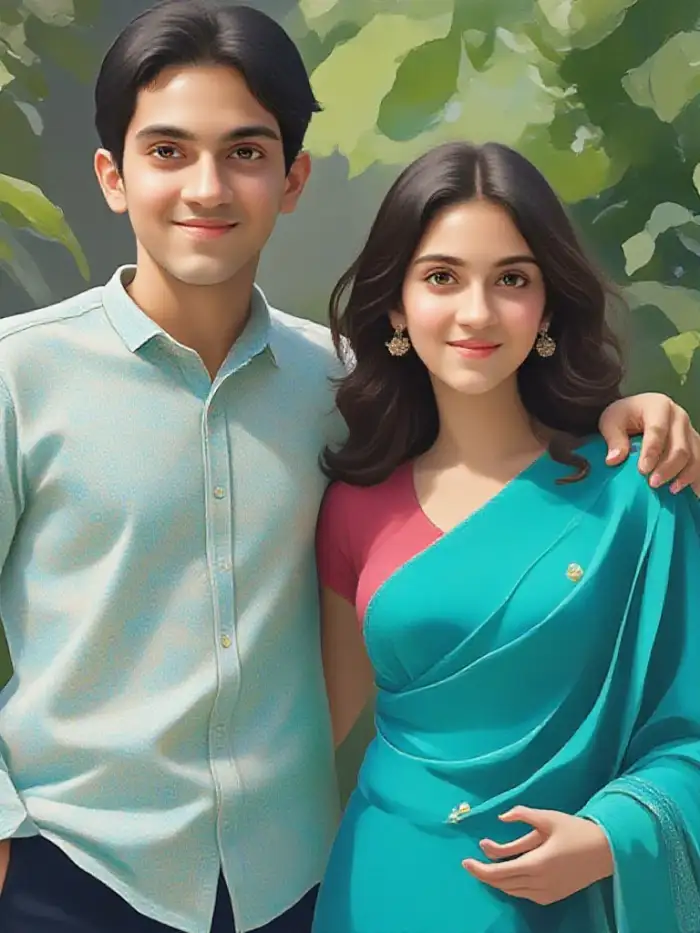
CoupleLens character consistency keeps facial features, hairstyle, and skin tone locked across the watercolor render. Eyes stay yours, smiles stay yours, the only thing that changes is the paint style. This is why creators, couples, and pet owners trust CoupleLens for a believable AI watercolor portrait that still feels like the real person.
 Before
 After
AfterGroup Paintings Without Mixing Faces
Upload a photo of two people, three friends, or a full family, and CoupleLens reads each face as a separate subject. No blended eyes, no swapped mouths, no missing heads. CoupleLens then paints every person in the chosen watercolour style while keeping the group layout intact, which is a rare win for an AI watercolour portrait tool.
What Our Users Say About the AI Watercolor Portrait Filter
Clients always ask if I painted it by hand.
I shoot engagements every weekend and CoupleLens saves me a ton of editing time. I drop the couple portrait into the wet on wet bloom filter and post a soft watercolor version to my portfolio the same day.
The CoupleLens watercolor portrait looks like me on my softest day.
I rotate my profile picture every season and the pastel wash filter is my new favorite. CoupleLens kept my bone structure, kept my freckles, only the brush style changed.
I tested every AI watercolor portrait app I could find and CoupleLens is the only one that handles me and my husband in one photo.
My long distance girlfriend sent me a phone selfie and I turned it into a watercolor portrait with CoupleLens. I printed it at the campus print shop, framed it, mailed it to her. She cried. Ten out of ten gift.
Frequently Asked Questions
Find clear answers to common questions and get the guidance you need to use AI watercolour portrait images.
More Styles You May Like
Explore more topics you may like and discover fresh ideas tailored to your interests.
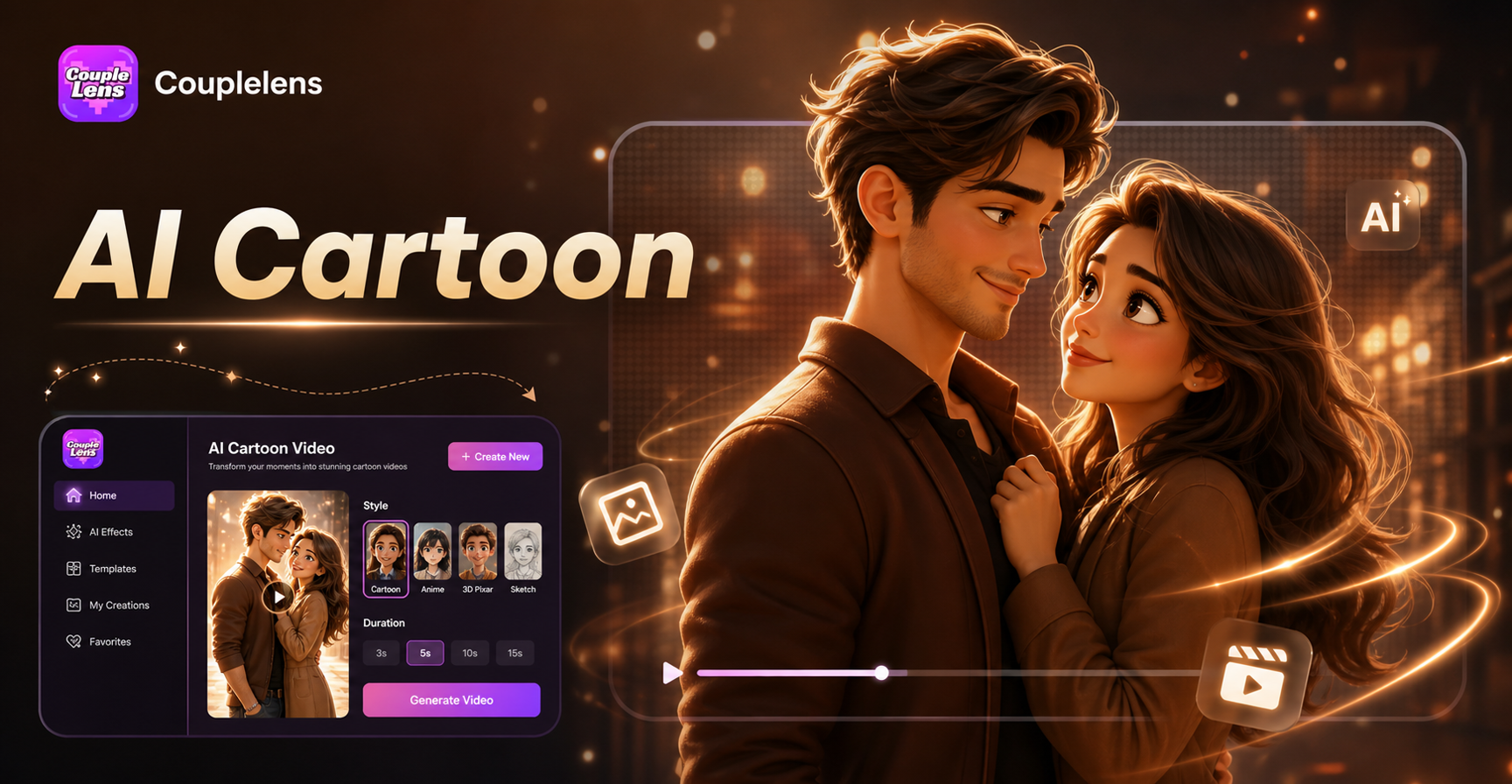
AI Cartoon Video Effect
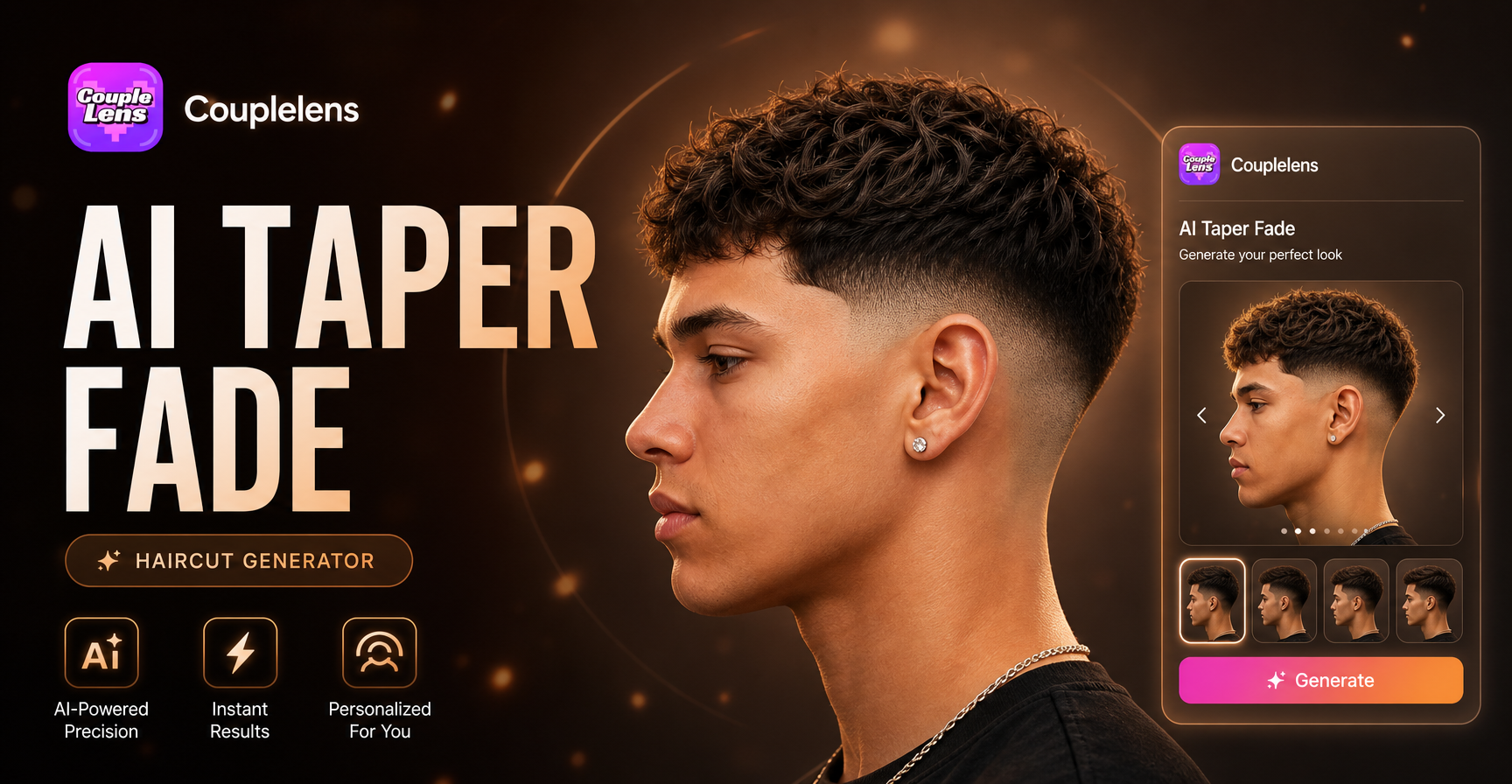
AI Taper Fade Haircut Generator

AI Baby Podcast Generator
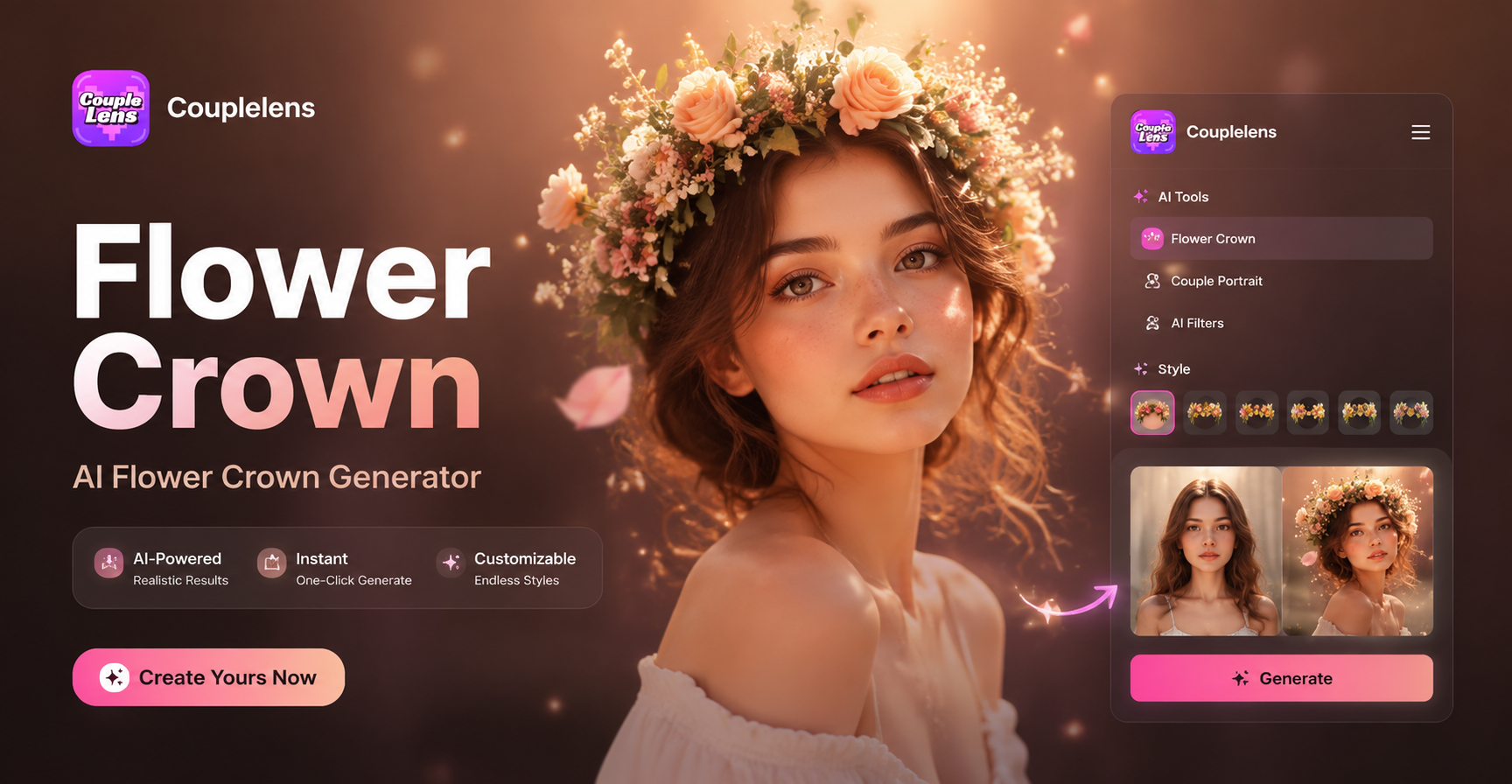
AI Add Flower Crown Generator
AI Cartoon Video Effect
AI Taper Fade Haircut Generator
AI Baby Podcast Generator
AI Add Flower Crown Generator
Paint Your First Watercolor Portrait Tonight
Download CoupleLens and turn one phone photo into an AI watercolor portrait you will actually want to post, print, or frame before bedtime.
Paint Your First Watercolor Portrait Tonight
Download CoupleLens and turn one phone photo into an AI watercolor portrait you will actually want to post, print, or frame before bedtime.