AI Add Flower Crown Generator
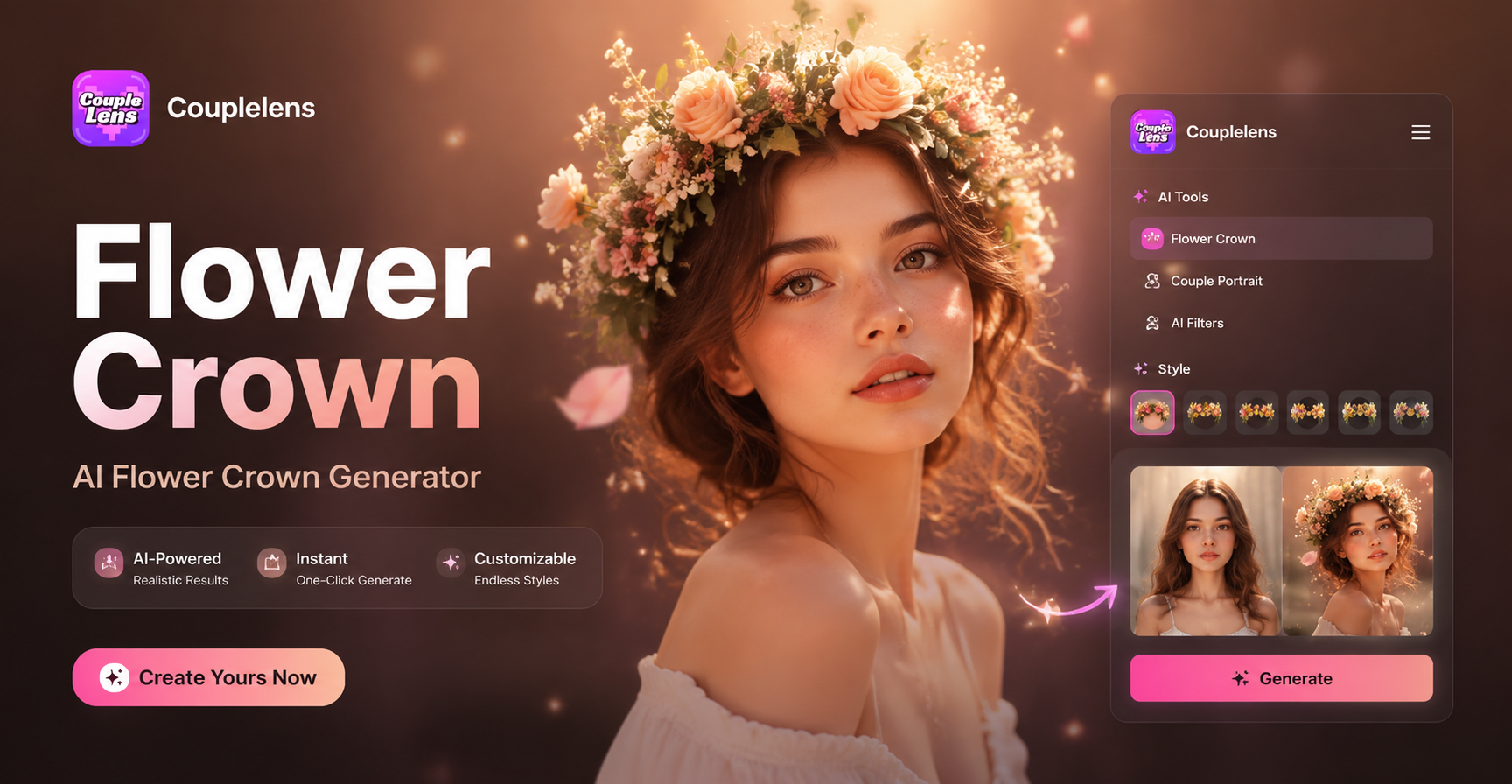
White floral crown
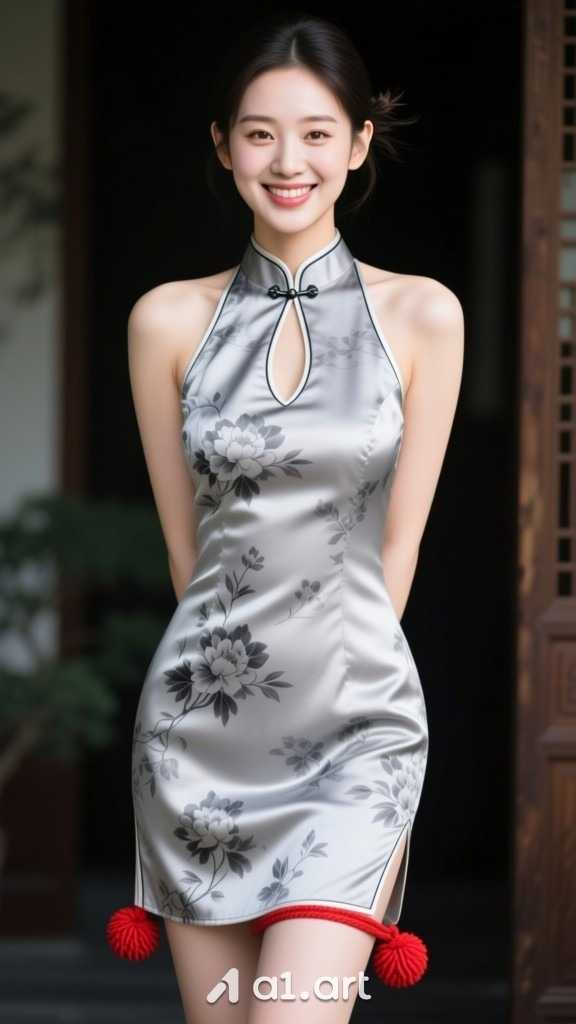
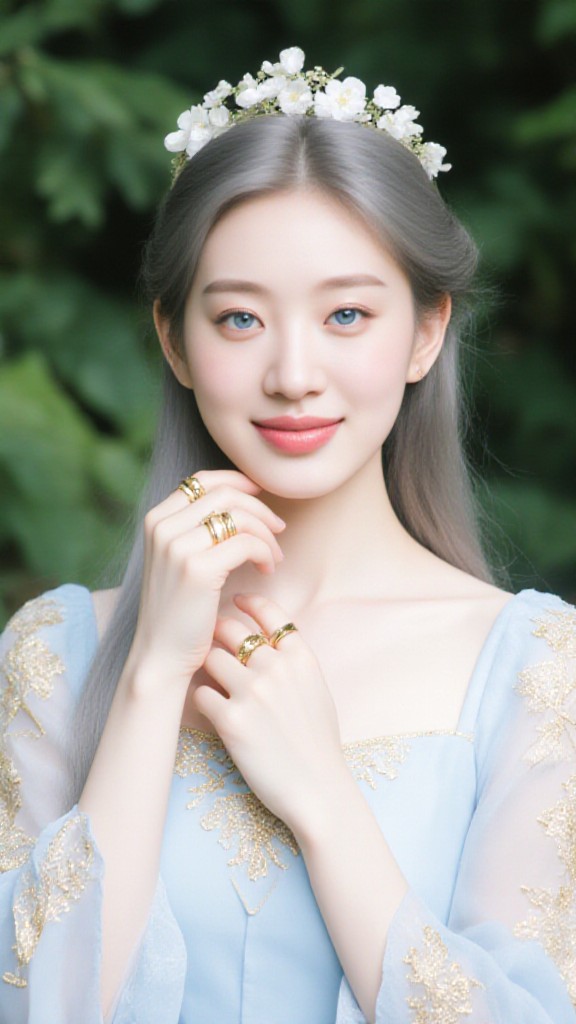

Watch How CoupleLens AI Work
See the upload, the filter tap, the ten-second wait, and the final output given by CoupleLens.
Key Features of the AI Add Flower Crown Generator
CoupleLens ships with thousands of floral looks and swift flower crown image generation workflow.
 Before
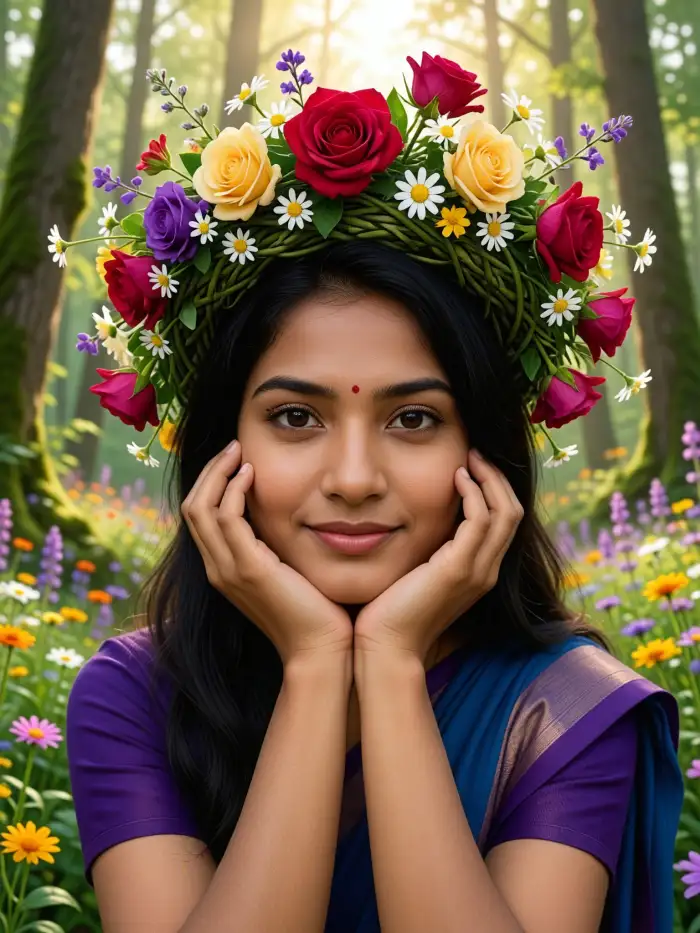 After
AfterFace Stable Flower Crown Placement
CoupleLens reads the face, the head tilt, the hairline, and the jaw. The crown follows your angle, not a flat pasted layer. You can tilt your head, smile, or close your eyes and the floral piece still sits where it should. The face stays sharp while the flowers blend with the lighting and the skin tone, so the final image does not look edited.
BeforeAfterFace Stable Flower Crown Placement
CoupleLens reads the face, the head tilt, the hairline, and the jaw. The crown follows your angle, not a flat pasted layer. You can tilt your head, smile, or close your eyes and the floral piece still sits where it should. The face stays sharp while the flowers blend with the lighting and the skin tone, so the final image does not look edited.
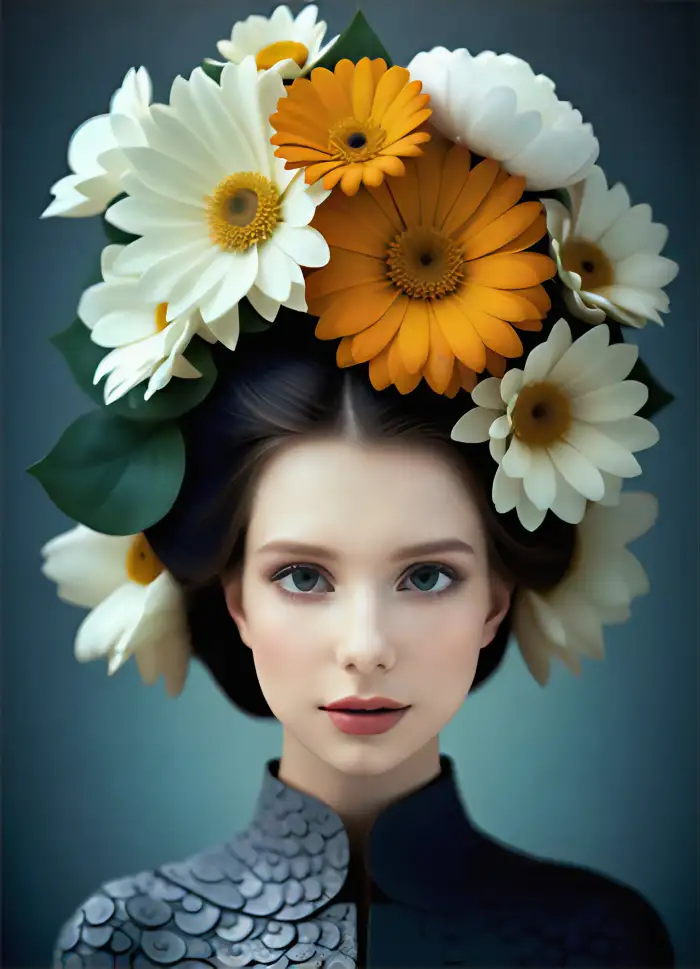
25,000 Plus Style Templates in Your Pocket
Every CoupleLens function lives as a ready filter inside the app. The AI flower crown generator pulls from over 25,000 templates. You will find boho wreaths, wedding halos, anime crowns, festival garlands, pastel flower headpieces, and seasonal edits. New templates land every week so the look never goes stale.
25,000 Plus Style Templates in Your Pocket
Every CoupleLens function lives as a ready filter inside the app. The AI flower crown generator pulls from over 25,000 templates. You will find boho wreaths, wedding halos, anime crowns, festival garlands, pastel flower headpieces, and seasonal edits. New templates land every week so the look never goes stale.
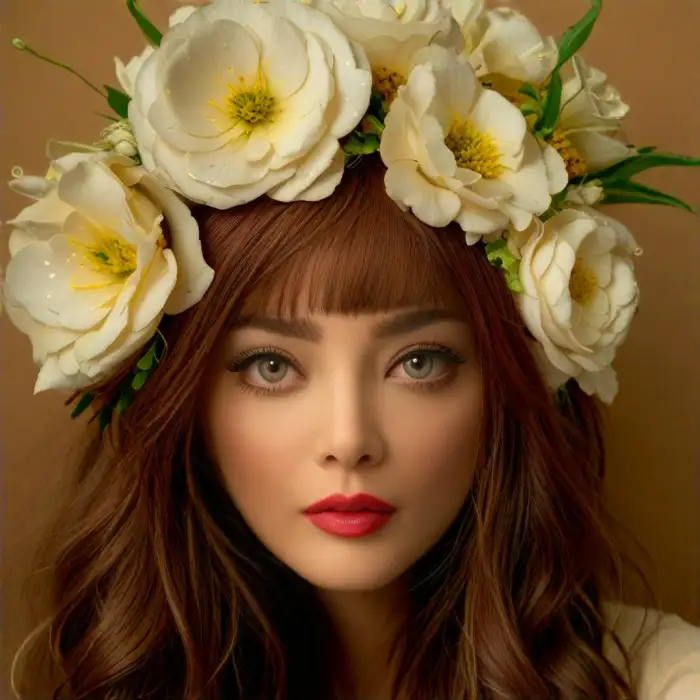
One Tap AI Add Flower Crown Workflow
Pick a filter, upload one photo, and tap generate. That is the full workflow you will go through on the CoupleLens App. There is no prompt box. There is no parameter slider. CoupleLens handles the heavy lifting so you spend your time choosing a vibe, not writing a sentence. The app returns a finished portrait in 10 to 20 seconds, ready to share.
One Tap AI Add Flower Crown Workflow
Pick a filter, upload one photo, and tap generate. That is the full workflow you will go through on the CoupleLens App. There is no prompt box. There is no parameter slider. CoupleLens handles the heavy lifting so you spend your time choosing a vibe, not writing a sentence. The app returns a finished portrait in 10 to 20 seconds, ready to share.
How to Create a Flower Crown Portrait?
Create adorable AI-generated flower crown images in just a few simple steps using our powerful platform.

Step 01.
Grab CoupleLens on your phone. Open the app and land on the filter home screen. Search "flower crown" in the filter bar.

Step 02.
Choose the flower crown AI Filter for a photoreal look. Upload one portrait, tap generate, and wait about ten seconds.

Step 03.
Save the finished portrait to your camera roll, or post it straight to your CoupleLens community page.
Why Use an AI Flower Crown Generator
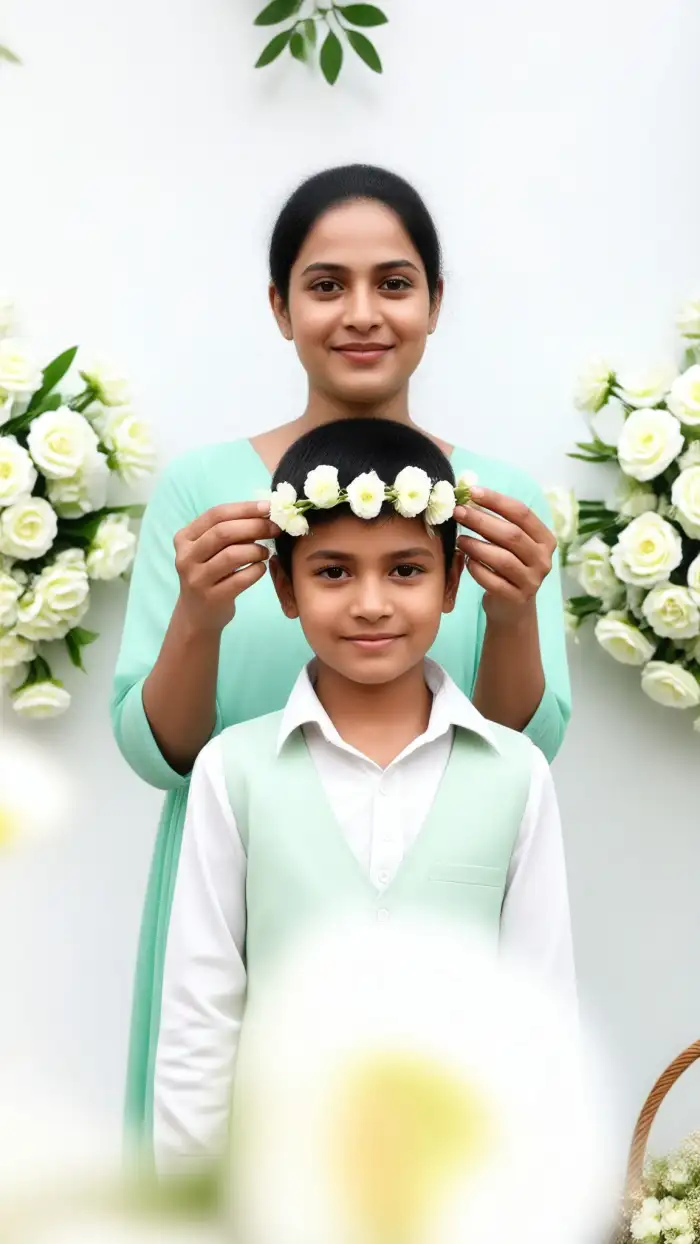
A flower crown adds a soft, romantic layer to any portrait. With CoupleLens, you skip the editing software and skip the long waits. The AI flower crown generator runs on your phone, keeps your face intact, and ships the result in seconds. Use it for a fresh profile picture on LinkedIn, X, or Discord. Use it for a spring festival post, a Mother’s Day card, a wedding mood board, a dating app refresh, or a cosplay avatar. Couples can run the same filter on two portraits and post a matching set. Pet owners can swap to the pet-friendly templates in the same library. Whatever the moment, CoupleLens turns one photo into a floral portrait without losing the person behind it.

Frequently Asked Questions
Find clear answers to common questions and get the guidance you need to make the most of the AI flower crown generator.
More AI Edits You May Like
Love the AI flower crown generator in CoupleLens? Try these next. Each one runs on the same one-tap workflow and ships in seconds.
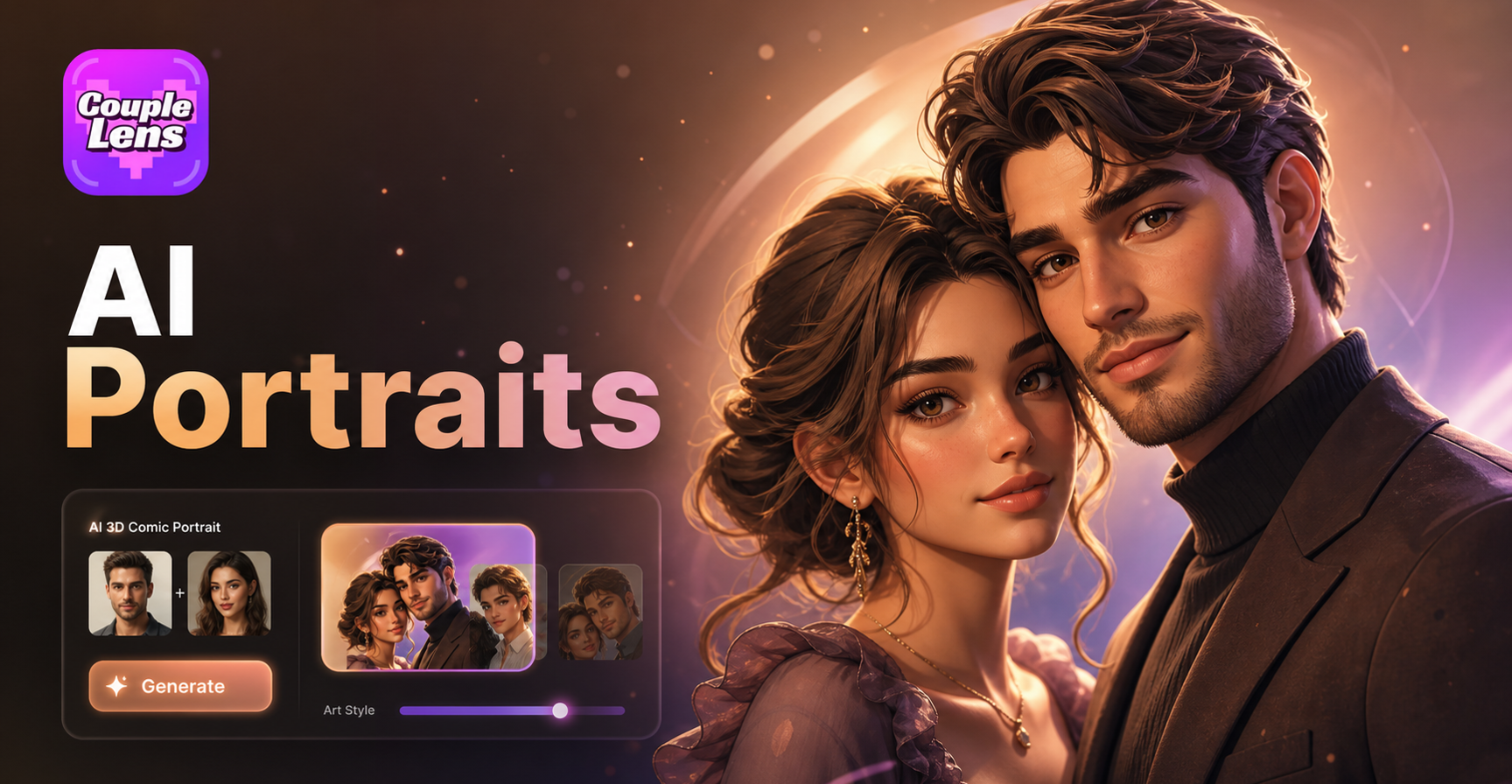
AI 3D Comic Portrait Generator
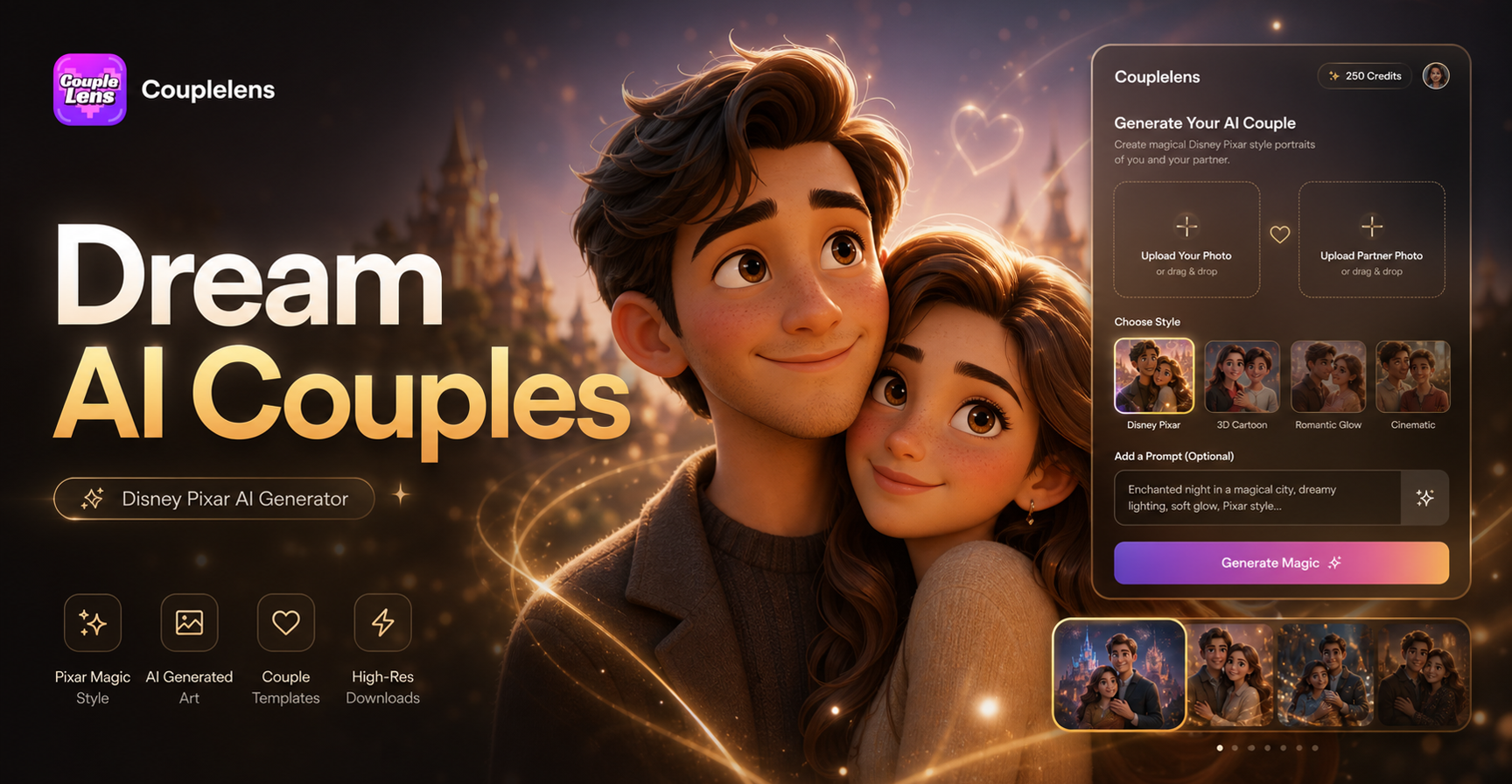
Disney Pixar AI Generator
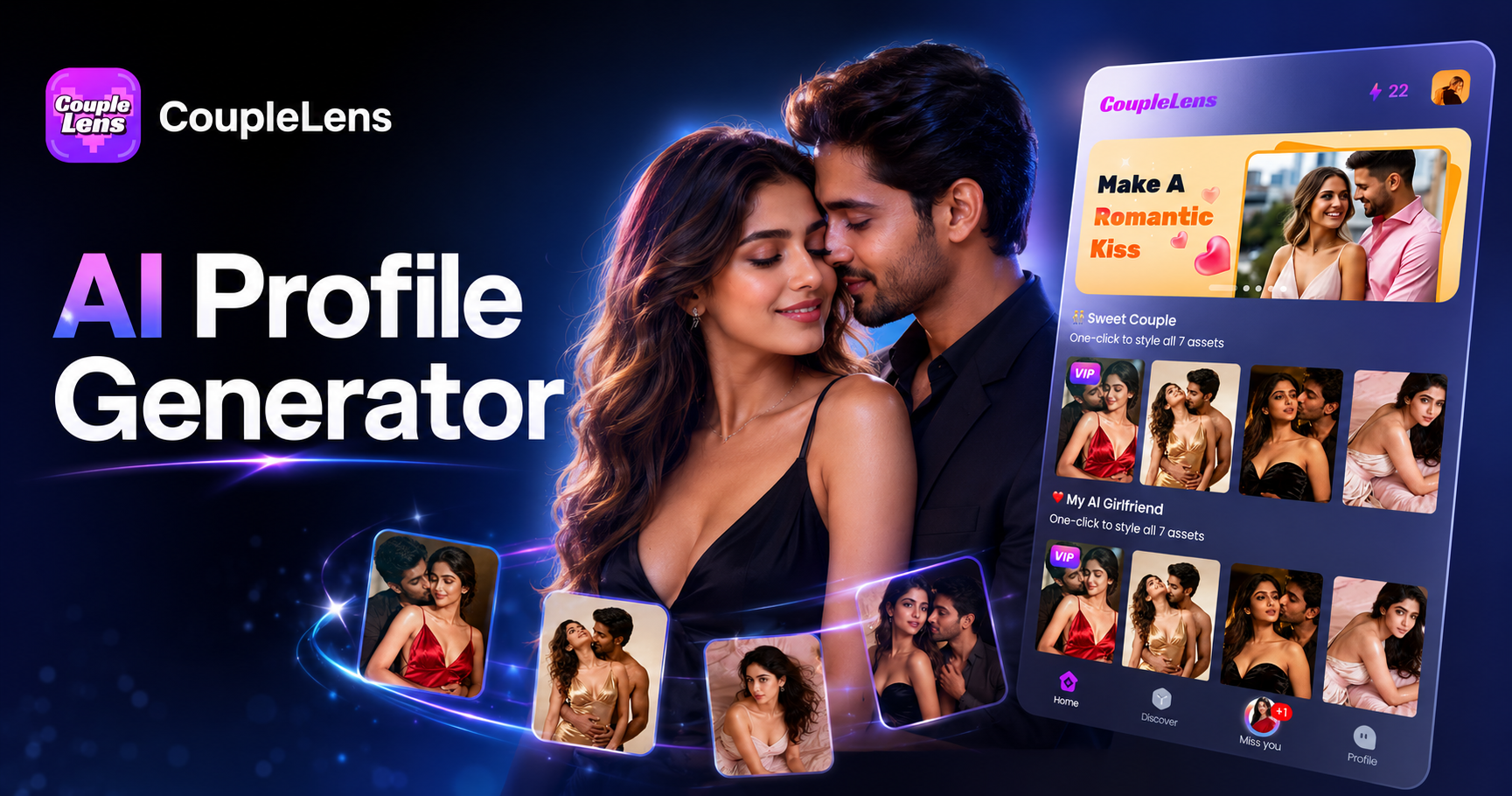
AI Profile Photo Generator
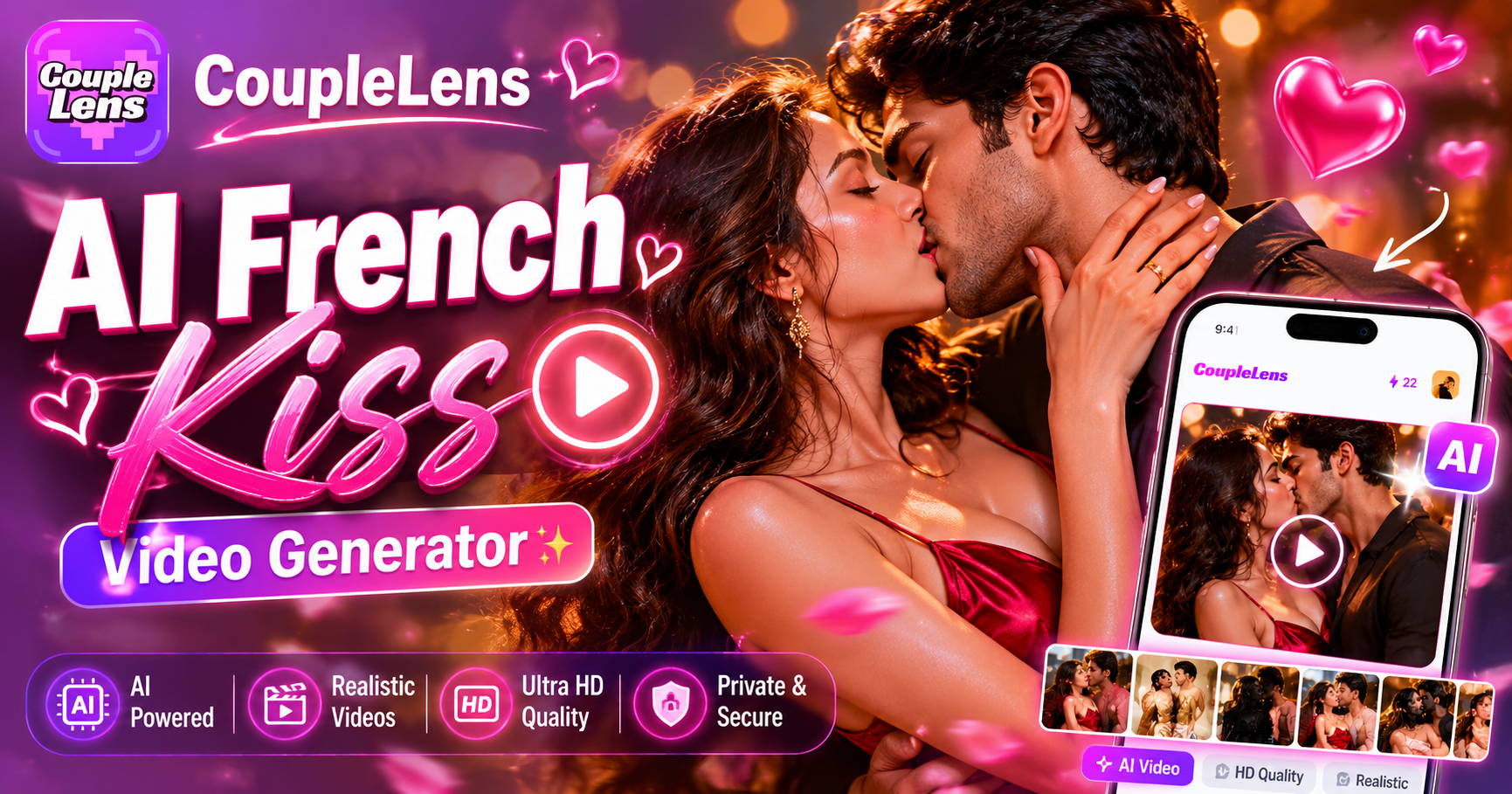
AI French Kiss Video Generator
AI 3D Comic Portrait Generator
Disney Pixar AI Generator
AI Profile Photo Generator
AI French Kiss Video Generator
Your Flower Crown Portrait Is One Tap Away
Stop hunting for the right web tool. Stop fighting with Photoshop. Download the app, drop your favourite portrait, and post a floral look in under a minute.
Your Flower Crown Portrait Is One Tap Away
Stop hunting for the right web tool. Stop fighting with Photoshop. Download the app, drop your favourite portrait, and post a floral look in under a minute.