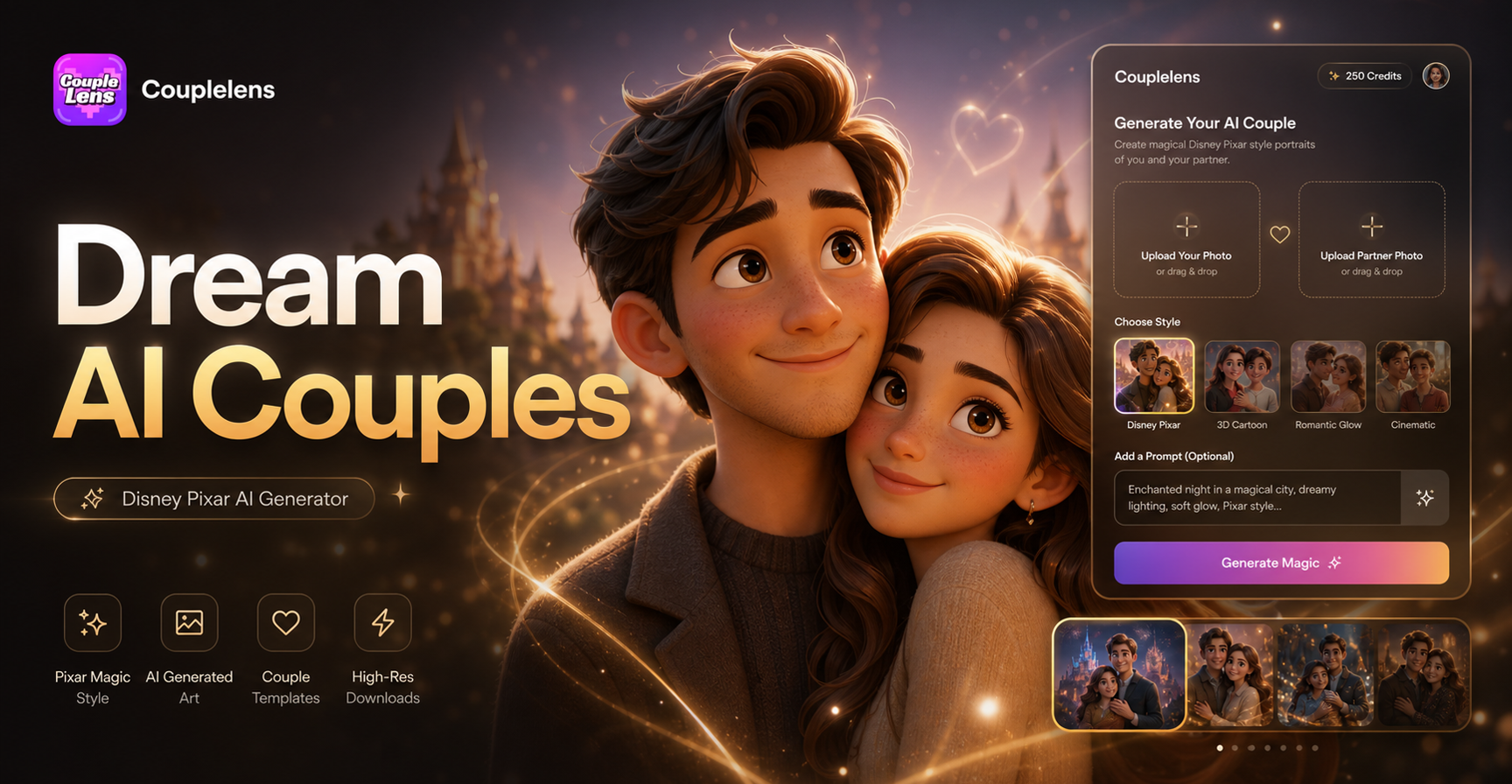
Disney Pixar AI Generator
Disney Gym
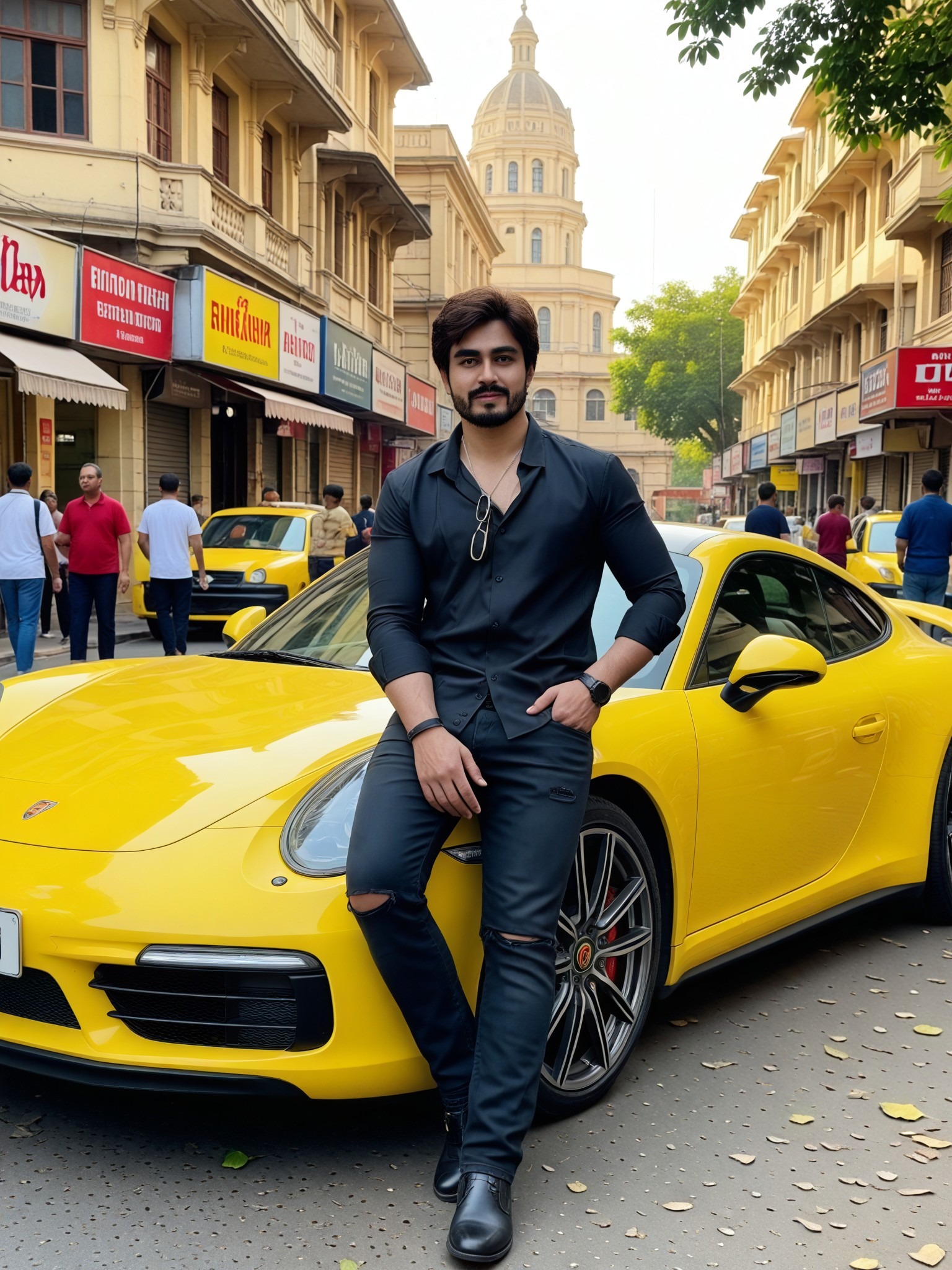
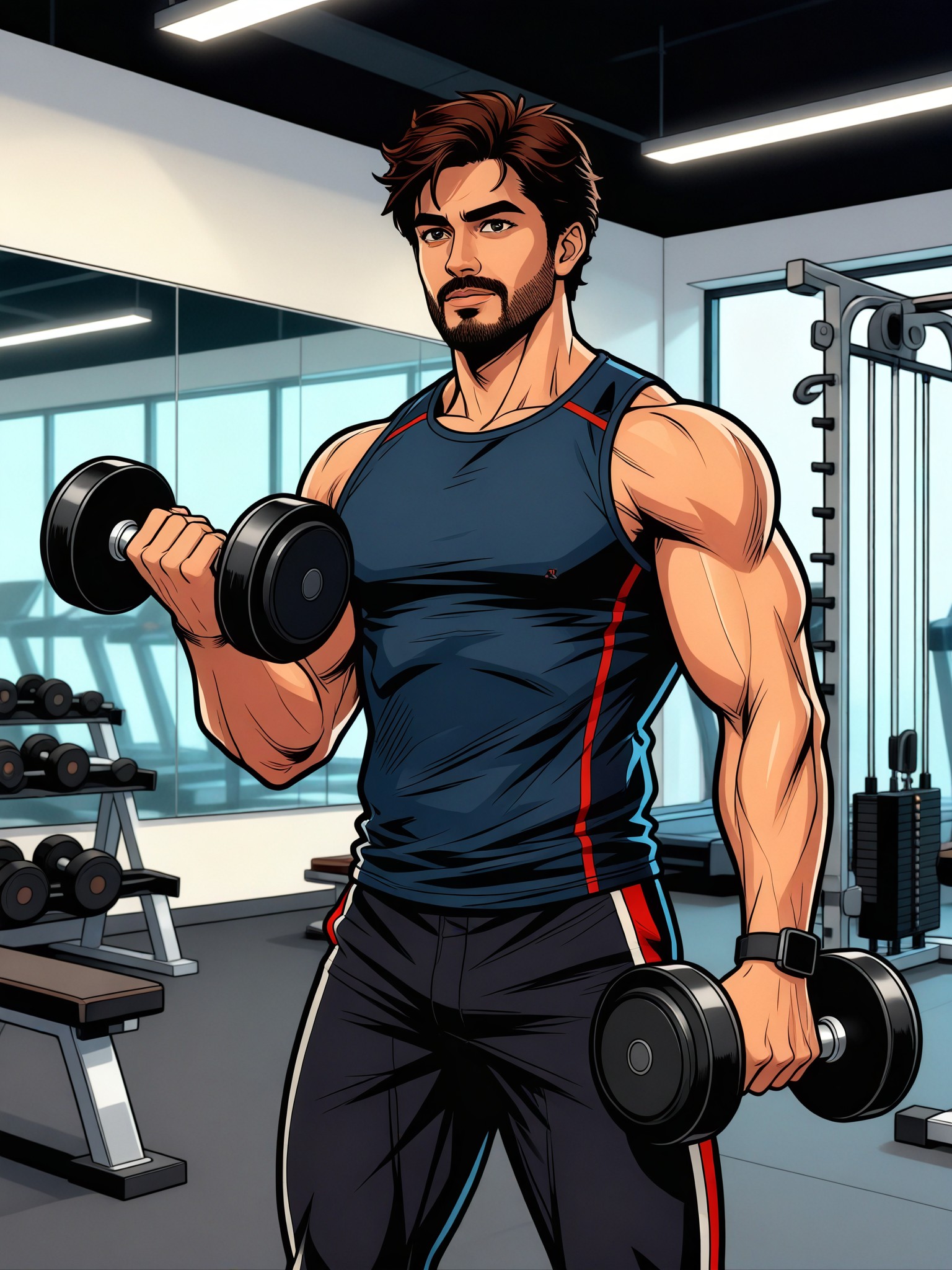

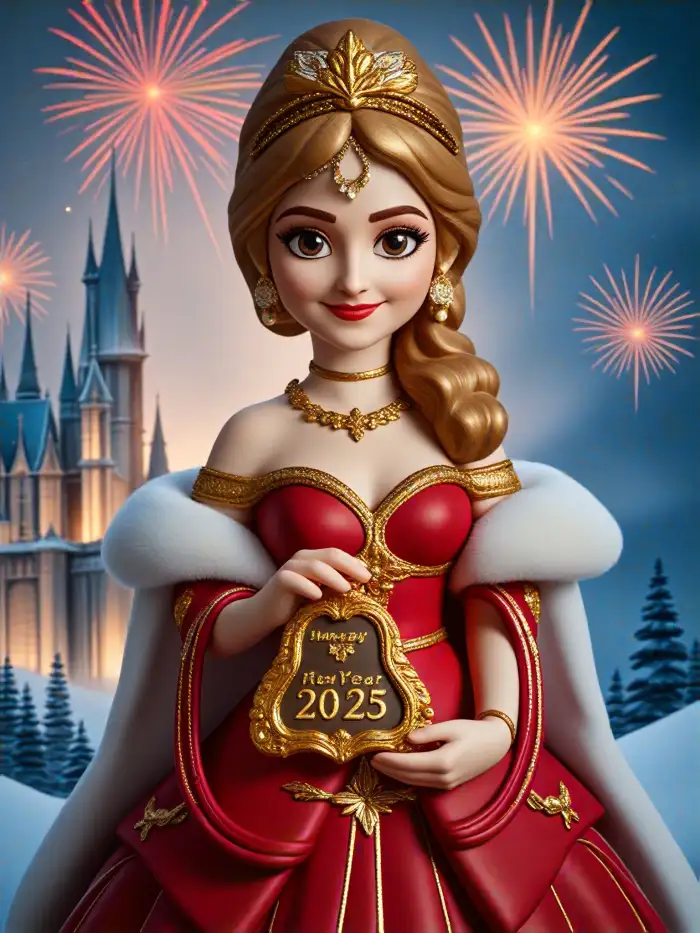
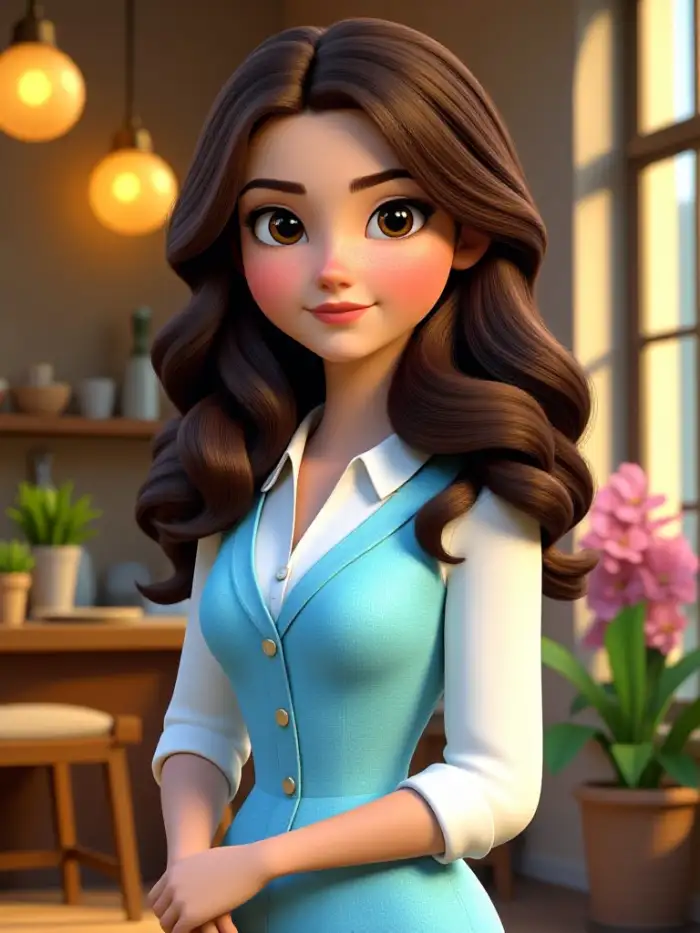
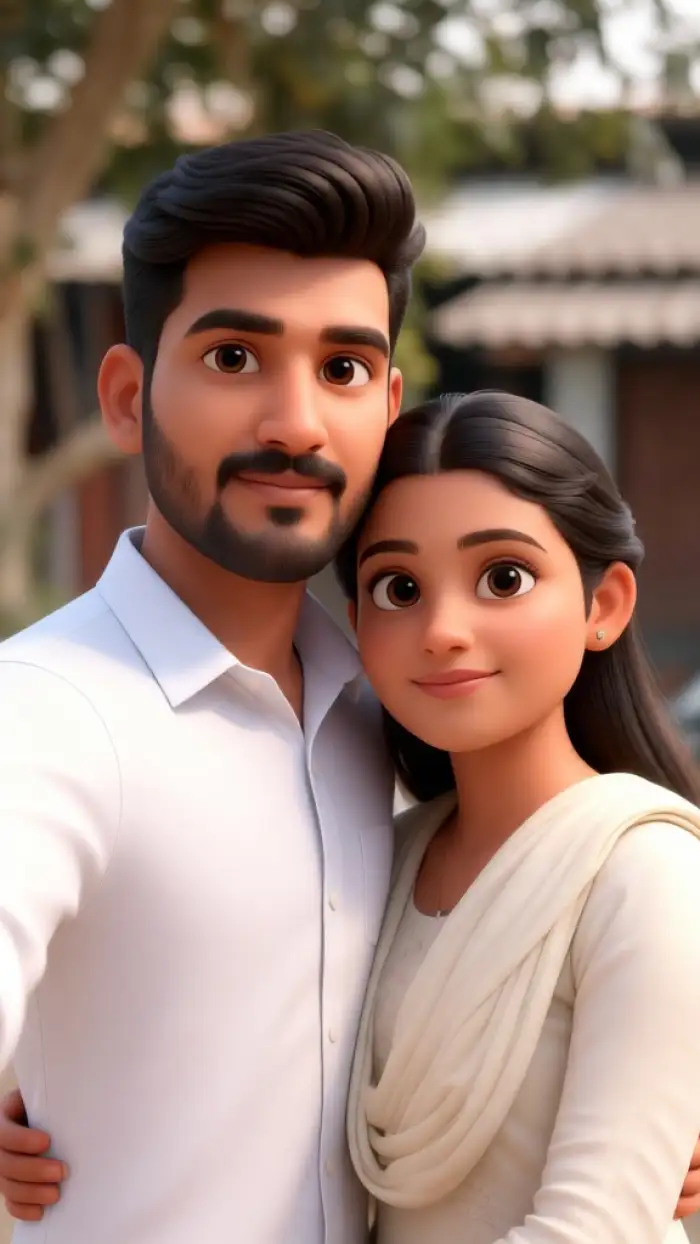
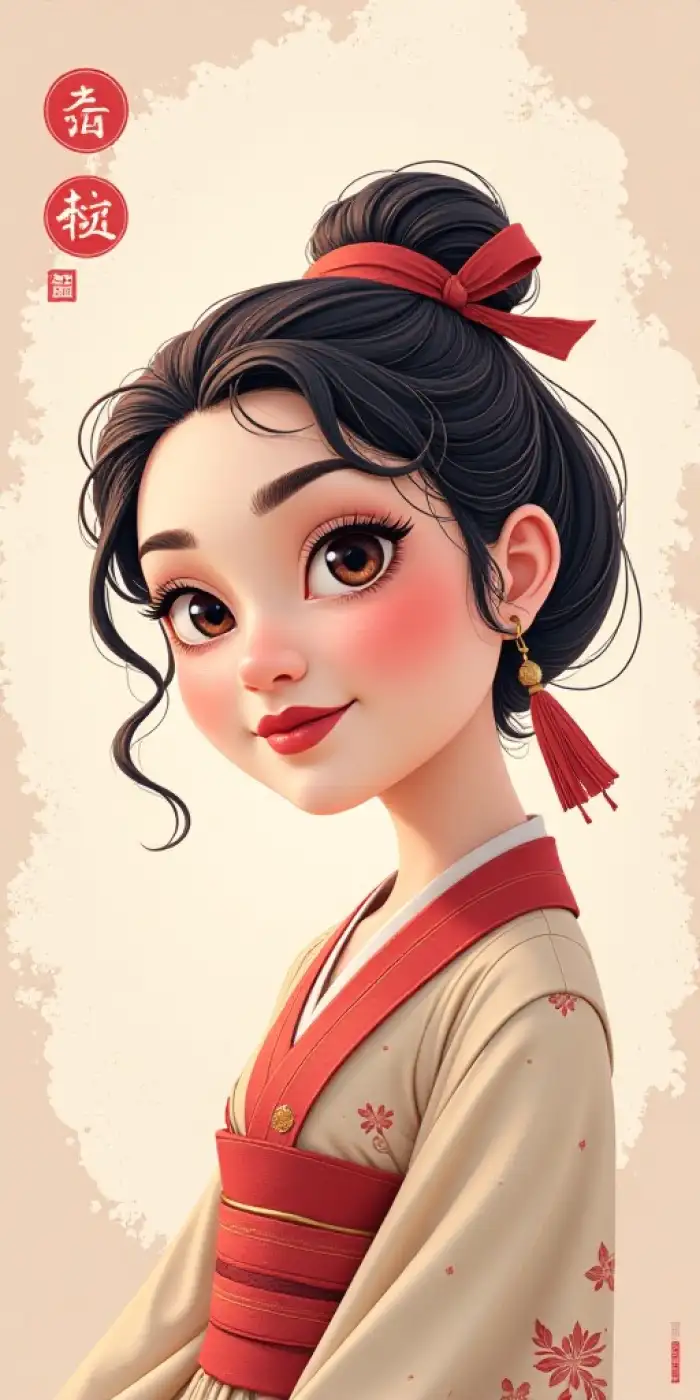
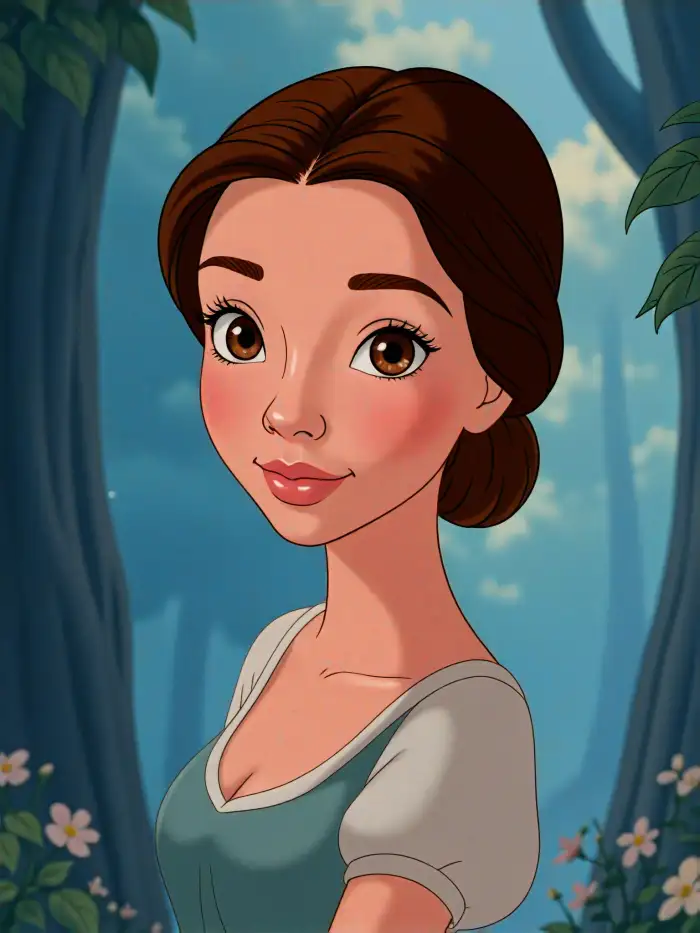
Real Pixar Style Results from Real Photos
Browse Pixar art made with CoupleLens. Every image below started as a regular photo.
Watch CoupleLens Make Pixar Art in Real Time
Watch the full process of creating Disney results on a phone. See how fast create disney character can be.
Key Features of Disney Pixar AI Generator
CoupleLens handles every step of turning a real photo into a Pixar style character.
TEXT TO IMAGE
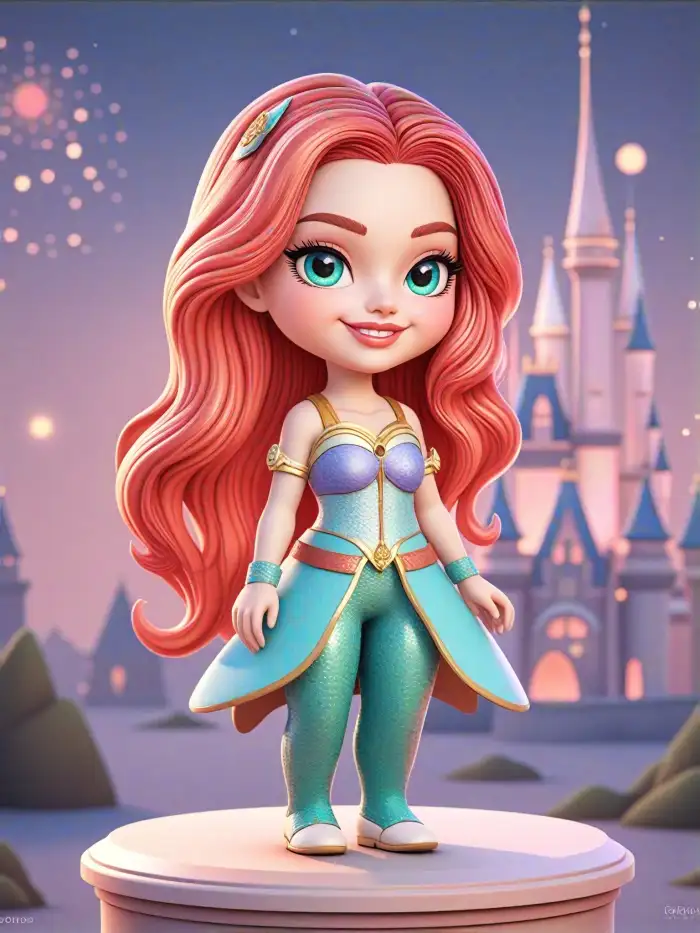
Create Disney Character from Text
CoupleLens turns a line of words into a Pixar style character in one tap. AI knows your thought, then rebuilds the look in a 3D animated style. Eyes get bigger, smiles get softer, and lighting has that warm Disney glow. You never write a complex prompt. Just pick a Pixar filter, tap, and the app does the rest.
TEXT TO IMAGE
Create Disney Character from Text
CoupleLens turns a line of words into a Pixar style character in one tap. AI knows your thought, then rebuilds the look in a 3D animated style. Eyes get bigger, smiles get softer, and lighting has that warm Disney glow. You never write a complex prompt. Just pick a Pixar filter, tap, and the app does the rest.
 Before
 After
AfterKeep Faces Consistent in Group Shots
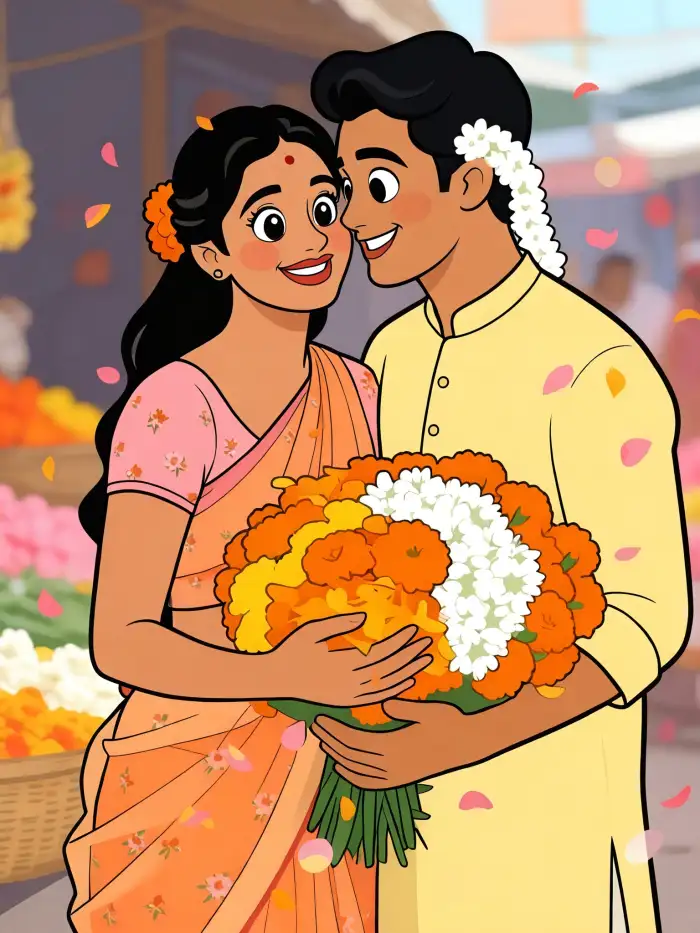
CoupleLens reads each face in group photos one by one. The app keeps every person unique, so couples, families, and friend groups all look like a real Disney cast. No face mixing. No missing friends. The family resemblance stays strong even when you use the same Pixar filter again across many images.
BeforeAfterKeep Faces Consistent in Group Shots
CoupleLens reads each face in group photos one by one. The app keeps every person unique, so couples, families, and friend groups all look like a real Disney cast. No face mixing. No missing friends. The family resemblance stays strong even when you use the same Pixar filter again across many images.
Animate Your Pixar Characters
Your Pixar character does not have to stay as a still image. CoupleLens can also animate it into a short video clip. Eyes blink, smiles form slowly, hair moves with the wind. Make a Pixar version of yourself wave, laugh, or give a hug. The face stays the same from image to video.
Animate Your Pixar Characters
Your Pixar character does not have to stay as a still image. CoupleLens can also animate it into a short video clip. Eyes blink, smiles form slowly, hair moves with the wind. Make a Pixar version of yourself wave, laugh, or give a hug. The face stays the same from image to video.
How to Create a Disney Pixar Character?
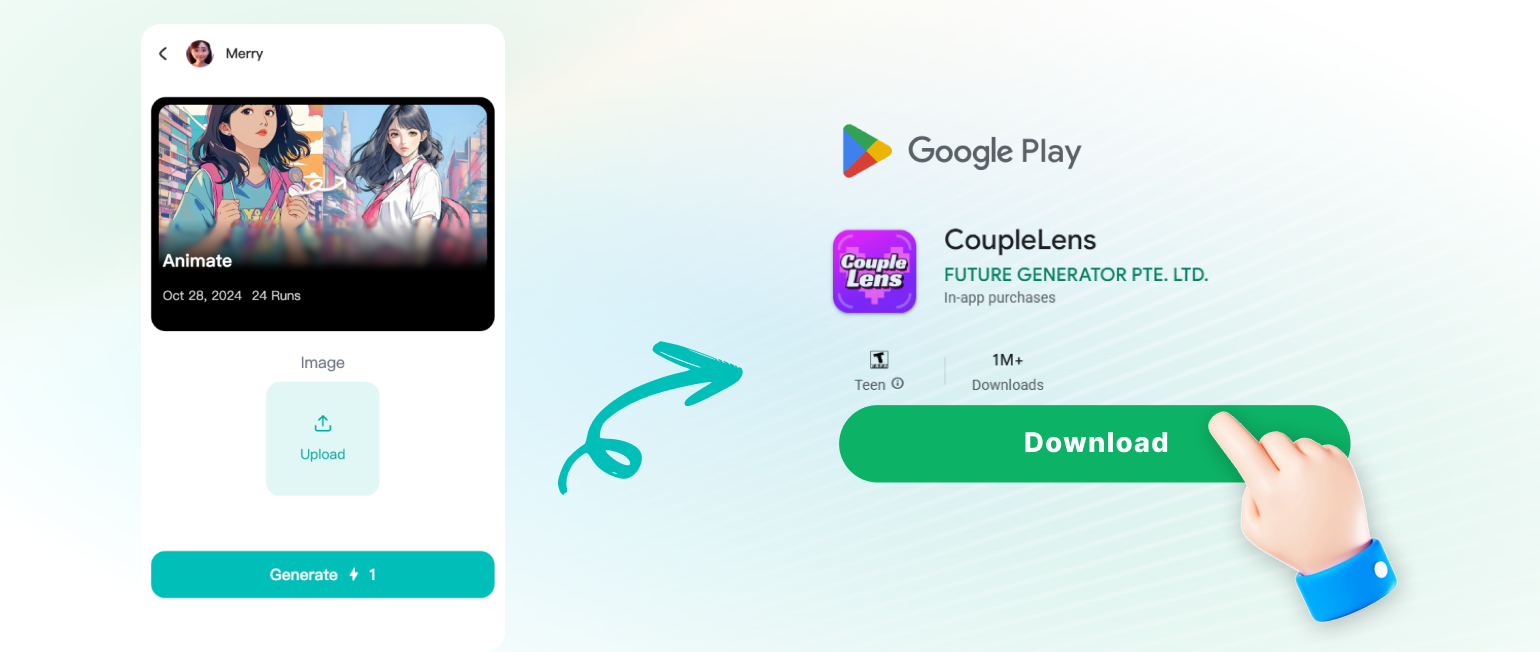
Just install CoupleLens, open the app, and you are in the world of Disney Pixar characters.
Disney Pixar AI Generator Questions Answered
Quick answers about making Pixar style art with CoupleLens. Find out how to use the app.
More AI Photo & Video Ideas to Try
CoupleLens has more fresh AI stylish filters beyond Pixar. Try AI smile, Happy Birthday, saree, and other interesting looks.
AI Smile Generator
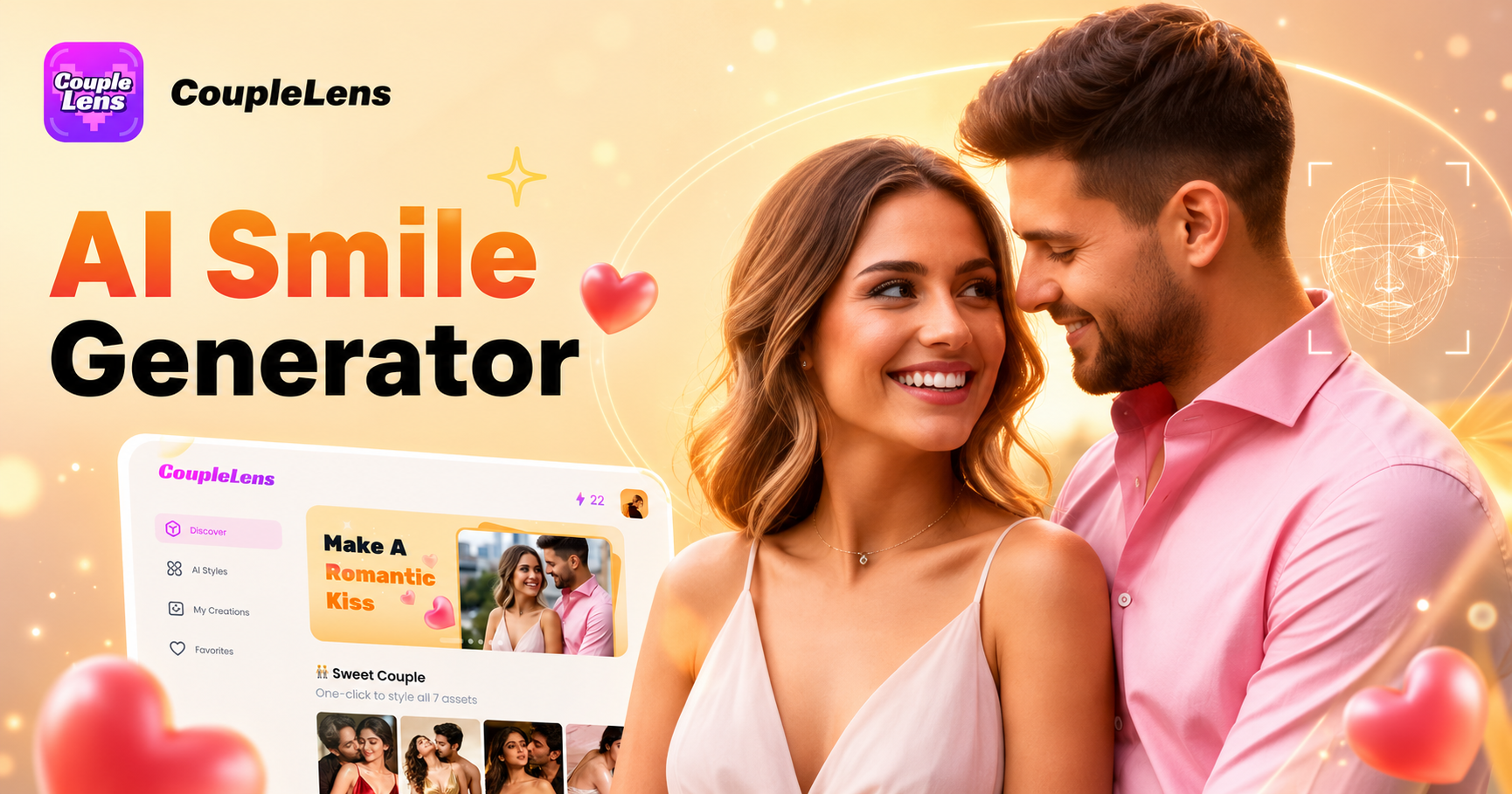
Your best photo just got better. AI Smile Generator changes neutral faces into warm, natural smiles. No design skills needed. Just pick a filter and let CoupleLens do the rest.
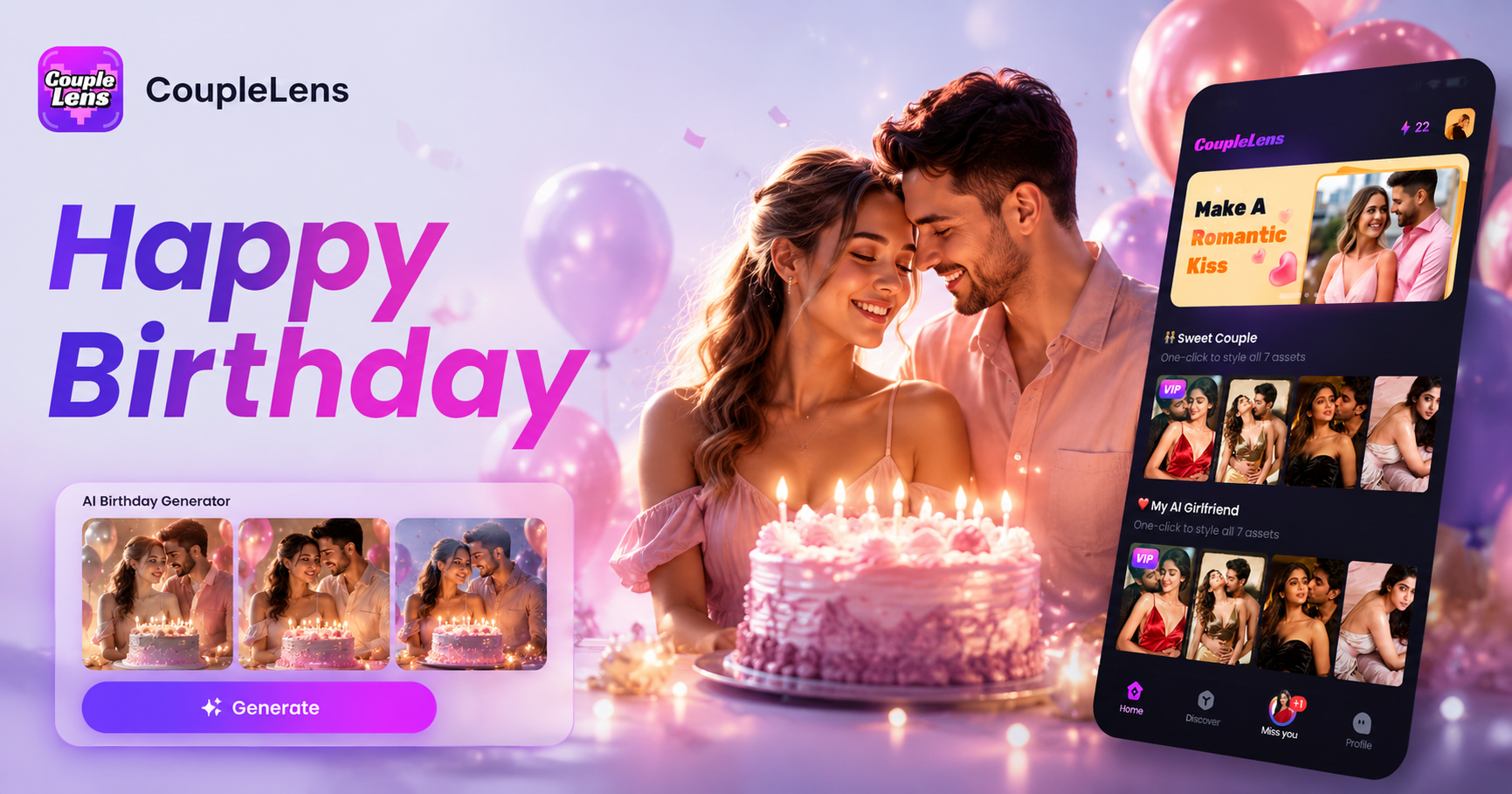
AI Happy Birthday Generator
Turn birthday wishes into works of art. Generate unique happy birthday AI images and birthday videos with a free birthday video maker that has 25,000+ trending templates.
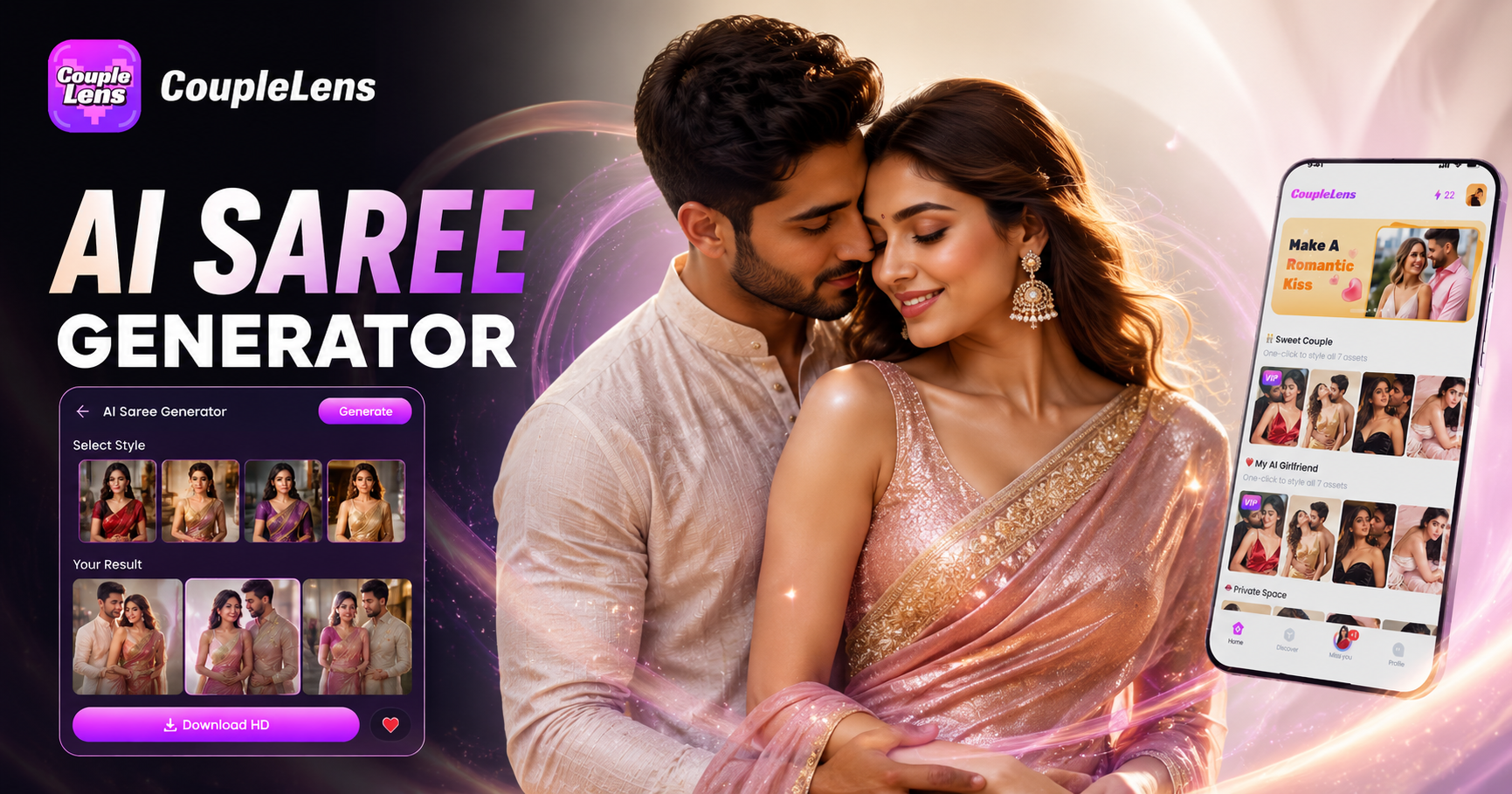
AI Saree Generator
Transform any photo into stunning AI saree portraits in seconds. Every AI saree filter is built for real results, not generic transforms. See what others are making.
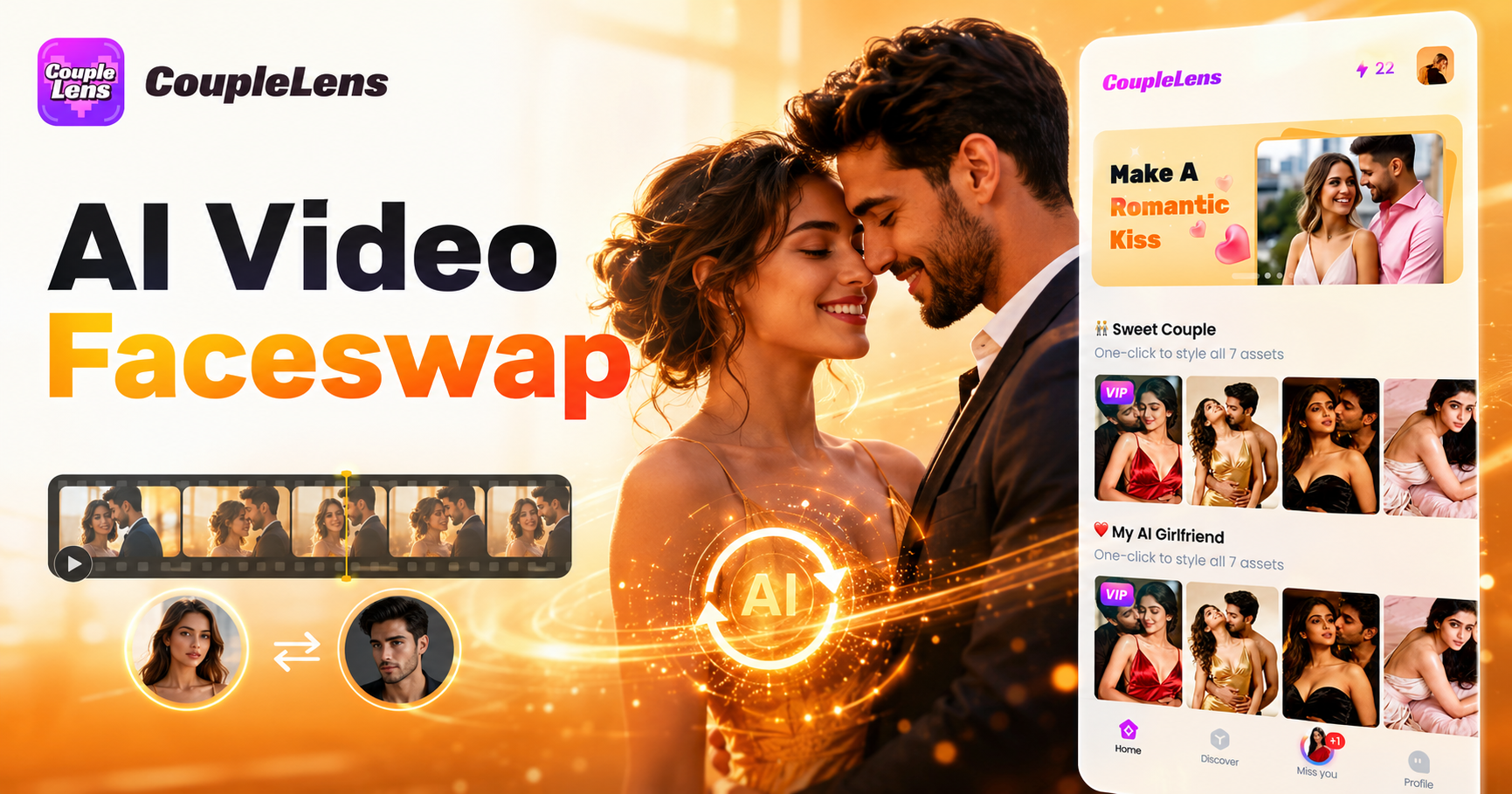
AI Video Faceswap
Want to swap faces in videos for free? CoupleLens makes it easy. Upload your clip, pick a style, and get a realistic AI face swap video in seconds.
Your Pixar Character Is One Tap Away
Download CoupleLens, pick a Pixar filter, and turn any photo into a Disney style character in under 20 seconds.
Your Pixar Character Is One Tap Away
Download CoupleLens, pick a Pixar filter, and turn any photo into a Disney style character in under 20 seconds.