AI Taper Fade Haircut Generator
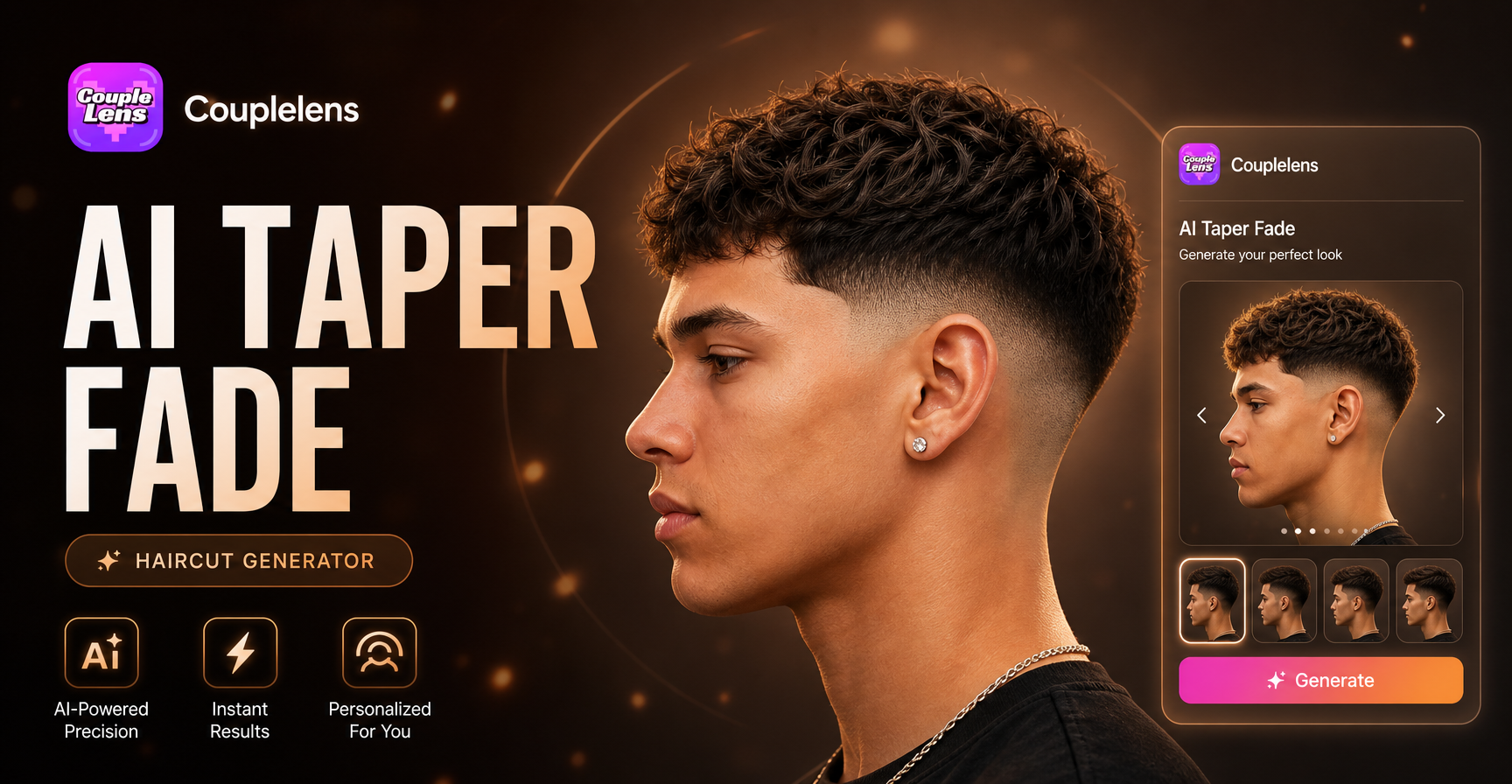
Men's slicked-back hairstyle with a mature look




Why Use the AI Taper Fade Haircut Generator in CoupleLens
A fade haircut takes 30 minutes in the chair and costs real money, so the wrong pick stings. A quick look at how the free AI taper fade haircut generator in CoupleLens renders the most searched fade variations on real faces. The free AI taper fade haircut generator in CoupleLens removes the guesswork with a mobile first preview that runs in seconds, keeps your real face intact, and lets you compare every fade style before you ever sit down.

How to Create Your AI Taper Fade With CoupleLens?
Three short steps take you from a fresh selfie to a clean taper fade preview on your phone, ready to screenshot or share.

Step 01.
Grab the CoupleLens App on your phone and open it. Free to install, free to try every taper fade filter in the library.

Step 02.
Tap any taper fade filter, upload one clear selfie, then hit generate. The AI barber inside CoupleLens maps the fade onto your face in seconds.

Step 03.
Save your new taper fade preview to your camera roll, or post it straight to Instagram, TikTok, or your barber in a DM. Skip the regret cut.
Key Features of the AI Taper Fade Haircut Generator
Three reasons CoupleLens works as a free AI taper fade haircut generator that actually keeps your face looking like your face.
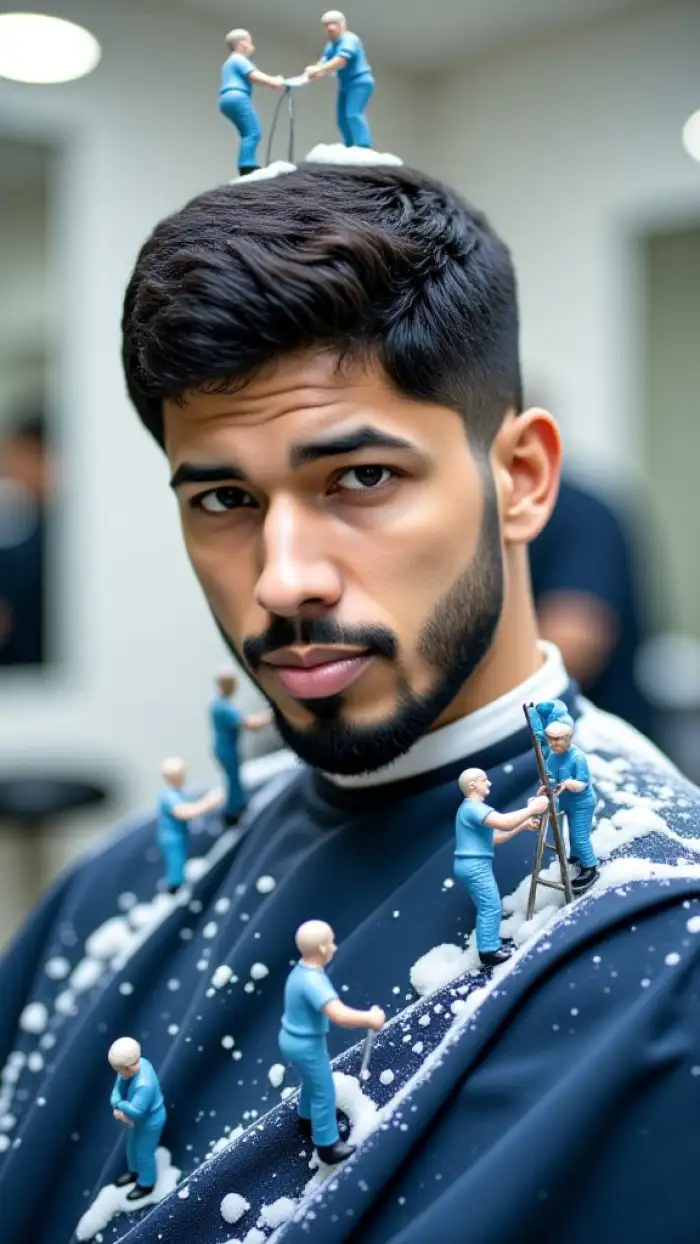
One Tap Fade Preview
Upload one selfie, pick a fade filter, and the AI taper fade haircut generator in CoupleLens drops the new cut onto your photo in 10 to 20 seconds. No prompt writing, no slider tweaking, no waiting in a desktop queue. Open the App, tap a filter, see the fade on you before you ever leave the house.
One Tap Fade Preview
Upload one selfie, pick a fade filter, and the AI taper fade haircut generator in CoupleLens drops the new cut onto your photo in 10 to 20 seconds. No prompt writing, no slider tweaking, no waiting in a desktop queue. Open the App, tap a filter, see the fade on you before you ever leave the house.
 Before
 After
AfterFace Lock That Keeps You Looking Like You
The Character Consistency engine inside CoupleLens locks onto your eyes, jawline, skin tone, and hairline before it adds the fade. Your new taper fade looks blended, not pasted on. Couples, friends, and barbers all see the same face they already know, just with a sharper cut.
BeforeAfterFace Lock That Keeps You Looking Like You
The Character Consistency engine inside CoupleLens locks onto your eyes, jawline, skin tone, and hairline before it adds the fade. Your new taper fade looks blended, not pasted on. Couples, friends, and barbers all see the same face they already know, just with a sharper cut.
 Before
Every Fade Variation in One App
Low fade, mid fade, high fade, skin fade, afro taper, burst fade, mullet fade, and dozens more sit side by side inside CoupleLens. Switch filters in seconds and compare side by side. You leave the App knowing which taper fade haircut you actually want to ask your barber for.
BeforeEvery Fade Variation in One App
Low fade, mid fade, high fade, skin fade, afro taper, burst fade, mullet fade, and dozens more sit side by side inside CoupleLens. Switch filters in seconds and compare side by side. You leave the App knowing which taper fade haircut you actually want to ask your barber for.
What Our Users Say About the CoupleLens Taper Fade Generator
My clients uploaded a quick selfie right before their haircut appointment.
I tell my walk-in clients to open CoupleLens and test a few taper fade filters before they sit down. Cuts down on the back and forth in the chair, and they leave way happier with the final look.
Saved me from picking blind.
I shoot senior portraits and the guys always ask about fade styles. Now I just send them to the taper fade generator in CoupleLens and they show up to the shoot already knowing which fade they want.
Showed the screenshot to my barber and walked out with exactly that cut.
Tried the skin fade filter inside CoupleLens on a Sunday night, showed my barber the next morning, no regrets. Way better than scrolling through random Pinterest photos and hoping for the best.
Frequently Asked Questions
Quick answers to the most common questions people ask before they open the CoupleLens App and try their first fade filter.
More Styles You May Like
Explore more topics you may like and discover fresh ideas tailored to your interests.
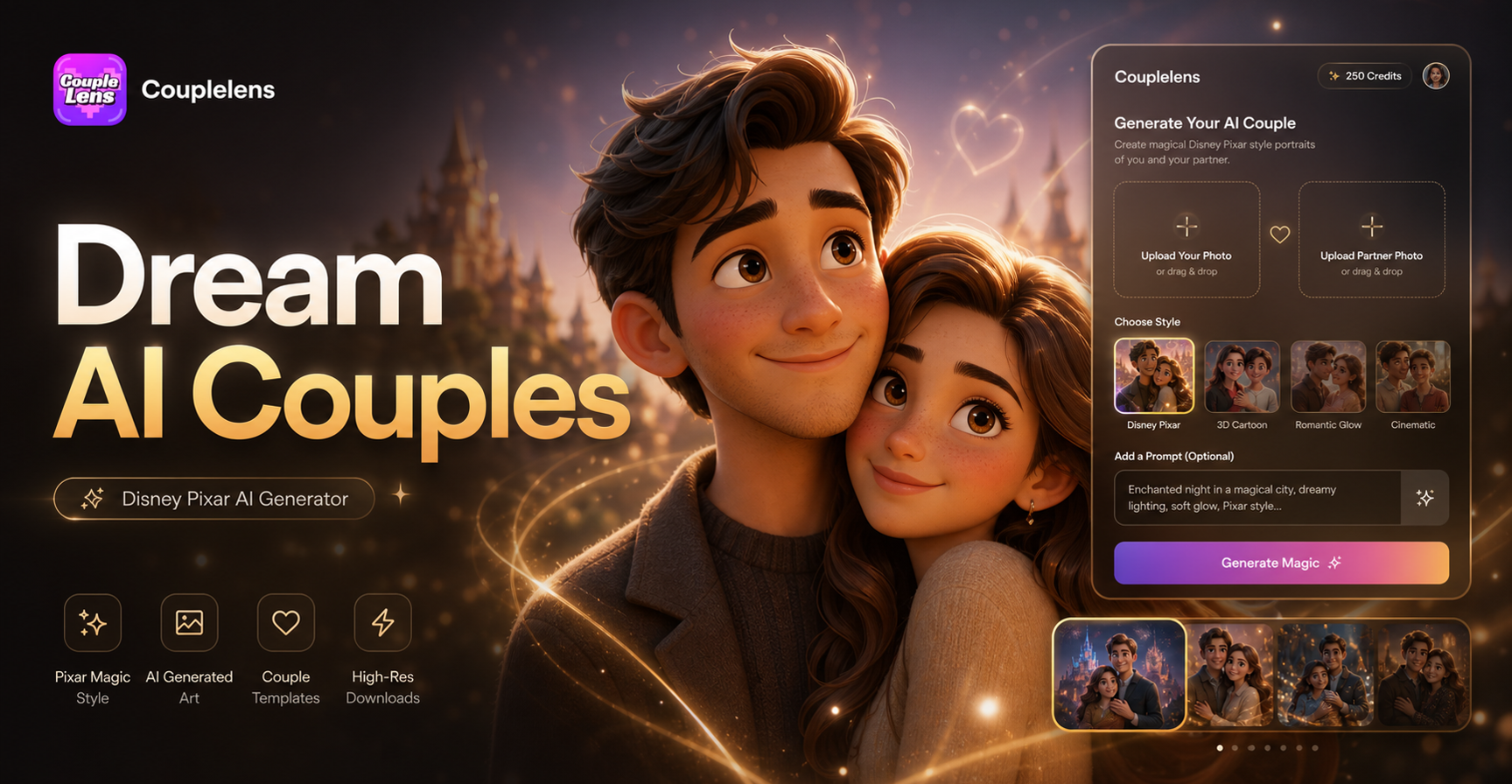
Disney Pixar AI Generator
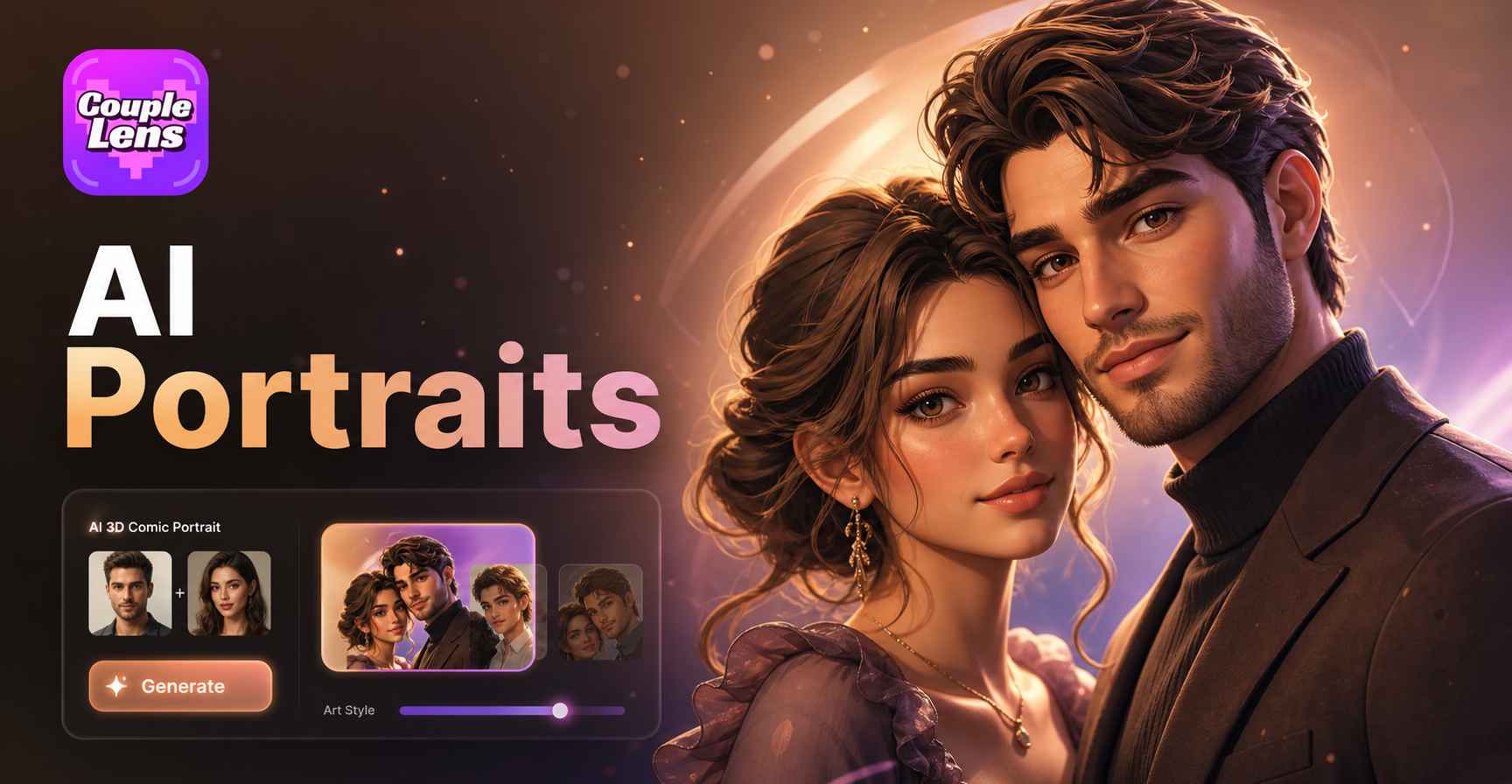
AI 3D Comic Portrait Generator
AI 360 Rotation Video Generator
AI Profile Photo Generator
Disney Pixar AI Generator
AI 3D Comic Portrait Generator
AI 360 Rotation Video Generator
AI Profile Photo Generator
Your Next Fade Starts in the CoupleLens App
Stop guessing at the barber. Tap into CoupleLens, run the free AI taper fade haircut generator on your phone.
Your Next Fade Starts in the CoupleLens App
Stop guessing at the barber. Tap into CoupleLens, run the free AI taper fade haircut generator on your phone.