Invitation Card Design
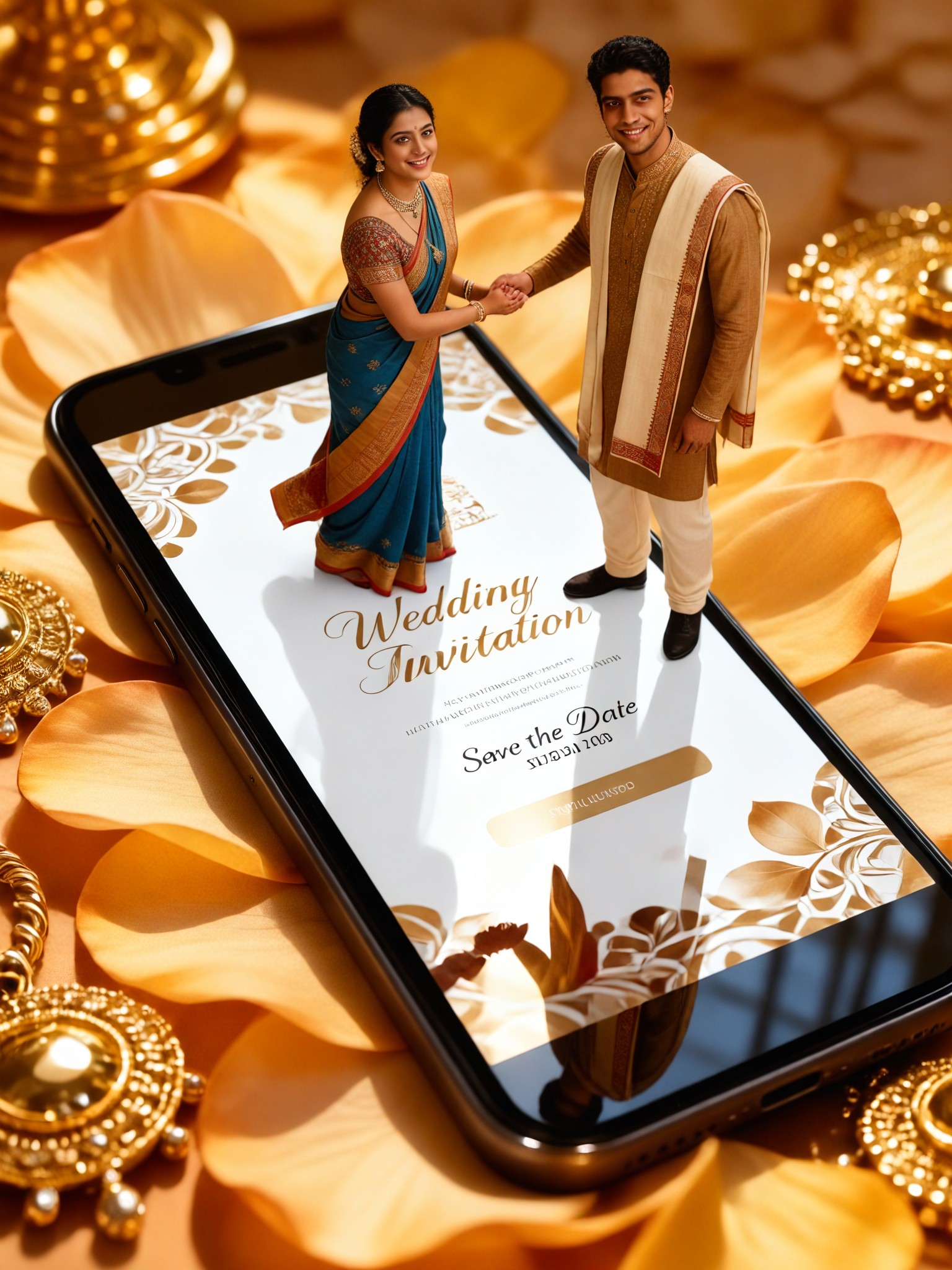
Micro portrait-9

Key Features of AI Invitation Card Design
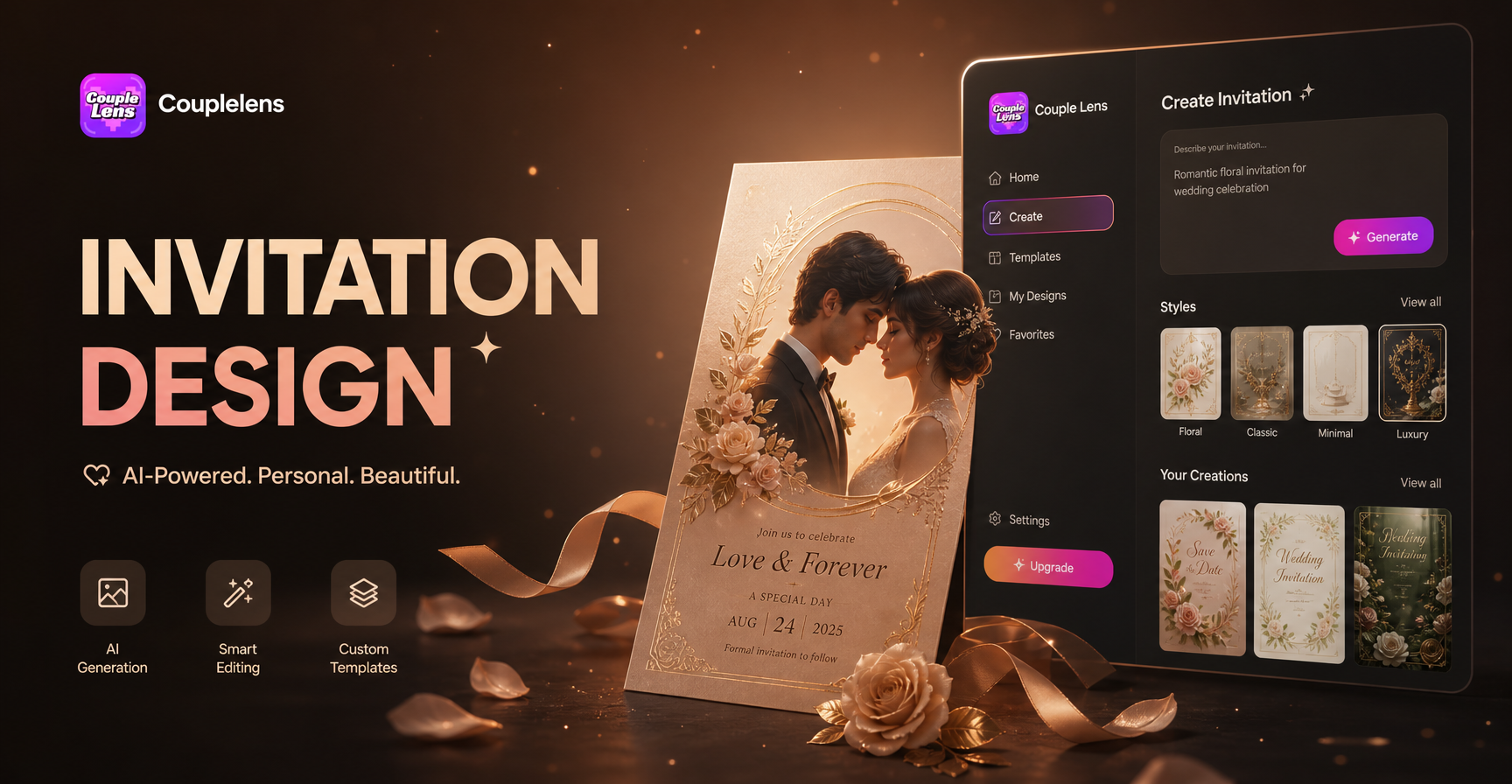
CoupleLens is not a template editor. It is a mobile AI studio built for couples who want their wedding art to feel personal.
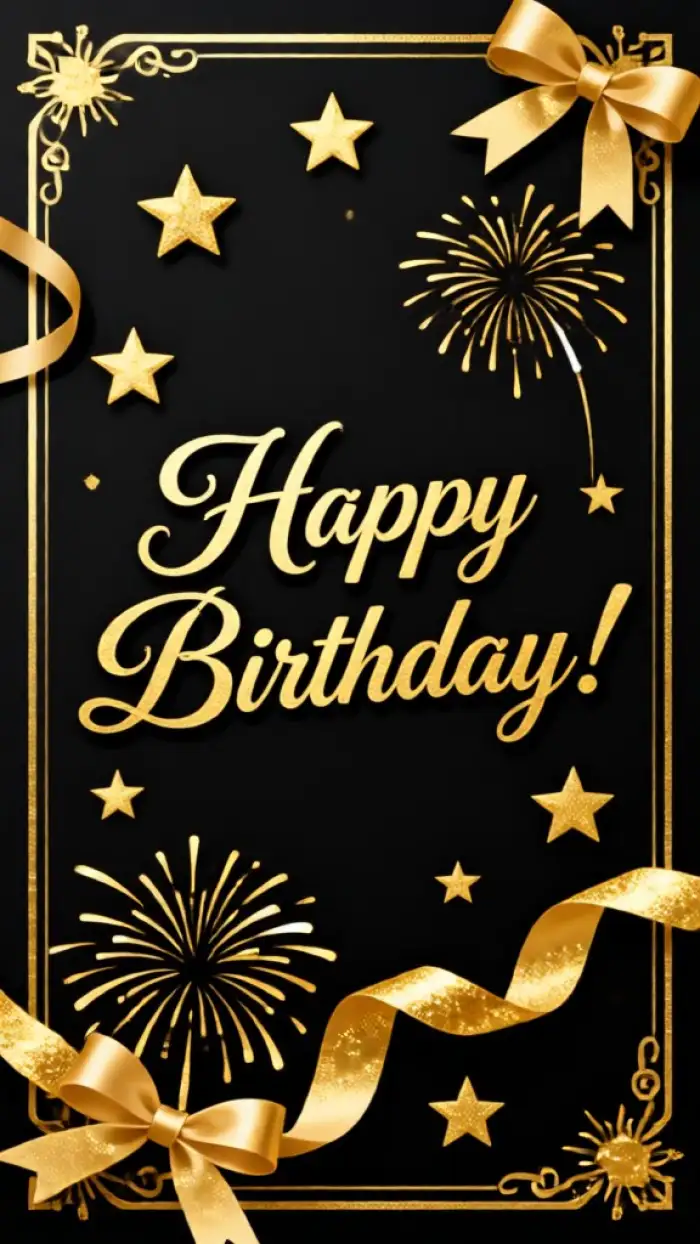
Birthday card Invites
Text to Invitation Style Migration
Enter a few lines of words to describe your invitation card. CoupleLens reads your intention and handles the AI invitation card design all in one app. Family invites. Friend group invites. Wedding party invites. All you need to do is dream up your ideal invitation card. Want to design marriage invitation card? CoupleLens gets you covered.
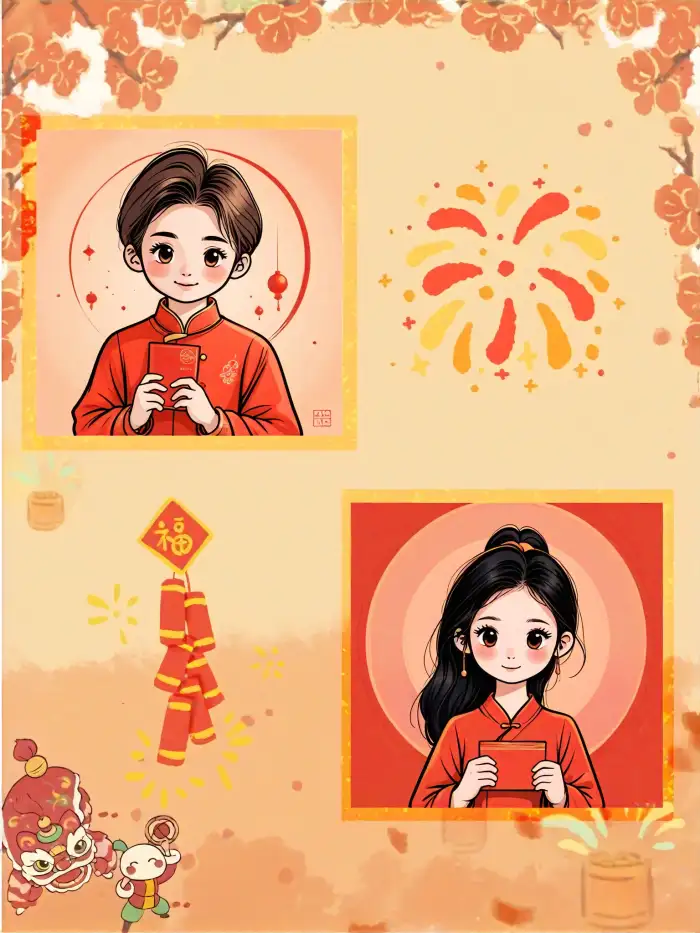
25000 Plus Styles and Daily Drops
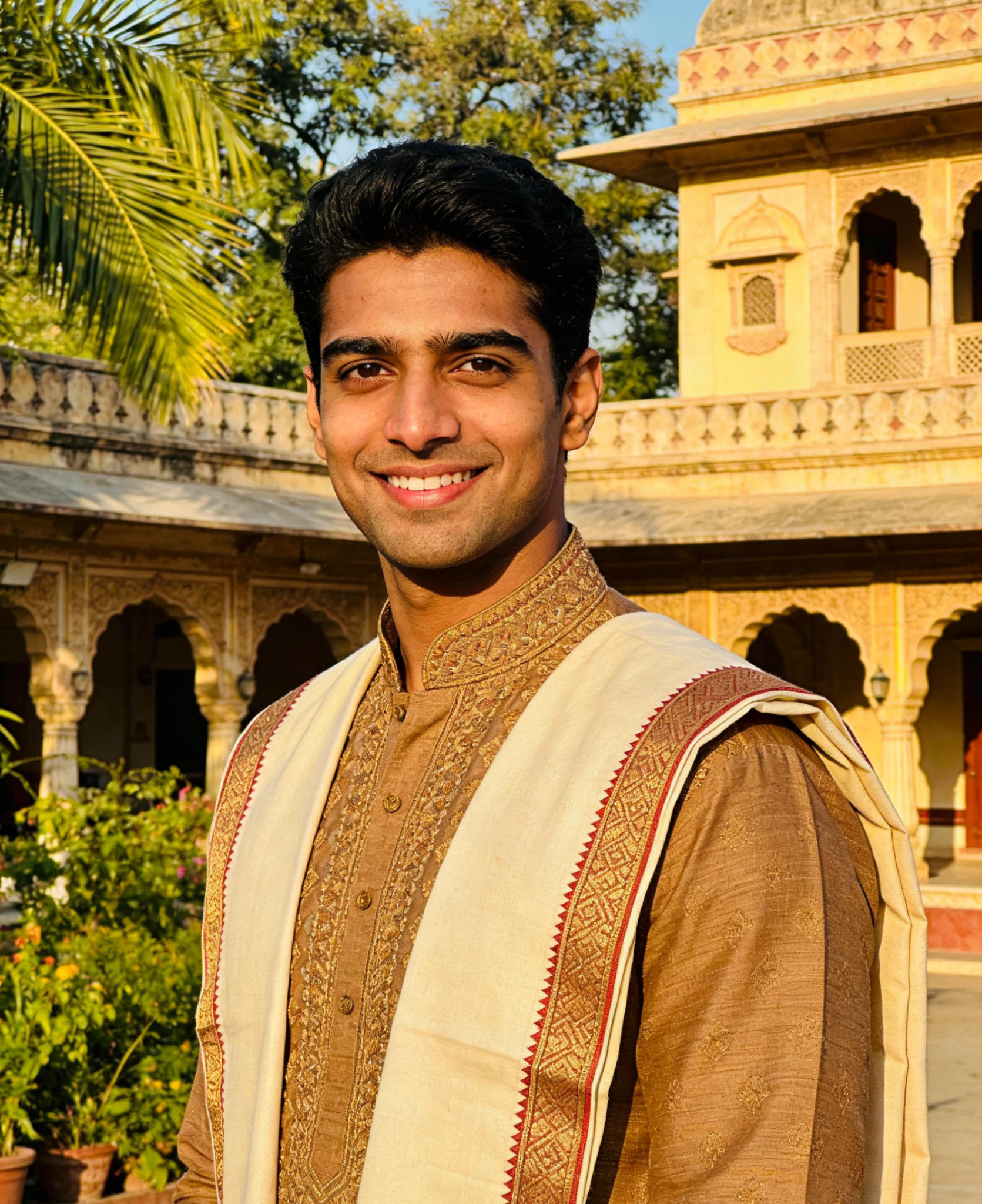
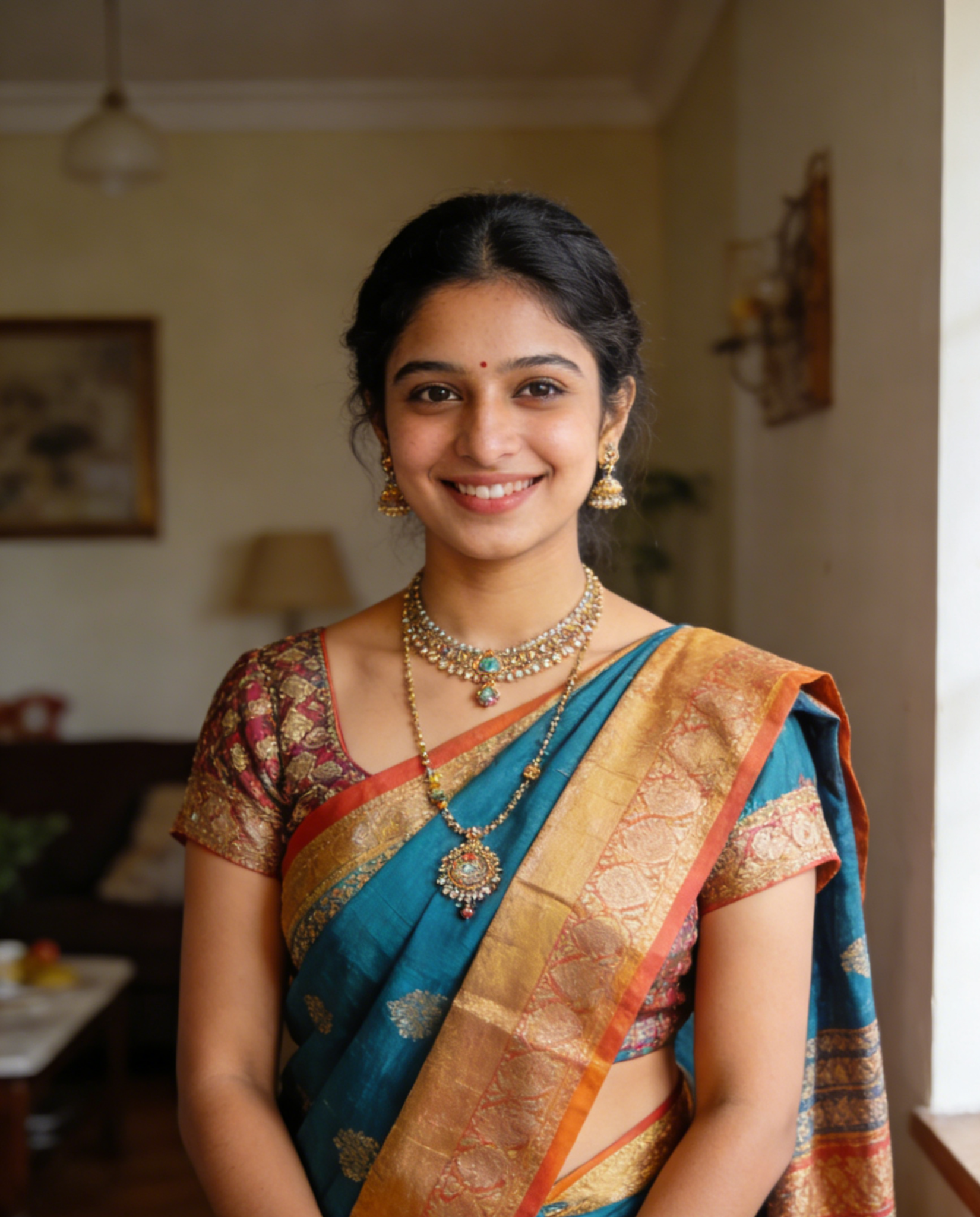
Drop a couple selfie. Get back a full invitation card design in any of 25,000 styles. Ghibli romance. Cyberpunk neon wedding. 3D clay figures holding hands. Watercolor florals. Polaroid film grain. Studio portrait glow. The AI reads your faces, keeps the body language, and dresses the whole scene in the style you picked. No prompt writing. No Photoshop. Pick the filter. Tap generate. Wait ten seconds.
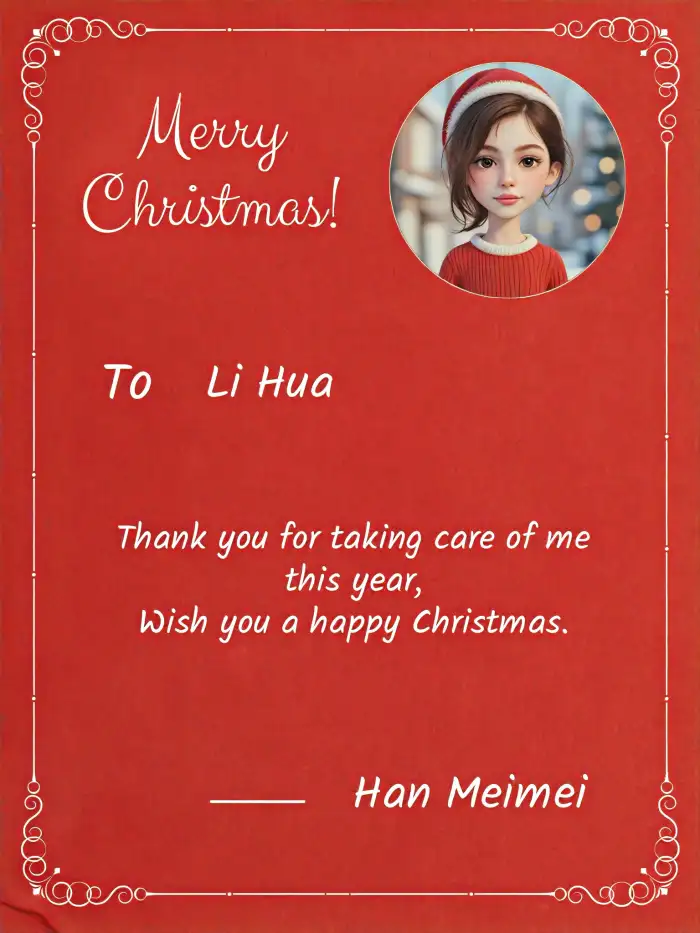
One-Tap Your Ideal Invitation Design
Most AI tools change your ideal design every time you click generate. CoupleLens locks your features in place. Your nose, jaw, hair, and skin tone stay the same across your save-the-date, the main invite, and the thank-you card. You look like you in every image. Your partner looks like your partner. Even your dog looks like your dog.
How to Create Invitation Card Designs?
You do not need a laptop. You do not need Photoshop. Three steps and your marriage invitation card design is ready to send.

Step 01.
Grab the CoupleLens App from the Google Play. Sign up takes one tap. Free to start.

Step 02.
Upload a couple of selfies. Optional: type a short line about the vibe you want. The filter does the rest.

Step 03.
Save the result to your phone. Post it to Instagram, send it in a group chat, or send it to print.
Why Use CoupleLens for Invitation Card Design
Other AI invitation tools live in a browser tab. They ask you to write a prompt. They hand you a flat image you cannot edit. CoupleLens runs on your phone, uses filters instead of prompts, and lets you generate new versions until the design feels right. Pick a couple photo. Pick a filter. Tap once. The app gives you a personal marriage invitation card design in seconds, ready to print, ready to post, ready to send. No design skills required. Just your photo, your vibe, and one tap.

What Couples Say About CoupleLens

Marcus Delaney
I shoot weddings every weekend. I started using CoupleLens to mock up save-the-date art for clients before I deliver the real gallery. The character consistency is wild. The bride's face stays the bride's face across the whole set.
Priya Ramachandran
My fiancé and I cannot design anything. We are both engineers. CoupleLens took one cafe selfie and turned it into three different marriage invitation card designs in like fifteen seconds. We picked the Ghibli one. Printed it. Family cried. That is the whole story.

Jordan Whitaker
I plan about thirty weddings a year. I used to spend hours in Canva. Now I open CoupleLens on the train home, drop in the couple's photo, and have three invite mockups waiting by the time I hit my stop.

Elena Vasquez
We got engaged on a Tuesday and sent our save-the-date on Friday. The Micro Portrait filter made our photo look like a tiny art piece. Our guests thought we hired a designer. We did not. We just tapped a button.
Marcus Delaney
I shoot weddings every weekend. I started using CoupleLens to mock up save-the-date art for clients before I deliver the real gallery. The character consistency is wild. The bride's face stays the bride's face across the whole set.
Priya Ramachandran
My fiancé and I cannot design anything. We are both engineers. CoupleLens took one cafe selfie and turned it into three different marriage invitation card designs in like fifteen seconds. We picked the Ghibli one. Printed it. Family cried. That is the whole story.
Jordan Whitaker
I plan about thirty weddings a year. I used to spend hours in Canva. Now I open CoupleLens on the train home, drop in the couple's photo, and have three invite mockups waiting by the time I hit my stop.
Elena Vasquez
We got engaged on a Tuesday and sent our save-the-date on Friday. The Micro Portrait filter made our photo look like a tiny art piece. Our guests thought we hired a designer. We did not. We just tapped a button.
Marcus Delaney
I shoot weddings every weekend. I started using CoupleLens to mock up save-the-date art for clients before I deliver the real gallery. The character consistency is wild. The bride's face stays the bride's face across the whole set.
Priya Ramachandran
My fiancé and I cannot design anything. We are both engineers. CoupleLens took one cafe selfie and turned it into three different marriage invitation card designs in like fifteen seconds. We picked the Ghibli one. Printed it. Family cried. That is the whole story.
Jordan Whitaker
I plan about thirty weddings a year. I used to spend hours in Canva. Now I open CoupleLens on the train home, drop in the couple's photo, and have three invite mockups waiting by the time I hit my stop.
Elena Vasquez
We got engaged on a Tuesday and sent our save-the-date on Friday. The Micro Portrait filter made our photo look like a tiny art piece. Our guests thought we hired a designer. We did not. We just tapped a button.
Watch How Creators Use CoupleLens
Explore in-depth YouTube tutorials and demos that show the power and reliability of the CoupleLens App.
Frequently Asked Questions
Find clear answers to common questions and get the guidance you need to make the most of the CoupleLens App.
More Topics You May Like
Explore more topics you may like and discover fresh ideas tailored to your interests.
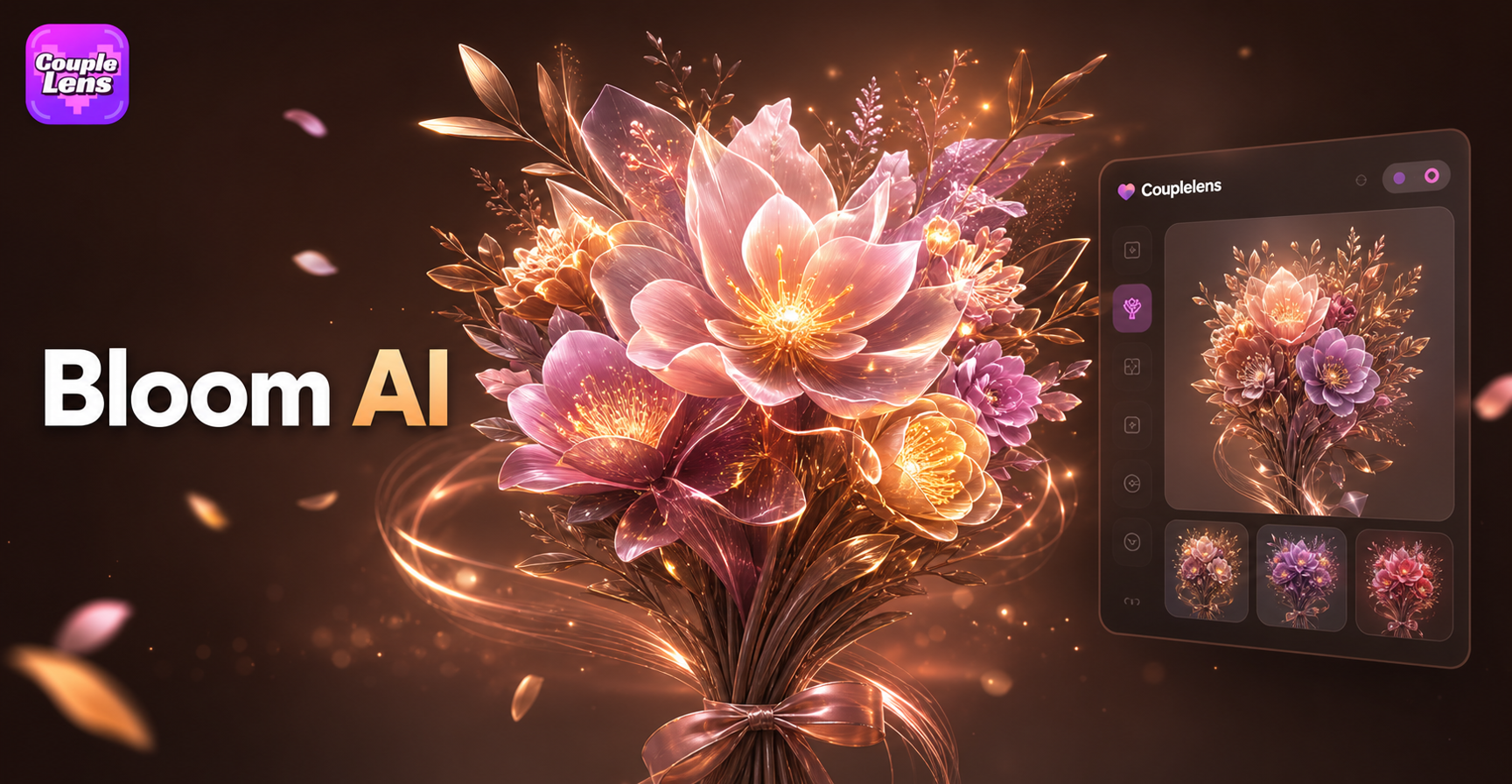
AI Bloom Effect
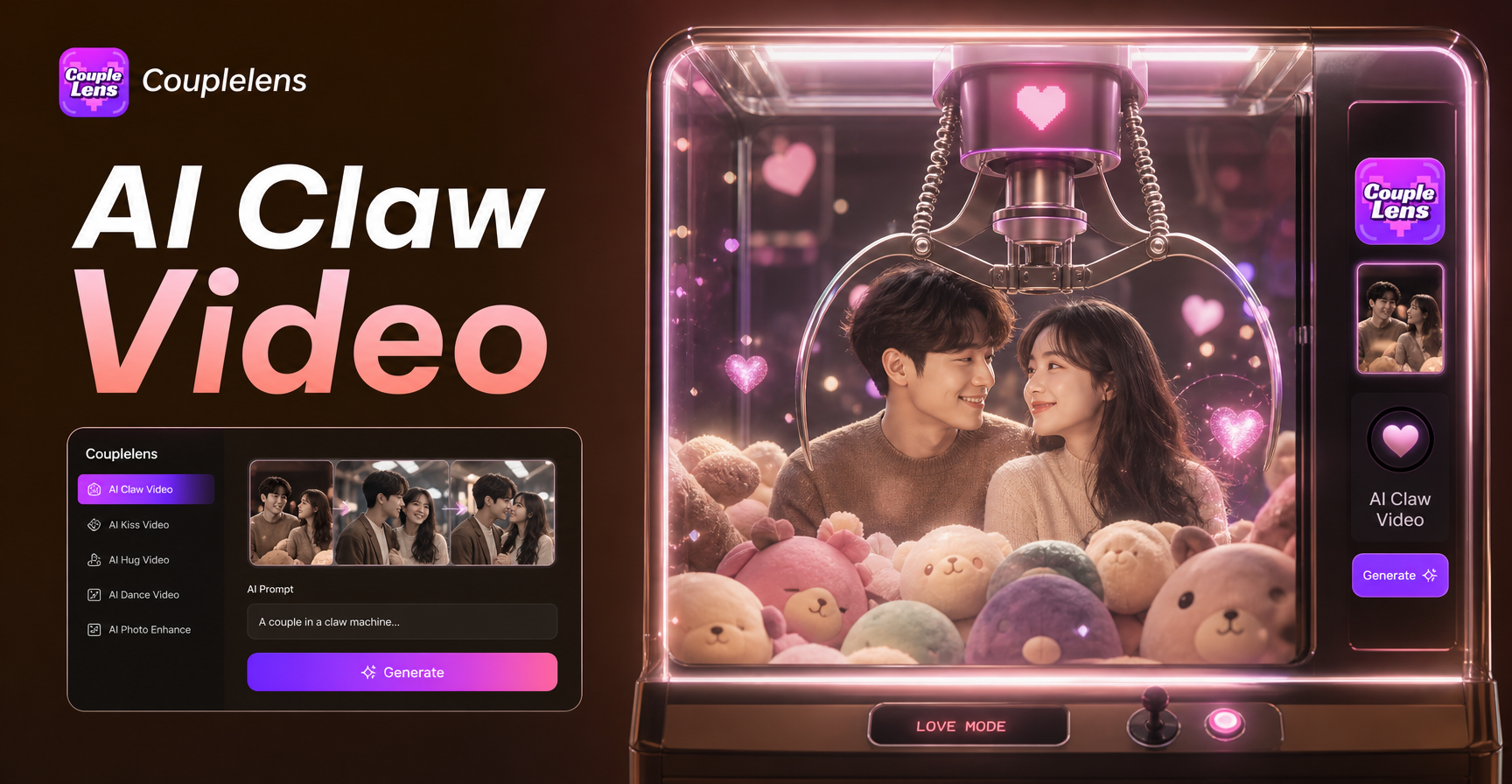
AI Claw Machine Video Effect
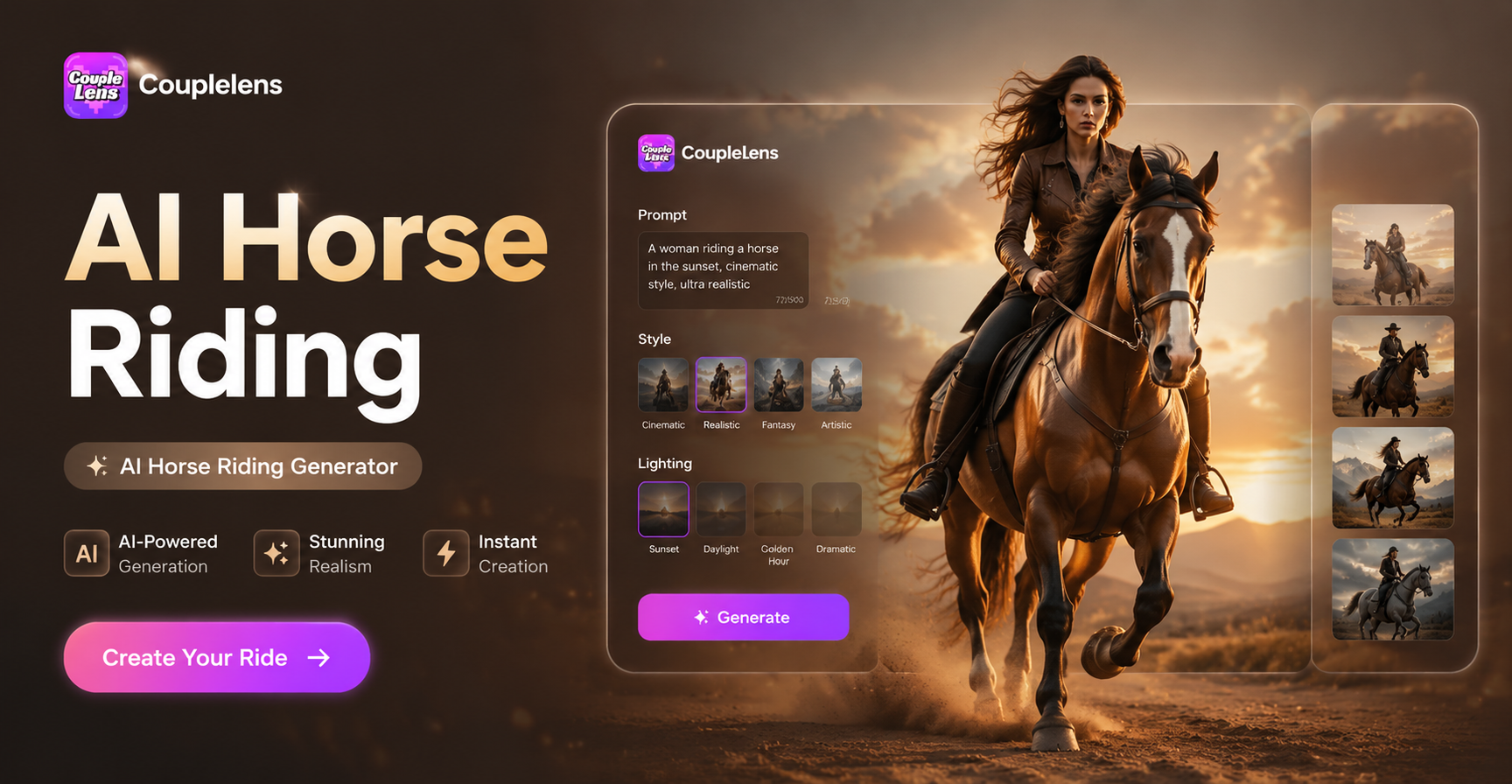
AI Horse Riding Generator
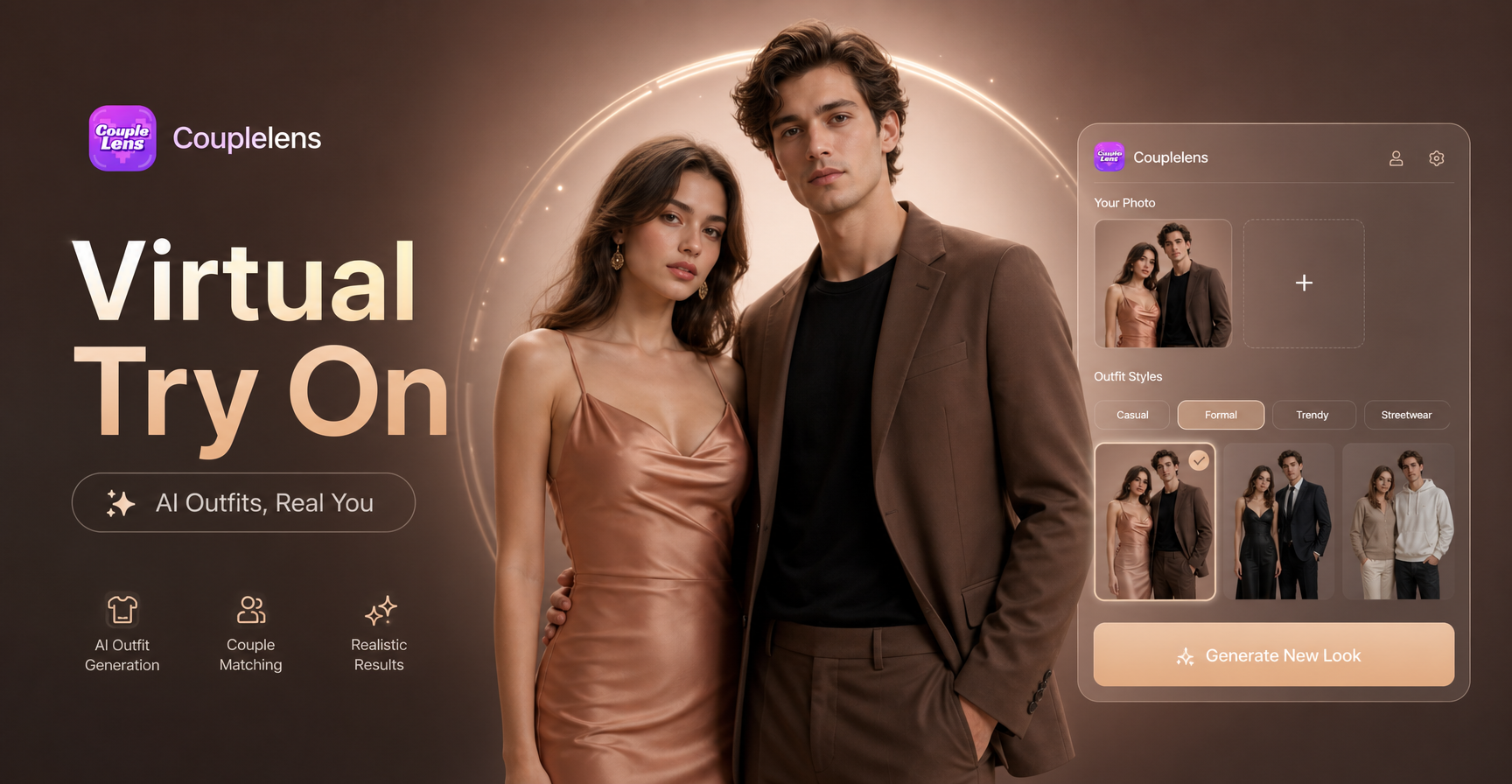
Virtual Outfit Try On
AI Bloom Effect
AI Claw Machine Video Effect
AI Horse Riding Generator
Virtual Outfit Try On
Make Your Wedding Card in 10 Seconds
Your wedding happens once. Your invite design should not look like everyone else's. Real faces. Real love. Real fast.
Make Your Wedding Card in 10 Seconds
Your wedding happens once. Your invite design should not look like everyone else's. Real faces. Real love. Real fast.