AI Bloom Effect
Pick a Bloom Template and Start Creating
Each one keeps your face, your pet, or your partner looking like themselves while flowers swirl into frame.
Watch AI Bloom Effect Examples on YouTube
Each clip walks through a template choice, a photo upload, and the final AI effect result in under a minute.
See the AI Flower Bloom Effect in Action
Scroll the CoupleLens community feed for fresh AI bloom effect examples, from soft single portraits to full couple scenes wrapped in vines and roses.


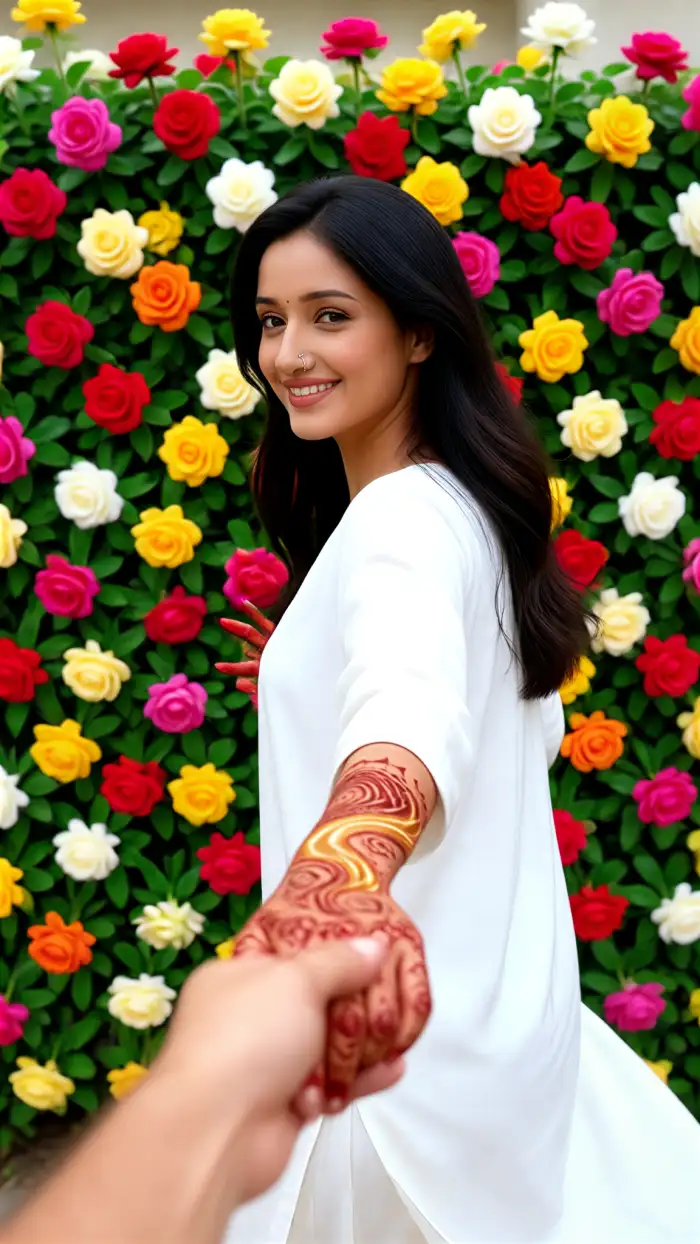
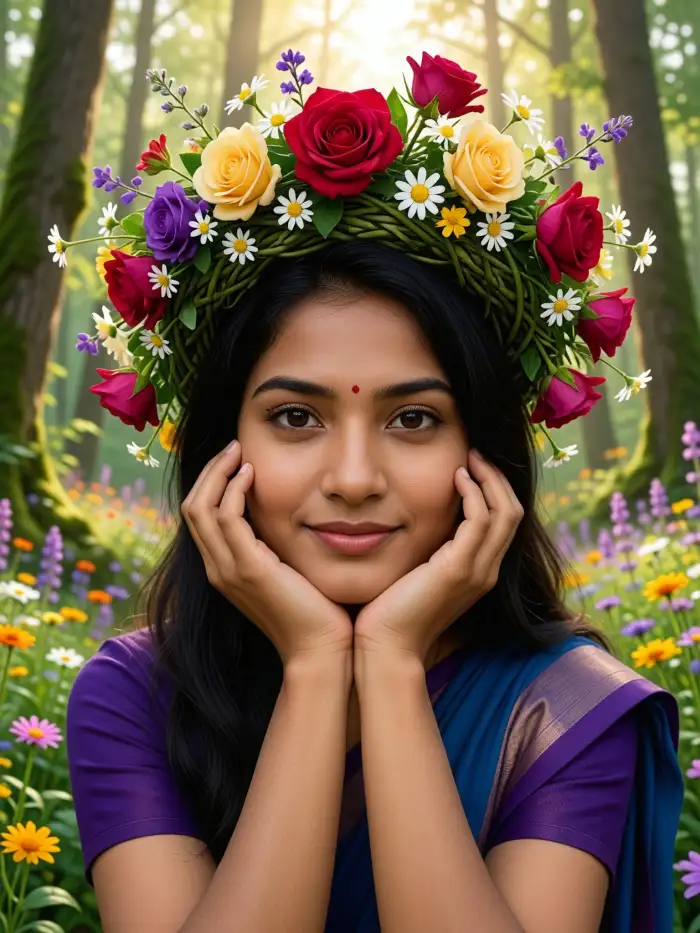
How to Create an AI Bloom Effect Video with CoupleLens?
You do not need a laptop or a tutorial. The whole bloom flow takes about a minute inside the CoupleLens App.

Step 01.
Grab CoupleLens from the Google Play. The app is free to download and gets you straight into the filter library.

Step 02.
Choose any AI flower bloom effect template from the library. Upload one photo or a couple selfie. Tap generate.

Step 03.
Save the video to your phone or post it straight from CoupleLens to TikTok, Reels, Shorts, or your CoupleLens profile.
Key Features of the CoupleLens AI Bloom Effect
It gives you a full mobile studio for the AI flower bloom effect, with smart tools built for real people, couples, and creators.
One-Tap Bloom Effect Filters
Skip the complex prompt box. CoupleLens ships with 25,000 ready-made filters that cover studio portraits, Ghibli style, 3D clay, cyberpunk, and full bloom scenes. Pick a template, drop in your photo, and the app handles the rest. No typing. No sliders. No learning curve.
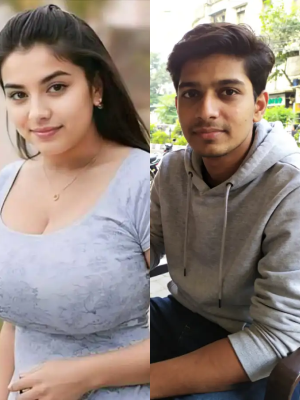 Before
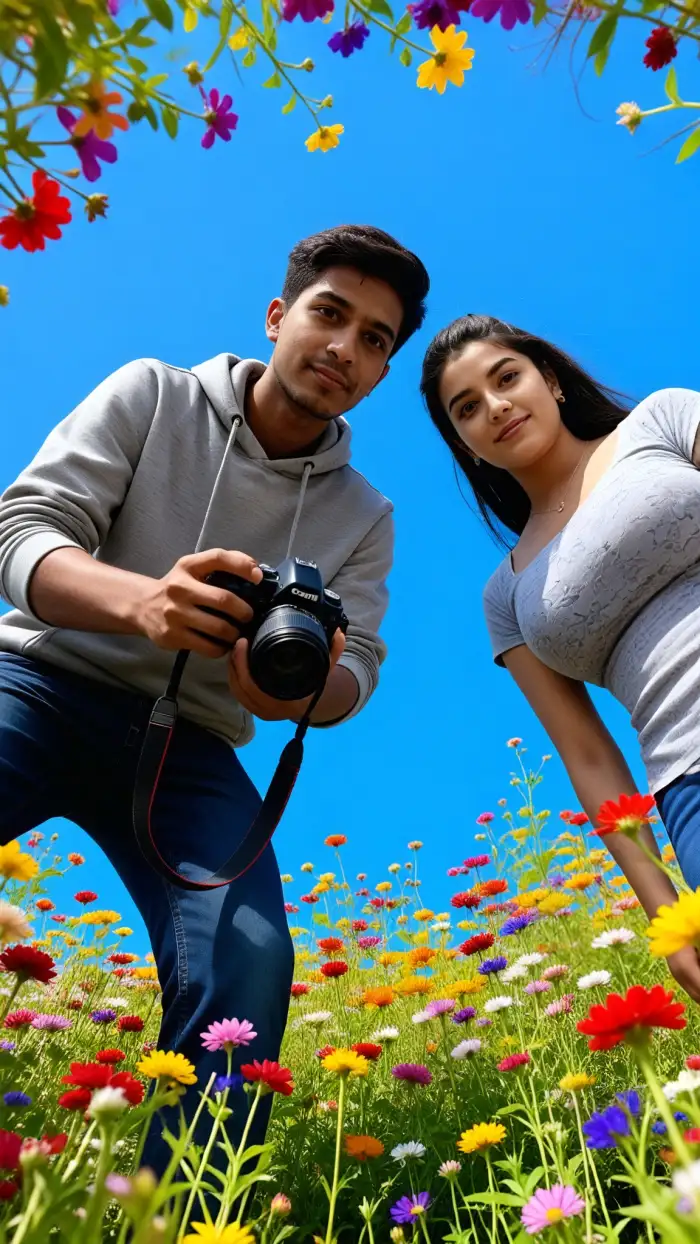 After
AfterMulti-Person Bloom Recognition
CoupleLens reads every face in the shot. Upload a couple selfie or a group photo, and the AI bloom effect wraps each person in flowers without blending faces, swapping features, or losing anyone in the petals.
 Before
Character Consistency Across Clips
Want to post a whole bloom series with the same look? CoupleLens keeps the same face, hair, and outfit across every video you generate. Build a recurring character, a couple's brand, or a story arc with no model training needed.
Frequently Asked Questions
Find clear answers to common questions and get the guidance you need to make the AI bloom effect on CoupleLens.
More Topics You May Like
Love the bloom look? CoupleLens has a whole garden of AI styles waiting inside the App.
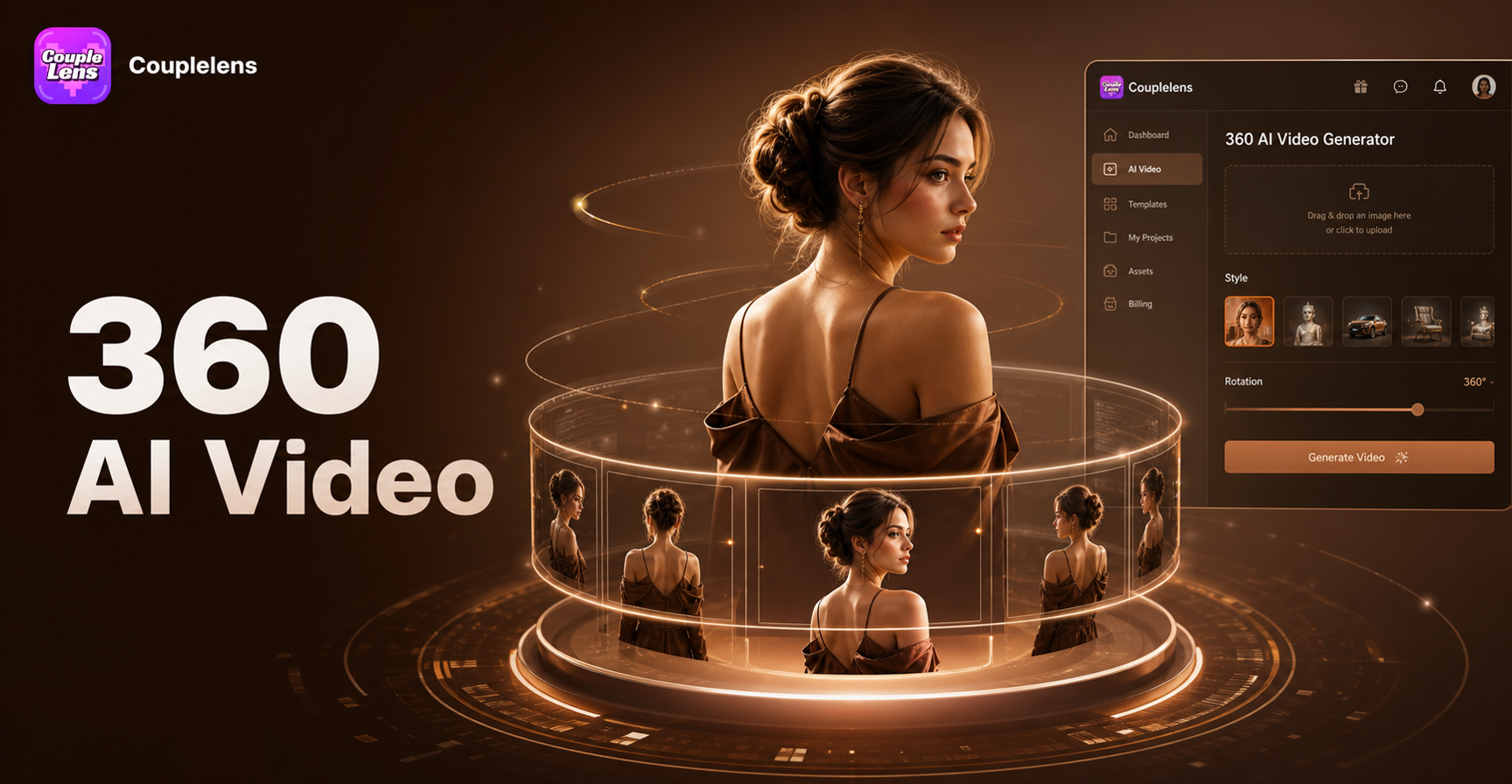
AI 360 Rotation Video Generator
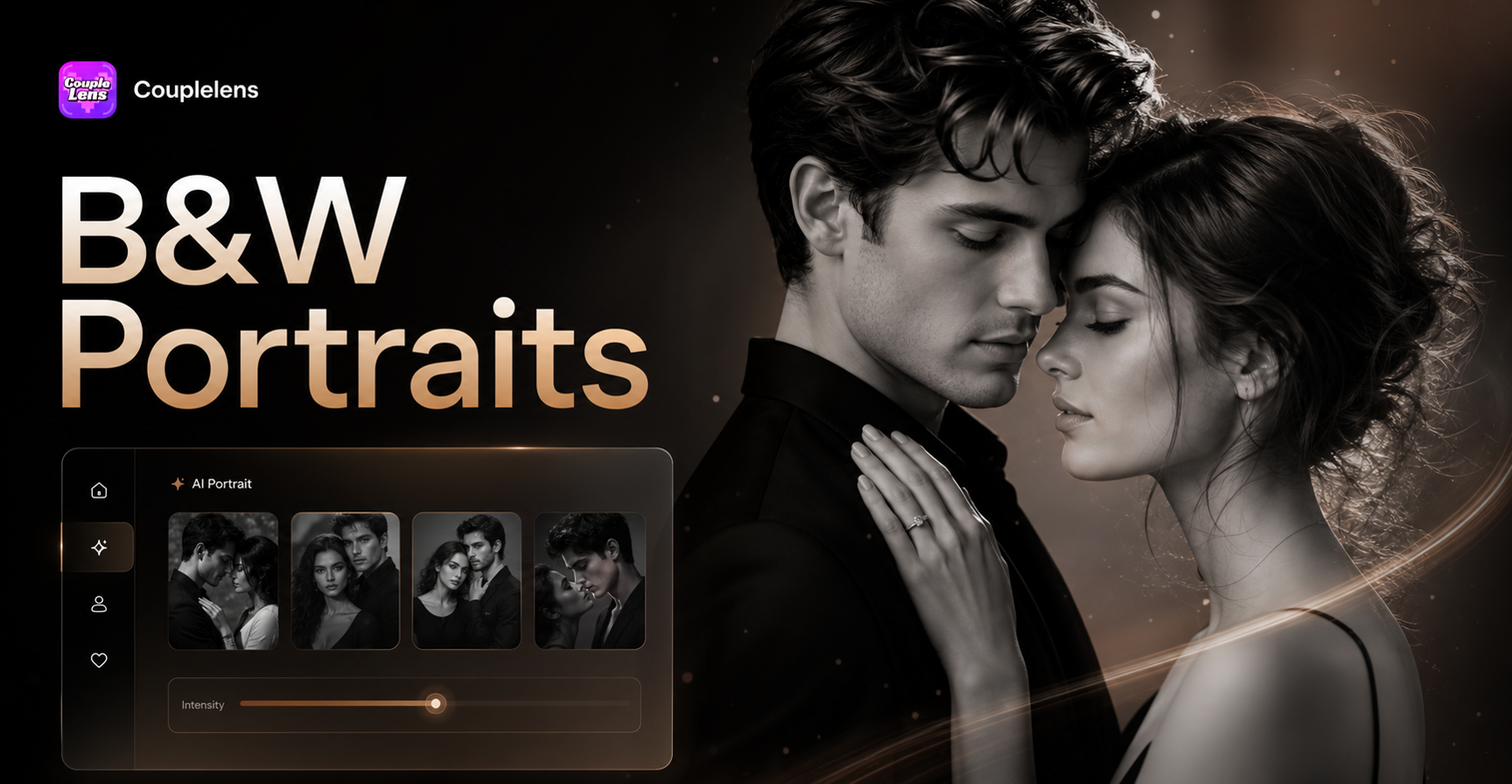
AI Black And White Portrait
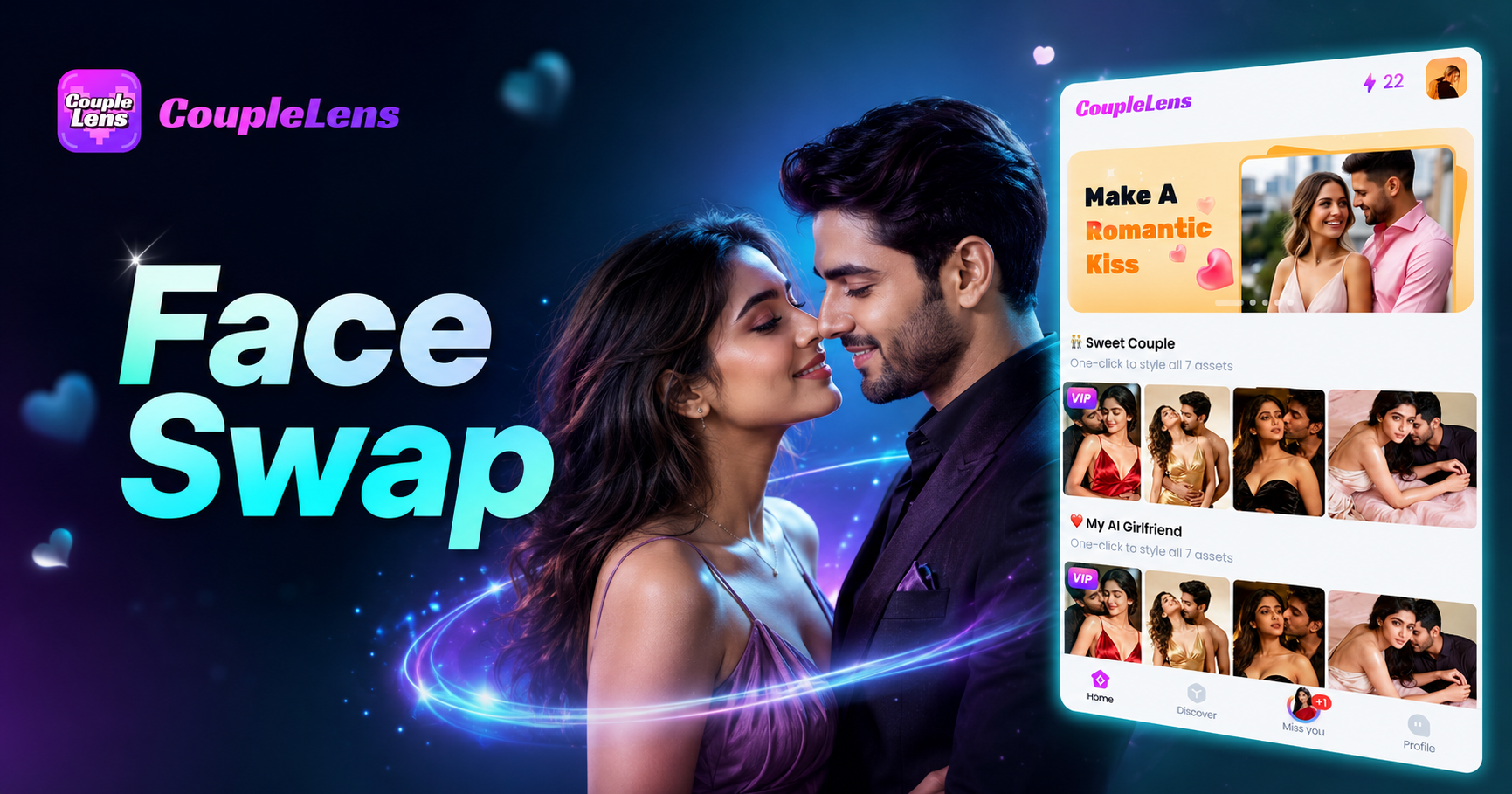
AI Photo Face Swap
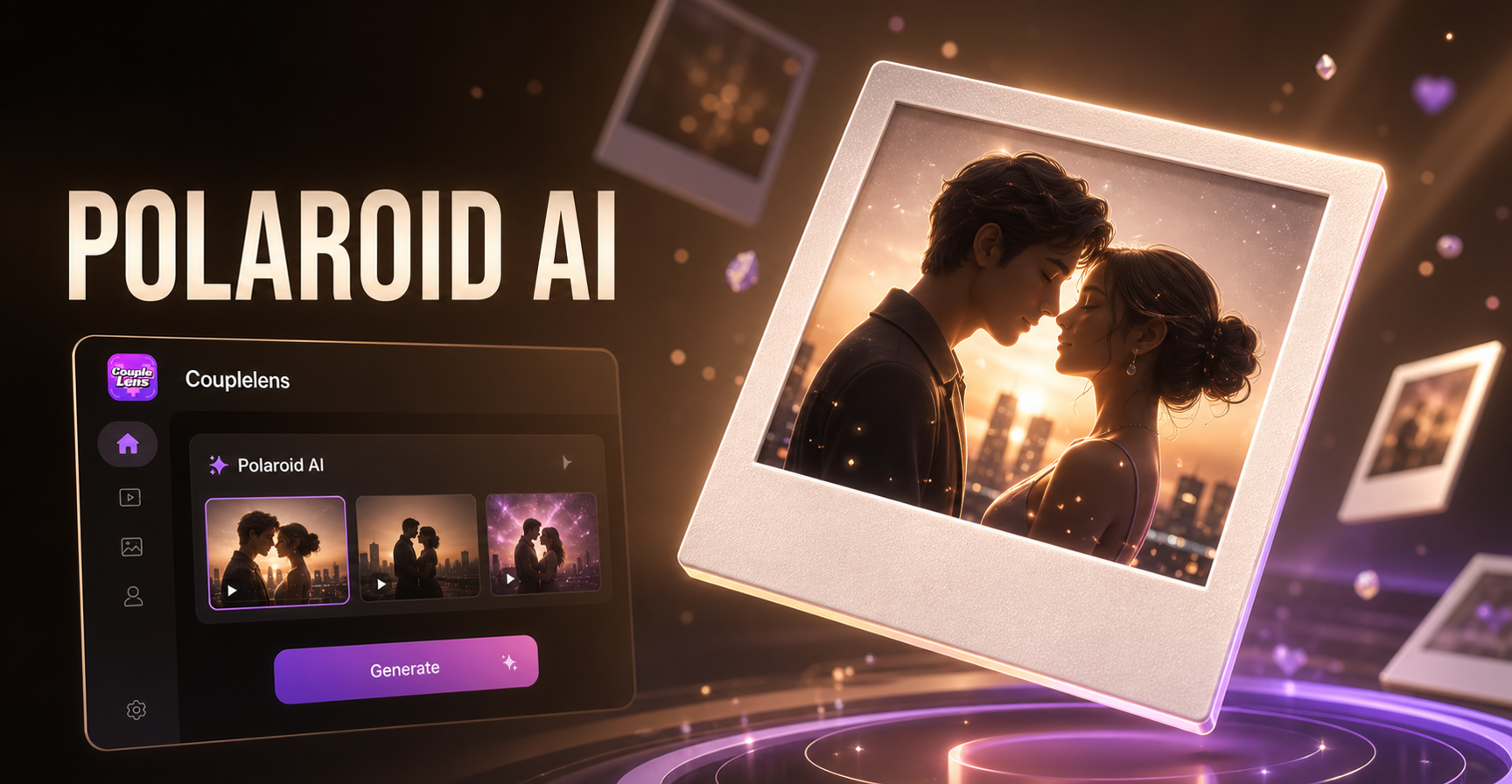
AI 3D Polaroid Video Effect
AI 360 Rotation Video Generator
AI Black And White Portrait
AI Photo Face Swap
AI 3D Polaroid Video Effect
Bloom Your First Video in One Tap
Download CoupleLens, pick a bloom template, and post a cinematic AI flower bloom effect before your coffee gets cold.
Bloom Your First Video in One Tap
Download CoupleLens, pick a bloom template, and post a cinematic AI flower bloom effect before your coffee gets cold.