AI Black And White Portrait
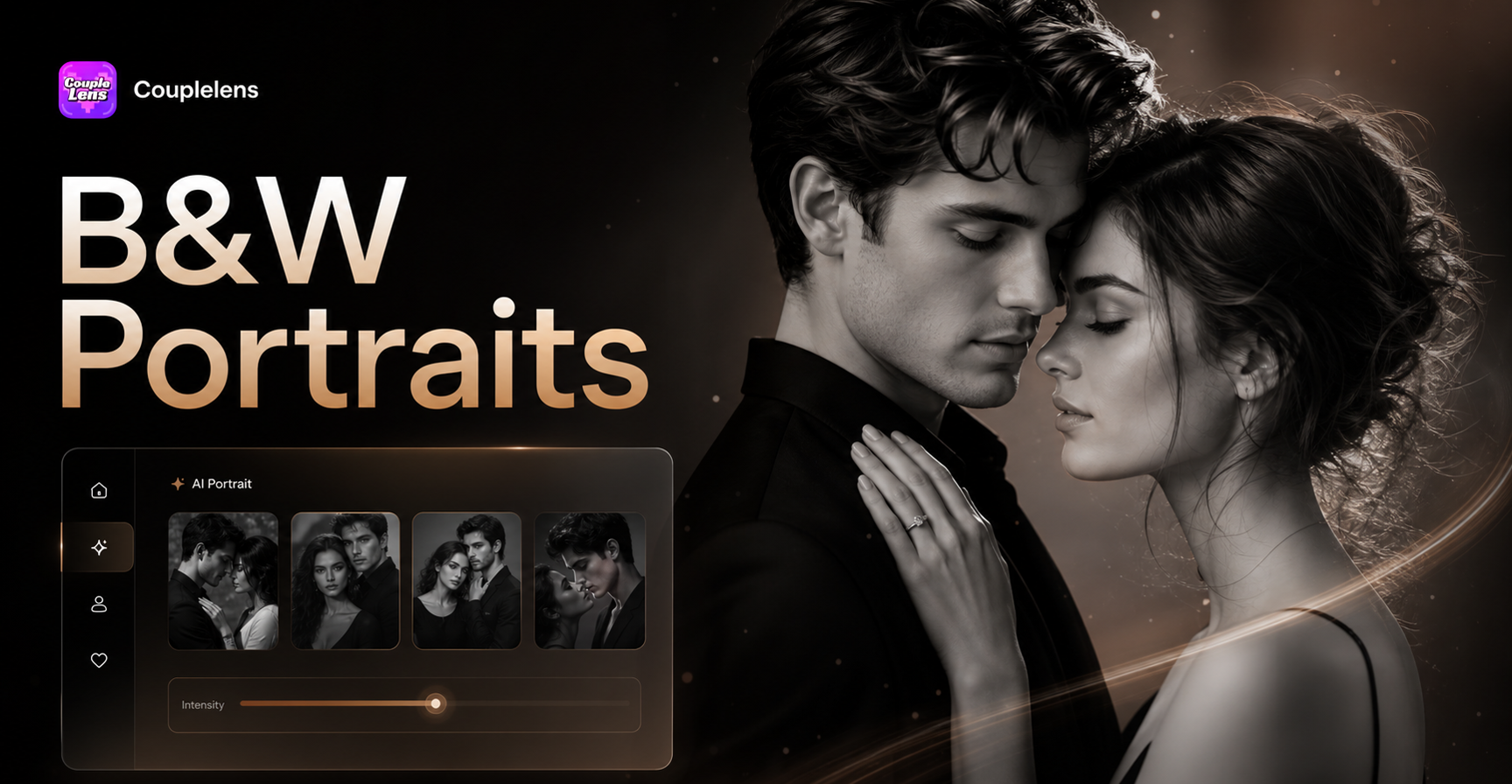
Pick a Black And White Filter That Fits Your Story
CoupleLens packs four hand tuned B&W filters into one App, each designed for a different mood, scene, and subject.
Why Use CoupleLens for AI Black And White Portraits
CoupleLens is the only mobile App that pairs a 25,000 template library with identity safe AI, multi person smarts, and zero watermark output, which is why creators pick it over web editors and prompt tools every time they need a B&W portrait that still looks like them. Browse a feed of B&W portraits made by CoupleLens creators around the world, from solo studio shots to cinematic couple frames, all generated inside the App in under twenty seconds.
How to Create an AI Black And White Portrait?
Three steps from camera roll to a share ready monochrome portrait, no editing skills needed.

Step 01.
Grab CoupleLens from the App Store or Google Play, sign in, and you land on a feed of trending filters.

Step 02.
Pick one of the four featured B&W portrait filters, or browse the 25,000 template library for a mood you like.

Step 03.
Preview the result, tap again if you want a new variation, and download the high-resolution image without any watermark.
Key Features of CoupleLens AI Black And White Portrait
CoupleLens combines a massive style library, identity preservation, and multi person smarts into one mobile App.
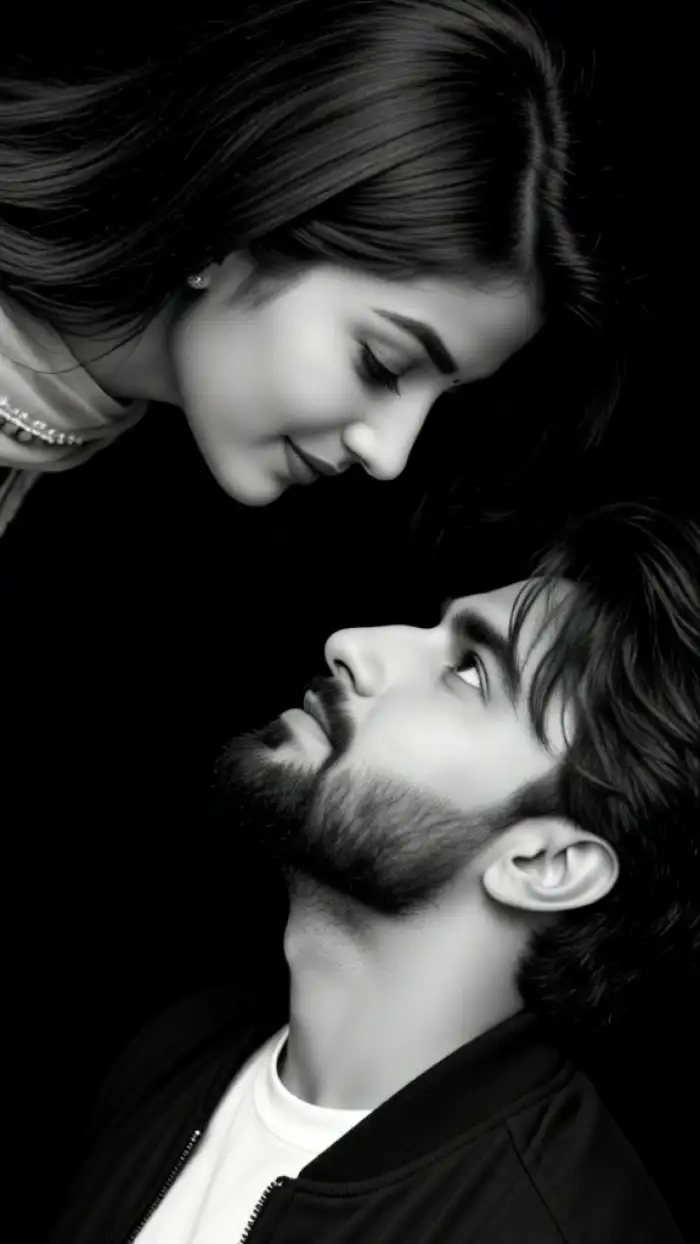
Eye contact
One Tap Style Conversion With 25,000 Templates
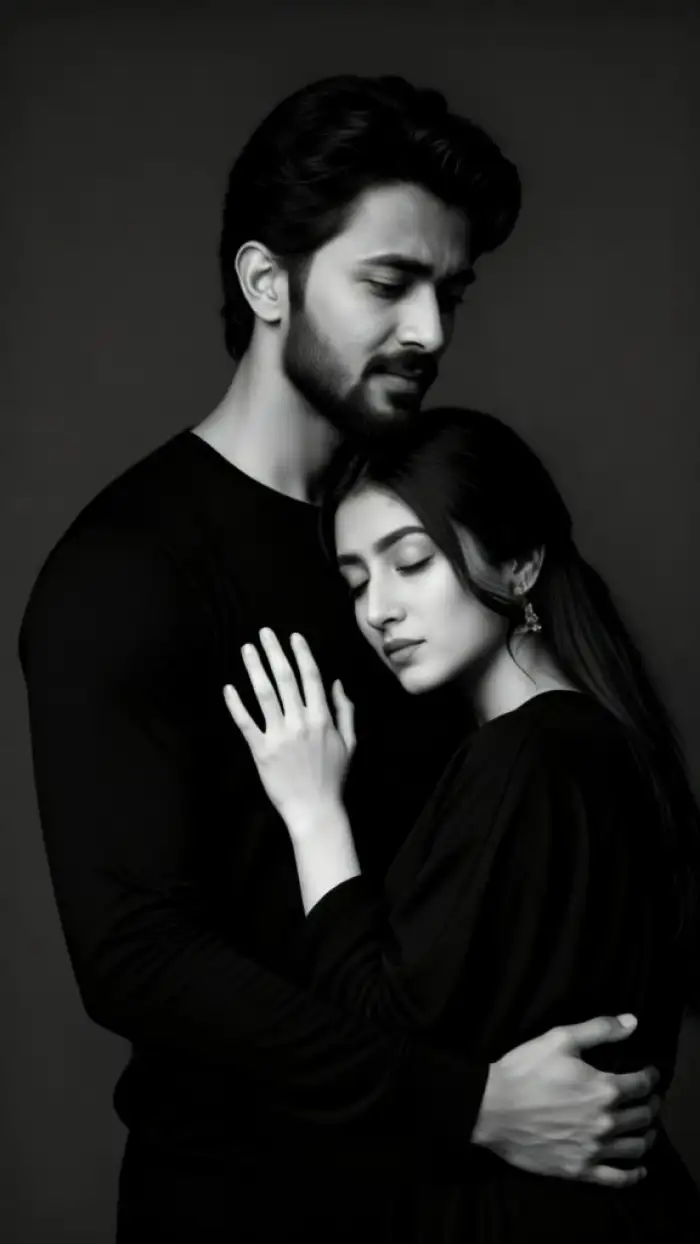
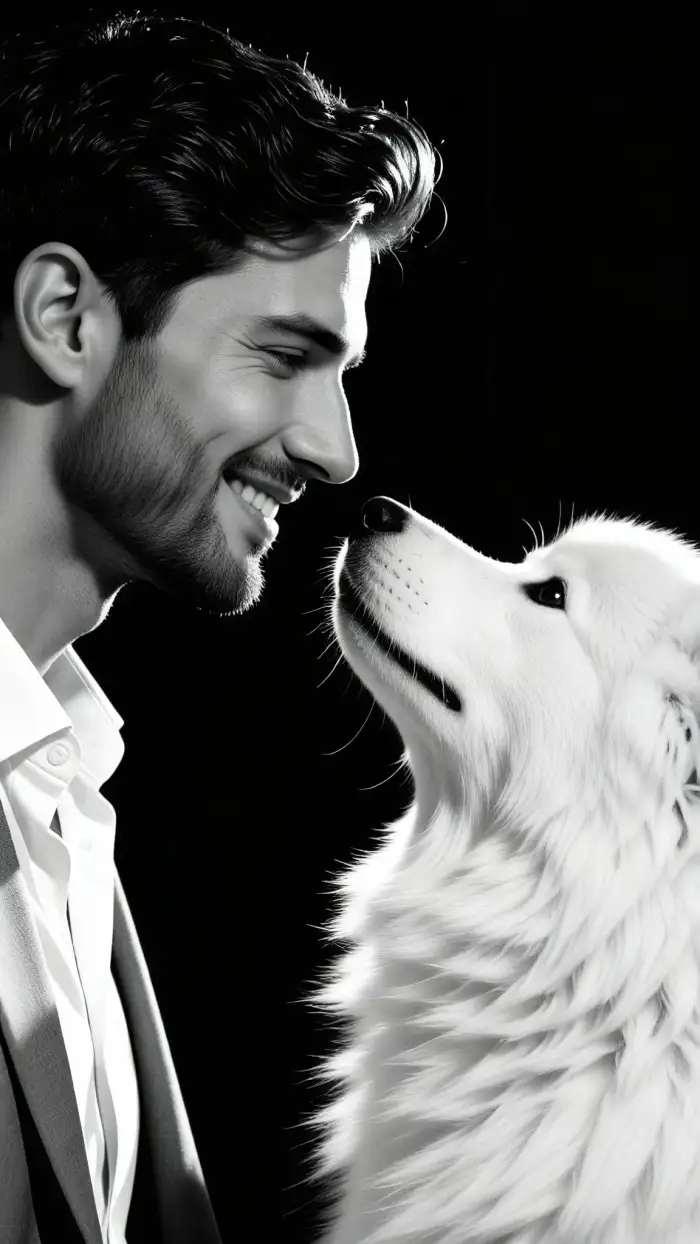
CoupleLens ships with over 25,000 ready-to-use templates, and dozens of them are tuned for black-and-white portrait looks. Pick Noir, Fine Art, Vintage Film, High Contrast, or Soft Focus, and CoupleLens applies the tone curve, grain, and lighting in one tap. You do not type prompts, you do not adjust sliders, and you do not need to learn Lightroom.
Eye contact
One Tap Style Conversion With 25,000 Templates
CoupleLens ships with over 25,000 ready-to-use templates, and dozens of them are tuned for black-and-white portrait looks. Pick Noir, Fine Art, Vintage Film, High Contrast, or Soft Focus, and CoupleLens applies the tone curve, grain, and lighting in one tap. You do not type prompts, you do not adjust sliders, and you do not need to learn Lightroom.
 Before
 After
AfterIdentity Preservation Across Every Conversion
The AI reads facial features before it applies the B&W treatment, so your jawline, eyes, and smile stay recognizable. This solves the number one complaint about AI portrait filters, where people end up looking like a stranger with similar hair. You get the mood of a film noir portrait, the grain of a Kodak Tri-X shot, and still look like you.
BeforeAfterIdentity Preservation Across Every Conversion
The AI reads facial features before it applies the B&W treatment, so your jawline, eyes, and smile stay recognizable. This solves the number one complaint about AI portrait filters, where people end up looking like a stranger with similar hair. You get the mood of a film noir portrait, the grain of a Kodak Tri-X shot, and still look like you.
Multi Person Portrait Support For Couples
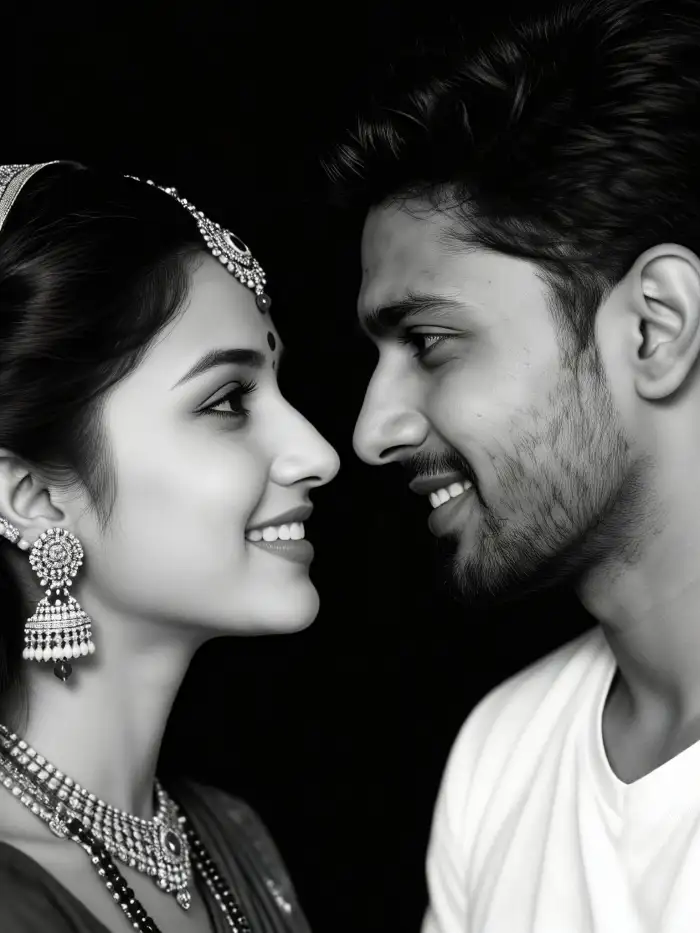
CoupleLens detects and separates each face in group photos before it styles the image. Upload a single slot or two portraits, a family photo, or a friend group shot, and the AI renders each person with their own lighting and detail level. No merged faces, no missing subjects, no half blurred background people.
Multi Person Portrait Support For Couples
CoupleLens detects and separates each face in group photos before it styles the image. Upload a single slot or two portraits, a family photo, or a friend group shot, and the AI renders each person with their own lighting and detail level. No merged faces, no missing subjects, no half blurred background people.
What Our Users Say About AI Black And White Portrait in CoupleLens
My clients picked the AI version over the raw photo, that has never happened to me before.
I tried four different AI tools for my couple portraits. Every one of them either melted two faces together or pulled a random third person into the background. Seaside couple shots used to be a nightmare to edit in black and white because the sky always blew out. CoupleLens kept both the bride and the groom sharp in the B&W version, and the lighting actually looked cinematic.
I posted it the same hour and got three new followers that day, so clearly it works.
I run a small podcast and needed a clean B&W headshot for the cover. CoupleLens took my phone selfie and turned it into a studio-looking black-and-white portrait in about fifteen seconds. The skin tones stayed smooth, and my face did not morph into someone else.
Best mobile tool for monochrome couple portraits, period.
I am broke and I have zero Photoshop skills. CoupleLens is free to start, and I just picked a noir filter, dropped in a pic from a football game, and the B&W version looked like something a real photographer shot. The grain, the shadow on my face, the contrast, all on point. Saved it, posted it as my new profile pic, done.
Frequently Asked Questions
Quick answers to the most common questions about pricing, identity, output quality, and how to get the best B&W portrait result.
More Topics You May Like After AI Black And White Portrait
Keep the creative streak going with other CoupleLens style filters tailored to your interests.
AI Mermaid Filter
AI Family Photo Generator
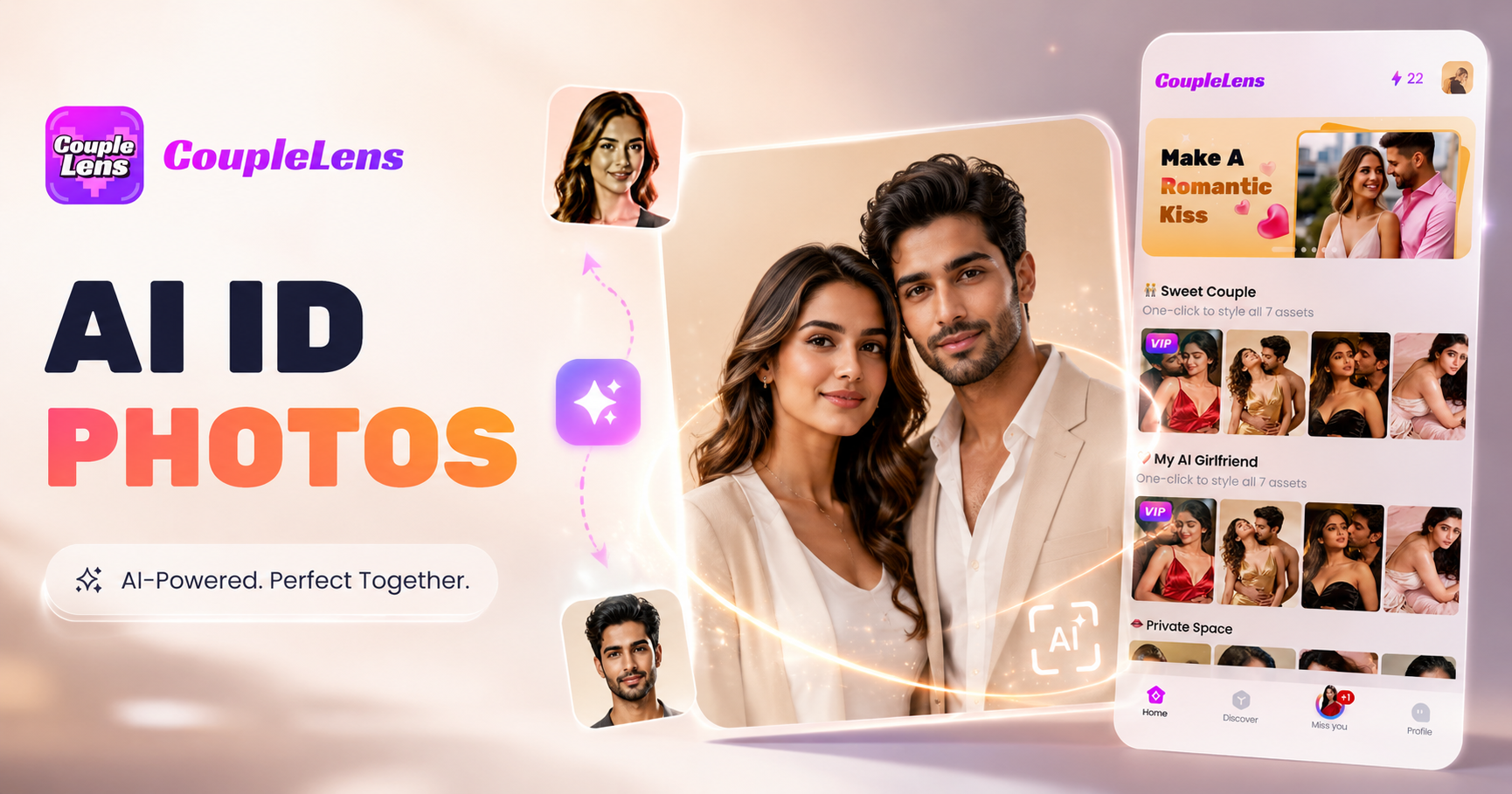
AI ID Photo Generator
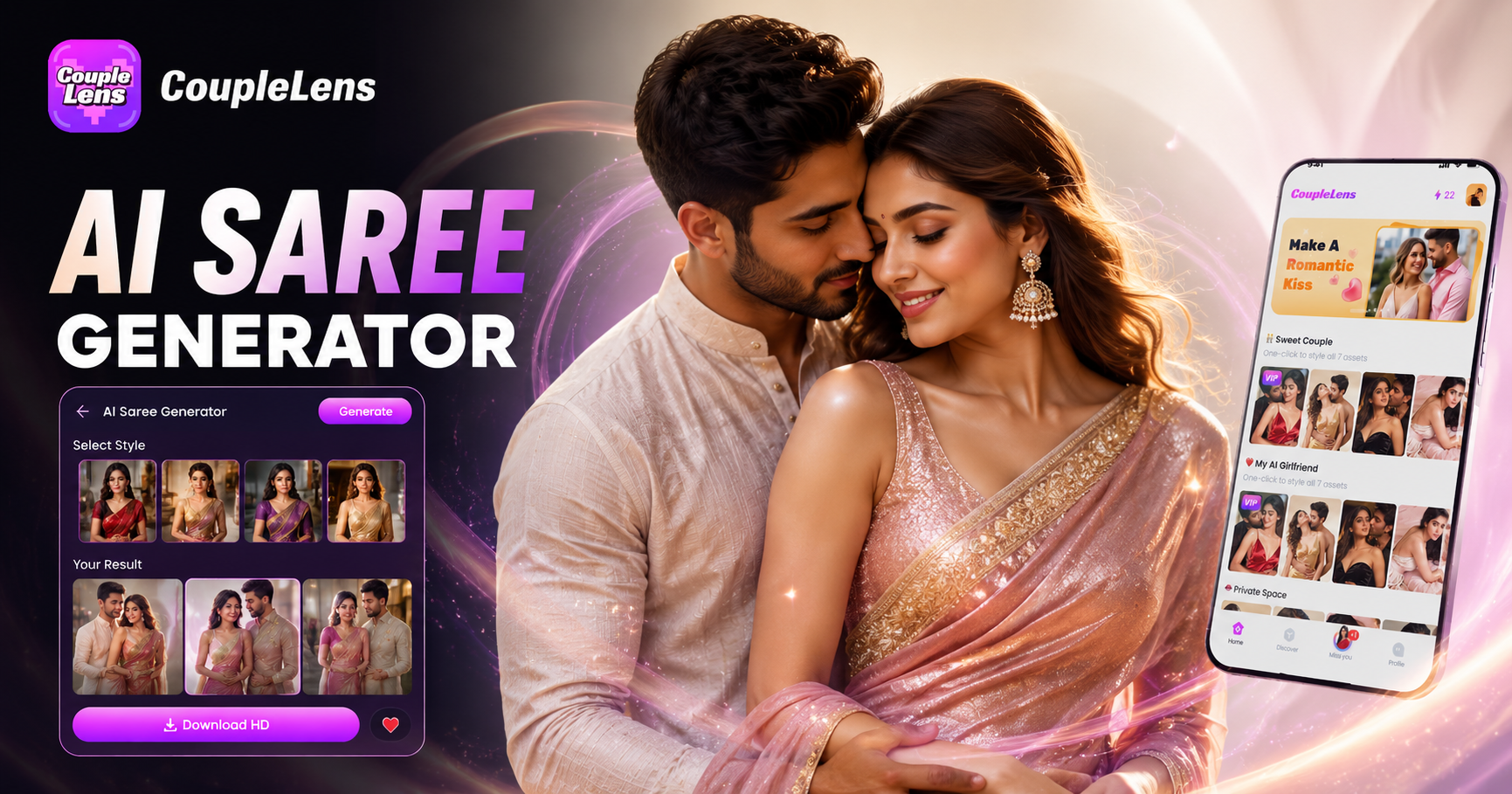
AI Saree Generator
AI Mermaid Filter
AI Family Photo Generator
AI ID Photo Generator
AI Saree Generator
Make Your AI Black And White Portrait Today
Download CoupleLens, pick a B&W filter, upload one photo, and post a cinematic black and white portrait in under a minute. Free to start.
Make Your AI Black And White Portrait Today
Download CoupleLens, pick a B&W filter, upload one photo, and post a cinematic black and white portrait in under a minute. Free to start.