AI 3D Polaroid Video Effect
AI 3d Polaroid Video Effect

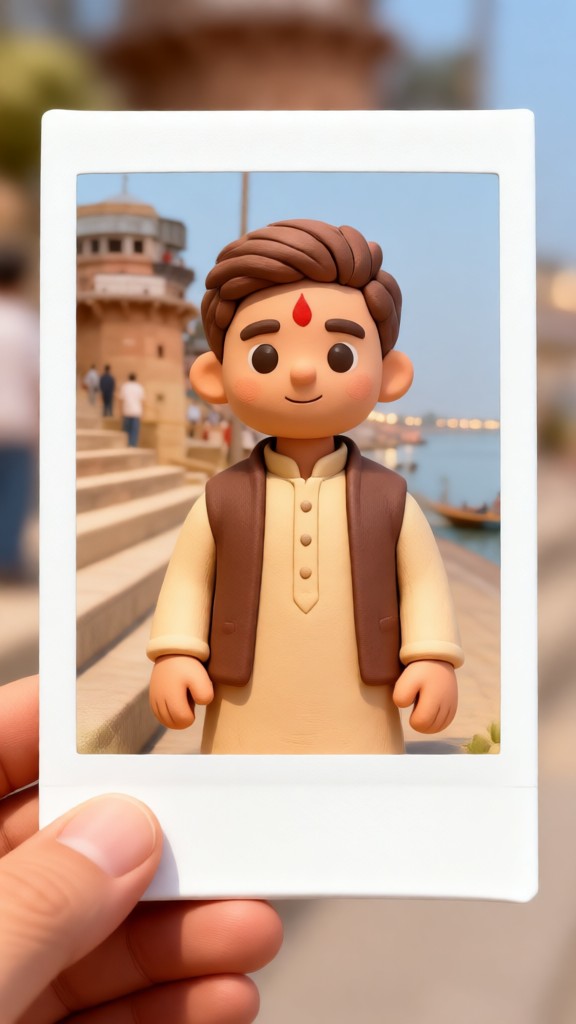

Real Polaroid Clips Made With CoupleLens
Browse what other creators shipped this week. Every clip was made with the photo to 3D Polaroid filter inside CoupleLens.
Turn Your Photo to 3D Polaroid
Download CoupleLens, pick the AI 3D Polaroid video effect filter, and turn any photo into an AI 3D Polaroid video right on your phone. No skills, no prompts. Just upload, tap once, and let 3D Polaroid AI build different types of scenes on your fingertips in 20 seconds. Real users, real Polaroid effects, real reactions. You can post your AI 3D Polaroid effect videos onto social media, like TikTok, to win thousands of views.

How to Create Your Own AI 3D Polaroid Video
You do not need a tutorial or a desktop. Three quick steps on CoupleLens and you are holding a living Polaroid clip.

Step 01.
Download CoupleLens on your phone and open the app. Sign up is free and fast.

Step 02.
Pick a Polaroid filter, upload one photo or a group photo, and hit generate.

Step 03.
Save the video or post it straight to TikTok, Reels, or Shorts from inside CoupleLens.
Watch How Creators Make AI Videos With CoupleLens
Watch our featured tutorial. You will pick up filter tips and posting ideas in under five minutes of viewing.
What Our Users Say About the AI 3D Polaroid Video Effect
Saved me hours of editing and my follower count keeps climbing because of it.
I tried three other apps before this one. CoupleLens is the only one that kept my smile looking like my smile and not some AI doll version. The Polaroid filter is honestly so good. My Reels engagement doubled the week I started using it.
There is a new Polaroid style every week and the AI does the work.
I made a Polaroid clip of me and my girlfriend from one random photo. We posted it and it got more views than anything else on my page. The motion is smooth and the frame looks real, not cheap. Took me like thirty seconds total.
What I love is the Polaroid moment templates.
I turned an old photo of my parents into a living Polaroid for their anniversary. They actually teared up. The fact that it kept both their faces looking right was the part that got me. CoupleLens handled two people perfectly with no weird blending at all.
Frequently Asked Questions
Got questions about making a Polaroid video on CoupleLens. Here are the answers to the most common ones before you start.
More Topics You May Like
If you love the photo to 3D Polaroid effect, try more vintage and trending AI filters, all in one tap inside CoupleLens.
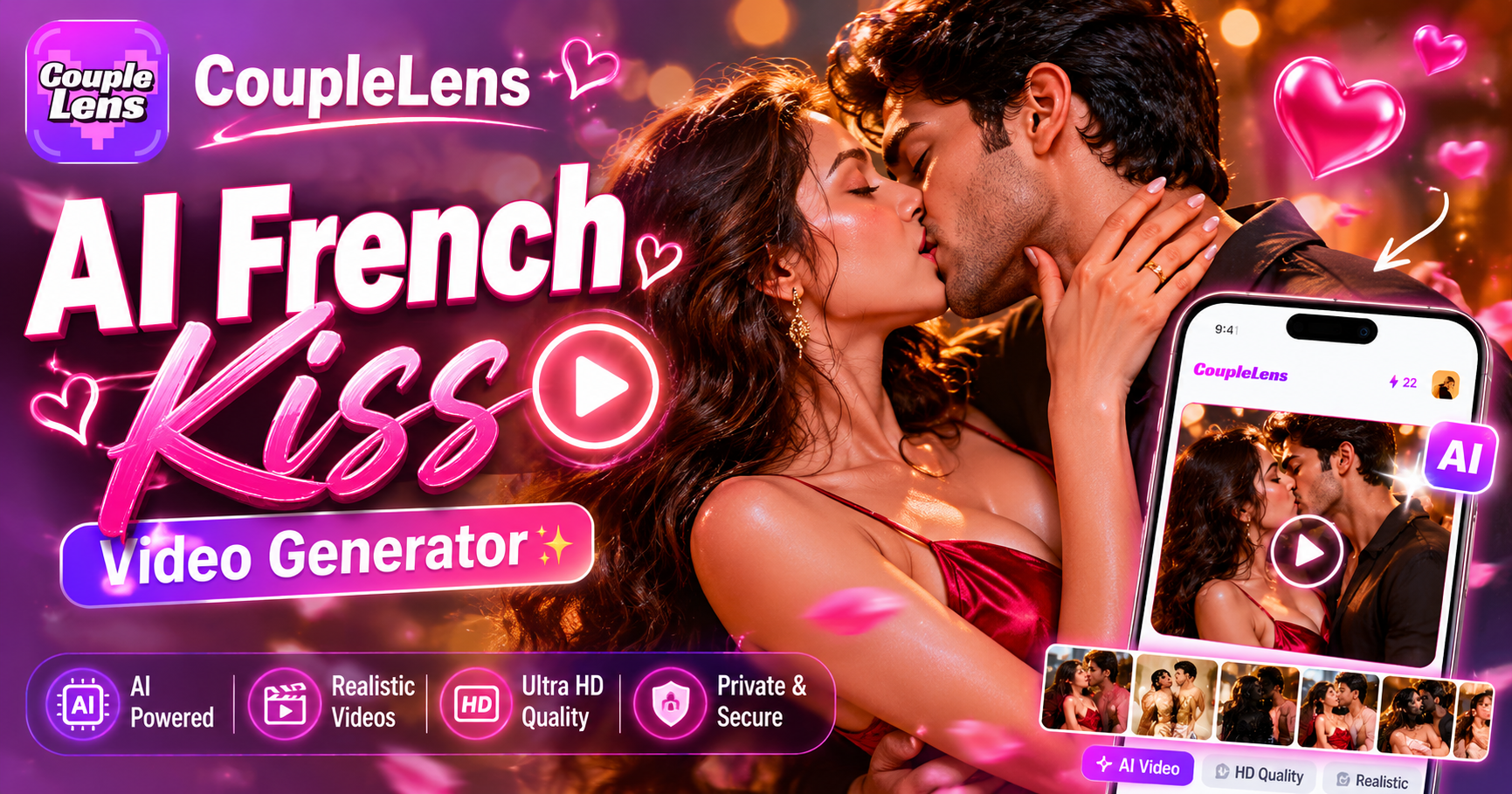
AI French Kiss Video Generator
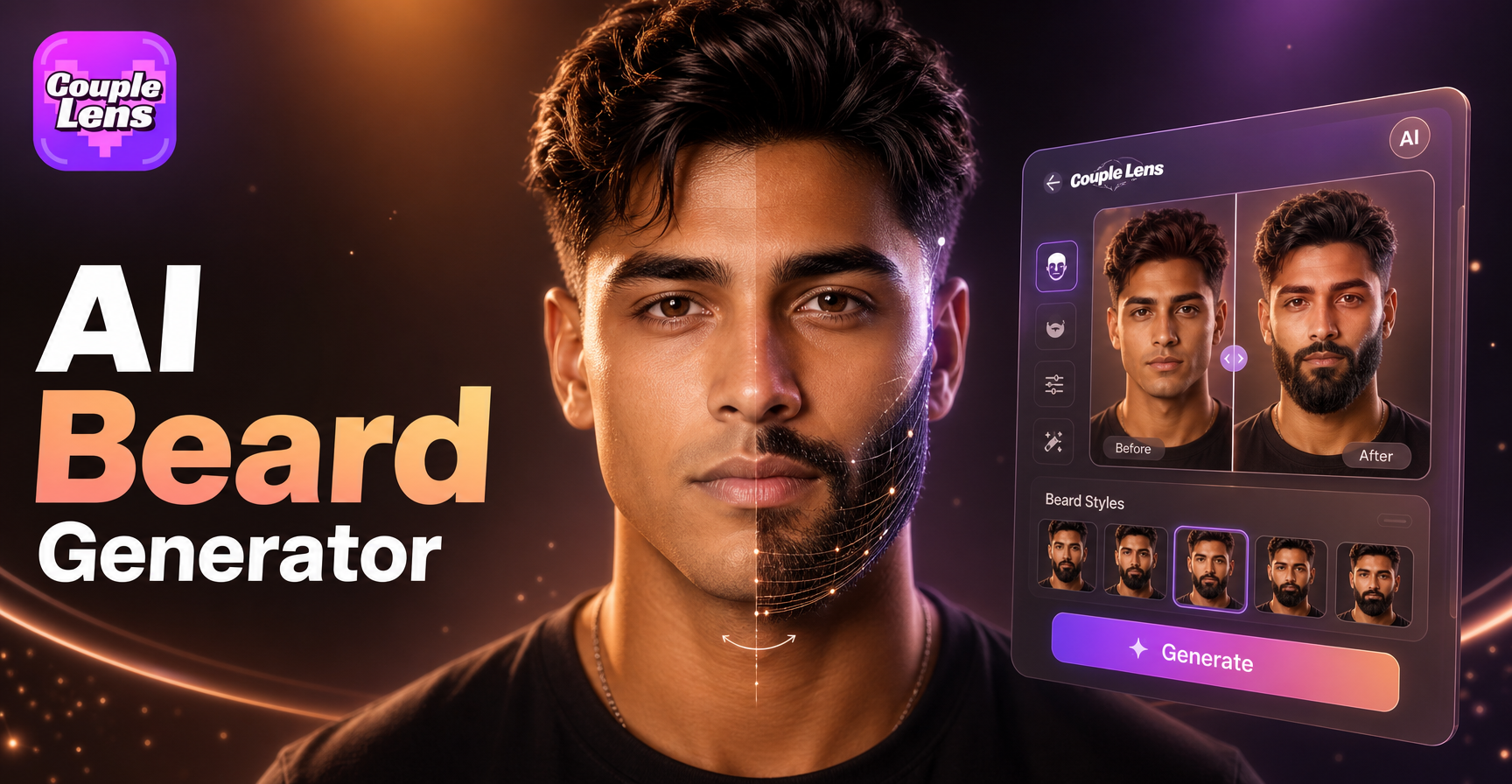
AI Beard Generator
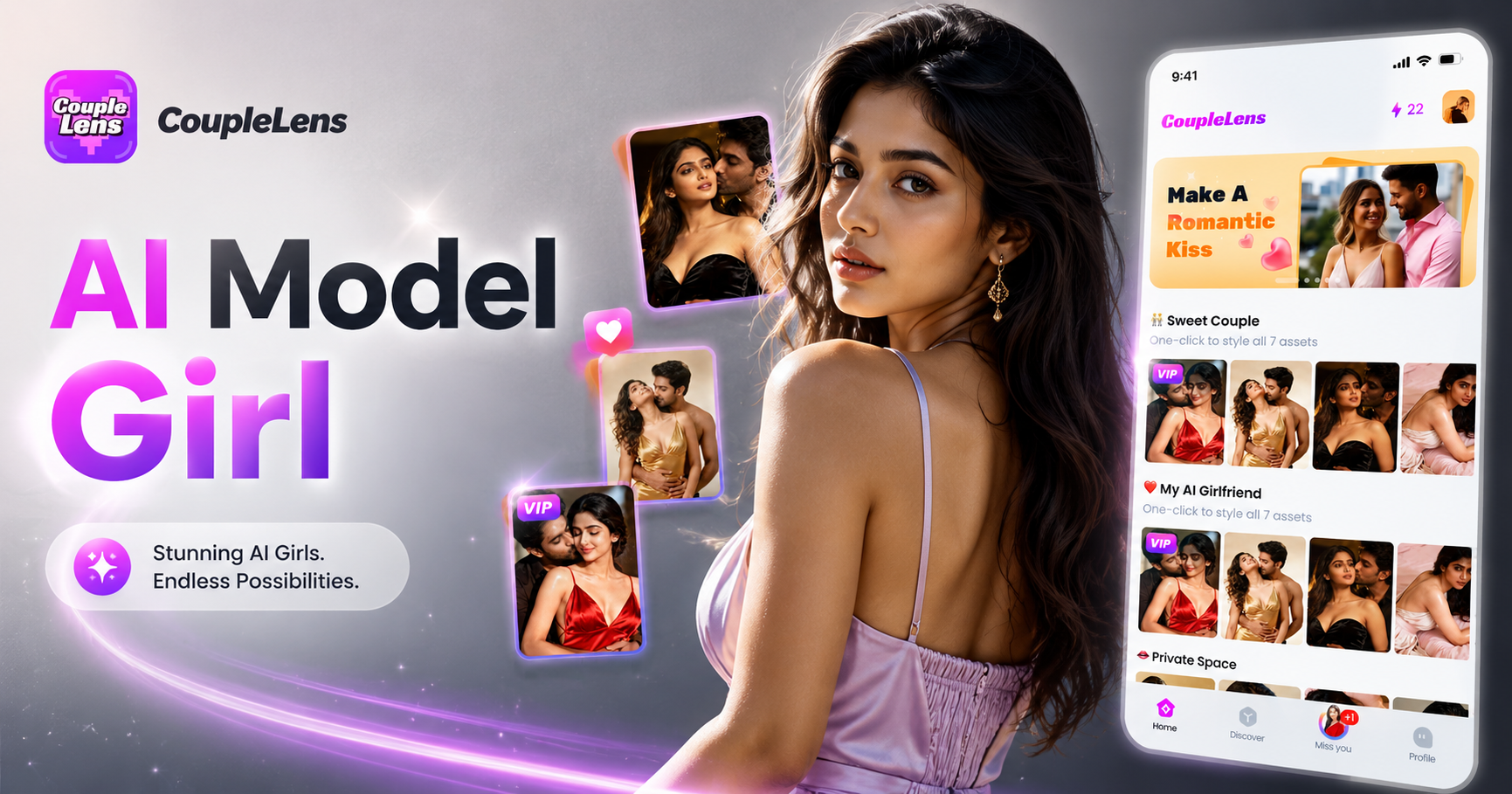
AI Model Girl Generator
AI Smile Generator
AI French Kiss Video Generator
AI Beard Generator
AI Model Girl Generator
AI Smile Generator
Step Out of the Frame
Download CoupleLens, pick a Polaroid template, upload a photo, and walk away with a scroll stopping video in under a minute.
Step Out of the Frame
Download CoupleLens, pick a Polaroid template, upload a photo, and walk away with a scroll stopping video in under a minute.