AI Fake Date Video Generator
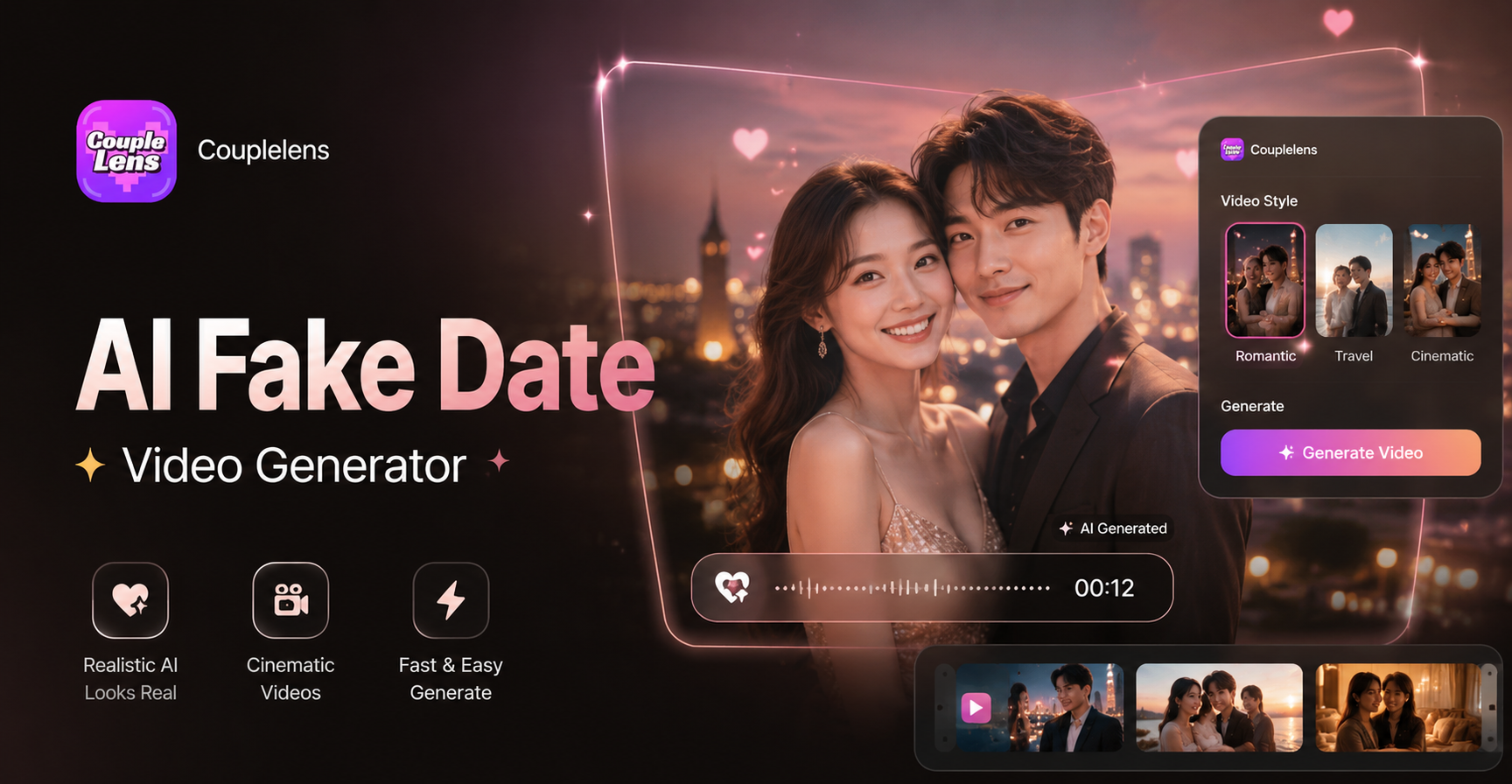
Couple goals

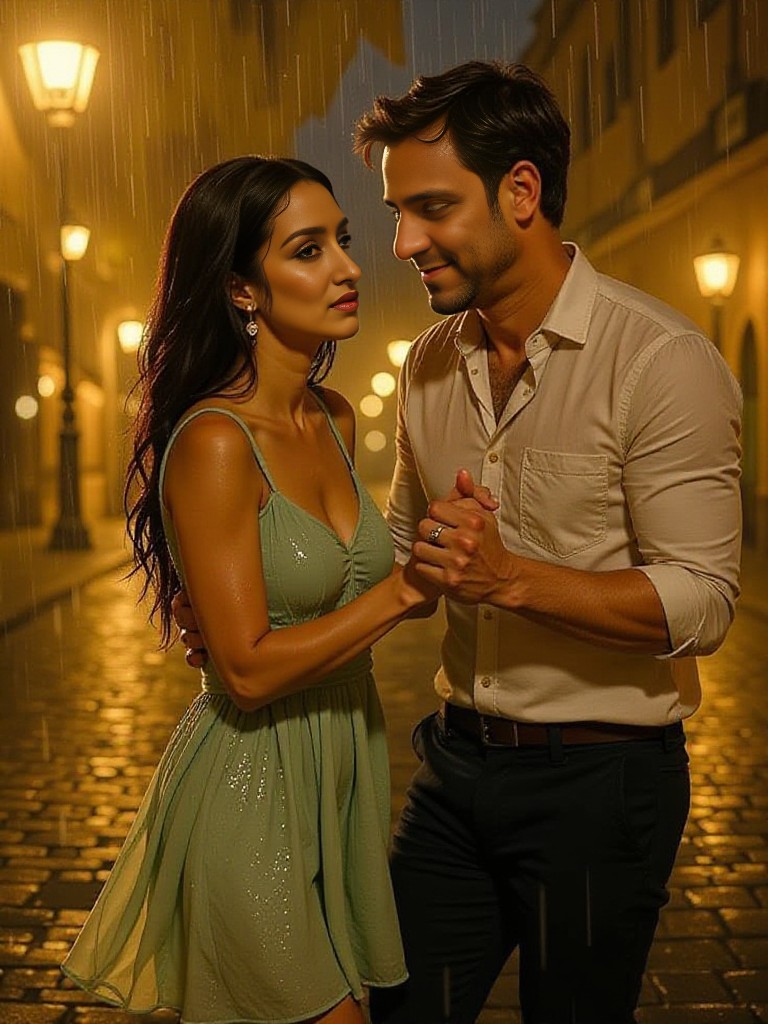

What Fake Date Videos Look Like in CoupleLens
A fake date video is alive. Below are real output styles people make inside the CoupleLens app every day

How to Create a Fake Date Video in CoupleLens?
Three steps from selfie to shareable clip. The whole flow runs in the CoupleLens app on your phone.

Step 01.
Hit your app store. Search "CoupleLens" and tap install. The home feed loads within seconds. Free to start.

Step 02.
Tap the filter icon at the bottom of the screen. Type "date" in the search bar, or scroll the date category.

Step 03.
Tap download for the camera roll, or tap share to post it straight to TikTok, Instagram Reels, or Snapchat.
Key Features of a CoupleLens Fake Date Video
CoupleLens is built mobile first. Three distinctive features make the result feel real and romantic.
 Before
Character Consistency for Faces and Outfits
Hold one face, one hairstyle, one outfit across the whole clip. CoupleLens keeps your photo's identity stable from the first frame to the last. The model does not drift mid-scene. Your fake date video keeps the same smile, the same jaw line, the same jacket if you want. Great for creators who post a series and want their digital self to look the same every time.
BeforeCharacter Consistency for Faces and Outfits
Hold one face, one hairstyle, one outfit across the whole clip. CoupleLens keeps your photo's identity stable from the first frame to the last. The model does not drift mid-scene. Your fake date video keeps the same smile, the same jaw line, the same jacket if you want. Great for creators who post a series and want their digital self to look the same every time.
25,000 Style Templates and Daily Drops
CoupleLens ships with over twenty-five thousand preset filters. Pick Studio Ghibli, 3D claymation, cinematic film look, watercolour, cyberpunk neon, or wedding style. The library refreshes every day with new trends. You can also remix a creator's filter one tap after you spot it on the community feed.
25,000 Style Templates and Daily Drops
CoupleLens ships with over twenty-five thousand preset filters. Pick Studio Ghibli, 3D claymation, cinematic film look, watercolour, cyberpunk neon, or wedding style. The library refreshes every day with new trends. You can also remix a creator's filter one tap after you spot it on the community feed.
 Before
Multi-Face Detection for Your Data Video
Upload a photo with two or more people or two photos showing you and your partner. The app reads each face, splits them apart, and builds the interaction without mixing features. CoupleLens can place two people face to face, side by side, or hugging, while keeping every nose, every chin, every eye in the right spot. No melted faces. No cloned twins where one person should be.
BeforeMulti-Face Detection for Your Data Video
Upload a photo with two or more people or two photos showing you and your partner. The app reads each face, splits them apart, and builds the interaction without mixing features. CoupleLens can place two people face to face, side by side, or hugging, while keeping every nose, every chin, every eye in the right spot. No melted faces. No cloned twins where one person should be.
Why Use CoupleLens for Fake Date Video
Most AI fake date video generators on the web force you to type a long prompt. They hide the best models behind a paywall. They watermark the free output. They only work on desktop. CoupleLens takes a mobile first path. Open the app, pick a filter, upload one photo. The model runs on a tuned pipeline built for short romantic clips. Face details stay sharp. Group photos stay clean. The filter library is bigger than most web tools, with new drops every single day. Try it free.

Frequently Asked Questions
CoupleLens users ask these eight questions most. Quick answers, no runaround.
More Topics You May Like
Explore more topics you may like and discover fresh ideas tailored to your interests.
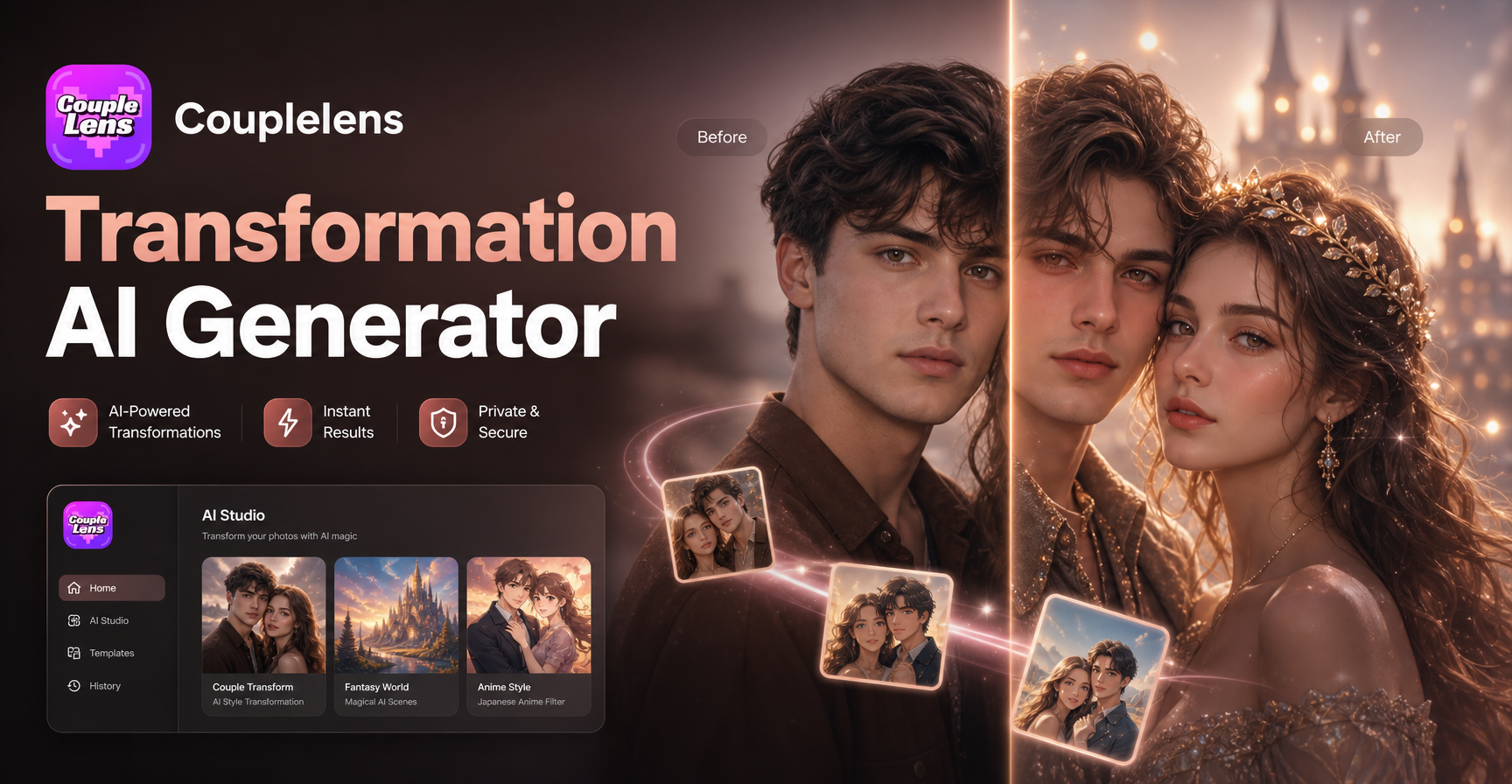
Transformation AI Generator
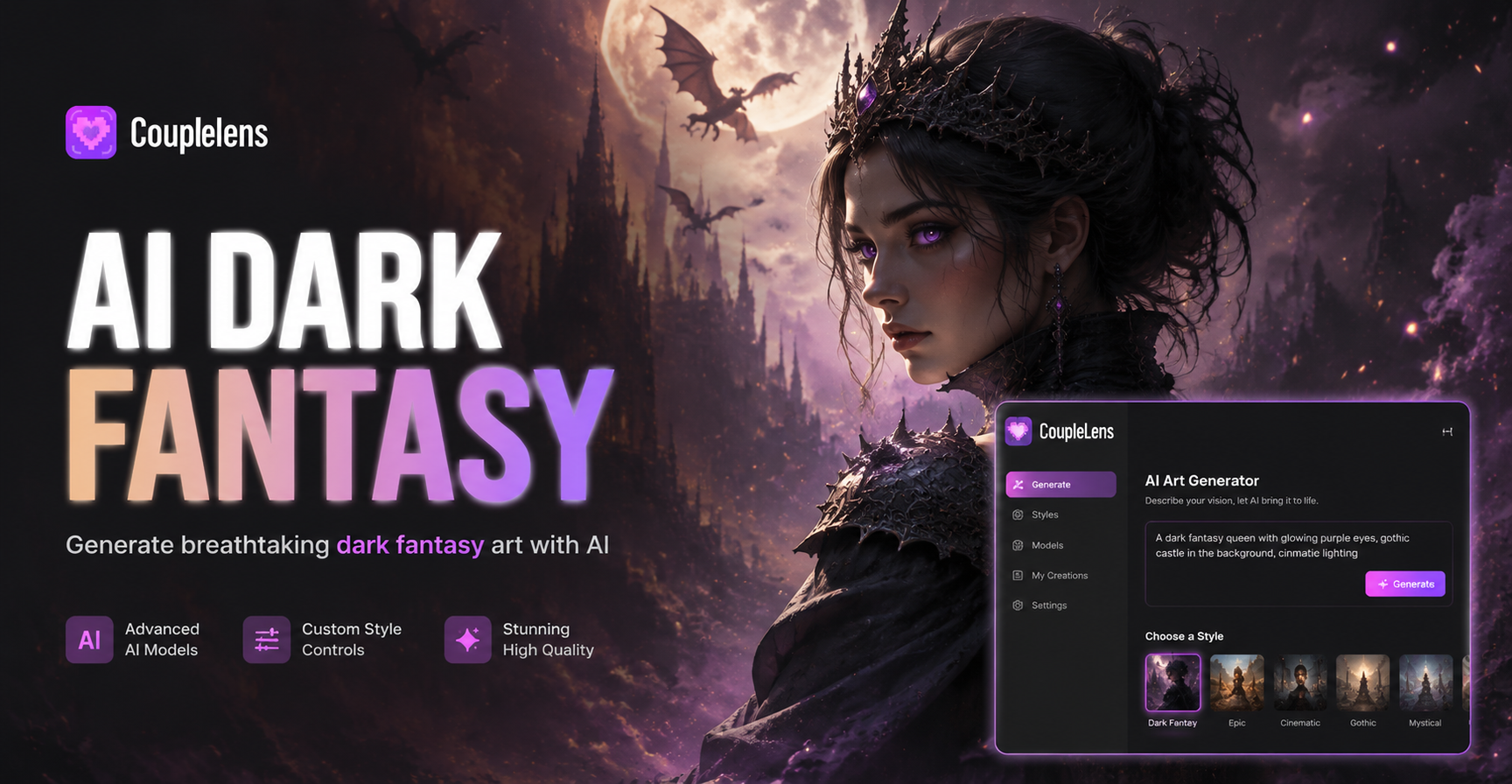
AI Dark Fantasy Art Generator
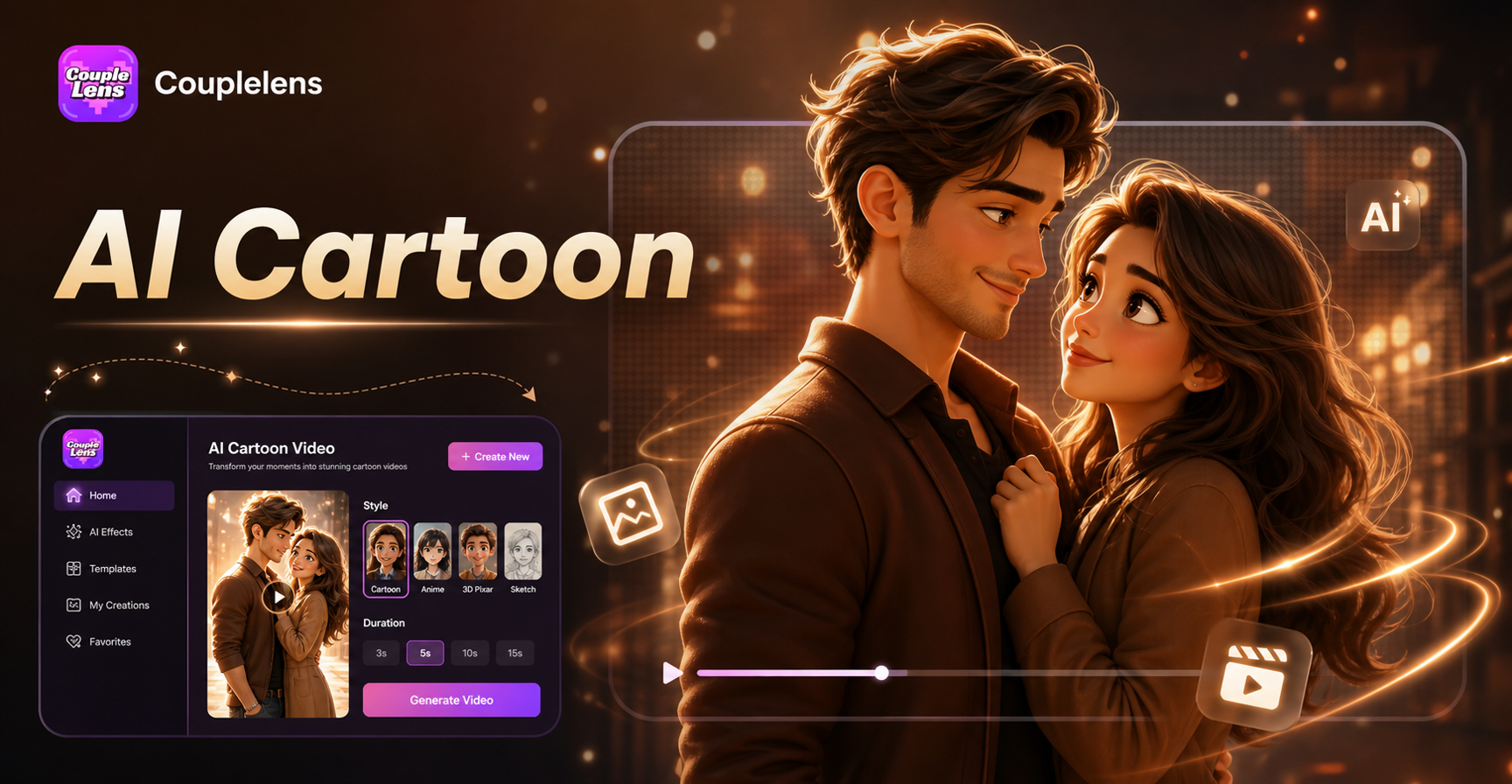
AI Cartoon Video Effect
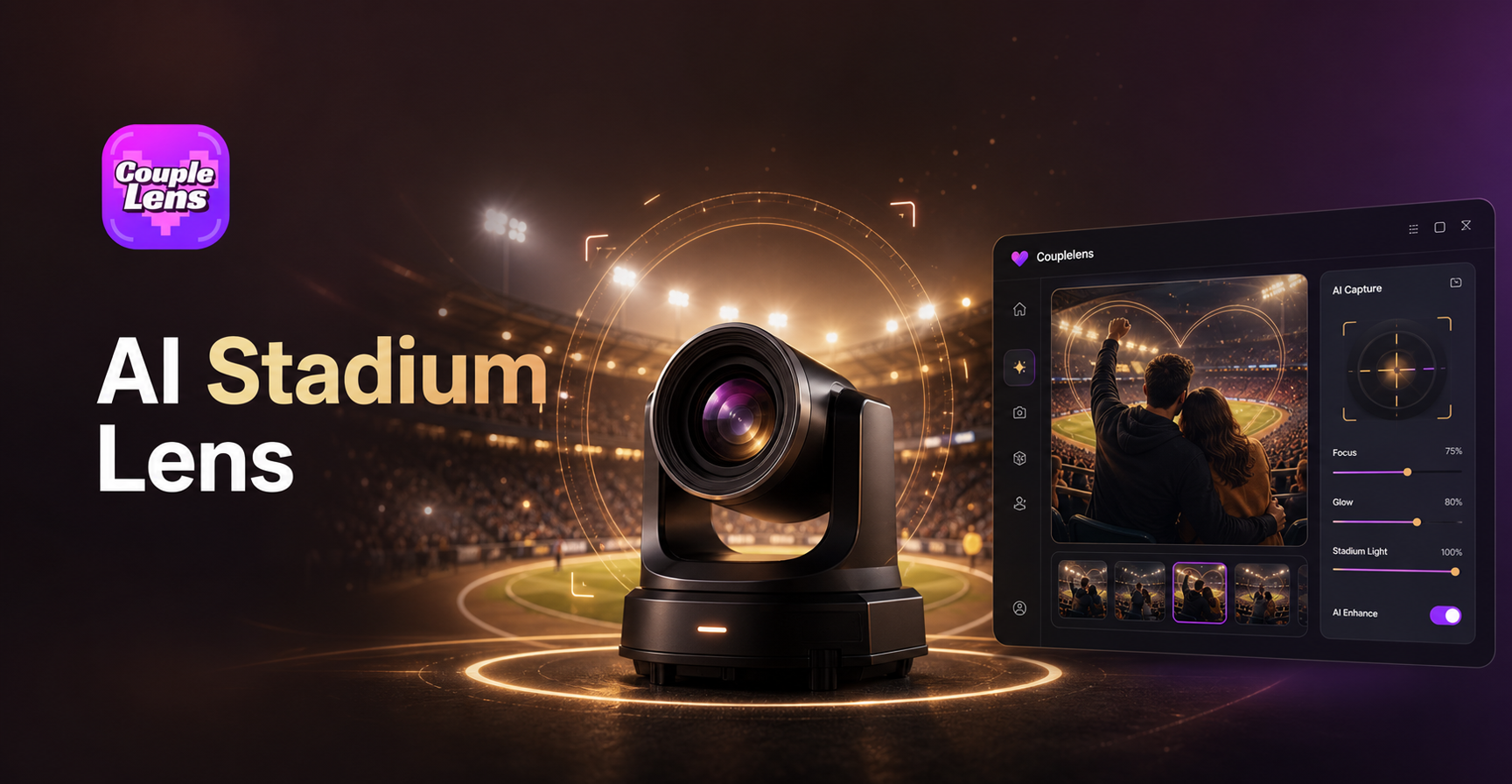
AI Stadium Camera Capture Effect
Transformation AI Generator
AI Dark Fantasy Art Generator
AI Cartoon Video Effect
AI Stadium Camera Capture Effect
Make Your First Fake Date Video Tonight
Free to install. Pick a filter, drop a selfie, share the clip. Your next fake date is one tap away.

Make Your First Fake Date Video Tonight
Free to install. Pick a filter, drop a selfie, share the clip. Your next fake date is one tap away.