AI Chibi Cartoon Video Effect
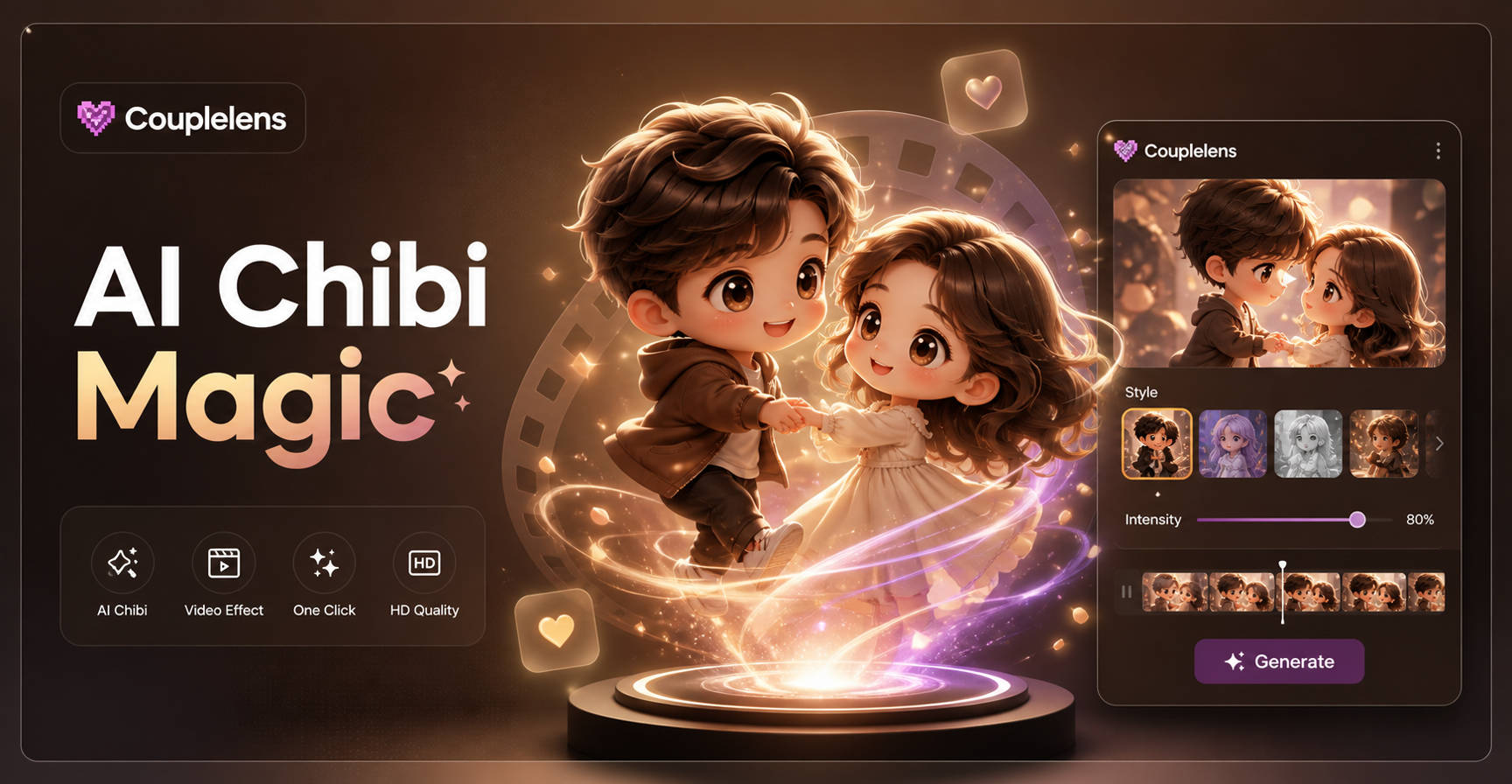
Cartoon boy

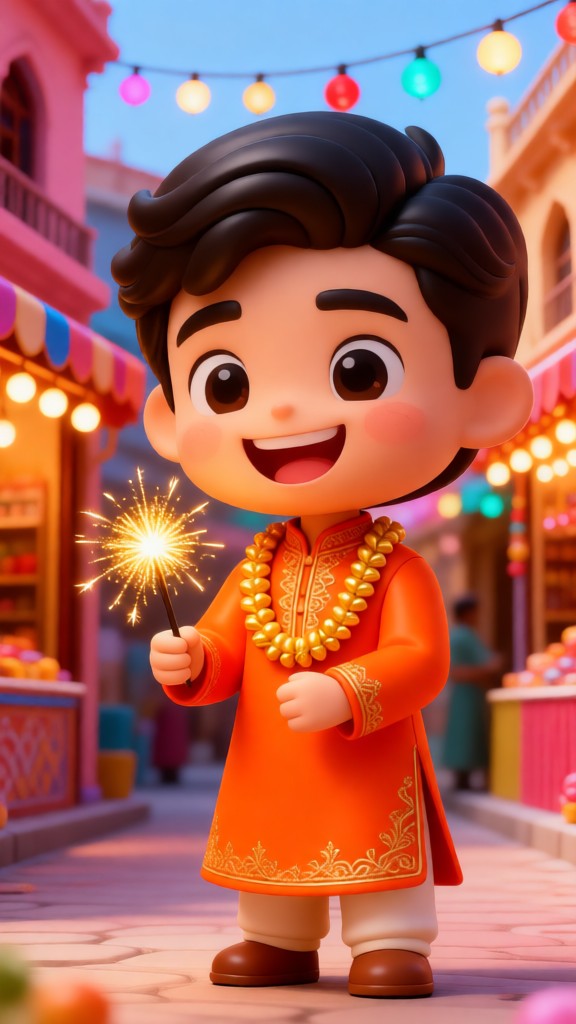

Key Features of the AI Chibi Cartoon Video Effect
Three core features make CoupleLens app the easiest way to land a clean AI cartoon chibi video on your feed.
25,000 Templates and Zero Prompt Writing
CoupleLens ships with over twenty-five thousand ready-made templates. The chibi filters sit inside the app like presets. You pick one. You tap generate. The chibi style, the body proportion, the eye shape, the motion pattern, all locked in by the template. Pick a filter, drop a photo, watch the chibi animation appear in ten to twenty seconds.
 Before
Consistent Characters Across a Whole Chibi Series
ake a chibi version of yourself once. Save the character. Bring that same chibi face into your next video, your next birthday post, your next couple clip. Hair stays the same. Face shape stays the same. Outfit mood stays the same. The chibi you becomes a tiny digital version of you, ready to star in as many videos as you want to post.
 Before
Natural Cartoon Chibi Character Motion
CoupleLens makes your cartoon Chibi AI characters move naturally. They can blink, smile, wave and even walks on the street. Solo chibi selfies, couple chibi hugs, pet chibi blinks, friend group chibi dances. CoupleLens keeps every chibi creation saved to your personal page. Scroll, like, comment, or grab the template and start your own version right now.
How to Create an AI Chibi Cartoon Video?
Three steps. One CoupleLens app. Less than a minute from photo to chibi video.

Step 01.
Grab CoupleLens from the Google Play. Sign up takes a tap. The AI filters are already loaded on the home screen.

Step 02.
Choose any chibi filter from the recommended list above, or browse the full template library.

Step 03.
Preview the clip. Save to your camera roll. Or post straight to TikTok, Instagram Reels, or your CoupleLens community page.
What Creators Say About the AI Chibi Video Effect on CoupleLens
The motion is smooth, the eyes actually blink, and the upload took maybe two taps.
I tried three other chibi apps before CoupleLens. Every one of them blurred my girlfriend's face into mine when we took a couple selfie. CoupleLens kept us as two separate chibi characters in the same frame. That alone sold me.
I just picked a filter and the CoupleLens app did the work.
My friend group made chibi versions of ourselves for our group chat avatar. Took about fifteen seconds each. We posted the lineup on Instagram and it got more likes than any of our regular photos. The fact that I did not need to write a single prompt is the best part.
Download the CoupleLens app and try the AI cartoon chibi effect, seriously.
I shoot dogs all day. CoupleLens turns my client's photos into chibi dog videos that make people cry laughing. The chibi filter keeps the breed features, the eye colour, and the markings. I run my whole social account on chibi pet clips now.
Watch the AI Chibi Video Effect in Action
Want to see the chibi magic before you download? These video walkthroughs show the full flow inside the CoupleLens app.
Frequently Asked Questions
Find clear answers to common questions and get the guidance you need to make the most of the AI Chibi cartoon video effect.
More Topics You May Like
Explore more topics you may like and discover fresh ideas tailored to your interests.
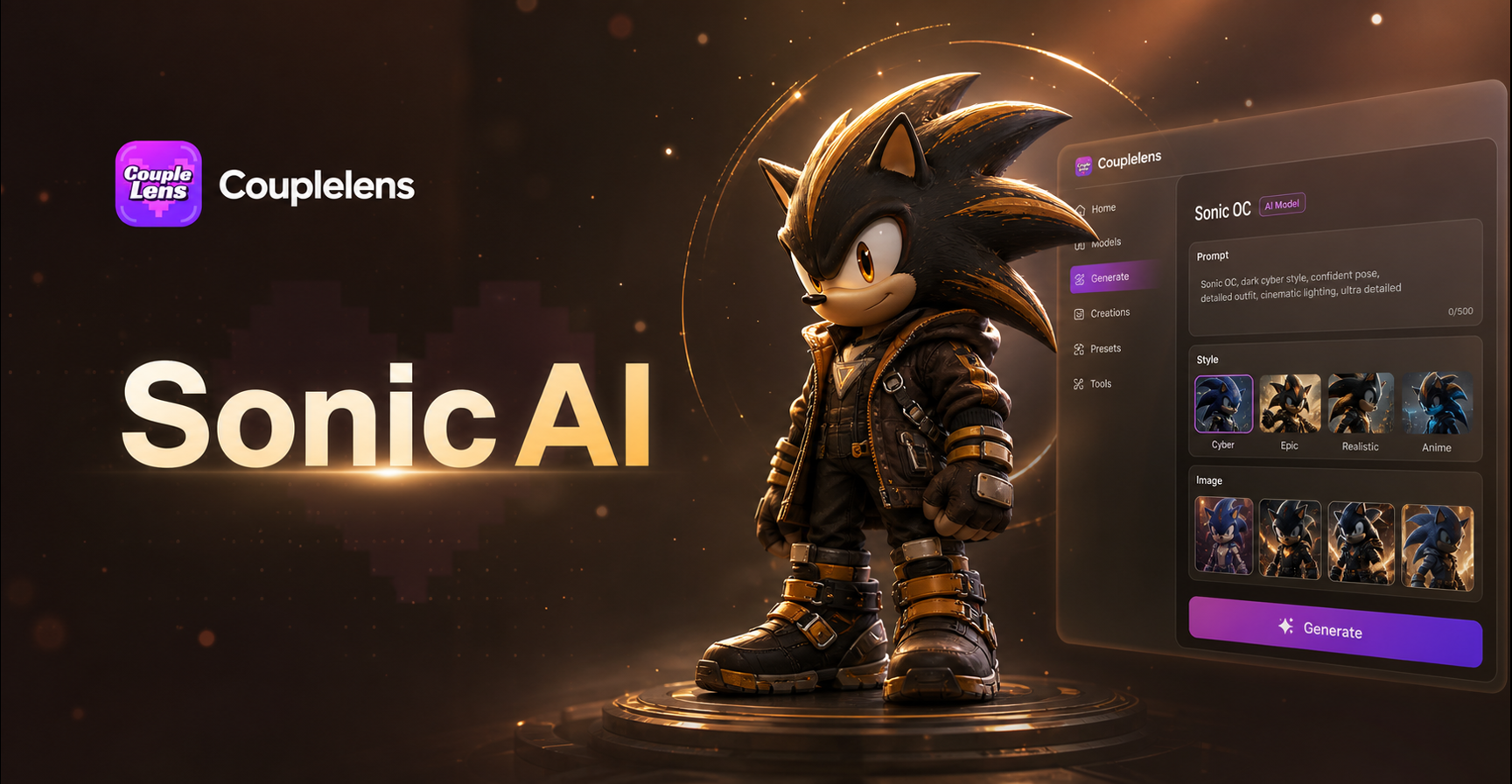
Sonic Oc Ai Art Generator
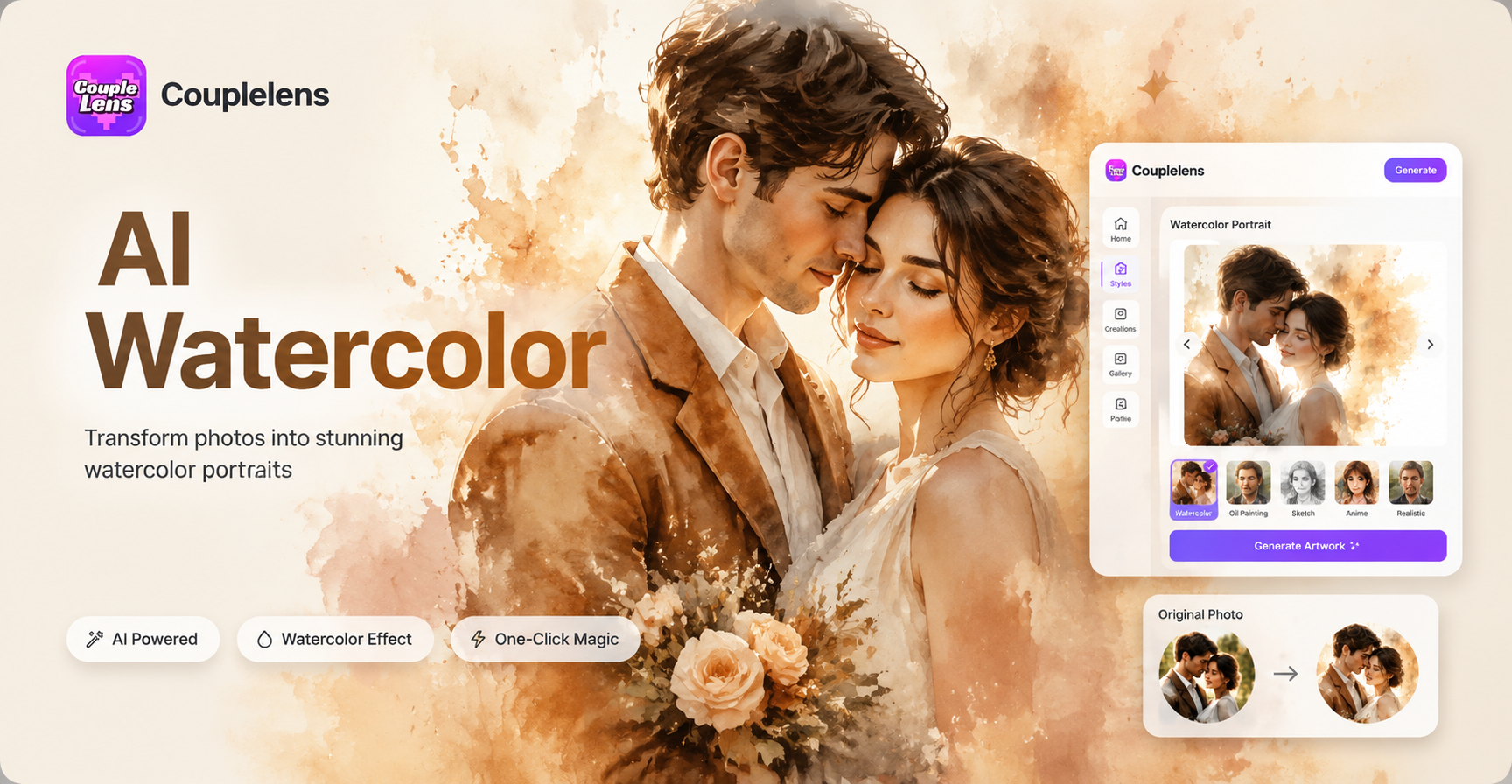
Ai Watercolor Portrait Effect
Ai Fifa World Cup Poster Generator
Ai Double Exposure Portrait
Sonic Oc Ai Art Generator
Ai Watercolor Portrait Effect
Ai Fifa World Cup Poster Generator
Ai Double Exposure Portrait
Your Chibi Video Is One Tap Away
Stop scrolling past chibi videos. Start making them. Download CoupleLens, open the app, pick a chibi filter, and your AI chibi video is live in under twenty seconds.
Your Chibi Video Is One Tap Away
Stop scrolling past chibi videos. Start making them. Download CoupleLens, open the app, pick a chibi filter, and your AI chibi video is live in under twenty seconds.