Try On Piercings
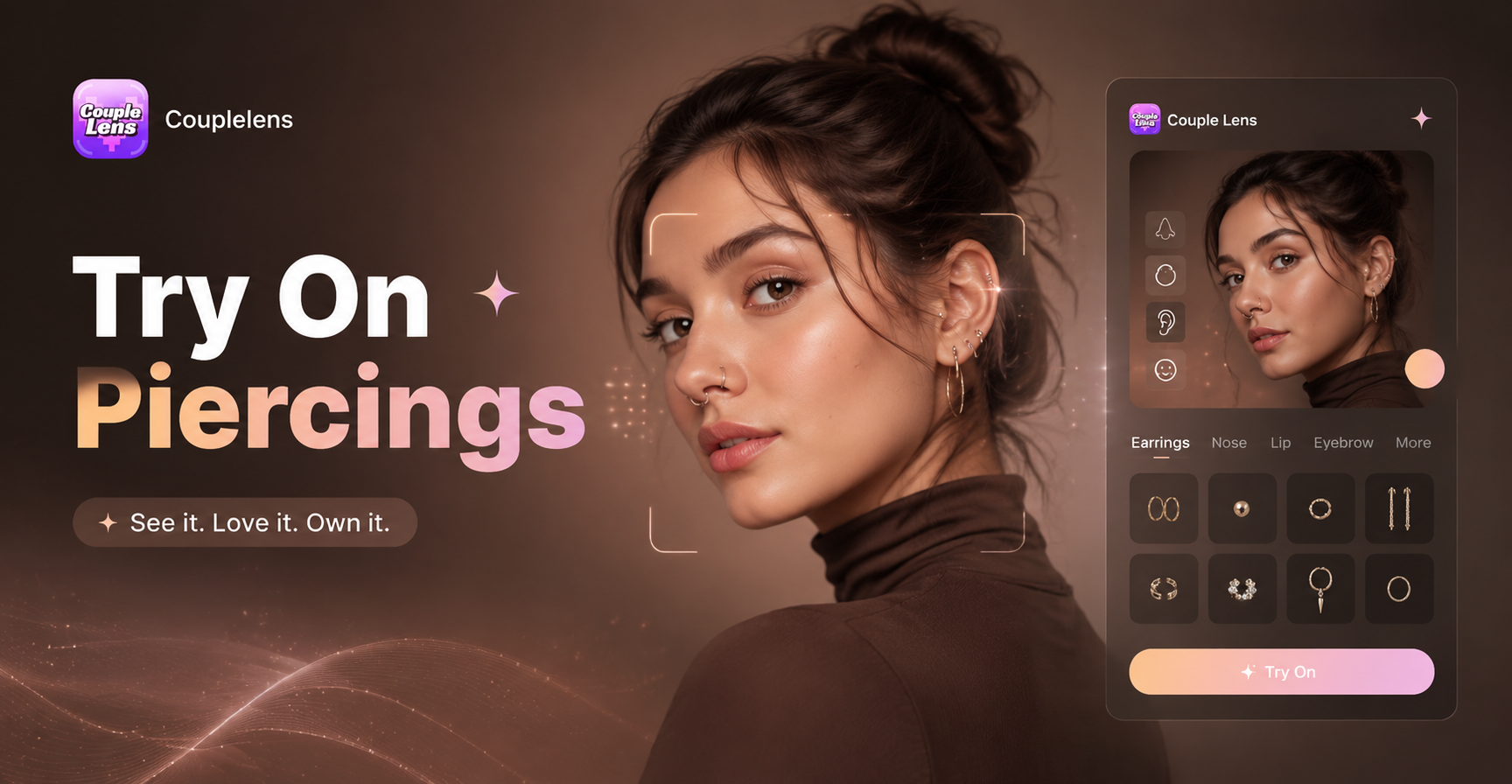
Try On Piercings



Key Features of the CoupleLens Piercing Try On AI
CoupleLens turns simple selfies into realistic virtual piercing mockups using distinctive features.
 Before
 After
AfterSmart Face Mapping for Realistic Placement
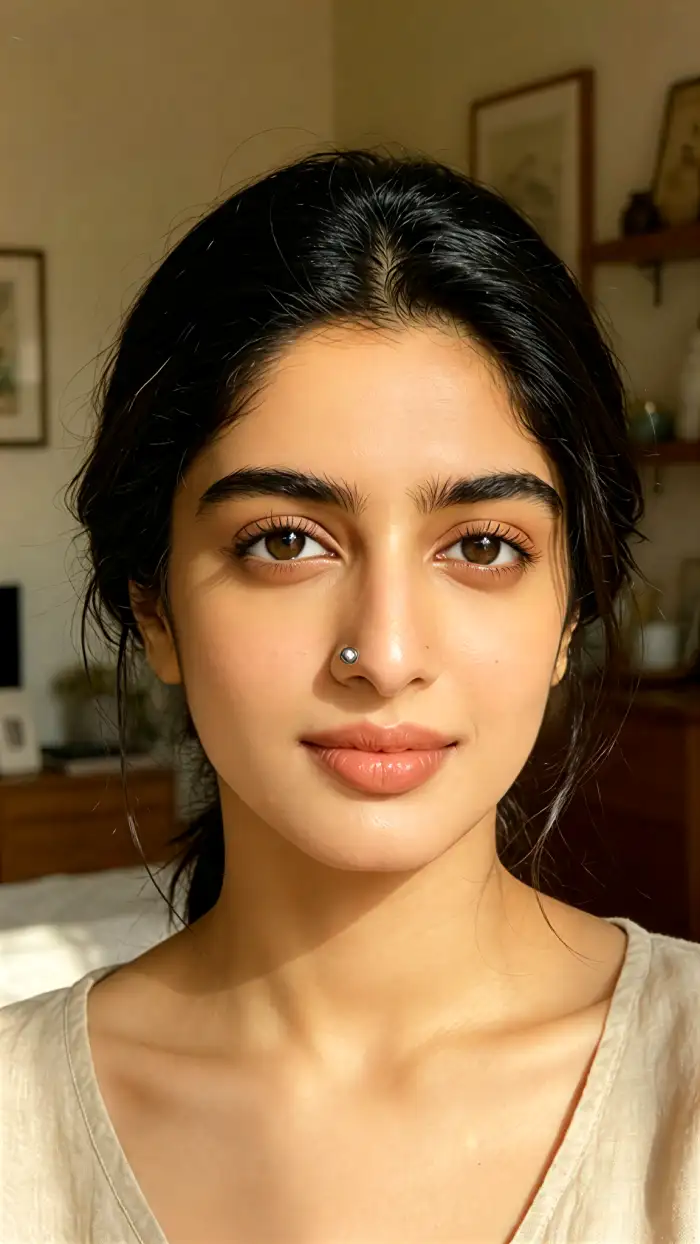
CoupleLens reads your face shape, nostril angle, ear curve, and lip line before placing any jewelry. A nose ring sits where a real piercer would put it. A helix hoop follows the cartilage, not a sticker template. Lighting, shadows, and skin texture get redrawn with the piece so the final image looks like a photo, not a clip art edit.
BeforeAfterSmart Face Mapping for Realistic Placement
CoupleLens reads your face shape, nostril angle, ear curve, and lip line before placing any jewelry. A nose ring sits where a real piercer would put it. A helix hoop follows the cartilage, not a sticker template. Lighting, shadows, and skin texture get redrawn with the piece so the final image looks like a photo, not a clip art edit.
 Before
 After
AfterOne Tap Filter Library With 25000 Plus Styles
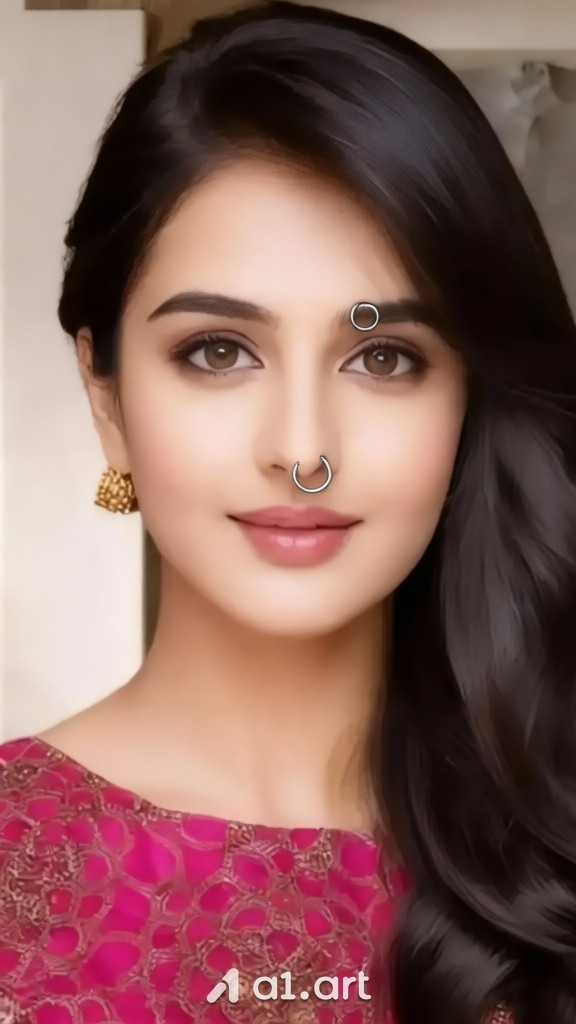
Open the app and you land on a filter wall, not a prompt box. Tap a category like nose, ear, septum, lip, or eyebrow and browse thousands of ready made styles. Want a custom look instead? Add one short sentence after tapping the filter and the AI regenerates with your tweak. No prompt engineering, no settings panel.
BeforeAfterOne Tap Filter Library With 25000 Plus Styles
Open the app and you land on a filter wall, not a prompt box. Tap a category like nose, ear, septum, lip, or eyebrow and browse thousands of ready made styles. Want a custom look instead? Add one short sentence after tapping the filter and the AI regenerates with your tweak. No prompt engineering, no settings panel.

Left piercing jewelry
Text to Image Generation
Just enter a few words in the CoupleLens app to try the try-on piercing filter to see you in new looks. Browse before-and-after looks from real people who used CoupleLens to preview their next piercing. Curation stacks on ear selfies, tiny diamond nostril studs on side profiles, septum hoops on front facing shots, lip Medusa on date night glam.
Left piercing jewelry
Text to Image Generation
Just enter a few words in the CoupleLens app to try the try-on piercing filter to see you in new looks. Browse before-and-after looks from real people who used CoupleLens to preview their next piercing. Curation stacks on ear selfies, tiny diamond nostril studs on side profiles, septum hoops on front facing shots, lip Medusa on date night glam.
How to Create a Try On Piercings Preview With CoupleLens?
Create beautiful AI try-on piercing images in just a few simple steps using our powerful platform.

Step 01.
Grab CoupleLens free on iOS or Android from your app store. The install takes under a minute.

Step 02.
Open the app and tap the piercing try-on category. Tap generate and wait about ten seconds.

Step 03.
Your new image lands in your CoupleLens gallery. Post it to your profile or send it to a group chat.
Why Use CoupleLens to Try On Piercings Before You Commit
Real piercings hurt, take months to heal, and cost real money. CoupleLens gives you a free virtual preview with zero commitment so you can compare nose rings, ear stacks, septums, and lip studs on your own face. Show the result to your piercer, your partner, or your group chat before you book. The app handles the awkward guesswork so you walk into the studio already knowing the look you want, not hoping for one. Download CoupleLens, tap a filter, get your answer in ten seconds.

What Our Users Say About Try On Piercings With CoupleLens
My sales jump every time I post a virtual preview.
I run a small jewelry brand and need mockups for my lookbook. CoupleLens lets me test every new nose ring design on five different face shapes in an afternoon.
If you're looking to add value to your marketing start with us!
It has been a staple in my advertising internally and externally. Our target audience loves it and always has delightful feedback about it. Everything is just so simple to use.
Way better than guessing in the mirror.
My girlfriend and I both wanted a couple piercing but did not want to match by accident. We both used CoupleLens to try on piercings and landed on different styles that still go together.
Frequently Asked Questions
Quick answers about how the CoupleLens piercing try on filters work, how to download the app, and more.
More Topics You May Like
Explore more topics you may like and discover fresh ideas tailored to your interests.
AI FIFA World Cup Poster Generator
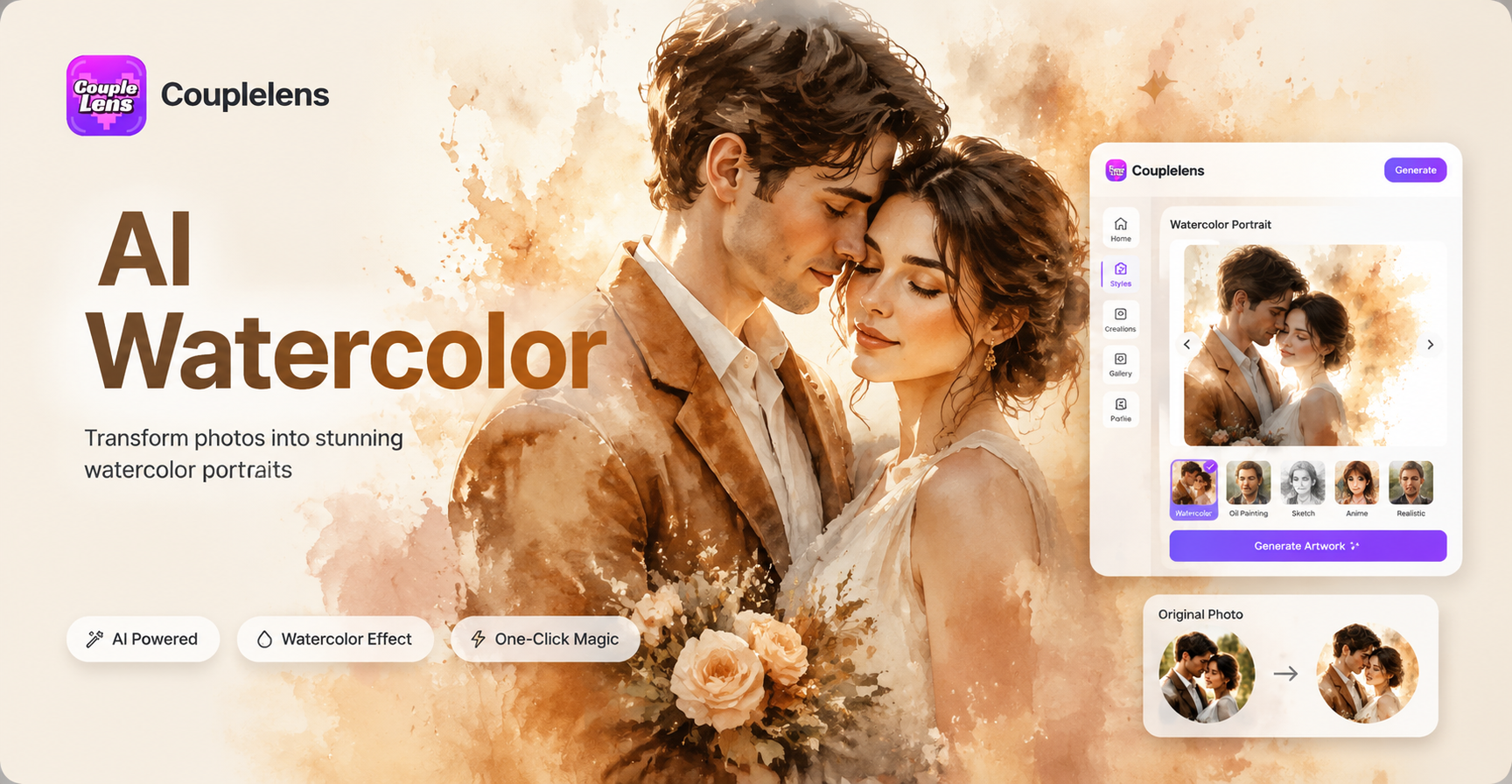
AI Watercolor Portrait Effect
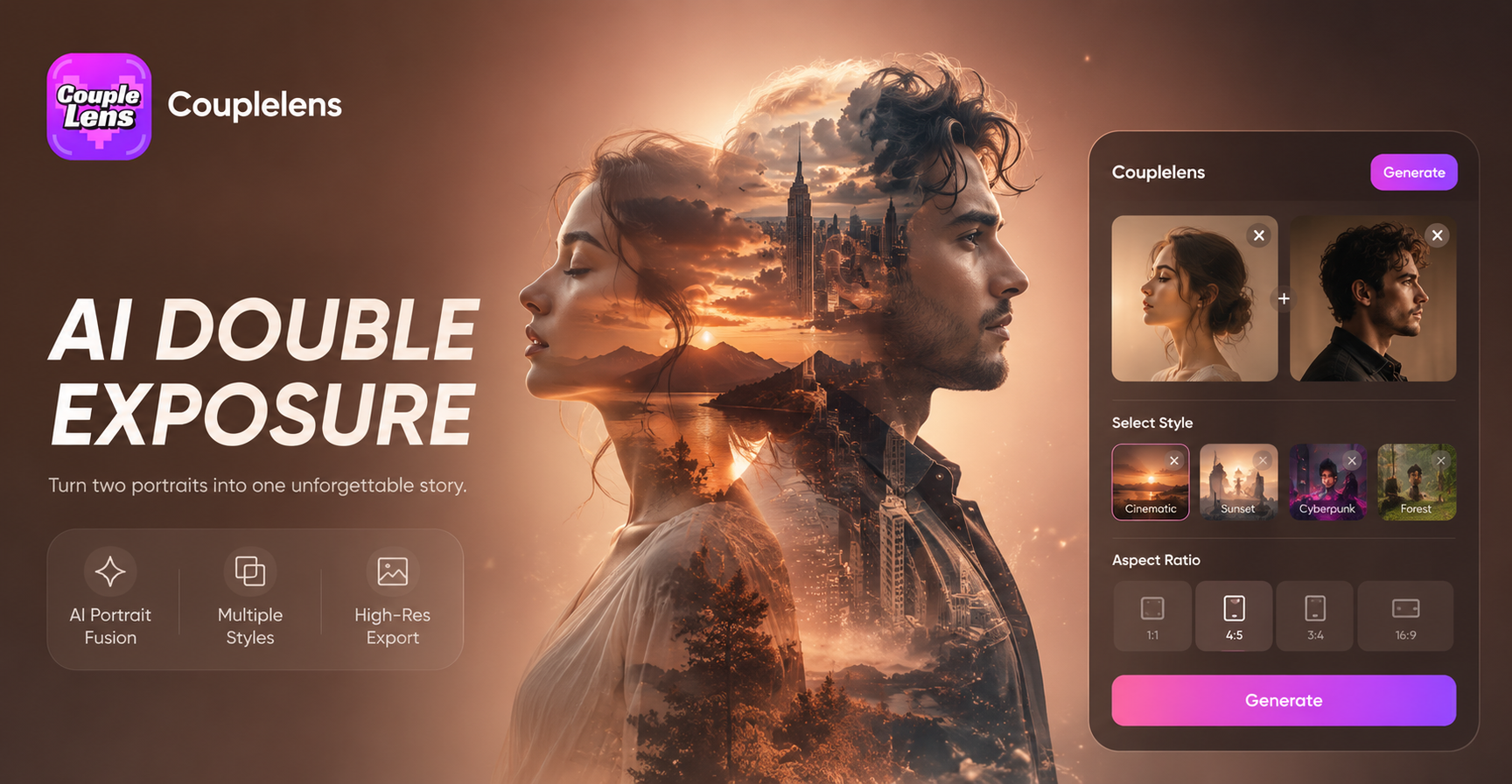
AI Double Exposure Portrait
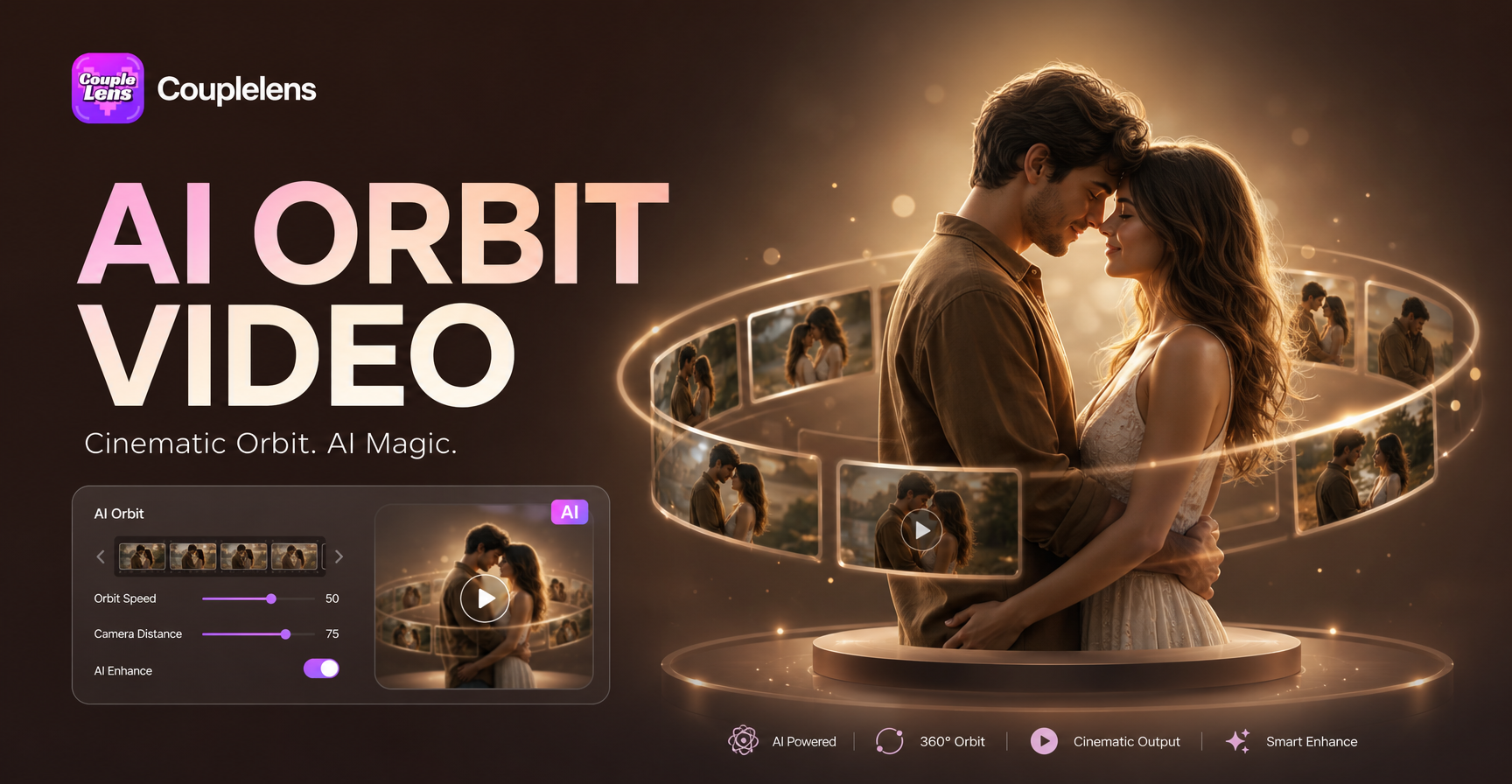
AI Camera Orbit Video Effect
AI FIFA World Cup Poster Generator
AI Watercolor Portrait Effect
AI Double Exposure Portrait
AI Camera Orbit Video Effect
See Your New Piercing Before the Needle
Download CoupleLens now and test nose rings, ear stacks, septum hoops, and lip studs on your real photo. Your next look is ten seconds away.
See Your New Piercing Before the Needle
Download CoupleLens now and test nose rings, ear stacks, septum hoops, and lip studs on your real photo. Your next look is ten seconds away.