AI Camera Orbit Video Effect
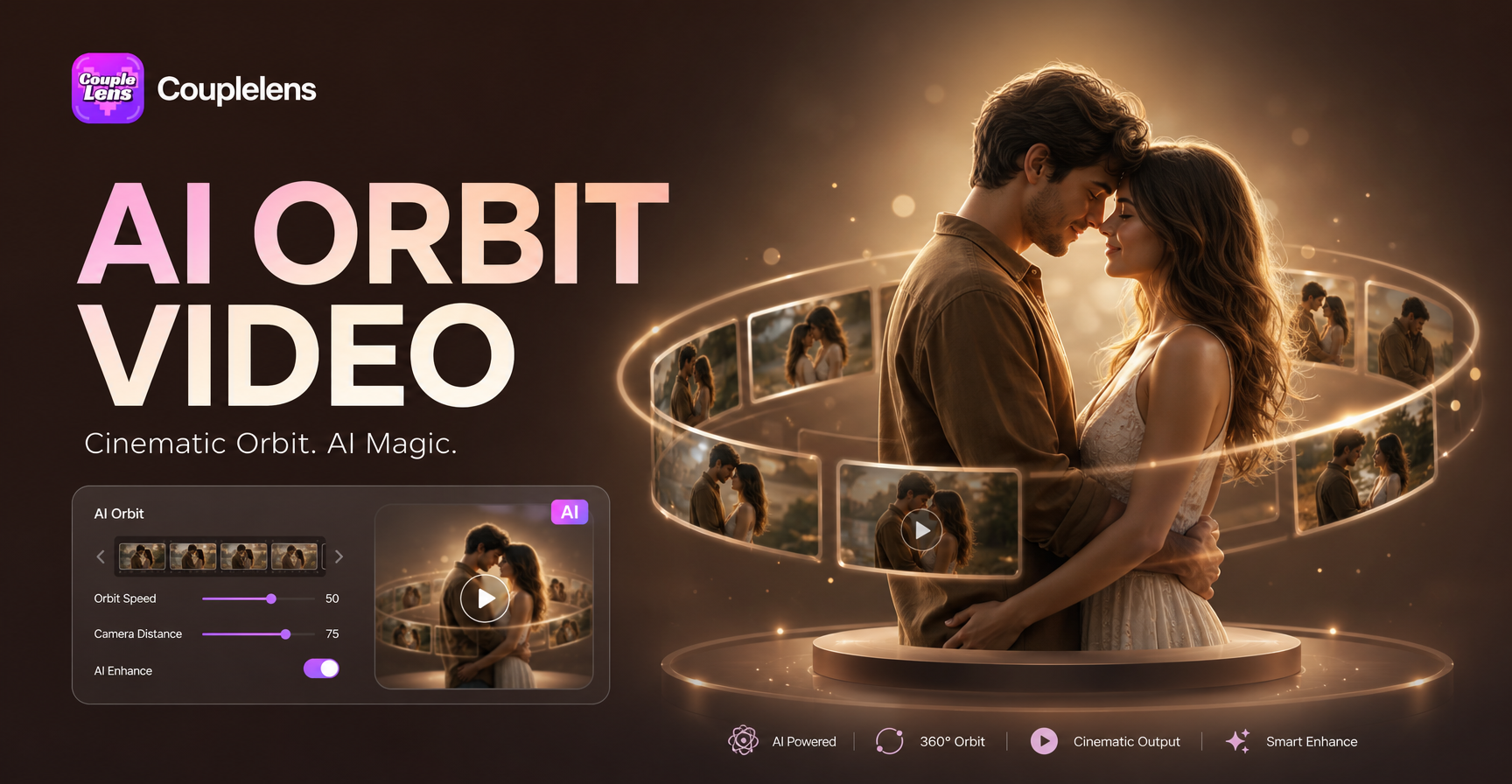
AI Camera Orbit Video Effect
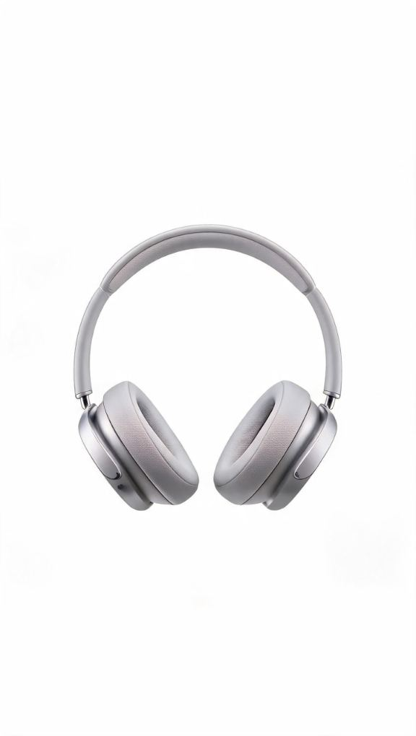
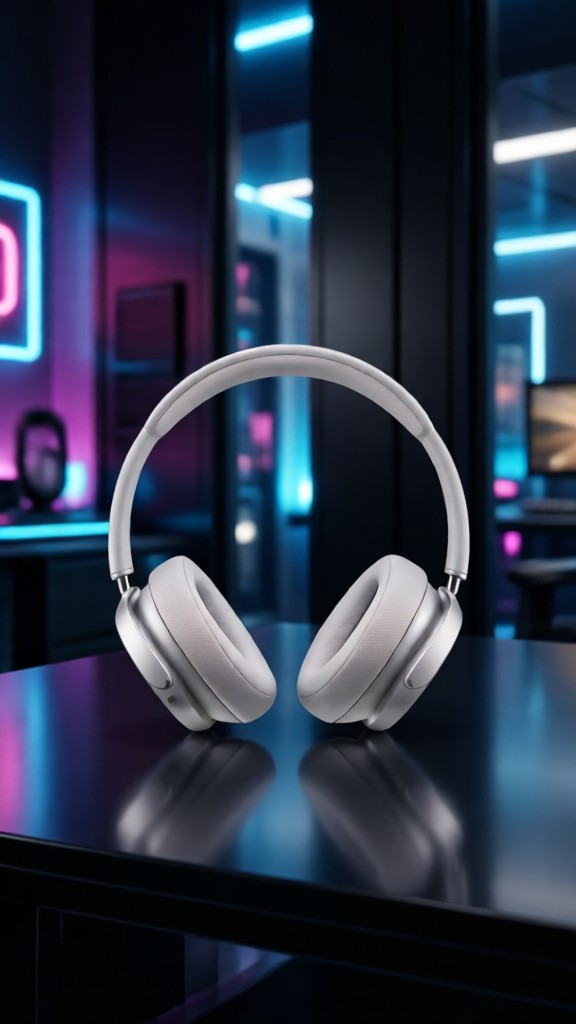

Key Features of the AI Camera Orbit Video Effect
The CoupleLens 360 orbit video filter is mobile-first and one-tap. It keeps your face stable across the full circle.
 Before
One-Tap Mobile Workflow
Skip the prompt box. Skip the timeline. Skip the render farm. Open CoupleLens, tap the AI camera orbit video effect template, and drop in your photo. The app handles the camera path, the depth, and the loop. You get a clean 360 orbit video clip in 10 to 20 seconds, ready for TikTok, Reels, or Shorts.
BeforeOne-Tap Mobile Workflow
Skip the prompt box. Skip the timeline. Skip the render farm. Open CoupleLens, tap the AI camera orbit video effect template, and drop in your photo. The app handles the camera path, the depth, and the loop. You get a clean 360 orbit video clip in 10 to 20 seconds, ready for TikTok, Reels, or Shorts.
Identity-Stable Orbit
A bad orbit warps your face mid-spin. The CoupleLens model locks onto facial features and keeps them stable through the full 360-degree orbit video. Eyes, hair, and outfit stay put. The background moves, not you. That is what makes the result feel like a real camera move and not a glitchy filter.
Identity-Stable Orbit
A bad orbit warps your face mid-spin. The CoupleLens model locks onto facial features and keeps them stable through the full 360-degree orbit video. Eyes, hair, and outfit stay put. The background moves, not you. That is what makes the result feel like a real camera move and not a glitchy filter.
 Before
Cinematic Camera Orbit Effect in Reality
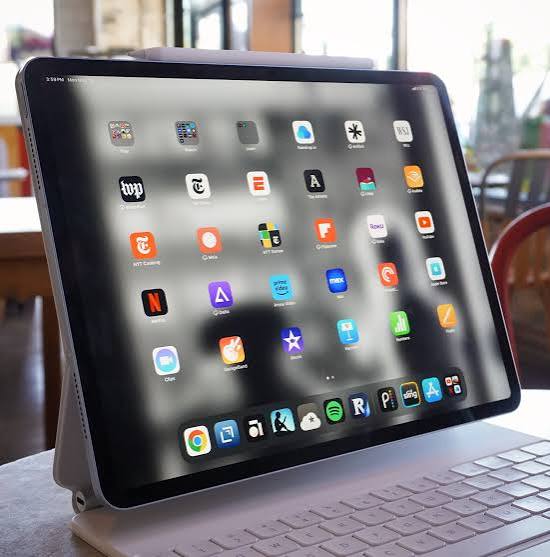
CoupleLens uses an intelligent AI that handles camera orbit videos naturally. It maintains objects looked like orbiting 360 degrees in reality. You can browse a feed of AI camera orbit video effect clips made with CoupleLens. CoupleLens renders an aesthetic 360 orbit video on your phone in about 10 to 20 seconds.
BeforeCinematic Camera Orbit Effect in Reality
CoupleLens uses an intelligent AI that handles camera orbit videos naturally. It maintains objects looked like orbiting 360 degrees in reality. You can browse a feed of AI camera orbit video effect clips made with CoupleLens. CoupleLens renders an aesthetic 360 orbit video on your phone in about 10 to 20 seconds.
How to Create an AI Camera Orbit Video Effect?
Three steps from photo to posted 360 orbit video. The whole flow lives inside the CoupleLens App.

Step 01.
Grab the CoupleLens App from the Google Play. Open the AI camera orbit video effect filter from the template library.

Step 02.
Pick a clear, well-lit photo. Selfie, couple shot, or product on a clean background all work. Tap generate.

Step 03.
Save the clip to your camera roll. Post it to TikTok, Reels, Shorts, or your CoupleLens profile.
What Our Users Say About the AI Camera Orbit Video Effect

Louis Chandrasekar
I sell handmade ceramics. A 360 orbit video of a mug looks way more pro than a flat photo. The AI camera orbit video effect in CoupleLens lets me shoot a mug on my desk, run the filter, and post a 360 orbit video to my shop in the same afternoon. Customers love it.

Elena Vargas
I run Reels for a skincare brand. I uploaded the product on a white background, used the AI camera orbit video effect, and the 360 orbit video was client-ready in two taps. No After Effects, no freelancer, no render farm. I batch ten of these before lunch now.

Jordan Beckett
Honestly I just wanted to post a cute 360 orbit video of me and my dog. Picked the filter in CoupleLens, dropped in a photo, the AI camera orbit video effect came out smooth. My dog did not get a second face. Ten out of ten, would orbit again

Marcus Whitfield
Shot a 360 orbit video of my partner and me in our kitchen with my DSLR, and the CoupleLens version from a single iPhone selfie honestly looked cleaner. The faces did not melt. I posted it to Reels the same night. Got more saves than my real rig.
Louis Chandrasekar
I sell handmade ceramics. A 360 orbit video of a mug looks way more pro than a flat photo. The AI camera orbit video effect in CoupleLens lets me shoot a mug on my desk, run the filter, and post a 360 orbit video to my shop in the same afternoon. Customers love it.
Elena Vargas
I run Reels for a skincare brand. I uploaded the product on a white background, used the AI camera orbit video effect, and the 360 orbit video was client-ready in two taps. No After Effects, no freelancer, no render farm. I batch ten of these before lunch now.
Jordan Beckett
Honestly I just wanted to post a cute 360 orbit video of me and my dog. Picked the filter in CoupleLens, dropped in a photo, the AI camera orbit video effect came out smooth. My dog did not get a second face. Ten out of ten, would orbit again
Marcus Whitfield
Shot a 360 orbit video of my partner and me in our kitchen with my DSLR, and the CoupleLens version from a single iPhone selfie honestly looked cleaner. The faces did not melt. I posted it to Reels the same night. Got more saves than my real rig.
Louis Chandrasekar
I sell handmade ceramics. A 360 orbit video of a mug looks way more pro than a flat photo. The AI camera orbit video effect in CoupleLens lets me shoot a mug on my desk, run the filter, and post a 360 orbit video to my shop in the same afternoon. Customers love it.
Elena Vargas
I run Reels for a skincare brand. I uploaded the product on a white background, used the AI camera orbit video effect, and the 360 orbit video was client-ready in two taps. No After Effects, no freelancer, no render farm. I batch ten of these before lunch now.
Jordan Beckett
Honestly I just wanted to post a cute 360 orbit video of me and my dog. Picked the filter in CoupleLens, dropped in a photo, the AI camera orbit video effect came out smooth. My dog did not get a second face. Ten out of ten, would orbit again
Marcus Whitfield
Shot a 360 orbit video of my partner and me in our kitchen with my DSLR, and the CoupleLens version from a single iPhone selfie honestly looked cleaner. The faces did not melt. I posted it to Reels the same night. Got more saves than my real rig.
Watch How Does AI Video Generator Work
A short CoupleLens walkthrough shows the AI camera orbit video effect from photo pick to posted Reel in under a minute.
Frequently Asked Questions
Quick answers about the CoupleLens 360 orbit video filter, mobile use, face stability, multi-person support, and posting.
More Topics You May Like
Explore more topics you may like and discover fresh ideas tailored to your interests.
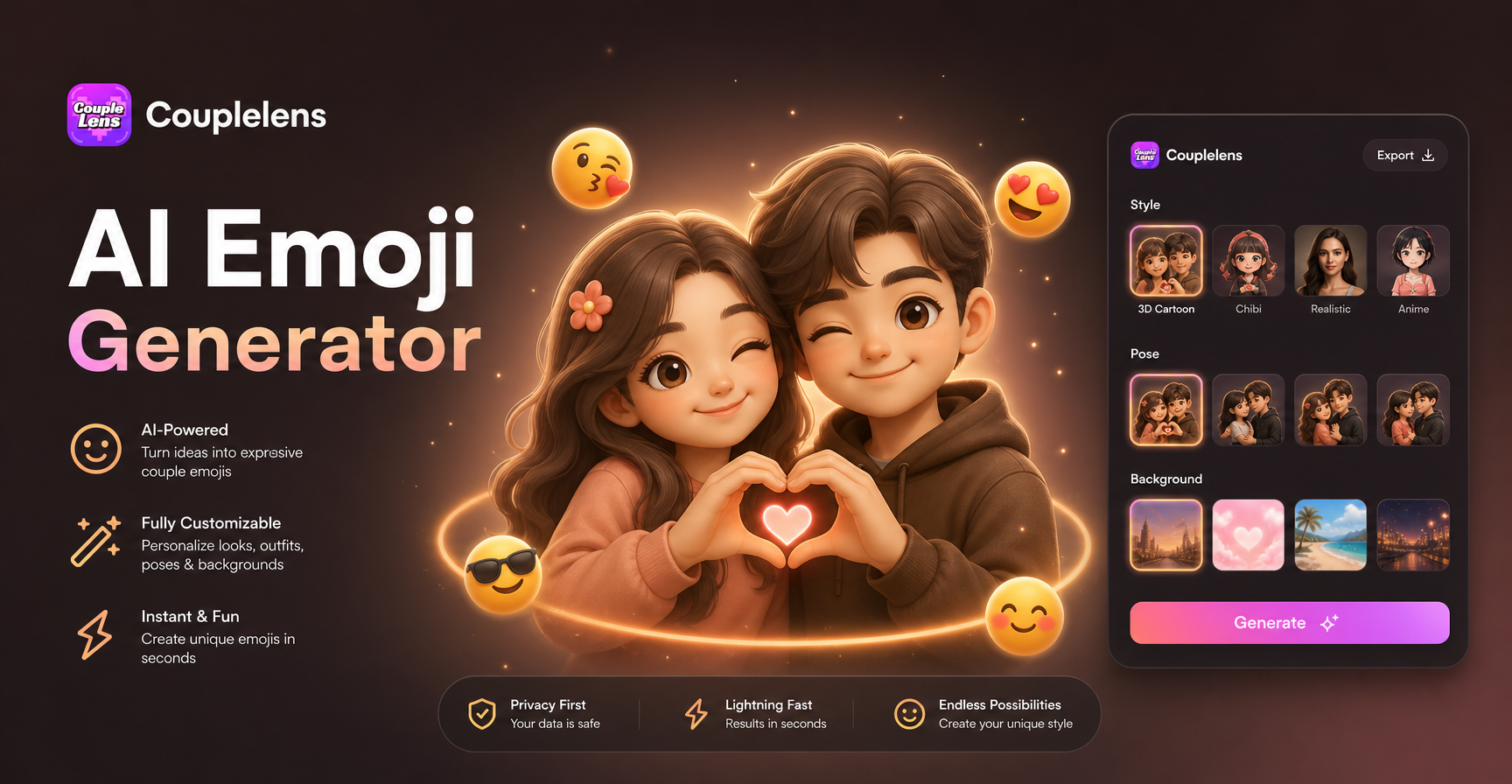
AI Emoji Generator
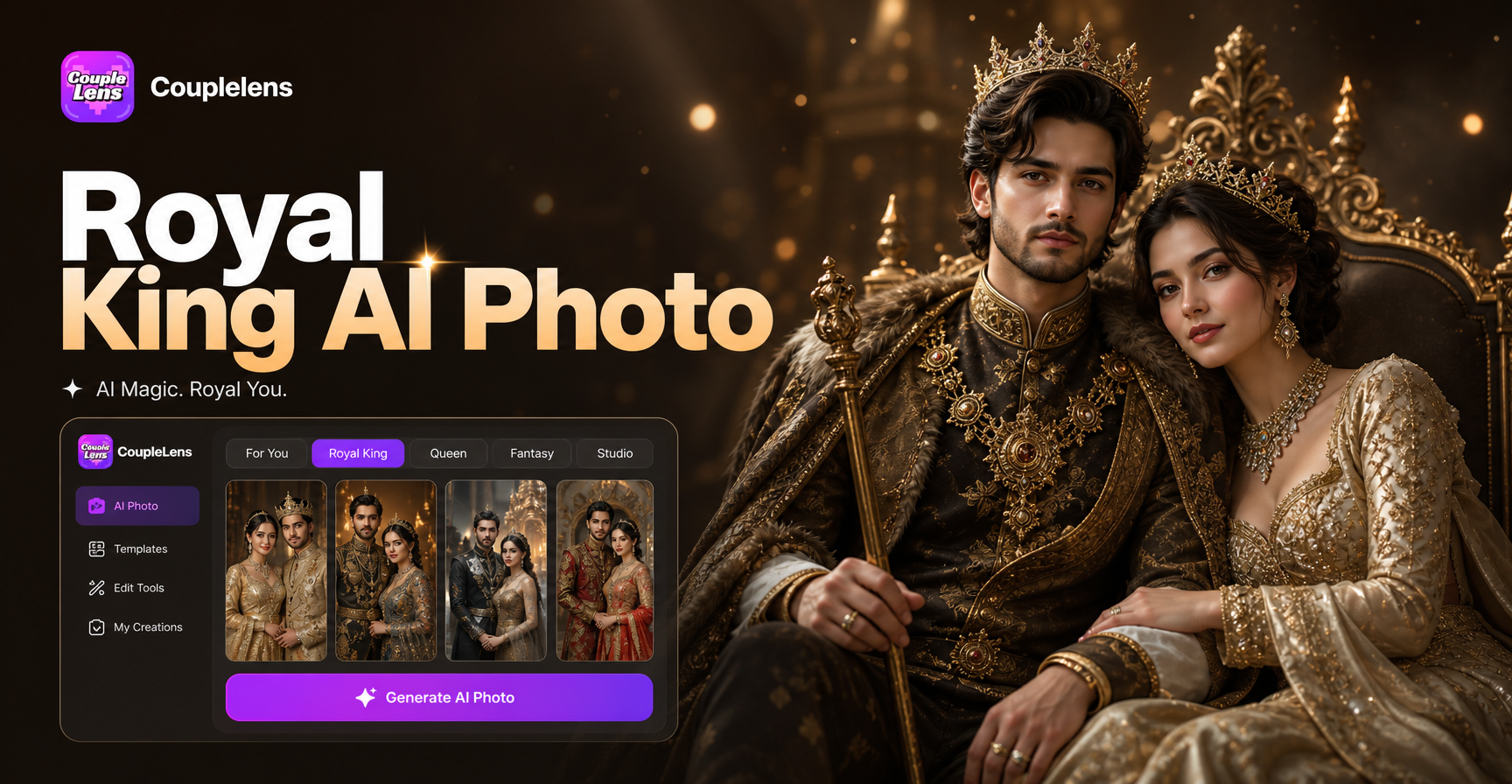
Royal King AI Photo
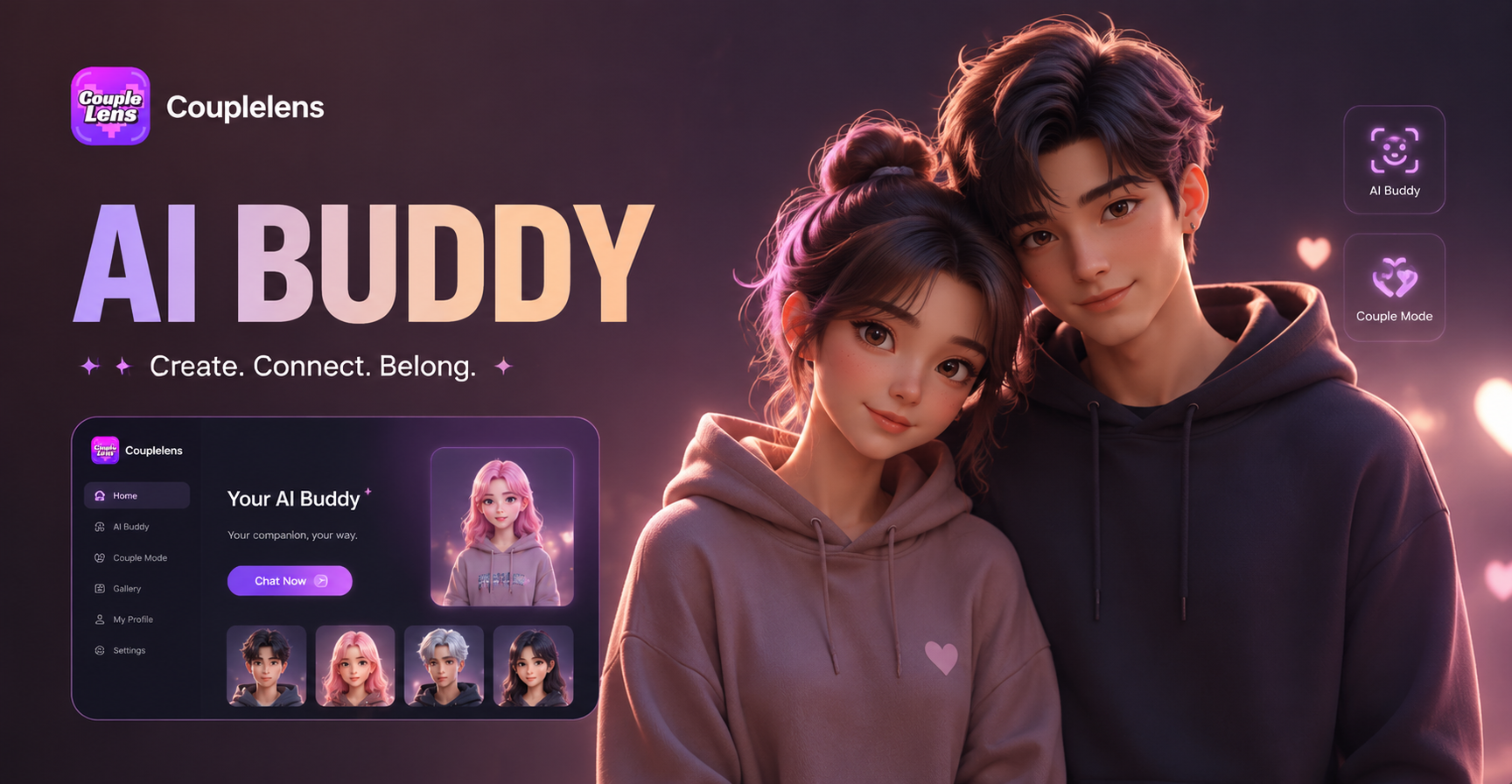
3D Buddy
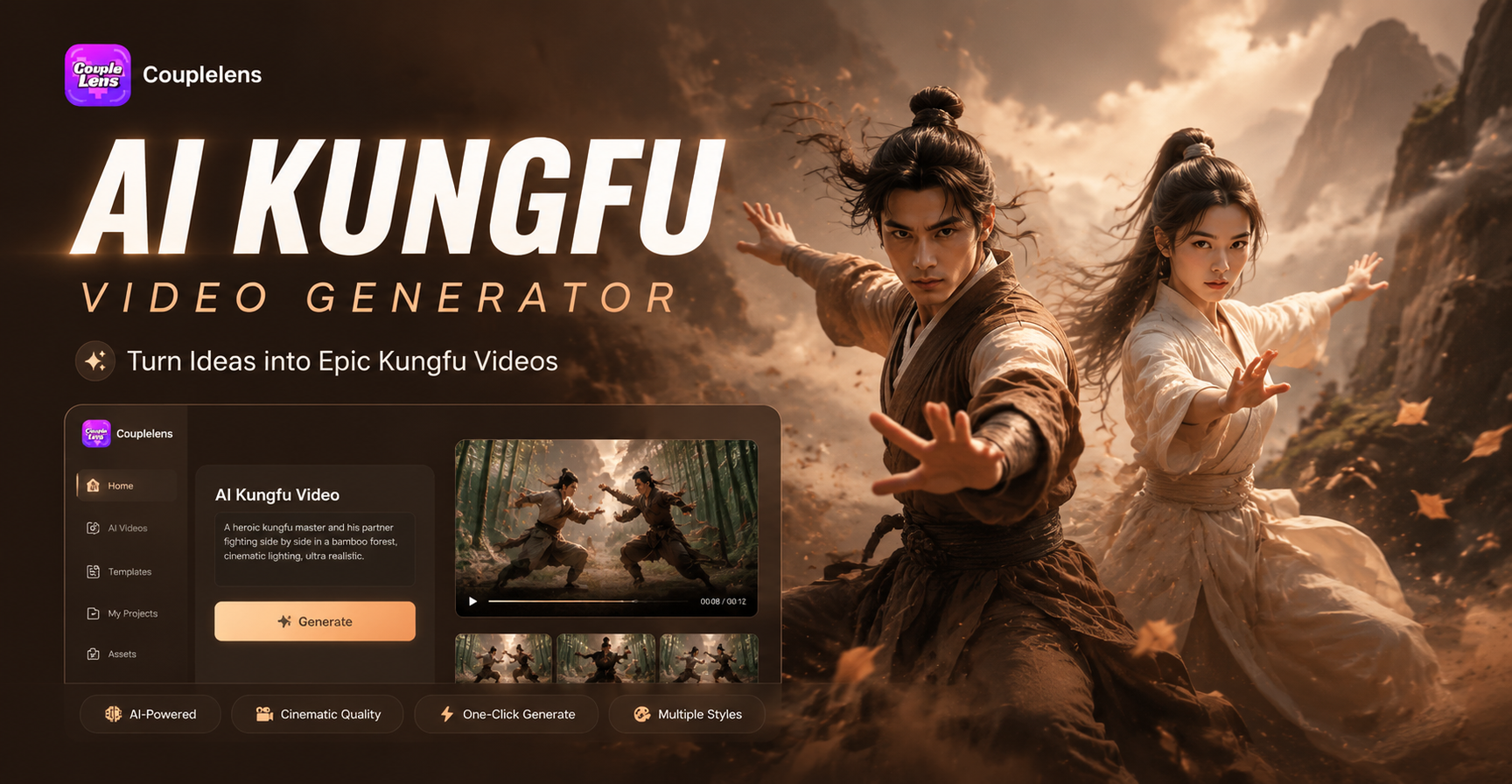
AI Kungfu Video Generator
AI Emoji Generator
Royal King AI Photo
3D Buddy
AI Kungfu Video Generator
Make Your Own AI Camera Orbit Video
Open the CoupleLens App, pick the 360 orbit video filter, drop in a photo, and post a clean AI camera orbit video effect in under a minute.
Make Your Own AI Camera Orbit Video
Open the CoupleLens App, pick the 360 orbit video filter, drop in a photo, and post a clean AI camera orbit video effect in under a minute.