Baju Kurung Photo Edit
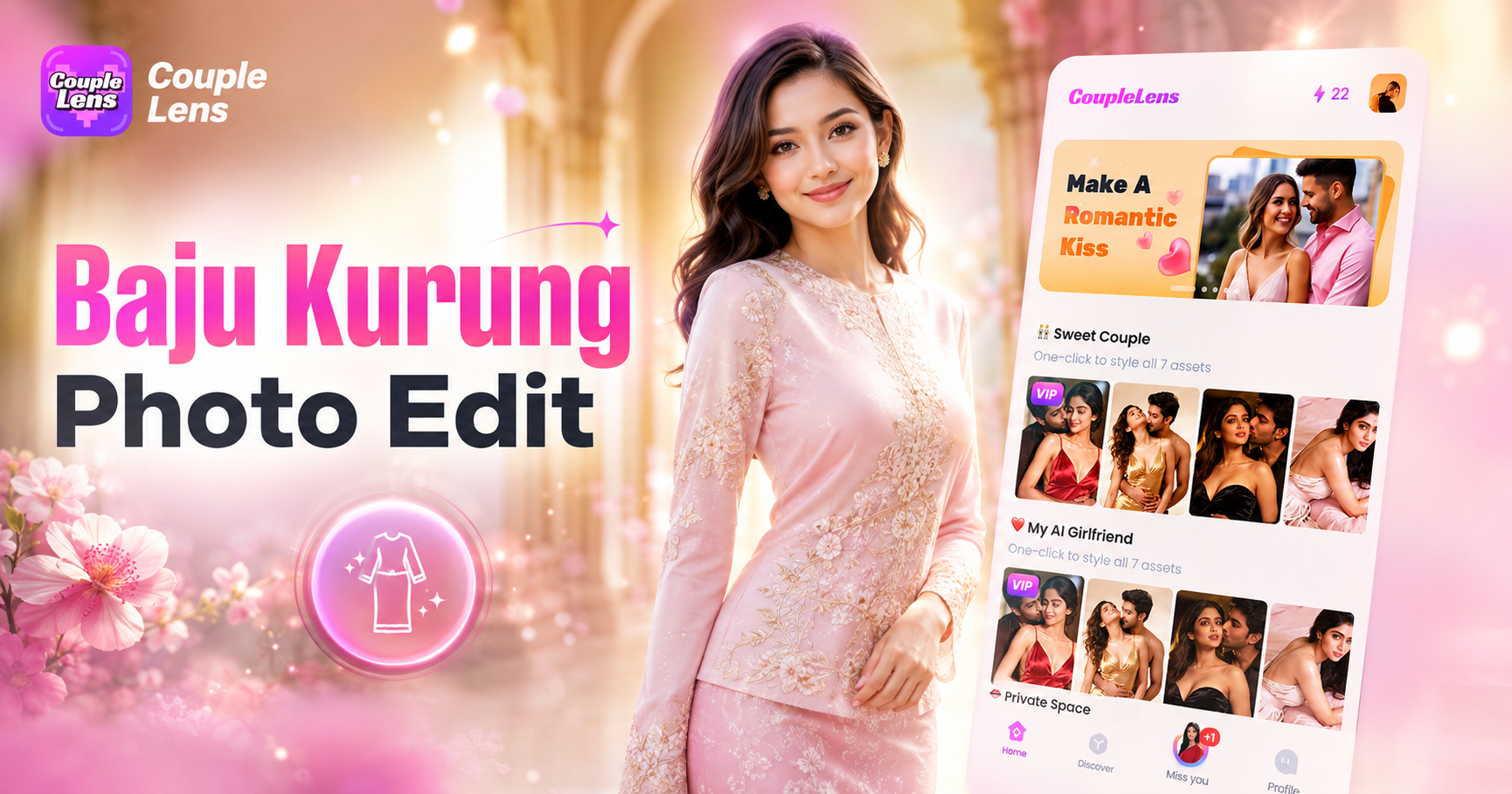
Pick a Baju Kurung Filter Made for Every Style
CoupleLens offers hundreds of baju kurung filters, from classic songket to modern pastel cuts, all crafted for photo AI generation.
Key Features of Baju Kurung Photo Edit
CoupleLens gives you three core tools for baju kurung photo editing. You can edit, share, and post your traditional Kebaya look.
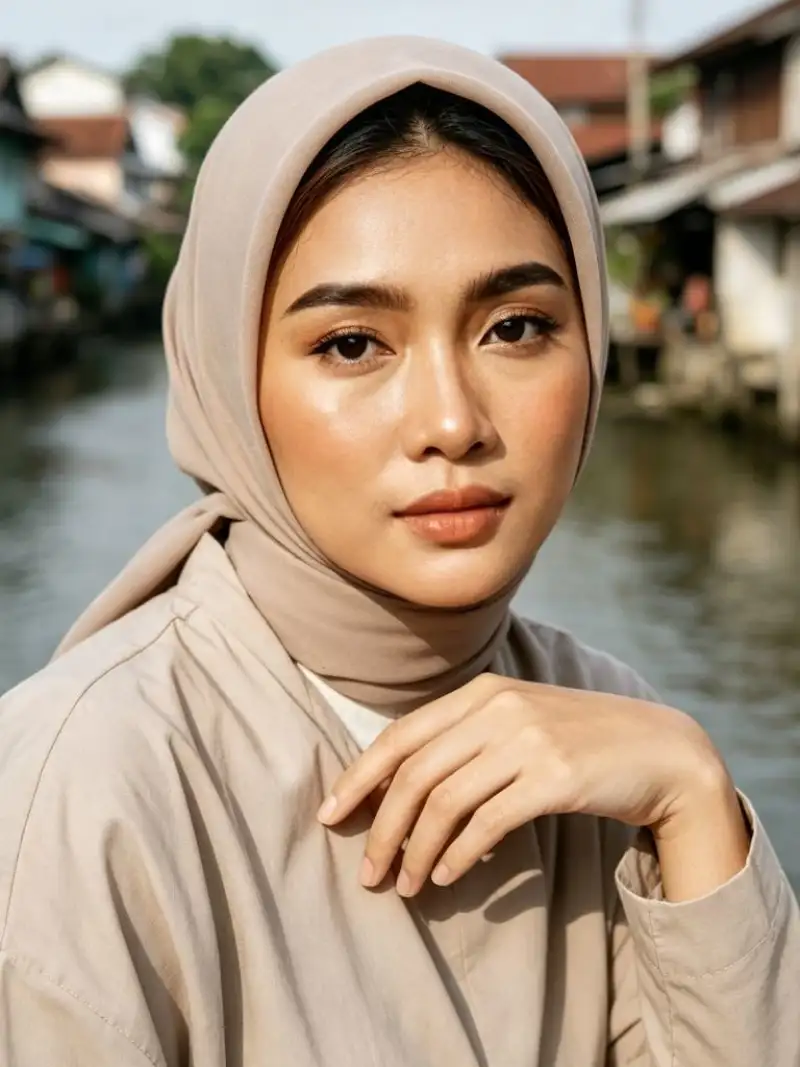 Before
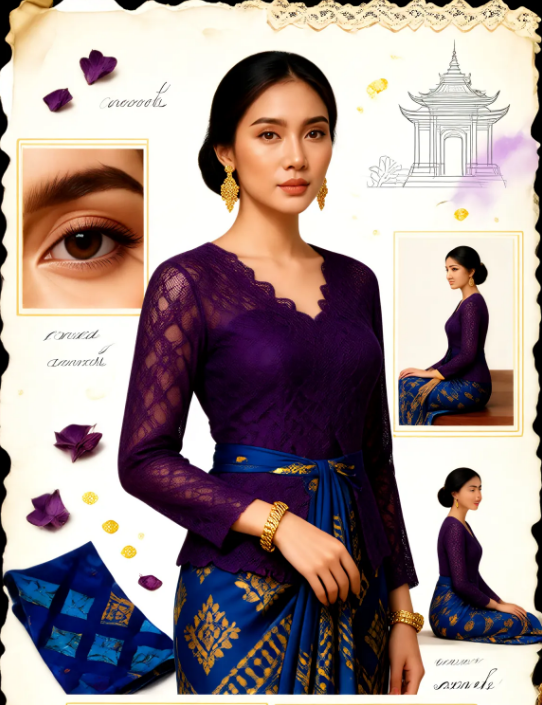 After
AfterAI Image Generator with Identity Lock
CoupleLens uses face-lock technology to keep your facial features, skin tone, and expression identical after the baju kurung style change. The AI photo editor studies your face before generating, so the final photo still looks like you, just dressed in traditional wear. Upload one selfie, pick a template, and your baju kurung photo is done.
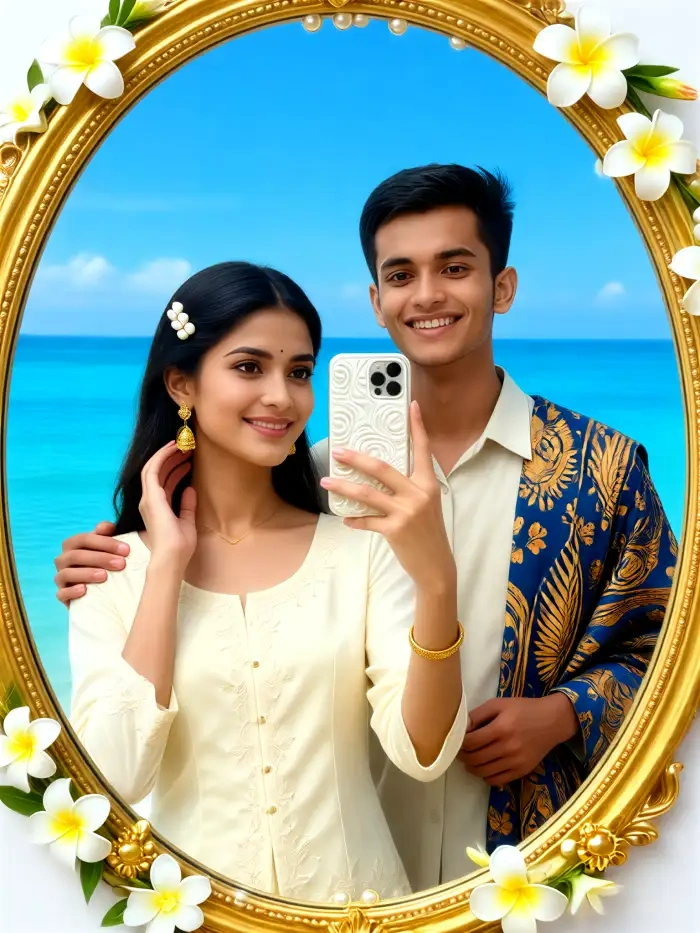
Group Photo AI for Raya Portraits
CoupleLens handles multi-person photos like a pro. The AI image generator identifies each face in a group shot and dresses everyone in matching or mixed baju kurung styles without mixing faces or losing subjects. Perfect for Hari Raya family portraits, engagement parties, or any traditional gathering where the whole family shows up.
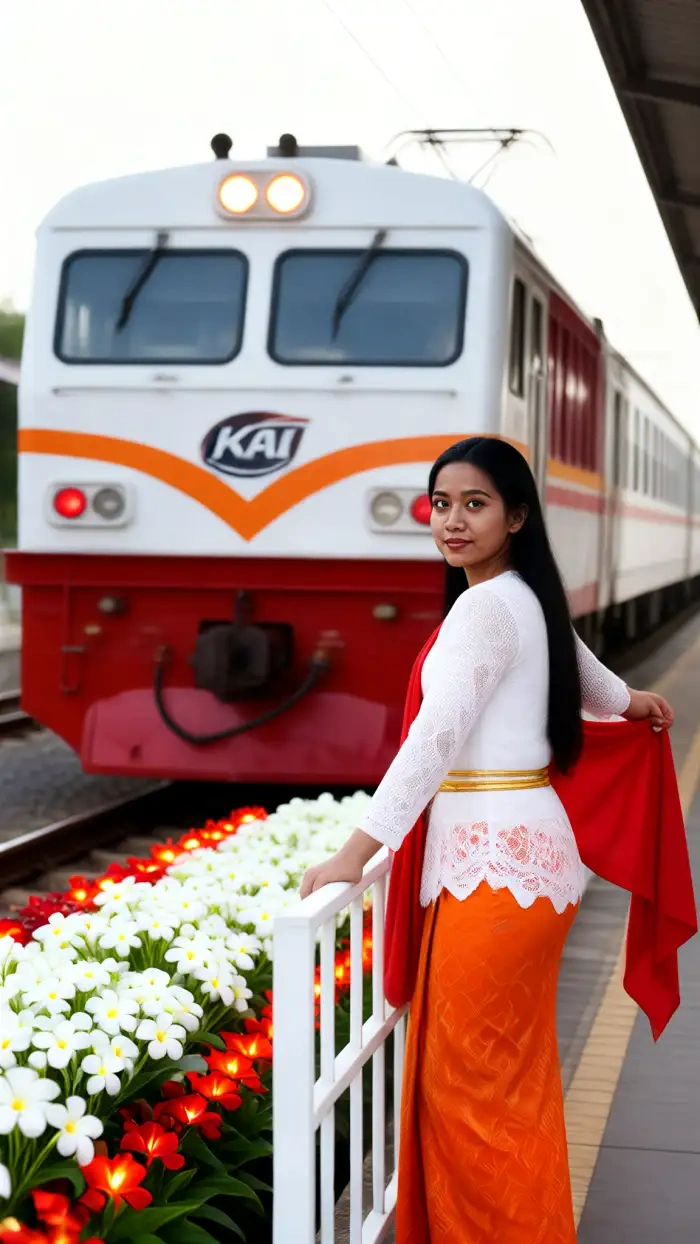
One-Tap Style Transfer with 25,000 Templates
Forget prompt writing. CoupleLens has a template for every baju kurung style you can think of, from embroidered songket to soft modern cuts with matching hijab. Just tap a template, upload your photo, and the photo AI recreates the look in 10 to 20 seconds. Browse daily updated styles for Raya, weddings, and cultural events.
How to Create a Baju Kurung Photo Edit?
Access your Baju Kurung photo edit tool. The CoupleLens app is lightweight, free, and works on most Android devices.

Step 01.
Head to Google Play and install CoupleLens on your phone. Free to start.

Step 02.
Open CoupleLens, browse the Traditional Wear or Baju Kurung category, and tap the filter you like.

Step 03.
Tap generate, wait 10 to 20 seconds, and your baju kurung photo is ready. Save it to your phone.
Real Baju Kurung Edits Made by CoupleLens Users
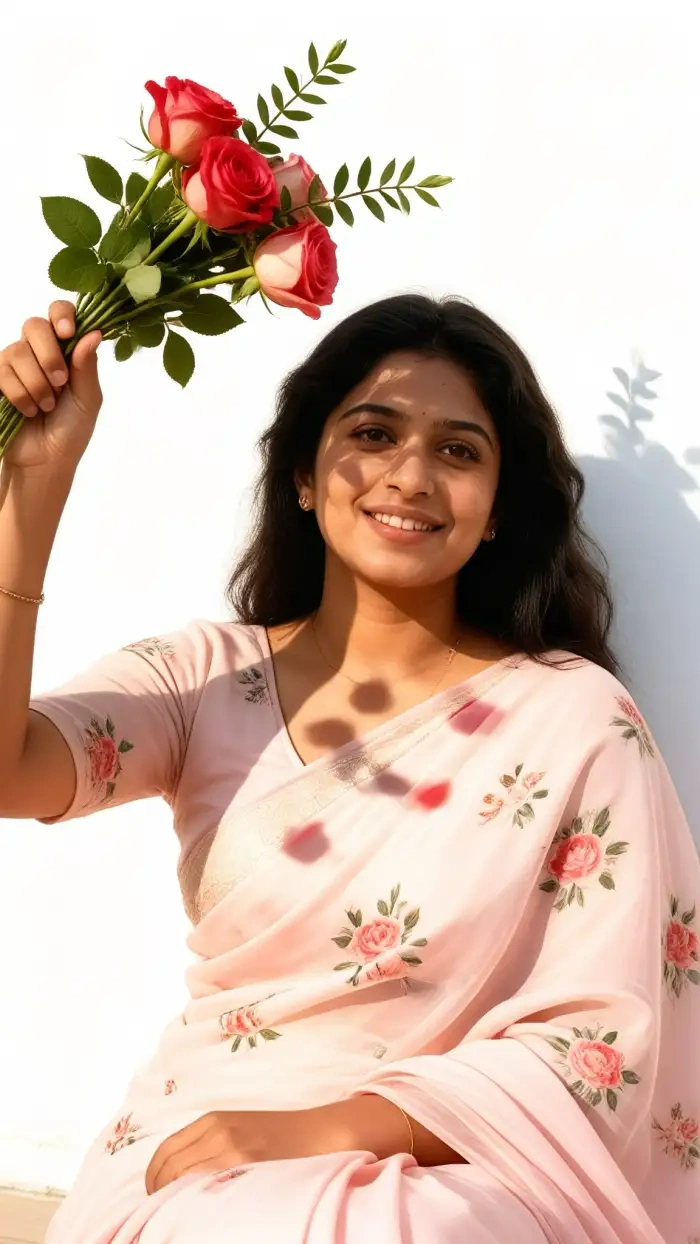
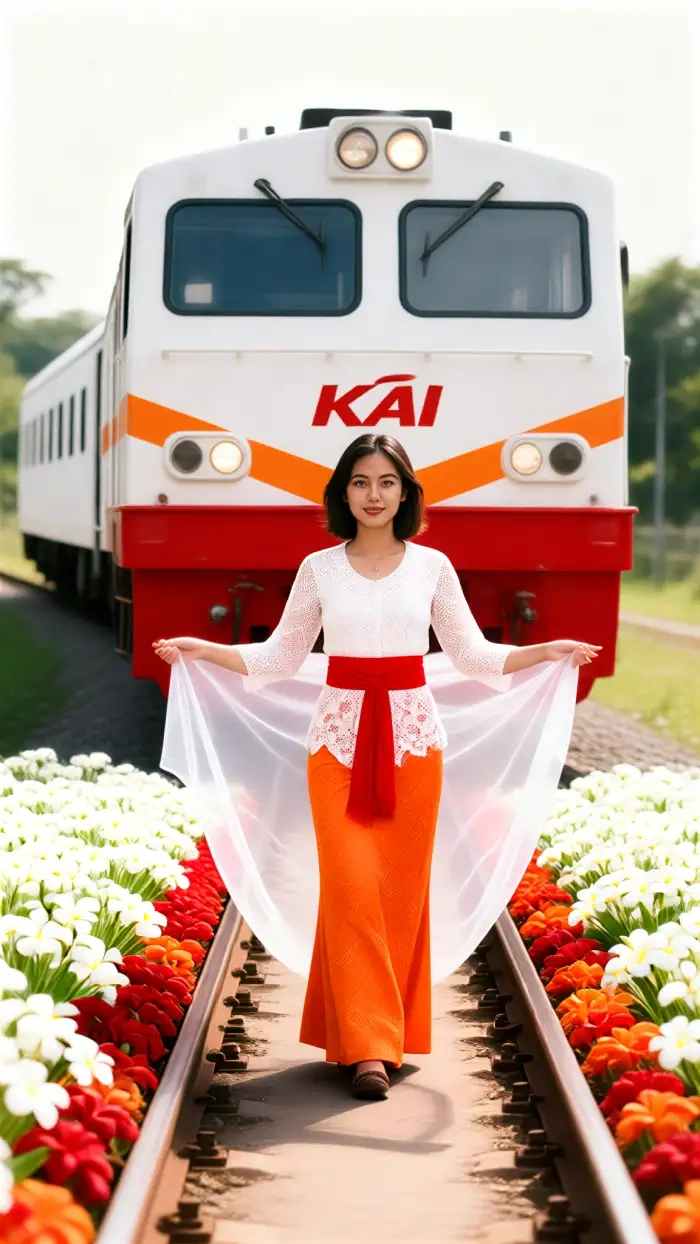
Browse baju kurung photo edits created with CoupleLens. See how our AI image generator turns regular selfies into traditional Malaysian portraits.
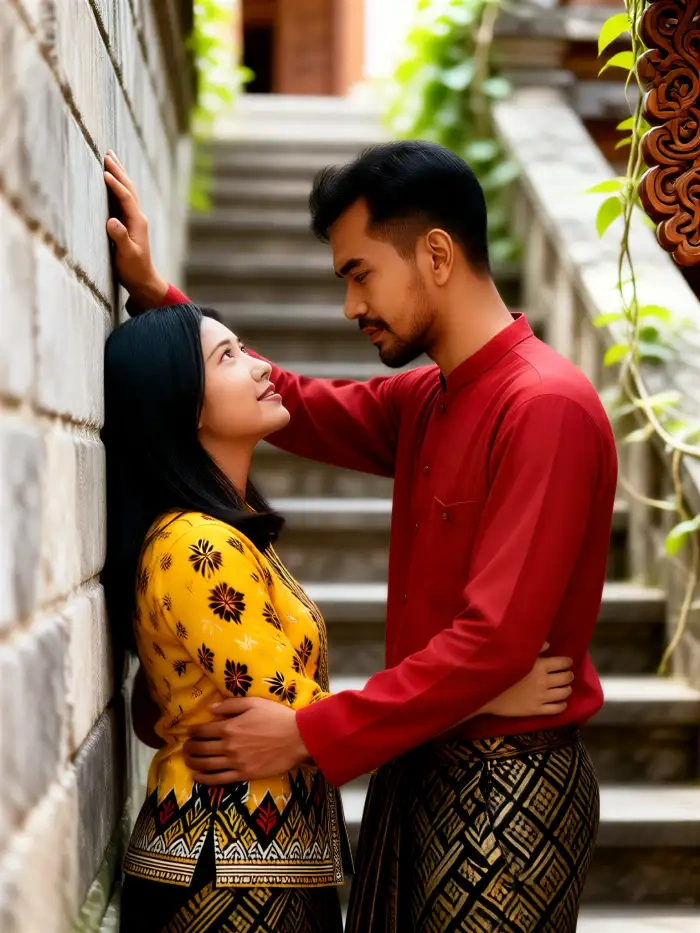
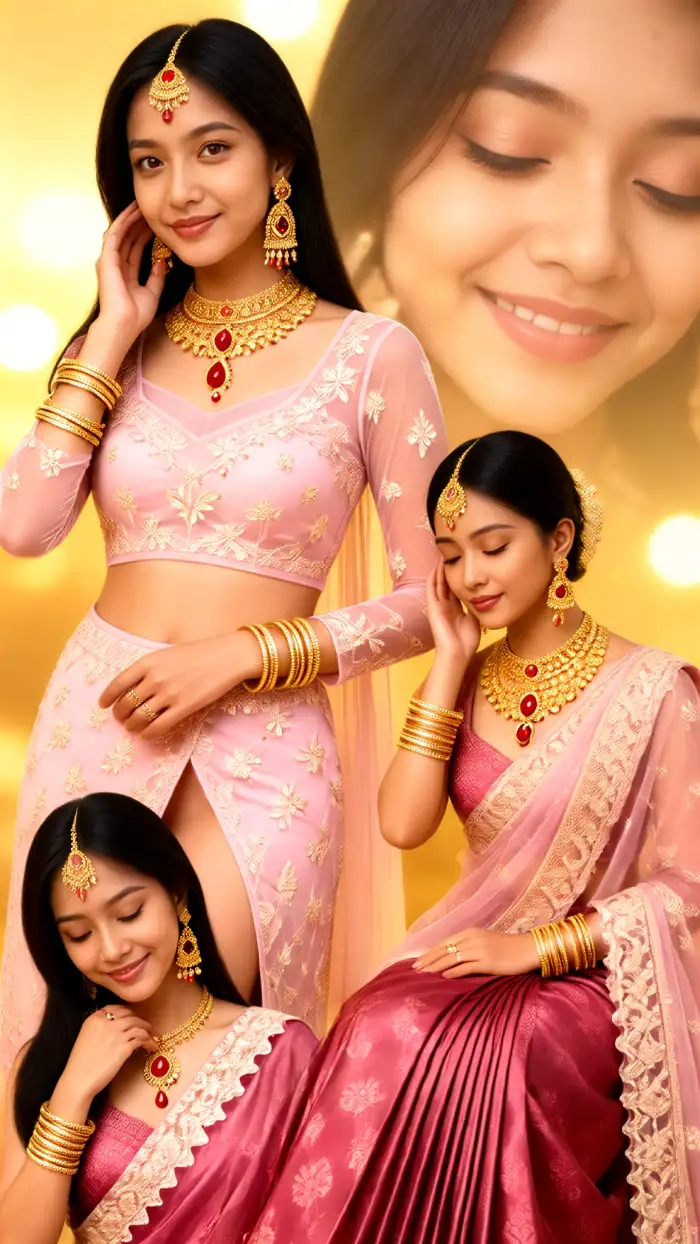
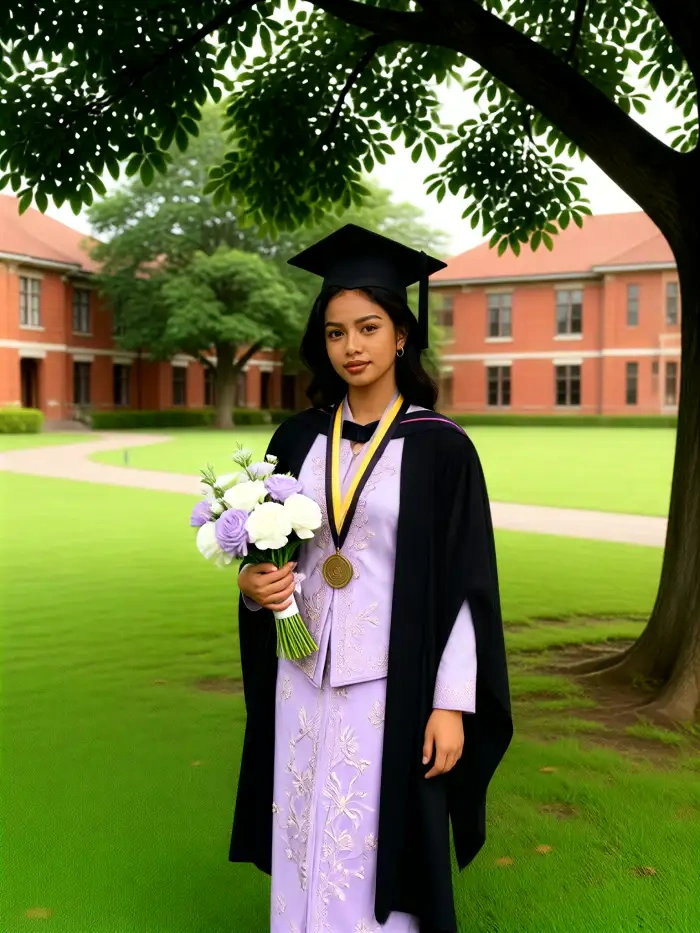
Watch How People Use CoupleLens for Baju Kurung Edits
See how creators use CoupleLens AI photo editor to turn everyday photos into stunning baju kurung portraits for Raya, weddings, and more.
What Our Users Say About Baju Kurung Photo Edit
Took me less than five minutes. Best photo AI I have used for traditional wear.
I needed a Raya family photo but my husband was working overseas. CoupleLens let me combine our separate photos into one matching baju kurung family portrait. The faces stayed real. My kids did not even notice I edited it.
My gf actually posted it on her story. That baju kurung photo edit filter is now my go-to gift move.
I am a Singaporean guy dating a Malaysian girl. I wanted to send her a baju kurung photo for her birthday. CoupleLens kept my face, my smile, even my hair. The songket embroidery looked real.
The AI baju kurung photo editor is honestly the easiest one I have tried.
I never thought I would see myself in a proper traditional outfit without renting one. CoupleLens made it real. I uploaded my grad photo, picked a maroon baju kurung filter, and shared it for Hari Raya. Got 200 likes in one day.
Frequently Asked Questions
Got questions about baju kurung photo editing with CoupleLens? Our AI image generator answers the most common ones below.
More Topics You May Like
Explore more AI photo editor tools from CoupleLens, from traditional outfits to cultural portraits, all built for mobile creators.
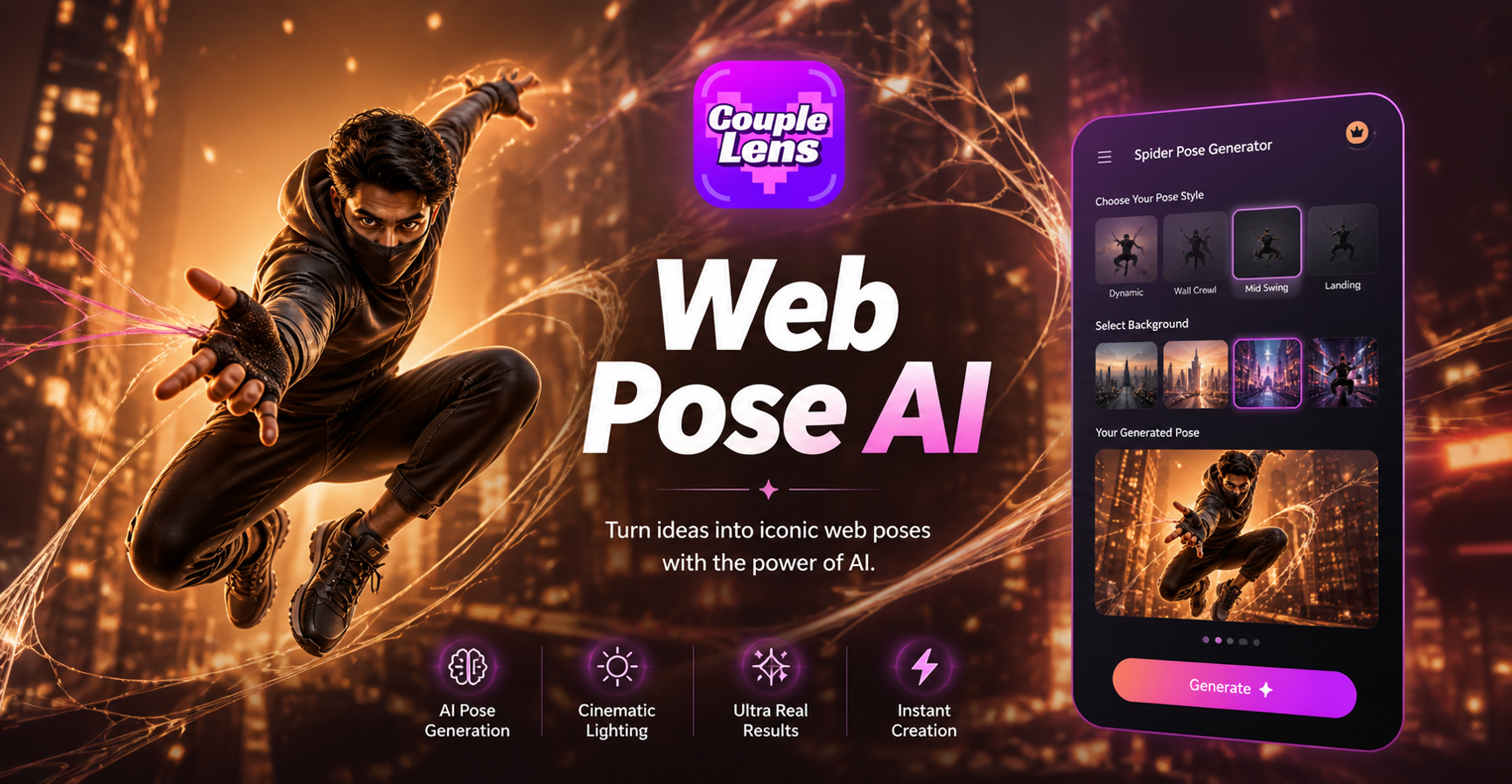
Spider Man Pose Generator: Create Iconic Poses From One Selfie
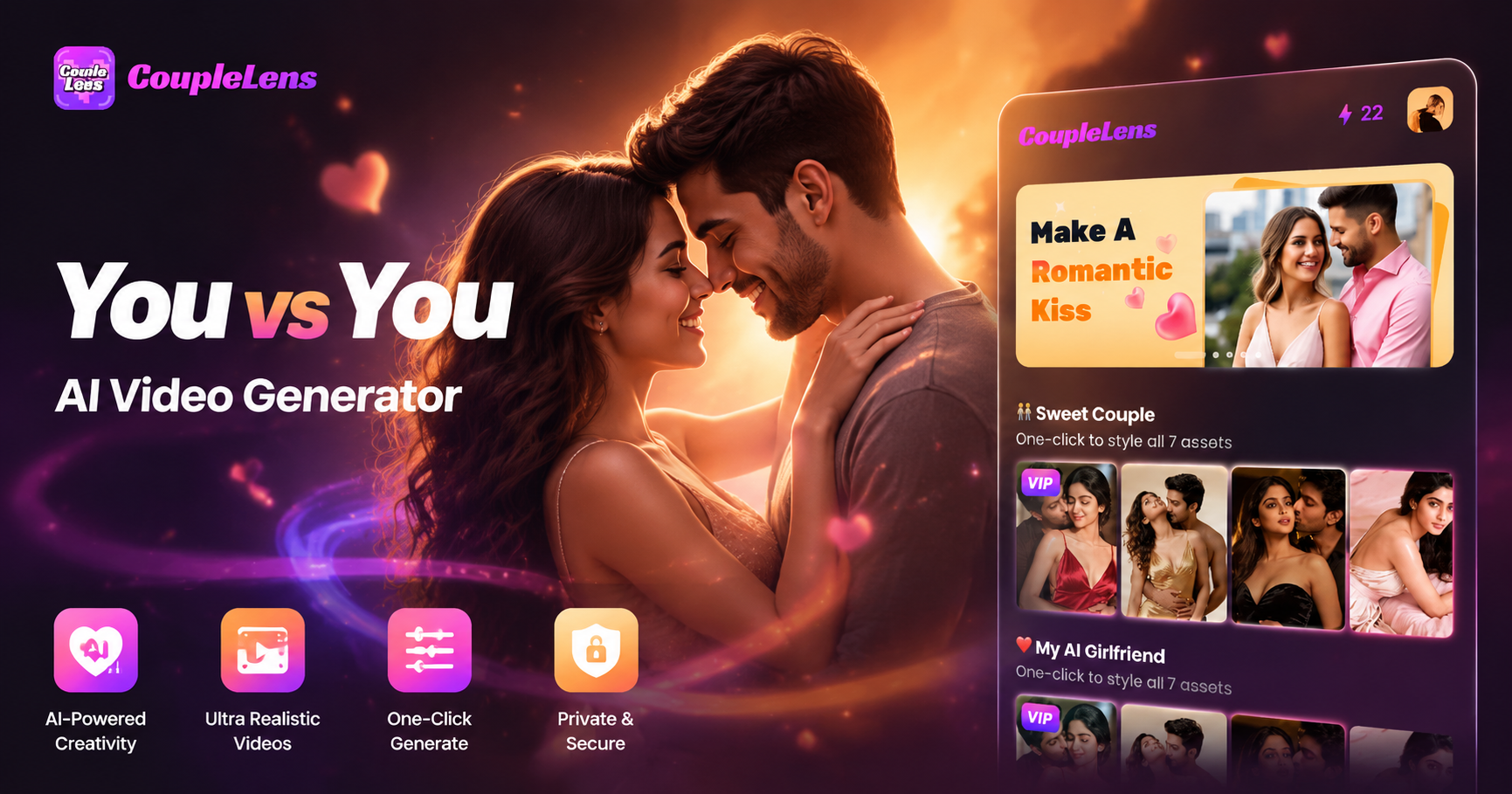
You vs You AI Video Generator: Cinematic Face Off in CoupleLens
Back to School AI Photo Generator: First Day of School AI Photo in Seconds with CoupleLens
Free AI Background Generator: Custom Backdrops in Seconds | CoupleLens
Spider Man Pose Generator: Create Iconic Poses From One Selfie
You vs You AI Video Generator: Cinematic Face Off in CoupleLens
Back to School AI Photo Generator: First Day of School AI Photo in Seconds with CoupleLens
Free AI Background Generator: Custom Backdrops in Seconds | CoupleLens
Your Baju Kurung Photo Is One Tap Away
Download CoupleLens on Google Play. Pick a baju kurung filter. Tap generate. Your traditional Malaysian portrait is ready in seconds.
Your Baju Kurung Photo Is One Tap Away
Download CoupleLens on Google Play. Pick a baju kurung filter. Tap generate. Your traditional Malaysian portrait is ready in seconds.