Spider Man Pose Generator
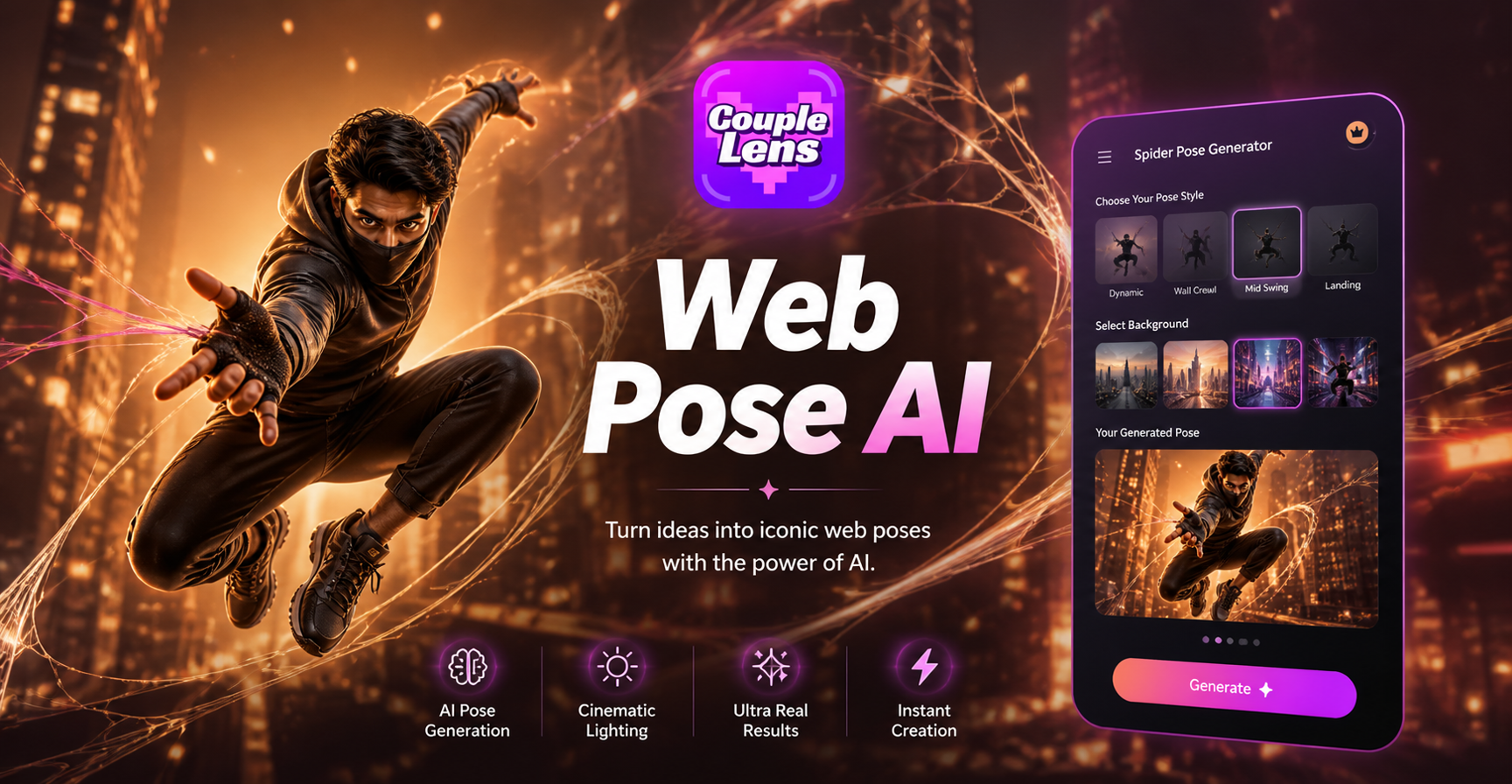
Pick The Spider Man Pose Filter You Need
Each filter below is built around one classic Spider Man photo pose, so you stop guessing and start generating.
How to Create Your Spider Man Pose With CoupleLens?
Create gassing AI Spider-Man pose images in just three simple steps using our powerful platform.

Step 01.
Grab the CoupleLens app from Google Play. The whole Spider Man pose generator lives inside this one app.

Step 02.
Inside CoupleLens, tap the Spider Man category, choose the pose filter you want, then upload one clear selfie or full body photo.

Step 03.
The result lands in your CoupleLens gallery. Hit download to save it to your phone, then post it straight to TikTok, Instagram, Discord, or anywhere you like.
Key Features of the CoupleLens Spider Man Pose Generator
CoupleLens is not a text box. It is a stack of pose filters, a face lock engine, and a mobile app that turns a selfie into a Spider Man photo pose.
 Before
 After
AfterFace Stays Your Face
The filter keeps your jaw, eyes, and hairline from the original photo. You upload a selfie, the CoupleLens app reads the face, then paints the Spider Man suit, mask, web lines, and background around it. You do not turn into a generic red suit model. You turn into Spider Man with your own face. That is what makes a Spider Man photo pose feel like your photo, not a stranger.
 Before
 After
AfterDifferent Spider Man Poses, One App
Most tools give you one default standing pose. CoupleLens ships five. The classic Spider Man wall pose, the Spider Man hanging pose upside down, the web shooter stance, the rooftop crouch, and the full body action shot. Each filter is a separate template tuned for that motion, so the body lines and lighting already match the stunt before the AI starts rendering.
 Before
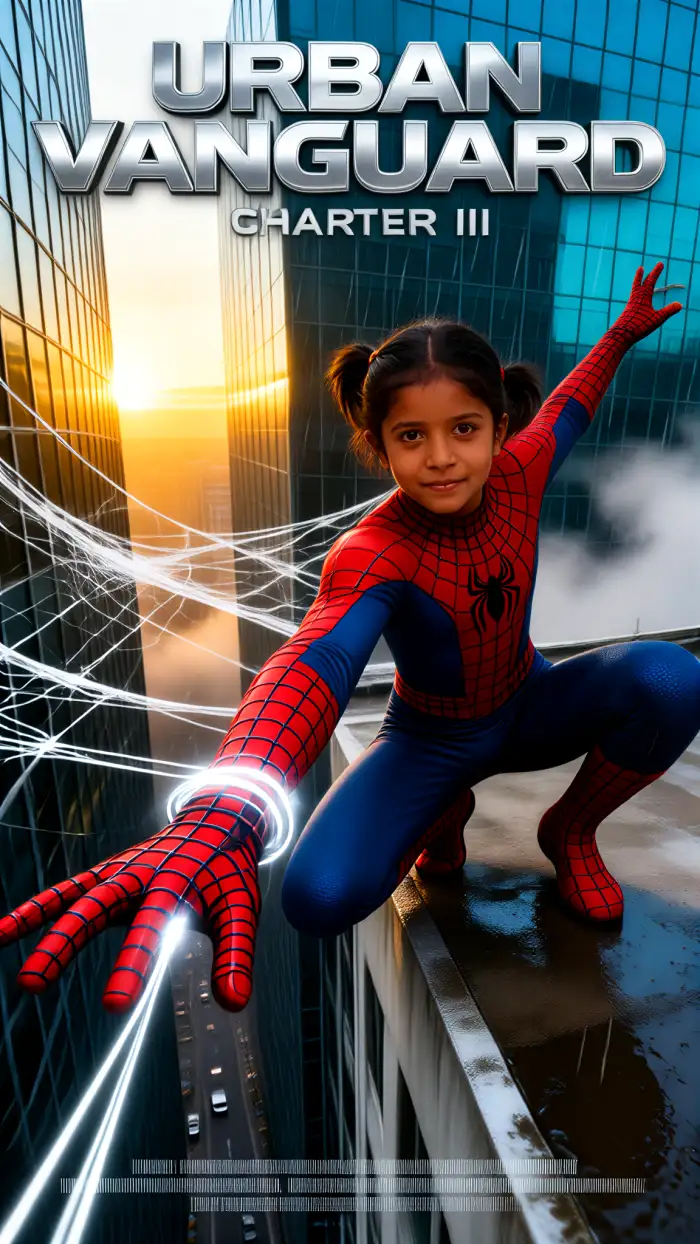 After
AfterOne Tap On Mobile
You do not write a lengthy prompt about costume fabric, no camera angle math, no model picker. Open CoupleLens on your phone, choose one of the five filters, upload one photo, hit generate, wait 10 to 20 seconds, and the Spider Man pose AI gives you a finished image. The whole Spider Man pose AI workflow happens inside the app, so your phone is the only tool you need. You just pick the one Spider Man pose filter that matches the shot you imagined.
Unlimited Spider Man Pose Templates
Access our growing library of AI Spider Man pose images or upload your own and pose it to the CoupleLens community!
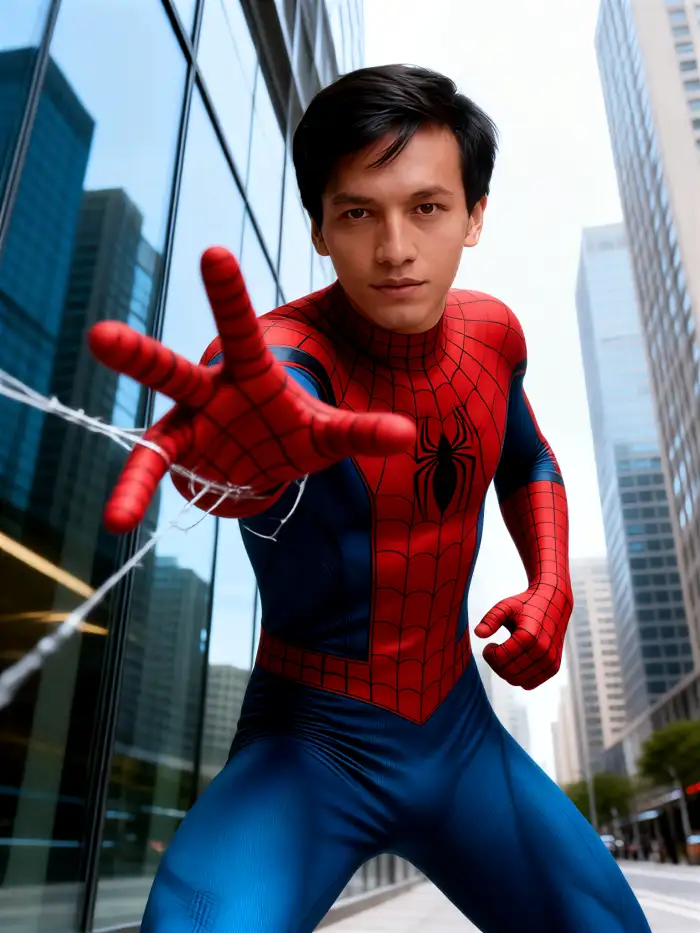

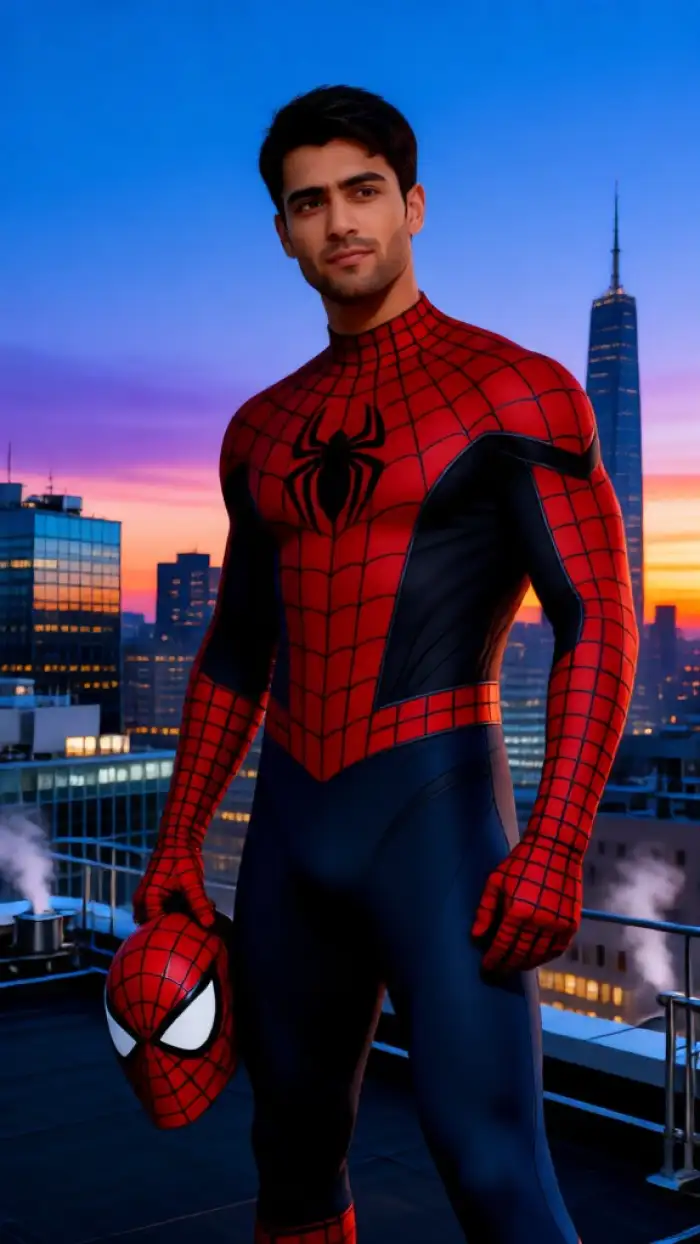
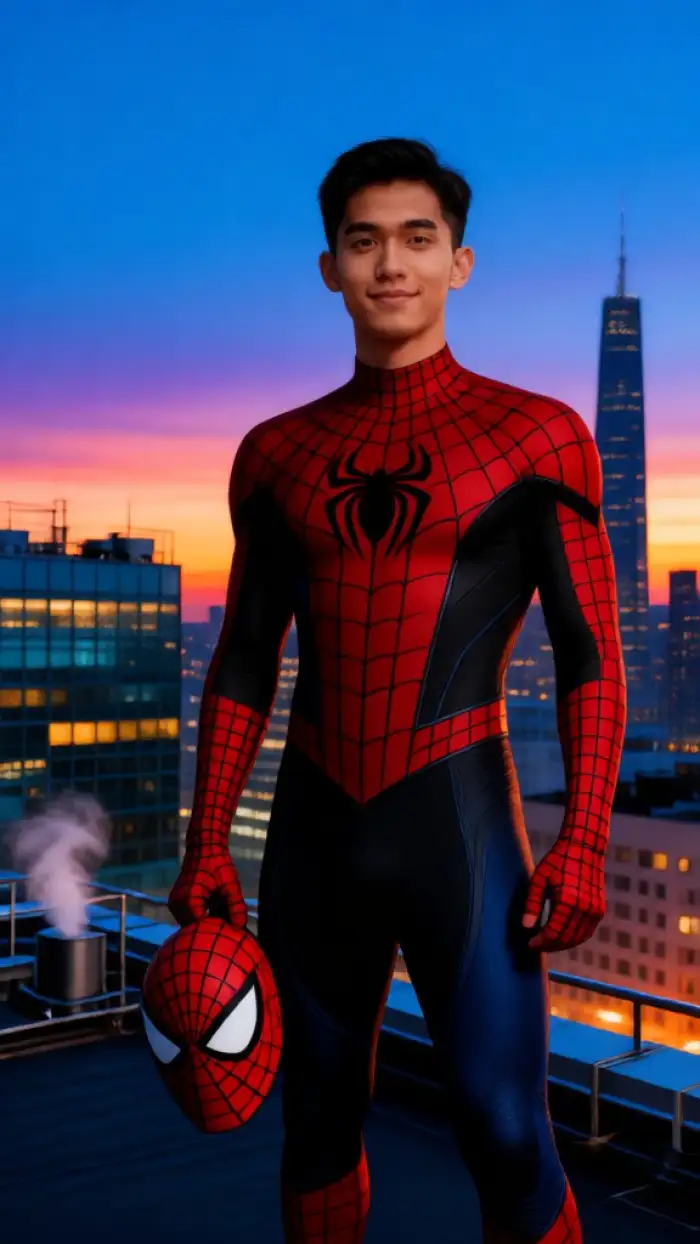
Watch CoupleLens in Action
Two quick clips show how the Spider Man pose generator works inside the CoupleLens mobile app.
Frequently Asked Questions
Find clear answers to common questions and get the guidance you need to make Spider-Man pose photos.
What Our Users Say About CoupleLens
The Spider Man pose filter is the only thing I needed.
I made the Spider Man wall pose shot of myself in under a minute. The face actually looked like me, not some random red suit dude. Posted it on Instagram, blew up my story for the day.
My group chat was heated after I posted my Spider-Man pose imsages.
I have zero prompt skills. None. I opened CoupleLens, picked the hanging pose filter, dropped my selfie in, and got a Spider Man hanging pose shot that looks like a movie still.
CoupleLens gives me a fresh Spider Man photo pose every week without paying a designer.
I use the wall crawl and web shooter filters to mock up client shoots before the actual costume day. Saves me a full pre visualization step. The face lock is solid, and the suit details hold up under zoom.
More Topics You May Like
Want to keep the superhero streak going or jump to other trending CoupleLens filters?

15 August Photo AI Generator: Independence Day Pictures by CoupleLens

World Cup 2026 Prompt: Create FIFA Fan Art, Jersey Edits & Stadium Posters | CoupleLens
AI Raksha Bandhan Card Design Generator | CoupleLens

AI Chibi Cartoon Video Effect: Make Cute Anime Videos With CoupleLens
15 August Photo AI Generator: Independence Day Pictures by CoupleLens
World Cup 2026 Prompt: Create FIFA Fan Art, Jersey Edits & Stadium Posters | CoupleLens
AI Raksha Bandhan Card Design Generator | CoupleLens
AI Chibi Cartoon Video Effect: Make Cute Anime Videos With CoupleLens
Your Spider Man Pose Is One Tap Away
Open CoupleLens on Google Play, scan the code, and turn your next selfie into the Spider Man wall pose, hanging pose, or web shooter shot that your feed is missing.
Your Spider Man Pose Is One Tap Away
Open CoupleLens on Google Play, scan the code, and turn your next selfie into the Spider Man wall pose, hanging pose, or web shooter shot that your feed is missing.