Back to School AI Photo Generator
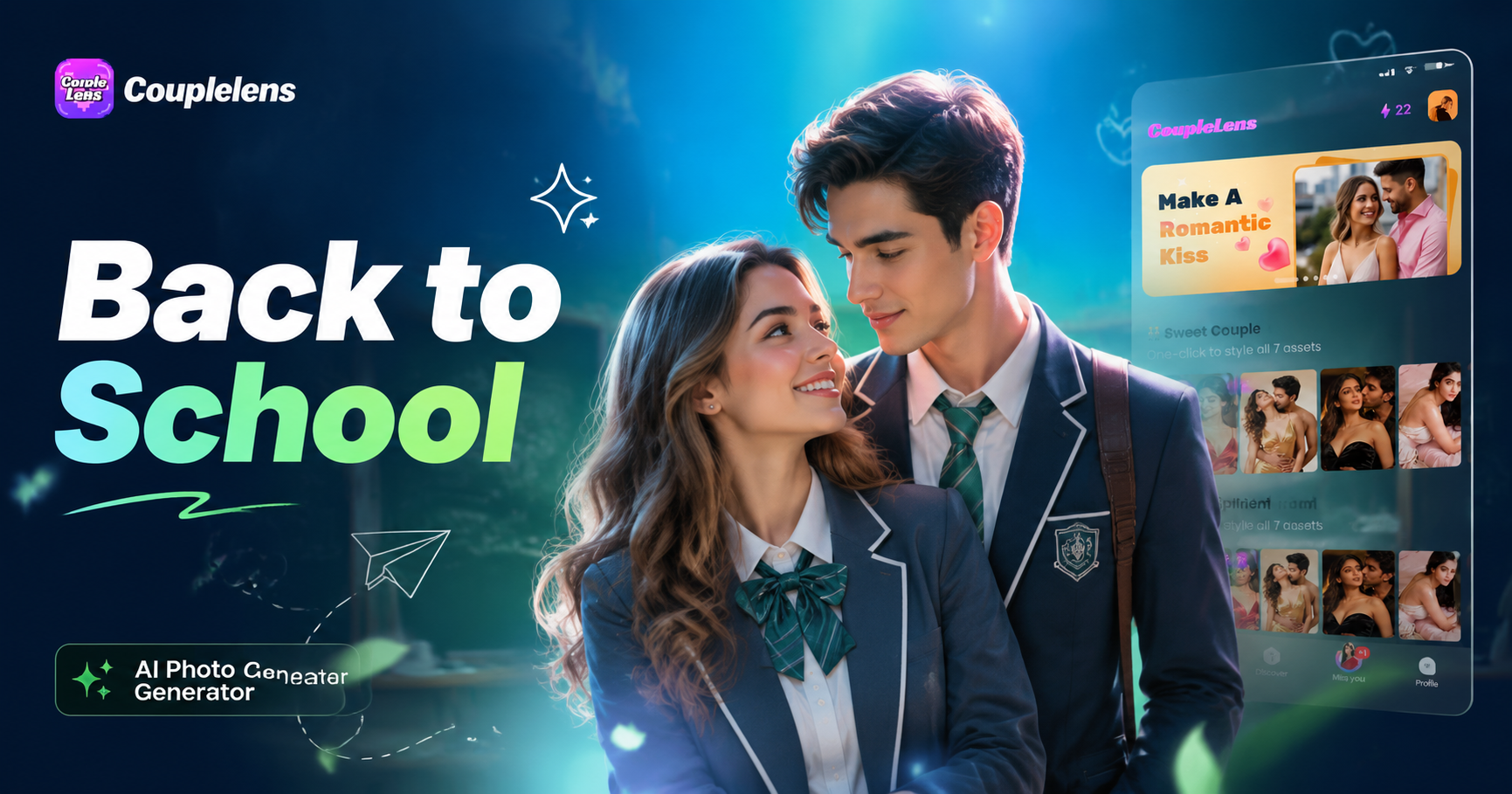
Pick a Back to School AI Filter That Fits Your Vibe
CoupleLens ships 25,000 ready back to school AI photo filters. From first day portrait to school photo AI generator ID card.
Key Features of the CoupleLens Back to School AI Photo Generator
CoupleLens packs three core back to school photo editor features into one mobile app. One tap image to video for your first day of school AI photo moments.
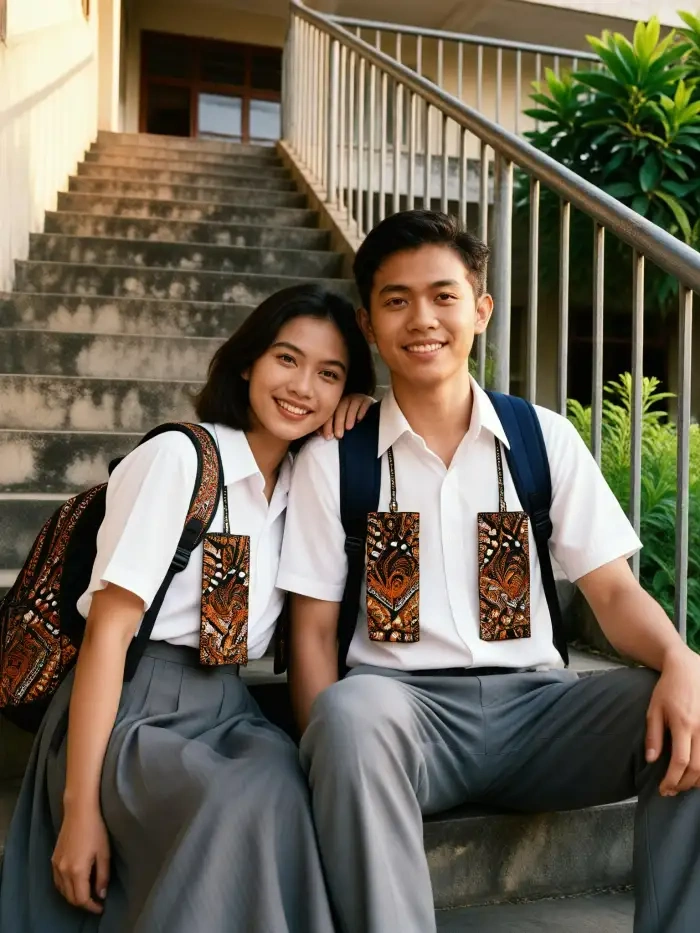
25,000 Ready to Use Back to School Filters
CoupleLens comes with 25,000 ready to use back to school AI photo templates. The list covers first day portrait, classroom background, school gate, backpack flat lay, varsity OOTD, anime student, 3D clay school, Ghibli school, ID card, and more. New school photo AI generator filters drop every week to match social media trends. Tap one filter. Upload one photo.
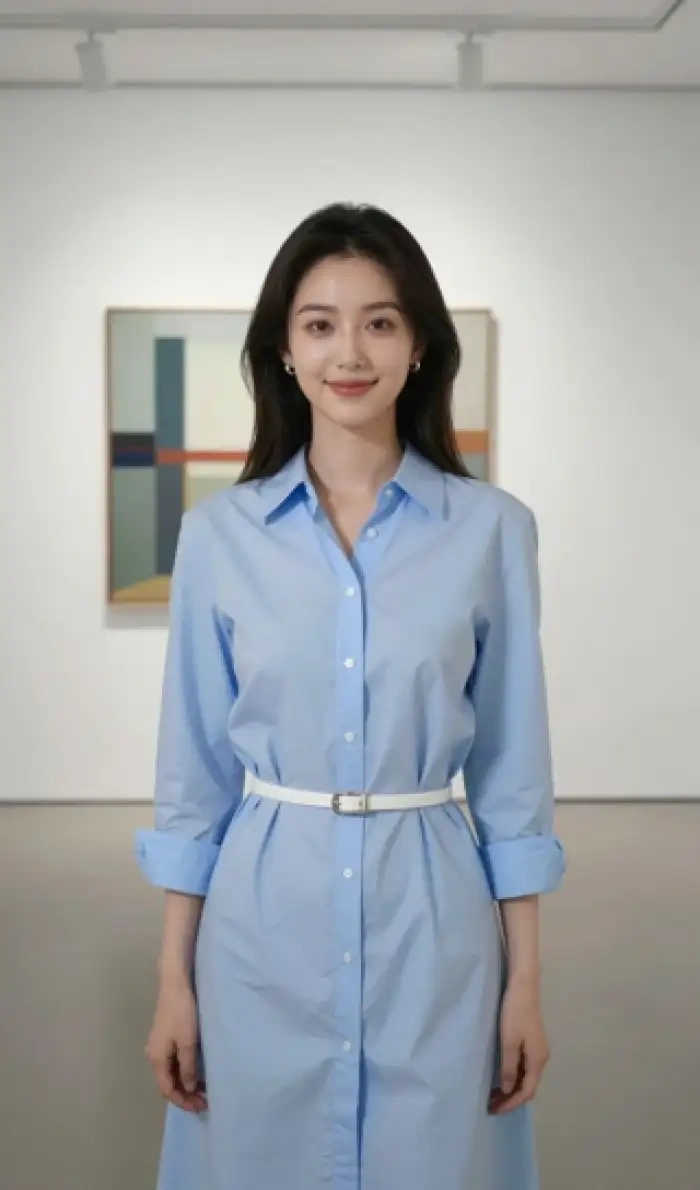 Before
Same Face Across Every Style
CoupleLens keeps the same face across every back to school AI photo style. Switch from a real photography first day portrait to a 3D clay school look, then to an anime student avatar, and the identity stays the same. Hairstyle, glasses, age, and expression are preserved. This is the back to school photo editor feature most parents and teens ask for, because the AI school photo generator should still look like you, not a stranger.
Back to School Video for Group Shots
CoupleLens turns a still school photo into a short video with one tap. The group photo AI generator recognizes each face in a class shot or sibling picture. Each student can blink, smile, wave, or hug in a short animation. This back to school photo editor video trick works for first day of school AI photo posts, classroom group shots, and parent-child back-to-school moments.
How to Create a Back to School AI Photo with CoupleLens?
No web setup. No prompt learning curve. Just the CoupleLens mobile experience of back to school AI generator.

Step 01.
Grab CoupleLens from Google Play. Sign up in a minute. The whole back to school AI photo generator lives inside the app.

Step 02.
Browse the back to school AI filter list inside CoupleLens. Tap first day portrait, 3D clay school, Ghibli school, anime student, ID card, or varsity OOTD.

Step 03.
The school photo AI generator takes care of the rest. CoupleLens outputs a clean back to school AI photo or short video.

Use CoupleLens as Your Back to School Photo AI Generator
CoupleLens is built for the back to school season on mobile. The first day of school AI photo flow is one tap deep. 25,000 back to school AI filters are ready to use, so the back to school photo editor never feels empty. Same face across styles, one tap group photo animation, and clean school photo AI generator output make CoupleLens the most practical AI school photo generator for parents, students, teachers, and creators this August.

Watch How the Back to School AI Photo Generator Works in CoupleLens
The first day of school AI photo flow, the back to school photo editor taps, and the school photo AI generator group photo trick, all inside the app.
Frequently Asked Questions
Short answers about the CoupleLens back to school photo editor, the school photo AI generator, and the first day of school AI photo flow.
More Topics You May Like
Try the CoupleLens school photo AI generator for yearbook style, anime student looks, 3D clay avatars, and group photo animation.
Kasavu Saree Photo Editor for Onam & Kerala Looks | CoupleLens

Independence Day AI Photo Generator: Create Patriotic Portraits on CoupleLens
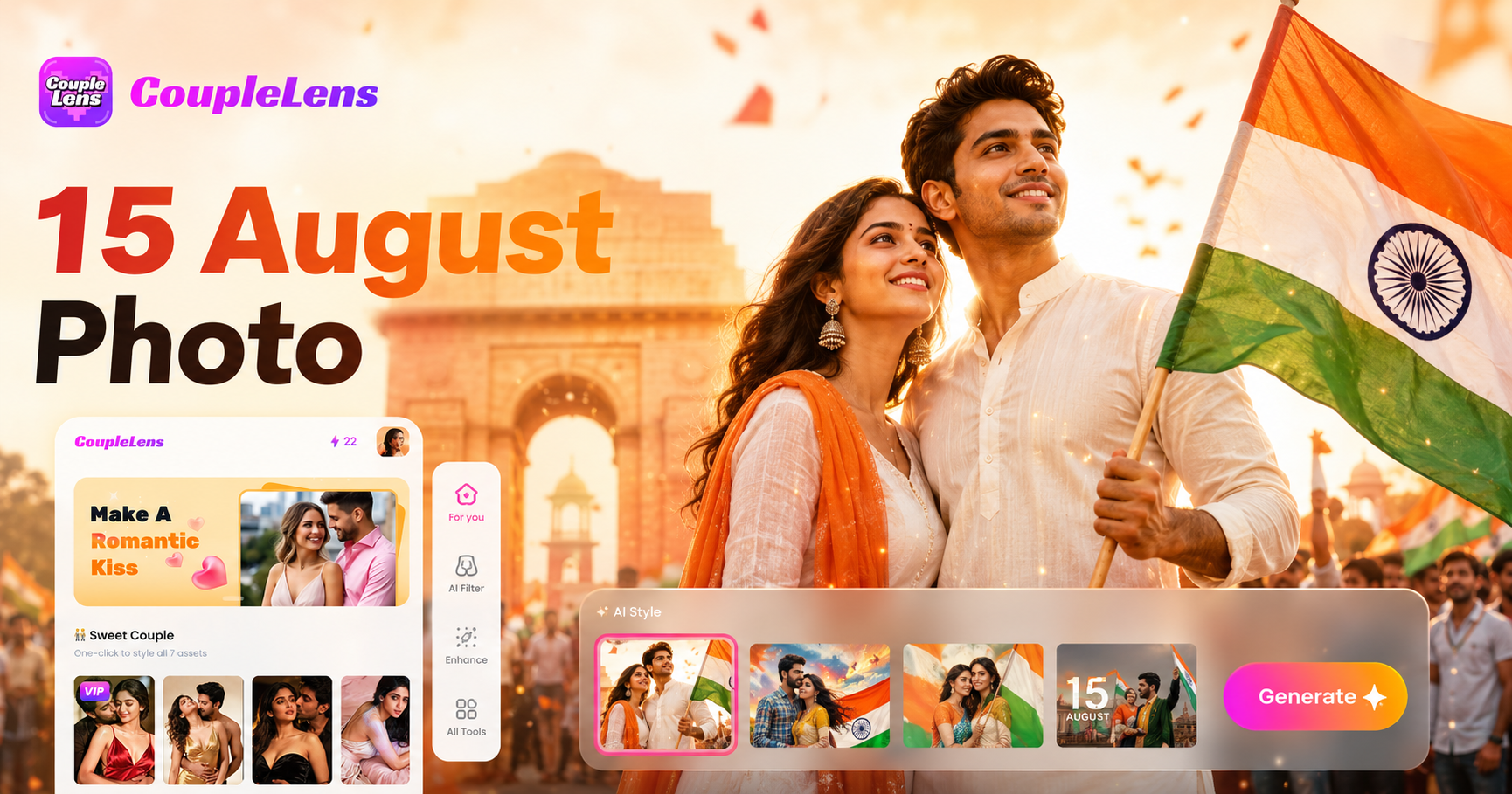
15 August Photo AI Generator: Independence Day Pictures by CoupleLens

World Cup 2026 Prompt: Create FIFA Fan Art, Jersey Edits & Stadium Posters | CoupleLens
Kasavu Saree Photo Editor for Onam & Kerala Looks | CoupleLens
Independence Day AI Photo Generator: Create Patriotic Portraits on CoupleLens
15 August Photo AI Generator: Independence Day Pictures by CoupleLens
World Cup 2026 Prompt: Create FIFA Fan Art, Jersey Edits & Stadium Posters | CoupleLens
Make This School Year the Most Photogenic One Yet
Open the back to school AI photo generator. Pick a filter, upload one photo, and post your first day of school AI photo before the bell rings.
Make This School Year the Most Photogenic One Yet
Open the back to school AI photo generator. Pick a filter, upload one photo, and post your first day of school AI photo before the bell rings.