Independence Day AI Photo Generator
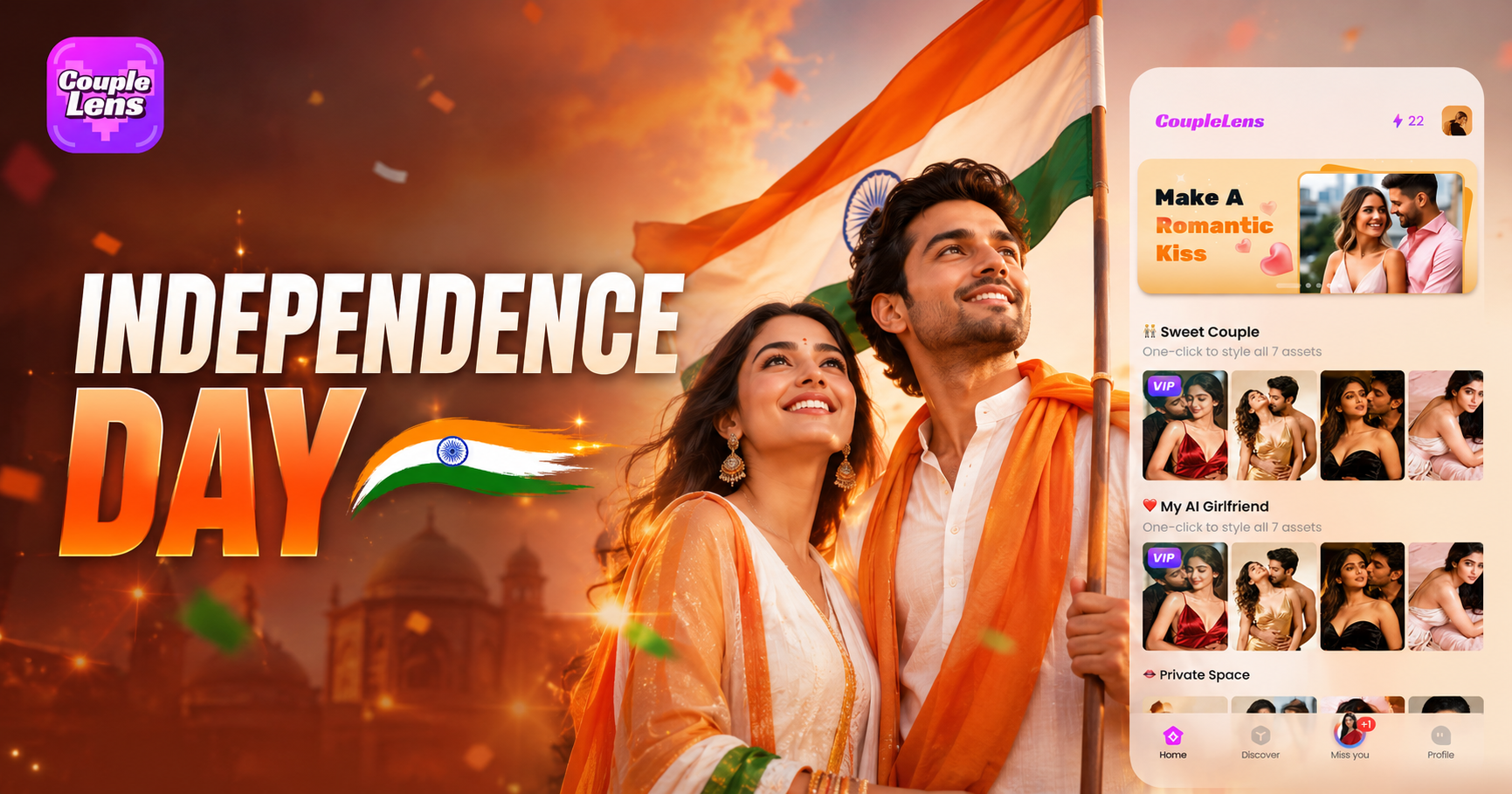
Pick an Independence Day Photo Maker Filter
These five CoupleLens filters cover solo portraits, couple shots, family photos, posters and videos.
Why Use CoupleLens as Your Independence Day Photo Editor
Most Independence Day photo editor tools live on the web. You open a browser, write a long prompt, fight with the right aspect ratio, and still get a face that does not look like you. CoupleLens lives on your phone. The mobile first design means you can shoot, edit, and post in one flow. You get over 25,000 filters, daily trending templates, group photo support, and a built-in community to share your patriotic art.
How to Create an Independence Day AI Photo?
The app is free to download and gives you access to every Independence Day photo maker filter.

Step 01.
Search CoupleLens on Google Play and tap install. You can also scan the QR code on the official CoupleLens site to jump straight to the listing.

Step 02.
Pick a solo portrait filter. Upload one clear selfie or one group photo. The app reads the face and scene in seconds.

Step 03.
Tap the generate button. Download your Independence Day AI photo or video, or share it straight to Instagram, WhatsApp, or your CoupleLens profile.
Key Features of the Independence Day Portrait Generator
CoupleLens gives you zero-prompt workflow, identity-locked faces across every variation, and clean group photo results.
Zero Prompt Workflow
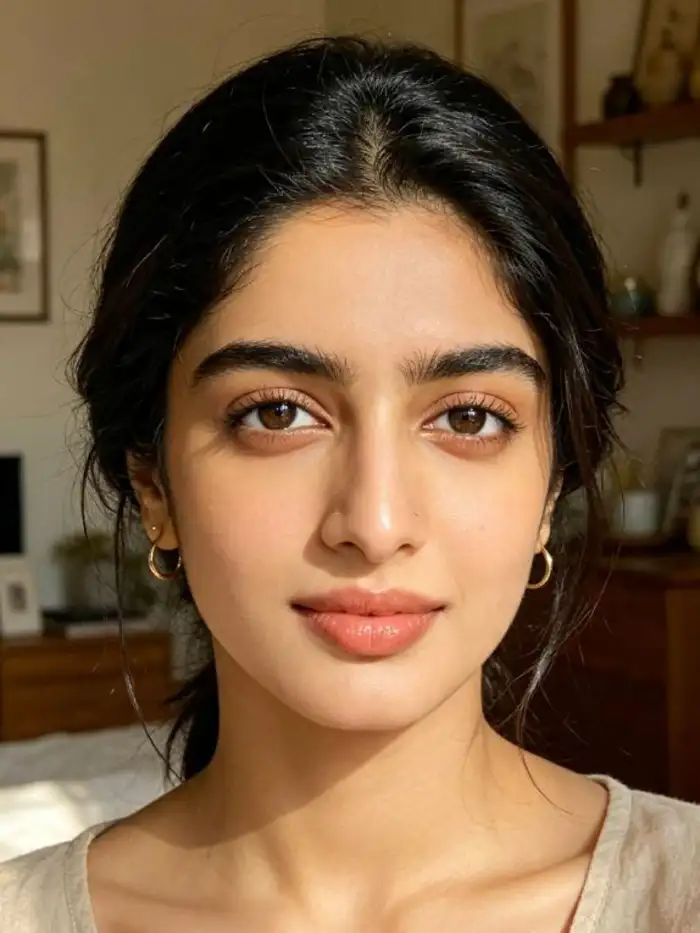
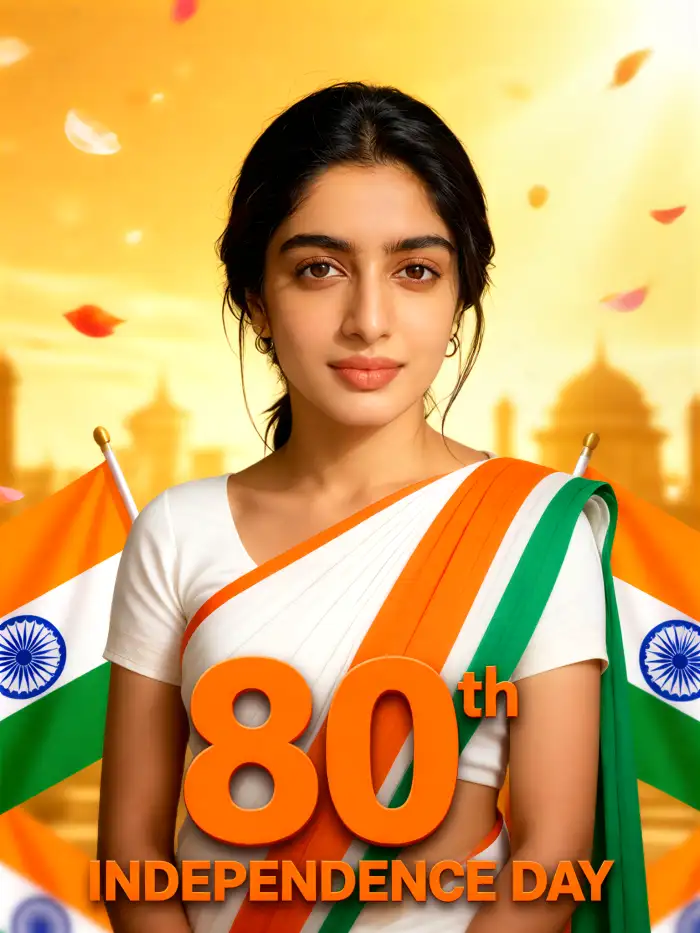
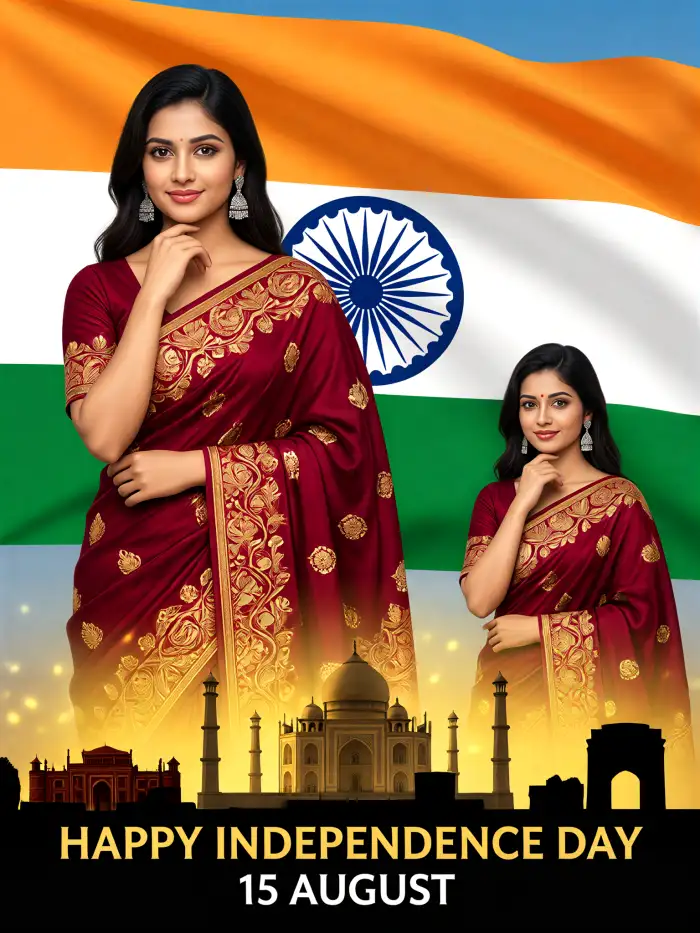
Every Independence Day AI photo template inside CoupleLens is pre set with the right flag, color palette, lighting, and composition. You only pick a filter, upload one photo, and tap generate. The app handles all the heavy creative work for you. This is the easiest Independence Day photo editor for anyone who has never used AI before.
 Before
 After
AfterIdentity Locked Faces
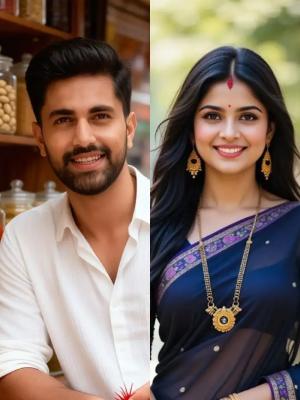
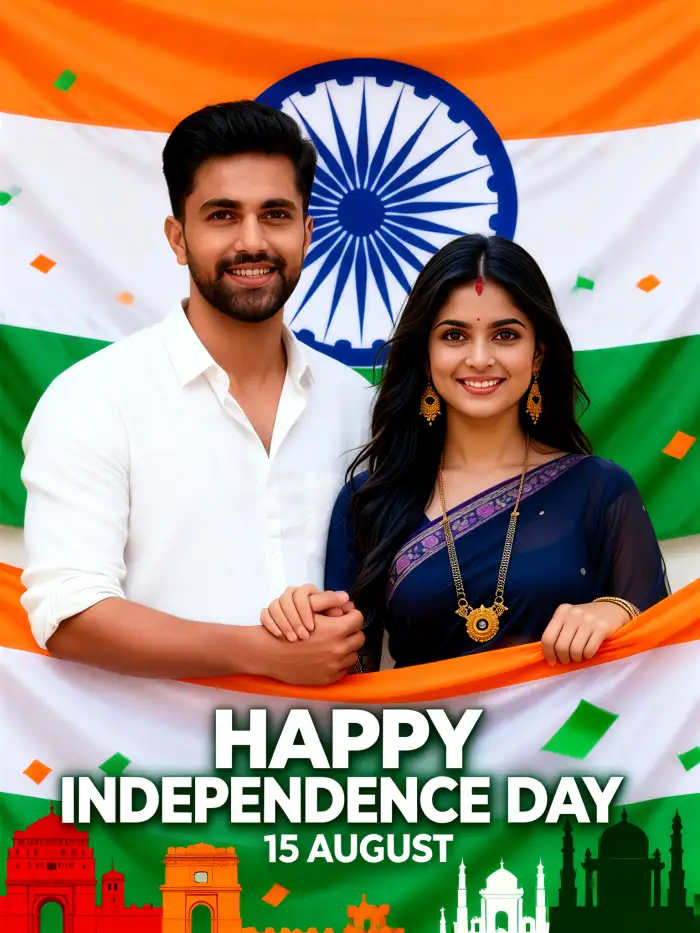
Your face stays yours in every shot. CoupleLens uses a strong identity lock model that keeps your facial structure, hairstyle, skin tone, and expression consistent across fireworks scenes, flag backgrounds, parade crowds, and vintage Indian looks. You get patriotic Independence Day AI photo results that look like you.
 Before
 After
AfterClean Group Photo Engine
CoupleLens handles the hardest part of any Independence Day photo, which is the group shot. The multi person AI accurately identifies and separates each face in a couple or family upload. It then places every subject in the right spot for hugs, side by side poses, or team photos. You get group Independence Day photo editing results with no mixed faces.
What Our Users Say About the Independence Day AI Photo
Going to print these for the hallway board.
Just uploaded my class group photo and tapped the Independence Day portrait generator filter. Got 20 versions in 15 seconds. Every kid's face stayed sharp. No mixed up faces, no weird swaps.
The 3D Independence Day filter is a client favorite for engagement posts.
I was skeptical about AI group shots. CoupleLens was the first app that actually kept the bride and groom looking like themselves in a flag background.
Already planned the whole July campaign around this app
Made an Independence Day sale poster for my shop in under a minute. The double exposure flag poster filter gave me something a graphic designer would charge 200 dollars for.
Watch How to Use the Independence Day AI Photo Generator
Two short CoupleLens walkthroughs show how to pick an AI filter, upload a photo, and post your patriotic art to social in minutes.
Frequently Asked Questions
Quick answers to the most common questions about the Independence Day photo maker, app safety, face quality, and group photo support on CoupleLens.
More Topics You May Like
These CoupleLens guides cover other red, white, and blue style themes for your summer content calendar.
15 August Photo AI Generator: Independence Day Pictures by CoupleLens
World Cup 2026 Prompt: Create FIFA Fan Art, Jersey Edits & Stadium Posters | CoupleLens
AI Raksha Bandhan Card Design Generator | CoupleLens
AI Chibi Cartoon Video Effect: Make Cute Anime Videos With CoupleLens
15 August Photo AI Generator: Independence Day Pictures by CoupleLens
World Cup 2026 Prompt: Create FIFA Fan Art, Jersey Edits & Stadium Posters | CoupleLens
AI Raksha Bandhan Card Design Generator | CoupleLens
AI Chibi Cartoon Video Effect: Make Cute Anime Videos With CoupleLens
Your Independence Day Portrait Is One Filter Away
Open Google Play, search CoupleLens, and start your Independence Day photo in under a minute. Just your face, CoupleLens AI filters, and a share-ready result.
Your Independence Day Portrait Is One Filter Away
Open Google Play, search CoupleLens, and start your Independence Day photo in under a minute. Just your face, CoupleLens AI filters, and a share-ready result.