AI Background Generator
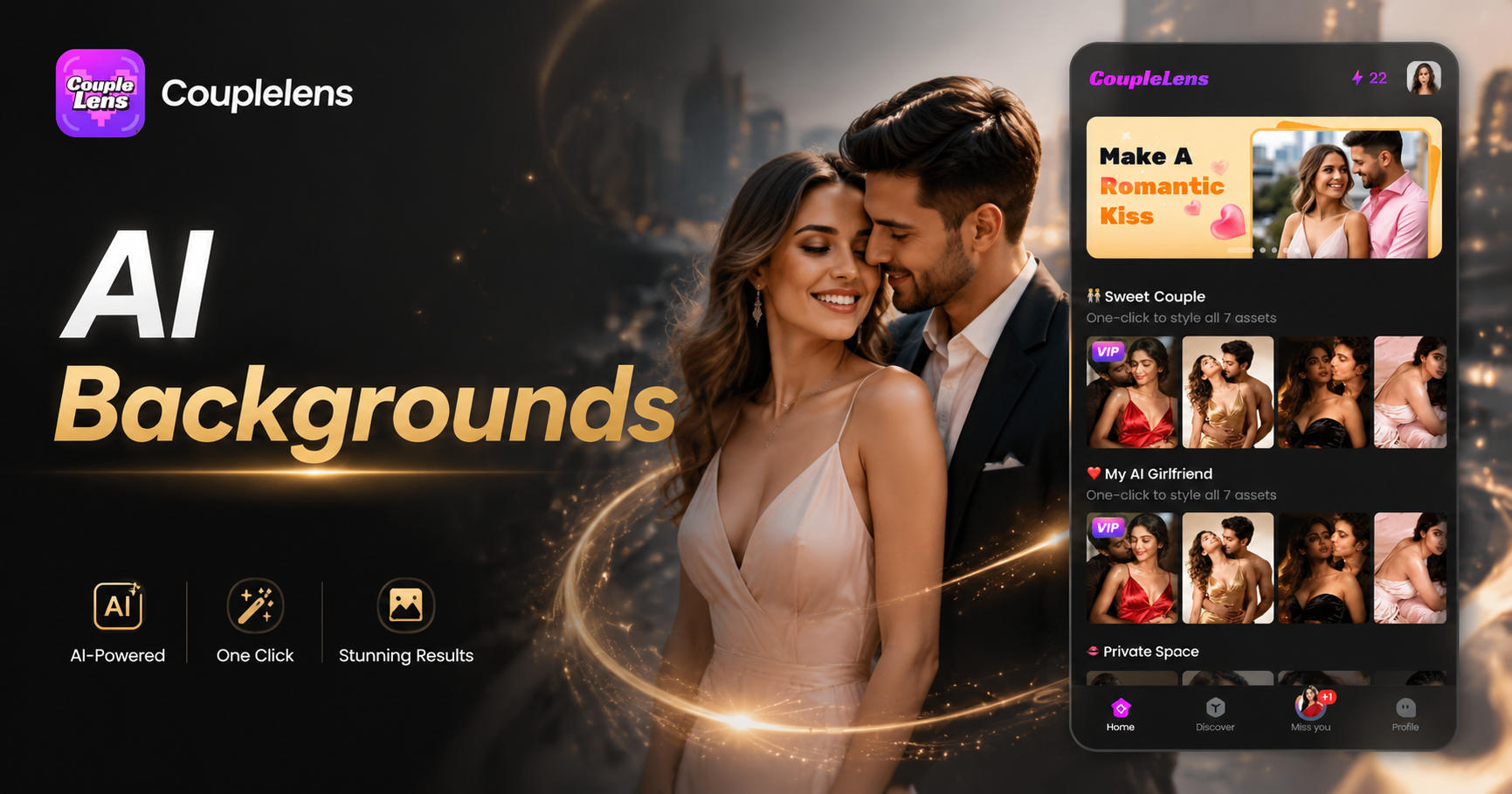
Pick a Backdrop That Fits the Moment
Browse ready-made CoupleLens background templates built for the AI image generator engine. Each one ships an on-trend scene for your photo.
Watch How CoupleLens AI Photo Generator Works
Two quick videos showing how the CoupleLens AI image generator turns regular photos into custom backdrops in seconds.
Unlimited AI Background Creations
Access our growing library of AI mimic motion templates or upload your own creative AI background renderings!
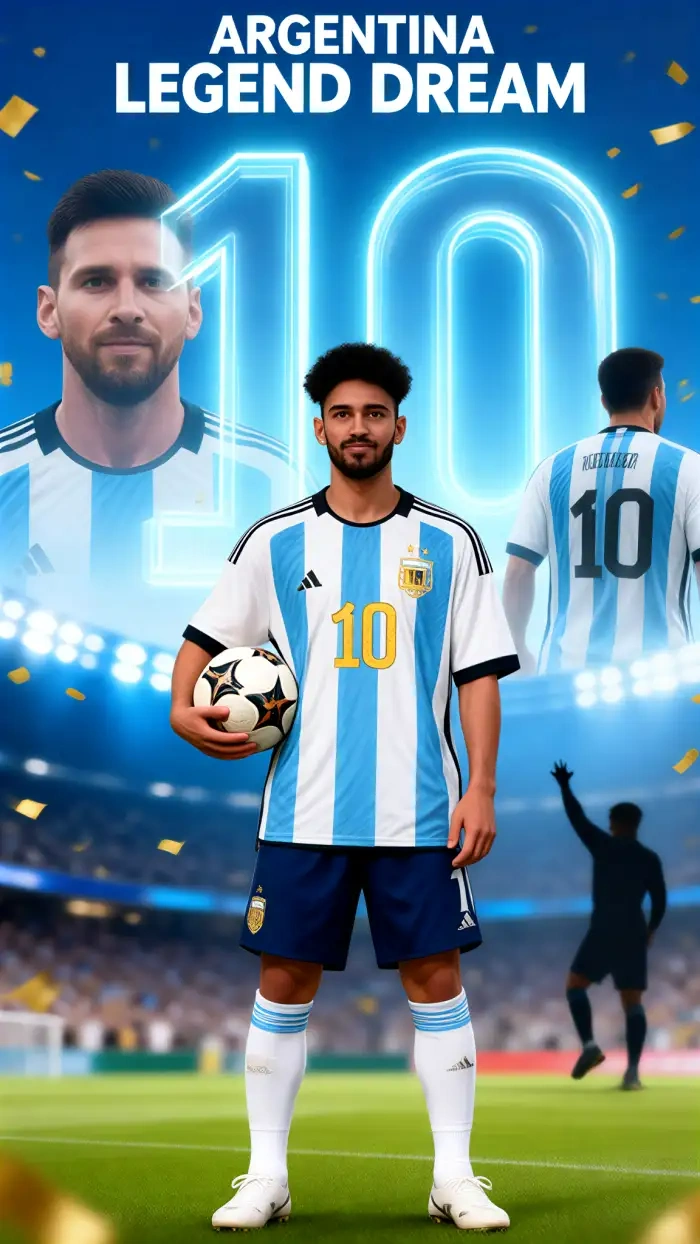
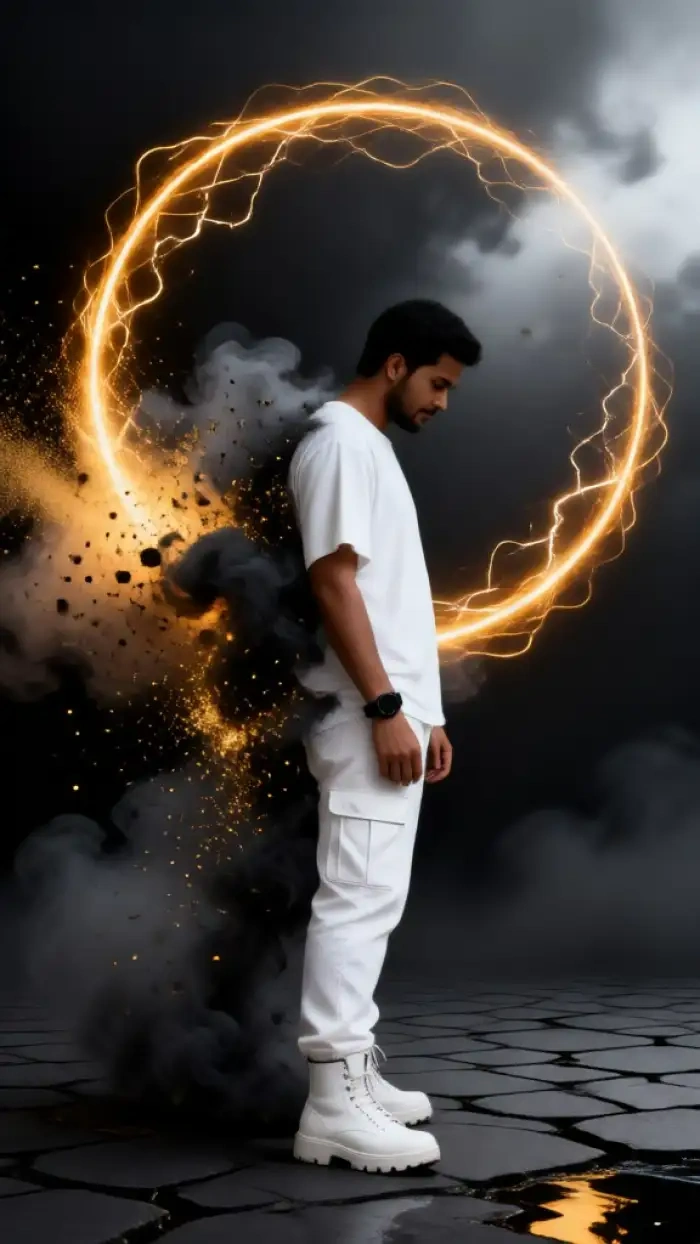

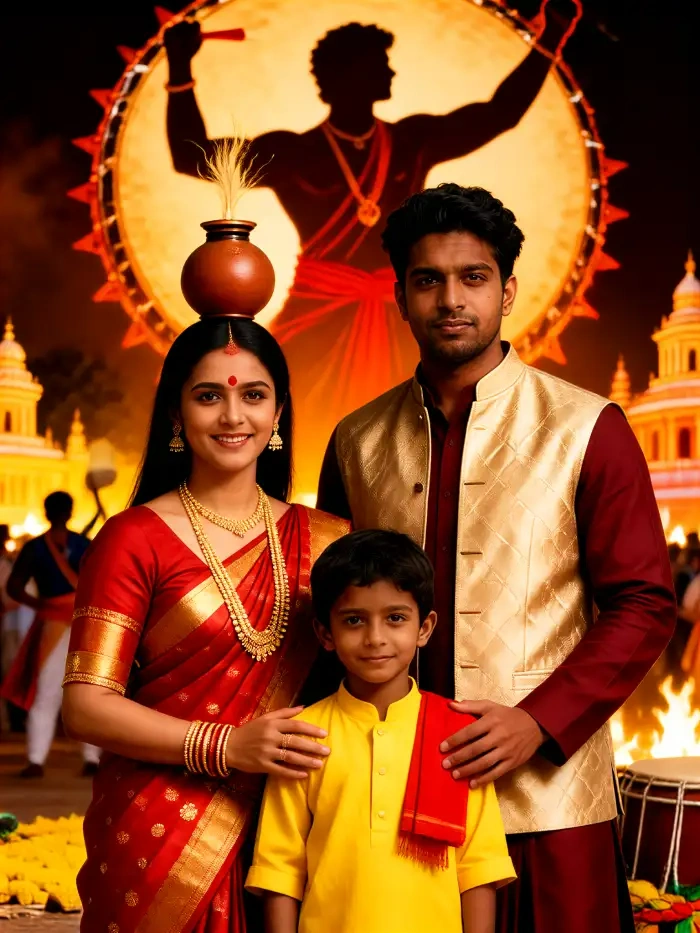

Key Features of AI Background Generator
The CoupleLens AI image generator engine handles subject detection, style transfer, and group photo accuracy, all inside the mobile app.
 Before
 After
After25,000+ Style AI Background Filters
Skip the prompt. Open CoupleLens, scroll the template library, and tap a backdrop you like. Each style is pre-tuned by our team, so the AI image generator engine knows exactly how to keep your subject sharp and well-lit while swapping the scene. From beach to studio to cyberpunk, the result looks finished, not filtered.
BeforeAfter25,000+ Style AI Background Filters
Skip the prompt. Open CoupleLens, scroll the template library, and tap a backdrop you like. Each style is pre-tuned by our team, so the AI image generator engine knows exactly how to keep your subject sharp and well-lit while swapping the scene. From beach to studio to cyberpunk, the result looks finished, not filtered.
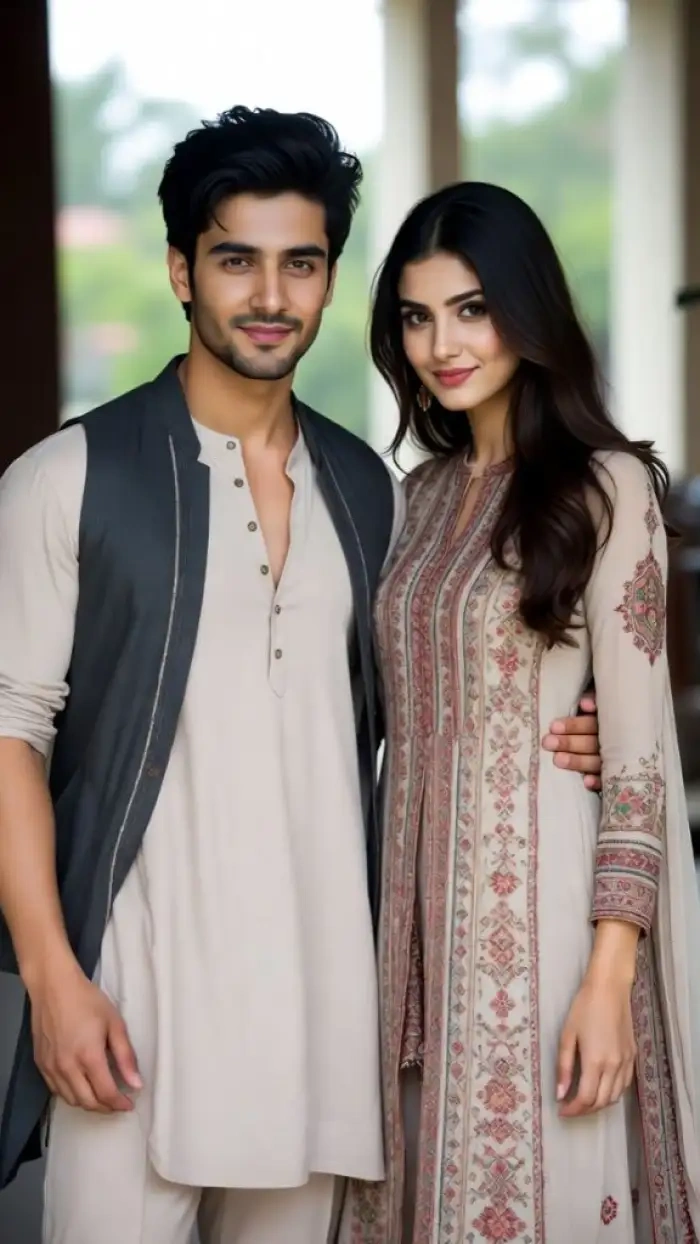 Before
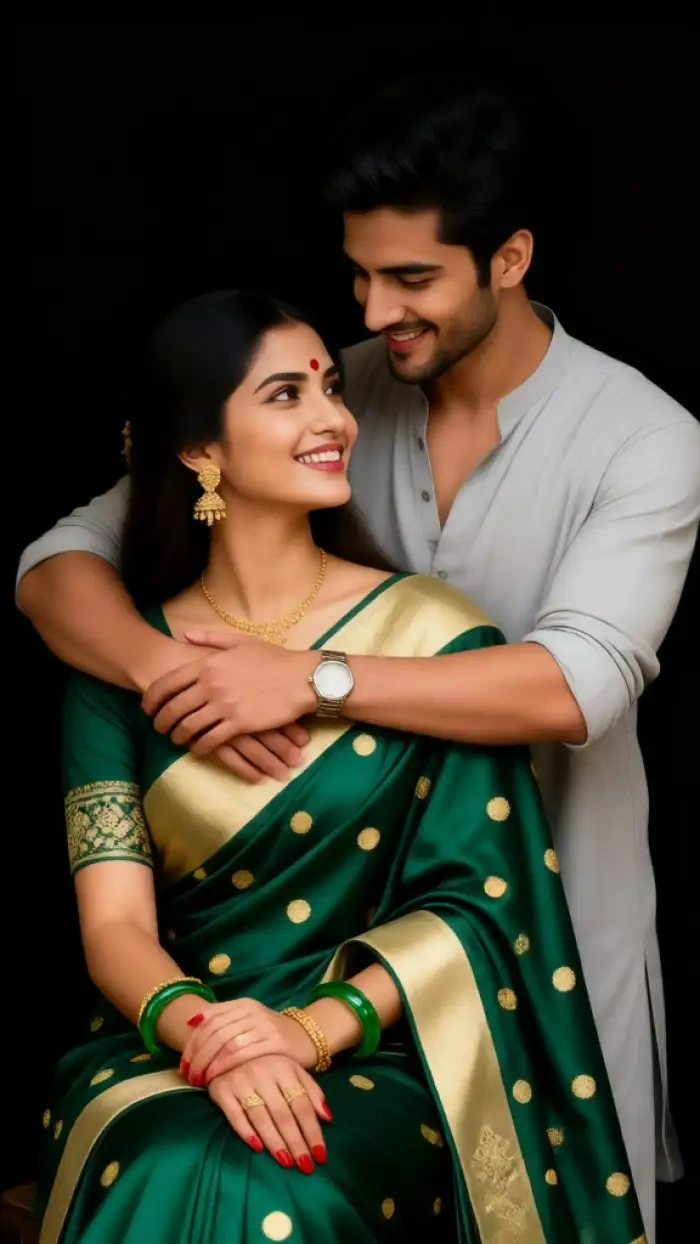 After
AfterGroup AI Background Photo Safe
Two people, four people, ten people, the same rule. CoupleLens detects and separates every face in the frame, then rebuilds the new background around them. No blended foreheads. No missing friends. Just a clean group shot in your chosen scene. Perfect for couple photos, friend squads, and team photos that need to look right the first time.
BeforeAfterGroup AI Background Photo Safe
Two people, four people, ten people, the same rule. CoupleLens detects and separates every face in the frame, then rebuilds the new background around them. No blended foreheads. No missing friends. Just a clean group shot in your chosen scene. Perfect for couple photos, friend squads, and team photos that need to look right the first time.
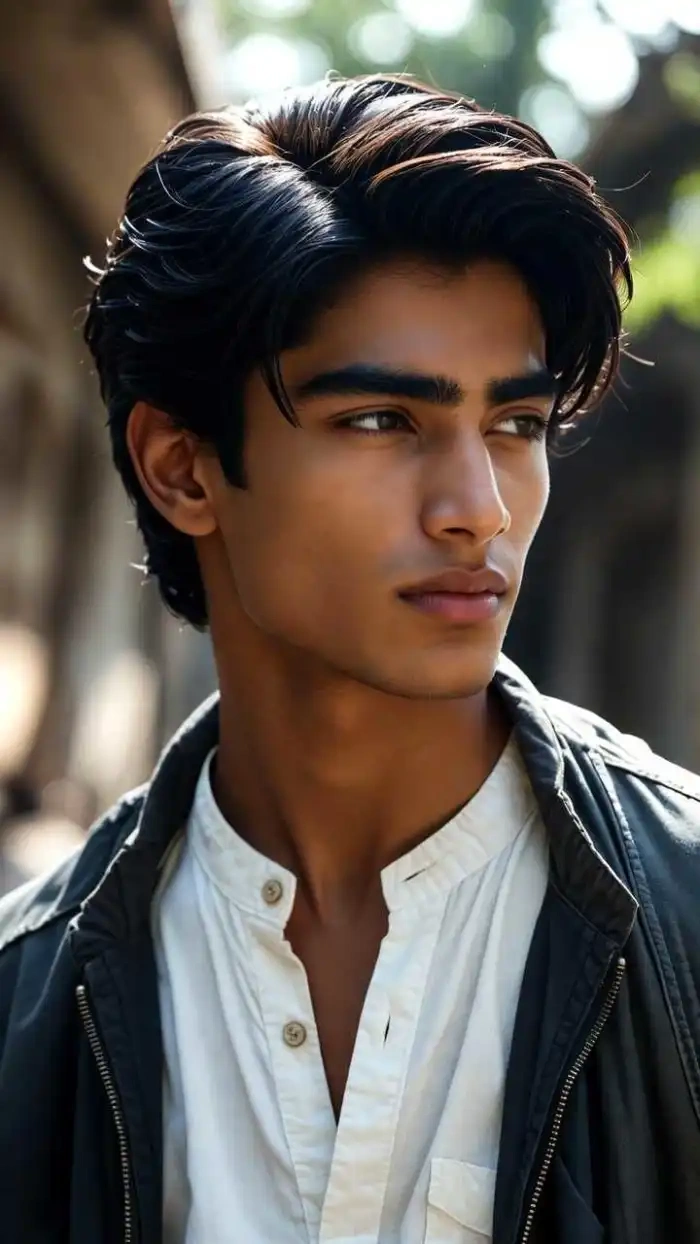 Before
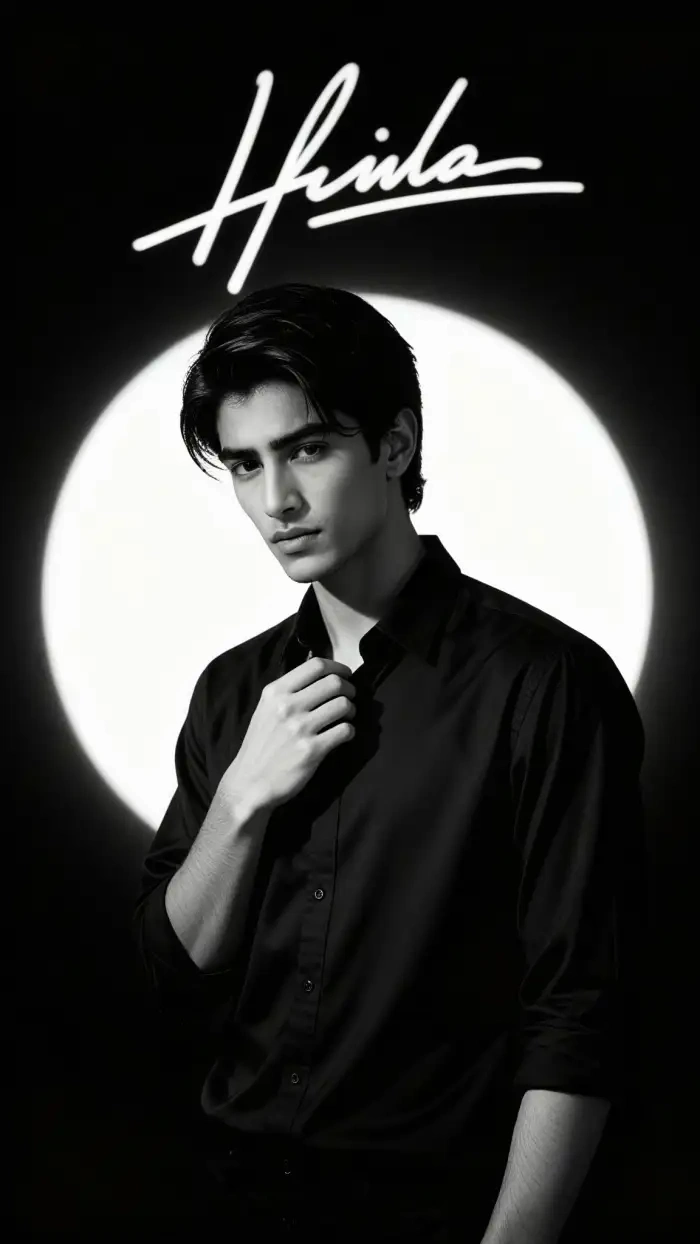 After
AfterOne-Tap Mobile Workflow
Everything lives inside the CoupleLens App. Upload a photo, pick a template, tap generate, wait about 15 seconds, and save. No browser tabs, no logins, no design software. The AI image generator does the heavy lifting on your phone, so you can make a new backdrop on the train, in a coffee shop, or right before posting.
BeforeAfterOne-Tap Mobile Workflow
Everything lives inside the CoupleLens App. Upload a photo, pick a template, tap generate, wait about 15 seconds, and save. No browser tabs, no logins, no design software. The AI image generator does the heavy lifting on your phone, so you can make a new backdrop on the train, in a coffee shop, or right before posting.
How to Create a Custom AI Background?
Create various AI background images in just a few simple steps using our AI background photo generator.

Step 01.
Get the CoupleLens App from Google Play and open it on your Android phone. The free install takes under a minute.

Step 02.
Upload the photo you want to restyle. CoupleLens handles the rest with the AI image generator.

Step 03.
Tap generate, wait about 10 to 20 seconds, and preview your new photo. Save it to your gallery.
What Our Users Say About CoupleLens
My clients love the CoupleLens AI background result and I save hours each week.
I run a small portrait studio on weekends. Most of my clients want a clean look but they also want something that feels fresh. CoupleLens gives me both. I pick a template, drop in their photo, and 15 seconds later I have a finished headshot background. The AI image generator keeps skin tones warm and edges clean.
My Etsy shop looks more professional and my sales have actually gone up since I started using CoupleLens.
Listing photos used to take me a whole Sunday. Now I shoot the product on my kitchen table, open CoupleLens, pick a Studio template, and the AI background generator drops my item into a clean white scene. It looks like I rented a photo studio.
CoupleLens is the first app that feels made for creators like me.
My friend group always struggles with group photos because someone always gets cut off or has a weird face. We tried the Group Photo filter in CoupleLens last weekend and it nailed all six of us. The beach background made it look like we were on vacation together. We all posted it the same day. No editing, no fuss, the AI image generator just got it right.
Frequently Asked Questions
Quick answers about how the CoupleLens AI image generator handles backdrops, faces, and mobile editing.
More Topics You May Like
Other ways the CoupleLens AI image generator helps you stand out. Pick a topic and keep creating on your phone.
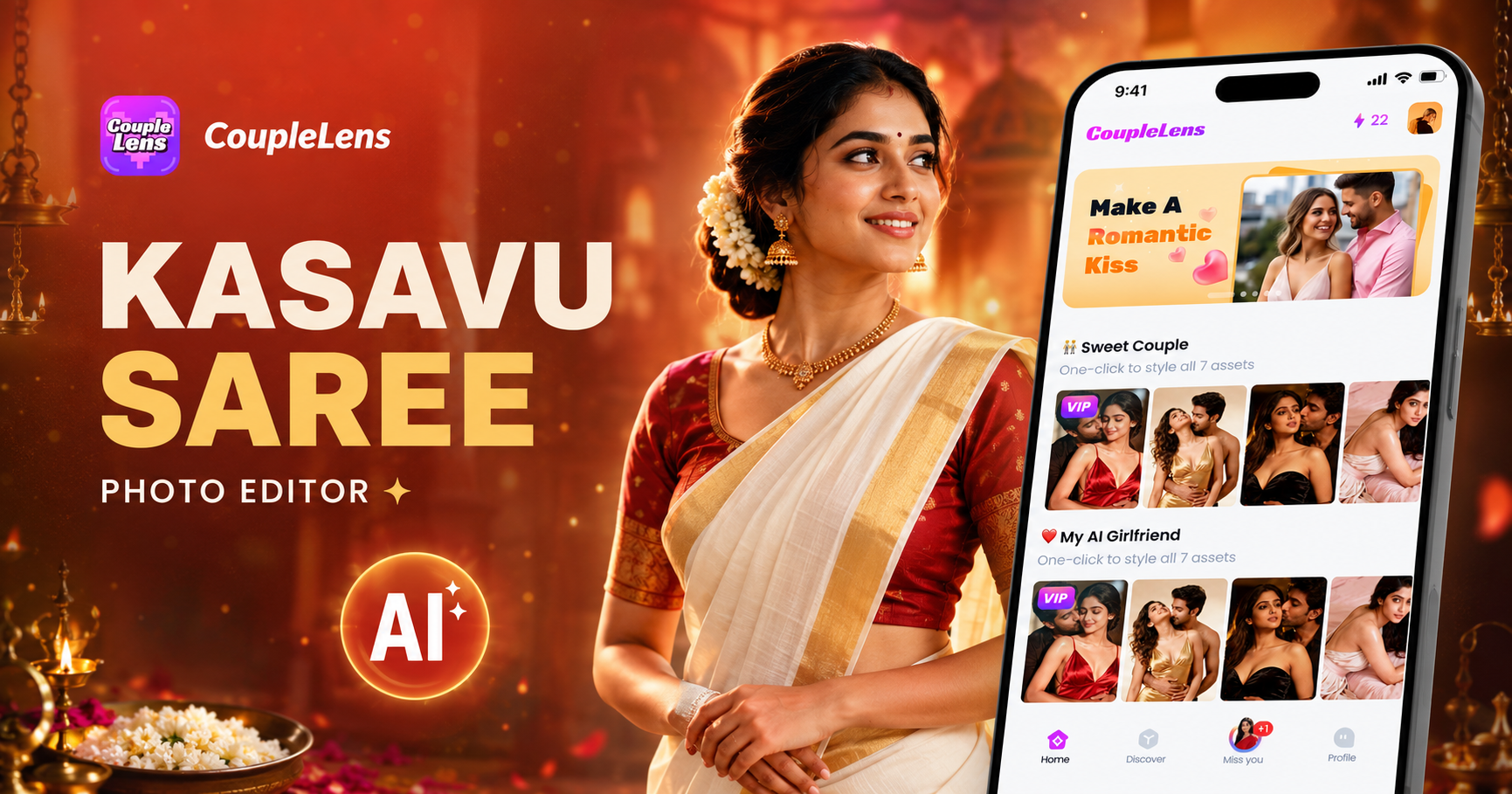
Kasavu Saree Photo Editor for Onam & Kerala Looks | CoupleLens
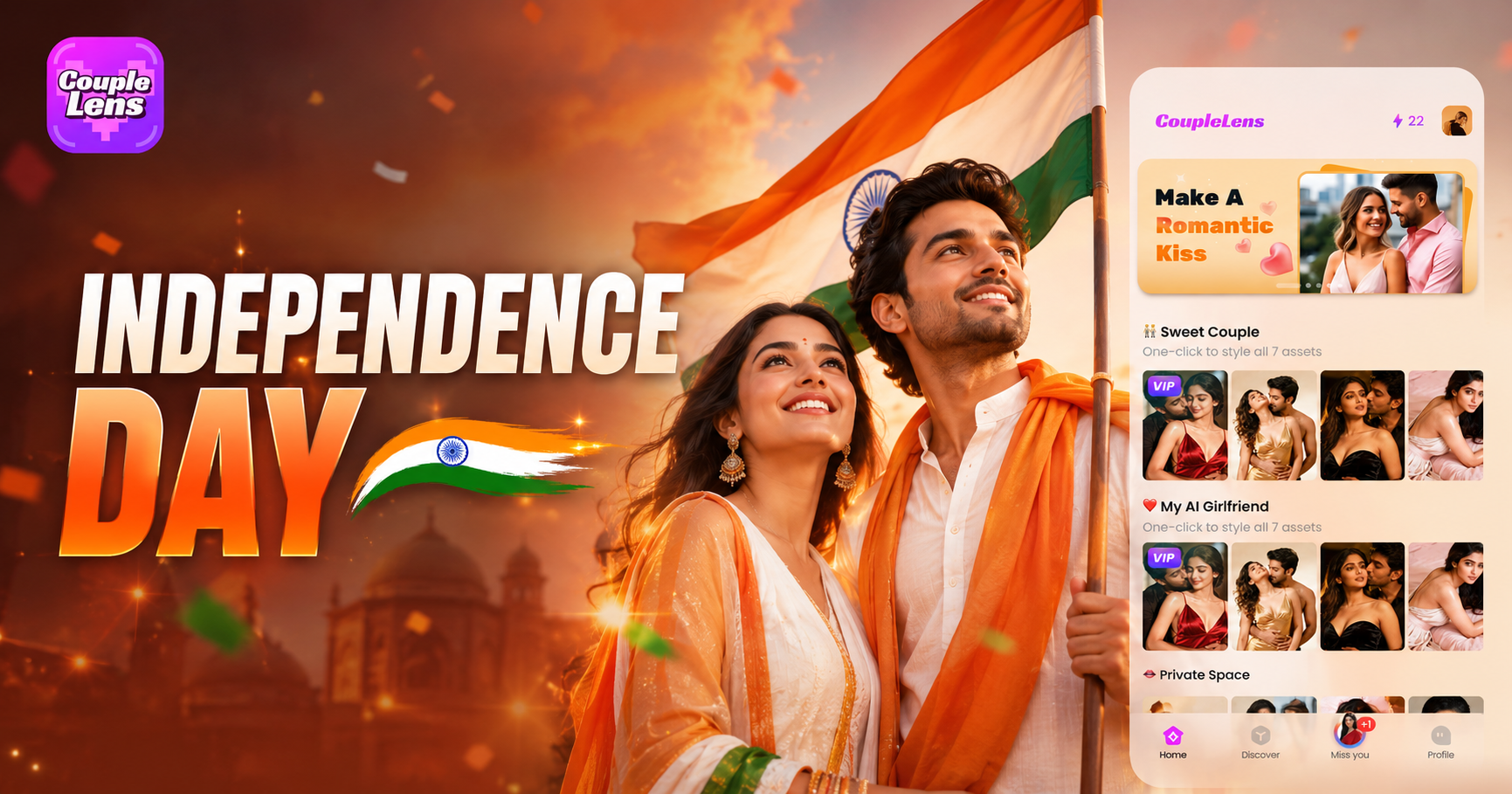
Independence Day AI Photo Generator: Create Patriotic Portraits on CoupleLens
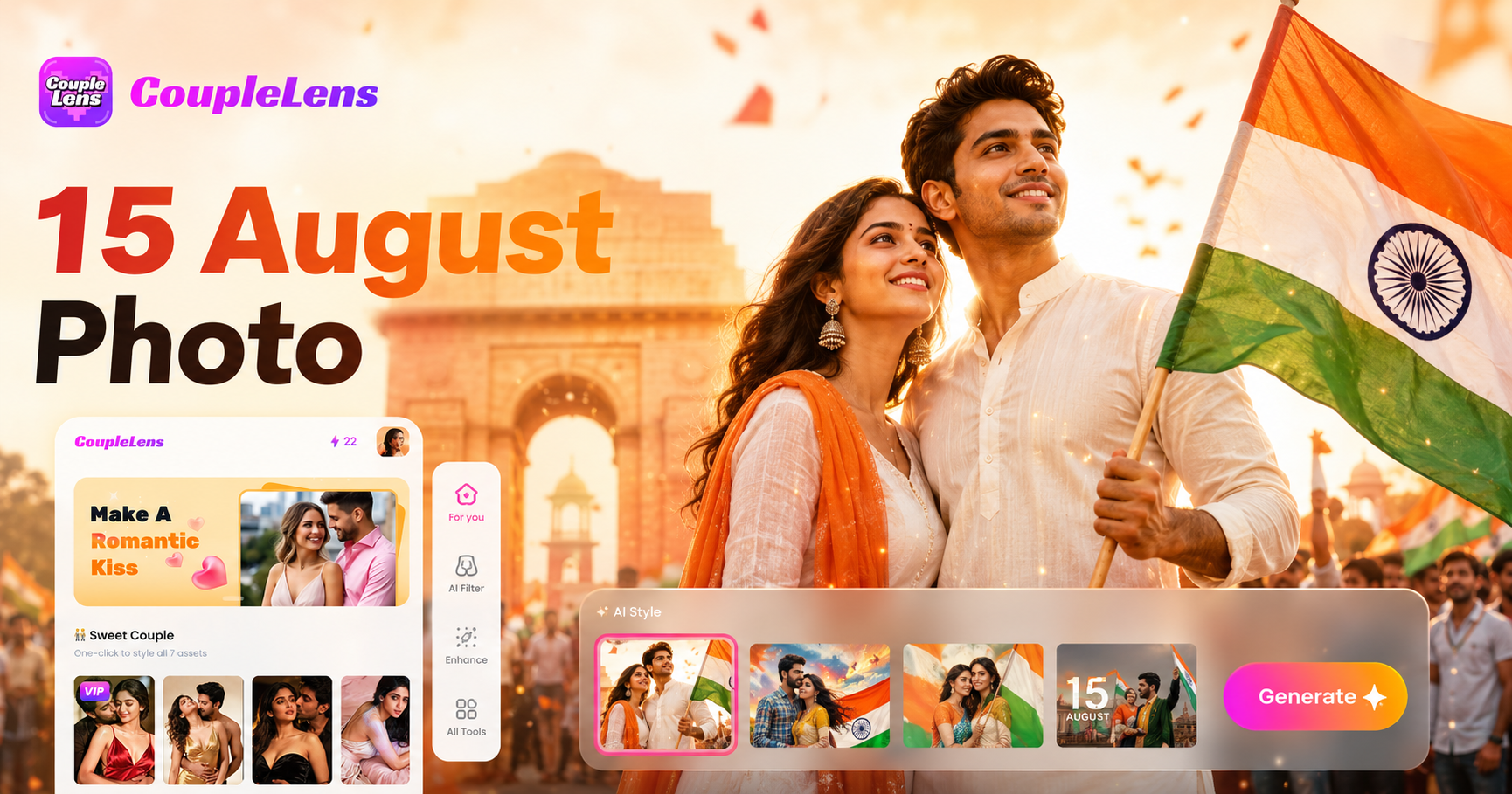
15 August Photo AI Generator: Independence Day Pictures by CoupleLens
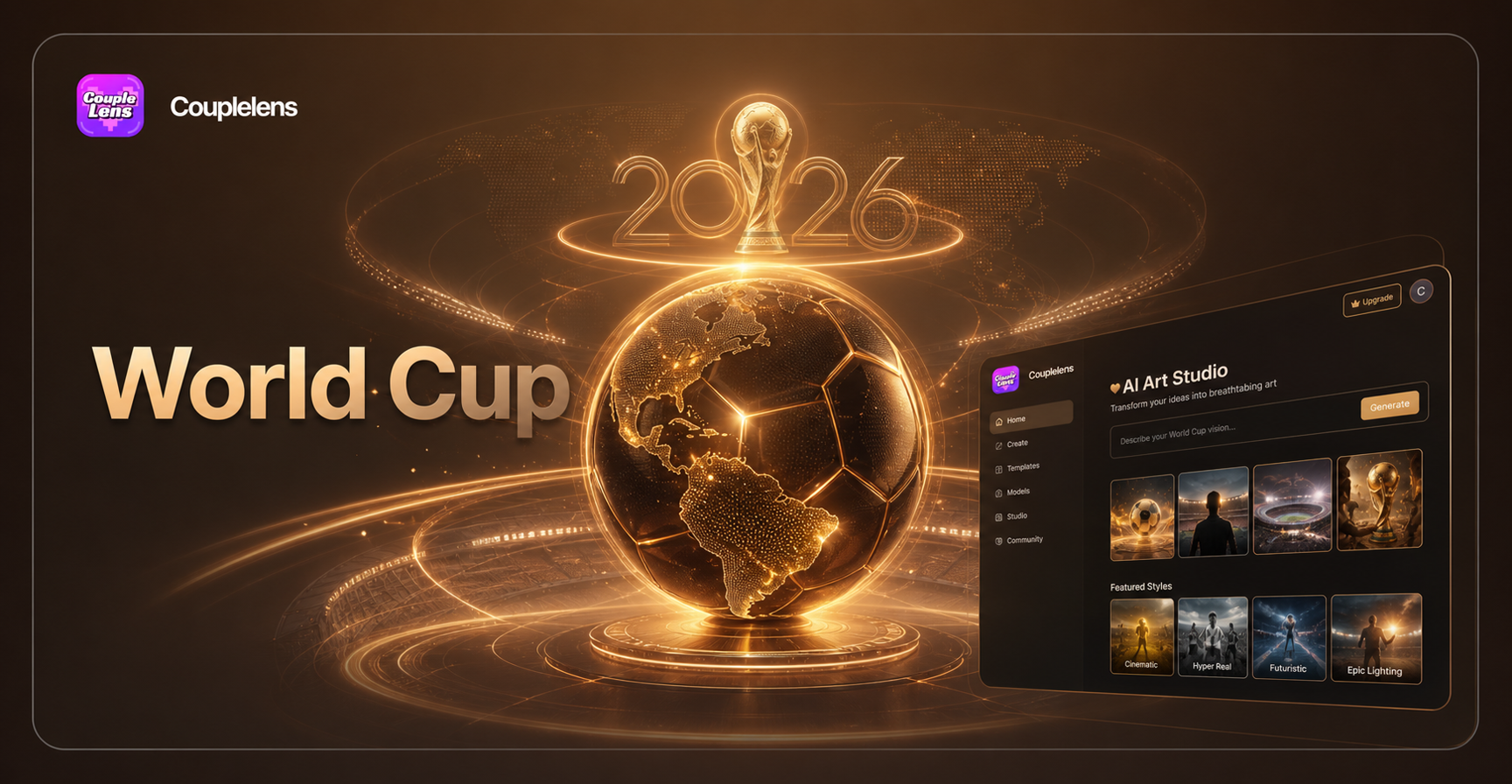
World Cup 2026 Prompt: Create FIFA Fan Art, Jersey Edits & Stadium Posters | CoupleLens
Kasavu Saree Photo Editor for Onam & Kerala Looks | CoupleLens
Independence Day AI Photo Generator: Create Patriotic Portraits on CoupleLens
15 August Photo AI Generator: Independence Day Pictures by CoupleLens
World Cup 2026 Prompt: Create FIFA Fan Art, Jersey Edits & Stadium Posters | CoupleLens
Make a New AI Backdrop in 10 Seconds
Open CoupleLens, pick a template, drop in your photo, and the AI background generator hands you a finished scene. Free on Google Play.
Make a New AI Backdrop in 10 Seconds
Open CoupleLens, pick a template, drop in your photo, and the AI background generator hands you a finished scene. Free on Google Play.