Purple Saree Photo Editing
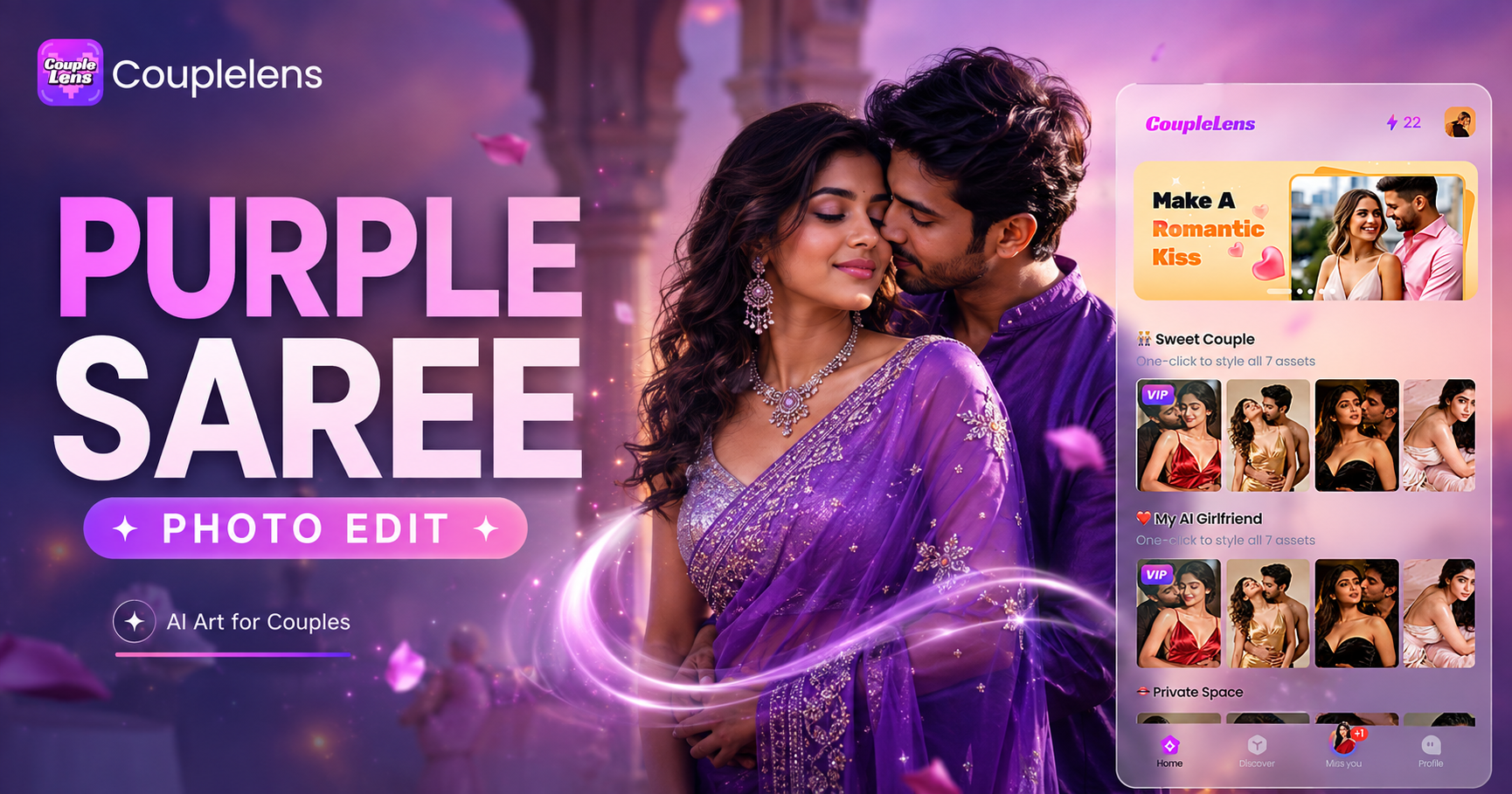
Pick Your Purple Saree Look
CoupleLens gives you several purple saree filters so you never get the same look twice. Each one has its own mood, fabric, and color story built in.
How to Create Your Purple Saree Photo?
Create beautiful purple sari images in just a few simple steps using our powerful saree AI editor.

Step 01.
Open the Google Play Store on your phone. Search for CoupleLens. Tap install. The app is free, takes only seconds to set up.

Step 02.
Browse the purple saree section inside CoupleLens. You will see Royal Purple, Pastel Lavender, Purple Chiffon, Neon Purple, and more.

Step 03.
Tap the generate button. Wait about 10 to 20 seconds. Your purple saree portrait is ready. Download it to your phone in full HD.
Key Features of Purple Saree Photo Editing
Turn your ideas into reality with a flexible and powerful AI image generator. Do your purple saree photo editing with ease.
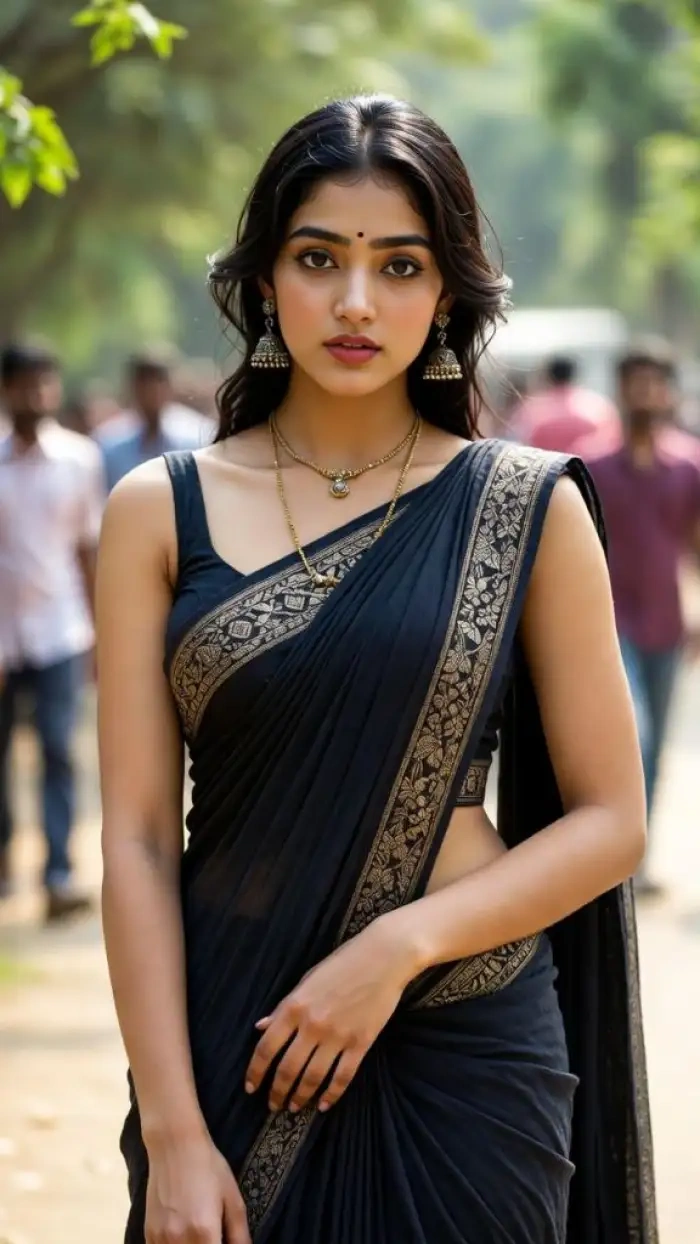 Before
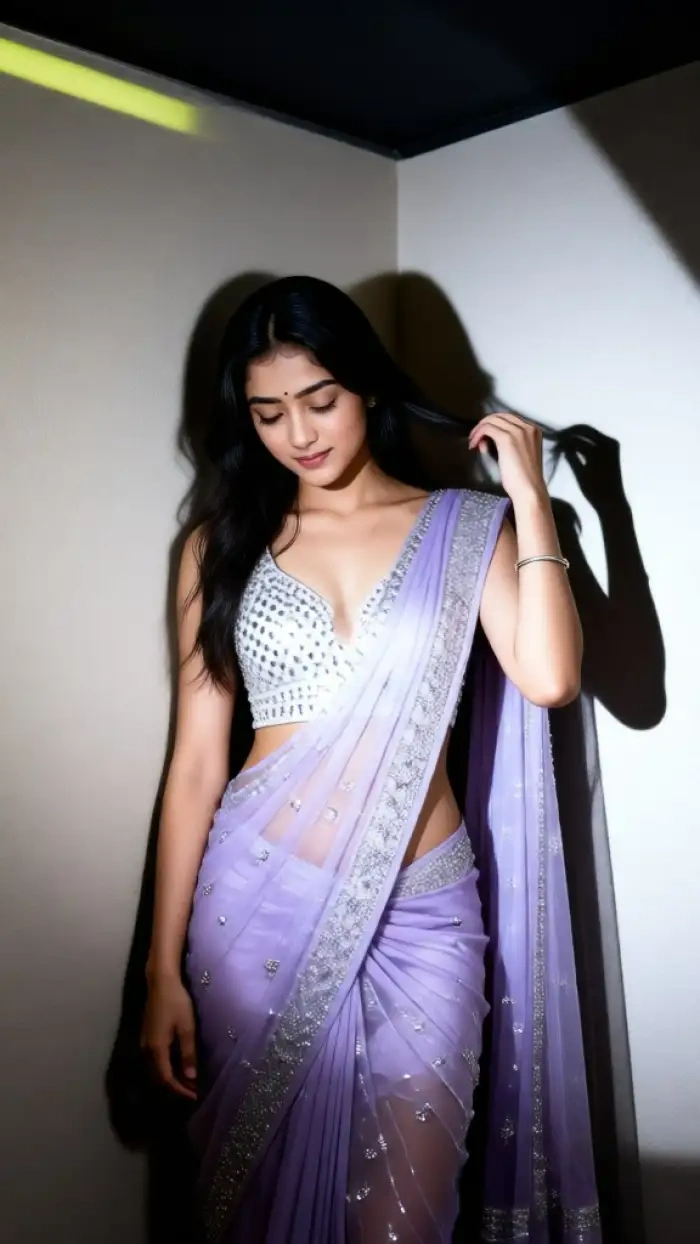 After
AfterKeep Your Face, Change Your Outfit
CoupleLens is built on a character consistency engine that holds your facial features in place. Your eyes, nose, lips, jawline, and skin tone all stay the same. Only the saree, background, and lighting shift. This AI photo editor studies the geometry of your face first, then paints the new saree look on top without distorting who you are. The result is a purple saree portrait that still looks like you, just dressed for the moment.
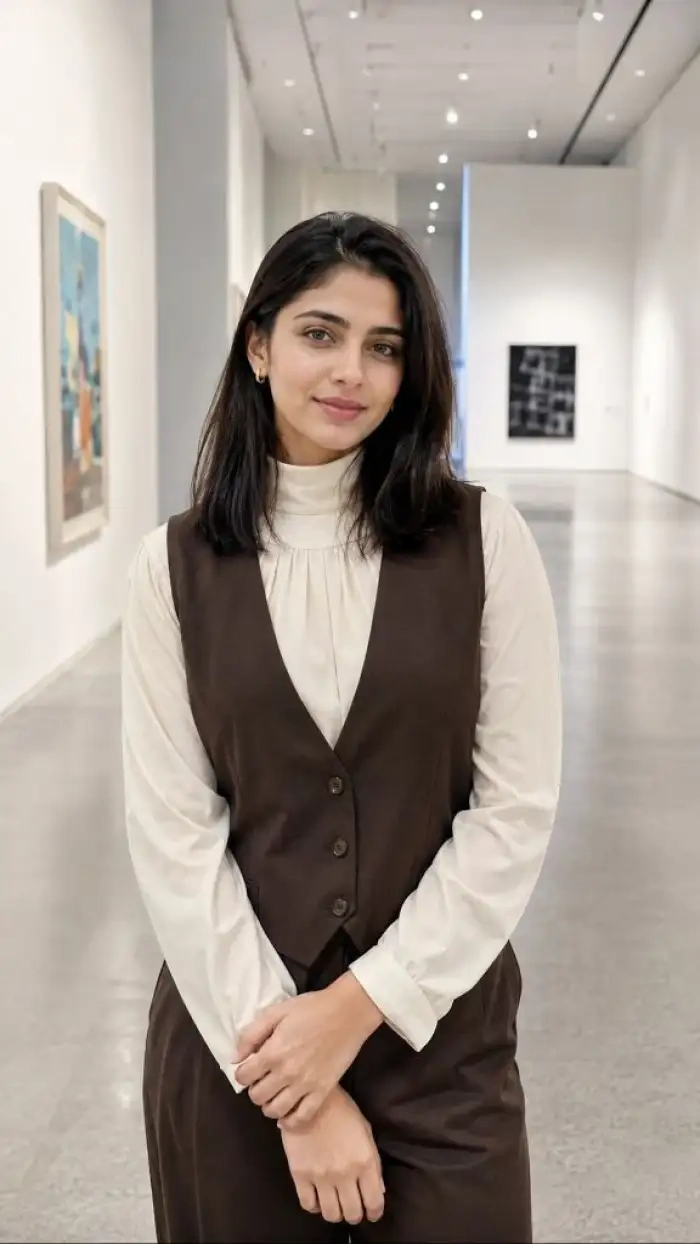 Before
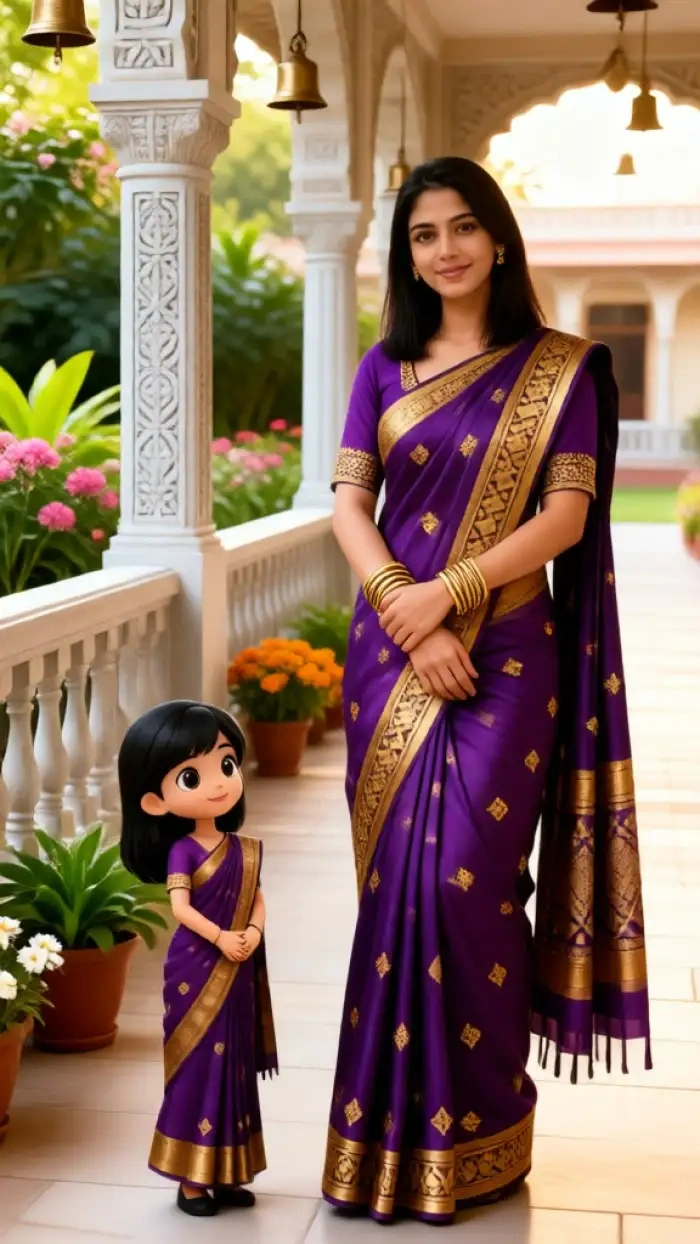 After
AfterNo Prompts, Just AI Image Filters
You do not need to type a single word to get a great purple saree edit. CoupleLens has 25,000 ready-to-use templates, with hundreds of purple saree options inside. Each template is pre-tuned for color, drape, lighting, and background. All you do is browse, tap, and upload. This AI image generator handles the rest. First time users get a perfect result on their very first try.
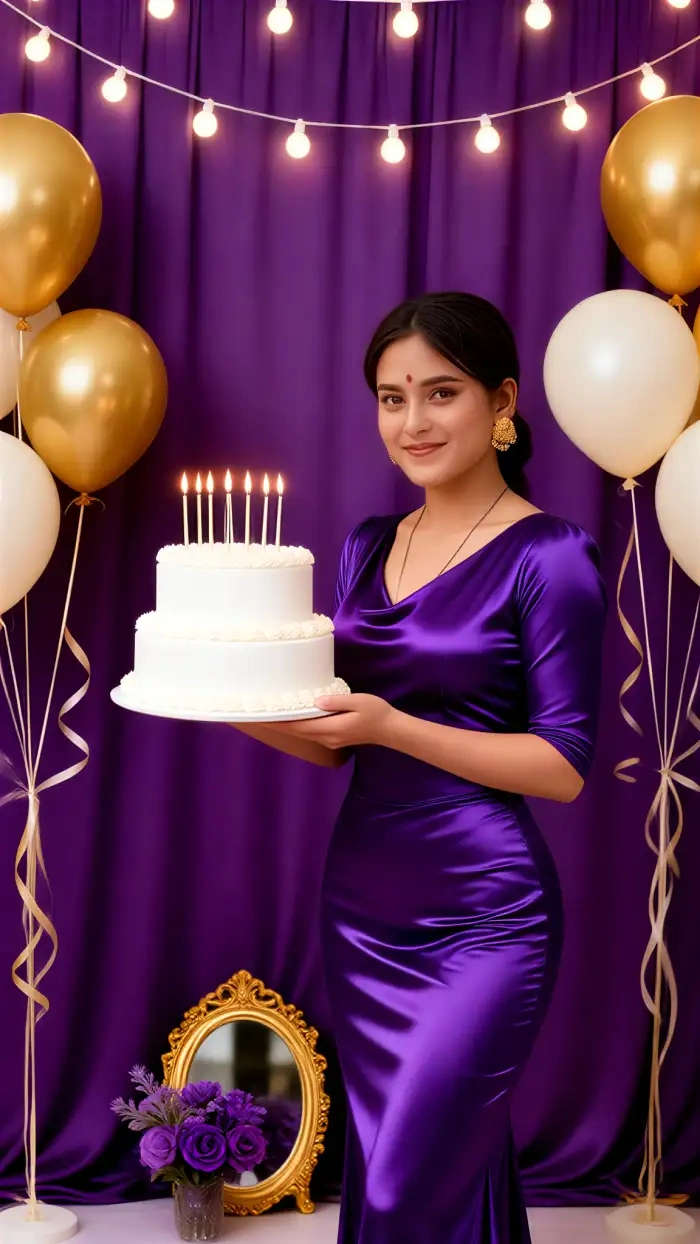
Cinematic Lighting Baked In
Every purple saree filter in CoupleLens comes with a built-in lighting scene. You get soft window light for indoor looks, golden hour for outdoor portraits, and moody studio light for dramatic edits. The saree fabric also reacts to that light, with subtle shimmer on silk, gentle folds on chiffon, and rich shadows on velvet. You get a real photographer's setup without owning a camera.
CoupleLens App Walkthrough for Beginners
Watch a quick two-minute tour of the CoupleLens app. See how to find a purple saree filter, upload a selfie, and generate your first edit.
See Purple Saree Edits Made by Real Users
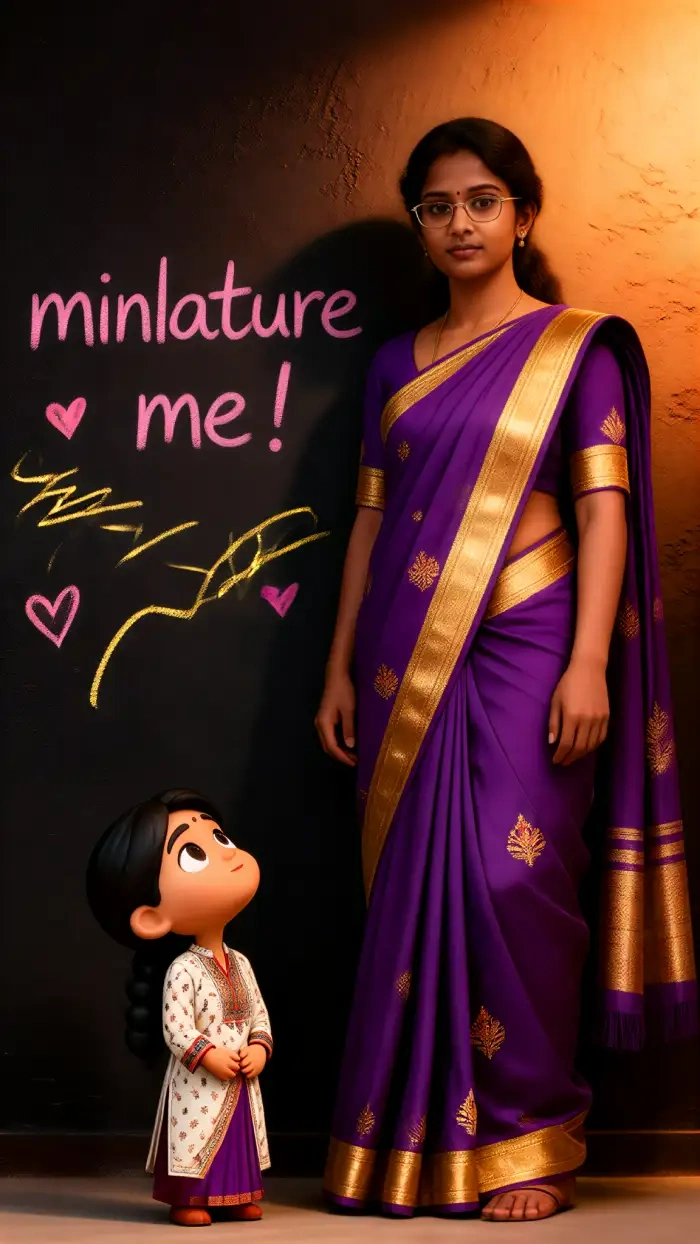
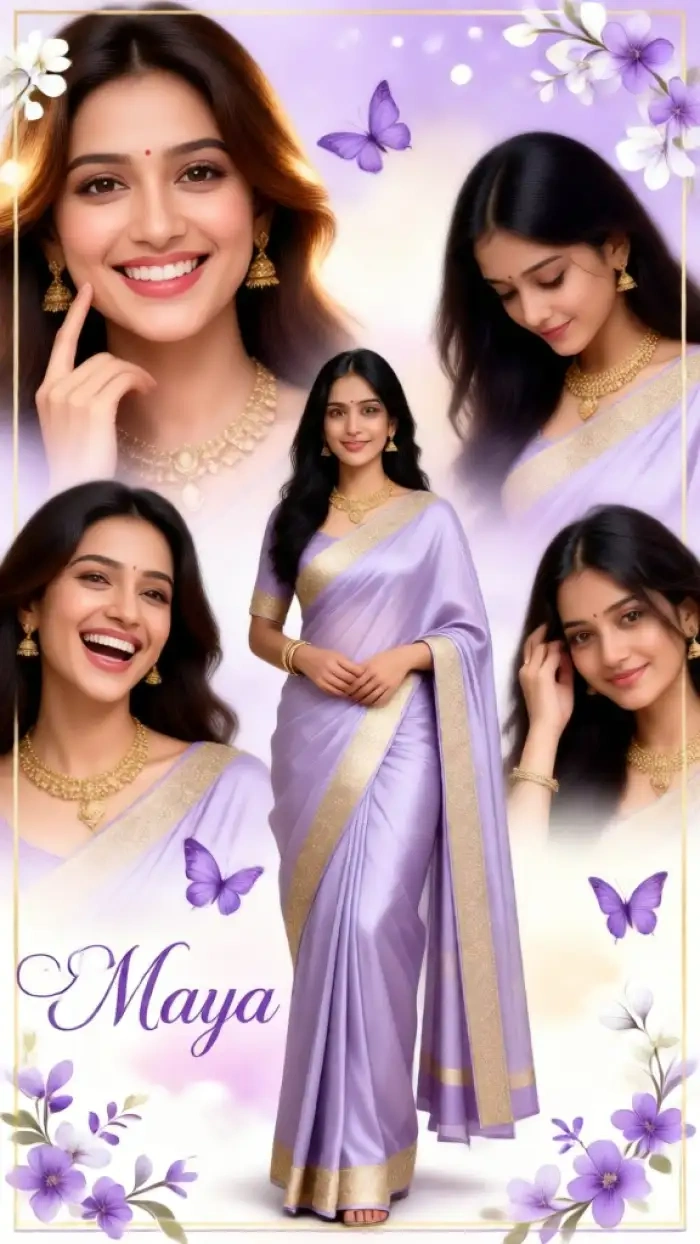
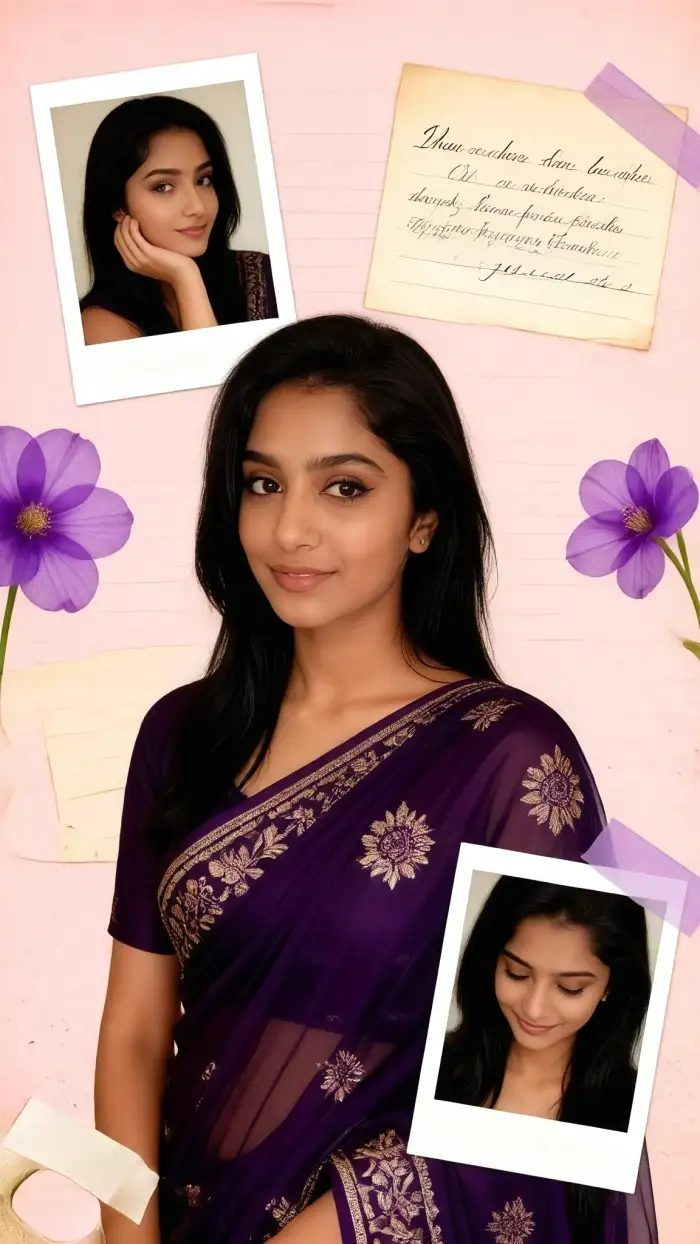
CoupleLens users create thousands of purple saree portraits every day. Scroll through the gallery for fresh outfit ideas, and creative background styles.
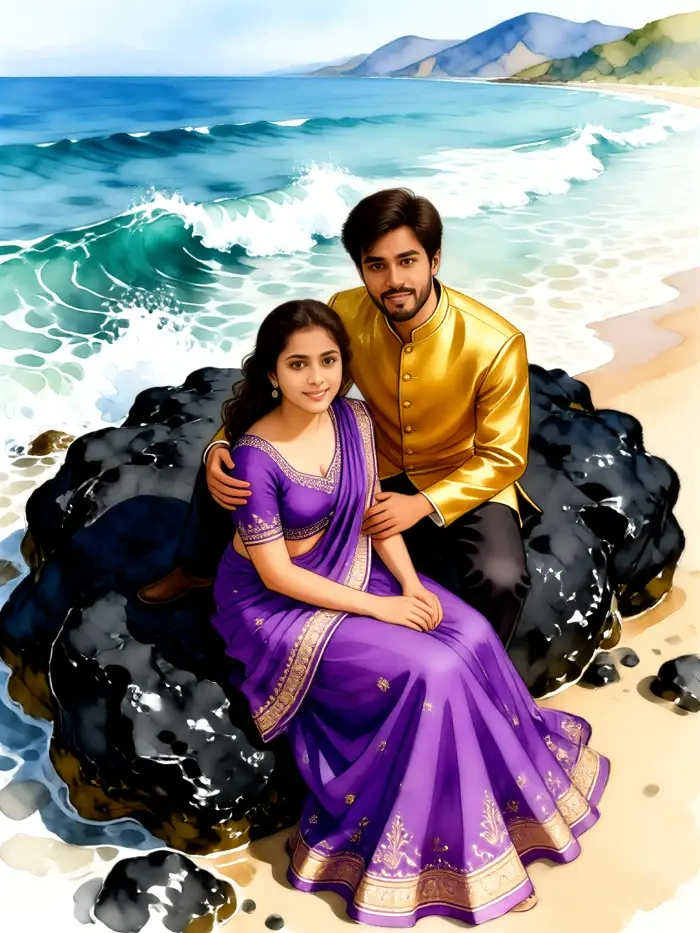
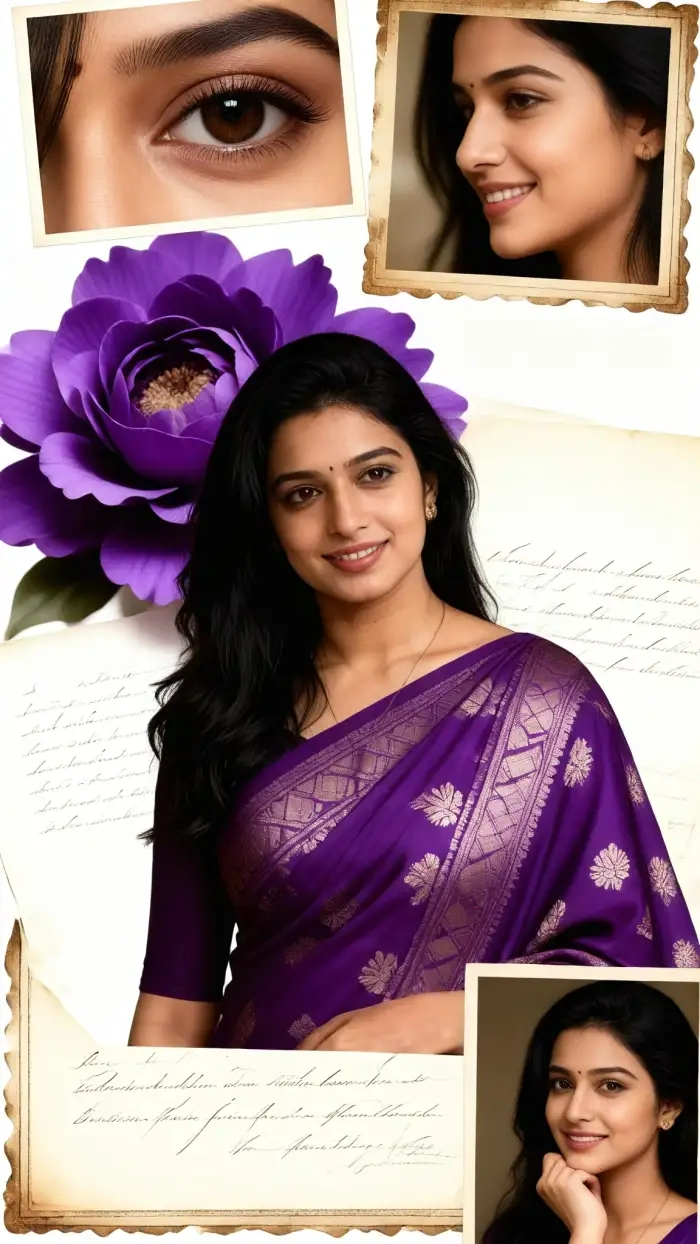
Why Use CoupleLens for Purple Saree Photo Editing?
CoupleLens is the only AI photo editor that puts the entire purple saree creation flow inside a mobile app. No browser tabs. No logins. No credit card walls. The library includes thousands of styles beyond saree, so you can switch from purple saree to Ghibli portrait to 3D claymation avatar without leaving the app. The character consistency engine keeps your face the same across every look, which is perfect if you are building a personal brand or a content series. Plus, all processing happens on your phone, so your photos never sit on a stranger's server. For purple saree photo editing that feels fast, private, and genuinely fun, CoupleLens is the app creators reach for.
Frequently Asked Questions
Find clear answers to common questions and get the guidance you need to do more purple sari photo editing.
More Topics You May Like
If you love the purple saree look, CoupleLens has many more styles to try.
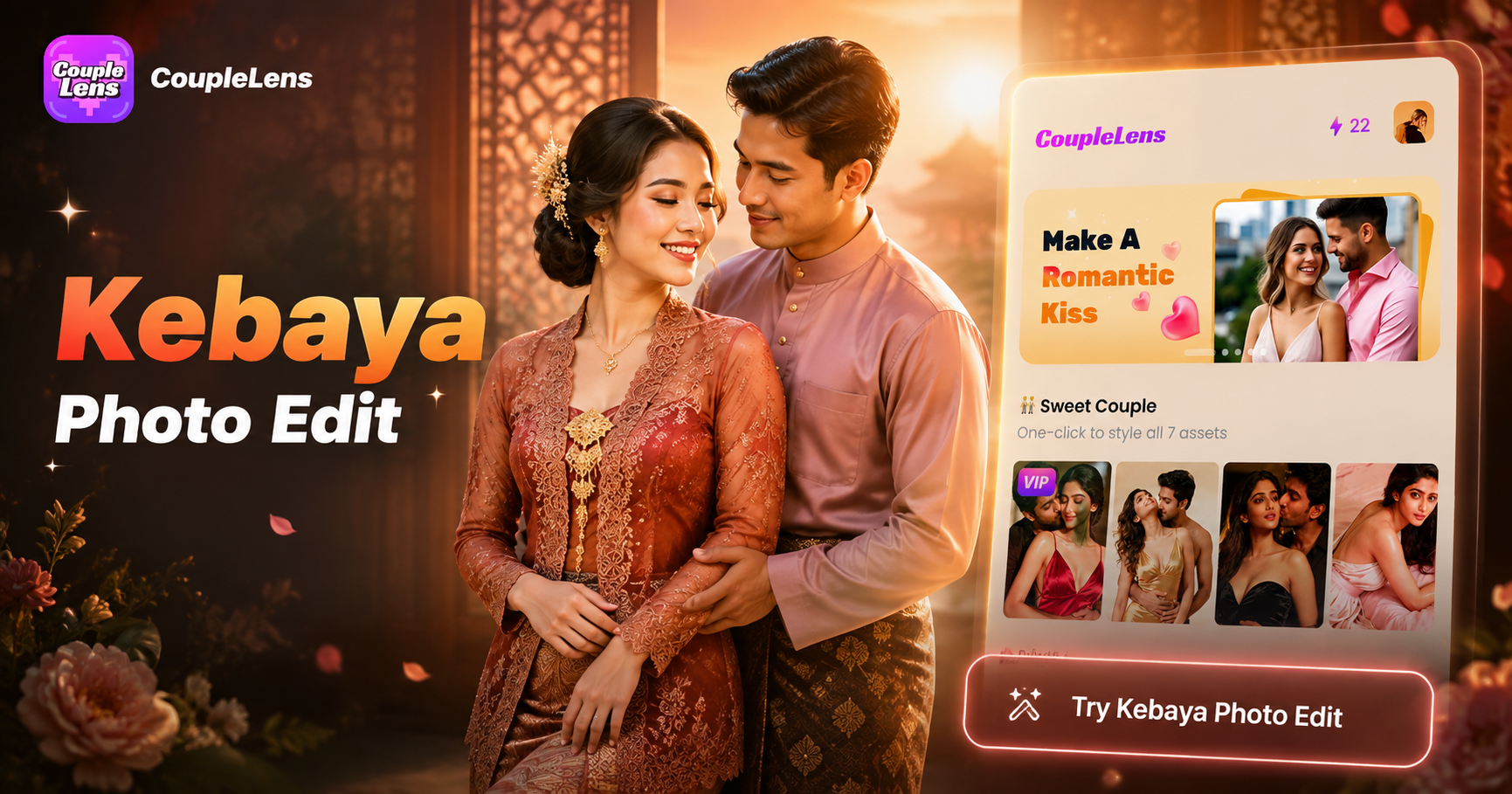
Kebaya Photo Edit with AI: Try Traditional Outfits in 10 Seconds with CoupleLens
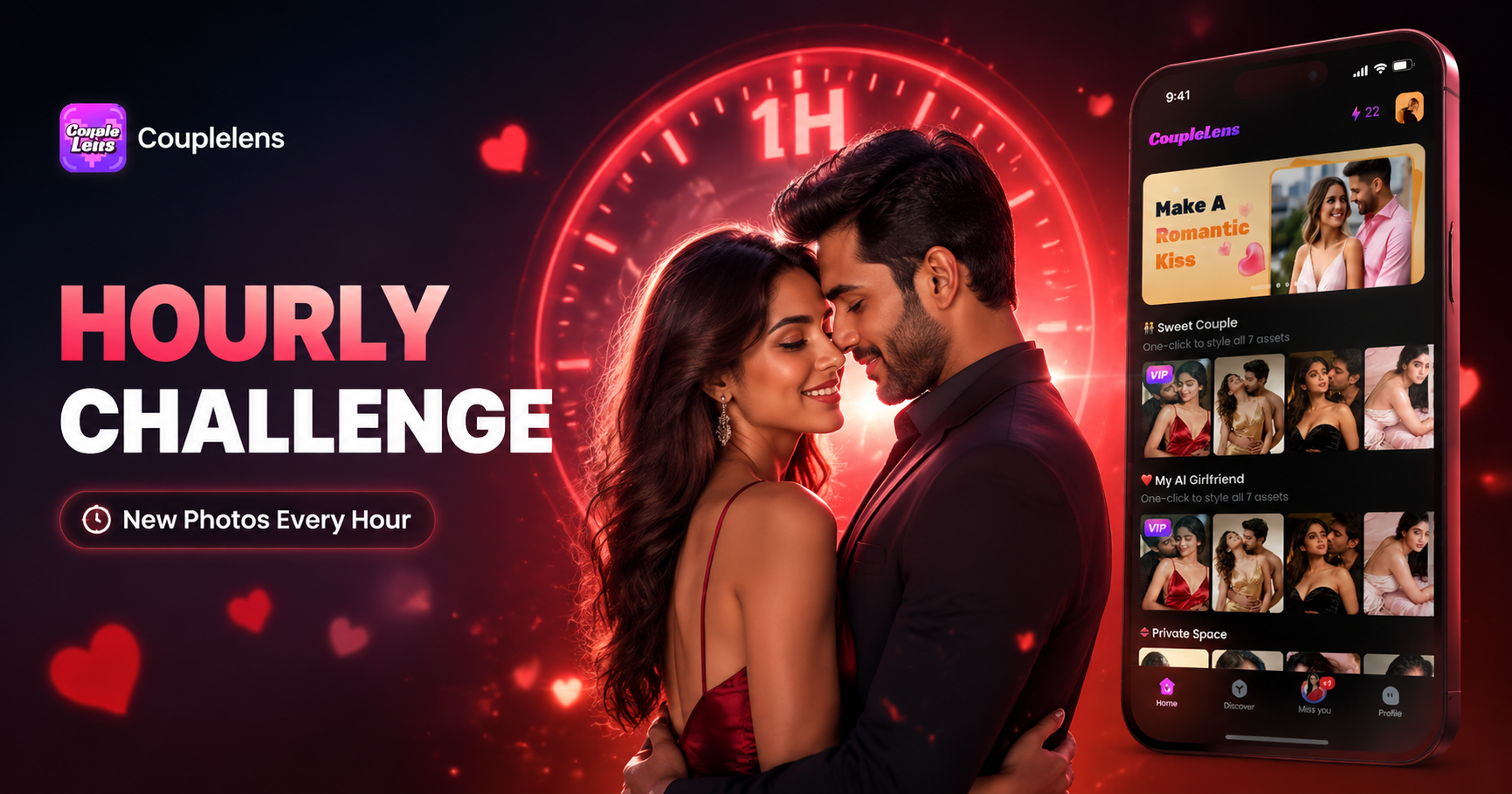
Hourly Photo Challenge Generator: Make a Two Lives Reel Fast with CoupleLens
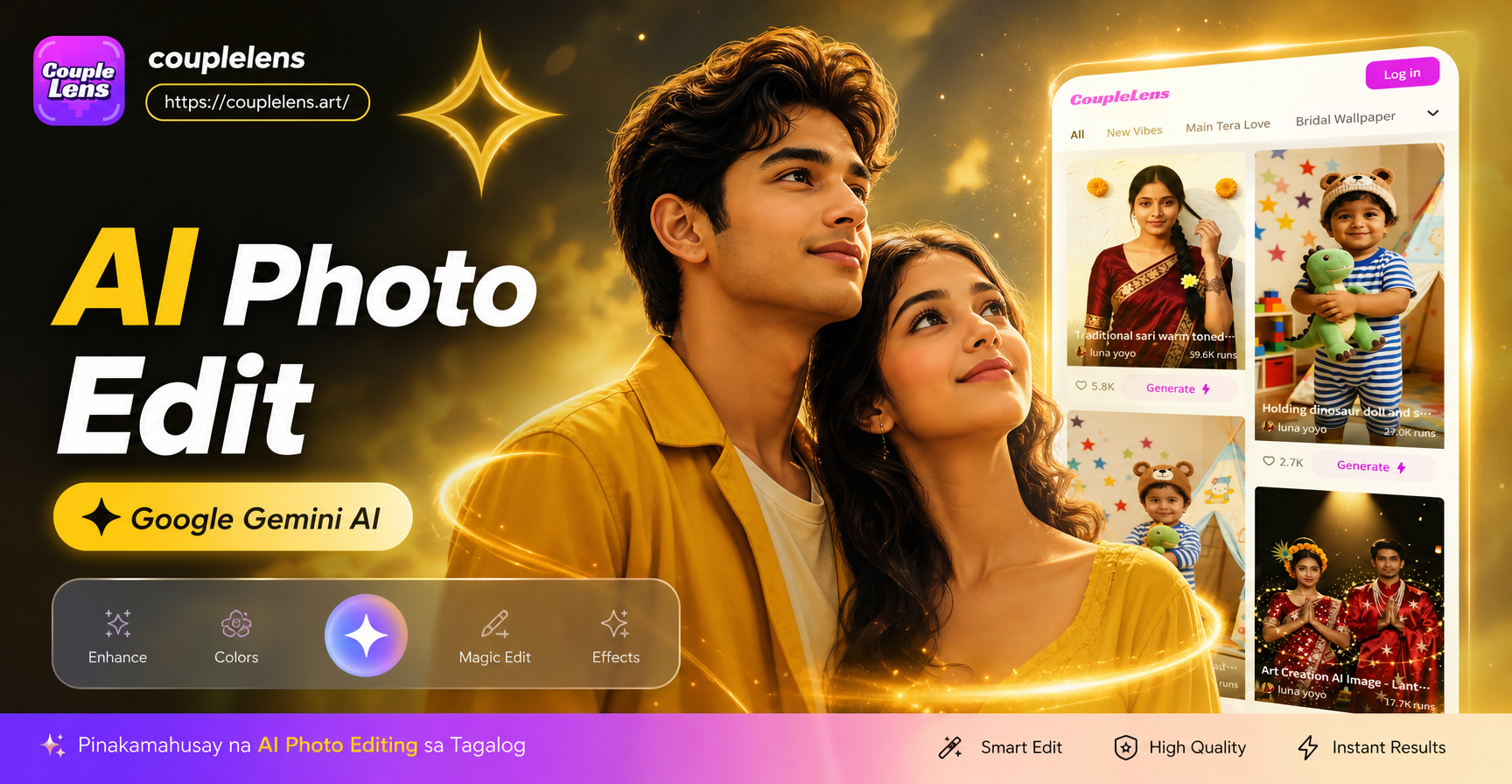
Google Gemini AI Photo Editing in Filipino | Try on Mobile App
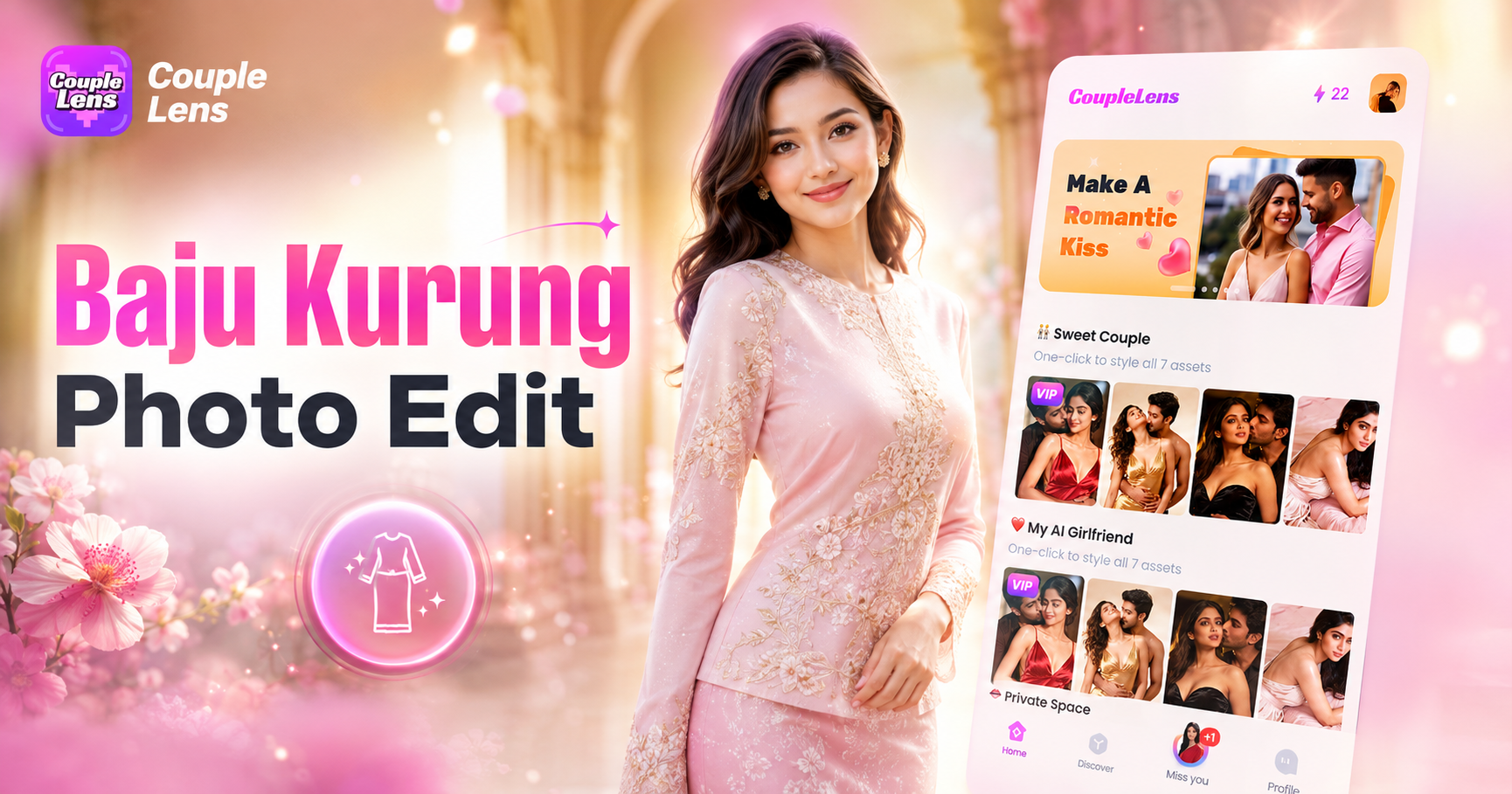
Baju Kurung Photo Edit: Try On Traditional Wear with CoupleLens AI
Kebaya Photo Edit with AI: Try Traditional Outfits in 10 Seconds with CoupleLens
Hourly Photo Challenge Generator: Make a Two Lives Reel Fast with CoupleLens
Google Gemini AI Photo Editing in Filipino | Try on Mobile App
Baju Kurung Photo Edit: Try On Traditional Wear with CoupleLens AI
Your Purple Saree Look Is One Tap Away
Stop dreaming about a royal purple saree portrait. Make one in seconds. Download CoupleLens on Google Play, pick a purple saree filter, and tap generate.
Your Purple Saree Look Is One Tap Away
Stop dreaming about a royal purple saree portrait. Make one in seconds. Download CoupleLens on Google Play, pick a purple saree filter, and tap generate.