Late Night Railway Station AI Video
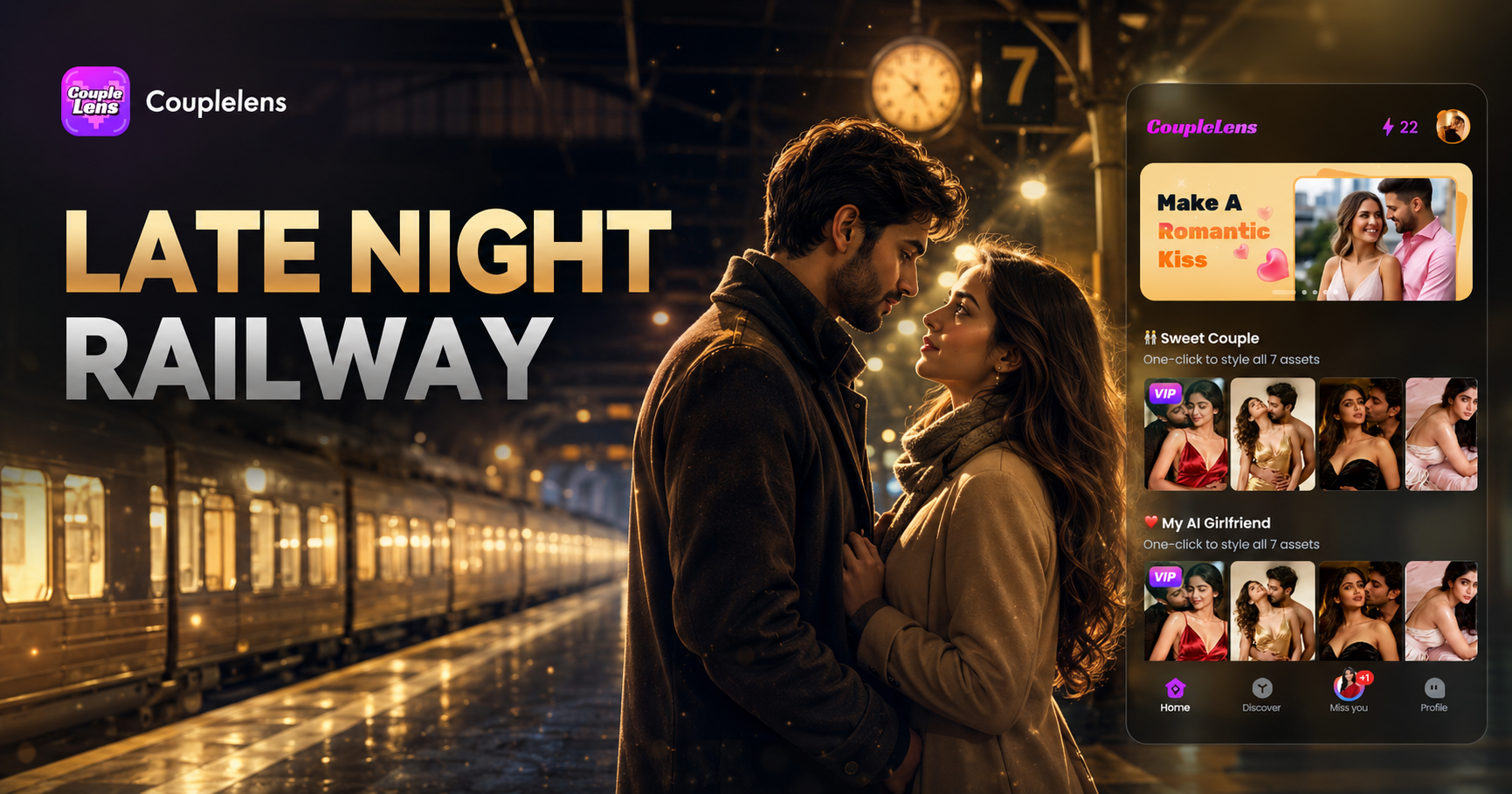
Pick a Railway Station Filter and Start Your Scene
These CoupleLens filters are tuned for late night railway station video work. Each one gives you a different mood for your cinematic station AI video moment.
Key Features of a Late Night Railway Station AI Video
CoupleLens gives you the three things every lonely railway station video needs. Real cinematic mood and a real clip you can post tonight.
One Tap Cinematic Style
Pick a railway station template and the app does the rest. The lighting, the color grade, the camera feel, all baked in. You get a real cinematic station AI video without typing a single prompt. The library covers 25,000 styles, so your late night railway station AI video never looks the same as anyone else.

Bring Yourself or a Friend Into the Scene
Upload a single photo and CoupleLens keeps the face, the hair, the vibe of the person. The character consistency engine holds identity across every frame. Want a railway station alone AI video? It works. Want a couple standing on the platform? It works too, and both faces stay sharp, no melt, no swap.
Add Motion Without the Work
A still photo is not a video. CoupleLens turns that photo into motion. A slow head turn, a hand on a suitcase, a train rushing past behind you. The app adds micro expression and body movement on its own. Your night train station AI prompt becomes a real clip with breath and pace.
How to Create a Late Night Railway Station AI Video?
Three steps, one phone, zero editing skills. CoupleLens handles the camera, the grade, the motion.

Step 01.
Grab the CoupleLens app from Google Play and sign in. The full creative tool lives on your phone, so you can start a late night railway station AI video from the bus ride home.

Step 02.
Open the app, scroll to a railway station filter like Empty Platform Cinematic or Couple Hug on Platform. Upload one photo, and tap generate.

Step 03.
Save the clip to your phone, then post it straight to TikTok, Reels, or Shorts. The aspect ratio is already tuned for vertical feed.
See Real Late Night Railway Station Clips Made in CoupleLens
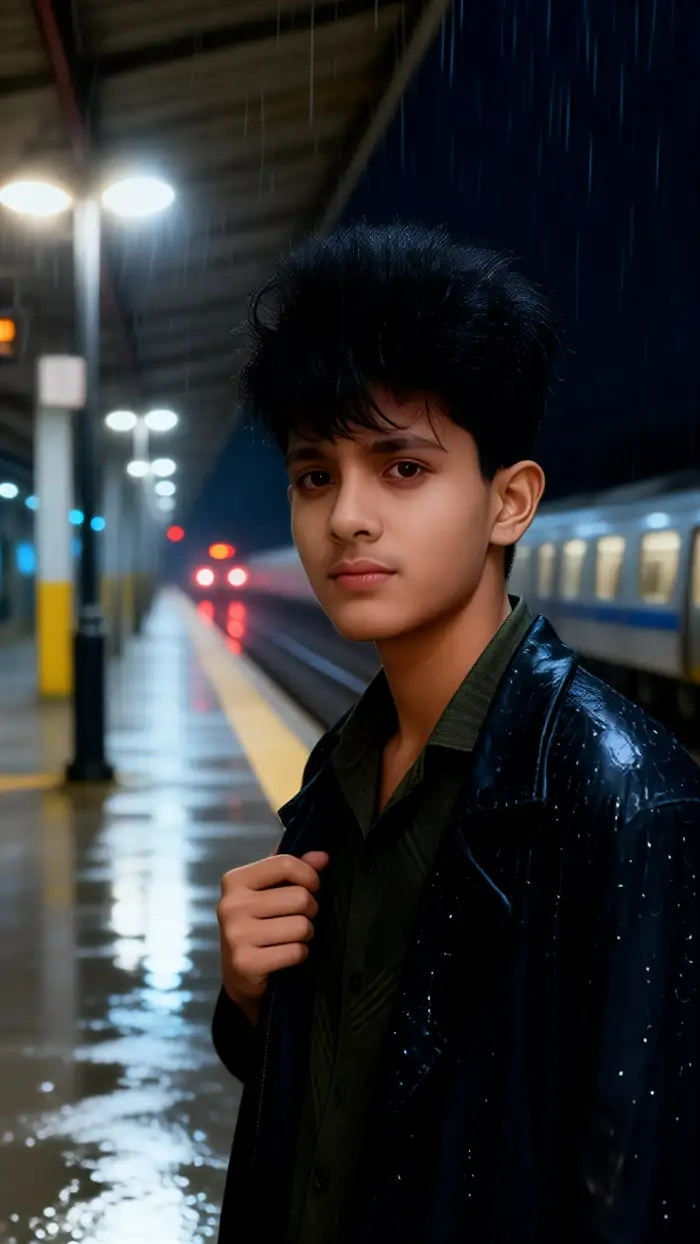
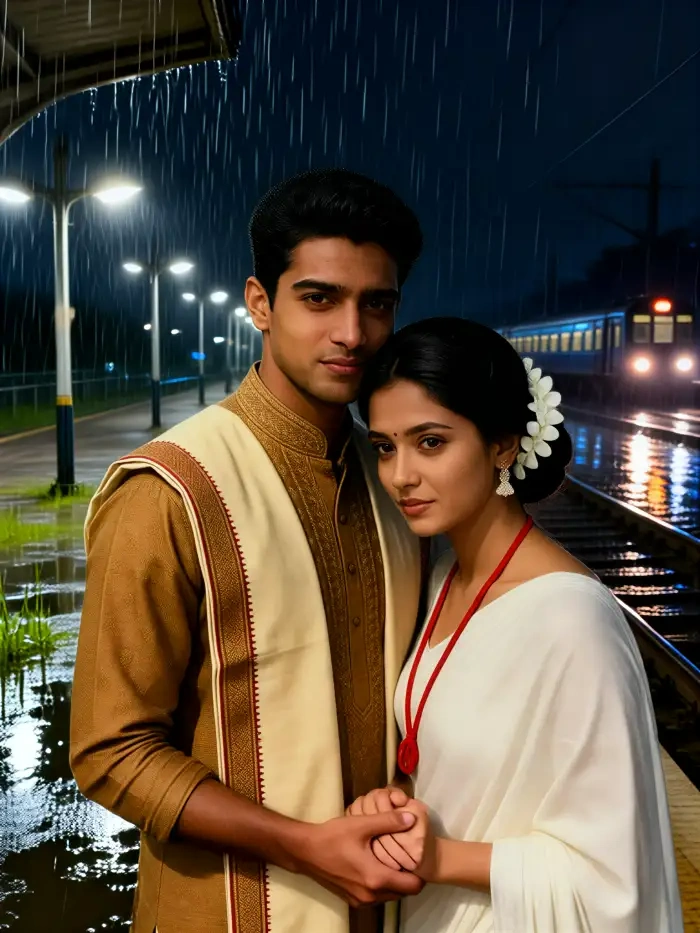
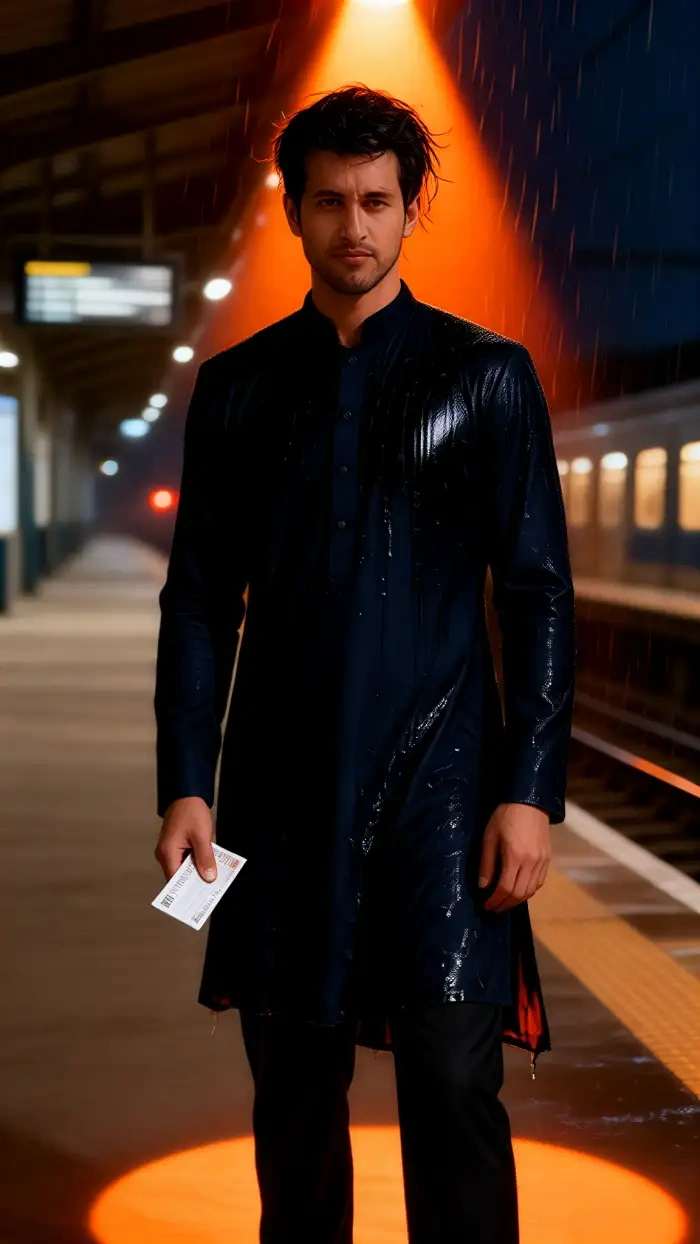
A quick look at what users ship from the app. Cold railway station, warm hugs, anime station, cyberpunk terminal.
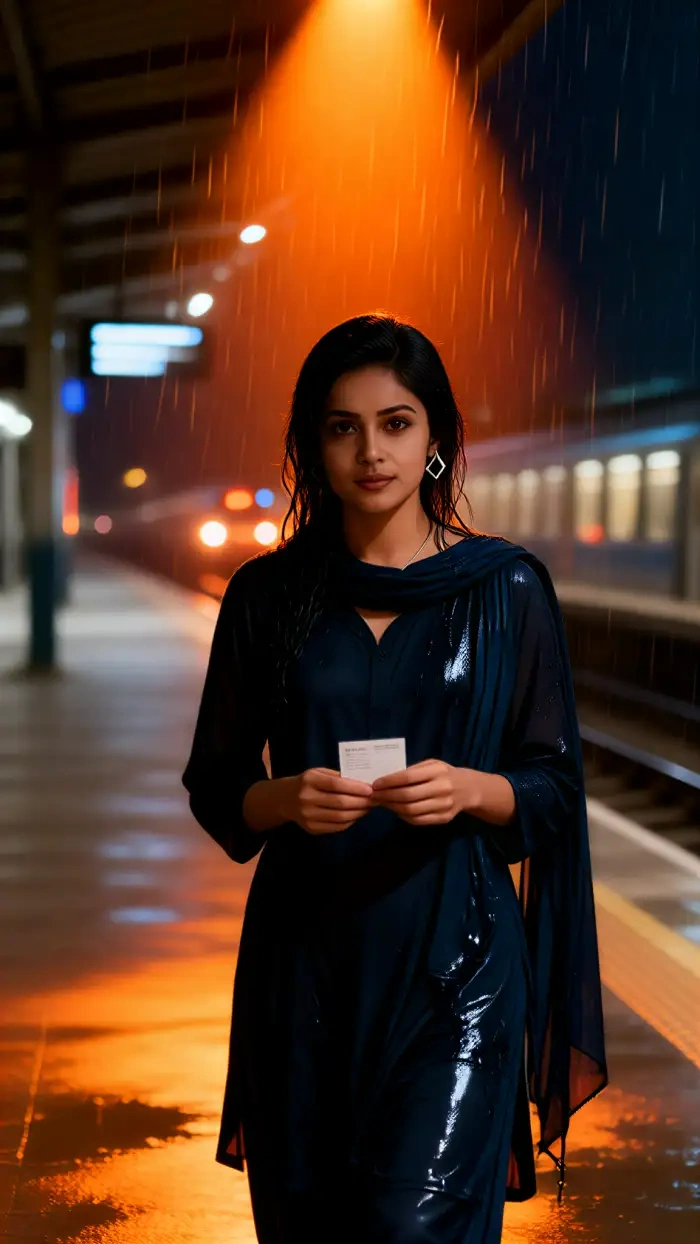


Watch CoupleLens in Action
Two short walkthroughs that show how a late night railway station AI video gets made from start to finish inside the CoupleLens app.
Use CoupleLens for a Late Night Railway Station AI Video
A late night railway station AI video lives or dies by the mood. Cold platform, slow motion, a single figure, the right grade. CoupleLens gives you that mood through a filter, not through prompt engineering. The app runs image generation, video generation, image to video, and group photo work all in one place, so you can move from a still photo to a moving cinematic station AI video without ever leaving the screen. The character consistency engine keeps faces stable, the multi person engine keeps two friends or two lovers in the same frame without a swap, and the template library refreshes every day with new viral styles. Download CoupleLens on Google Play and your next late night railway station video is one tap away.
Frequently Asked Questions
Quick answers to the things people ask before they download CoupleLens and try their first railway station clip.
More Topics You May Like
These next reads in CoupleLens will keep the cinematic mood going with new scenes, new filters, and new viral ideas.
Kadayawan Photo Edit with CoupleLens AI: Festival Style in One Tap
Buwan Ng Wika Photo Edit App: CoupleLens AI Image Generator Free
Retro Game Art Generator: Turn Photos Into Pixel Art with CoupleLens
Purple Saree Photo Editing: Get Royal Purple Looks in Seconds with CoupleLens
Kadayawan Photo Edit with CoupleLens AI: Festival Style in One Tap
Buwan Ng Wika Photo Edit App: CoupleLens AI Image Generator Free
Retro Game Art Generator: Turn Photos Into Pixel Art with CoupleLens
Purple Saree Photo Editing: Get Royal Purple Looks in Seconds with CoupleLens
Your Next Late Night Railway Station AI Video Starts
Download CoupleLens on Google Play, pick a railway station filter, and post a cinematic clip before the next train leaves.
Your Next Late Night Railway Station AI Video Starts
Download CoupleLens on Google Play, pick a railway station filter, and post a cinematic clip before the next train leaves.