12 Rabi Ul Awal Whatsapp Status AI
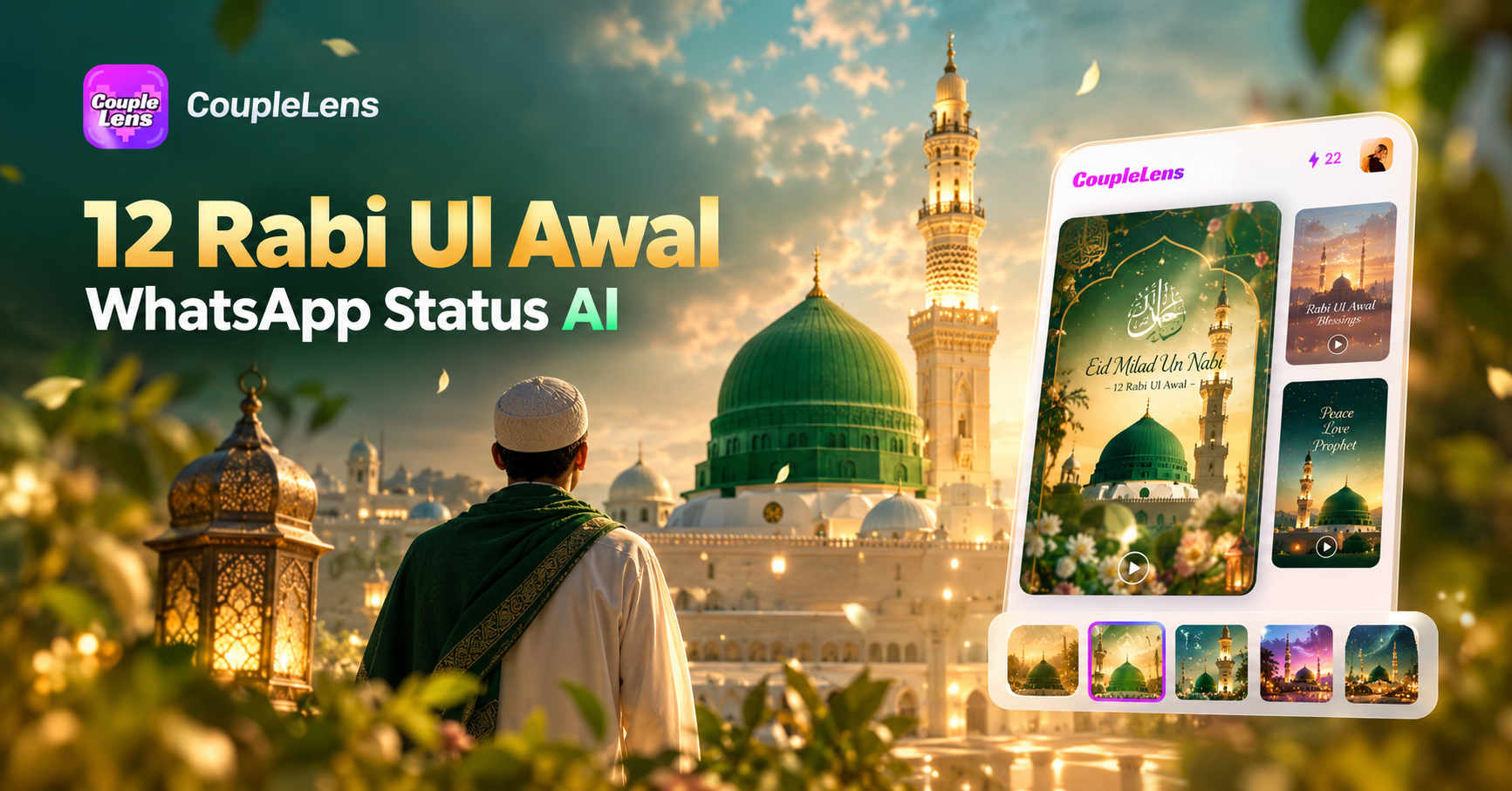
Pick a Mawlid Filter and Start Creating
Browse our curated 12 Rabi Ul Awal status photo filters built around green and gold tones, glowing lanterns, crescent moons, and mosque silhouettes.
Key Features of a 12 Rabi Ul Awal Whatsapp Status AI
Yyour 12 Rabi Ul Awal status photo, Milad Un Nabi Whatsapp status video, and Eid Milad Instagram photo all come from the same place.
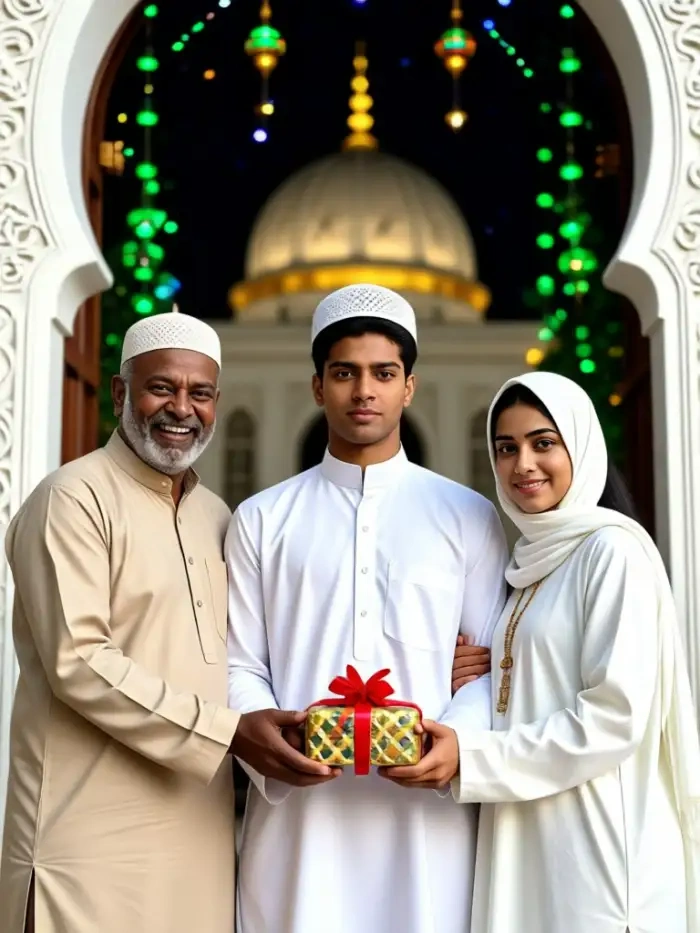
One-Tap Mawlid Festival Templates
CoupleLens holds 25,000 plus ready-made filters, and the Mawlid collection sits at the front during the festival season. Each 12 Rabi Ul Awal status photo template already has the right colors, light, and decor baked in. You only need to upload one selfie, tap once, and the app returns a finished greeting. No prompt writing, no slider tweaking, no extra editing app. Couples, friends, and families all get a result that looks like a real festive shoot, even if the user has never opened a design tool before.
 Before
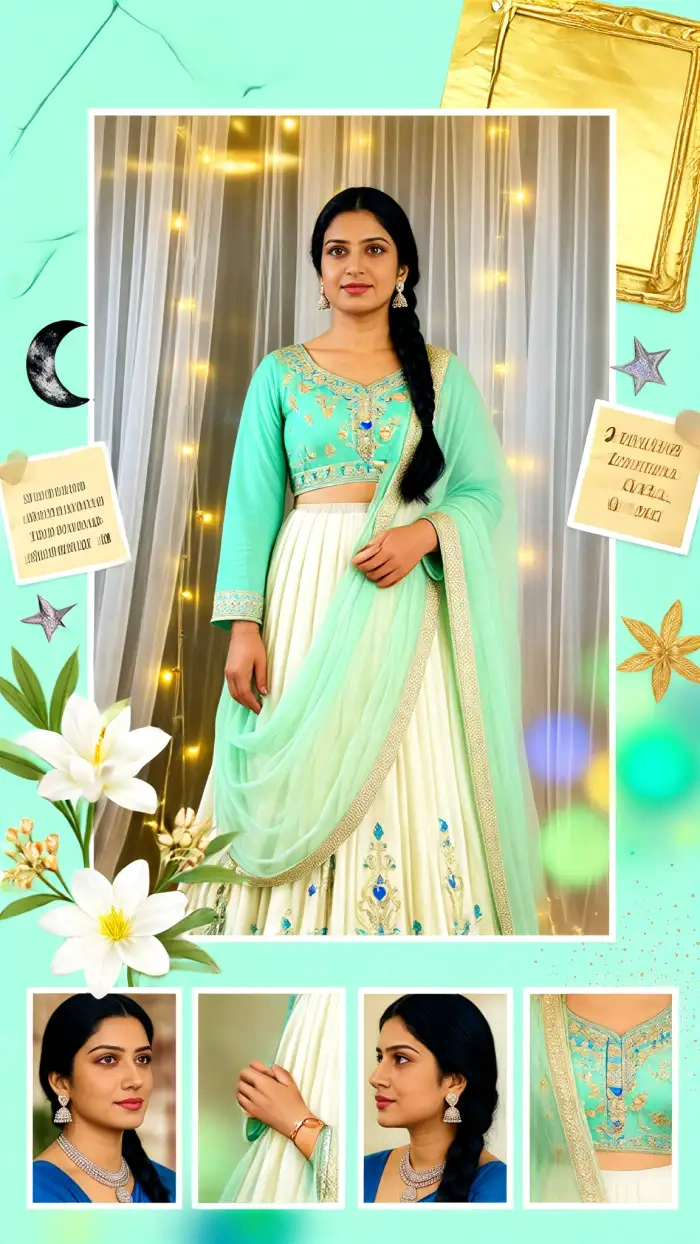 After
AfterFace Lock and Character Consistency
CoupleLens keeps your real face across every output. The face lock system holds your eyes, nose, jaw, skin tone, and smile in place while the rest of the scene changes. Make a 12 Rabi Ul Awal status photo today, a Milad Un Nabi Whatsapp status next week, and a family Eid Milad Instagram photo at the gathering, and your face stays the same person every time. This is the part most AI tools fail at, and it is the part CoupleLens was built around.
Festive Animated Video in One App
CoupleLens is not just a photo tool. Upload your finished 12 Rabi Ul Awal status photo and turn it into a 10 to 15 second video with a soft smile, a slow turn of the head, and a gentle lantern flicker in the background. The Milad Un Nabi Whatsapp status becomes a moving greeting that stands out in any feed. The video exports in vertical 9:16 for WhatsApp status, square 1:1 for Instagram, and 4:5 for Facebook.
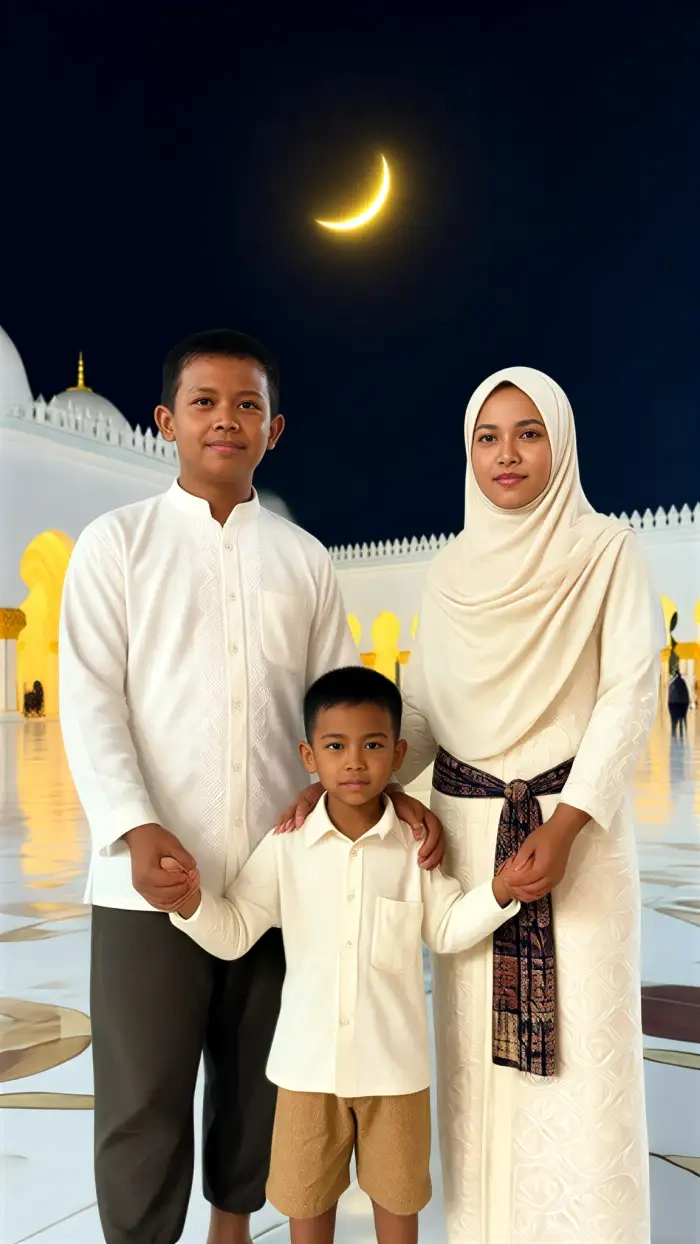
Real 12 Rabi Ul Awal Status Photo Samples
See how a single selfie turns into a glowing 12 Rabi Ul Awal Whatsapp status AI greeting with CoupleLens.
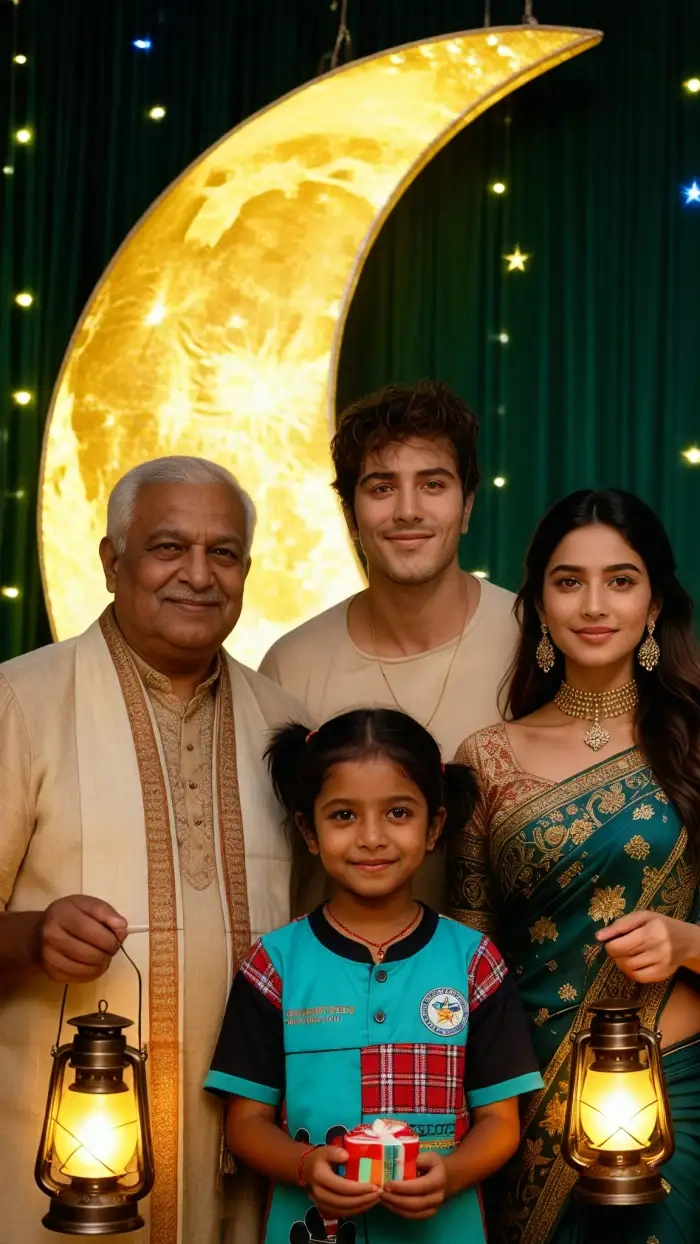

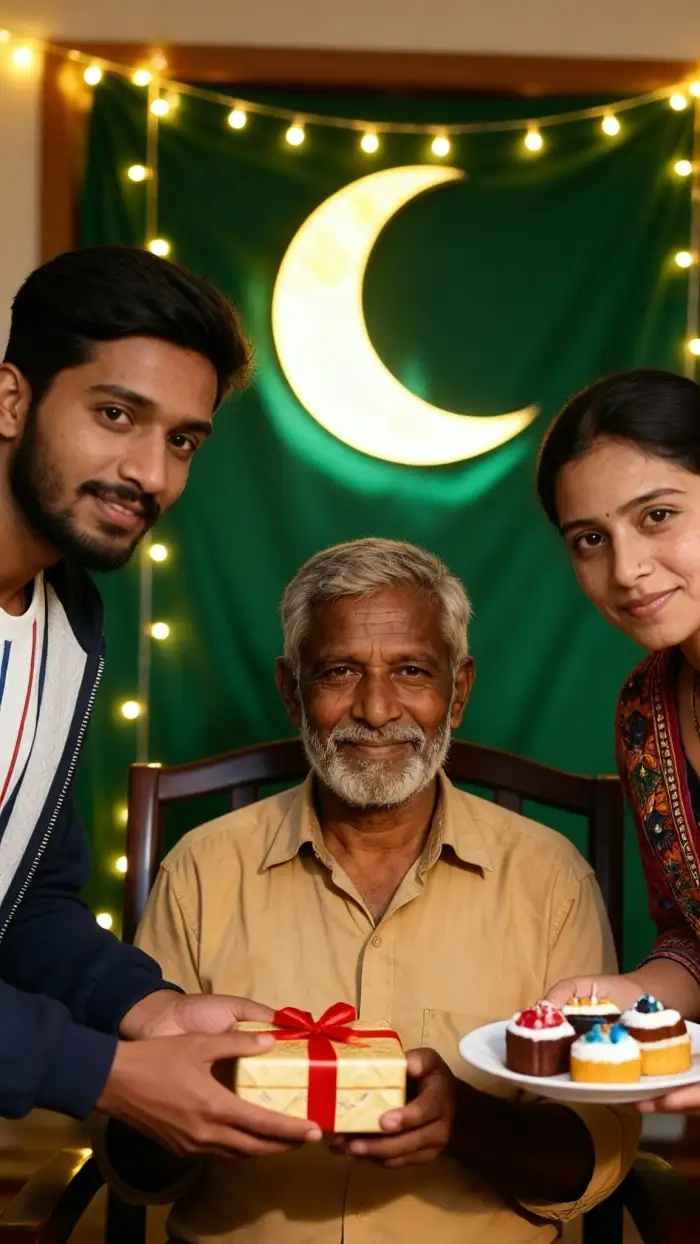

How to Create a 12 Rabi Ul Awal Whatsapp Status AI Greeting?
The app is free to start and works online once the templates load. You can also tap the banner below to jump straight to the listing.

Step 01.
Open Google Play on your Android phone. Search for CoupleLens and tap install.

Step 02.
Open CoupleLens and browse the festival collection. Pick the Mawlid style that matches your greeting, Green Dome, Emerald Lantern, or the Family Group filter.

Step 03.
Preview the result inside CoupleLens. Hit save, then share. The app sends your 12 Rabi Ul Awal Whatsapp status AI greeting straight to WhatsApp status.
Watch CoupleLens in Action
Two short videos show how a normal selfie becomes a glowing Milad Un Nabi Whatsapp status in seconds.
What Our Users Say About CoupleLens
If you want a personal 12 Rabi Ul Awal Whatsapp status AI greeting without writing a single prompt, CoupleLens is the one.
I needed a 12 Rabi Ul Awal status photo fast, and CoupleLens gave me one in less than a minute. The Green Dome filter kept my face exactly the same, and the gold lantern glow in the background made the whole thing feel real. I posted it on WhatsApp status right away, and my family group chat exploded with messages. Best Milad Un Nabi Whatsapp status I have ever shared.
CoupleLens turned a stressful design task into a one-tap joy for every 12 Rabi Ul Awal status photo I need.
I run a clothing shop, and I always post a festival greeting for my customers. Last year I spent hours in Canva. This year I opened CoupleLens, picked the Emerald Lantern filter, and my Eid Milad Instagram photo was ready before my tea got cold. The face stayed the same, the colors looked rich, and the whole post took me 20 seconds.
For any group Milad Mubarak status AI moment, CoupleLens is the only app that actually keeps every face looking right.
My friends and I wanted a group 12 Rabi Ul Awal status photo together, and every other app kept blending our faces into one. CoupleLens kept all four of us sharp and separate in the group filter. We made a video version too, with lanterns flickering behind us. It felt like a real Mawlid gathering, not an AI picture.
Frequently Asked Questions
Quick answers to the most common questions about making a 12 Rabi Ul Awal status photo and Eid Milad Instagram photo with CoupleLens.
More Topics You May Like
Explore other festival and celebration guides on CoupleLens.

Edit ID Picture with Formal Attire: One Tap in CoupleLens
Milad Un Nabi Photo with My Face: CoupleLens AI Photo Creator
Ganpati Procession AI Video: Make Bappa Morya Clips in One Tap with CoupleLens
Ganpati Eco Friendly AI Poster Maker for Festival Designs with CoupleLens
Edit ID Picture with Formal Attire: One Tap in CoupleLens
Milad Un Nabi Photo with My Face: CoupleLens AI Photo Creator
Ganpati Procession AI Video: Make Bappa Morya Clips in One Tap with CoupleLens
Ganpati Eco Friendly AI Poster Maker for Festival Designs with CoupleLens
Your Mawlid Greeting Is Waiting Inside the App
Skip the prompt copying and the design tools. CoupleLens puts 25,000 plus Mawlid-ready templates on your phone, plus photo to video in the same tap.
Your Mawlid Greeting Is Waiting Inside the App
Skip the prompt copying and the design tools. CoupleLens puts 25,000 plus Mawlid-ready templates on your phone, plus photo to video in the same tap.