Ganpati Procession AI Video
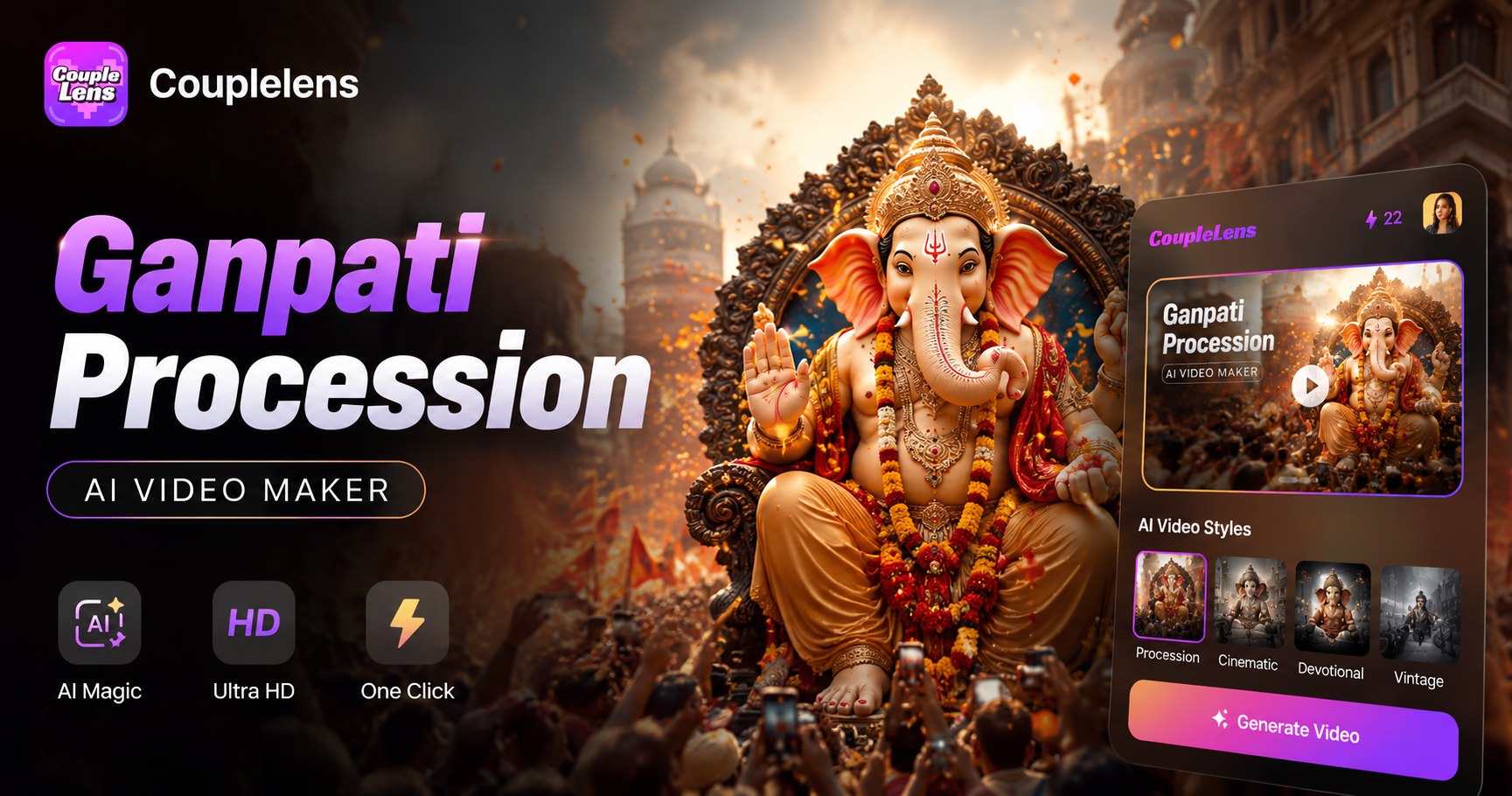
Pick a Ganpati Procession AI Video Filter
Browse CoupleLens Bappa filters made for the AI video editing crowd who want festival ready clips without writing a single prompt.
Key Features of Ganpati Procession AI Video
CoupleLens packs the AI video maker power most desktop tools charge for, then trims it down to three festival ready features.
One Tap Bappa Animation
The AI video maker reads your photo, finds Bappa, and adds natural procession motion. Drums thump, flags wave, gulal floats. You tap once and a high resolution clip comes out in 10 to 20 seconds. No prompt typing. No timeline dragging. No learning curve. Even a first time user gets a clip worth posting in their first try, which is why festival creators keep CoupleLens on their home screen every Chaturthi.
 Before
Identity Lock Across Every Frame
Upload a group pandal shot with the whole family. CoupleLens AI face swap engine keeps Bappa separate from each person. Grandfather stays grandfather. Kid stays kid. Idol stays idol. The motion spreads across the group without mixing faces, blending features, or losing subjects, so your group clip still feels like your real family on a real Chaturthi night.
25,000 Procession Ready Filters
The CoupleLens library holds 25,000 festival styles, and new procession themes drop every week during Chaturthi. Pick 3D clay Bappa, Ghibli festival night, cinematic idol portrait, or any trending hugging template. Trending looks sit on the home screen the moment they go viral, so the AI video editing workflow feels less like editing and more like picking the freshest outfit for the day.
Watch CoupleLens in Action
Two short clips that show how CoupleLens turns a normal Bappa photo into a smooth Ganpati procession AI video with no editing at all.
See Real Ganpati Procession AI Video Results
A look at real clips made by CoupleLens users during Ganesh Chaturthi 2025, all built with the AI video editing power of one tap filters.
How to Create a Ganpati Procession AI Video?
Open Google Play, search CoupleLens, and install the free Ganpati procession AI video app.

Step 01.
Sign up with one tap. The app is light and works on most Android phones, even budget ones.

Step 02.
Open CoupleLens, pick a Bappa procession filter, and upload one photo. A solo idol, a group pandal shot, or a street procession picture all work. The filter does the rest.

Step 03.
Tap generate and wait 10 to 20 seconds. Your Ganpati procession AI video is ready. Download it to your phone, then share to Instagram Reels.
What Devotees Say About Ganpati Procession AI Video on CoupleLens
CoupleLens is the only AI video maker I trust for Bappa content.
I shot a pandal visit for a client and used CoupleLens to turn three group photos into a short reel. The dhol beat and gulal motion looked so real, my client asked if I hired a video team. I told her it was one tap. CoupleLens is now part of every festival delivery I do.
If you need a Ganpati procession AI video fast, CoupleLens is the move.
I was the family member who always forgot to make the Chaturthi reel. This year I opened CoupleLens, picked a filter, dropped in our mandap photo, and posted a video before mom finished the aarti. My cousins thought I used a pro editor.
CoupleLens is the fastest AI face swap and festival video tool on my phone.
My shop has a small Bappa setup every year. I used CoupleLens to make a 15 second clip for my Instagram page. The faces of my staff and the idol both stayed sharp. The whole thing took maybe a minute. The post got more reach than any photo I ever put up.
Ganpati Procession AI Video Questions
Quick answers about how CoupleLens handles procession videos, group photos, sharing, and the AI video maker workflow for festival creators.
More Topics You May Like
CoupleLens has the full festival stack. From Ghibli Bappa portraits to 3D idol filters, here are more ways to feed your Chaturthi content with the same AI video maker.
Ganpati Eco Friendly AI Poster Maker for Festival Designs with CoupleLens
Ganpati Bappa AI Video: Animate Lord Ganesha in One Tap
Ganpati Bappa CapCut Alternative: CoupleLens AI Video Generator
Late Night Railway Station AI Video: Cinematic Clips in One Tap with CoupleLens
Ganpati Eco Friendly AI Poster Maker for Festival Designs with CoupleLens
Ganpati Bappa AI Video: Animate Lord Ganesha in One Tap
Ganpati Bappa CapCut Alternative: CoupleLens AI Video Generator
Late Night Railway Station AI Video: Cinematic Clips in One Tap with CoupleLens
Your Ganpati Procession AI Video Is One Tap Away
The festival does not wait. Download CoupleLens on Google Play, pick a Bappa filter, and post your procession clip before the next aarti starts. Bappa Morya.
Your Ganpati Procession AI Video Is One Tap Away
The festival does not wait. Download CoupleLens on Google Play, pick a Bappa filter, and post your procession clip before the next aarti starts. Bappa Morya.