Viral Eye Close Up CapCut
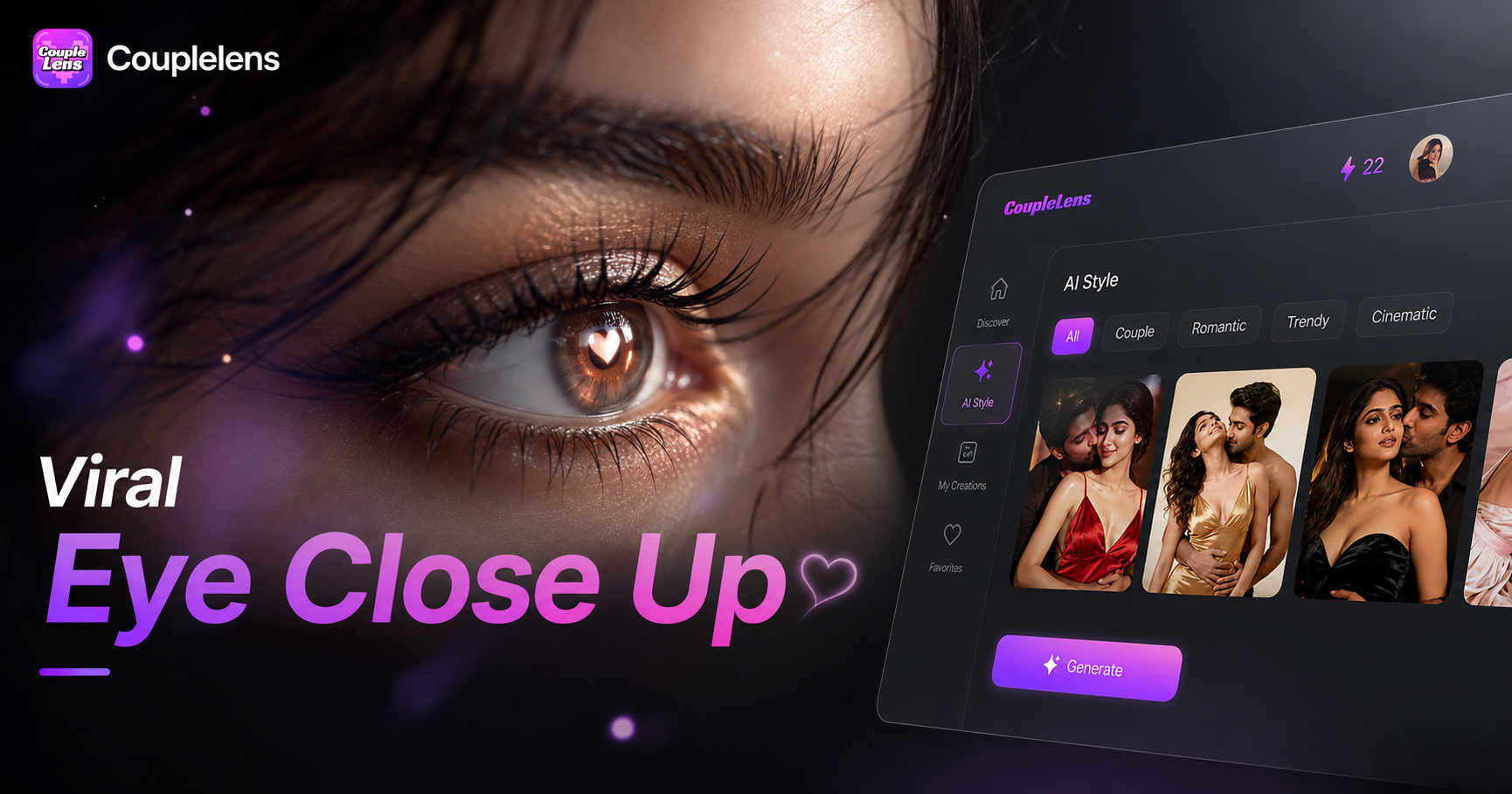
Pick Your Viral Eye Close Up Filter
CoupleLens ships thousands of ready to use eye close up filters. Each one bakes in a different camera move, mood, and color grade.
Key Features of CoupleLens Viral Eye Close Up Video Maker
CoupleLens gives you three core powers to make a viral eye close up CapCut style close up video. Each one solves a real pain point in the manual editing workflow.
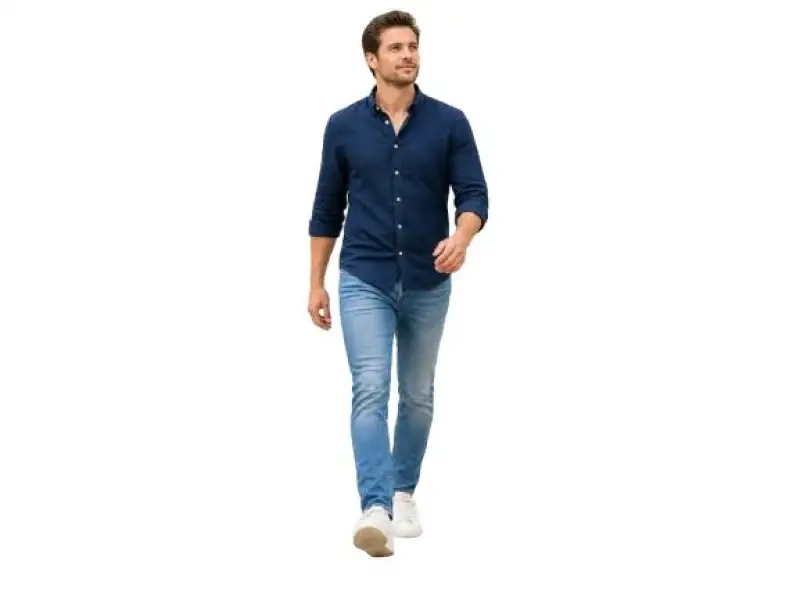 Before
Image to Video with Built In Slow Zoom and Blink
The hard part of a CapCut eye trend video is the slow push in, the natural blink, and the smooth slow motion hold. CoupleLens does all three for you. Upload one photo, choose a video filter, and the AI generates a short close up video where the camera glides toward your eyes, your subject blinks at a natural beat, and the last second holds in slow motion.
One Tap Style Filters for Eye Close Up Videos
Stop hunting for CapCut templates. CoupleLens packs more than 25,000 ready made style filters, and dozens of them are tuned for eye close up videos. Pick a filter like the moody iris glow or the beat drop eye reveal, drop in your portrait, and the AI keeps your face, hair, and skin tone intact while it adds the dramatic camera framing.
 Before
Face Consistency for Solo Shots
The viral eye close up CapCut look only works when the eyes stay sharp and the faces do not melt together. CoupleLens uses character consistency AI to lock in facial features, eye shape, and hair across every frame. Solo close ups keep your identity clean. Couple shots keep both partners distinct, no mixed faces, no swapped eyes. Group photos stay group photos, even when the camera zooms in tight on the eyes.
How to Create a Viral Eye Close Up CapCut Style Video?
You only need three steps. No CapCut project files. Everything happens inside the CoupleLens mobile app.

Step 01.
Search CoupleLens on Google Play and install the app. Sign up with your email, grant photo access, and you are in.

Step 02.
Open CoupleLens, browse the eye close up filter collection, and tap the style you want. Upload one clear portrait where your eyes are visible and well lit.

Step 03.
Tap generate and wait about ten to twenty seconds. CoupleLens renders a vertical close up video with a slow zoom, a natural blink, and a smooth hold.
Use CoupleLens for a Viral Eye Close Up CapCut Style Video
CoupleLens is built for mobile, so you can shoot a portrait, generate the close up video, and post it to TikTok without ever leaving the app. The eye close up filter library is tuned by creators who already ship this kind of content, so every filter is one tap away from looking like a finished Reel. Image to video AI handles the slow push in, the natural blink, and the slow motion hold, the three moves that usually take CapCut editors the longest. Face consistency keeps solo, couple, and group close up videos looking sharp and clean, with no mixed faces, no warped eyes, and no uncanny drift. Skip the template hunt, skip the keyframes, and skip the render queue. CoupleLens gives you a full viral eye close up CapCut style close up video in under a minute, right from your phone.

Real Eye Close Up Videos Made Inside CoupleLens
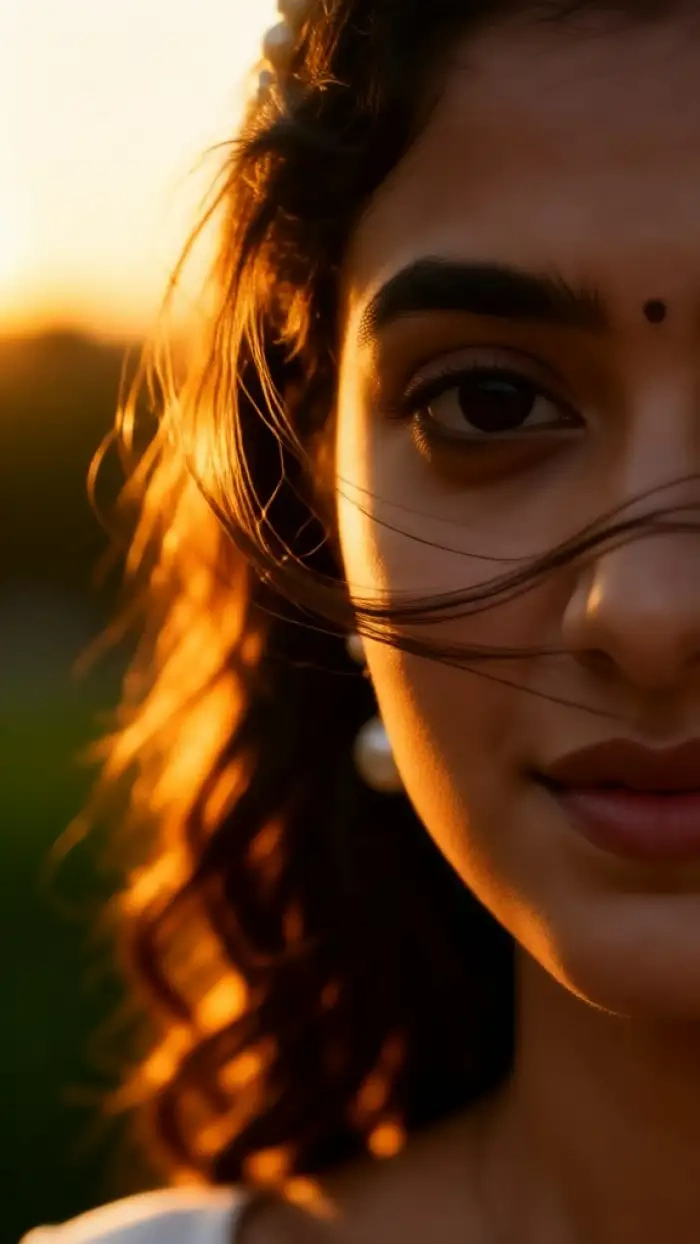
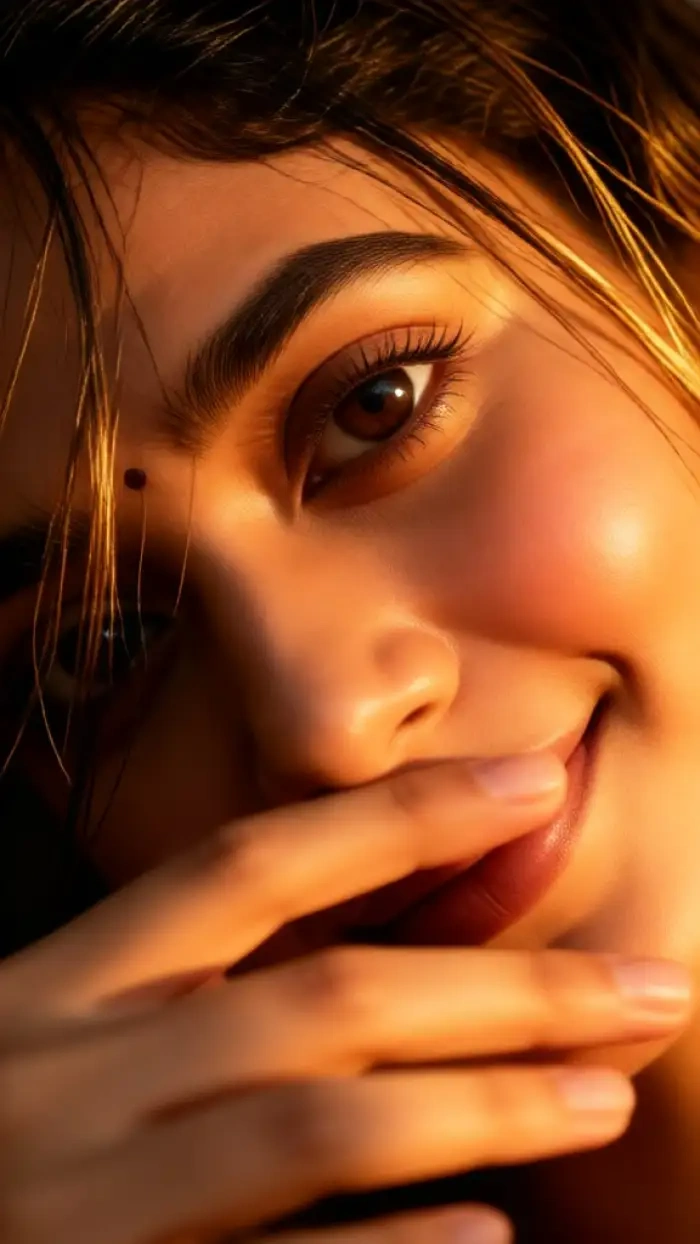
See what other creators shipped this week. Every clip below was generated in CoupleLens from a single photo using one of the eye close up filters above.


Watch How CoupleLens Works
Quick CoupleLens tutorials that walk you through making a viral eye close-up CapCut-style close-up video on mobile, from filter pick to final share.
What Creators Say About the CoupleLens Eye Close Up Trend
CoupleLens is now my go to for any viral eye close up CapCut style post.
I used to spend an hour in CapCut rebuilding the eye close up trend with keyframes and masks. CoupleLens does the exact same close up video in under twenty seconds. I just drop in my portrait, tap the eye filter, and the slow push in plus the blink are already baked in. My last Reel hit a hundred thousand views in two days and I did not touch a single timeline.
If you are a creator who hates editing, this CoupleLens app pays for itself the first day.
I run a beauty account and the eye close up CapCut trend is the only thing working on my Reels this month. CoupleLens gave me a one tap way to keep up without learning the manual edit. The iris glow filter makes my eye makeup pop in the close up video, and the face consistency is clean even when I post a series across the week.
CoupleLens handled all three of our faces in one close up video, and the slow zoom into our eyes looked like a movie trailer.
My girlfriend and I wanted to post a couple eye close up Reel for our anniversary. I uploaded one photo of us into CoupleLens, picked the beat drop eye reveal filter, and the AI kept both our faces totally separate in the close up video. No mixed features, no swapped eyes, just a clean cinematic eye close-up CapCut-style look. We got more saves on that post than anything we made in CapCut last year. I am not going back to manual editing for this trend.
Frequently Asked Questions
Find clear answers to common questions and get the guidance you need to make a viral eye close-up CapCut-style video.
More Topics You May Like
Explore more trendy AI photo and AI video filters inside CoupleLens.
Ganpati Eco Friendly AI Poster Maker for Festival Designs with CoupleLens
Ganpati Bappa AI Video: Animate Lord Ganesha in One Tap
Ganpati Bappa CapCut Alternative: CoupleLens AI Video Generator
Late Night Railway Station AI Video: Cinematic Clips in One Tap with CoupleLens
Ganpati Eco Friendly AI Poster Maker for Festival Designs with CoupleLens
Ganpati Bappa AI Video: Animate Lord Ganesha in One Tap
Ganpati Bappa CapCut Alternative: CoupleLens AI Video Generator
Late Night Railway Station AI Video: Cinematic Clips in One Tap with CoupleLens
Make Your First Viral Eye Close Up Video Tonight
The trend is moving fast. Couples, creators, and group accounts are all posting the same eye close up CapCut style look this week. It is free to start, no editing skills needed.
Make Your First Viral Eye Close Up Video Tonight
The trend is moving fast. Couples, creators, and group accounts are all posting the same eye close up CapCut style look this week. It is free to start, no editing skills needed.