Ganesh Chaturthi AI Photo Generator
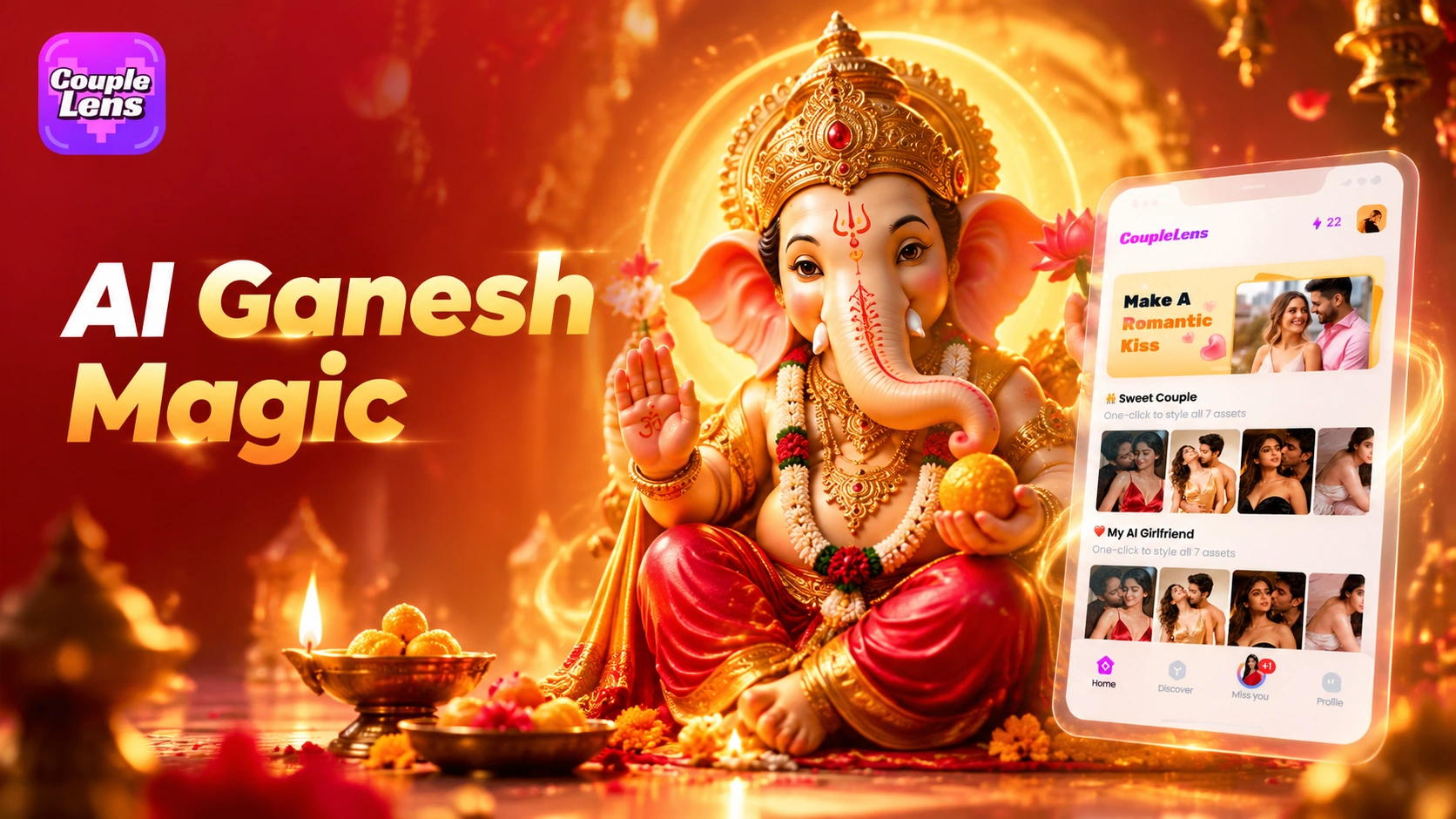
Pick the Ganesh Chaturthi Filter That Fits Your Moment
Browse CoupleLens Ganesh Chaturthi filters, from Ganesh blessing AI photos to half face Ganpati AI photos and Ganpati family AI photos.
Key Features of the CoupleLens Ganesh Chaturthi AI Photo Generator
Try the blessing pose, the half face split with Ganpati Bappa, or the whole family group shot, all without writing prompts or editing skills on the CoupleLens app.
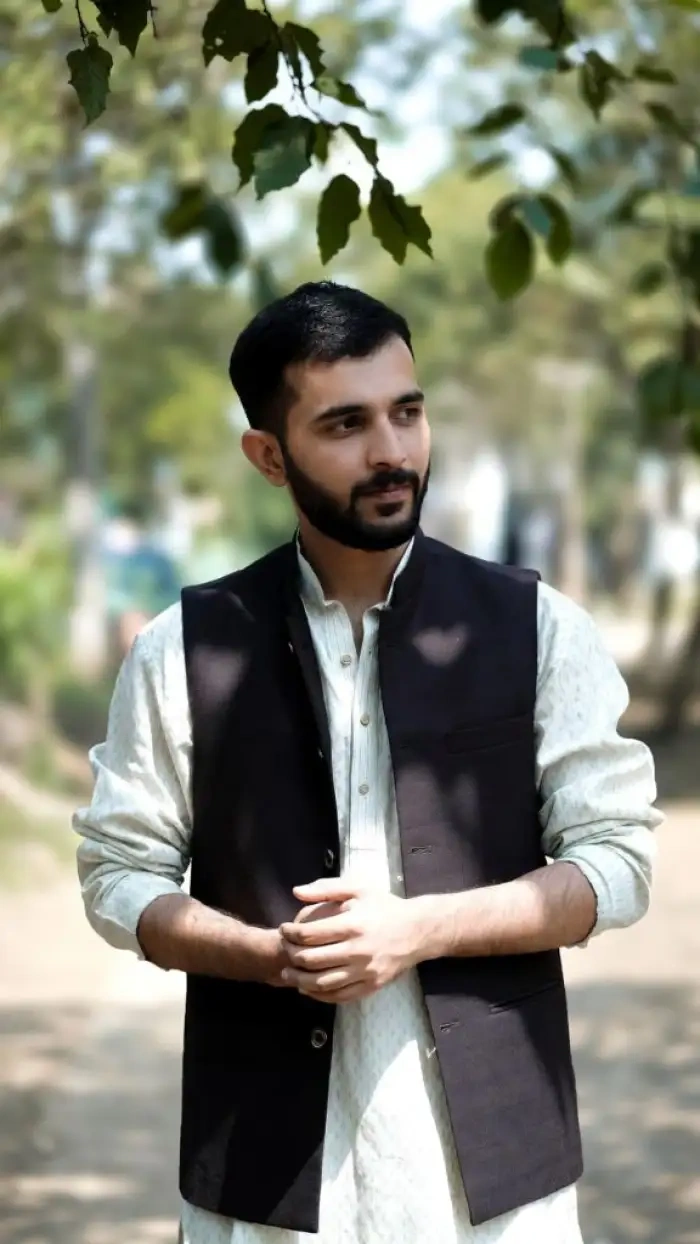 Before
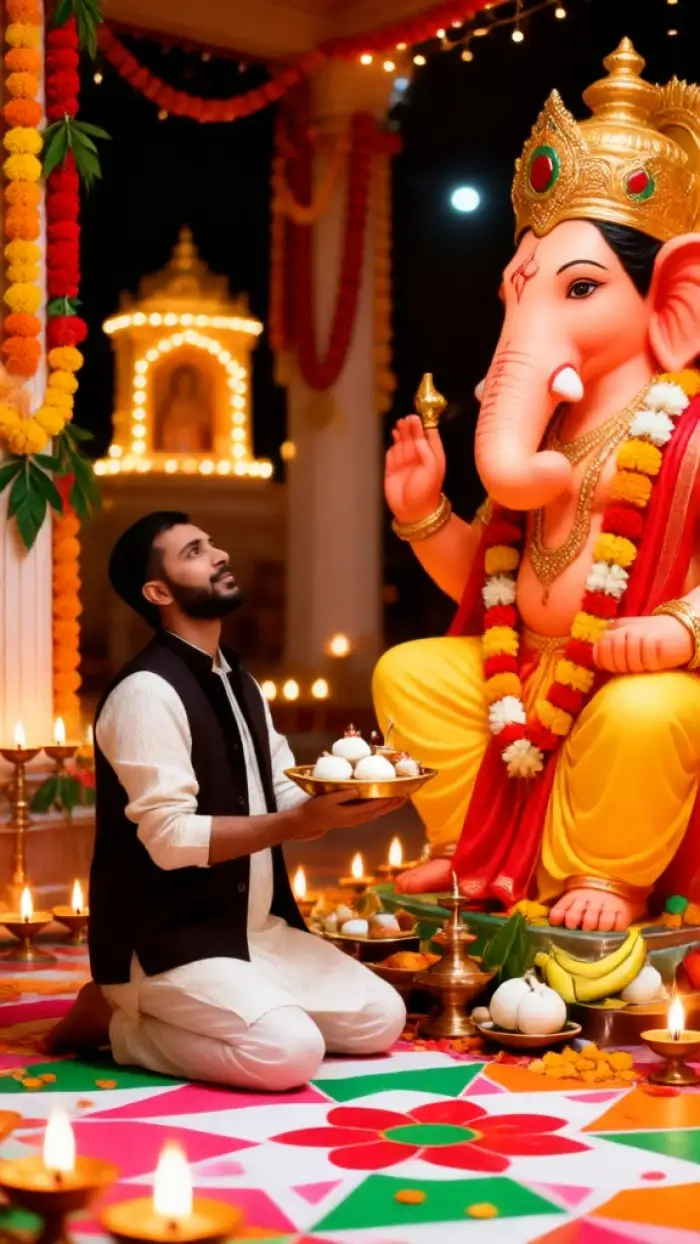 After
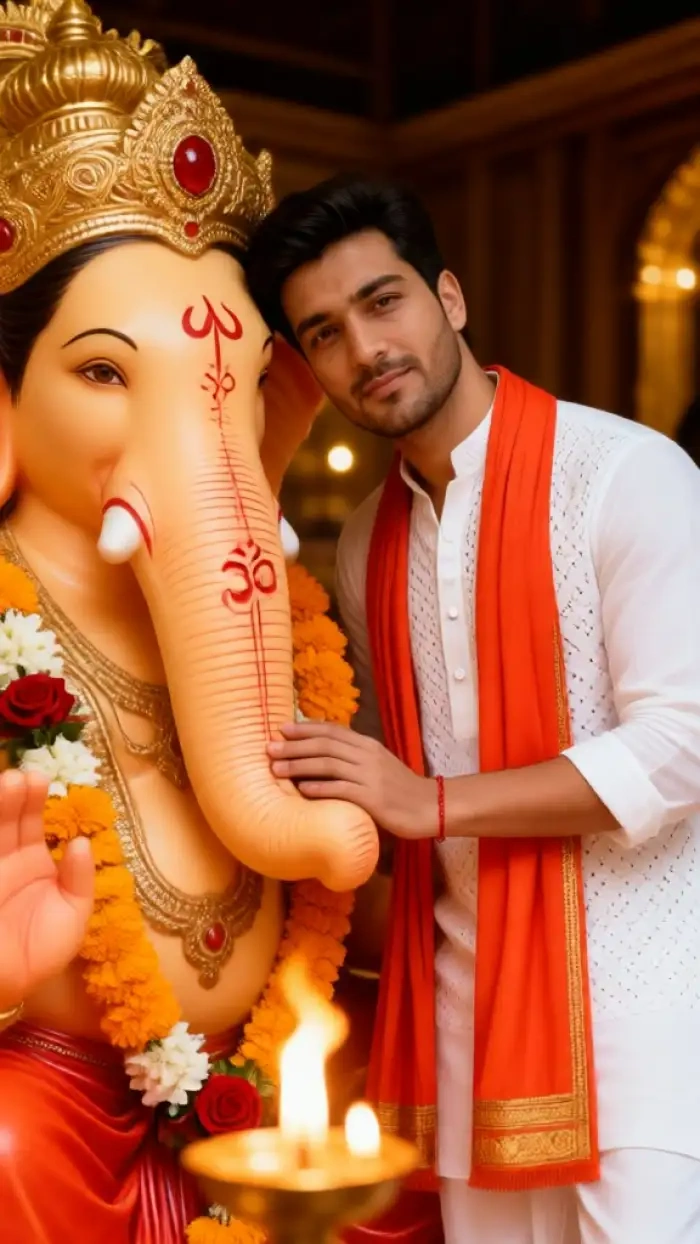
AfterOne Tap Ganesh Blessing AI Photo Filter
Upload one clear photo and the Ganesh blessing AI photo filter on CoupleLens places you next to a richly decorated Ganpati Bappa idol. The AI keeps your real face, hair, and skin tone, then adds warm mandap light, marigolds, and diyas. One tap, no prompts needed, ready to post on Instagram or send as a WhatsApp status.
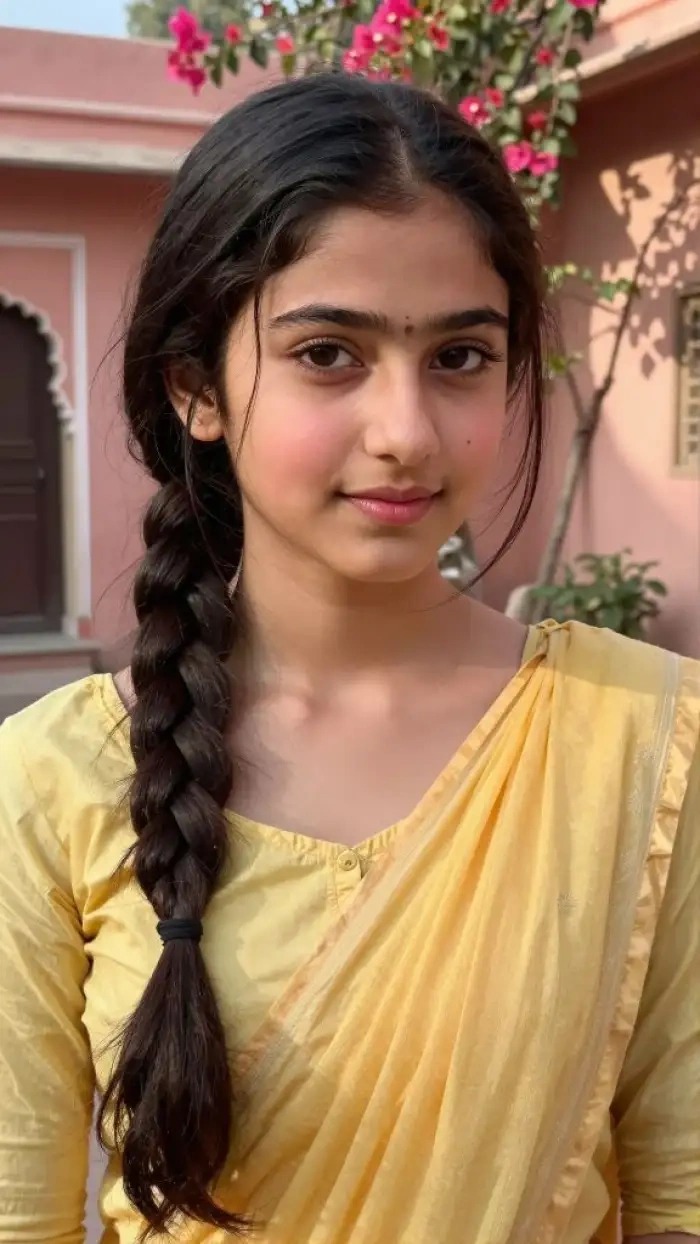 Before
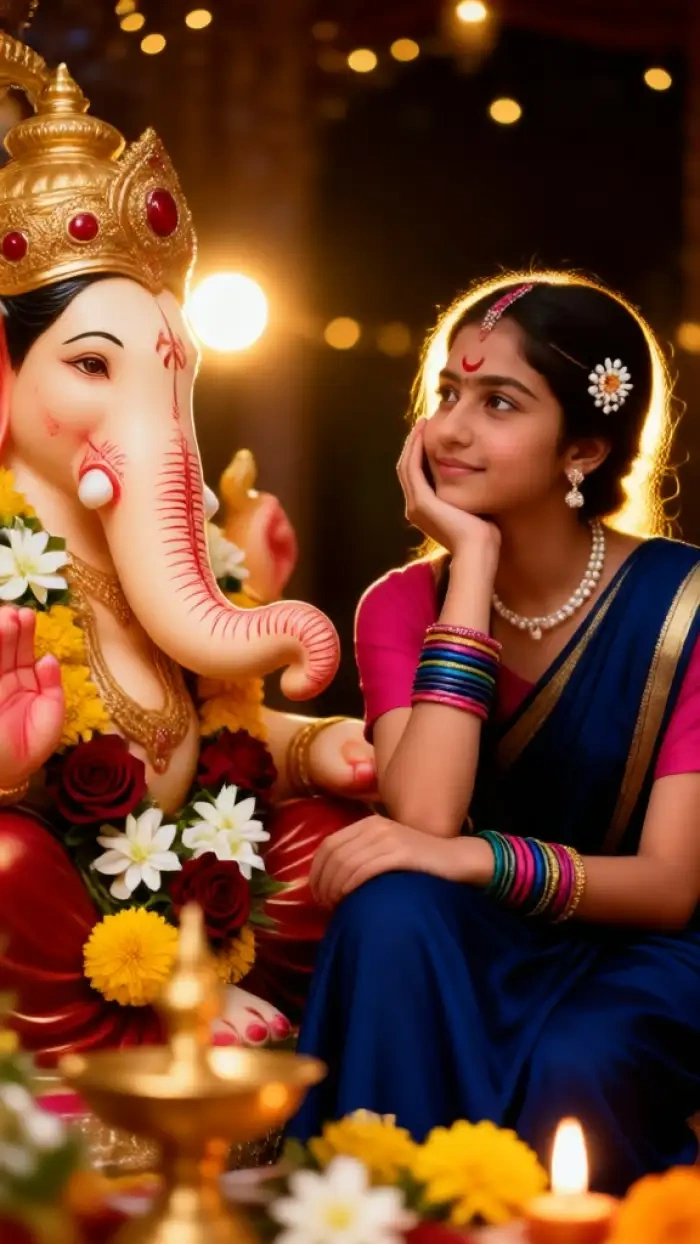 After
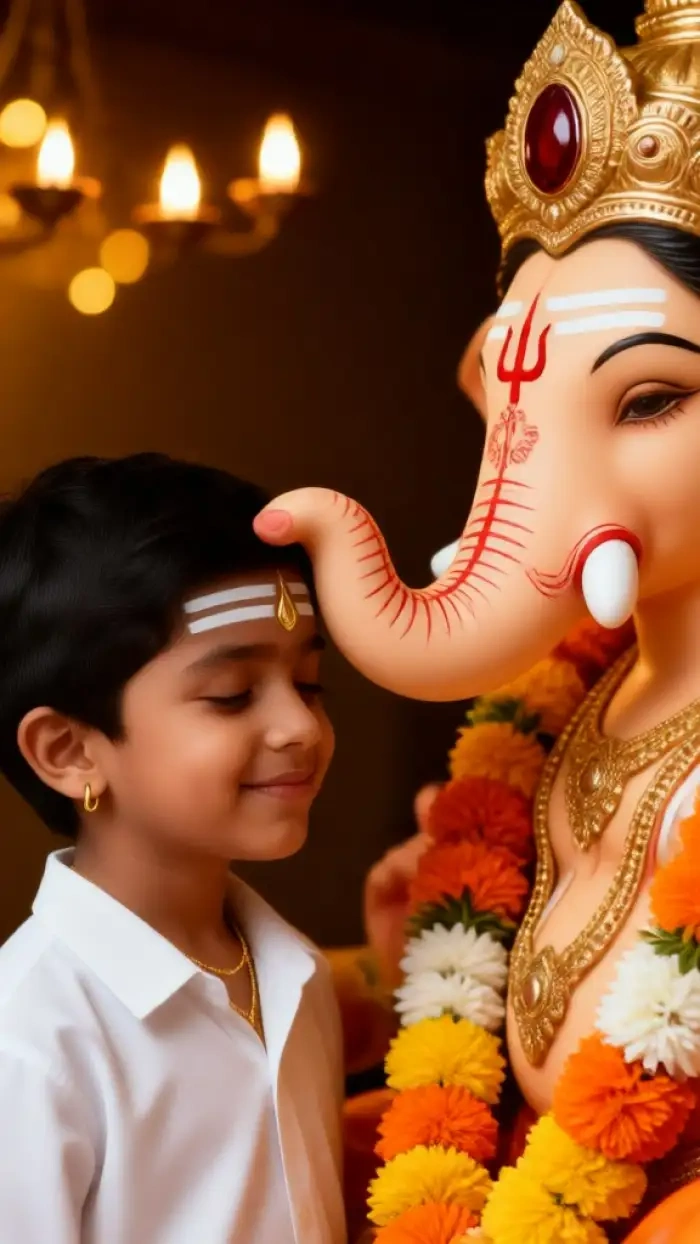
AfterHalf Face Ganpati AI Photo Filter
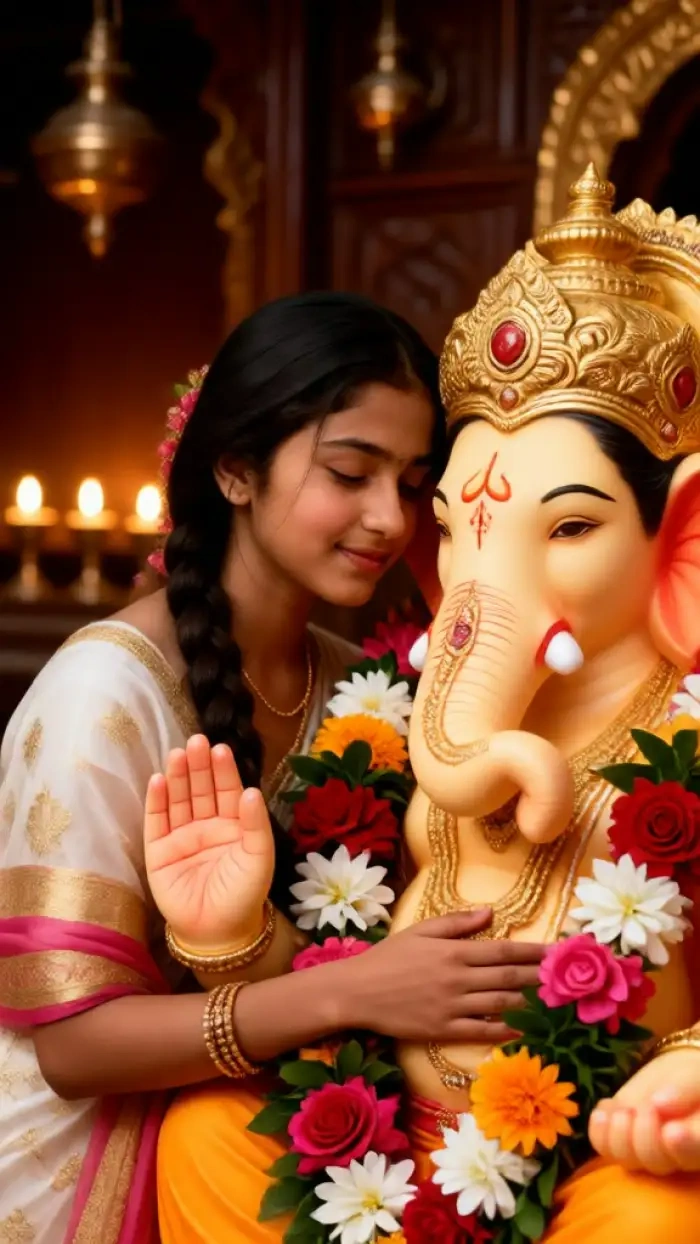
Make the viral half face Ganpati AI photo in one tap on CoupleLens. The filter crops a tight vertical close up with half your face cheek to cheek with half a decorated Ganpati Bappa idol, both eyes at the same level. Marigolds, gold ornaments, and warm temple light fill the frame, ready to set as a festive profile picture on Instagram or WhatsApp.
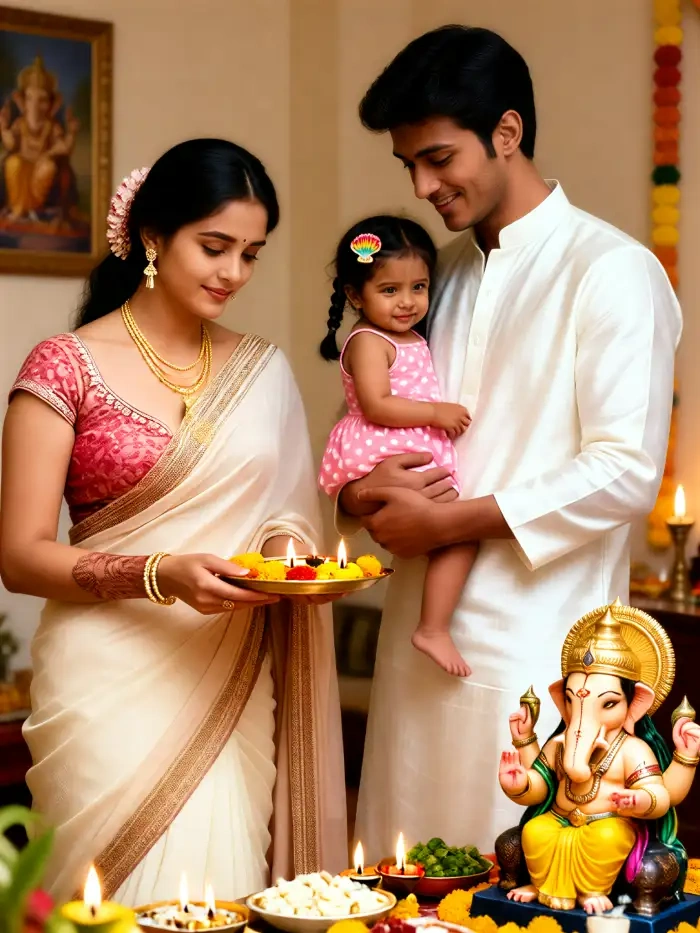
Instant Ganpati AI Photo Creations
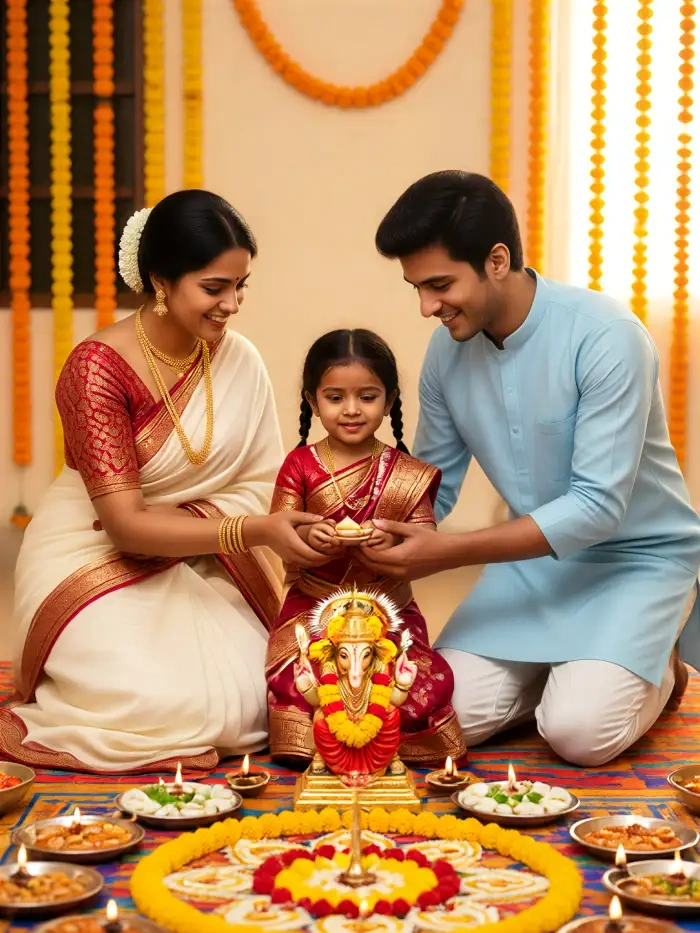
Pull the whole family into one Ganesh Chaturthi photo with the CoupleLens Ganpati family AI photo filter. Upload separate photos of each family member and the AI recognizes every face, lines everyone up beside Ganpati Bappa, and keeps each person looking like themselves. No mixed faces, no missing uncles, no crowded pandal trip needed, just a warm festival group portrait ready to share.
See Real Ganesh Chaturthi AI Photo Results From CoupleLens
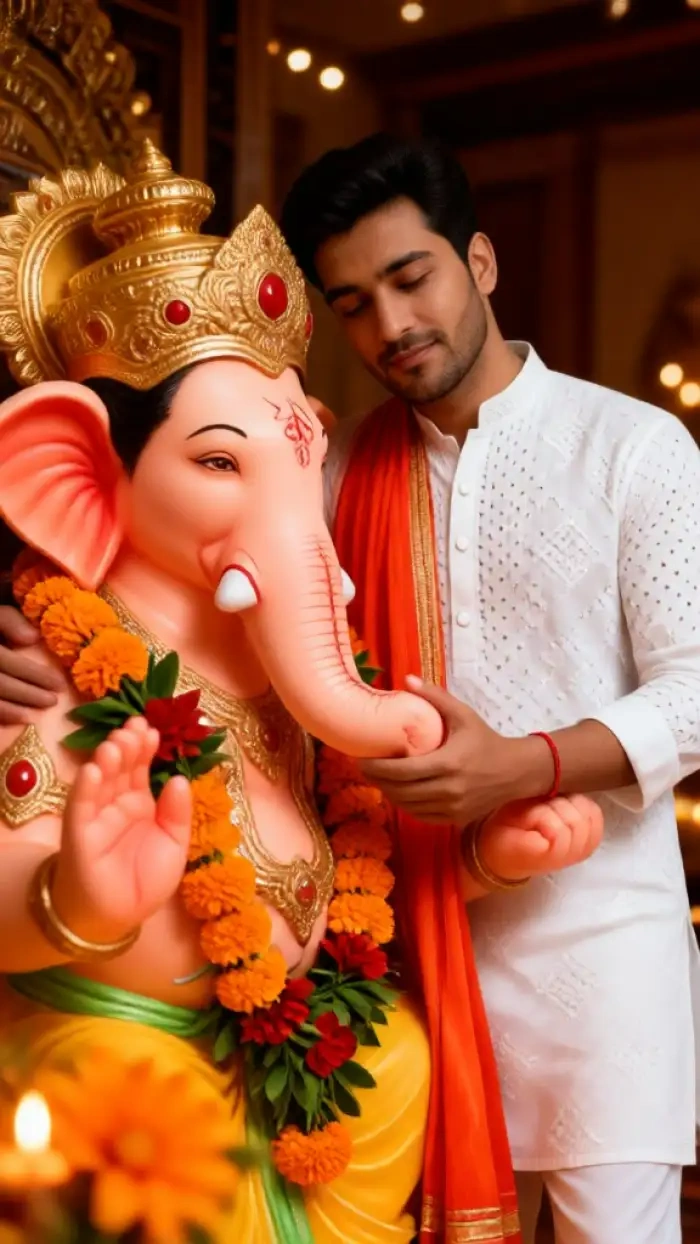
Browse Ganesh Chaturthi AI photos made by CoupleLens creators, from Ganesh blessing AI photos to half face Ganpati AI photos and family group portraits.
Watch CoupleLens in Action Before You Try It
See quick CoupleLens walkthroughs showing how a Ganesh Chaturthi AI photo, half face Ganpati split, and Ganpati family photo come together on mobile.
Use the CoupleLens Ganesh Chaturthi AI Photo Generator
CoupleLens makes a Ganesh Chaturthi AI photo feel like a real pandal visit, without the long prompt or design software. The Ganesh blessing AI photo filter keeps your face, the half face Ganpati AI photo filter nails the viral split, and the Ganpati family AI photo filter pulls every relative into one frame, all inside the CoupleLens app.

How to Create a Ganesh Chaturthi AI Photo?
Create Ganesh Chaturthi AI photos in just a few simple steps using our powerful platform.

Step 01.
Grab CoupleLens free on Google Play. Open the app and tap into the festival filter library where new Ganesh Chaturthi looks drop every week.

Step 02.
Choose the Ganesh blessing AI photo, the half face Ganpati AI photo, or the Ganpati family AI photo filter, then upload one clear selfie or several family photos.

Step 03.
Tap generate and CoupleLens renders your Ganesh Chaturthi AI photo in 10 to 20 seconds. Post it straight to your CoupleLens profile, Instagram, or WhatsApp status.
Frequently Asked Questions
Quick answers about making a Ganesh Chaturthi AI photo, half face Ganpati AI photo, and Ganpati family AI photo on CoupleLens.
More Topics You May Like
Explore more CoupleLens festival filters, from Diwali family looks to other half face AI photo trends, beyond the Ganesh Chaturthi AI photo library.
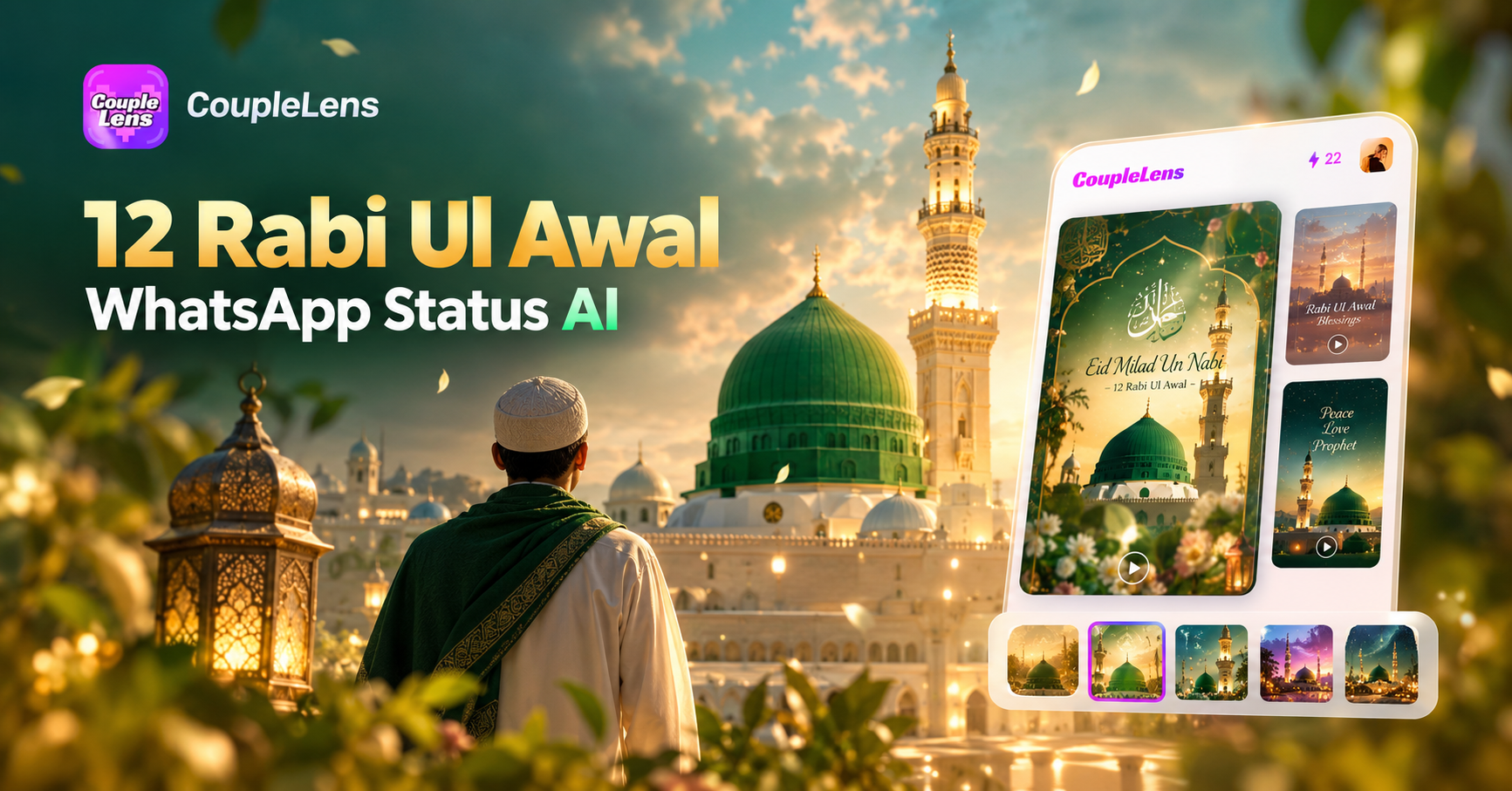
12 Rabi Ul Awal Whatsapp Status AI: Make a Personal Mawlid Greeting Fast
Viral Eye Close Up CapCut Style Video with CoupleLens
Eid Milad Un Nabi AI Photo Editing: Create Festive Portraits with CoupleLens

Edit ID Picture with Formal Attire: One Tap in CoupleLens
12 Rabi Ul Awal Whatsapp Status AI: Make a Personal Mawlid Greeting Fast
Viral Eye Close Up CapCut Style Video with CoupleLens
Eid Milad Un Nabi AI Photo Editing: Create Festive Portraits with CoupleLens
Edit ID Picture with Formal Attire: One Tap in CoupleLens
Your Ganesh Chaturthi AI Photo Is One Tap Away
Download CoupleLens on Google Play, pick a Ganpati filter, and post your Ganesh Chaturthi AI photo before the aarti even starts.
Your Ganesh Chaturthi AI Photo Is One Tap Away
Download CoupleLens on Google Play, pick a Ganpati filter, and post your Ganesh Chaturthi AI photo before the aarti even starts.