Eid E Milad AI Photo Editing
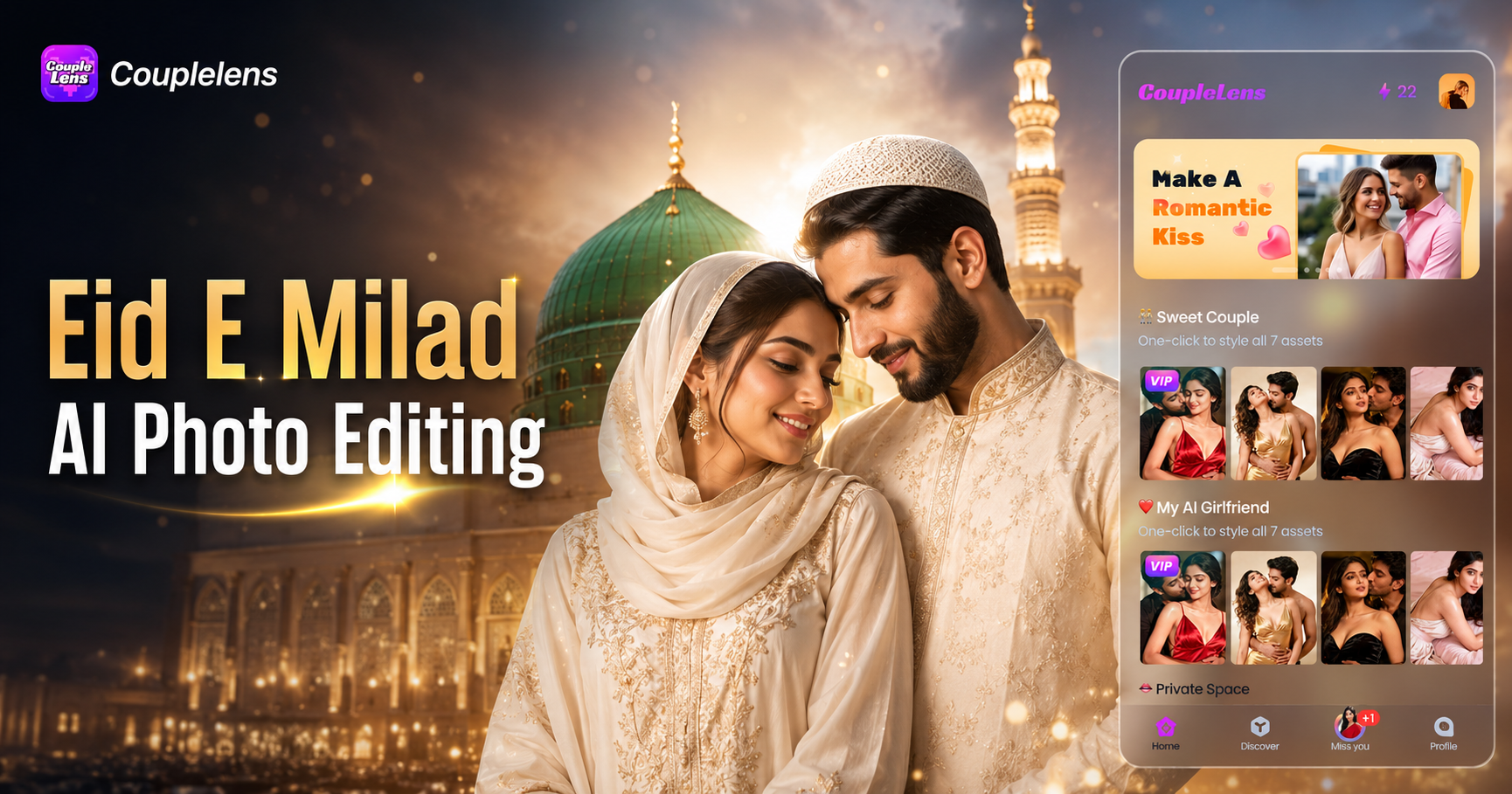
Pick a Milad Ready Template and Start in One Tap
These eight CoupleLens templates are tuned for Eid E Milad AI photo editing across solo, couple, and family looks.
How to Create an Eid Milad Portrait in CoupleLens?
Download CoupleLens on Google Play and turn one selfie into a beautiful Eid Milad un Nabi portrait today.

Step 01.
Open the Google Play Store, search CoupleLens, and install the app. Free to download, free to try, no desktop account needed.

Step 02.
Open the CoupleLens app, tap any Milad template from the eight above, and upload one selfie or a group photo. The app handles solo, couple, and family shots in the same flow.

Step 03.
Wait 10 to 20 seconds. Save the final image or send it straight to WhatsApp, Instagram, Facebook, or TikTok from inside the CoupleLens share sheet. Done.
Key Features of CoupleLens for Eid E Milad AI Photo Editing
CoupleLens is built for festive moments. Face lock, multi-person group photo support, and 25,000 ready-made templates come together.
 Before
 After
AfterFace Lock That Keeps Your Real Look
CoupleLens uses character consistency to keep your eyes, nose, lips, skin tone, and face shape exactly as in the original photo. The AI only changes background, outfit, and lighting. You get a real Eid E Milad AI photo editing result, not a stranger in your kurta. Face lock runs on every Milad template.
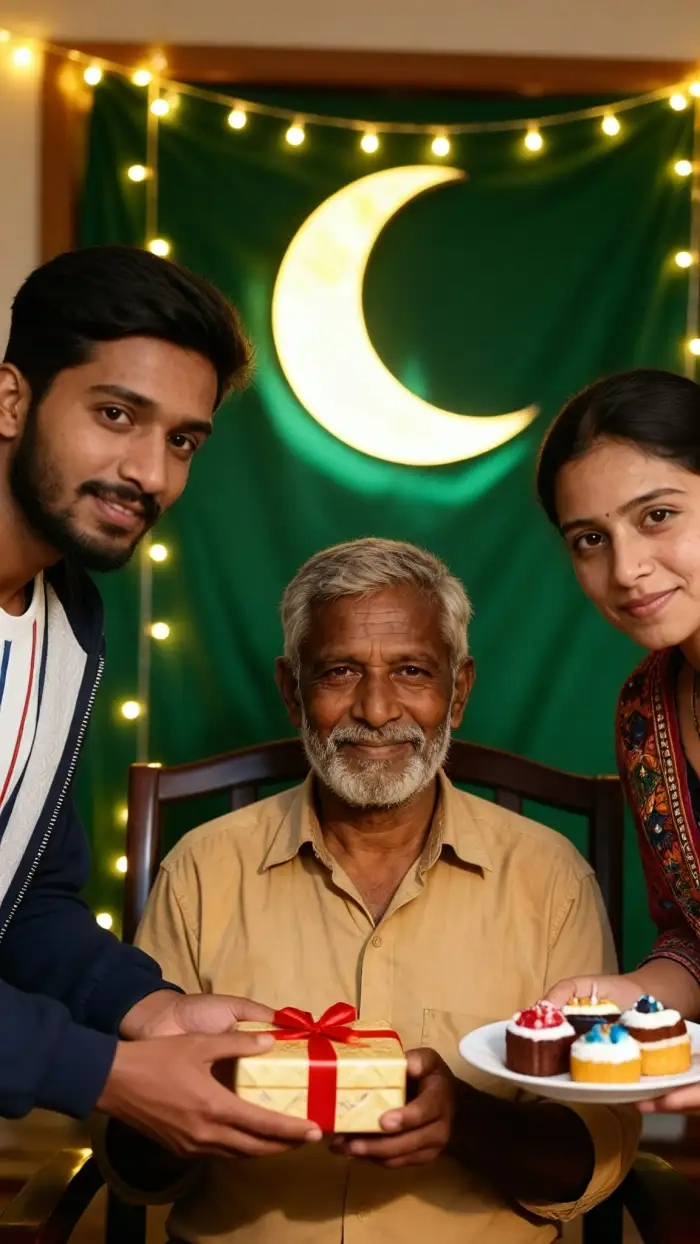
Multi-Person Group Photo Without Face Mixing
CoupleLens detects each person in a group shot as a separate subject. Upload a family of four, six, or ten, and the AI photo creator dresses everyone in matching Milad outfits while keeping each face clean. Hugging and mosque poses work without the melted face problem that ruins other tools.
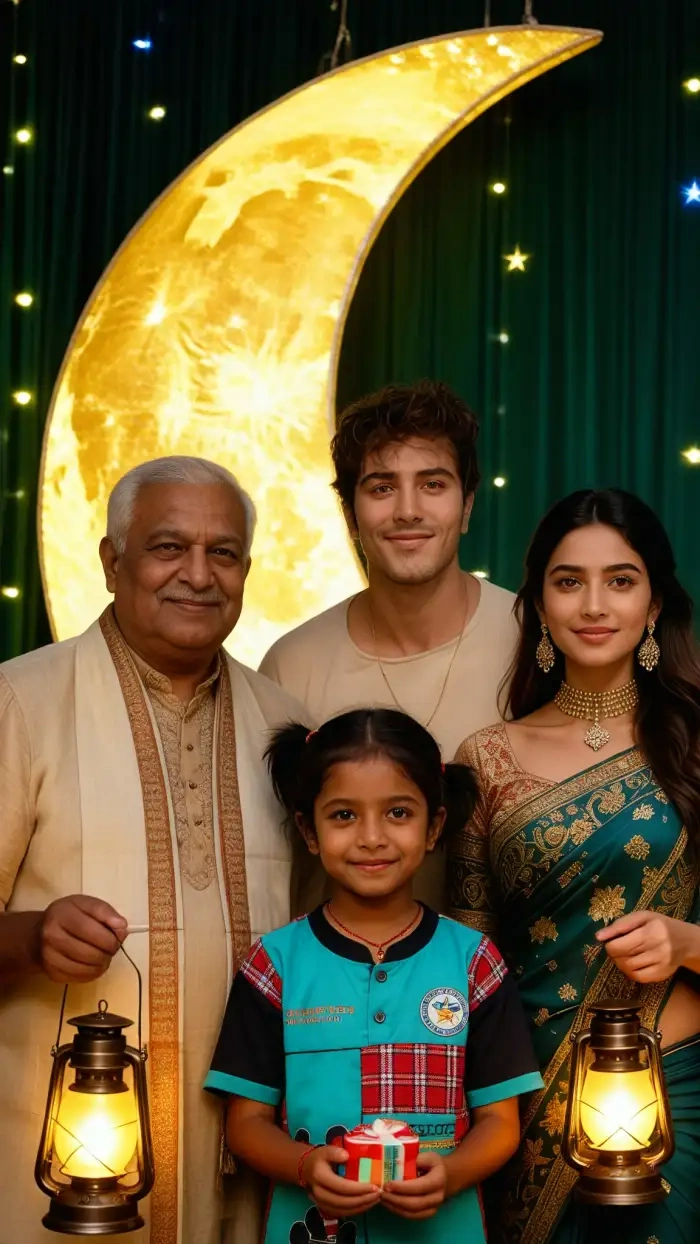
Giant moon light Family reunion
Rapid Render and Instant Share
A Milad portrait finishes in 10 to 20 seconds on a mid-range Android phone. The result lands in your CoupleLens gallery, ready to send to WhatsApp or Instagram in one tap. No watermark, no desktop, no extra save. As a mobile AI image generator, CoupleLens ships Eid Milad photos in under one minute.
See Real Eid Milad Portraits Made with CoupleLens
A look at real CoupleLens Eid E Milad AI photo editing results this season, from solo portraits to family group shots.

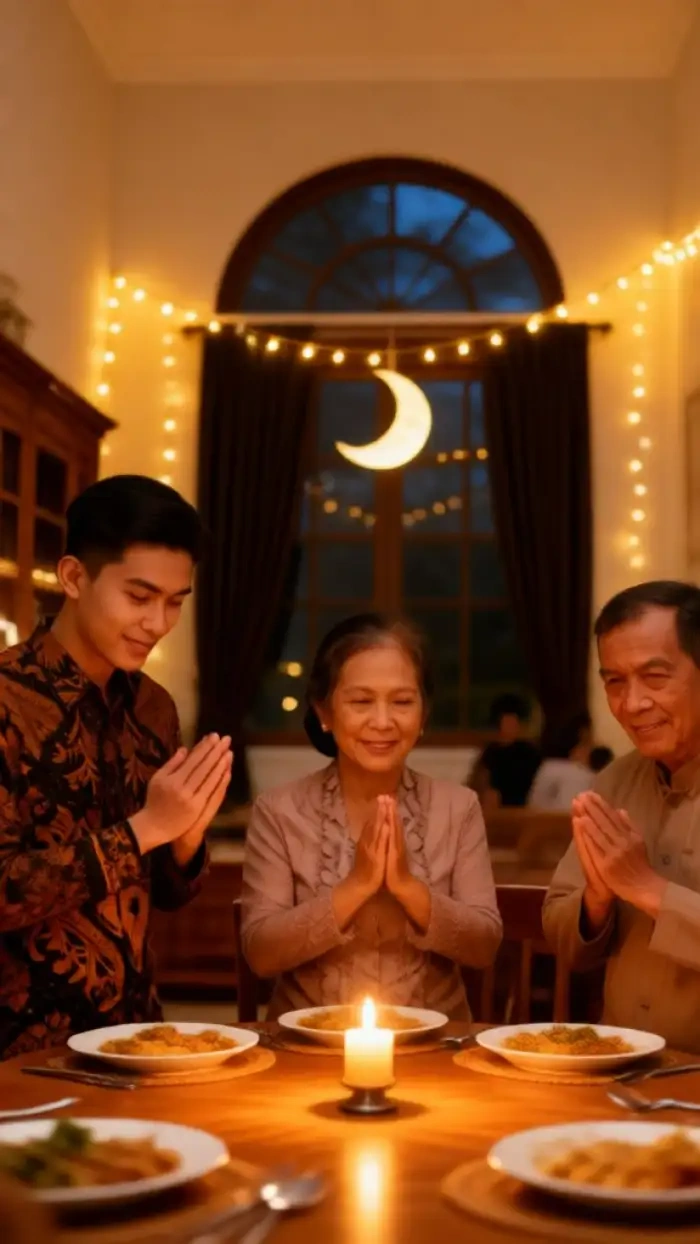
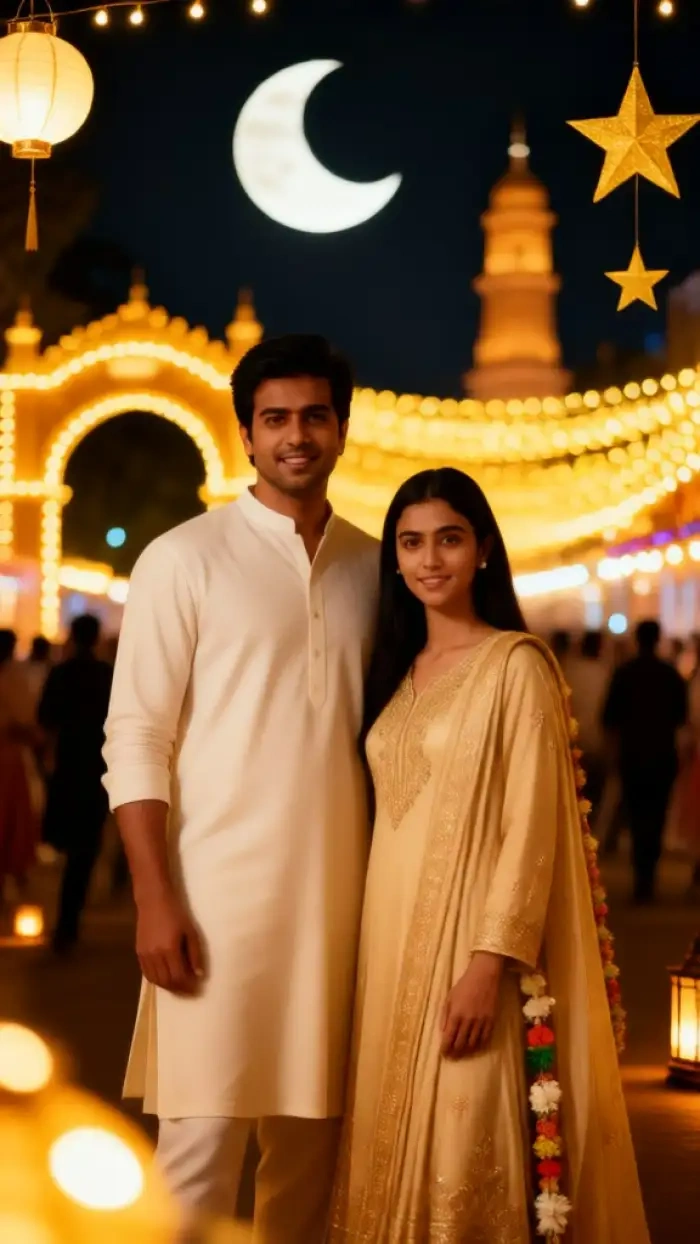
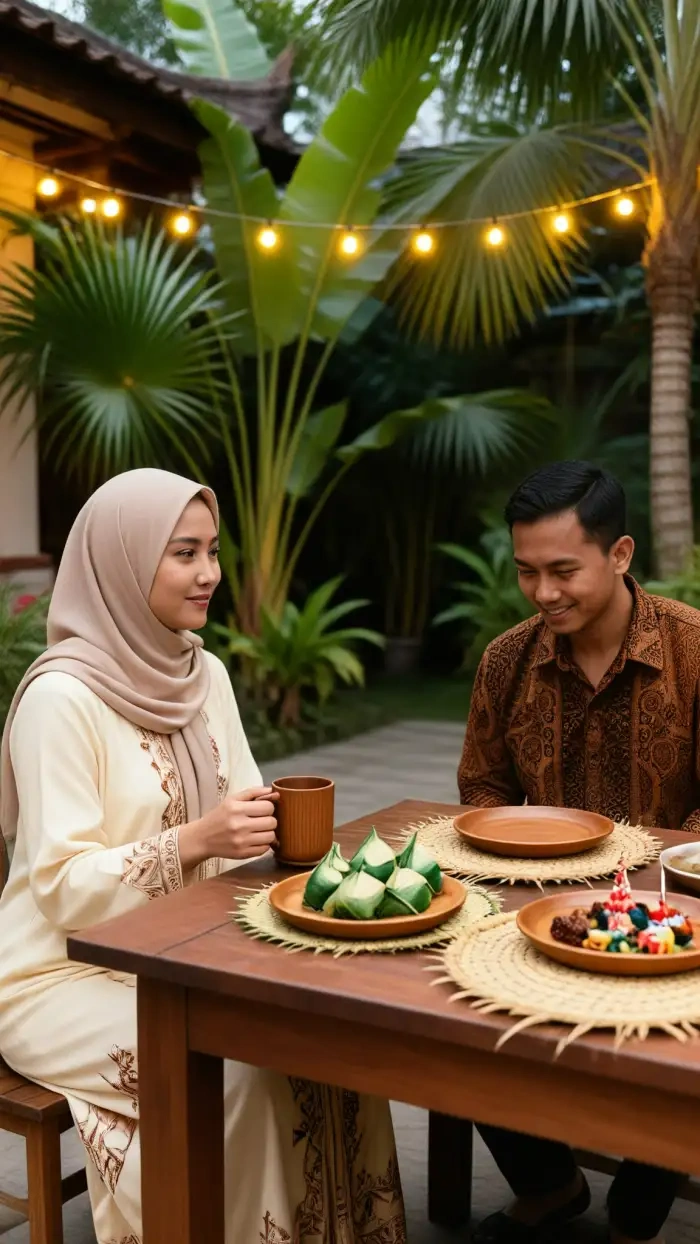


Use CoupleLens for Eid E Milad AI Photo Editing
Most tools ask for a long prompt, then mess up the face, then add a watermark. CoupleLens is the opposite. Pick a template, upload one photo, and the AI photo creator handles outfit, background, lighting, and face lock in one tap. With 25,000 styles and group photo support, the full Eid E Milad AI photo editing flow fits on one phone screen.

Family Eid Milad Made Easy
Short videos show the full Eid E Milad AI photo editing flow in CoupleLens, from template pick to WhatsApp share fast.
Frequently Asked Questions
Common questions about Eid E Milad AI photo editing in CoupleLens, from face lock to group photos to video, all answered here.
More Topics You May Like
Four more CoupleLens pages that pair well with your Eid Milad portrait, from couple templates to family group photos to share-ready video edits.
Maulid Nabi AI Photo Editing: Make Festive Greetings Fast with CoupleLens App
Kadayawan Photo Edit with CoupleLens AI: Festival Style in One Tap
Buwan Ng Wika Photo Edit App: CoupleLens AI Image Generator Free
Retro Game Art Generator: Turn Photos Into Pixel Art with CoupleLens
Maulid Nabi AI Photo Editing: Make Festive Greetings Fast with CoupleLens App
Kadayawan Photo Edit with CoupleLens AI: Festival Style in One Tap
Buwan Ng Wika Photo Edit App: CoupleLens AI Image Generator Free
Retro Game Art Generator: Turn Photos Into Pixel Art with CoupleLens
Your Eid Milad Portrait Is One Tap Away
Skip the long prompts, skip the desktop tools, skip the watermarks. Open CoupleLens, pick a template, and your Eid E Milad AI photo editing result is ready before the family group chat moves on.
Your Eid Milad Portrait Is One Tap Away
Skip the long prompts, skip the desktop tools, skip the watermarks. Open CoupleLens, pick a template, and your Eid E Milad AI photo editing result is ready before the family group chat moves on.