Maulid Nabi AI Photo Editing
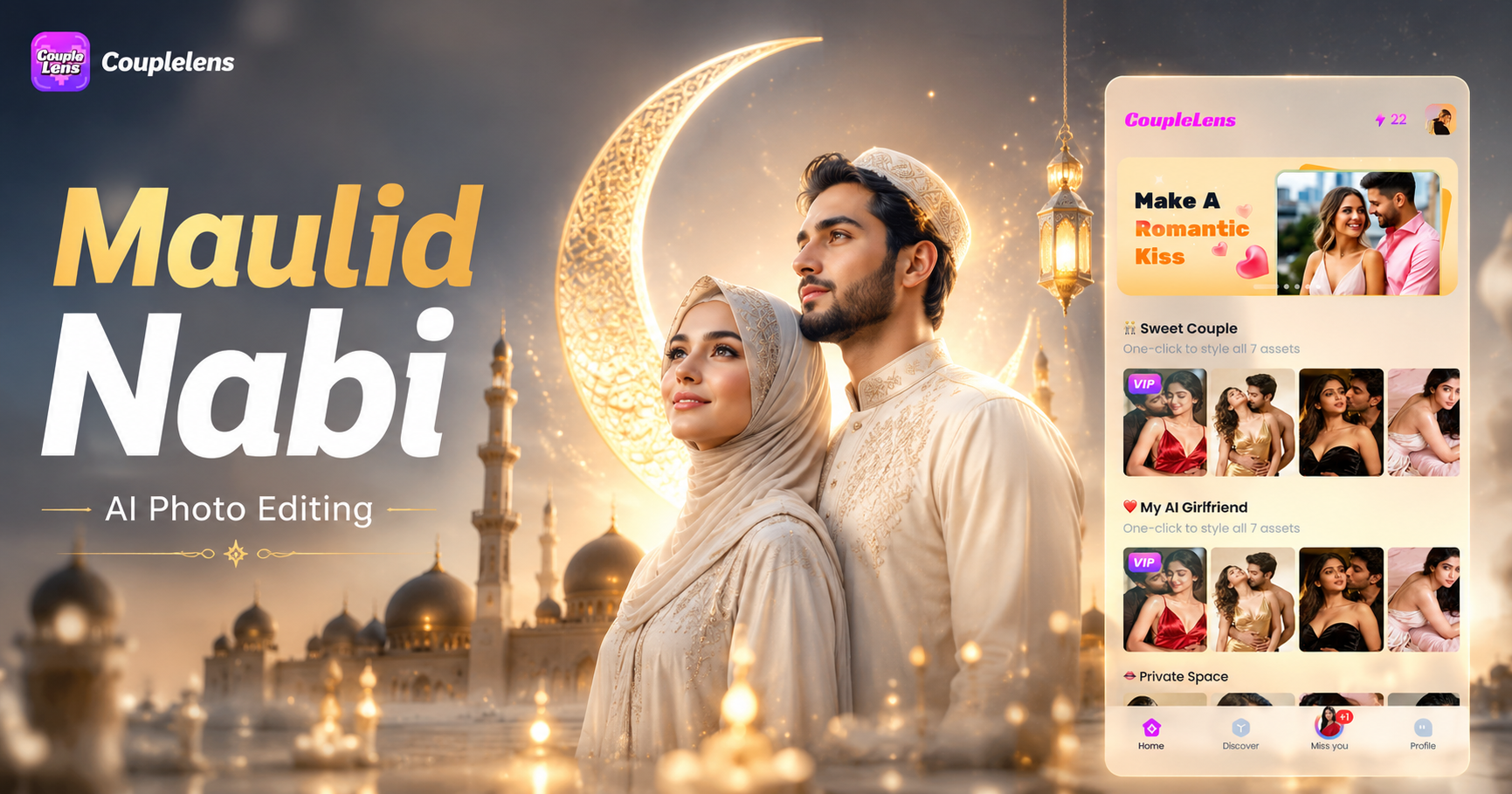
Pick a Filter Built for This Mawlid
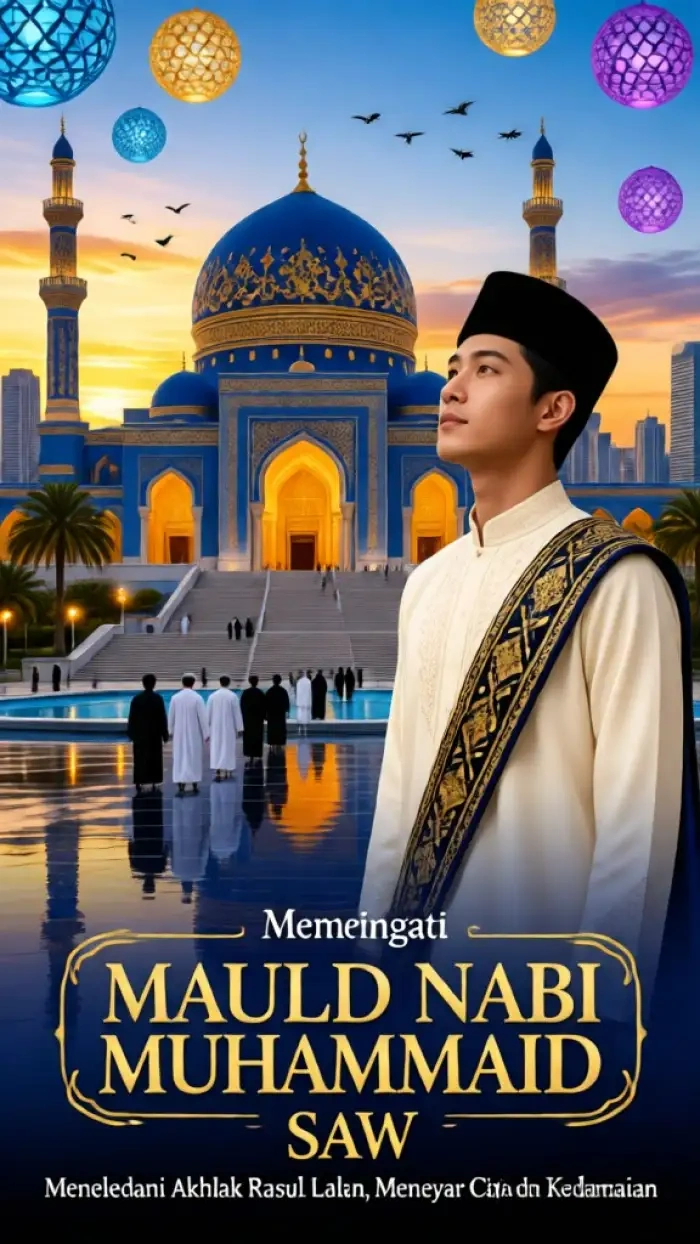
These two CoupleLens filters already know what a Maulid Nabi photo needs. Tap, upload, generate, done.
Key Features of Maulid Nabi AI Photo Editing
CoupleLens is more than a filter app. It is a full AI photo editor that handles the three hardest parts of Maulid Nabi AI photo editing.
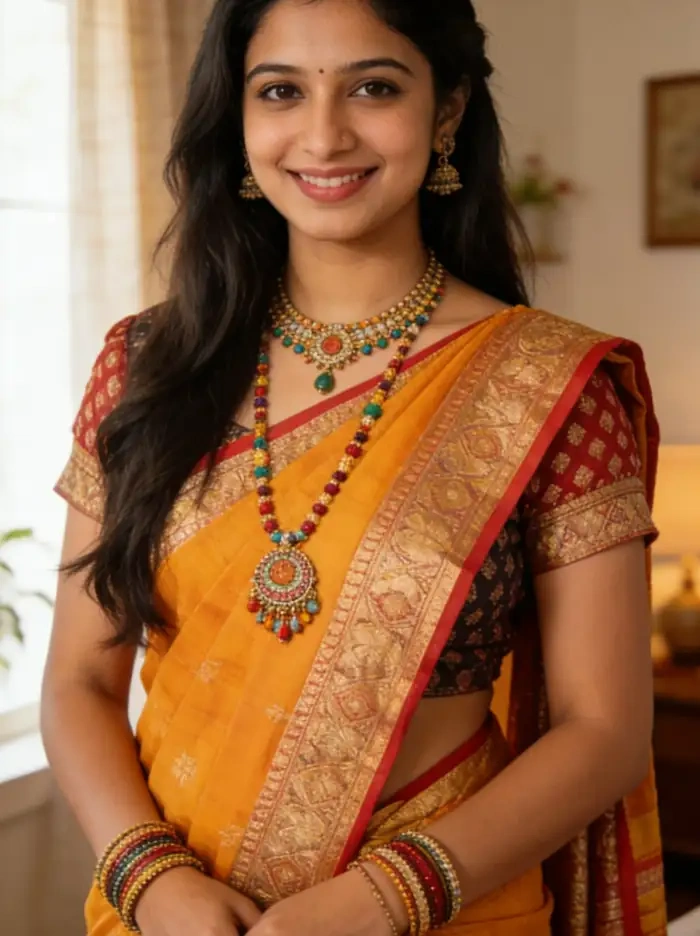 Before
 After
AfterKeep Your Real Face in Every Shot
Face lock matters during Mawlid. You want a picture that still looks like you, just dressed for the celebration. CoupleLens uses character consistency tech to hold your eyes, jaw, and skin tone across every output. The AI photo editor does not redraw your face. It only changes the outfit, the background, and the light around you. Your family will still recognize you on the first scroll.
BeforeAfterKeep Your Real Face in Every Shot
Face lock matters during Mawlid. You want a picture that still looks like you, just dressed for the celebration. CoupleLens uses character consistency tech to hold your eyes, jaw, and skin tone across every output. The AI photo editor does not redraw your face. It only changes the outfit, the background, and the light around you. Your family will still recognize you on the first scroll.
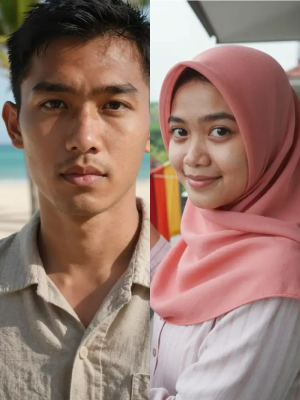 Before
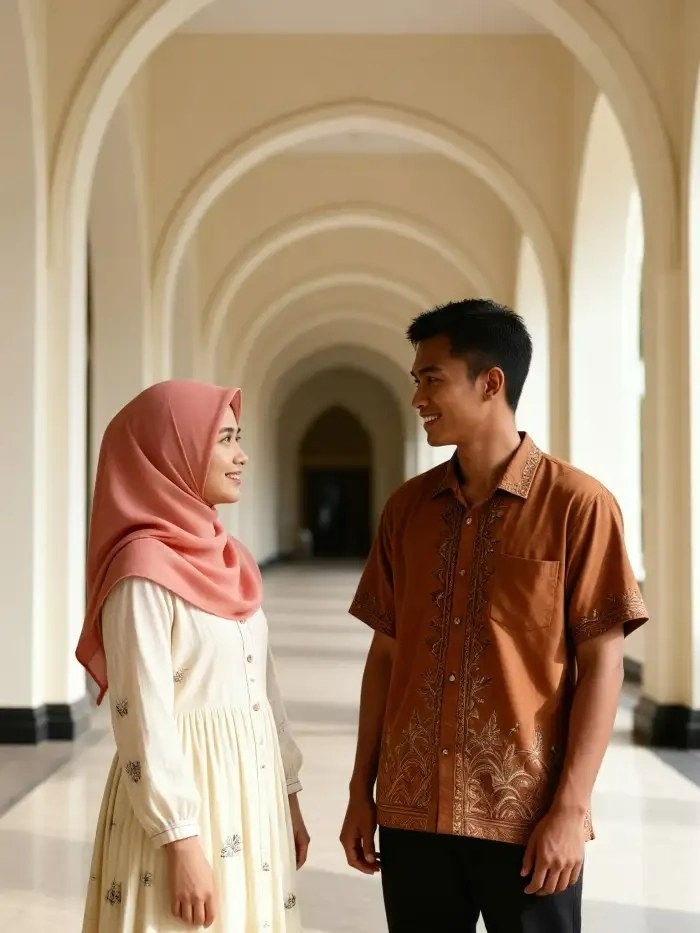 After
AfterTurn Group Photos into Celebration Moments
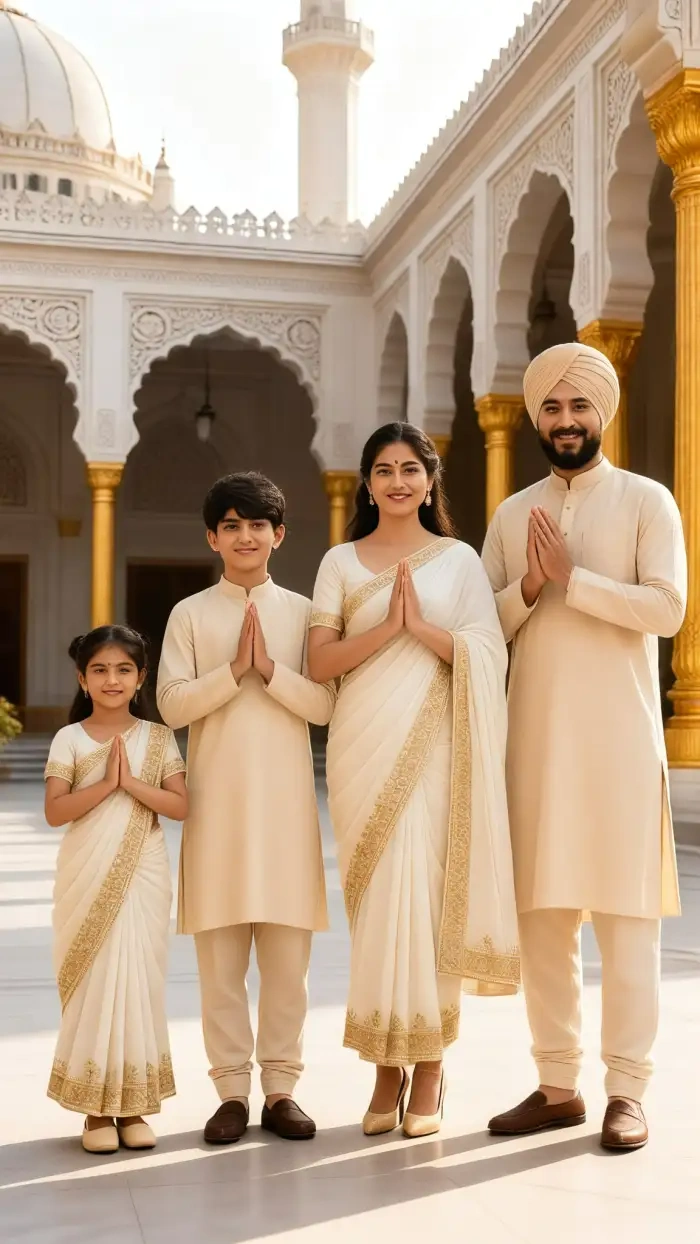
Mawlid is a family holiday. CoupleLens handles that. The AI image generator reads every face in a group photo, keeps each one separate, and dresses the whole crew in matching festive style. No melted faces. No missing uncle. The AI photo editor builds a group portrait that looks like a real moment, not a copy-paste collage of single shots.
BeforeAfterTurn Group Photos into Celebration Moments
Mawlid is a family holiday. CoupleLens handles that. The AI image generator reads every face in a group photo, keeps each one separate, and dresses the whole crew in matching festive style. No melted faces. No missing uncle. The AI photo editor builds a group portrait that looks like a real moment, not a copy-paste collage of single shots.
 Before
 After
AfterOne Tap, Many Festival Styles
CoupleLens ships 25,000 ready-to-use filters, and many of them fit Maulid Nabi AI photo editing. Pick a lantern glow for the family. Pick a 3D clay look for a kids' card. Pick a watercolor frame for the elders. The AI image generator runs each style in 10 to 20 seconds, so you can try three looks before breakfast and still post on time.
BeforeAfterOne Tap, Many Festival Styles
CoupleLens ships 25,000 ready-to-use filters, and many of them fit Maulid Nabi AI photo editing. Pick a lantern glow for the family. Pick a 3D clay look for a kids' card. Pick a watercolor frame for the elders. The AI image generator runs each style in 10 to 20 seconds, so you can try three looks before breakfast and still post on time.
How to Create Your Maulid Nabi Photo in 3 Steps?
CoupleLens keeps the whole flow inside the app. You do not need a laptop, a credit card, or a prompt guide.

Step 01.
Search CoupleLens, install, and open. The AI image generator waits right on the home screen.

Step 02.
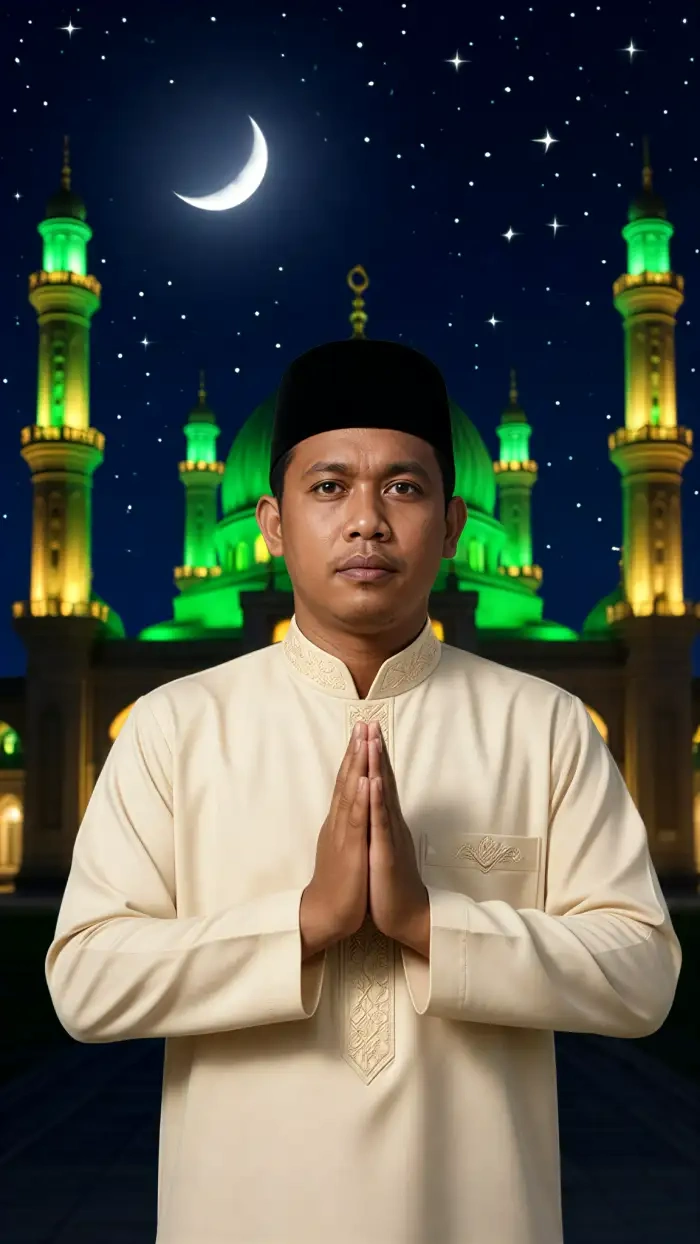
Tap any Maulid Nabi filter inside CoupleLens. Lantern Portrait, Green Dome Scene, or any of the 25,000 festival looks.

Step 03.
Like the look? Save it to your phone or post it straight to your feed, WhatsApp, or family group.
See How Real Celebrations Look
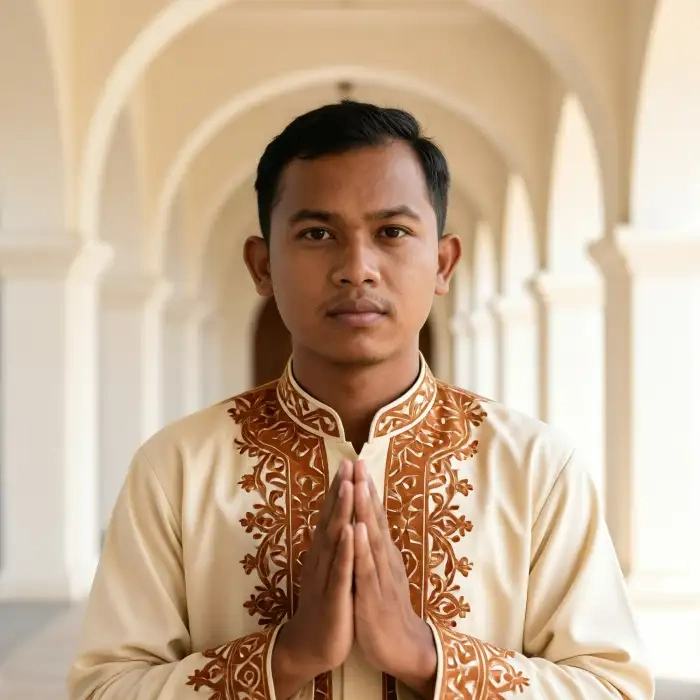
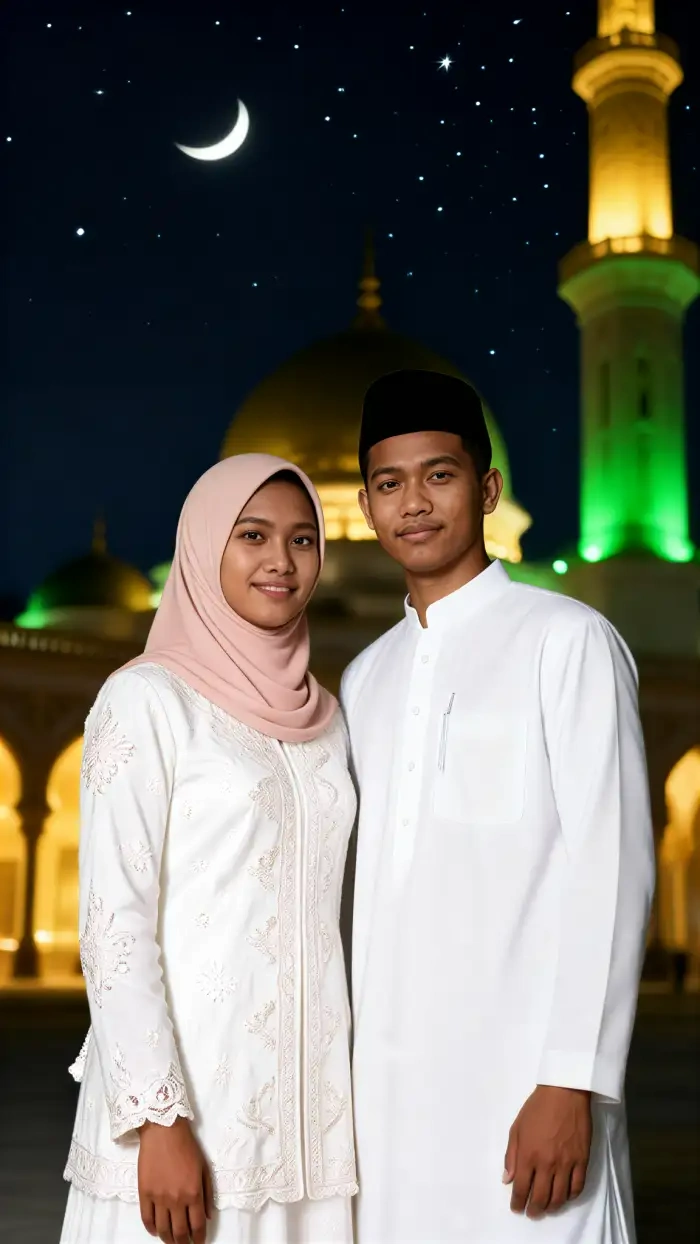
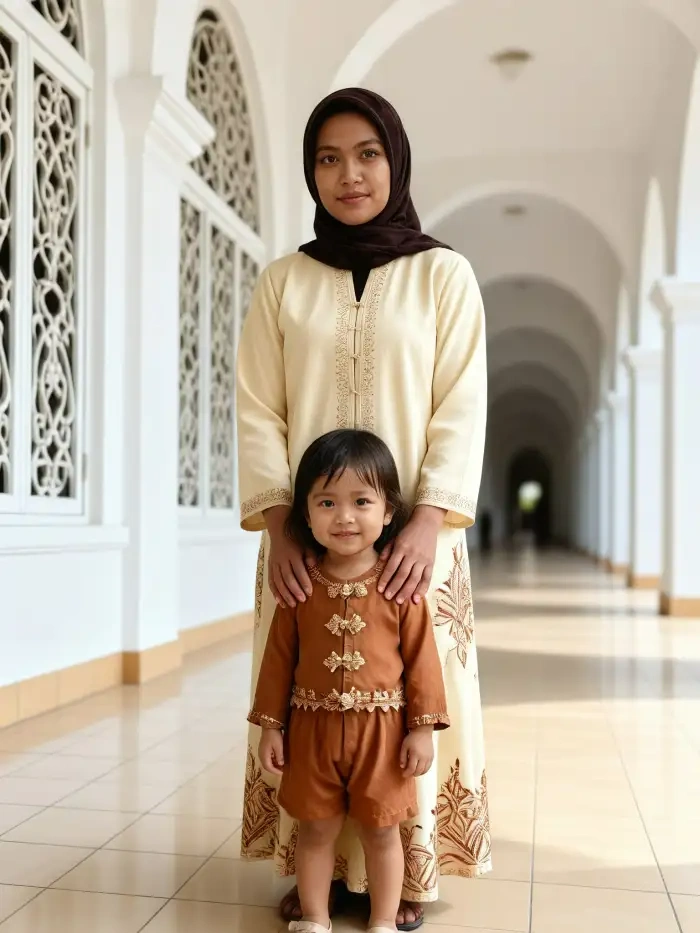
Real users, real photos, real festival vibes. Every picture below came out of the CoupleLens AI image generator with one tap.
Watch How It Works
Two quick video walkthroughs on the CoupleLens channel. See the AI image generator works from the first tap to the final shared post.
What Our Users Say about CoupleLens
No edits after. I just hit share.
Posted a Mawlid greeting on the family group last night. My sister called me in five minutes to ask which app I used. The lantern filter kept my face clean and the gold tones felt right.
Faster than Canva on my laptop.
I run a dessert shop and I needed a quick Eid Milad poster for the window. CoupleLens did it during my lunch break. Green dome background, my logo in the corner, posted before the rush.
CoupleLens is the first AI image generator that gets families right.
Group photo with my four cousins came out perfect. No melted faces, no weird smiles. We all wore matching green and gold without me asking anyone to re-upload anything.
Frequently Asked Questions
Quick answers to the most common questions about Maulid Nabi AI photo editing inside the CoupleLens app. Tap a filter and see for yourself.
More Topics You May Like
Browse these festival edits and start your next greeting in one tap.
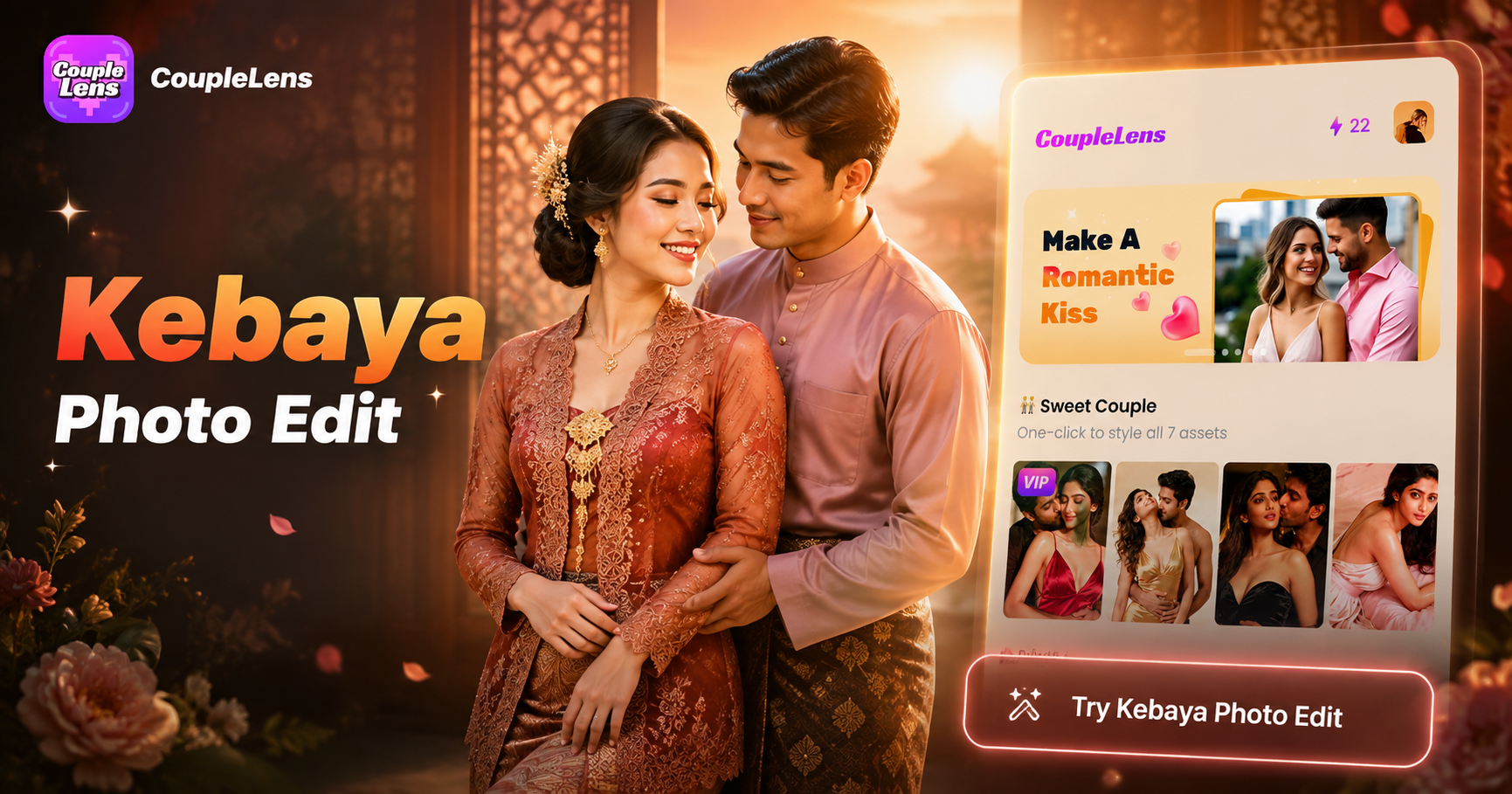
Kebaya Photo Edit with AI: Try Traditional Outfits in 10 Seconds with CoupleLens
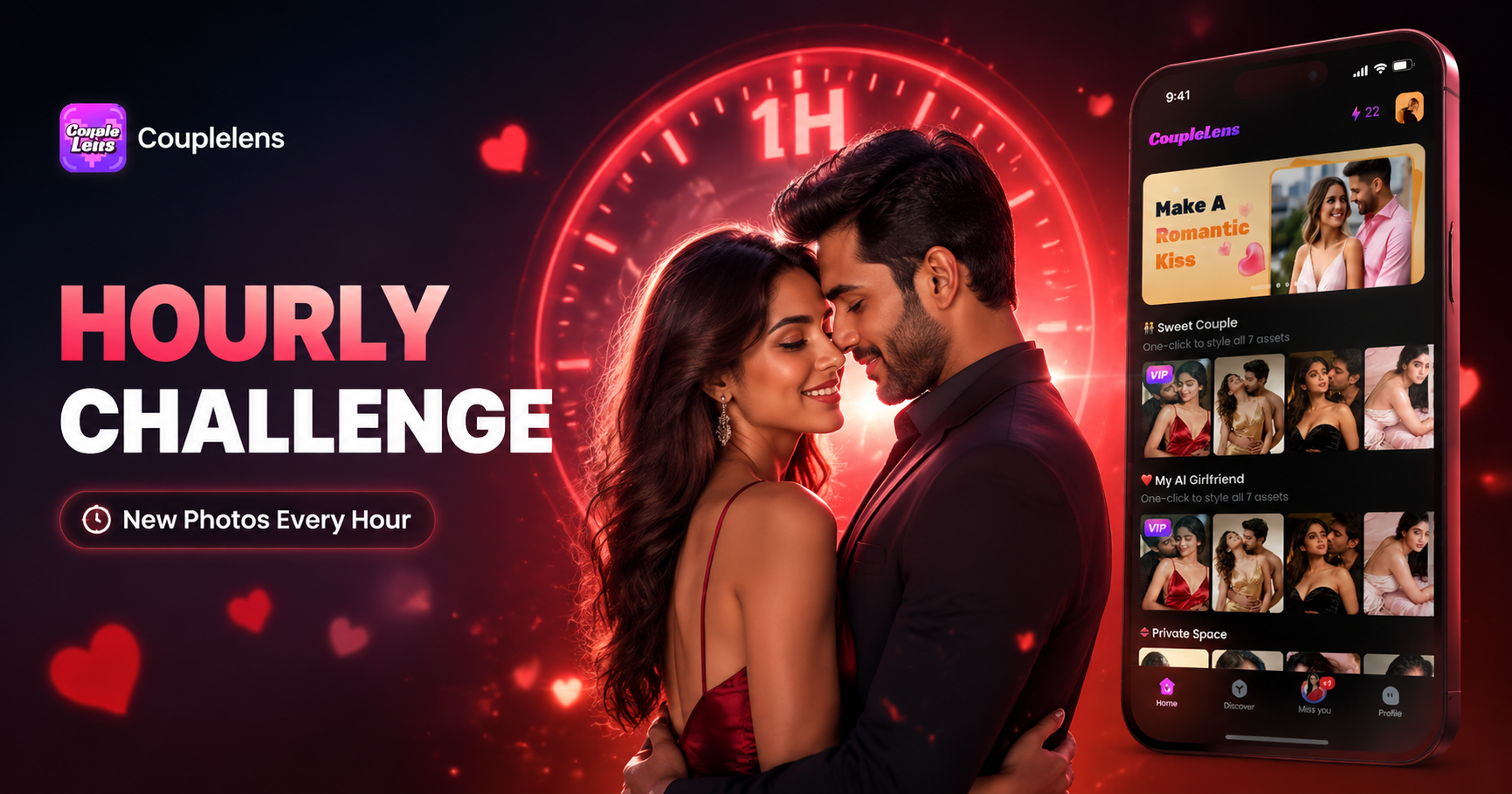
Hourly Photo Challenge Generator: Make a Two Lives Reel Fast with CoupleLens
Google Gemini AI Photo Editing in Filipino | Try on Mobile App
Baju Kurung Photo Edit: Try On Traditional Wear with CoupleLens AI
Kebaya Photo Edit with AI: Try Traditional Outfits in 10 Seconds with CoupleLens
Hourly Photo Challenge Generator: Make a Two Lives Reel Fast with CoupleLens
Google Gemini AI Photo Editing in Filipino | Try on Mobile App
Baju Kurung Photo Edit: Try On Traditional Wear with CoupleLens AI
Make Your Mawlid Greeting in One Tap
Stop hunting for the right prompt or paying for a credit pack. Get the CoupleLens app on Google Play and turn any photo into a Maulid Nabi portrait your family will love to share.
Make Your Mawlid Greeting in One Tap
Stop hunting for the right prompt or paying for a credit pack. Get the CoupleLens app on Google Play and turn any photo into a Maulid Nabi portrait your family will love to share.