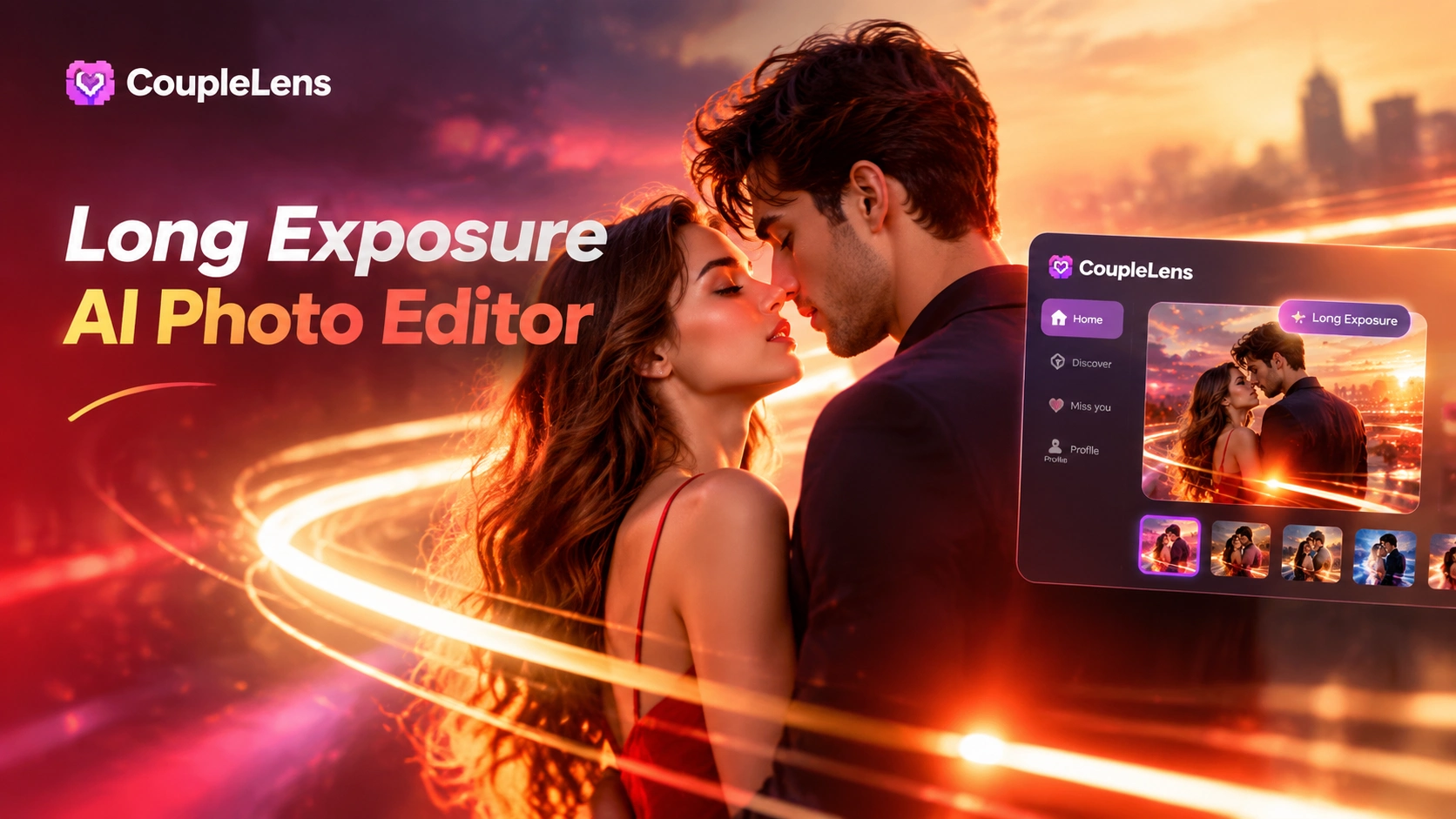
Long Exposure AI Photo Editor
Pick a Long Exposure AI Photo Filter Built for Your Vibe
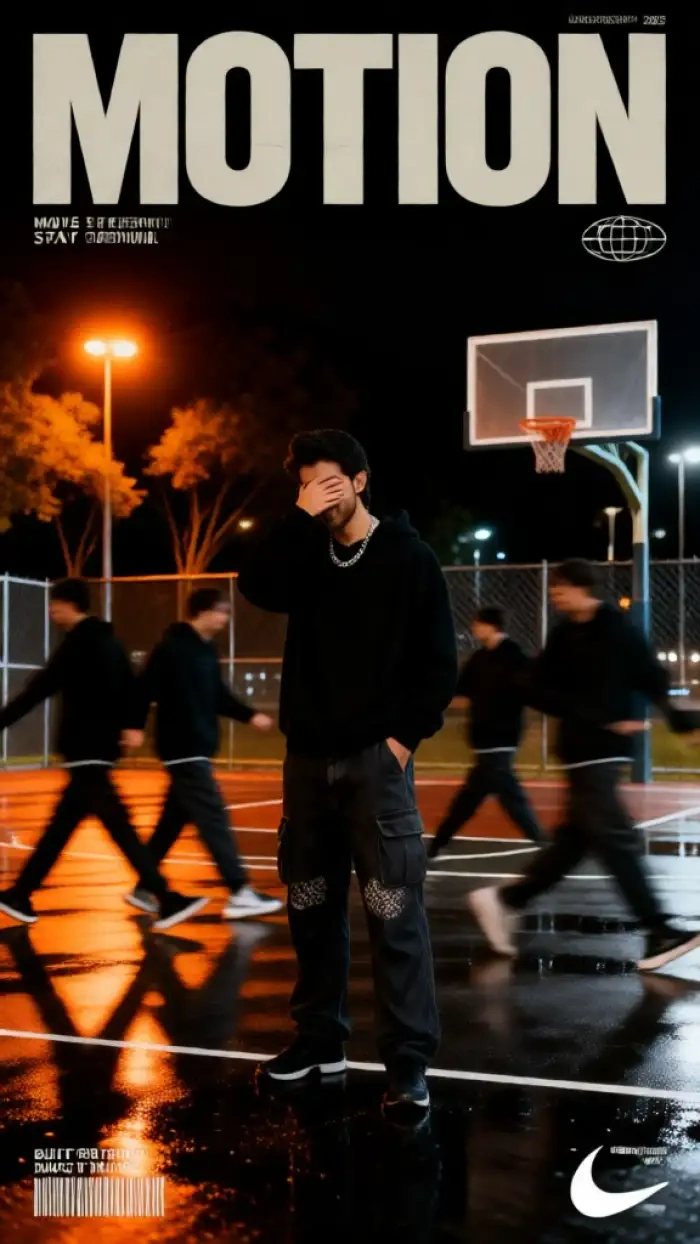
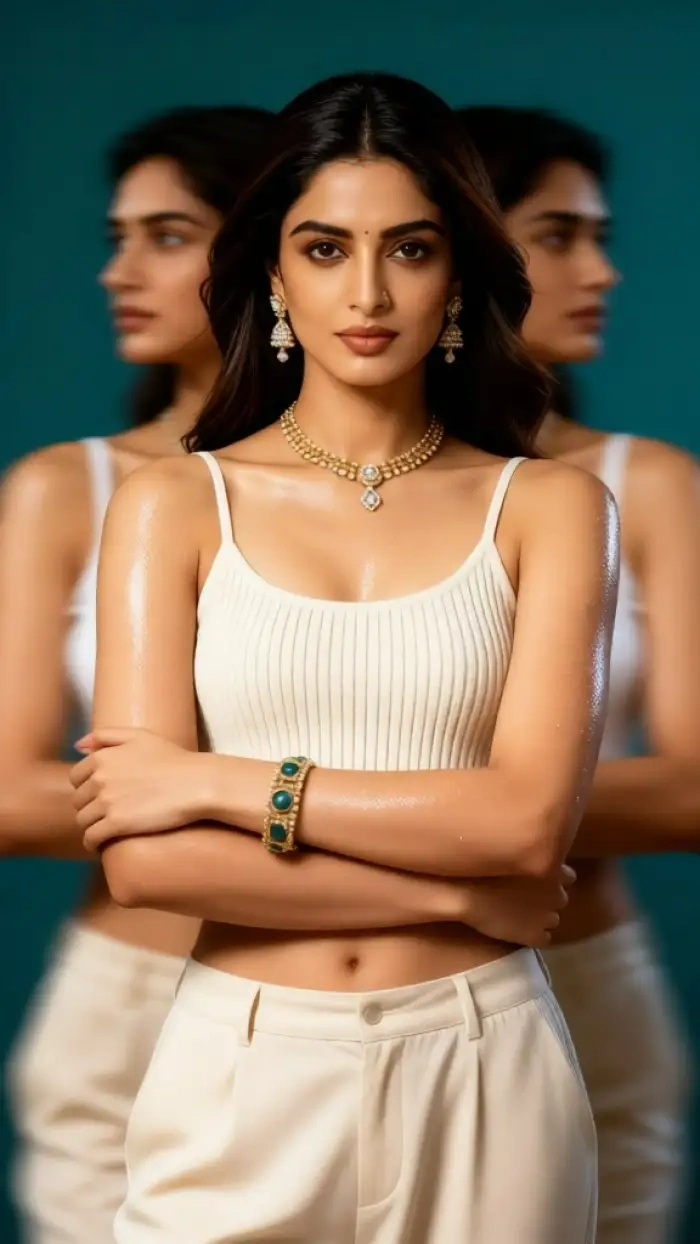
From blurry long exposure AI sunsets to motion blur AI photo portraits, the filter library inside CoupleLens matches every mood you want to chase.

Use Long Exposure AI Photo Editor in CoupleLens
Real long exposure shots need a tripod, an ND filter, a calm hand, and ten minutes of setup. Most phone users have none of those. CoupleLens closes that gap with a long exposure AI photo editor that runs on the phone you already own. Image to image keeps the subject sharp while the background smears into light trails. Templates cover every mood from sunset portraits to streetwear covers. Character consistency lets you build a full series with the same face across every frame. The whole process fits between coffee and your next notification, and the result is ready to post the moment it lands.

See What Long Exposure AI Photo Editor Looks Like
A scroll through blurry long exposure AI portraits, neon light trails, and motion blur AI photo edits all made inside CoupleLens by real users.
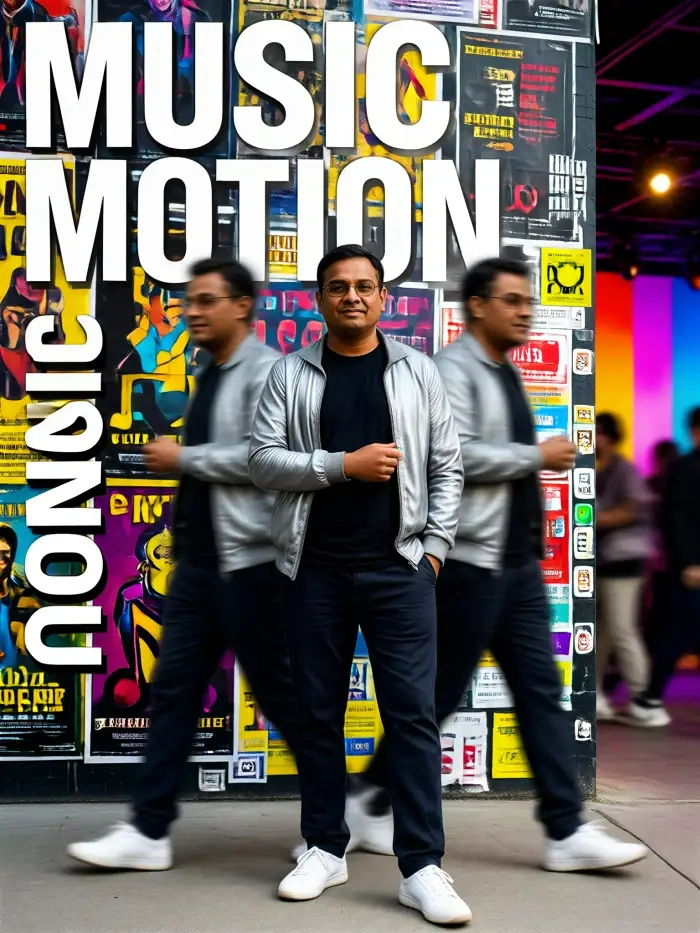
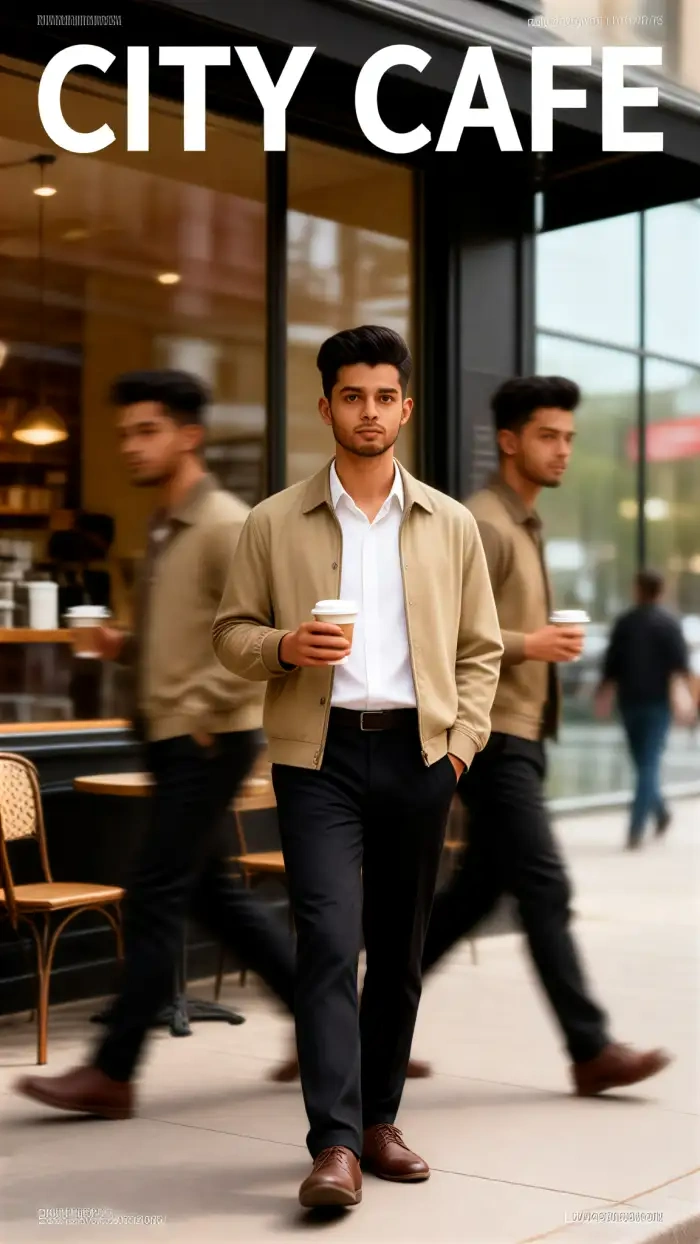
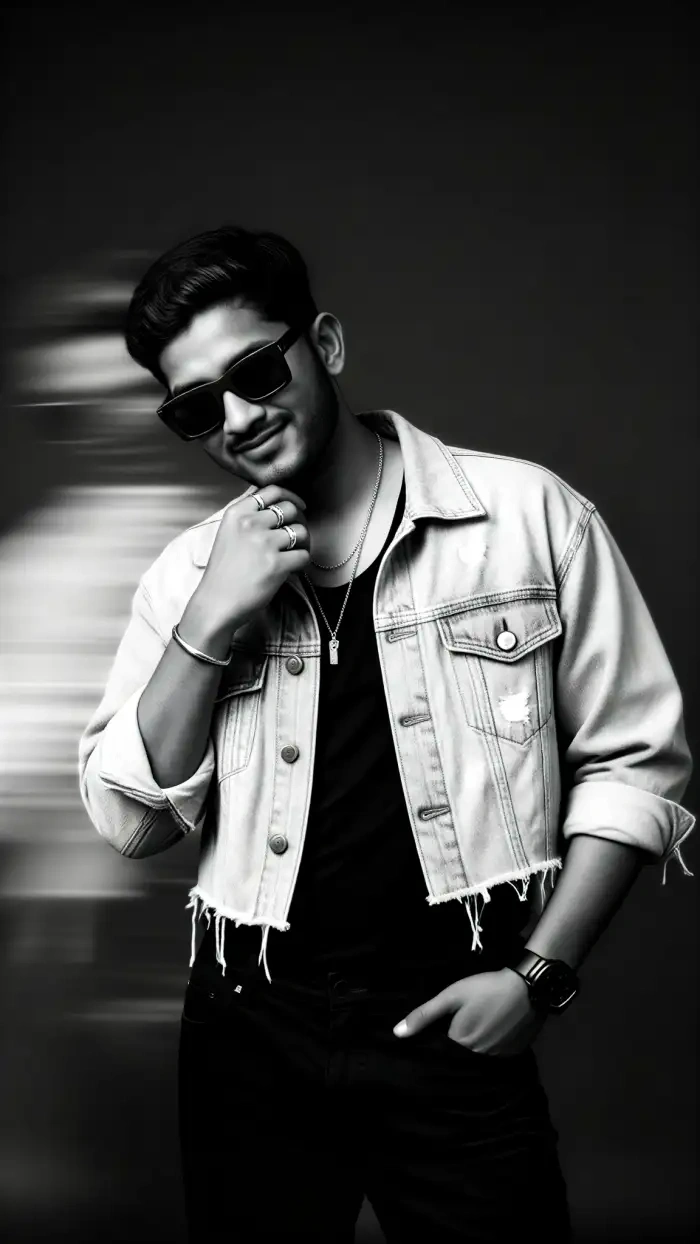
How to Create Long Exposure AI Photo Edits?
Open Google Play on your phone, search for CoupleLens, and install the long exposure AI photo app.

Step 01.
The install takes about thirty seconds, and new users get a starter credit pack on the house.

Step 02.
Upload one portrait or one full body shot, then tap generate. The app reads the face, layers the motion effect, and renders the frame in about ten to twenty seconds.

Step 03.
Save the final image to your camera roll or share it straight to socials from the CoupleLens share sheet.
Key Features of Long Exposure AI Photo Editor
Features cover image generation, template depth, and character consistency for any blurry long exposure AI or motion blur AI photo project you want to ship.
 Before
 After
AfterImage to Image That Keeps Your Face
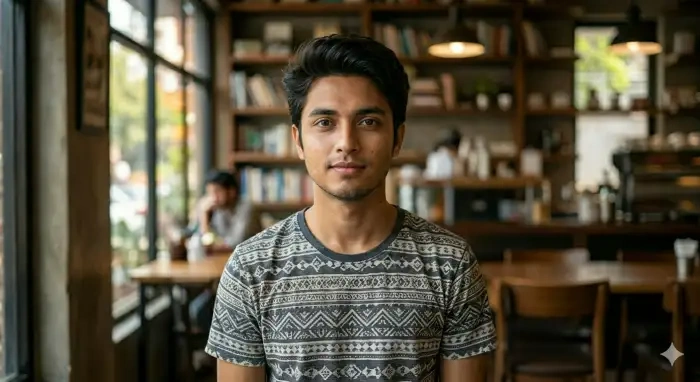
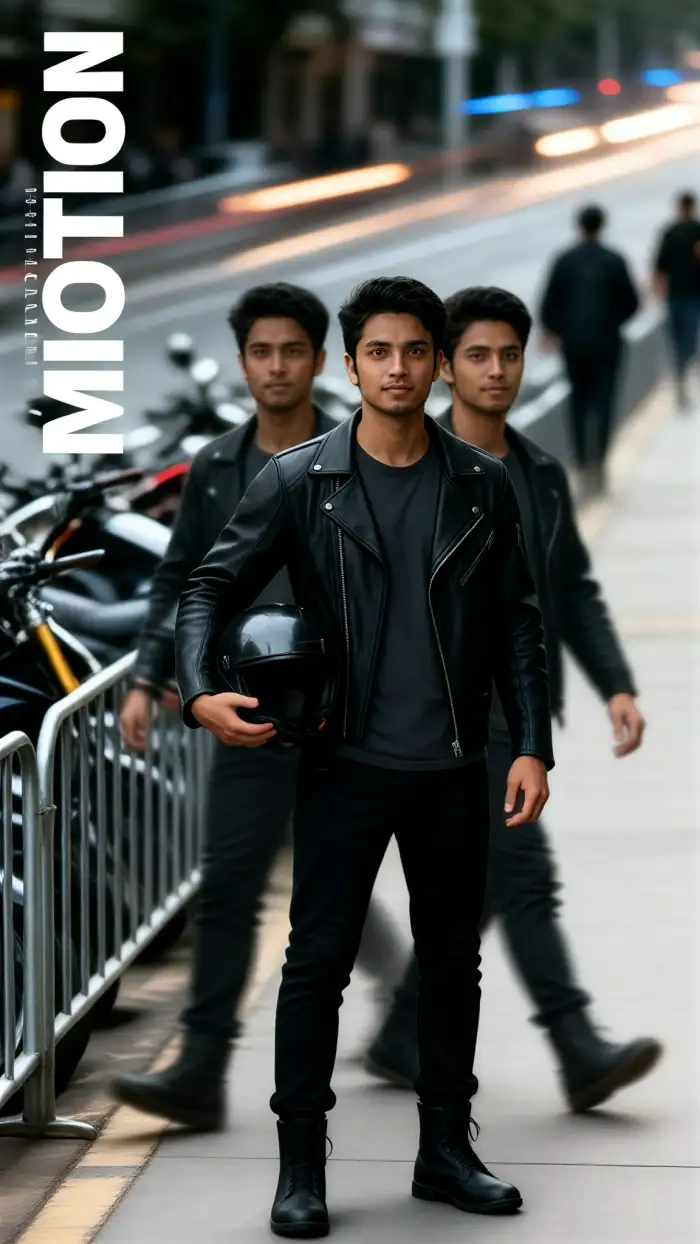
CoupleLens image to image reads the photo you upload. It locks skin tone, hair, eye direction, and outfit edges. Then it layers a long exposure portrait AI glow on top. You see light trails blooming in the background while the subject stays sharp. No prompt box. No slider. No color grading panel. Pick a filter and tap once. The first frame usually lands in under fifteen seconds, and the result looks like a multi second shutter shot from a full frame camera.
BeforeAfterImage to Image That Keeps Your Face
CoupleLens image to image reads the photo you upload. It locks skin tone, hair, eye direction, and outfit edges. Then it layers a long exposure portrait AI glow on top. You see light trails blooming in the background while the subject stays sharp. No prompt box. No slider. No color grading panel. Pick a filter and tap once. The first frame usually lands in under fifteen seconds, and the result looks like a multi second shutter shot from a full frame camera.
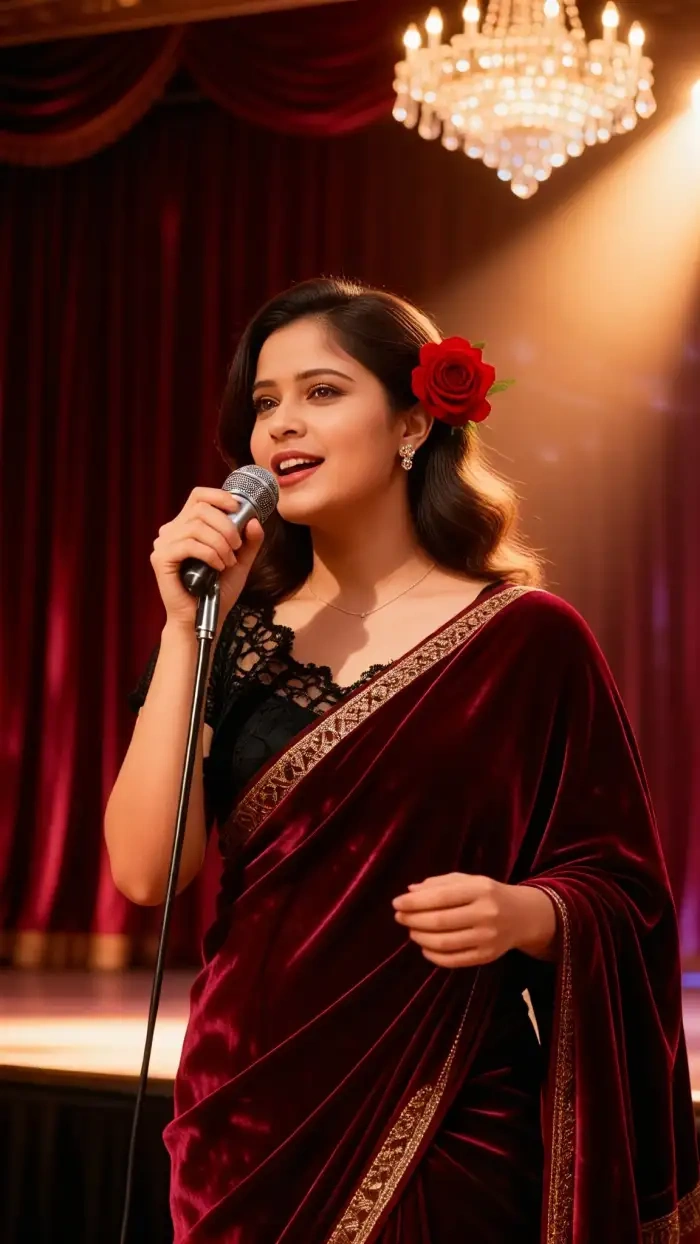 Before
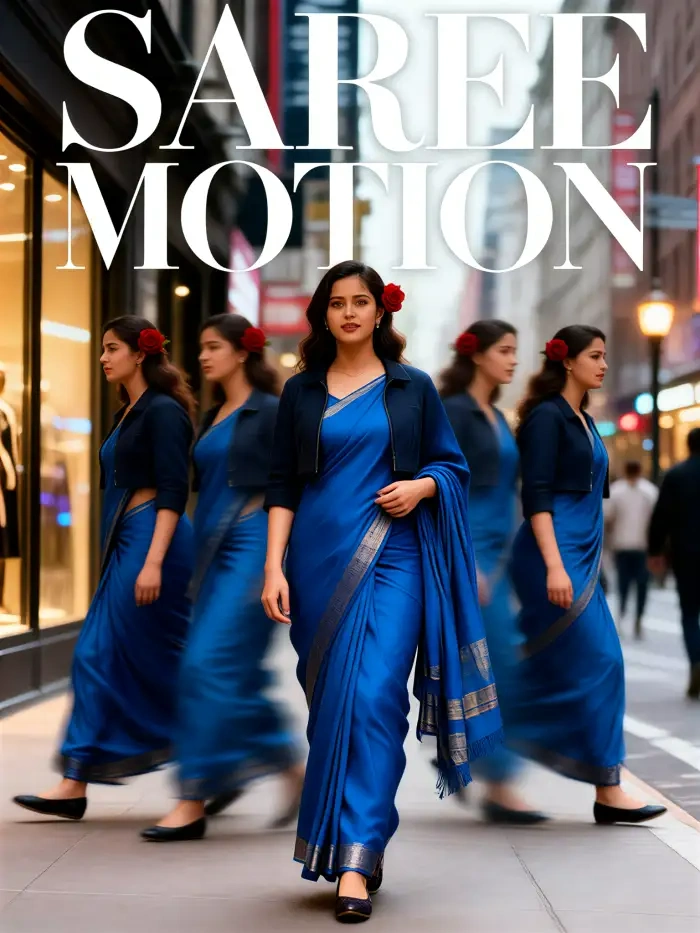 After
After25,000 Plus Style Templates for Every Mood
The CoupleLens library holds more than 25,000 ready to use filters, and a deep slice covers motion blur AI photo styles. Long exposure sunset portraits. Neon light trails. Silky waterfall scenes. Hugging flowers wallpapers. The team adds fresh templates every day, tied to trending looks on TikTok, Reels, and Pinterest. You can browse by mood, by subject, or by effect, and jump straight into generation without writing a single line of text. Every template is mobile tested and ships in portrait, square, and story sizes.
BeforeAfter25,000 Plus Style Templates for Every Mood
The CoupleLens library holds more than 25,000 ready to use filters, and a deep slice covers motion blur AI photo styles. Long exposure sunset portraits. Neon light trails. Silky waterfall scenes. Hugging flowers wallpapers. The team adds fresh templates every day, tied to trending looks on TikTok, Reels, and Pinterest. You can browse by mood, by subject, or by effect, and jump straight into generation without writing a single line of text. Every template is mobile tested and ships in portrait, square, and story sizes.
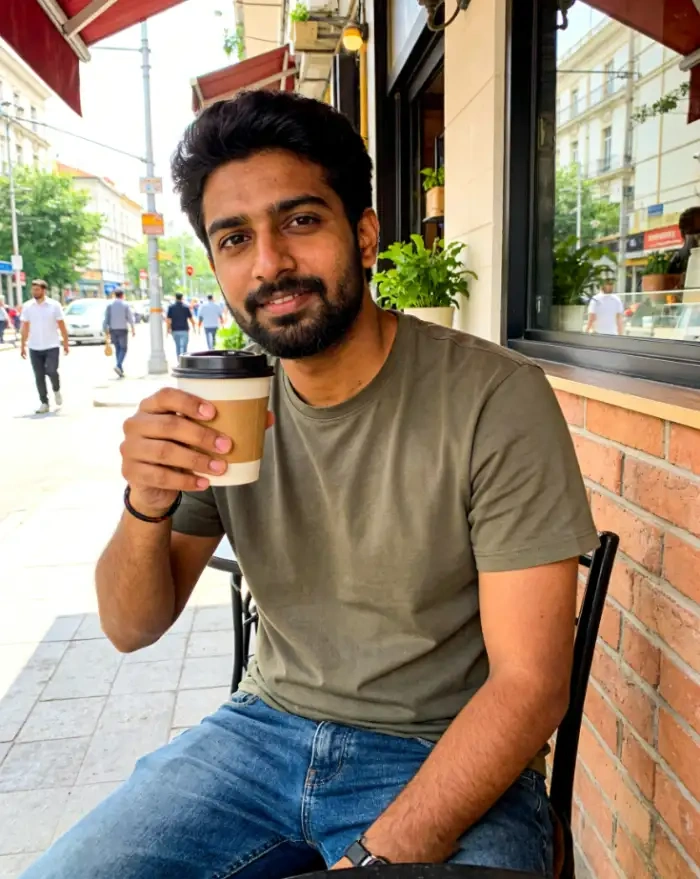 Before
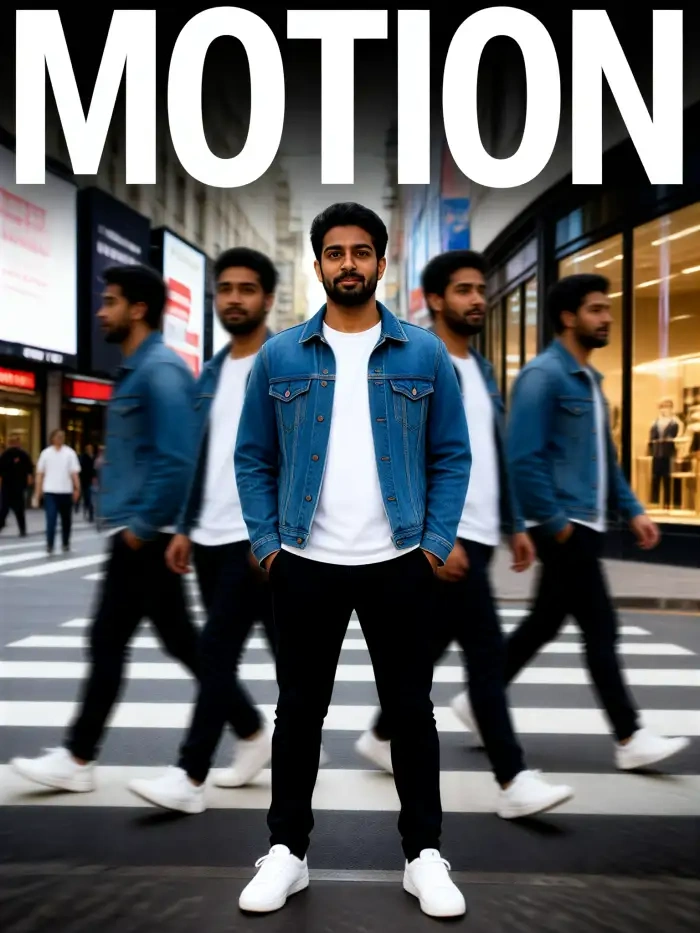 After
AfterCharacter Consistency Across a Full Series
A series needs the same face in every frame. CoupleLens locks your identity across multiple outputs, so a long exposure portrait AI set keeps the same eyes, nose, and smile shot after shot. That matters for creators building photo packs, profile grids, or moody Instagram rolls. The motion blur stays wild while the person stays recognizable. No swapped faces. No melted features. No surprise twins in the gallery. Upload ten photos of one person once, and the app keeps them stable across every long exposure AI photo edit you make later.
BeforeAfterCharacter Consistency Across a Full Series
A series needs the same face in every frame. CoupleLens locks your identity across multiple outputs, so a long exposure portrait AI set keeps the same eyes, nose, and smile shot after shot. That matters for creators building photo packs, profile grids, or moody Instagram rolls. The motion blur stays wild while the person stays recognizable. No swapped faces. No melted features. No surprise twins in the gallery. Upload ten photos of one person once, and the app keeps them stable across every long exposure AI photo edit you make later.
What Real Users Say About Long Exposure AI Photo Editor
Try the long exposure sunset portrait filter. Your gallery will feel cinematic overnight.
I have been chasing that slow shutter glow for years. With CoupleLens long exposure AI photo editor, I upload a sunset selfie and get dreamy light streaks behind my face in fifteen seconds. No tripod. No filter. No Photoshop. My feed looks like a film campaign now and my clients keep asking who shot it. The long exposure portrait AI templates hit the cinematic look I used to spend hours on in Lightroom.
CoupleLens is the fastest way to push motion blur AI photo content for any brand on a tight deadline.
I run a streetwear brand and need fresh content every single week. The motion blur AI photo filters inside CoupleLens give me that neon trail look without renting a studio. I drop in a model pic, pick a template, and the long exposure AI photo effect lands clean every time. Huge time save on campaign shoots. The brand account now has a consistent motion look that reads as one voice across the grid.
Download CoupleLens and try a blurry long exposure AI filter. Even total beginners look like pros after one tap.
I am not a photographer at all. I just like pretty pictures for my class page. The blurry long exposure AI templates inside CoupleLens made me look like I know what I am doing. My students keep asking which app I use and I just smile. The long exposure portrait AI filter gives every studio shot a calm, dreamy feel that matches the brand.
Frequently Asked Questions
Quick answers about blurry long exposure AI, motion blur AI photo filters, and how the long exposure portrait AI workflow runs inside CoupleLens.
More Topics You May Like
Other styles that pair well with long exposure AI photo editor looks.
12 Rabi Ul Awal Whatsapp Status AI: Make a Personal Mawlid Greeting Fast
Viral Eye Close Up CapCut Style Video with CoupleLens
Eid Milad Un Nabi AI Photo Editing: Create Festive Portraits with CoupleLens
Edit ID Picture with Formal Attire: One Tap in CoupleLens
12 Rabi Ul Awal Whatsapp Status AI: Make a Personal Mawlid Greeting Fast
Viral Eye Close Up CapCut Style Video with CoupleLens
Eid Milad Un Nabi AI Photo Editing: Create Festive Portraits with CoupleLens
Edit ID Picture with Formal Attire: One Tap in CoupleLens
Your Slow Shutter Look Lives Inside CoupleLens
Skip the tripod and the ND filter. Download CoupleLens on Google Play, drop in a portrait, and ship a long exposure AI photo edit in under a minute.
Your Slow Shutter Look Lives Inside CoupleLens
Skip the tripod and the ND filter. Download CoupleLens on Google Play, drop in a portrait, and ship a long exposure AI photo edit in under a minute.