Gopikamma Outfit AI Photo
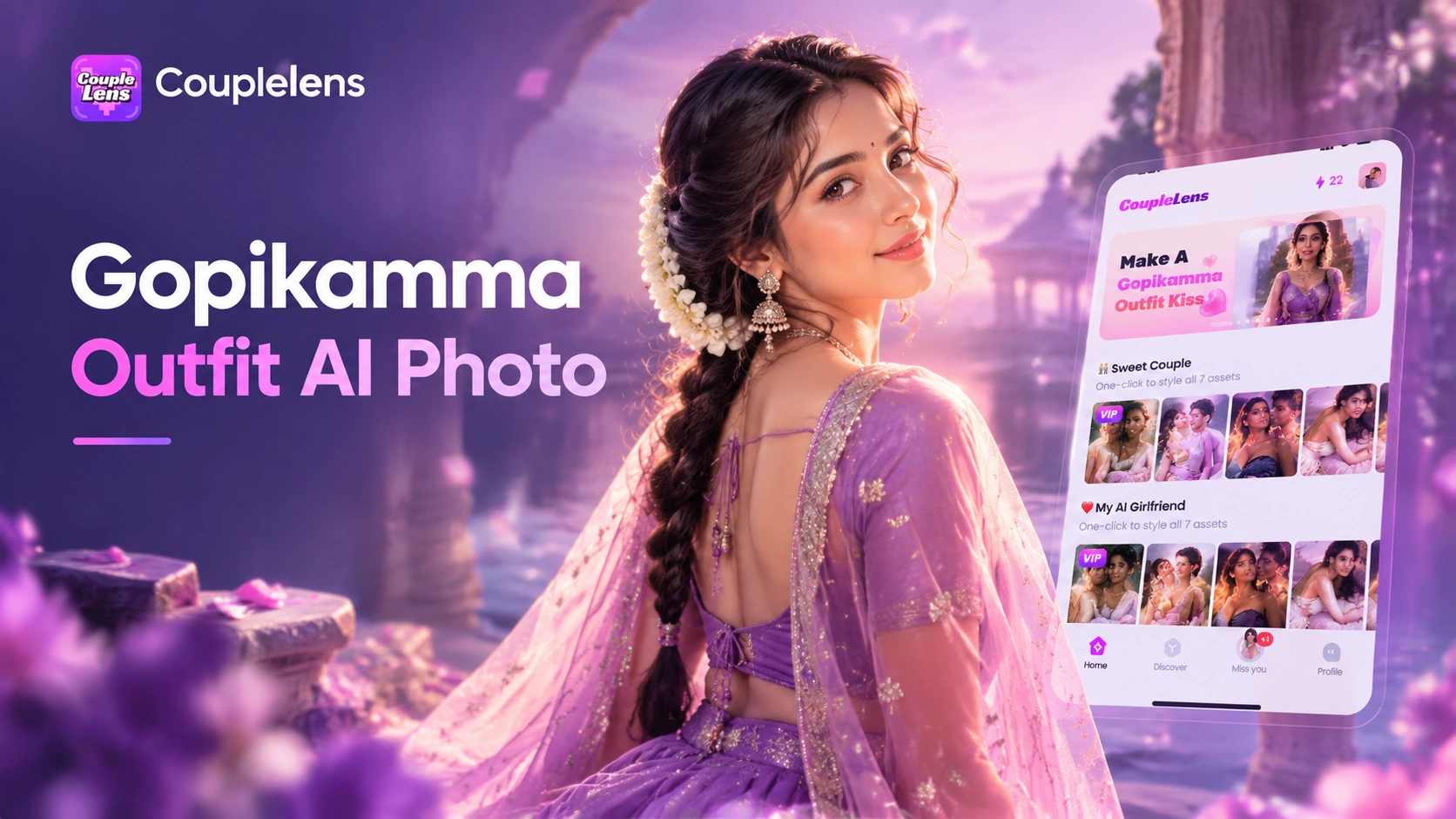
Pick a Gopikamma Style Filter
These eight are the ones Indian creators keep using for gopikamma style photo posts right now.
Key Features of Gopikamma Outfit AI Photo
CoupleLens brings three core powers to Gopikamma outfit photo editing. Real face preservation. Cultural styling accuracy.
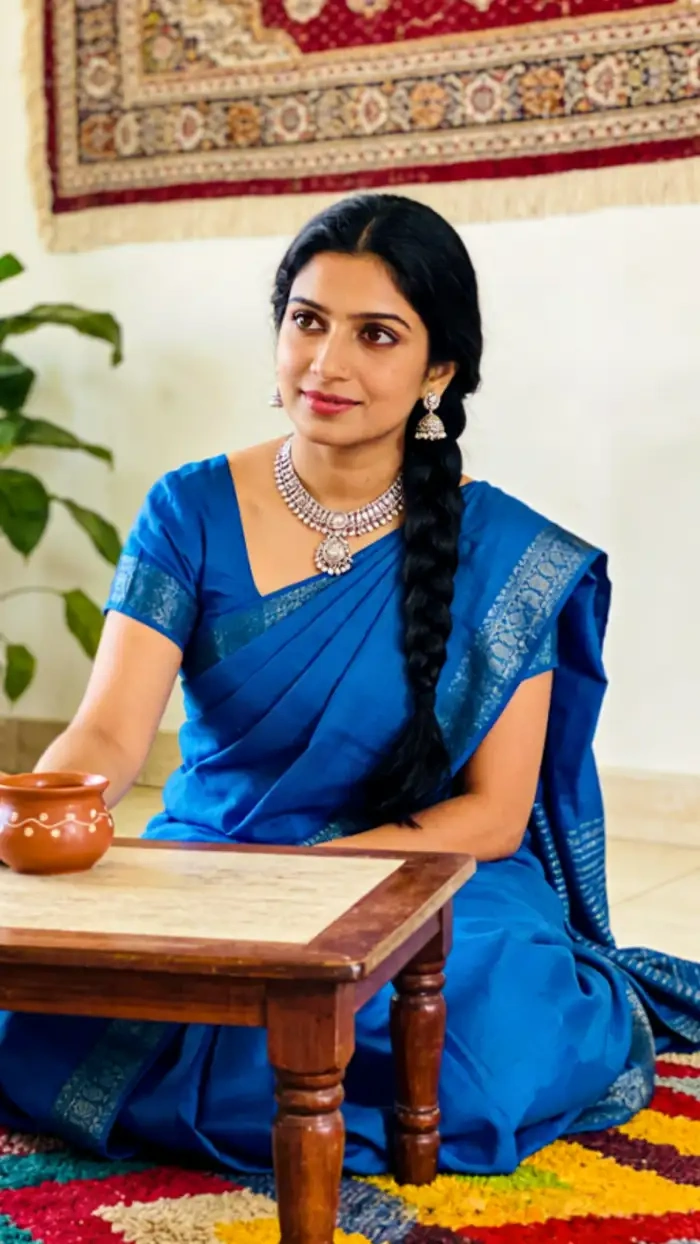 Before
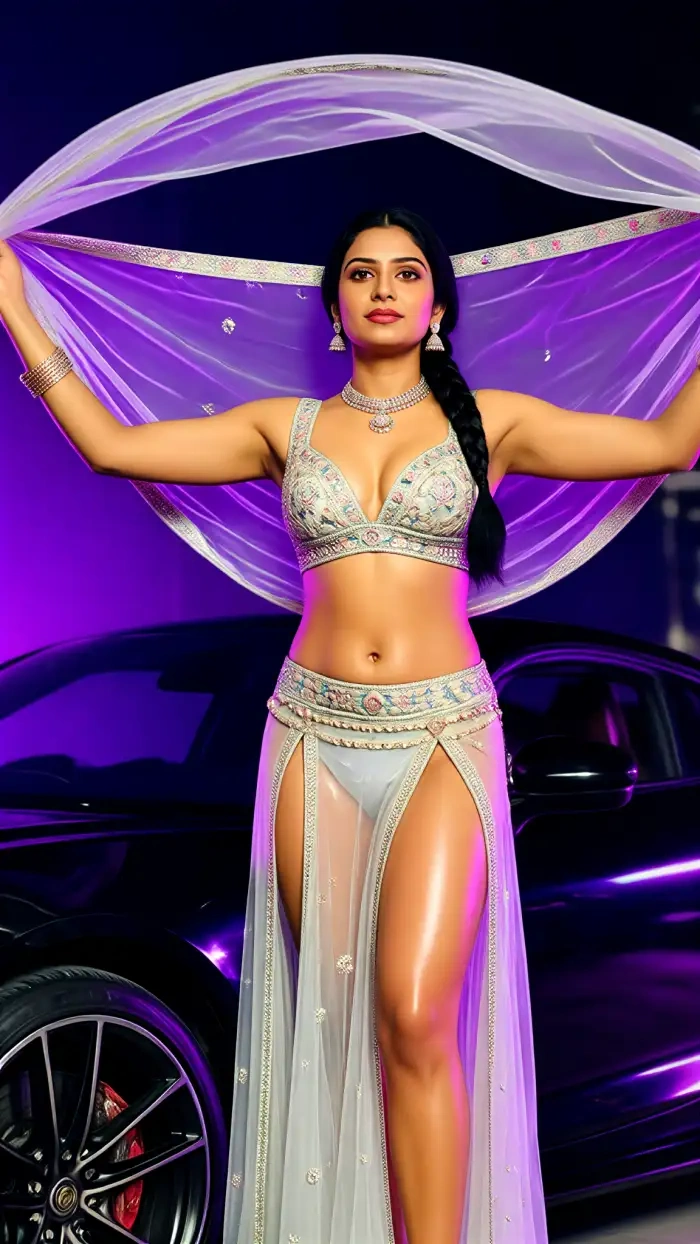 After
AfterImage Generation With Face Lock
CoupleLens reads the structure of your face first. Then it builds the gopikamma look AI portrait around it. Your jawline, nose, eyes, skin tone, and expression stay exactly where they should. The saree drape, the jewellery, the flower in the hair. Those all change. Your identity does not. That is what makes a gopikamma style photo feel like a real picture of you, not a stranger in costume.
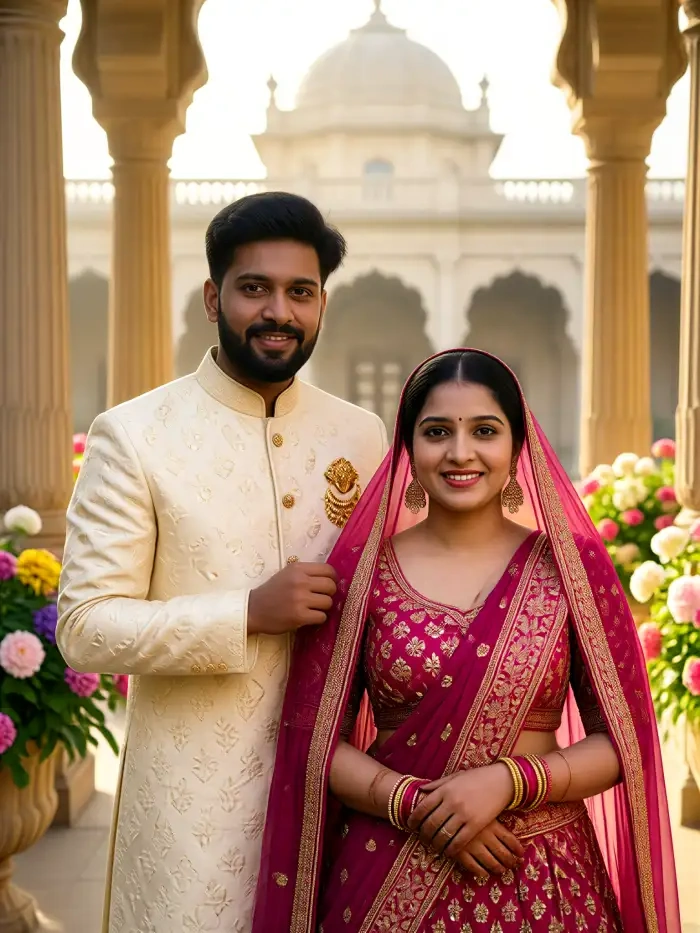
Multi-Person Photo Support
Want a full gopikamma AI photo series for a Reel or carousel? CoupleLens remembers your face across every render. Same girl, same face, same vibe. Different sarees, different scenes, different poses. Perfect for gopikamma look AI posts that need to feel like a story, not one lucky shot. Make once. Post many. Stay consistent.
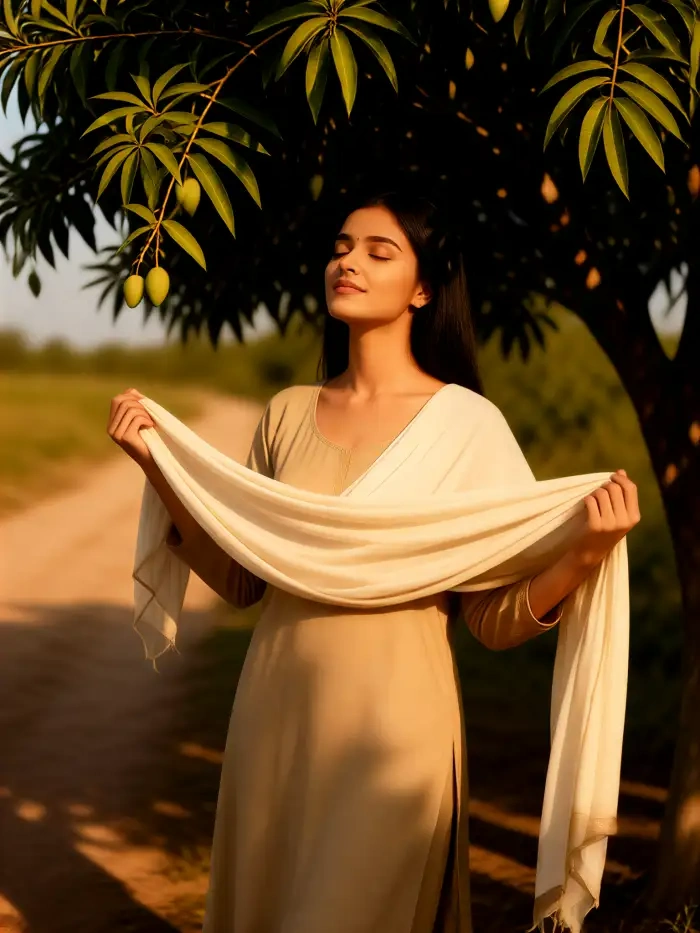
Thousands of Styles Including Indian Ethnic
The template library inside CoupleLens covers Chaniya Choli, Lehenga, Kanjeevaram saree, Banarasi silk, Gujarati bridal, Banjara tribal, Rajasthani poshak, and Bollywood retro. For gopikamma outfit photo editing, that means you do not need to write a single prompt. Tap the template. Upload your photo. CoupleLens handles the fabric folds, the gold embroidery, the dupatta flow, the warm sunset color grade.
See What Other Creators Made With CoupleLens
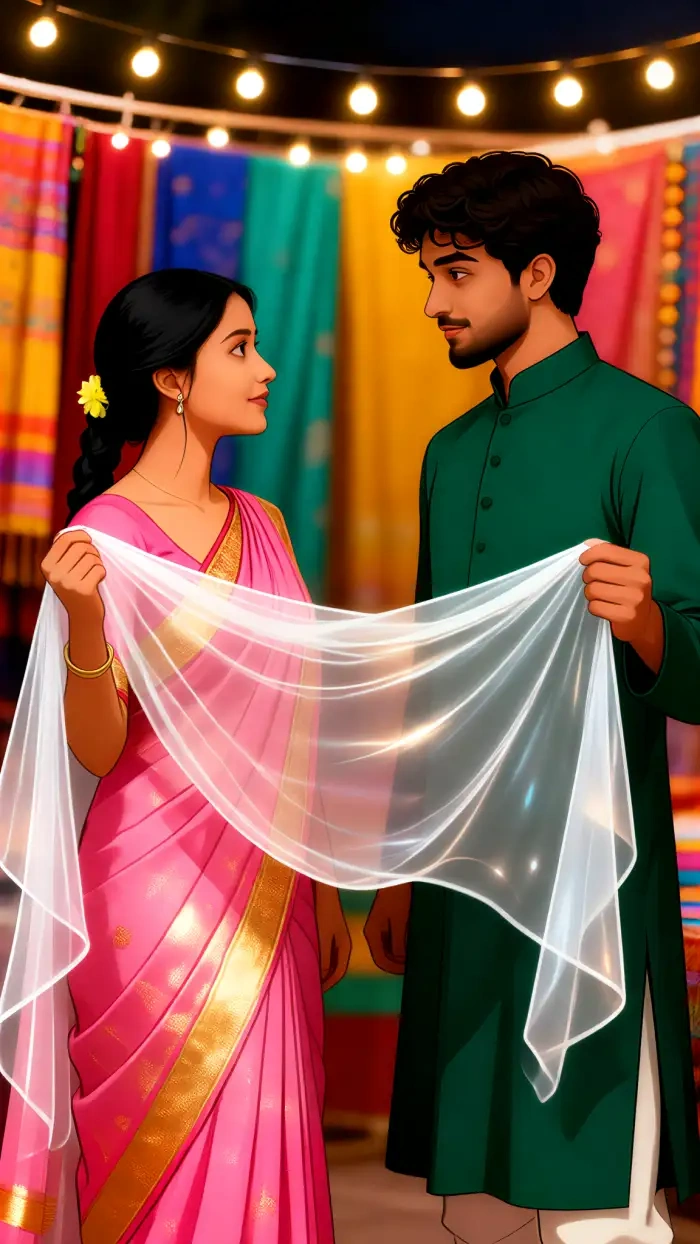
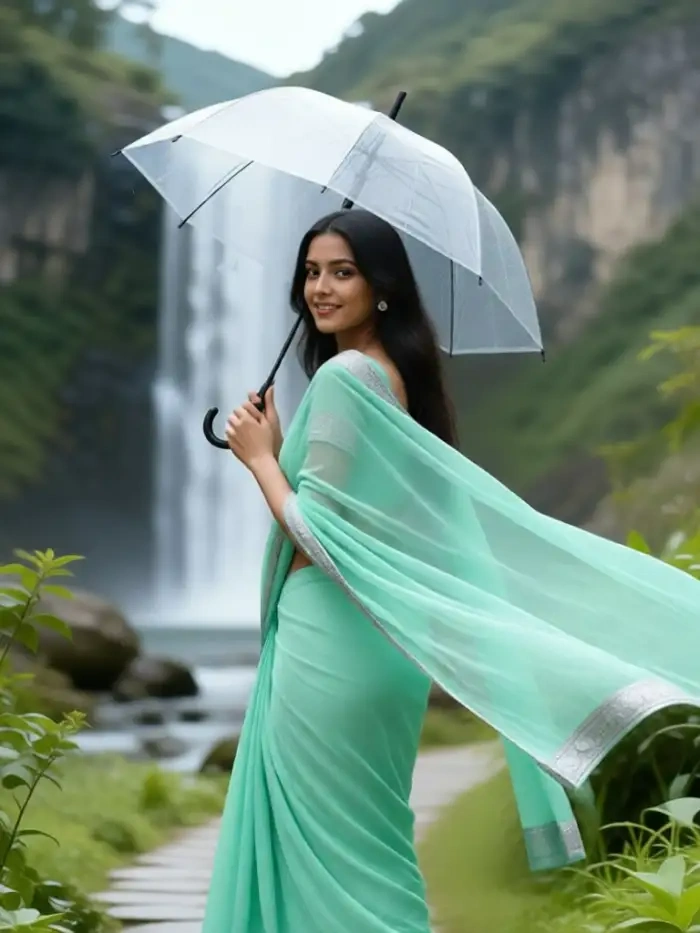
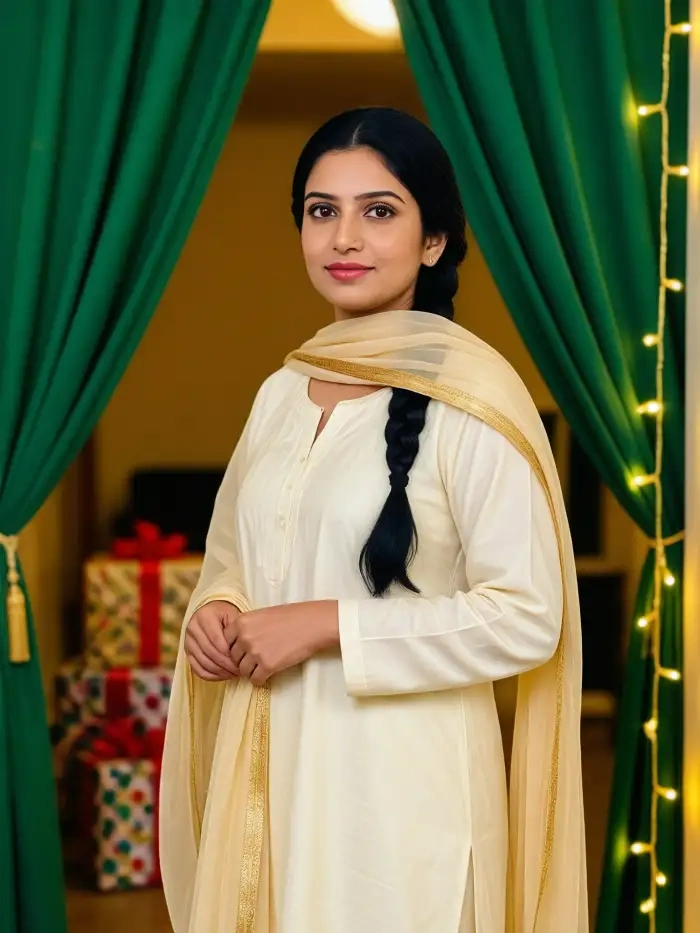
Browse real Gopikamma-style photo results made inside CoupleLens. Saree portraits and golden-hour village scenes, all generated by app users in seconds.
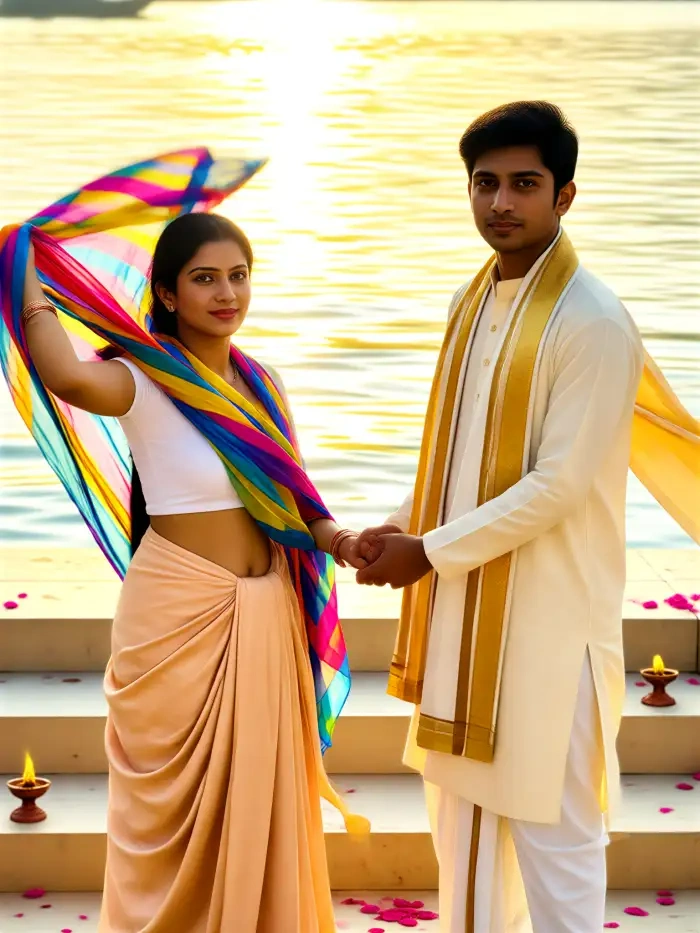
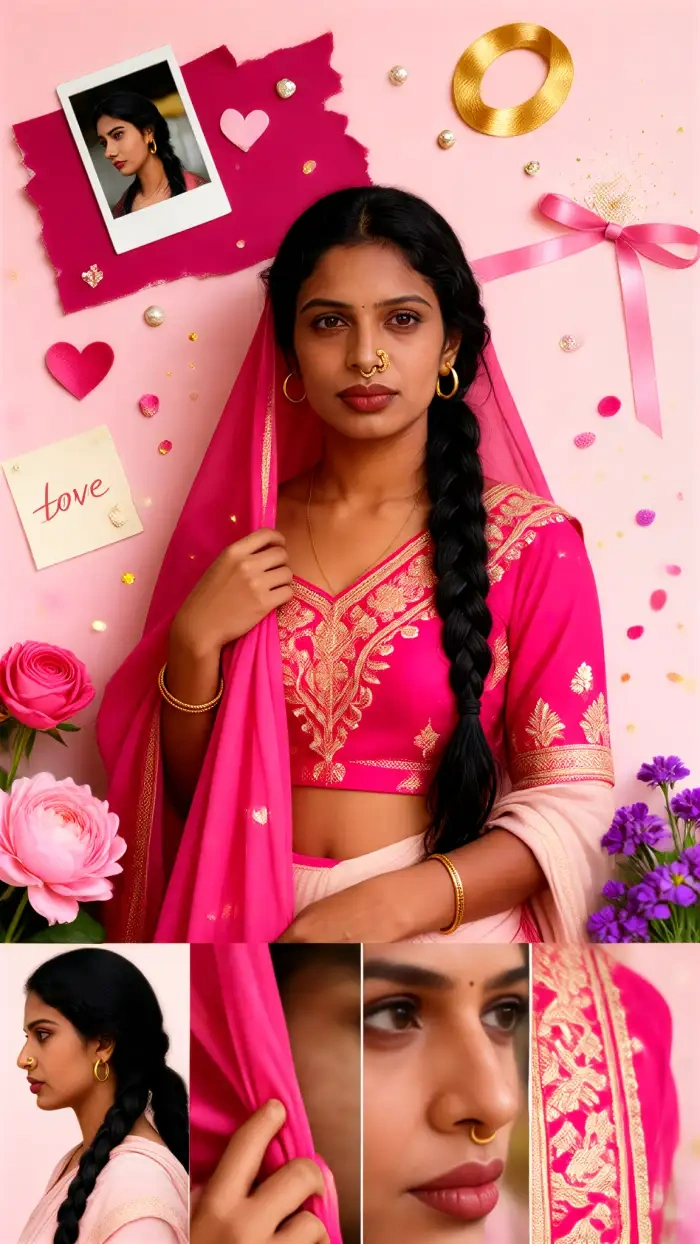
How to Create Your Gopikamma Outfit AI Photo?
Three quick steps inside the CoupleLens app take you from a normal selfie to a finished gopikamma AI photo.

Step 01.
Grab CoupleLens from the Google Play Store. Open the app. Sign up.

Step 02.
Browse the Indian ethnic category. Choose a Gopikamma-style photo template. Upload one clear selfie. Front-facing, good lighting, no sunglasses.

Step 03.
Tap Generate. Wait ten to twenty seconds. Your Gopikamma AI photo is ready. Download it. Post it to Instagram.
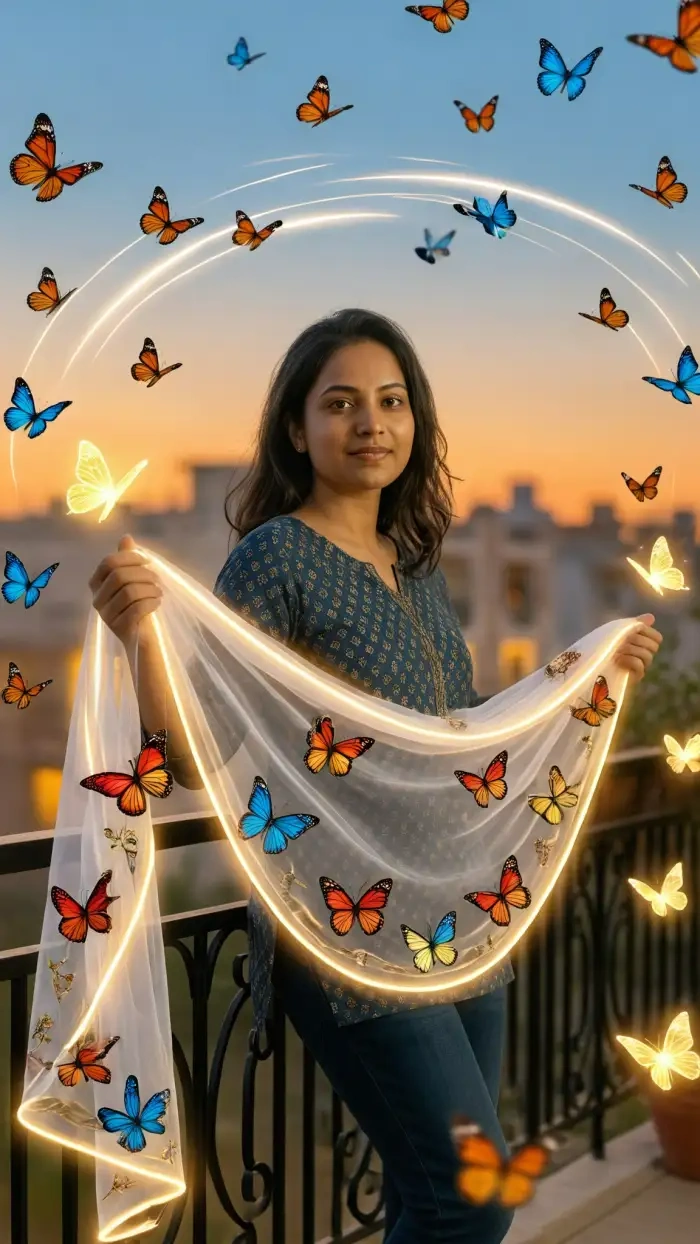
Use CoupleLens for Gopikamma Outfit AI Photo
CoupleLens is built for mobile-first gopikamma outfit photo editing. It runs on your phone, not a slow web editor. It uses 25,000 templates instead of prompt boxes. It locks your real face into every render so your gopikamma AI photo actually looks like you. And it ships with built-in social sharing, so the moment your Gopikamma look AI portrait is ready, you can post it to Instagram, WhatsApp, or your CoupleLens profile without extra apps. Faster. Cleaner. More cultural. Free to start on Google Play.

What Our Users Say About CoupleLens
CoupleLens is now my go-to for gopikamma outfit photo editing mockups.
I needed a quick reference shot for a client mood board. CoupleLens gave me a believable gopikamma style photo in fifteen seconds. The saree drape looked real, the face stayed mine. Way faster than my usual retouching workflow.
Skip the prompt engineering, just open CoupleLens and tap a gopikamma filter.
Saw the trend on my feed, wanted to try it but I am not a girl in a saree. I used CoupleLens on my sister's photo anyway just to test. The result was so clean we both posted it. Friends thought she actually wore the lehenga.
Best AI photo and video tool I found for Gopikamma look AI content at scale.
I run a small page on Indian ethnic fashion. Posting every day eats my time. CoupleLens lets me batch-make a full Gopikamma AI photo series in one sitting. Same face, five outfits, ten minutes total. My engagement has doubled since I started.
Watch CoupleLens in Action
Two short walkthroughs show you the full gopikamma outfit photo editing flow inside CoupleLens.
Frequently Asked Questions
Quick answers about making a gopikamma AI photo inside CoupleLens. All the common questions in one place.
More Topics You May Like
More CoupleLens guides for gopikamma outfit photo editing and Indian ethnic AI portraits.
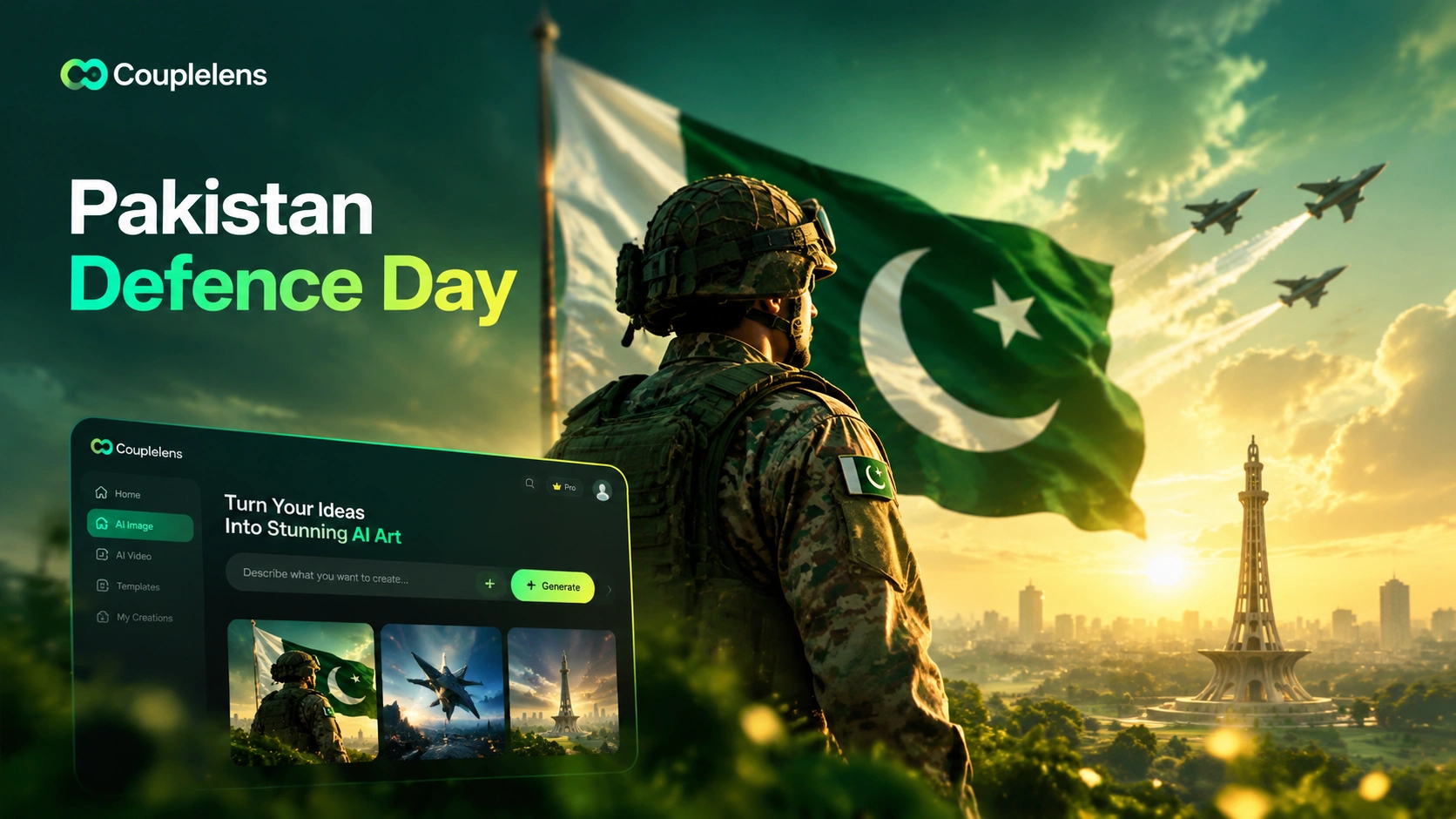
CoupleLens Pakistan Defence Day AI Photo Generator: Make 6 September AI Photo
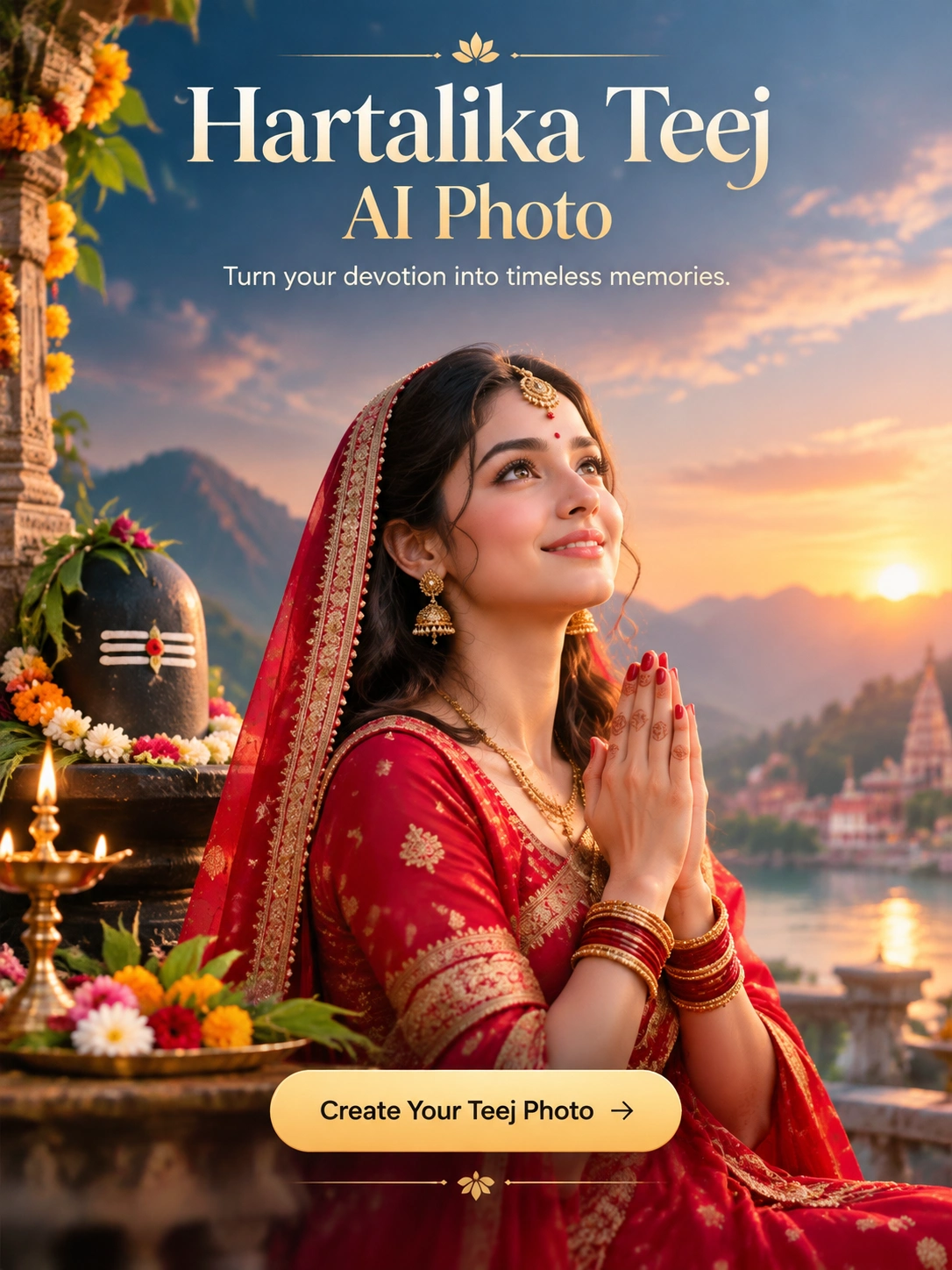
Hartalika Teej AI Photo: Festival Portraits in One Tap with CoupleLens
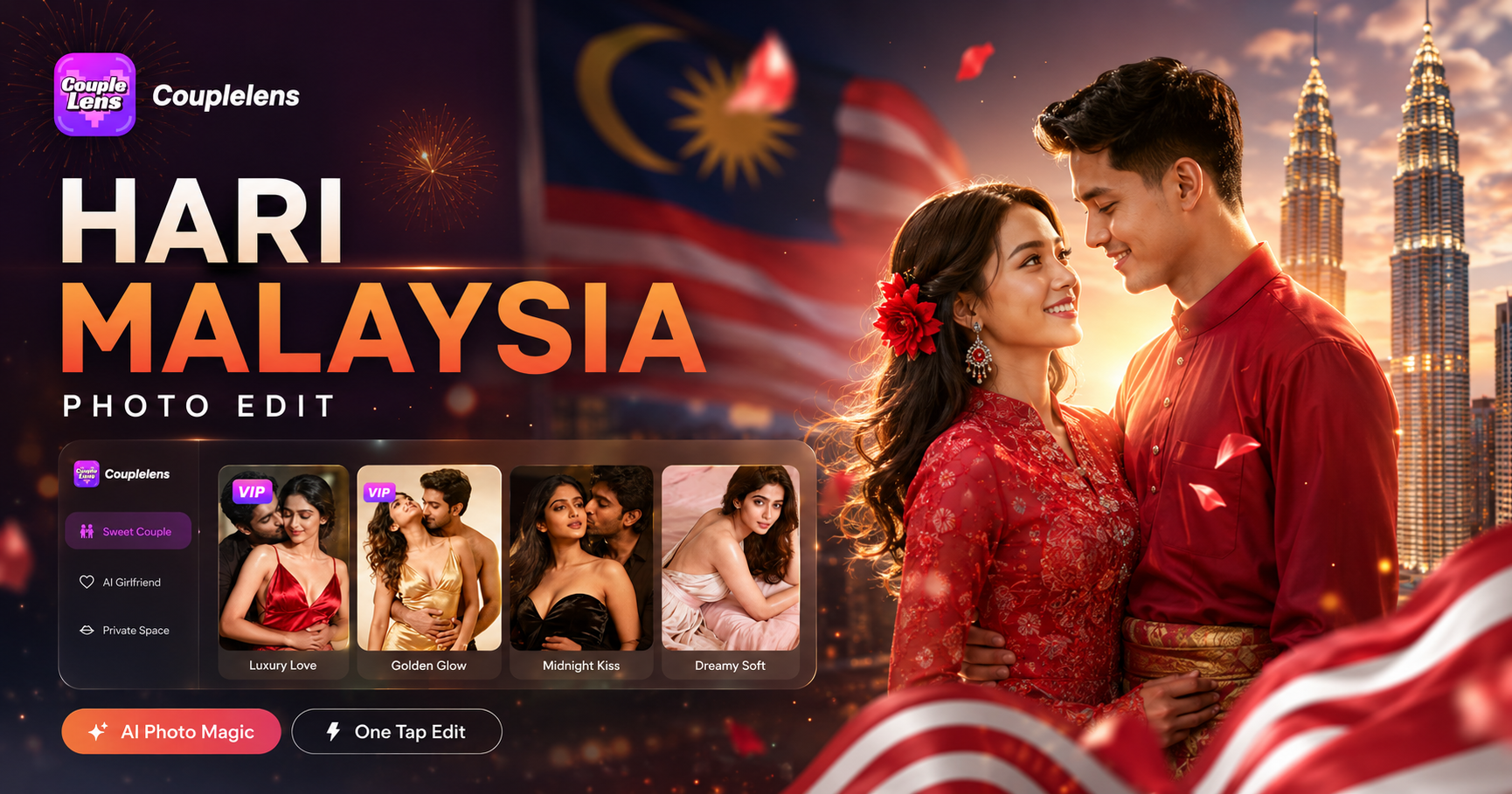
Hari Malaysia Photo Edit: Create Patriotic AI Art in Seconds with CoupleLens
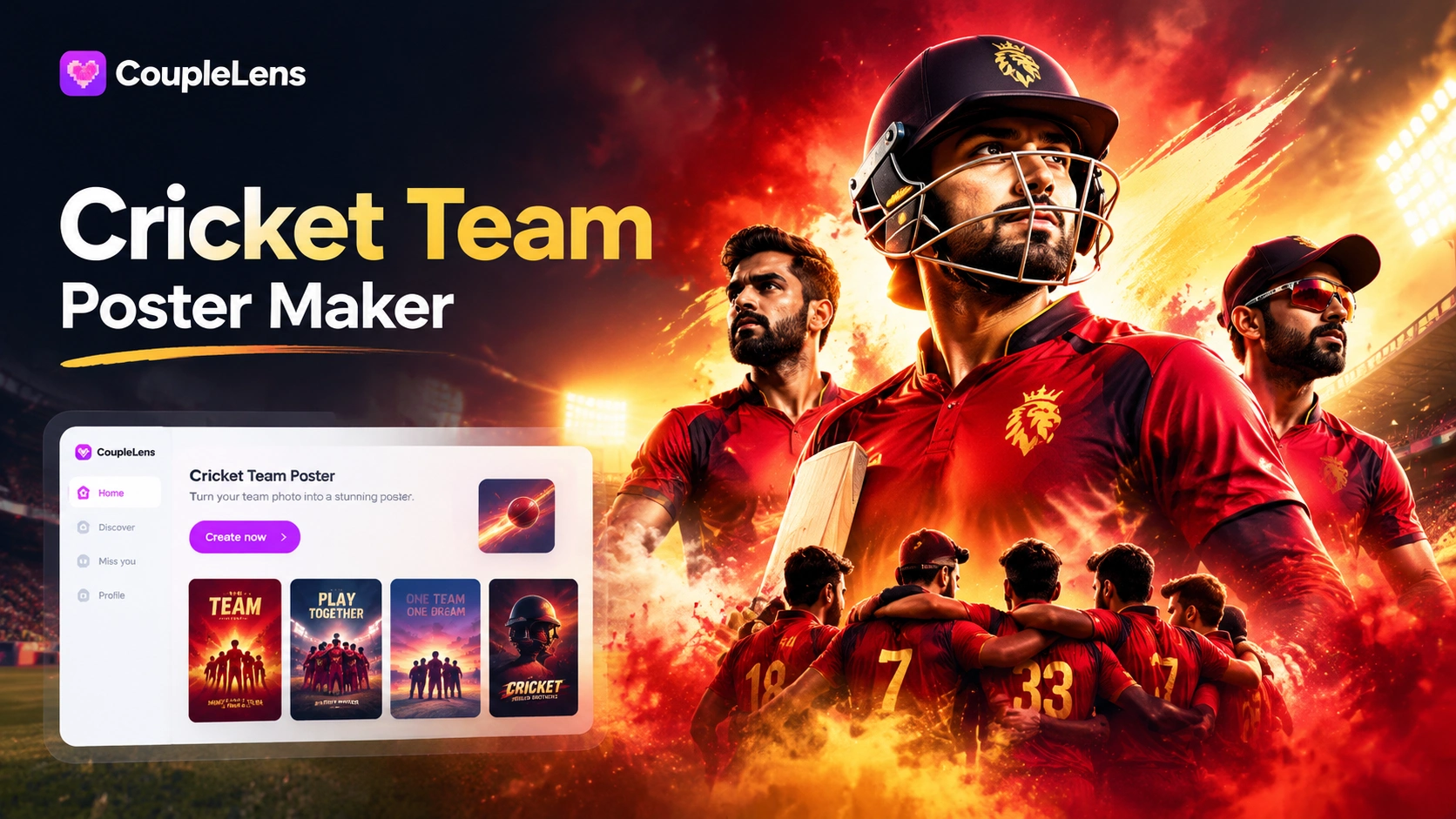
AI Cricket Team Poster Maker: Create Posters in CoupleLens App
CoupleLens Pakistan Defence Day AI Photo Generator: Make 6 September AI Photo
Hartalika Teej AI Photo: Festival Portraits in One Tap with CoupleLens
Hari Malaysia Photo Edit: Create Patriotic AI Art in Seconds with CoupleLens
AI Cricket Team Poster Maker: Create Posters in CoupleLens App
Make Your Gopikamma Outfit AI Photo Right Now
Your next Gopikamma AI photo is one tap away. Download CoupleLens on Google Play, open the Indian ethnic category, and pick a filter that matches your vibe. Free to start. Real face lock. Twenty-second renders.
Make Your Gopikamma Outfit AI Photo Right Now
Your next Gopikamma AI photo is one tap away. Download CoupleLens on Google Play, open the Indian ethnic category, and pick a filter that matches your vibe. Free to start. Real face lock. Twenty-second renders.