Pakistan Defence Day AI Photo
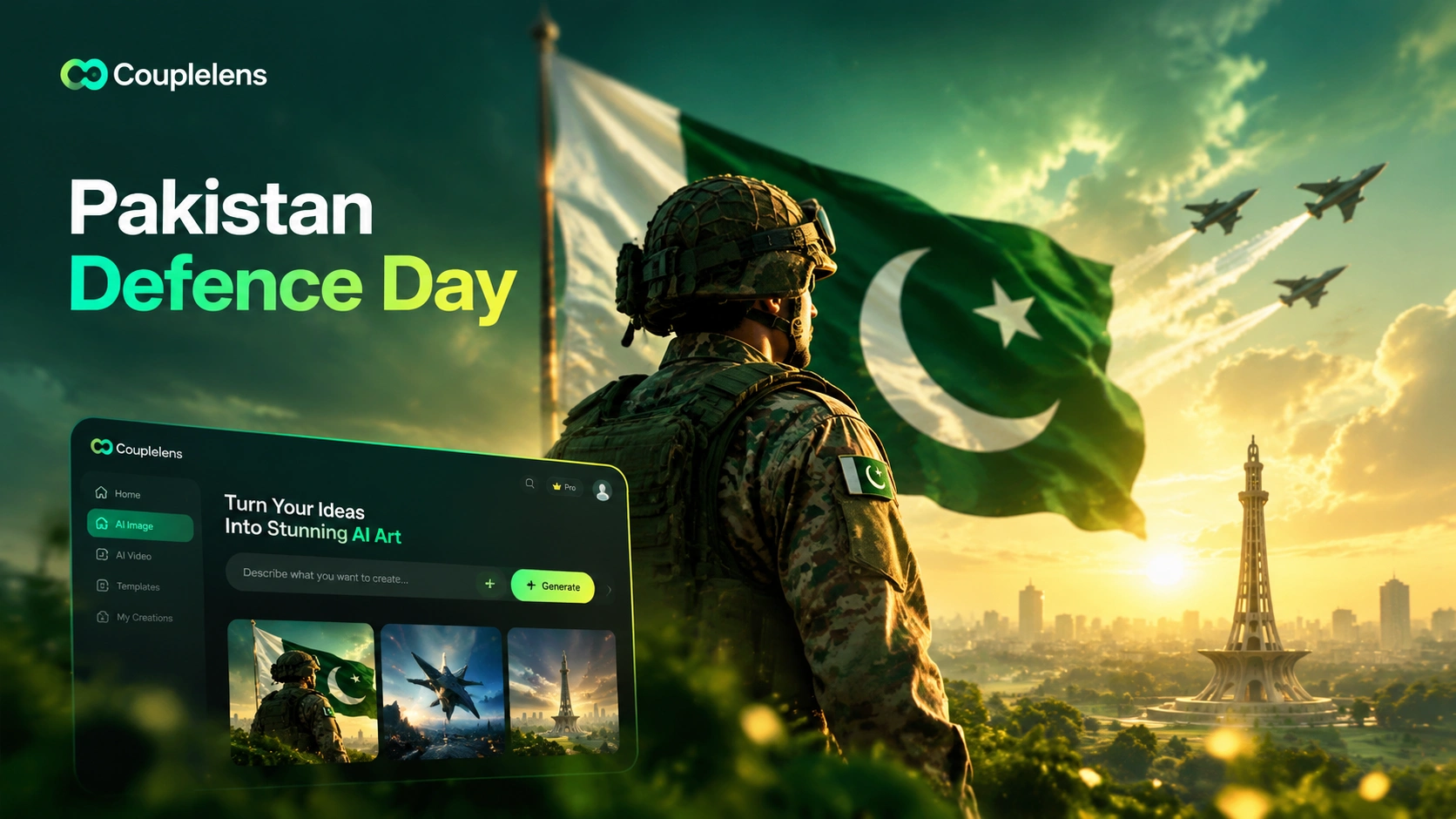
Pick Your 6 September AI Photo Filter
Each filter offers a different robust soldier look, ready to make your 6 September AI photo.
Key Features of Pakistan Defence Day AI Photo Maker
Three core powers of CoupleLens make every 6 September AI photo faster and better. The whole workflow sits inside the CoupleLens app.
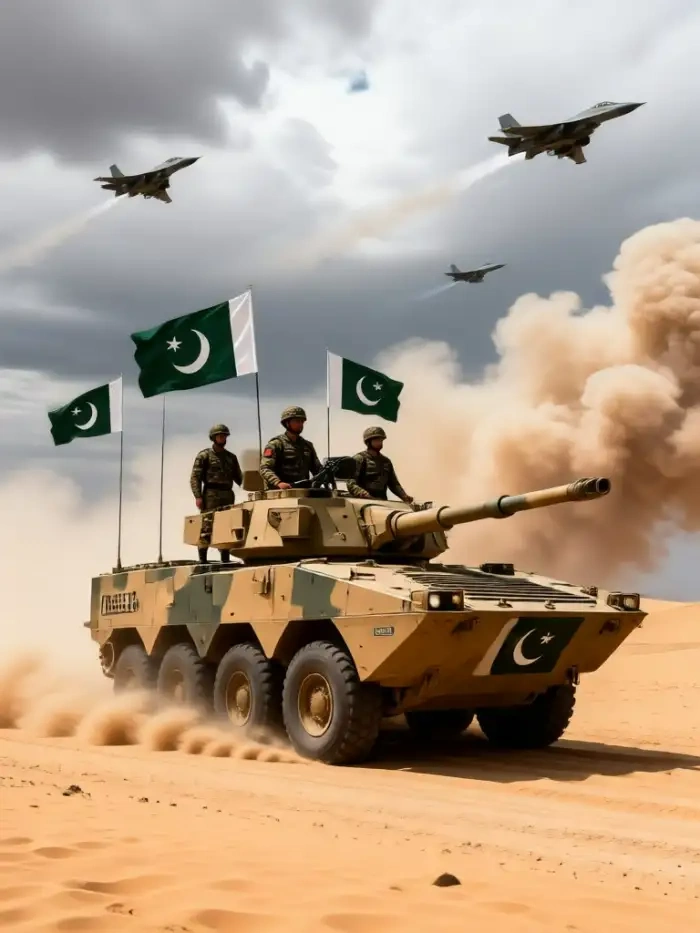
Cinematic Military Style Transfer
Your selfie becomes a proud soldier portrait. The AI keeps your real face, your real skin tone, your real expression. It wraps you in a crisp uniform, plants a Pakistan flag behind you, and lights the scene like a movie poster. No prompt writing. No Photoshop. One tap inside CoupleLens and your Pakistan Defence Day AI photo looks ready for a magazine cover.
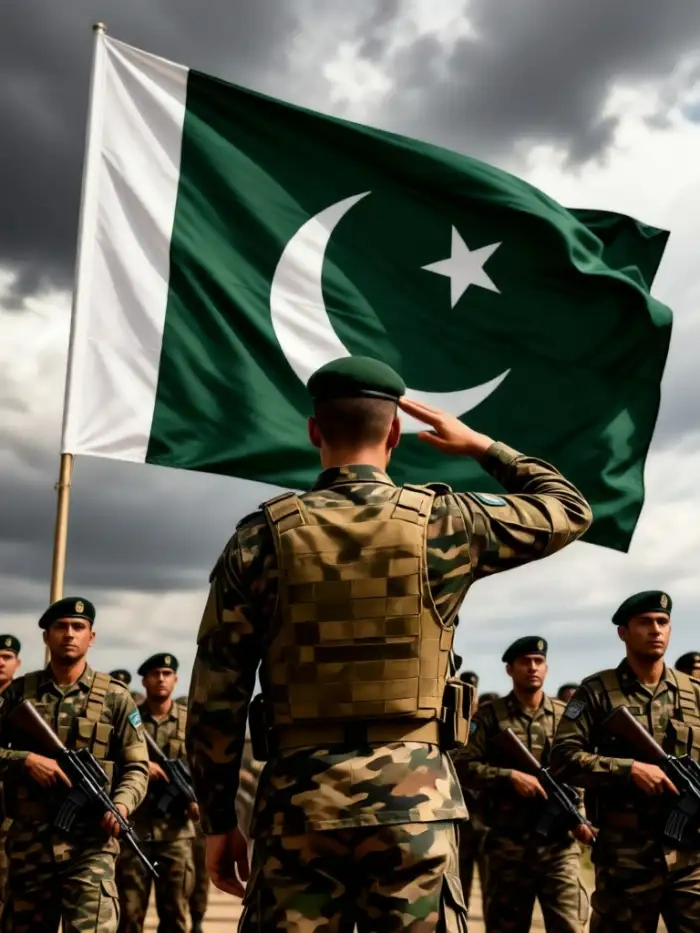
One Tap 6 September DP Maker
Pick a filter, upload a photo, wait 10 to 20 seconds, done. CoupleLens handles the rest. No design skills needed. New filters drop every week, so the 6 September DP you make this year will look different from the one your friend makes. CoupleLens keeps the Youm e Difa energy fresh on Google Play.
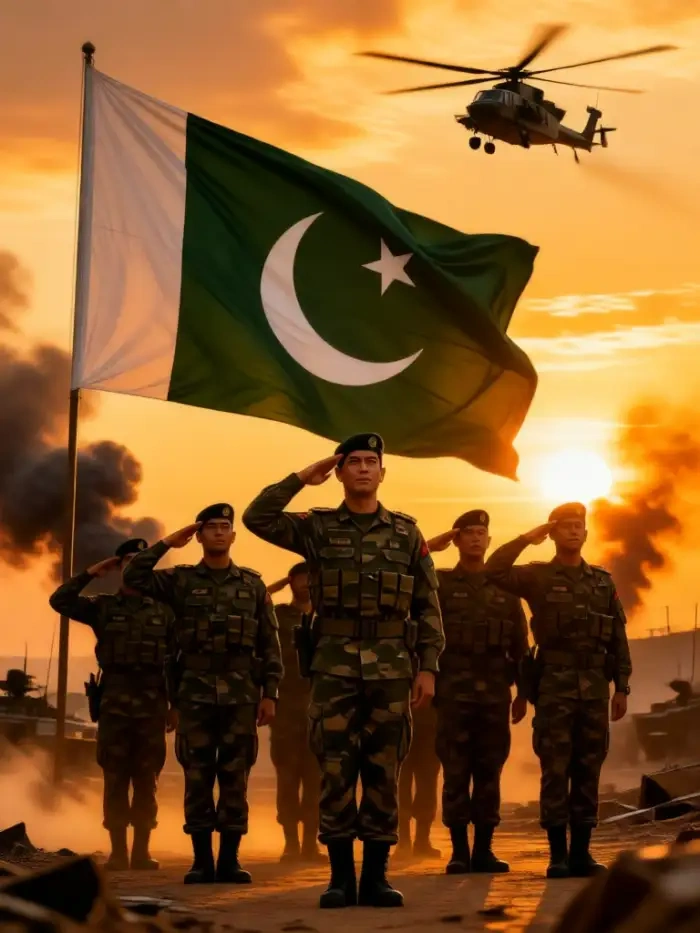
Group Photo Pakistan Army Style
CoupleLens reads every face in a couple or group shot. No mixed faces. No lost person in the back. It puts the whole squad in matching Pakistan Army uniforms, holds a flag together, and lines up a proper formation. Built for the kind of group photo that actually goes viral on Instagram and WhatsApp during Youm e Difa.
How to Create a Pakistan Defence Day AI Photo?
Three short steps and your 6 September AI photo is live. Just a phone and the CoupleLens app on Google Play.

Step 01.
Download CoupleLens on Google Play. Search the name, hit install, open the app.

Step 02.
Open CoupleLens, pick any Pakistan Defence Day filter from the list above. Upload one selfie, couple photo, or group shot.

Step 03.
Download your finished 6 September AI photo or share it straight to Instagram, WhatsApp, or Facebook.
Use CoupleLens For Your 6 September AI Photo
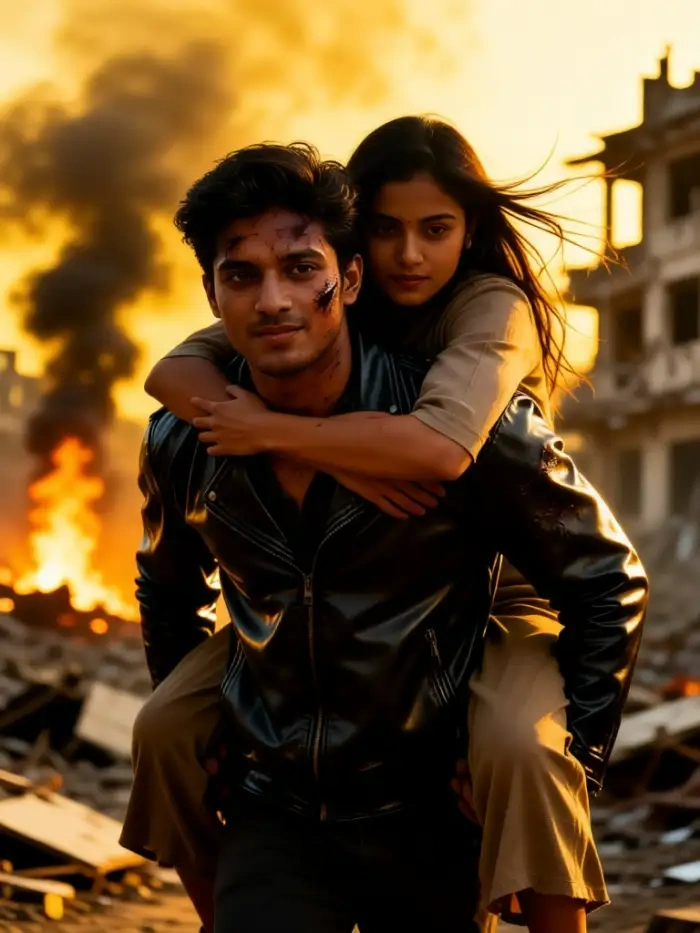
Other apps drop a sticker frame over your face and call it a Pakistan Defence Day AI photo. CoupleLens is different. It runs real generative AI that rebuilds the scene in a cinematic style while keeping your real face, real skin, and real expression. You get 6 filters built for Youm e Difa today, 25,000 more for every other day, and one-tap delivery on the Google Play app store. No Photoshop. No design skills. Just a proud 6 September AI photo in your hand before the parade starts.

What Our Users Say About CoupleLens
CoupleLens beats every frame app I tried for the 6 September DP.
CoupleLens is the fastest way I have ever made a holiday photo. I dropped in a selfie, picked the Pakistan Defence Day filter, and 12 seconds later I had a real soldier portrait with my face on it. No ugly sticker border, no fake filter look. The lighting on the flag is wild. I posted it as my WhatsApp DP the same minute.
CoupleLens is the only AI photo tool I trust with a group shot.
My students wanted a group photo for Youm e Difa and we had about 10 minutes before assembly. I opened CoupleLens on my phone, uploaded our class photo, picked the Pakistan Army group filter, and it handled all 24 faces without losing one. Uniforms, flag, formation, all clean. The kids went nuts.
CoupleLens gave me a real cinematic photo, not a fake one.
I am picky about faces in AI work. Most tools blur the eyes or shift the smile. CoupleLens kept my actual face, beard, and skin tone. The military scene looked like a real shoot. I used the cinematic portrait filter for a client brief on patriotic campaigns and the client thought it was a stock photo.
CoupleLens App Tour Videos
Two quick videos on how to make a 6 September AI photo inside CoupleLens. Watch once, then open the app and try it yourself.
Frequently Asked Questions
Quick answers to the most common questions about making a 6 September AI photo inside the CoupleLens app on Google Play.
More Topics You May Like
Same one tap workflow, same real face promise, more 6 September style art to try.
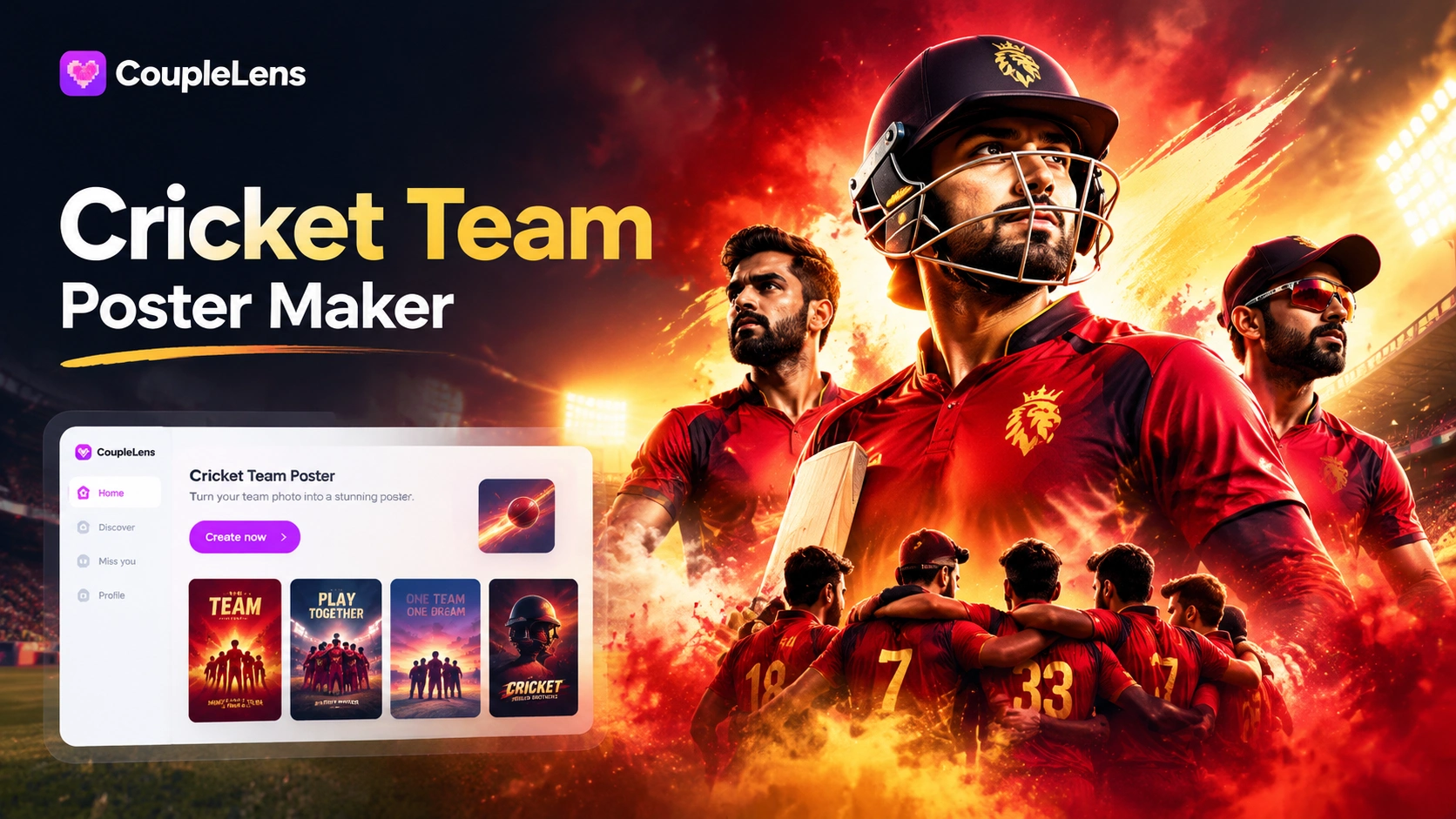
AI Cricket Team Poster Maker: Create Posters in CoupleLens App

12 Rabi Ul Awal AI Photo Editing with CoupleLens
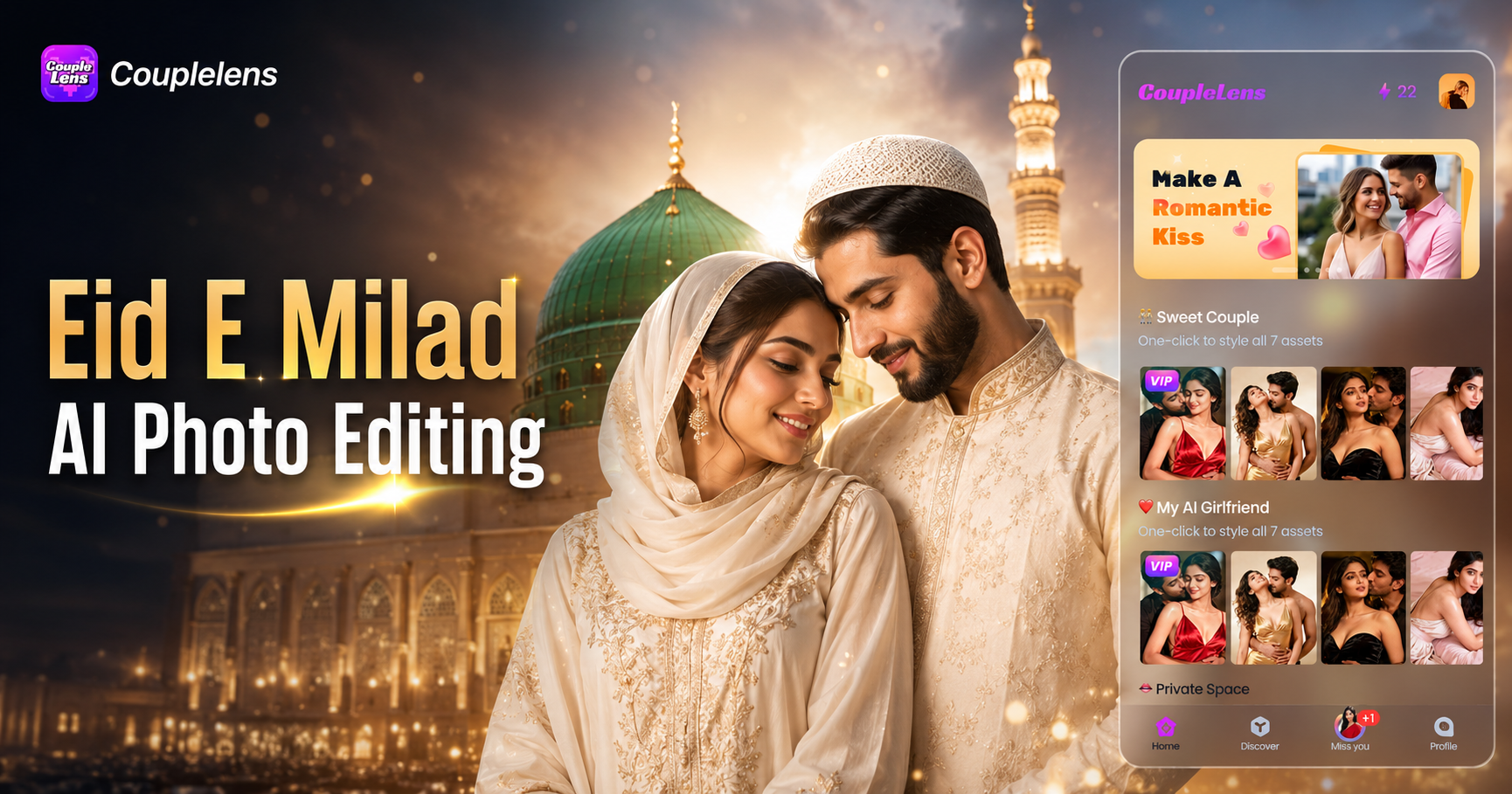
Eid E Milad AI Photo Editing: Create Festive Milad Portraits with CoupleLens

CoupleLens Ganesh Chaturthi AI Photo Generator: Add Ganpati Bappa to Any Photo
AI Cricket Team Poster Maker: Create Posters in CoupleLens App
12 Rabi Ul Awal AI Photo Editing with CoupleLens
Eid E Milad AI Photo Editing: Create Festive Milad Portraits with CoupleLens
CoupleLens Ganesh Chaturthi AI Photo Generator: Add Ganpati Bappa to Any Photo
Pakistan Defence Day AI Photo Awaits
Stop scrolling through old millitary frames. Open CoupleLens, tap a filter, and post a proud 6 September Pakistan Defence Day AI photo today.
Pakistan Defence Day AI Photo Awaits
Stop scrolling through old millitary frames. Open CoupleLens, tap a filter, and post a proud 6 September Pakistan Defence Day AI photo today.