Hartalika Teej AI Photo
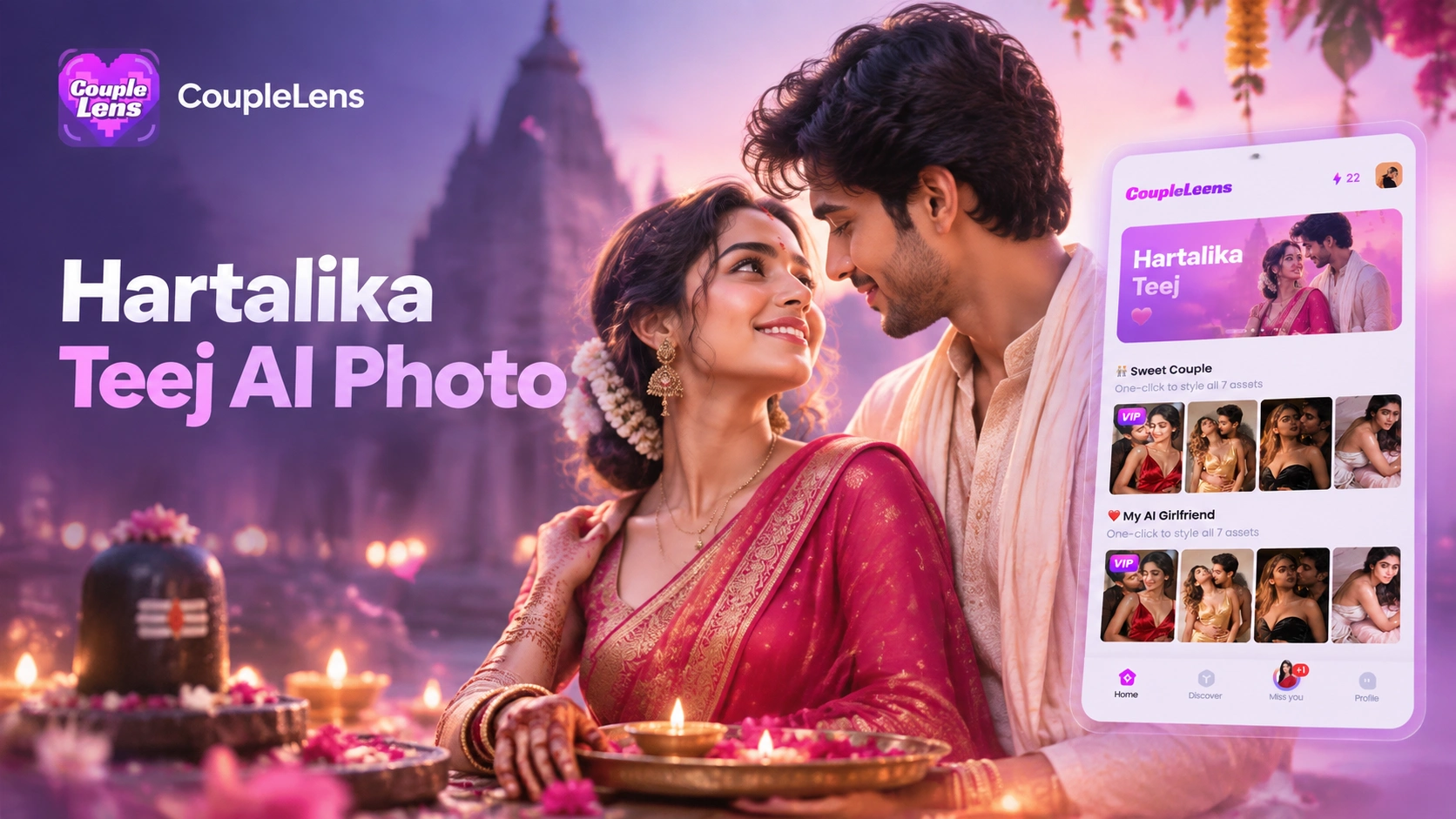
Pick a Teej Filter That Matches Your Mood
Browse CoupleLens filters built around the hartalika teej AI photo generator theme. One tap. No prompt needed.
Key Features of Hartalika Teej AI Photo
Green saree portraits, teej jhula photo scenes, teej mehndi AI photo close ups, and full family festival frames all live in the same app.
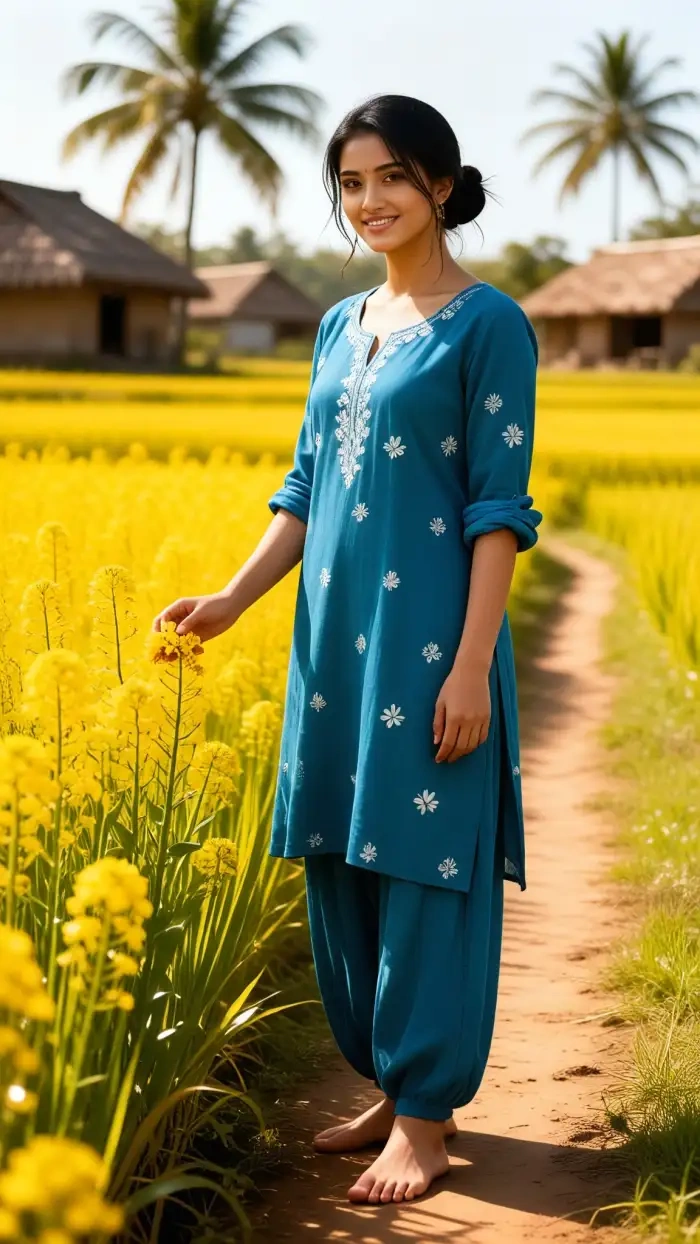 Before
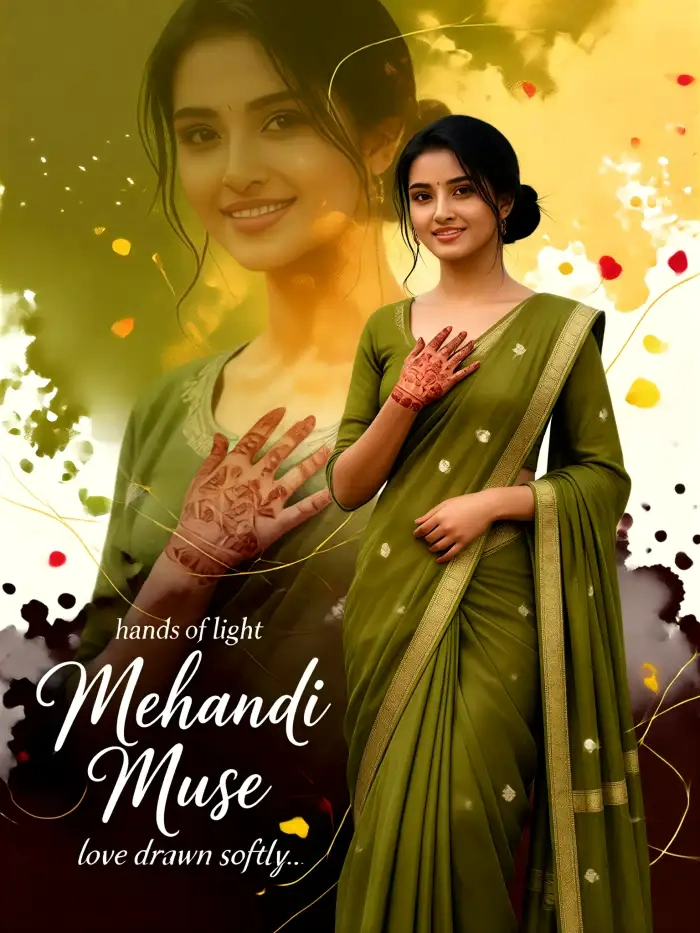 After
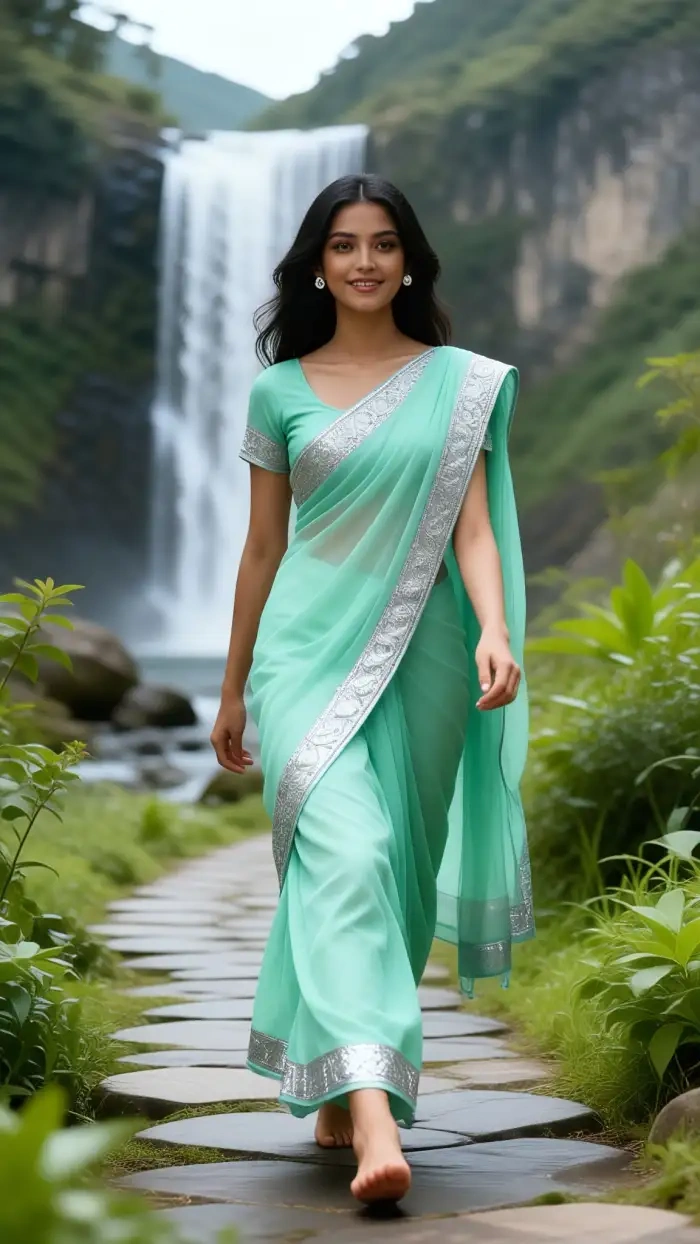
AfterGreen Saree Festival Portrait
Drop one selfie into the CoupleLens teej green saree AI photo filter. The app wraps you in a rich green silk saree with golden embroidery, glass bangles, a maang tikka, and a soft monsoon garden. Face stays the same. Skin tone stays the same. The temple courtyard lighting adds the warm diya glow that makes the portrait feel like a real Teej morning. No prompt writing, no manual masking, no extra retouch app. Pick the filter, tap generate, and the saree look lands in about ten seconds on your phone.
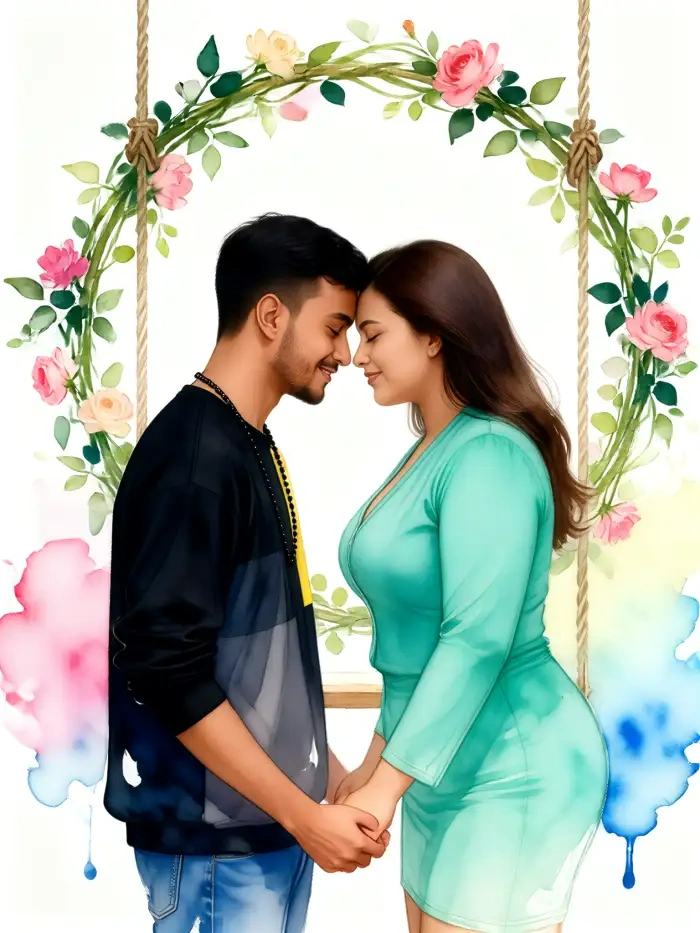
Teej Jhula Festive Photo
Choose a CoupleLens teej jhula photo template and the app places you on a floral swing inside a decorated courtyard. Marigold garlands hang in the background. Brass bells sway. Soft fairy lights wrap the frame. The pose stays graceful. The hands still show mehndi. You can swap the swing style between royal garden, monsoon green, or temple side. The final image is square or vertical, ready for a WhatsApp DP or an Instagram post. The whole thing runs inside the CoupleLens app, no extra editor needed.
 Before
Mehndi and Bridal Close Up
Open the teej mehndi AI photo filter in CoupleLens and the camera moves in close. Detailed henna covers both palms. Green glass bangles stack on the wrists. A small bindi sits on the forehead. The background is a warm home shrine with diya lamps and fresh flowers. The shot is editorial, not generic. The face lock keeps your real eyes, smile, and skin. It is the kind of close up bridal hand shot that you would pay a mehndi artist to set up. CoupleLens builds it in about twenty seconds.
How to Make AI Baby Images?
Create adorable AI baby images in just a few simple steps using our powerful platform.

Step 01.
Get started by downloading our app to easily generate AI baby images anytime, anywhere.

Step 02.
Select from a variety of fun and realistic filters to customize your baby images to your liking.

Step 03.
Create your AI baby images or videos, then download and share them with friends or on social media.
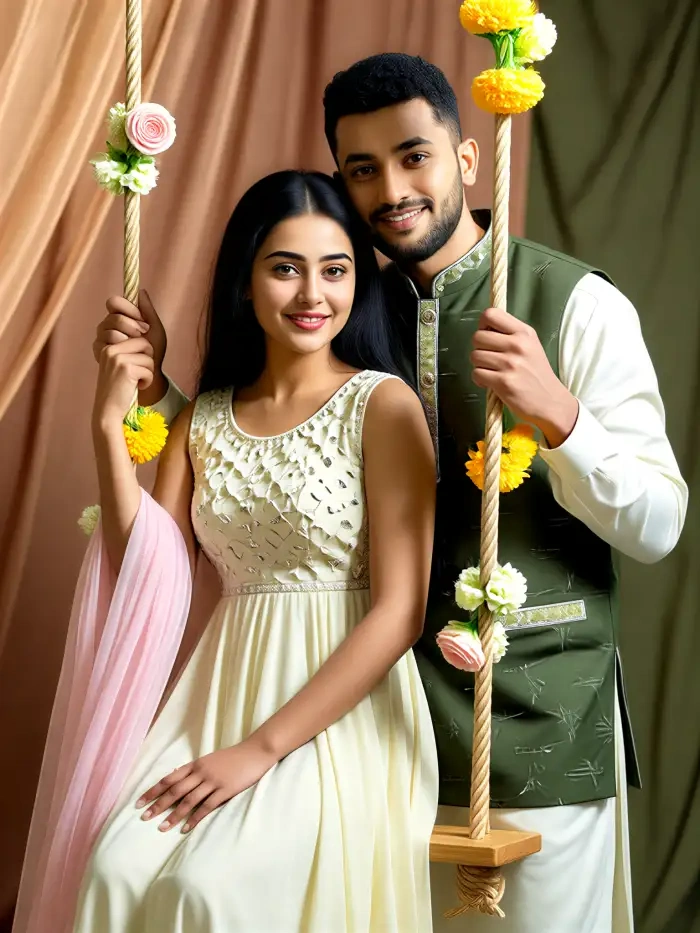
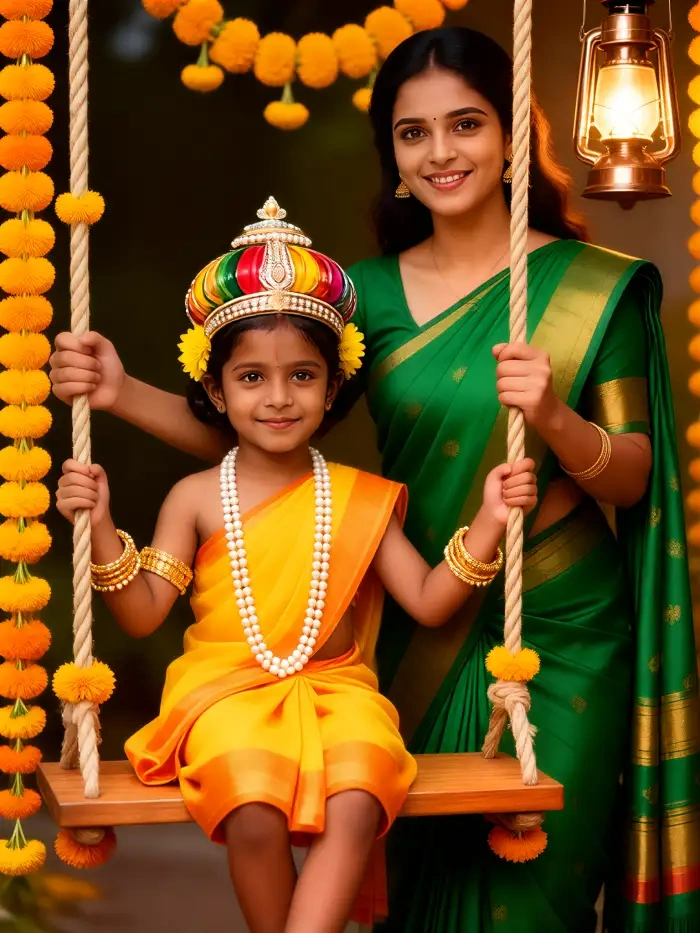
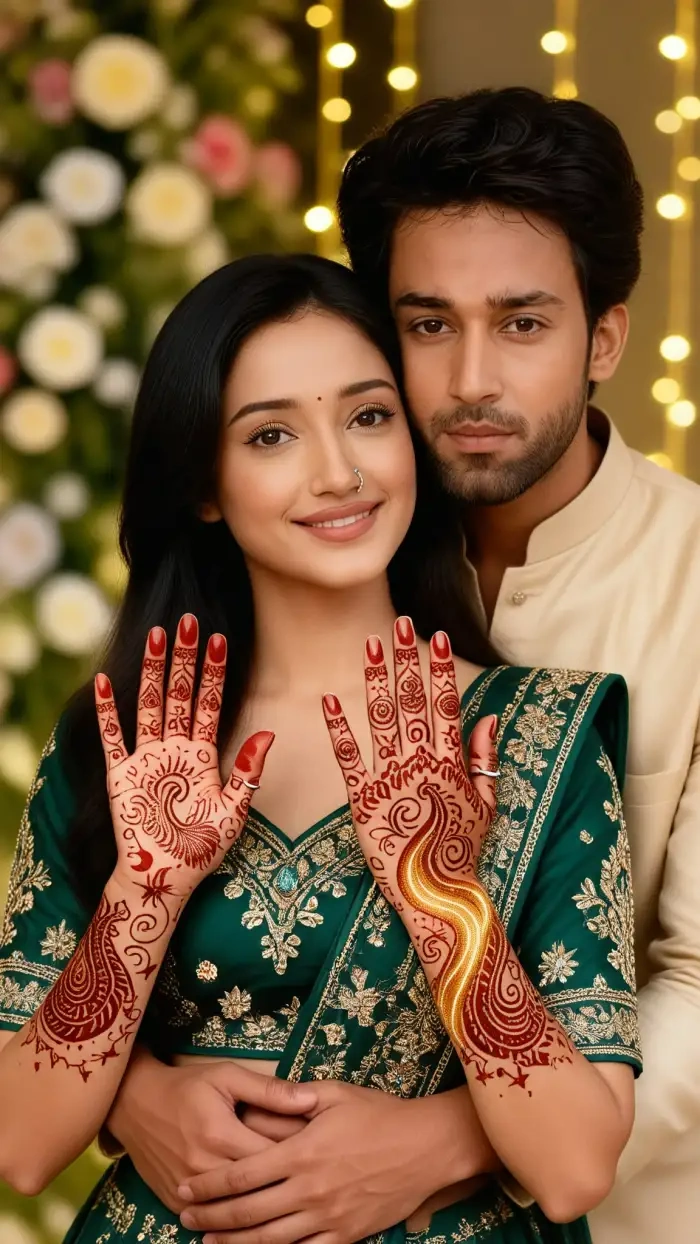
Hartalika Teej AI Photo Gallery from CoupleLens Users
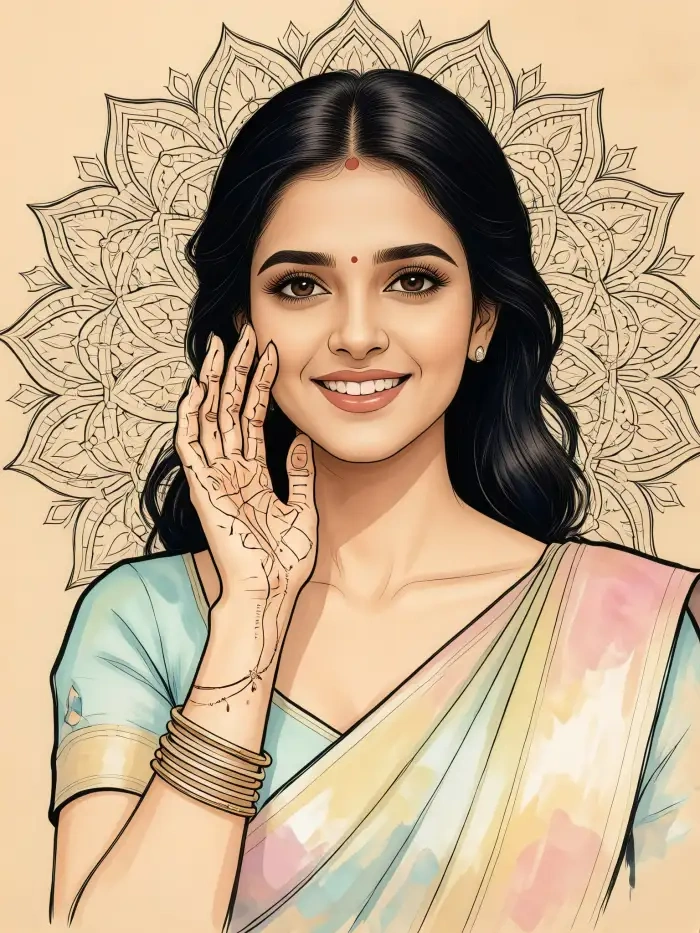
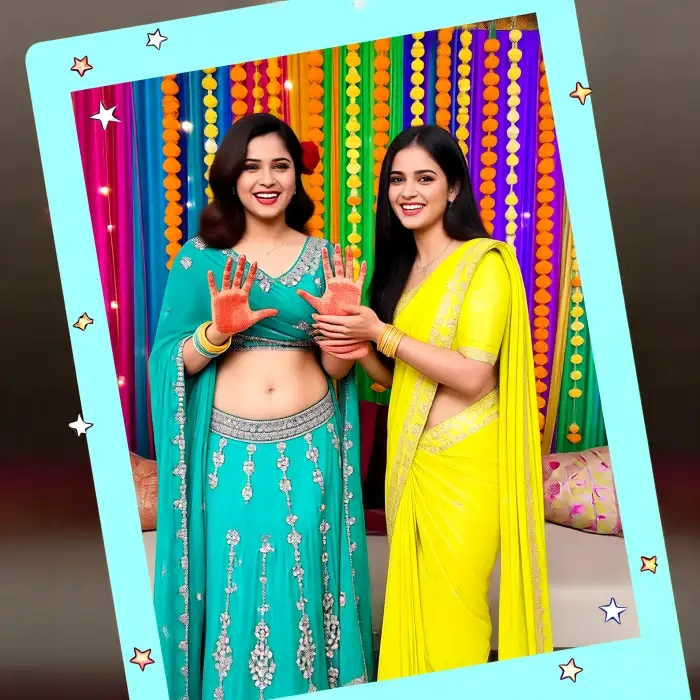
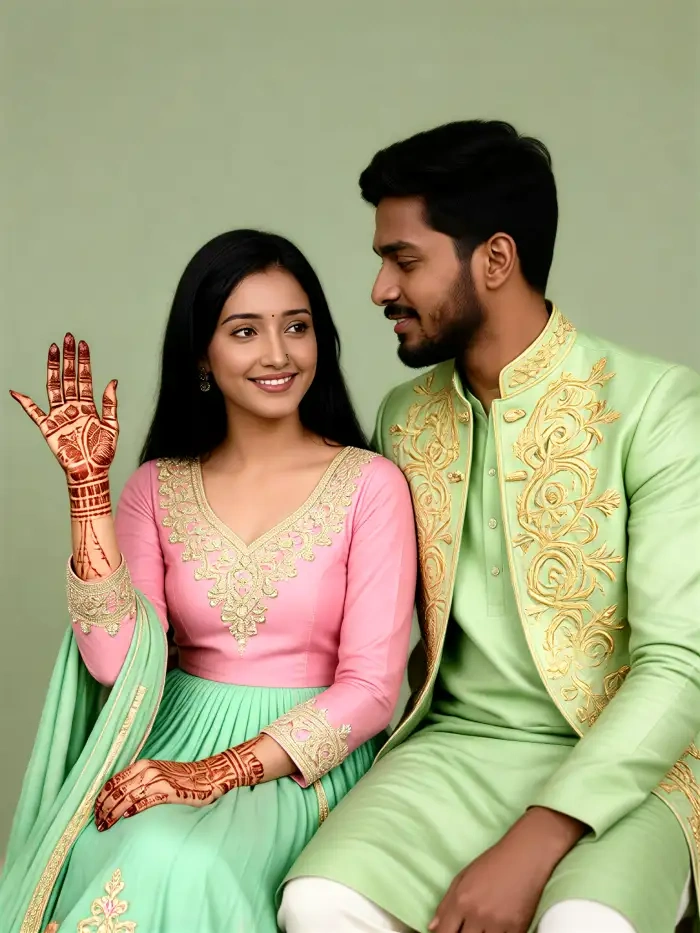
Real style frames from the CoupleLens app. Green saree portraits, jhula swings, mehndi hands, and festive family shots.
Use CoupleLens for Your Hartalika Teej AI Photo
CoupleLens skips the prompt writing, keeps your real face, and ships the festival portrait in one tap. No desktop. No Photoshop. No long copy paste prompt. The whole flow lives in your pocket, from the first saree look to the last WhatsApp status. The 25,000+ template library also covers Raksha Bandhan, Navratri, Diwali, and Holi portraits in the same one tap style.

Watch CoupleLens Teej AI Photo Walkthroughs
See how users turn a single selfie into a hartalika teej AI photo, a teej jhula photo, and a teej mehndi AI photo inside the mobile app.
Frequently Asked Questions
Quick answers about the hartalika teej AI photo generator inside CoupleLens. Filters, face lock, family shots, video, sharing, and privacy.
More Topics You May Like
Raksha Bandhan, Navratri, Holi, Diwali. Pair them with your hartalika teej AI photo for a full festive feed on social.
AI Cricket Team Poster Maker: Create Posters in CoupleLens App
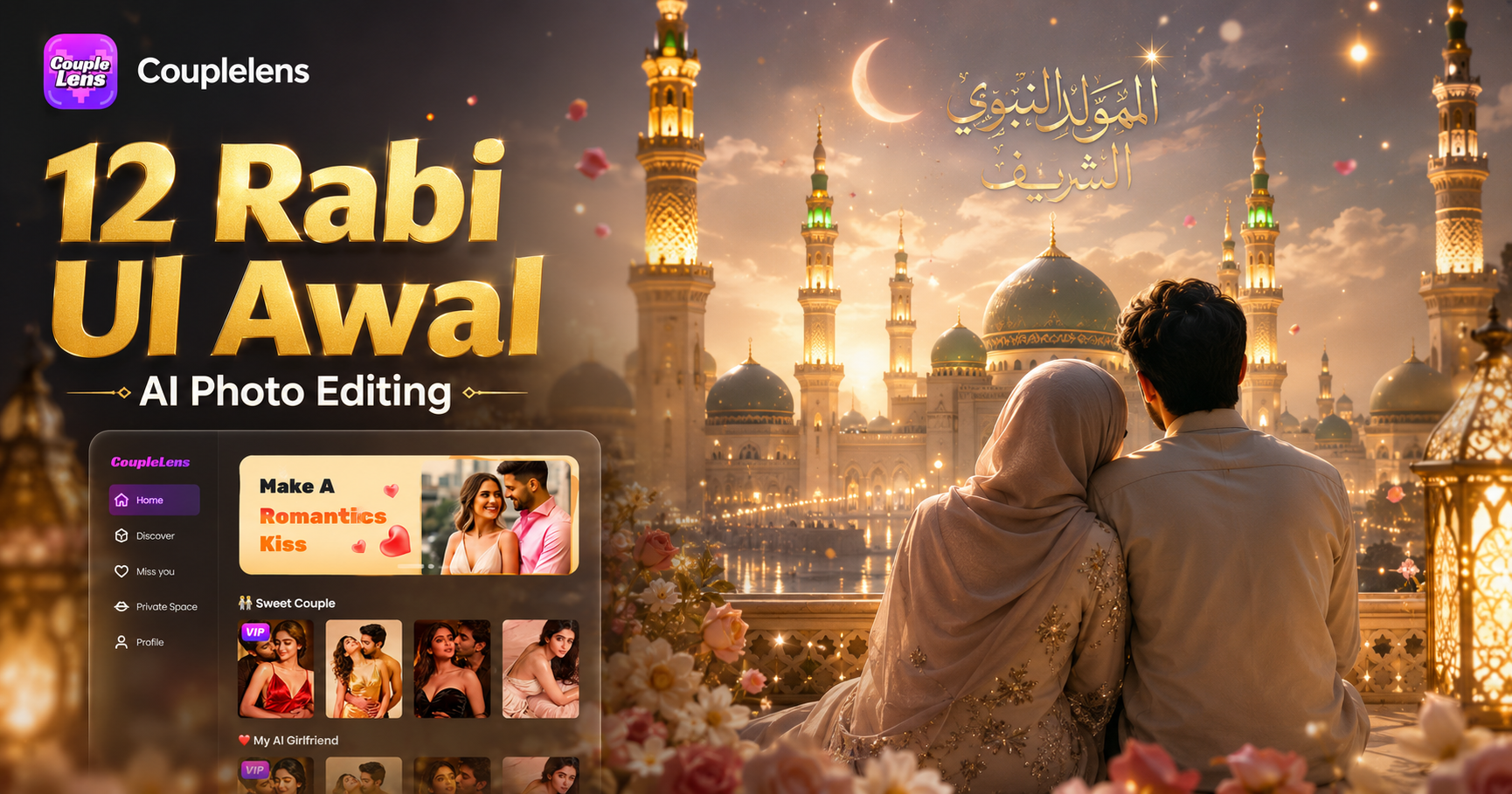
12 Rabi Ul Awal AI Photo Editing with CoupleLens
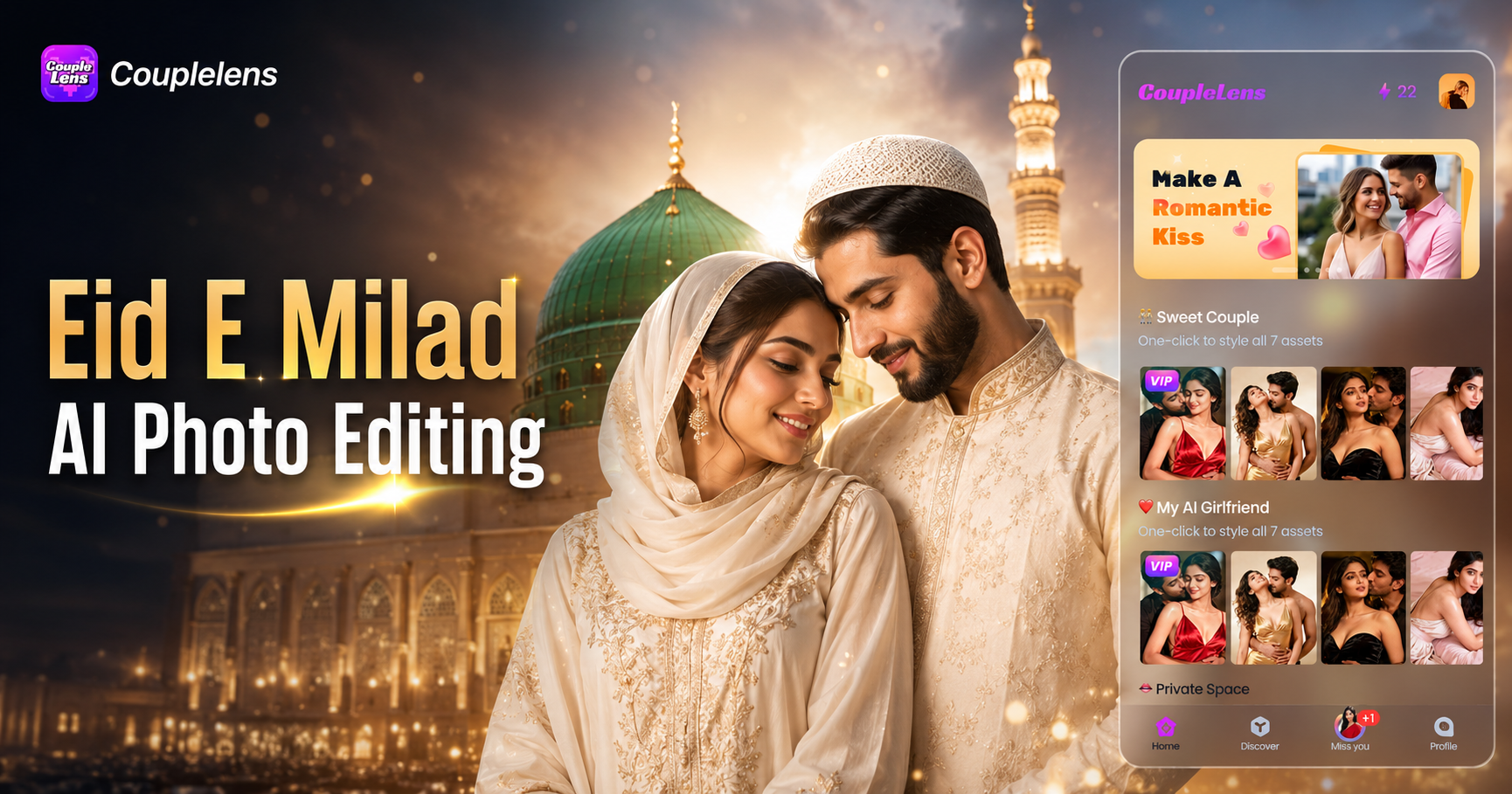
Eid E Milad AI Photo Editing: Create Festive Milad Portraits with CoupleLens
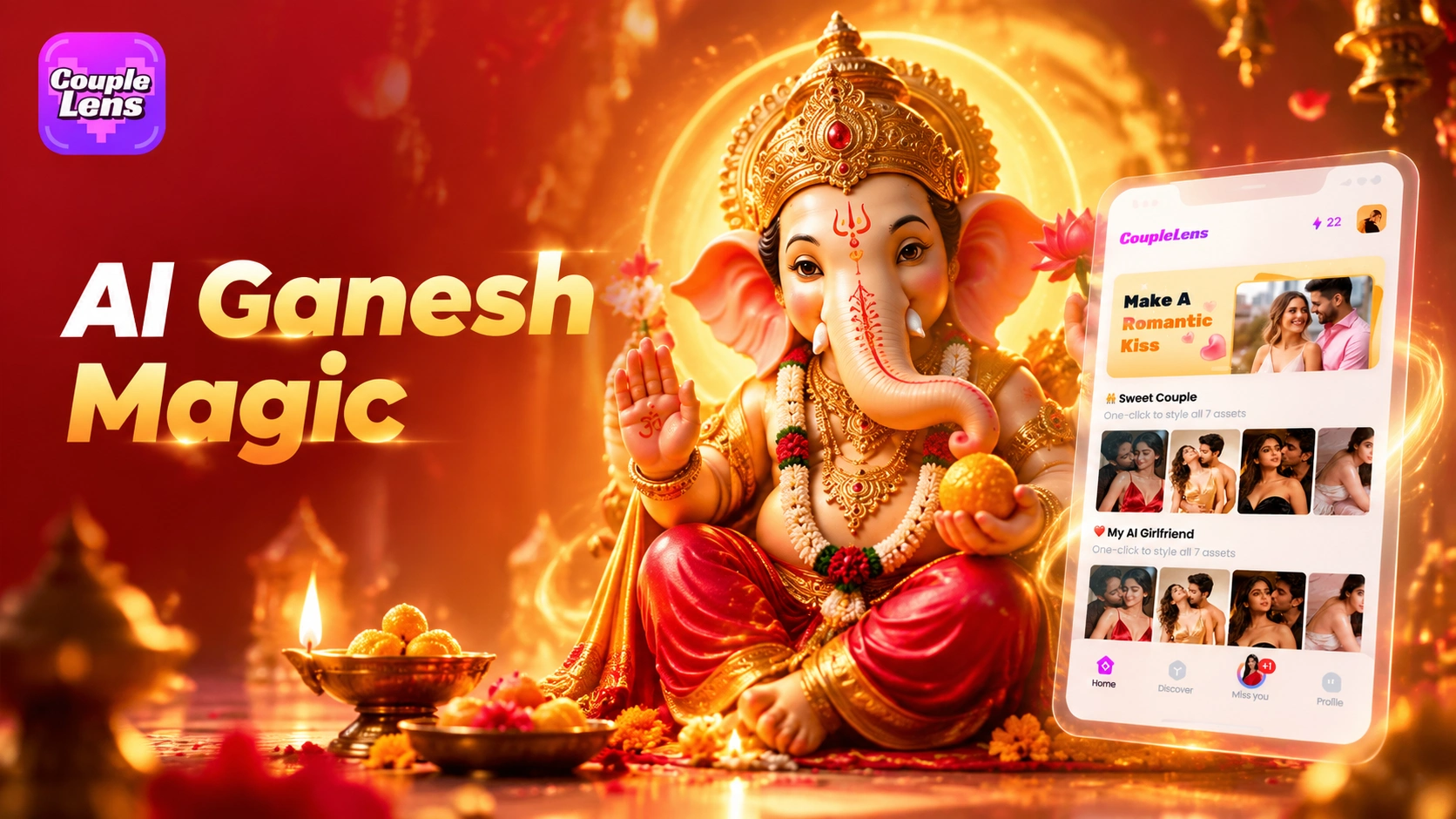
CoupleLens Ganesh Chaturthi AI Photo Generator: Add Ganpati Bappa to Any Photo
AI Cricket Team Poster Maker: Create Posters in CoupleLens App
12 Rabi Ul Awal AI Photo Editing with CoupleLens
Eid E Milad AI Photo Editing: Create Festive Milad Portraits with CoupleLens
CoupleLens Ganesh Chaturthi AI Photo Generator: Add Ganpati Bappa to Any Photo
Make Your Hartalika Teej AI Photo in One Tap
Download CoupleLens now and start your own hartalika teej AI photo, teej green saree AI photo, teej mehndi AI photo, and teej jhula photo set today.
Make Your Hartalika Teej AI Photo in One Tap
Download CoupleLens now and start your own hartalika teej AI photo, teej green saree AI photo, teej mehndi AI photo, and teej jhula photo set today.