Vishwakarma Puja AI Photo Generator
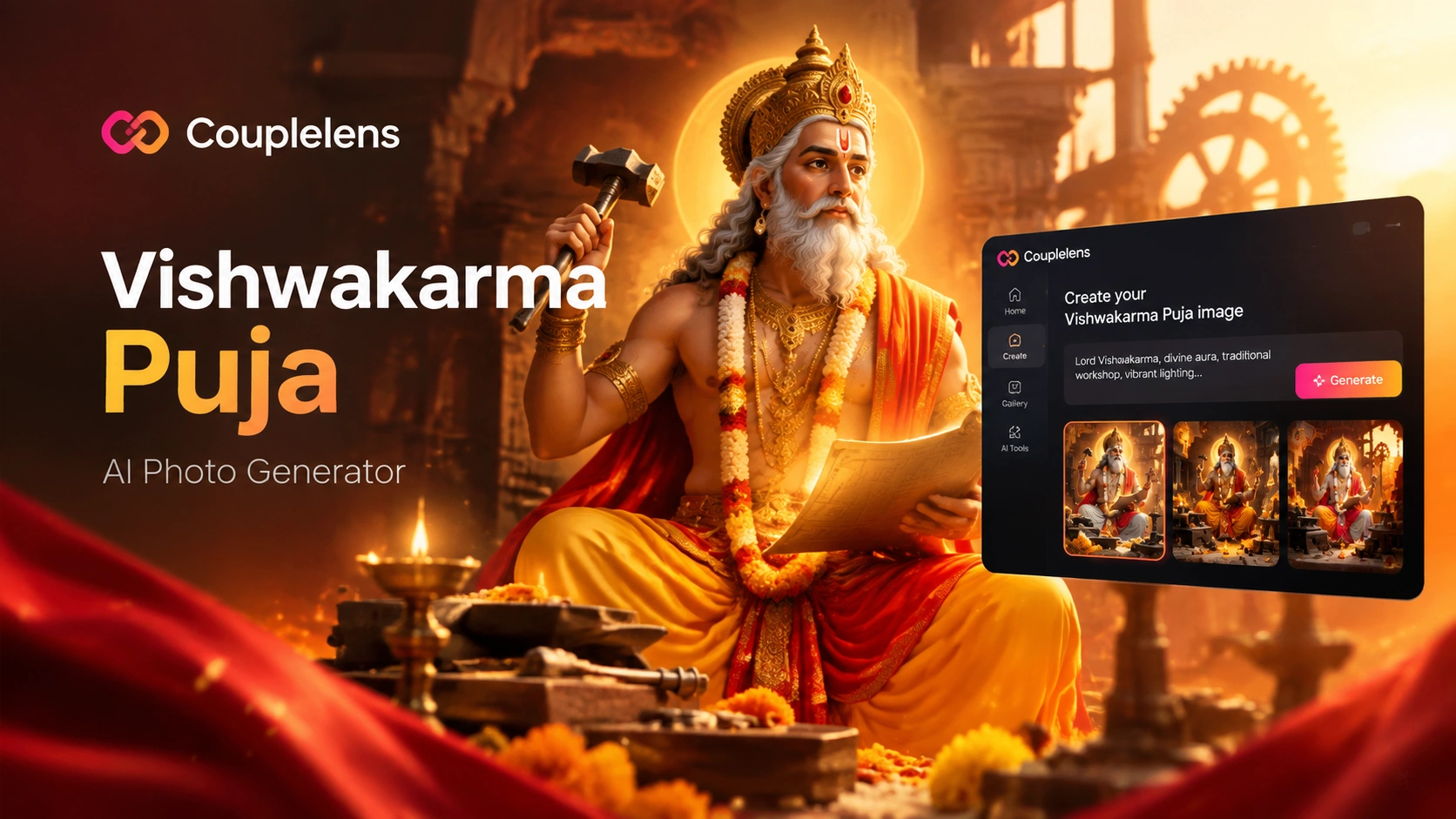
Pick a Vishwakarma Puja AI Filter That Matches Your Moment
Each Vishwakarma photo editor filter below is tuned for one specific puja moment, so the scene looks right the first time.
Key Features of the Vishwakarma Puja AI Photo Generator
Every feature below fixes a real problem people hit when they try to make a vishwakarma puja ai photo with other tools.
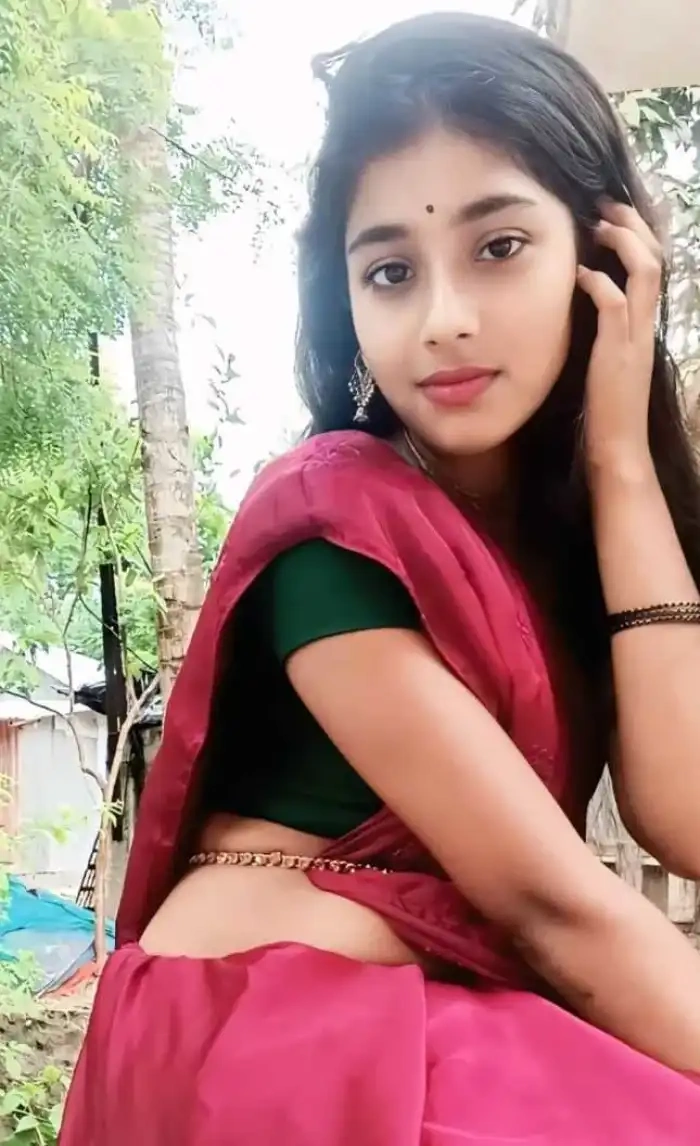 Before
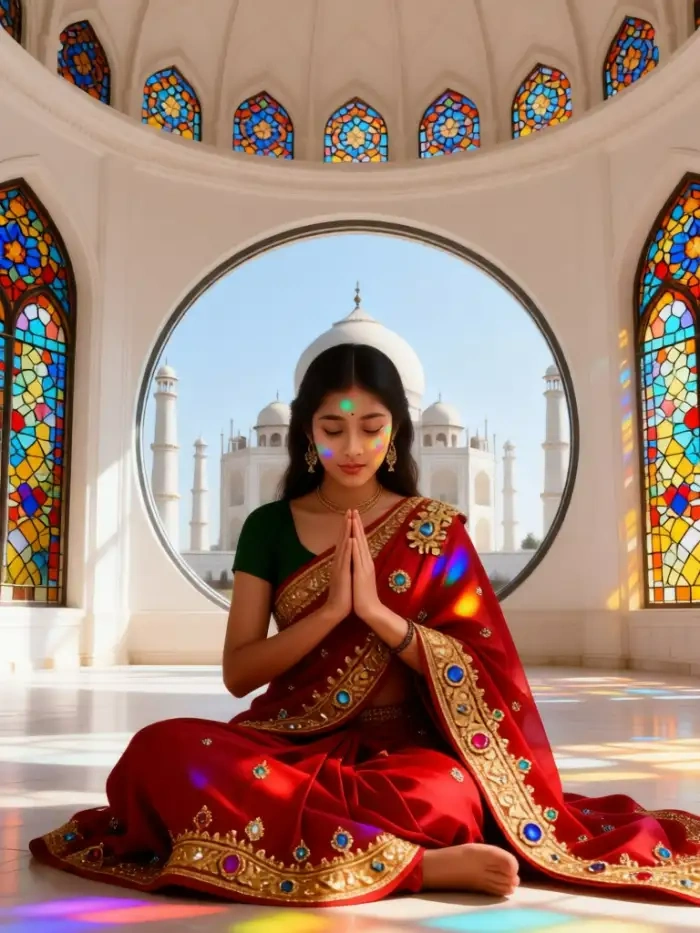 After
AfterOne Tap Filter, Zero Prompt Writing
You do not type a single word. You open the CoupleLens app, pick a filter, and tap generate. The vishwakarma photo editor handles lighting, garlands, diyas, and festival mood for you. The whole flow takes about 20 seconds from open to download, which is why users in India switch to it during puja morning.
BeforeAfterOne Tap Filter, Zero Prompt Writing
You do not type a single word. You open the CoupleLens app, pick a filter, and tap generate. The vishwakarma photo editor handles lighting, garlands, diyas, and festival mood for you. The whole flow takes about 20 seconds from open to download, which is why users in India switch to it during puja morning.
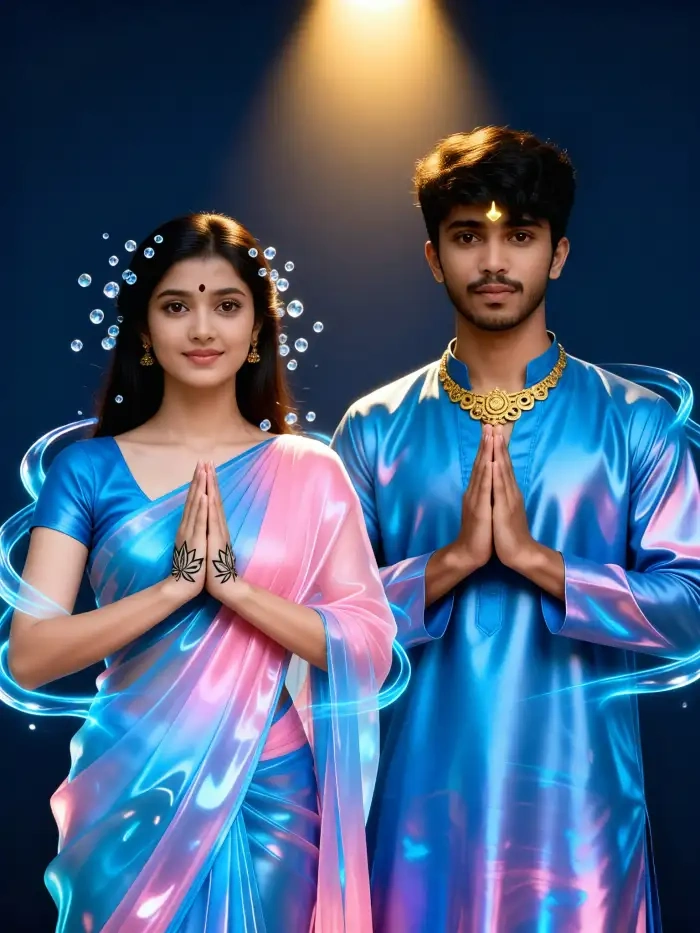
Group Puja Photos in Any Scenes
CoupleLens supports multi person images. You can upload a family photo or a workshop team shot, and the AI keeps every face separate and clear. The result works as a vishwakarma puja ai group photo where the deity stands next to everyone with no missing person and no merged features. It is a strong fit for the group photo with deity use case, which other tools tend to break.
Group Puja Photos in Any Scenes
CoupleLens supports multi person images. You can upload a family photo or a workshop team shot, and the AI keeps every face separate and clear. The result works as a vishwakarma puja ai group photo where the deity stands next to everyone with no missing person and no merged features. It is a strong fit for the group photo with deity use case, which other tools tend to break.
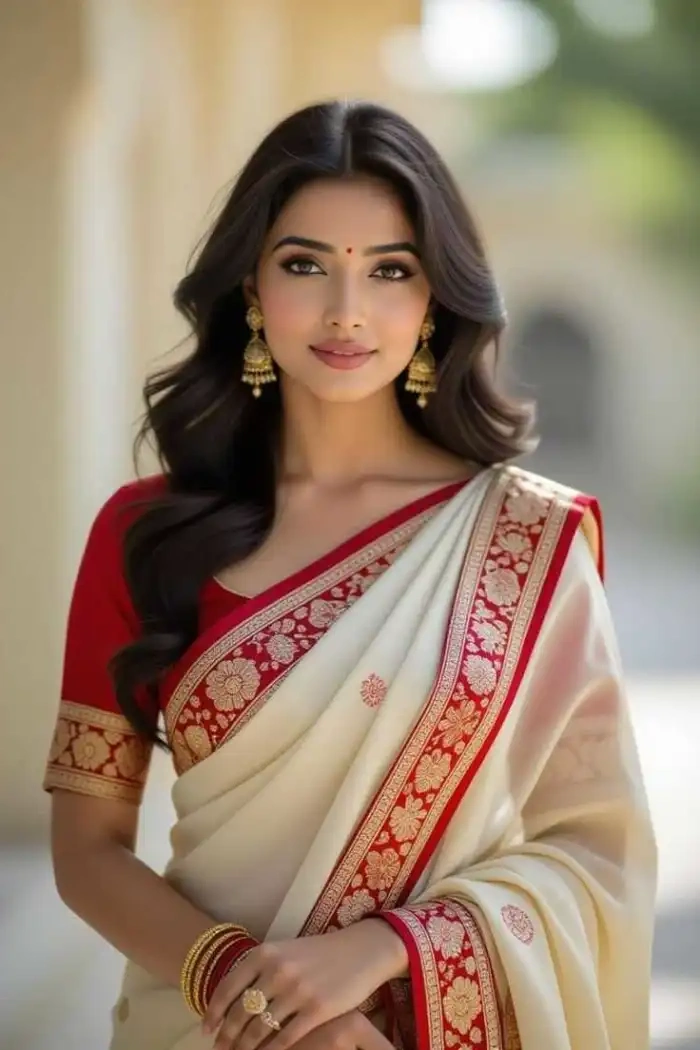 Before
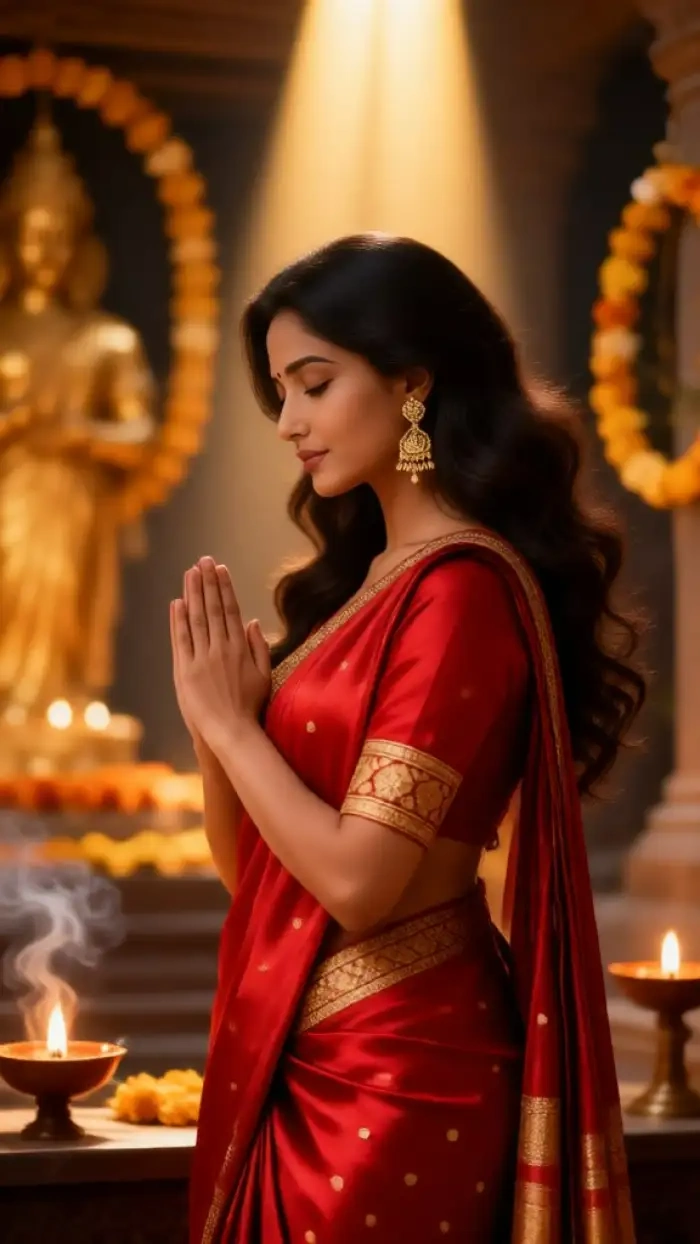 After
AfterFace Kept, Identity Kept
CoupleLens uses character consistency to lock your face across the photo. Your eyes, skin tone, and smile stay the same in every vishwakarma puja ai photo you make. This matters because generic web tools often swap your face with a stranger or smooth it out. CoupleLens does neither. The lord vishwakarma ai photo looks like you, the workshop puja ai photo looks like you, and the final post feels honest to the family group.
BeforeAfterFace Kept, Identity Kept
CoupleLens uses character consistency to lock your face across the photo. Your eyes, skin tone, and smile stay the same in every vishwakarma puja ai photo you make. This matters because generic web tools often swap your face with a stranger or smooth it out. CoupleLens does neither. The lord vishwakarma ai photo looks like you, the workshop puja ai photo looks like you, and the final post feels honest to the family group.
How to Create a Vishwakarma Puja AI Photo?
Three short steps. No prompt editing, no Bing tab, no copy paste. Just the CoupleLens app on your Android phone and a single selfie ready to go.

Step 01.
Open the Google Play Store on your Android phone and search CoupleLens. Tap install and the vishwakarma photo editor is ready in under a minute.

Step 02.
Open the CoupleLens app and pick any vishwakarma puja ai filter from the list. The filter name tells you the scene it builds.

Step 03.
Tap generate and wait about 20 seconds. Preview the vishwakarma puja ai picture, save it to your phone, or share it straight to WhatsApp status.
Quick CoupleLens App Walkthrough
Two short clips that walk you through a full vishwakarma puja ai photo inside the CoupleLens app, from filter pick to festival post on social media.

Use CoupleLens for Your Vishwakarma Puja AI Photo
Other tools make you write English prompts and pray the result looks like you. CoupleLens hands you a ready vishwakarma puja ai filter, runs the model on your real face, and keeps every detail of the puja scene intact. The output reads as a real festival post, not a generic stock edit. The whole thing happens on your phone, in the CoupleLens app, with no desktop, no Photoshop or Canva skill wall, and no copy paste step.

Here is What People Think About Us
CoupleLens is the easiest vishwakarma photo editor I have ever used.
I tried four web tools before CoupleLens. None of them kept my face right. The vishwakarma puja ai filter inside CoupleLens gave me a clean photo with my bike, garlands, and my real face. My shop boys thought I hired a designer. Great app for a mechanic like me.
CoupleLens makes a vishwakarma puja ai photo in less time than it takes to boil milk.
Puja morning is always rushed. I had ten minutes before the aarti. I opened CoupleLens, picked a lord vishwakarma ai photo filter, and posted the result on my family WhatsApp group. Everyone asked which photographer I used. Total game changer for festival posts.
Best free vishwakarma puja ai photo generator I have tried on Android.
The vehicle puja AI photo filter is wild. It put me next to my bike with diyas, flowers, and a clean Indian look. I shared the vishwakarma puja ai picture on my Instagram story and got more than 200 likes in a day. Friends still think it is real.
Frequently Asked Questions
Quick answers about the vishwakarma photo editor inside CoupleLens, covering face swap, group photos, mobile use, and the free filters shipped in the app.
More Topics You May Like
Other AI photo and video ideas inside CoupleLens that work well for Indian festivals, family posts, and trending social moments.
AI Cricket Team Poster Maker: Create Posters in CoupleLens App
12 Rabi Ul Awal AI Photo Editing with CoupleLens
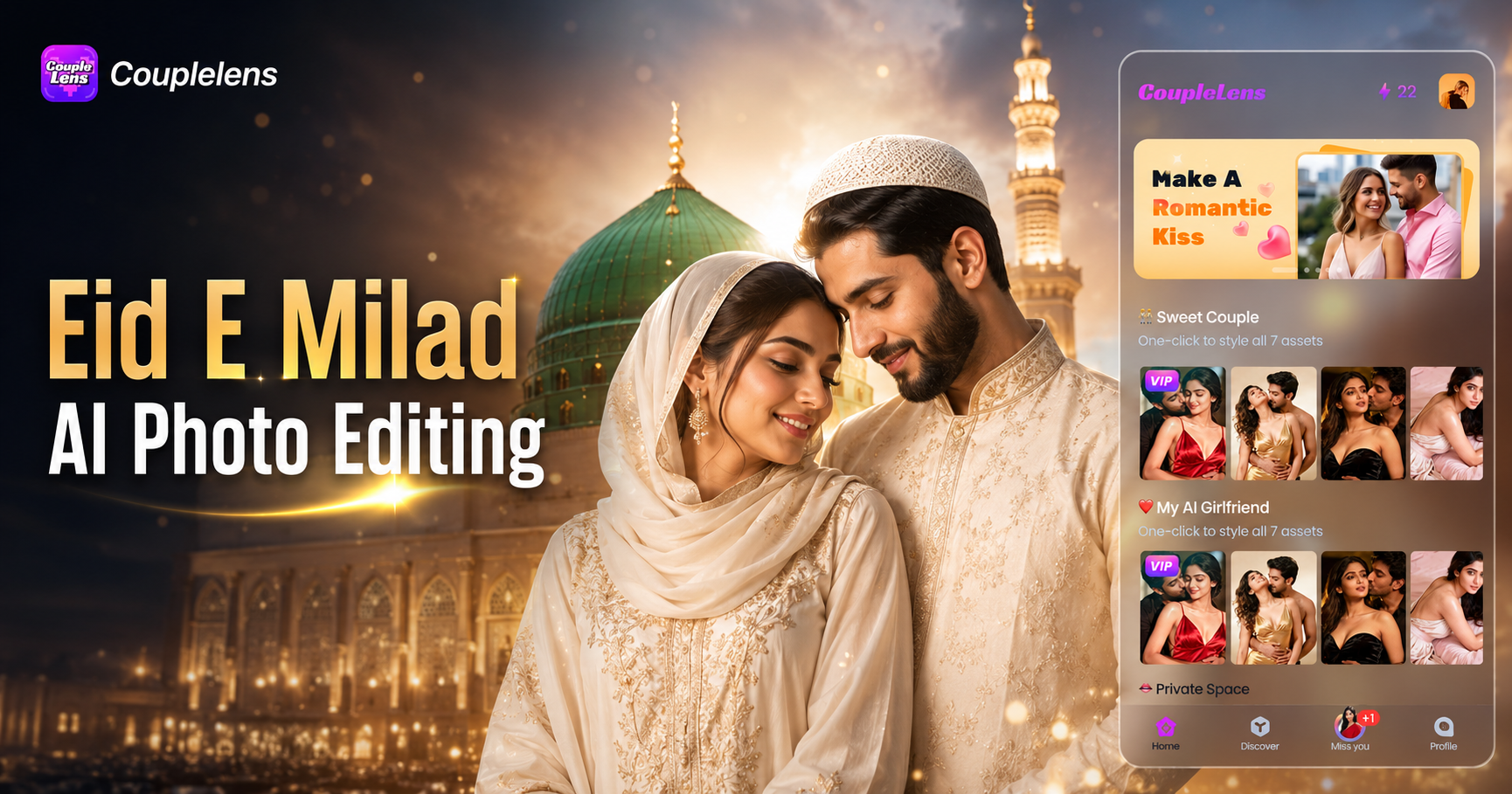
Eid E Milad AI Photo Editing: Create Festive Milad Portraits with CoupleLens
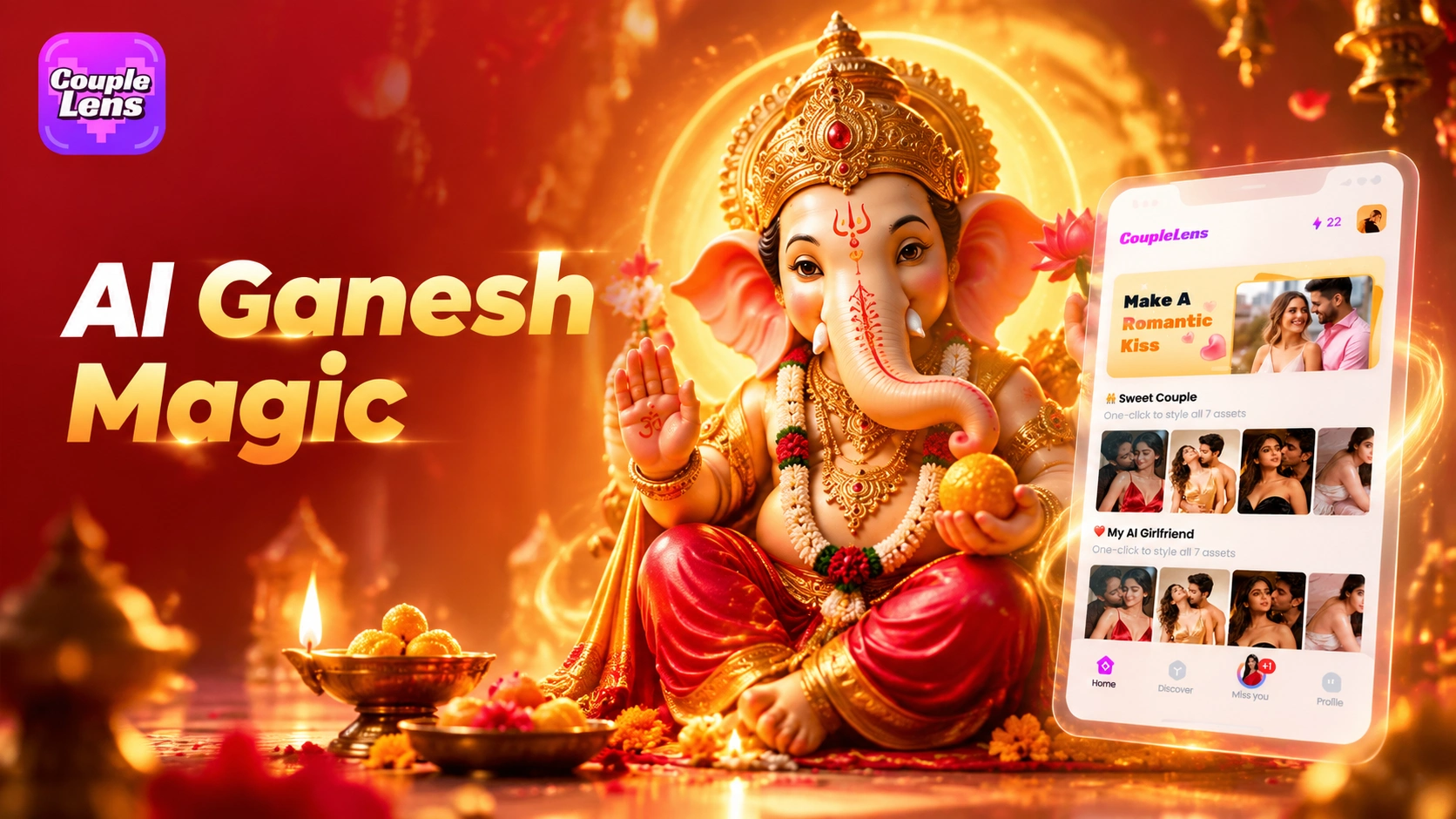
CoupleLens Ganesh Chaturthi AI Photo Generator: Add Ganpati Bappa to Any Photo
AI Cricket Team Poster Maker: Create Posters in CoupleLens App
12 Rabi Ul Awal AI Photo Editing with CoupleLens
Eid E Milad AI Photo Editing: Create Festive Milad Portraits with CoupleLens
CoupleLens Ganesh Chaturthi AI Photo Generator: Add Ganpati Bappa to Any Photo
Your Vishwakarma Puja AI Photo Is One Tap Away
Stop pasting long prompts into Bing. Open CoupleLens, pick a filter, and post a clean vishwakarma puja ai picture tonight. Download free on Google Play.
Your Vishwakarma Puja AI Photo Is One Tap Away
Stop pasting long prompts into Bing. Open CoupleLens, pick a filter, and post a clean vishwakarma puja ai picture tonight. Download free on Google Play.