STORM II AI Challenge
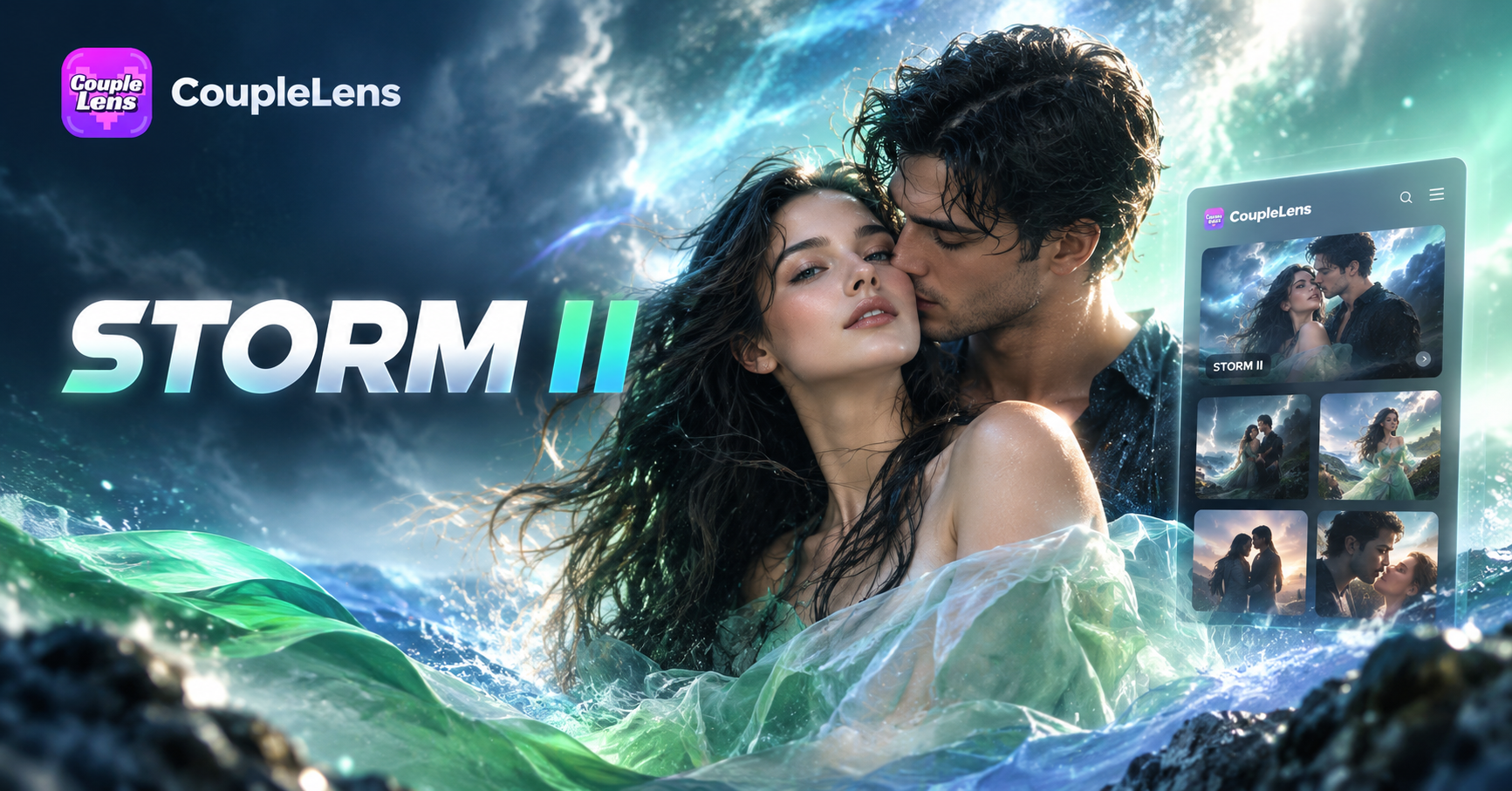
Trending STORM II Crowd Dance Templates Inside CoupleLens
Skip the prompt writing. These STORM II ready templates already pack the choreography and cinematic frame so you just upload and generate.
How to Create a STORM II Crowd Dance Video in CoupleLens?
The full STORM II AI challenge workflow runs inside one app. Download CoupleLens, choose a template, drop your photo, and post the finished clip.

Step 01.
Grab CoupleLens free on Google Play and open the app. Allow photo access so the app can pull one selfie for the lead role and one group photo if you also want to swap the crew.

Step 02.
Scroll to the STORM II crowd dance filter inside CoupleLens. Tap the filter, upload your lead photo plus one optional crew photo, then tap generate.

Step 03.
Watch the preview, re roll if the formation feels off, then tap save. CoupleLens exports a vertical STORM II video sized for TikTok, Instagram Reels, and YouTube Shorts.
See Real STORM II AI Challenge Clips Made With CoupleLens
Browse STORM II crowd dance videos shipped this week. Tap any clip to study the choreography, formation, and styling before you make yours.
Key Features of the STORM II AI Challenge Tool
CoupleLens packs three core engines for the STORM II AI challenge. Turn one selfie into a full crowd dance clip.
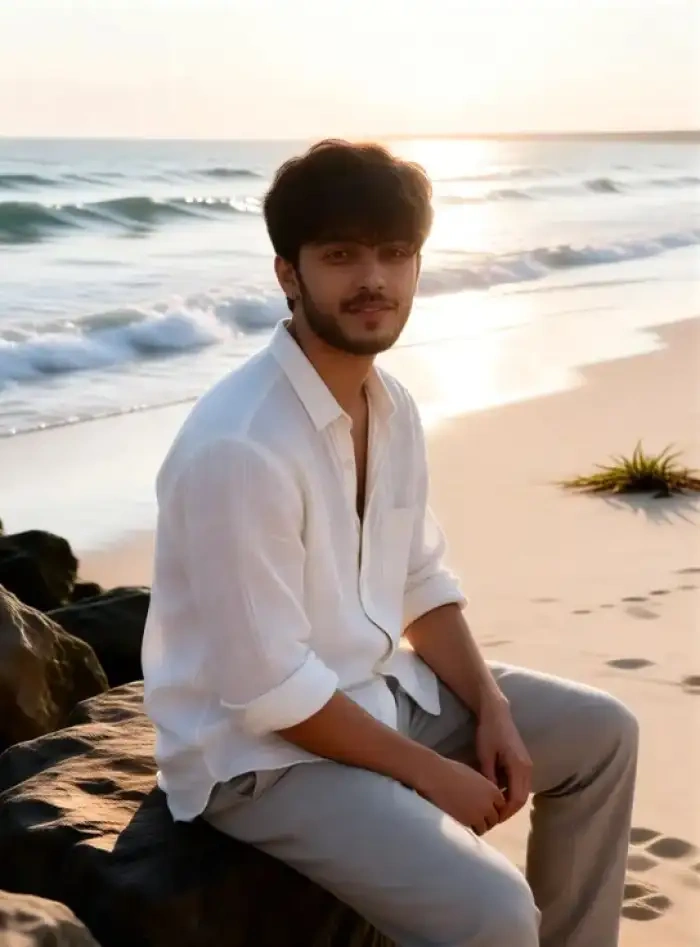 Before
Multi Person AI for the STORM II Crowd
The STORM II look lives in the crew. CoupleLens multi person AI scans every supporting performer in your group photo and tags each face, body, and outfit separately. The lead stays in the center. Background dancers keep the same hair, mask, hoodie, and stance you uploaded. No face blends. No duplicate leads. Formation holds through every camera move.
 Before
Character Consistency Across the Whole STORM II Clip
Viral STORM II clips look real because the lead never changes face mid video. CoupleLens character consistency locks the facial structure, hairstyle, and outfit at the first frame. It holds through every blink, turn, lean, and shoulder drop. Run the same template again next week with the same character and ship a whole STORM II series.
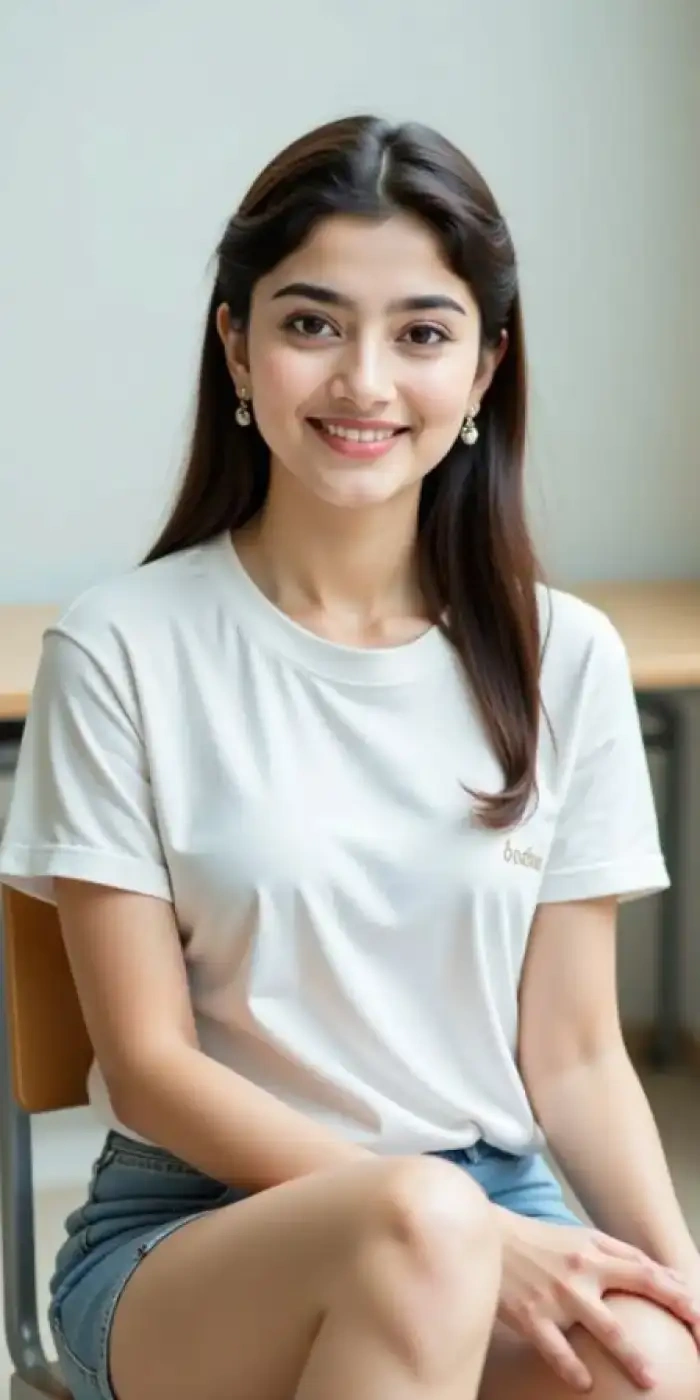 Before
One Tap STORM II Video on Mobile
CoupleLens is built mobile first. No desktop app. No timeline to learn. No long prompt to write. Open the app, tap the STORM II crowd dance filter, upload one photo, and the render starts on the same tap. The finished video lands in your gallery in 10 to 20 seconds, sized for TikTok and Reels.
Watch STORM II AI Challenge Walkthroughs on CoupleLens
Two short CoupleLens tutorials show the STORM II crowd dance filter in action. Watch them once, and you will skip beginner mistakes on your first render.
Use CoupleLens for the STORM II AI Challenge
Most AI dance tools collapse the moment more than two people enter the frame. Faces smear, the lead shows up in the back row, and the choreography falls apart by the second loop. CoupleLens is the opposite. The multi person AI maps each face, the character consistency engine locks the lead across frames, and the mobile only workflow means you can ship a full STORM II series on a single bus ride.
Frequently Asked Questions
Quick answers on the STORM II AI challenge inside CoupleLens. Templates, render time, group photos, posting rights, and the best photo to upload.
More Topics You May Like
Keep the viral STORM II momentum going. Try these CoupleLens trends next.
Vishwakarma Puja AI Photo Generator: Create Your Vishwakarma Puja AI Picture with CoupleLens
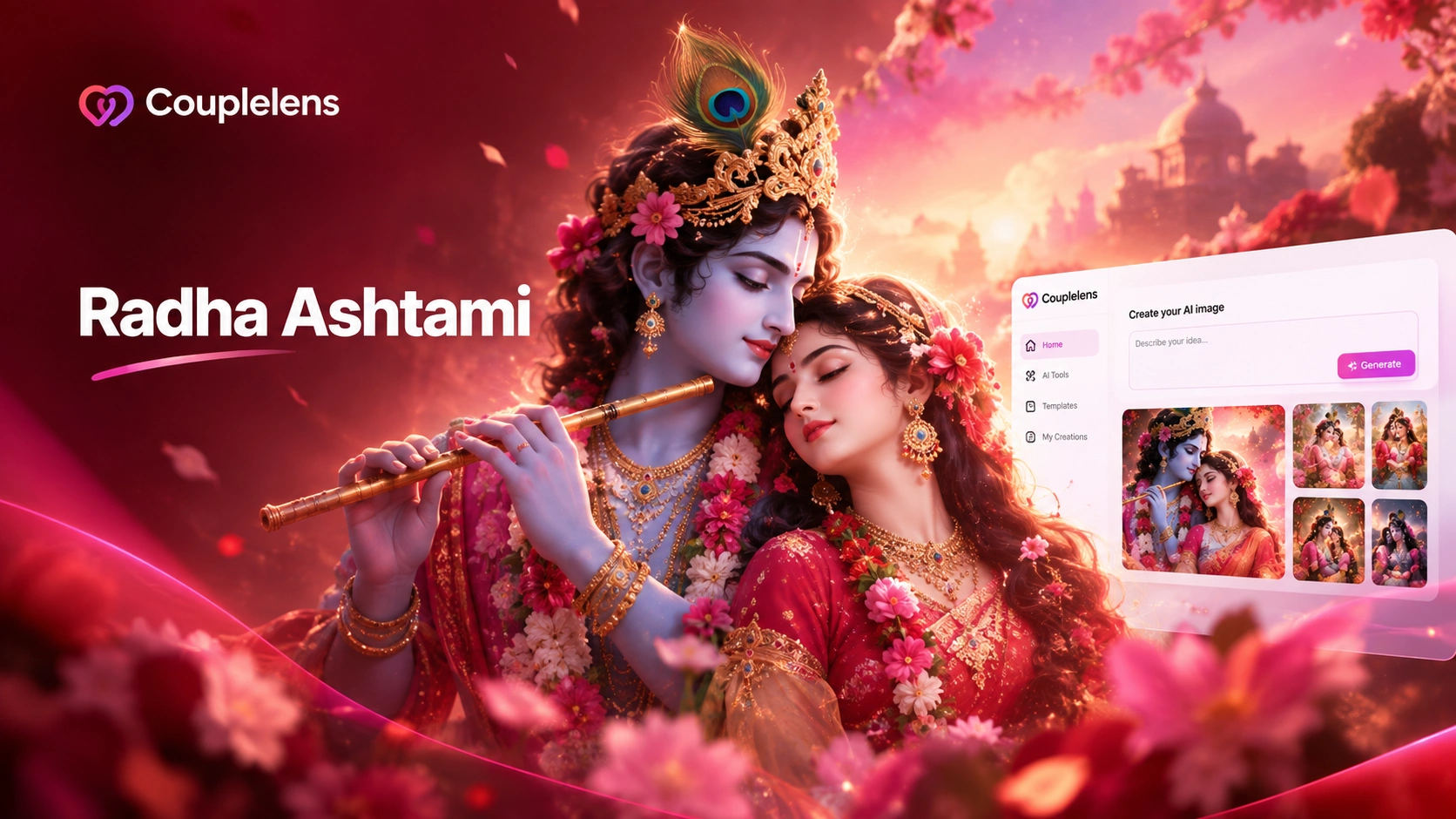
Create Devotional Radha Ashtami AI Photos with CoupleLens
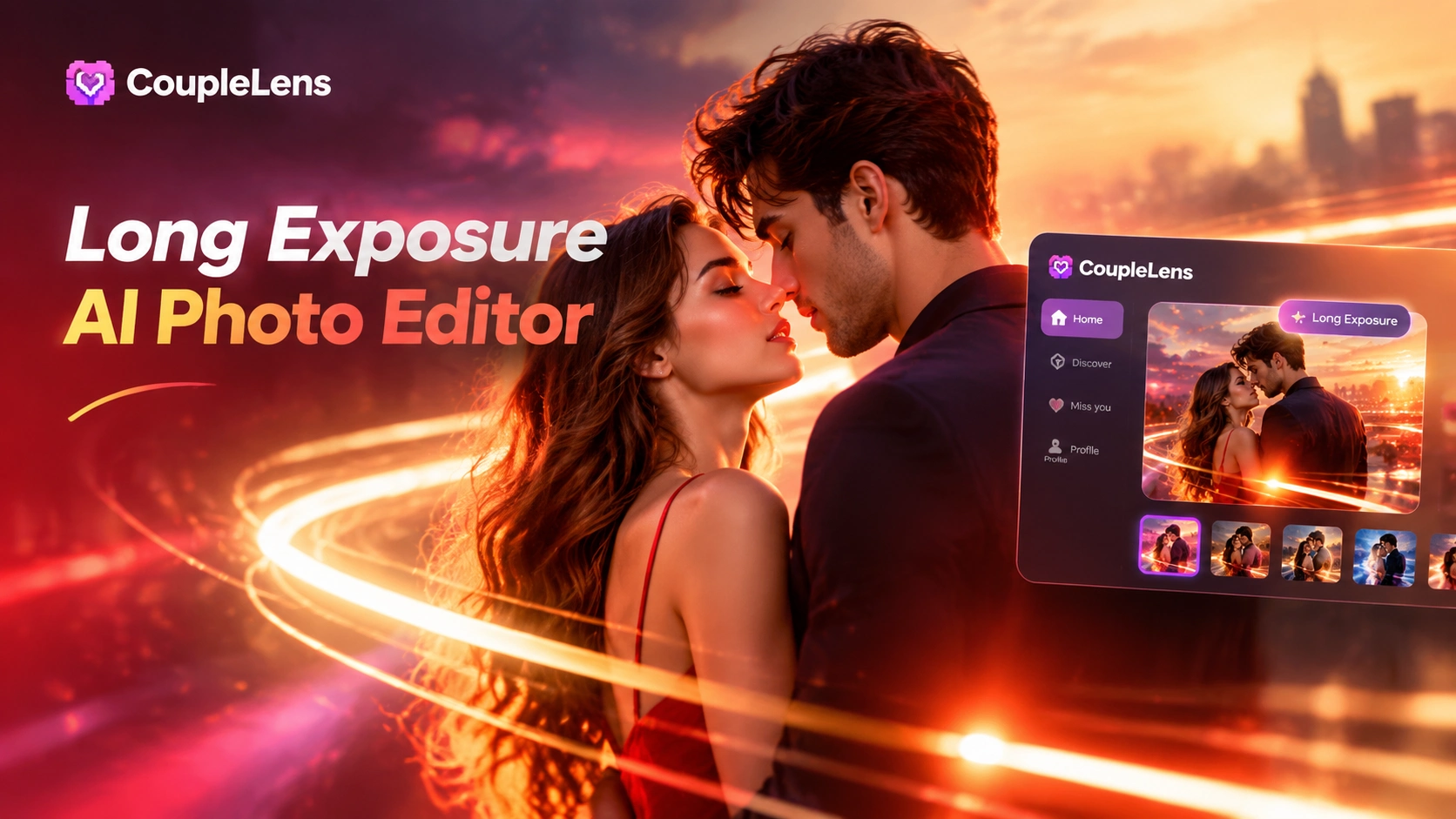
Long Exposure AI Photo Editor: Silky Motion in One Tap on Mobile with CoupleLens
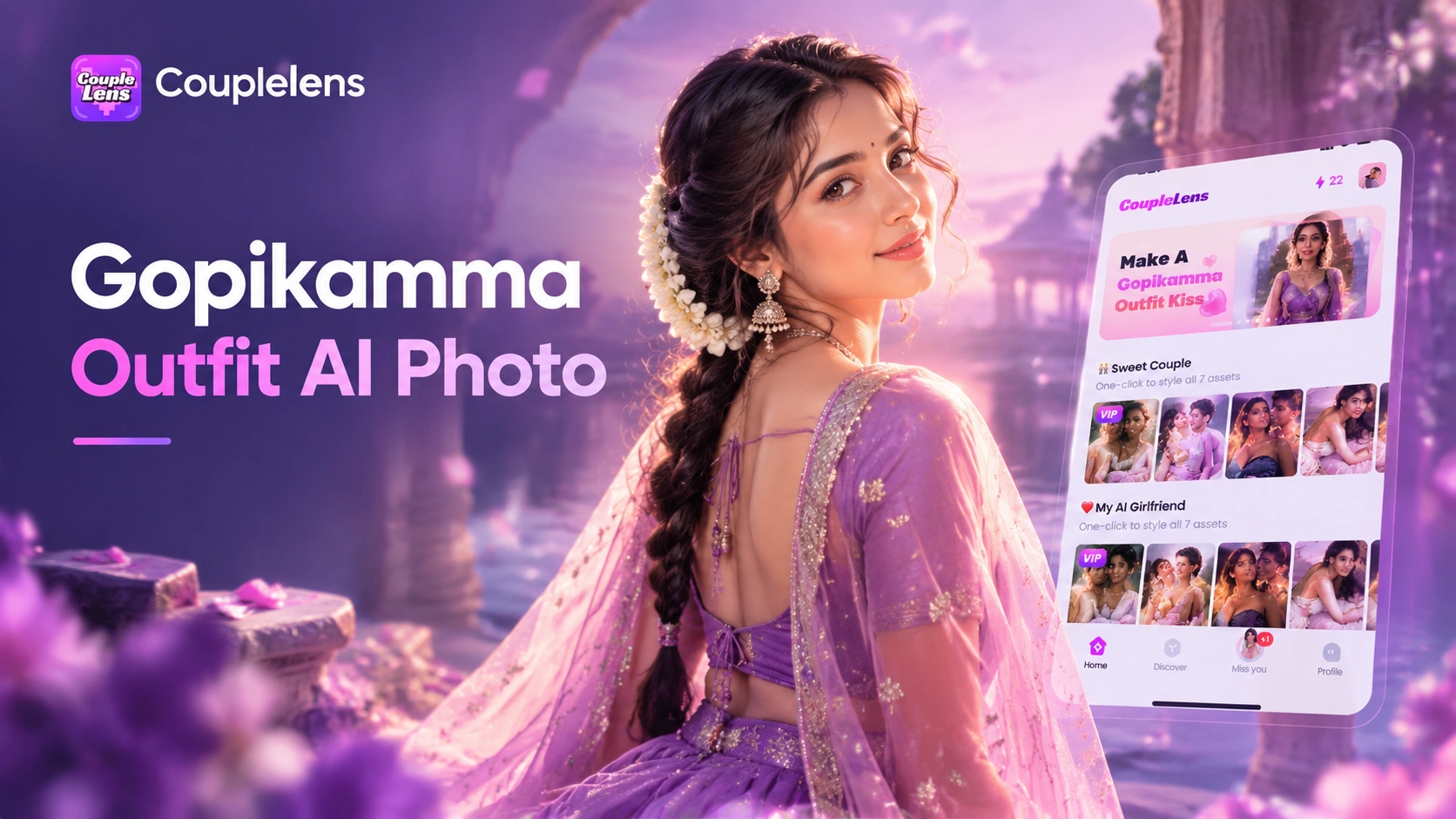
Gopikamma Outfit AI Photo: Create Traditional Indian Looks on CoupleLens
Vishwakarma Puja AI Photo Generator: Create Your Vishwakarma Puja AI Picture with CoupleLens
Create Devotional Radha Ashtami AI Photos with CoupleLens
Long Exposure AI Photo Editor: Silky Motion in One Tap on Mobile with CoupleLens
Gopikamma Outfit AI Photo: Create Traditional Indian Looks on CoupleLens
Your STORM II AI Challenge Clip Is One Tap Away
Open Google Play, download CoupleLens, and join the STORM II crowd dance trend tonight. Pick a template, drop one photo, and ship your own synced crew video before the trend moves on.
Your STORM II AI Challenge Clip Is One Tap Away
Open Google Play, download CoupleLens, and join the STORM II crowd dance trend tonight. Pick a template, drop one photo, and ship your own synced crew video before the trend moves on.