Higgsfield Genjutsu STORM II
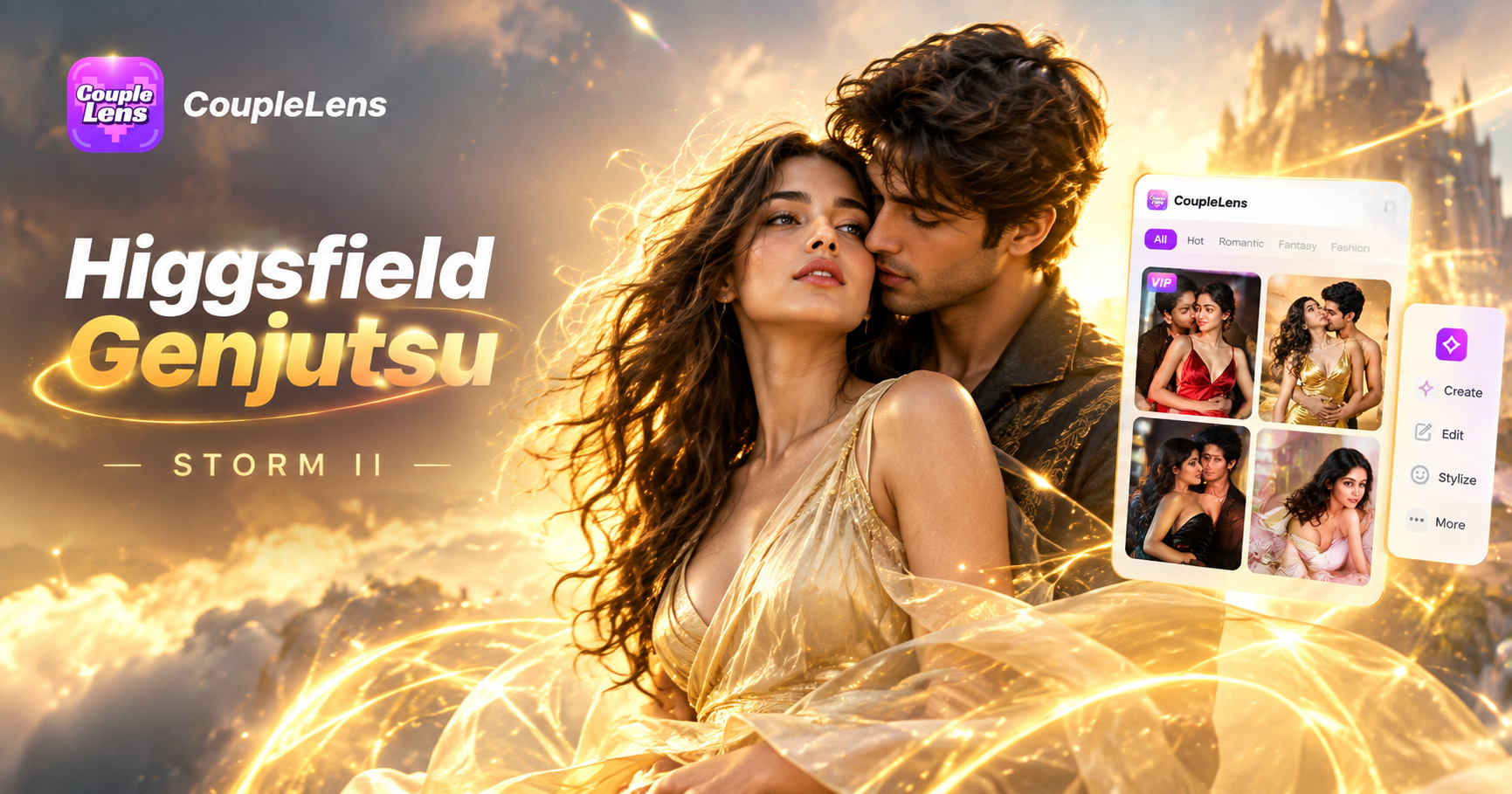
Pick Your STORM II Look And Start Dancing
CoupleLens ships eight ready STORM II dance filters. Each one keeps the iconic choreography while rebuilding the style around your face.

Use CoupleLens for STORM II AI Dance Videos
STORM II is a dance trend that moves at TikTok speed. CouplesLens matches that speed. You get the full Higgsfield Genjutsu style motion transfer right inside a mobile app, no browser upload, no long prompt, no waiting on a desktop render. Every STORM II AI Dance filter is preset and tuned by creators. Pick one, drop your photo, and the AI keeps the original moves, the camera feel, and the crowd energy. Multi person shots stay clean because the app locks every face in place. Your video is ready to post in under a minute. That is why creators pick CoupleLens when the trend is hot and the clock is ticking.
See What Other Creators Made With STORM II Filters
CoupleLens users are dropping STORM II dance clips every hour. Get inspired, then make your own version.
Key Features of STORM II AI Dance Video Generator
CoupleLens turns the STORM II dance trend into three taps. Here is what powers every viral clip you make.
 Before
Motion Transfer On Mobile
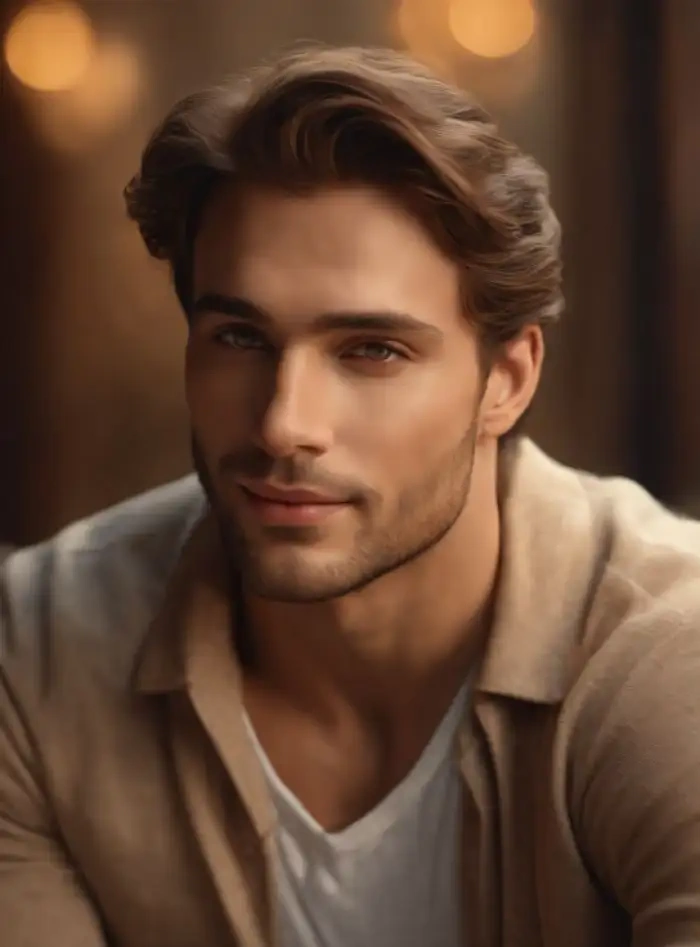
Higgsfield Genjutsu made motion transfer famous on desktop. CoupleLens brings the same idea to your phone. Drop in one photo and the AI reads your body, face and outfit. Then it maps the STORM II choreography onto you. Footwork, head bob, group sync, all preserved. You get the exact moves without filming anything.
BeforeMotion Transfer On Mobile
Higgsfield Genjutsu made motion transfer famous on desktop. CoupleLens brings the same idea to your phone. Drop in one photo and the AI reads your body, face and outfit. Then it maps the STORM II choreography onto you. Footwork, head bob, group sync, all preserved. You get the exact moves without filming anything.
 Before
Group STORM II AI Dance Face Lock
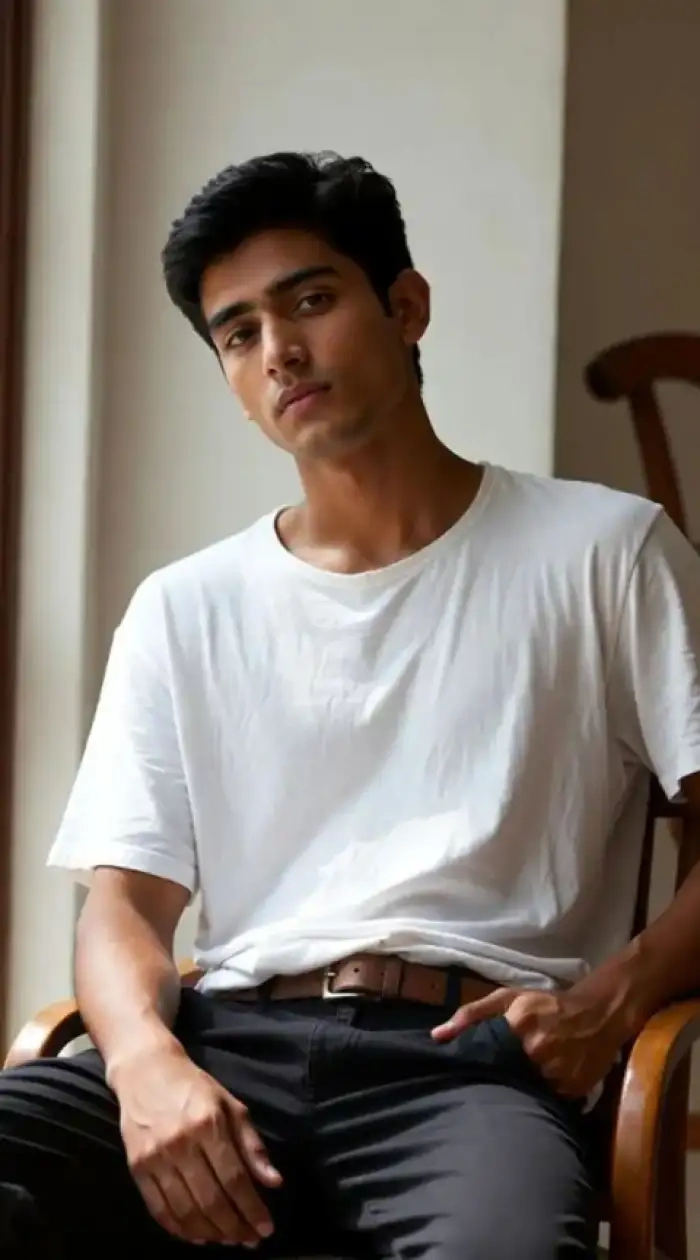
Most dance AI tools blur two faces together. CoupleLens is trained to keep every face separate. Upload a group photo and each person lands in their own spot in the dance. Hugs, shoulder touches, lineups, all stay clean. No mixed faces, no missing subjects, no weird half swaps.
BeforeGroup STORM II AI Dance Face Lock
Most dance AI tools blur two faces together. CoupleLens is trained to keep every face separate. Upload a group photo and each person lands in their own spot in the dance. Hugs, shoulder touches, lineups, all stay clean. No mixed faces, no missing subjects, no weird half swaps.
 Before
One Tap STORM II AI Dance Filters
Writing prompts should not be the price of admission. CoupleLens wraps the STORM II trend into eight preset filters. Open the app, tap a filter, upload your photo, wait ten to twenty seconds. The AI handles lighting, scene, framing and camera feel. You post. That is the whole job.
BeforeOne Tap STORM II AI Dance Filters
Writing prompts should not be the price of admission. CoupleLens wraps the STORM II trend into eight preset filters. Open the app, tap a filter, upload your photo, wait ten to twenty seconds. The AI handles lighting, scene, framing and camera feel. You post. That is the whole job.
How to Create Your STORM II AI Dance Video?
You do not need a desktop or a prompt engineer. CoupleLens runs the whole trend from your phone in three steps.

Step 01.
Grab CoupleLens from the Google Play store. The app is light, fast, and free to install. Sign up with your email and you are ready to dance.

Step 02.
Open the CoupleLens app and find any STORM II AI Dance filter. Choose your favorite style, then upload one clear photo of yourself or your group.

Step 03.
Hit generate and wait about twenty seconds. Your STORM II dance clip is ready. Save it or post it straight to TikTok, IG Reels or YouTube Shorts.
Watch STORM II Dance Filters in Action
Two short videos walk you through real CoupleLens STORM II dance outputs and show how creators are using the filters on mobile.
Frequently Asked Questions
Find clear answers to common questions and get the guidance you need to make viral STORM II AI dance videos in CoupleLens.
More Topics You May Like
Check out more AI dance trends, group photo to video tricks, and face swap tutorials on the CoupleLens blog.
Vishwakarma Puja AI Photo Generator: Create Your Vishwakarma Puja AI Picture with CoupleLens
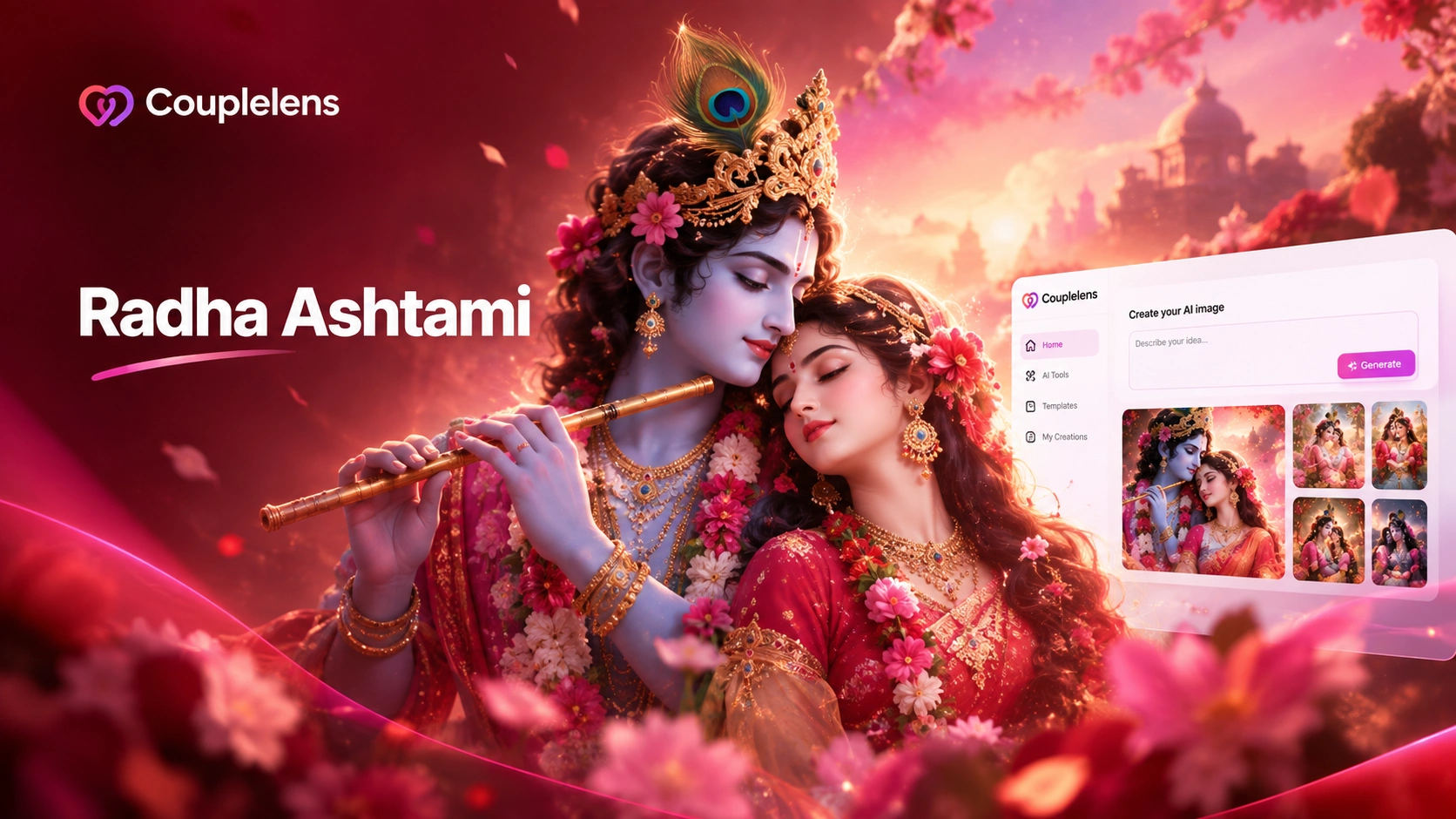
Create Devotional Radha Ashtami AI Photos with CoupleLens
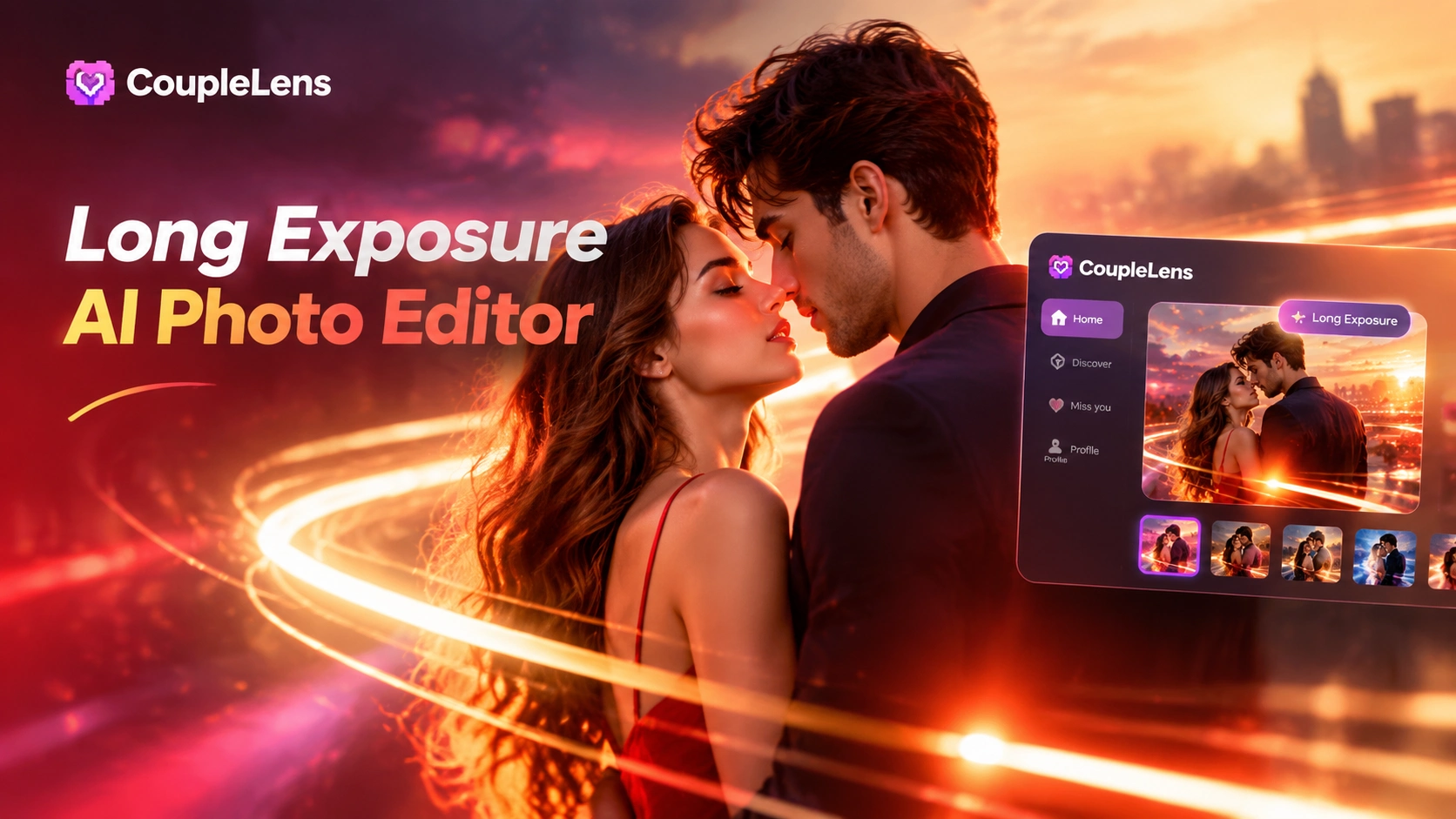
Long Exposure AI Photo Editor: Silky Motion in One Tap on Mobile with CoupleLens
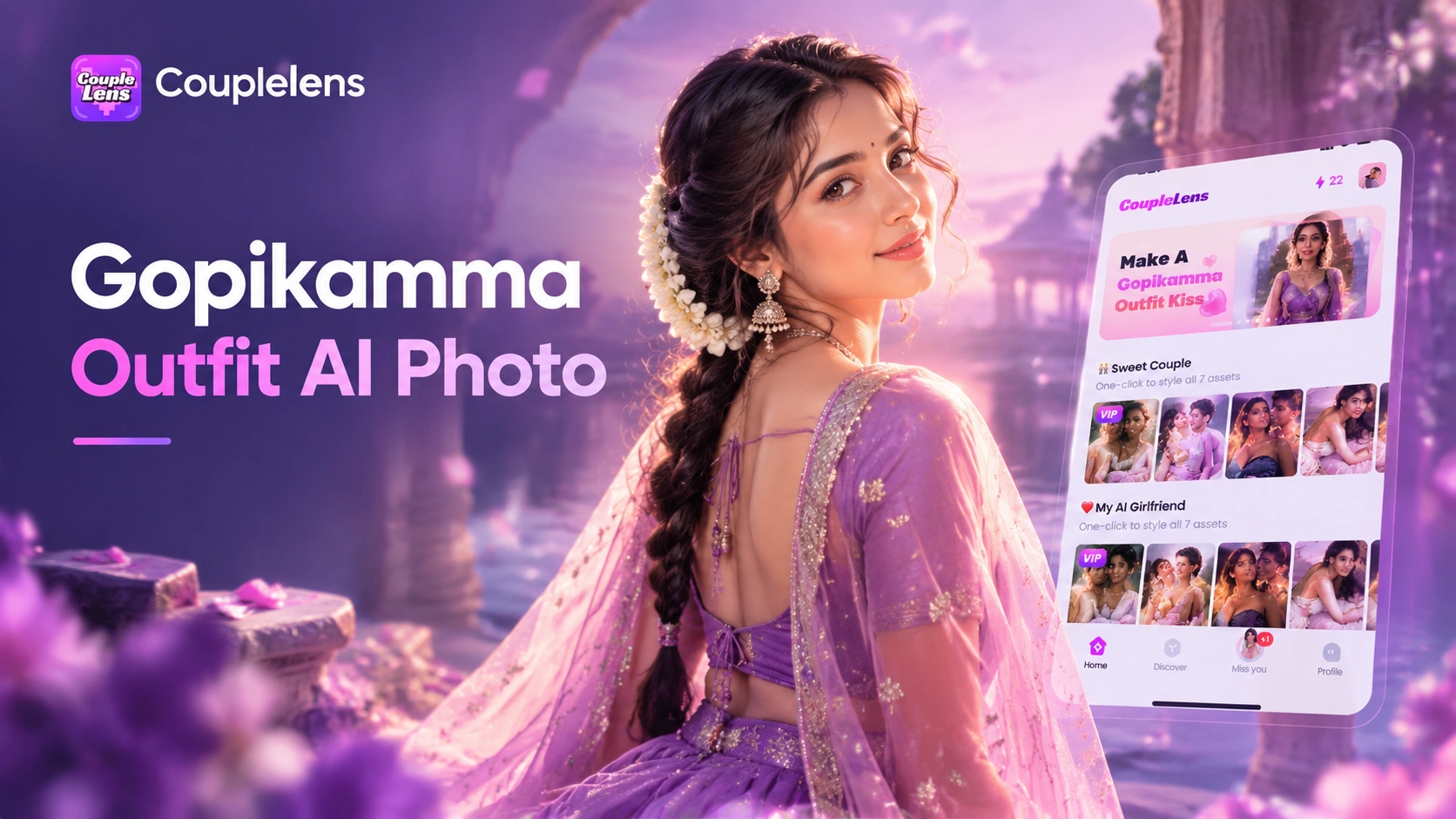
Gopikamma Outfit AI Photo: Create Traditional Indian Looks on CoupleLens
Vishwakarma Puja AI Photo Generator: Create Your Vishwakarma Puja AI Picture with CoupleLens
Create Devotional Radha Ashtami AI Photos with CoupleLens
Long Exposure AI Photo Editor: Silky Motion in One Tap on Mobile with CoupleLens
Gopikamma Outfit AI Photo: Create Traditional Indian Looks on CoupleLens
Drop Into The STORM II Crowd Right Now
The dance trend is live and the crowd is waiting. Grab CoupleLens on Google Play, pick your favorite STORM II AI Dance filter, and post your own viral clip today.
Drop Into The STORM II Crowd Right Now
The dance trend is live and the crowd is waiting. Grab CoupleLens on Google Play, pick your favorite STORM II AI Dance filter, and post your own viral clip today.