Beard Remover AI
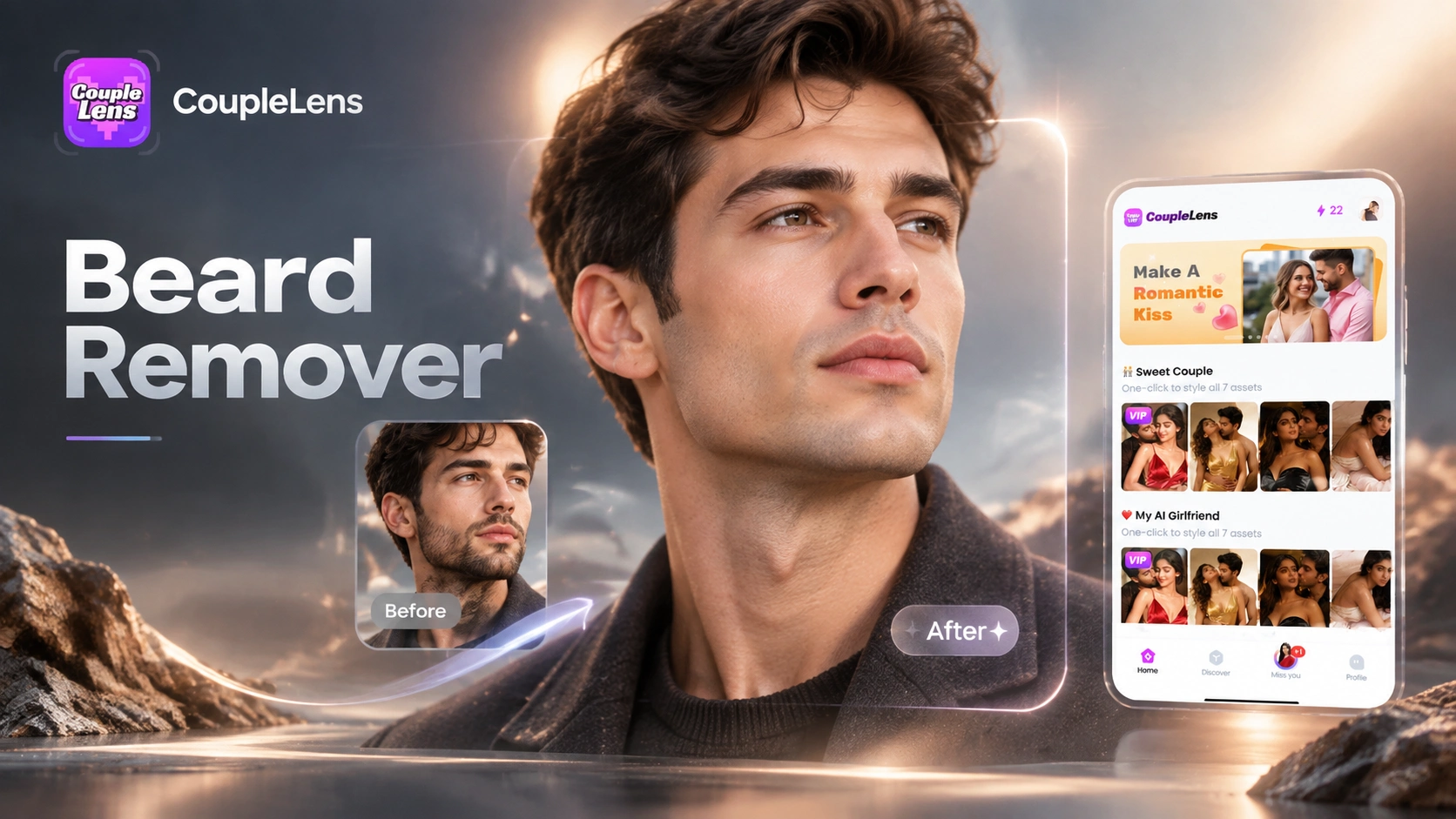
Top Beard Remover AI Filters on CoupleLens
Browse ready made no beard filter presets inside CoupleLens that handle removal, simulation, and shaving art in one tap.


Use Beard Remover AI in CoupleLens
Most AI beard remover tools only do one job. CoupleLens covers four jobs in one app. Remove a beard today. Grow one tomorrow. Add a mustache on the weekend. Render a bathroom selfie on Monday. The template library has over 25,000 presets so the only limit is the photo you upload. The mobile app keeps everything private on your phone, and the identity preservation engine makes sure your eyes, skin tone, and hairline still match. No Photoshop. No prompt maze. No subscription trap. Just open CoupleLens, tap a preset, and your new look is ready in under twenty seconds. This is why creators, job seekers, and curious shavers keep coming back.
How to Create a Clean Shaven Look With Beard Remover AI?
Get a believable beardless selfie in three short steps. Everything happens inside the CoupleLens mobile app you already have on Google Play.

Step 01.
Open the Google Play Store, search CoupleLens, and tap install. The app is free to download and works on most Android phones released in the last four years.

Step 02.
Scroll the template feed inside CoupleLens and select a no beard filter preset. Upload one clear front facing portrait from your camera roll.

Step 03.
Preview the rebuild. If the skin or jaw looks off, retry with a different preset until the result matches what you had in mind.
Key Features of Beard Remover AI in CoupleLens
CoupleLens blends face structure analysis with identity preservation so the AI facial hair removal looks like a real shave, not a Photoshop blur.
 Before
 After
AfterOne Tap No Beard Filter With Identity Preservation
The clean shave AI path in CoupleLens reads your face map first. It then redraws the chin and jaw with skin tones that match your cheeks, forehead, and neck. Your eyes, nose, mouth spacing, and hairstyle stay locked. The output reads like a photo, not an AI render. This matters for LinkedIn, dating apps, and ID photos where the same person still has to look like the same person.
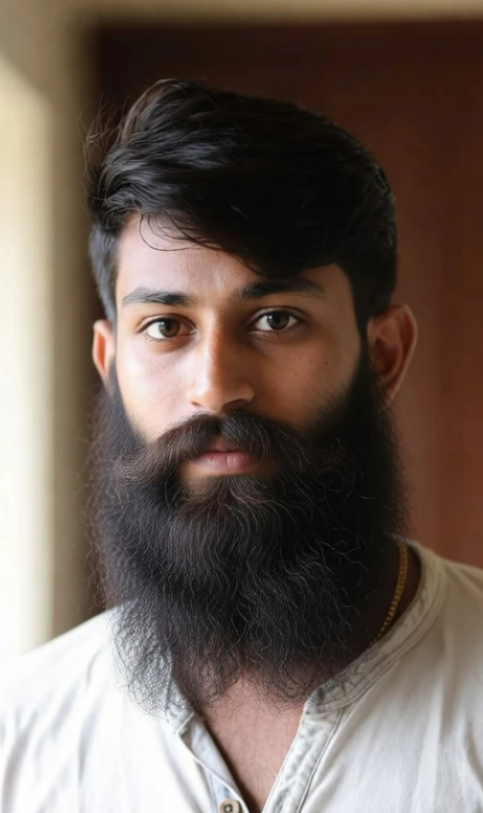 Before
 After
AfterAI Facial Hair Removal and Skin Reconstruction
CoupleLens detects beard, mustache, stubble, and sideburn regions separately. The AI fills in skin texture for each region using lighting data from the original photo. Shadows get rebuilt so the jaw does not look flat or airbrushed. Works on thick full beards and light stubble at the same quality. Heavy facial hair stops being a problem.
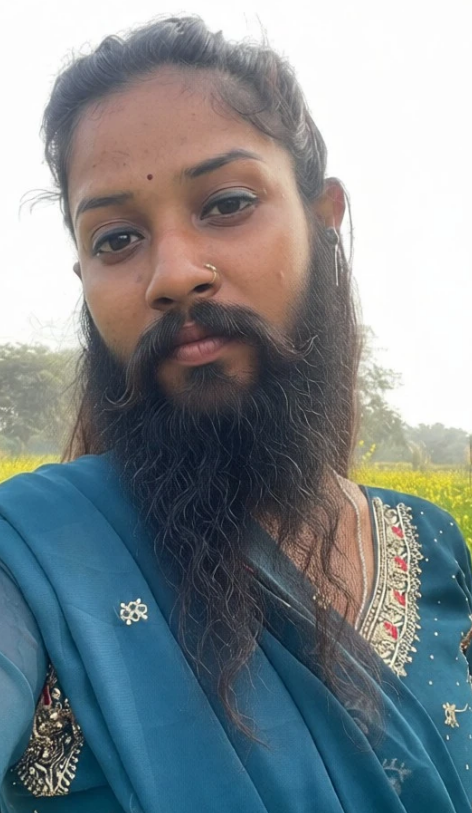 Before
 After
AfterFull Style Library Beyond Single Mode Beard Removal
Beard remover AI is only the starting point. CoupleLens ships 25,000 plus style templates covering clean shave, goatee, hipster beard, pencil mustache, and shaving scene art. Pick a template, drop in your selfie, and the app rebuilds hair, skin, and lighting in one render. One mobile download covers every facial hair experiment you will ever need.
Watch CoupleLens in Action
Watch them first if you want a quick visual preview of the CoupleLens app.
What Our Users Say About Beard Remover AI
Pair the clean shave look with beardless selfies that still feel like you.
Needed a beardless selfie for a new headshot before listing renewals. CoupleLens beard remover AI rebuilt my jaw and chin so cleanly that my broker thought I had actually gone to a studio. Easy one tap flow inside the app and I posted the result same hour. CoupleLens is now my go to for any quick profile refresh.
Use CoupleLens to preview your clean shave AI look before any real shave.
I tested four AI shave filter apps before settling on CoupleLens. The other three either over smoothed my skin or changed my nose shape. CoupleLens kept every one of my features in place and only deleted the beard. For a wedding photographer that is huge. My couples now ask me to clean up their trial selfies the same way.
Try beard style simulator templates inside CoupleLens before any real commitment.
Got curious about a goatee look but did not want to commit for three months. The grow beard AI filter on CoupleLens gave me the answer in twenty seconds flat. I screenshot the result and showed my barber. He laughed and shaped my real goatee to match what the AI gave me. Saved me a season of bad face hair.
Frequently Asked Questions
Quick answers to the most common questions about CoupleLens no beard filter, clean shave AI, and grow beard AI tools inside the app.
More Topics You May Like
Explore more topics you may like and discover fresh ideas tailored to your interests.

Vishwakarma Puja AI Photo Generator: Create Your Vishwakarma Puja AI Picture with CoupleLens

Create Devotional Radha Ashtami AI Photos with CoupleLens

Long Exposure AI Photo Editor: Silky Motion in One Tap on Mobile with CoupleLens

Gopikamma Outfit AI Photo: Create Traditional Indian Looks on CoupleLens
Vishwakarma Puja AI Photo Generator: Create Your Vishwakarma Puja AI Picture with CoupleLens
Create Devotional Radha Ashtami AI Photos with CoupleLens
Long Exposure AI Photo Editor: Silky Motion in One Tap on Mobile with CoupleLens
Gopikamma Outfit AI Photo: Create Traditional Indian Looks on CoupleLens
Ready to See Your No Beard Look
CoupleLens beard remover AI rebuilds any selfie into a clean-shaven photo in under twenty seconds. Just the CoupleLens app from Google Play, one selfie, and a no beard filter.
Ready to See Your No Beard Look
CoupleLens beard remover AI rebuilds any selfie into a clean-shaven photo in under twenty seconds. Just the CoupleLens app from Google Play, one selfie, and a no beard filter.