Anime Hair Generator
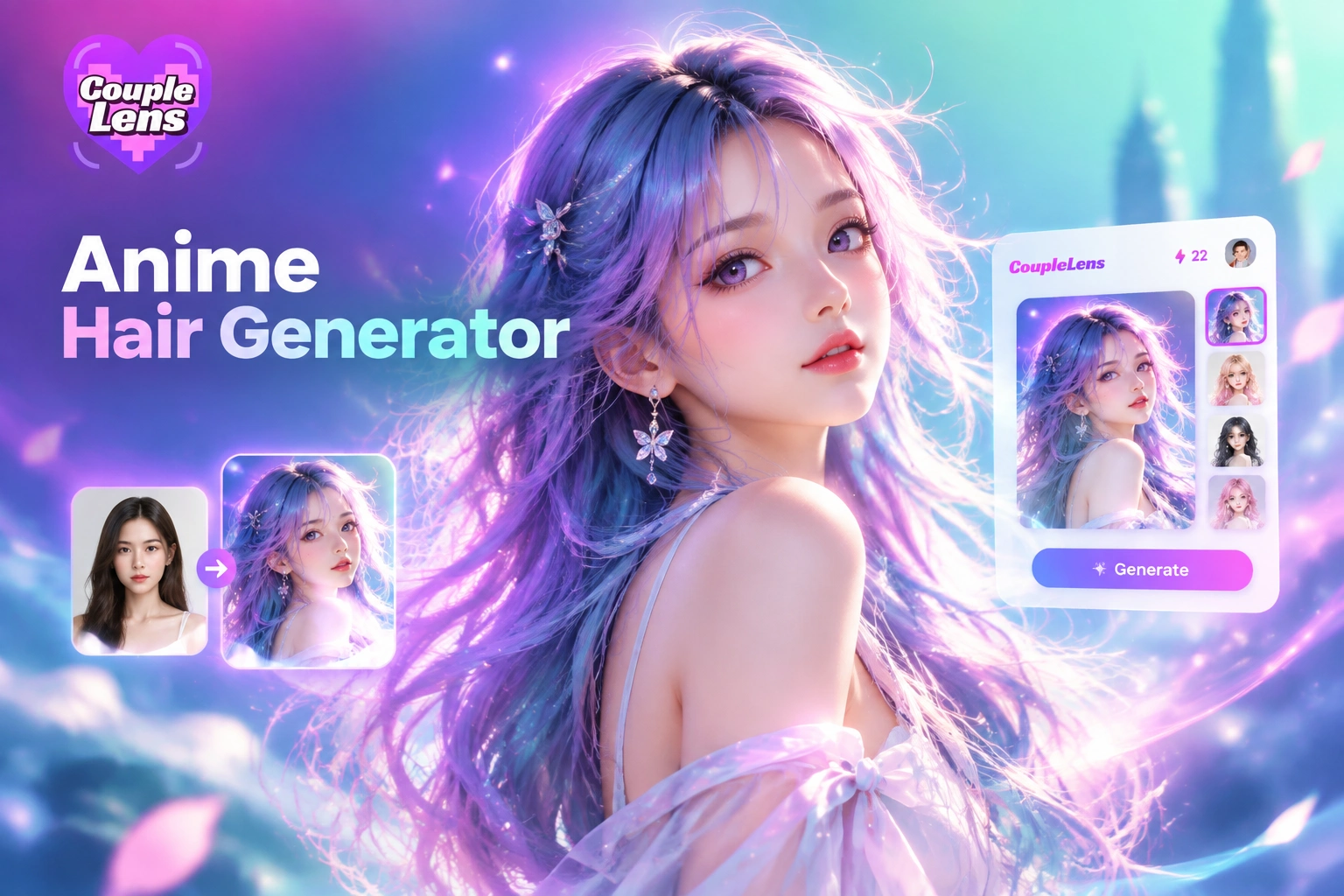
Anime Hair Filters Worth Trying Today
Pick a ready-made anime hair template below. Each filter runs in CoupleLens and fits portraits, OC art, and avatars.
Key Features of the CoupleLens Anime Hair Generator
Three core moves power the CoupleLens anime hair generator. Each feature works with one photo or one short line.
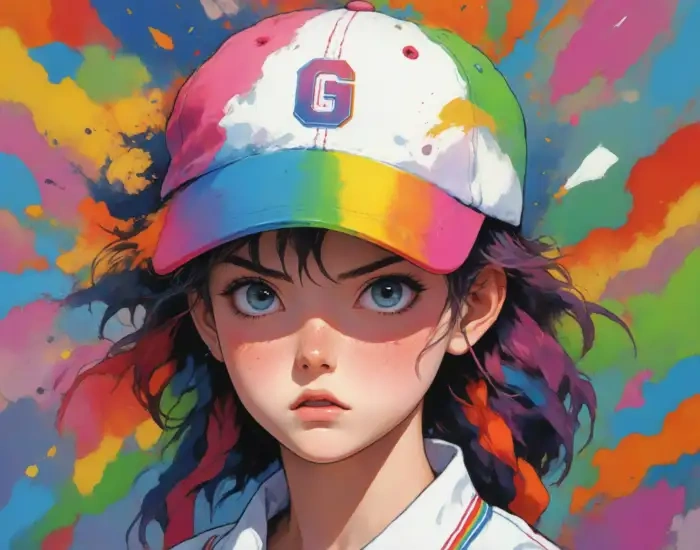
Shocked Baseball cap Girl
Text to Anime Hair Render
Open the CoupleLens anime hair generator and type one short line. Try "long pink twin tails with blunt bangs" or "short silver bob with soft side locks." The app builds the silhouette, color, and shine from your words in 10 to 20 seconds. Skip long prompt guides. The text to image engine does the heavy lift for every anime hair look you want.
 Before
 After
AfterPhoto to Anime Hair Transfer
Already have a selfie or an OC sketch? Upload it inside CoupleLens and the anime hair filter restyles the cut, length, and color while your face stays put. Eyes, skin, and outfit do not move. Only the hairline, bangs, and silhouette change. The image to image engine keeps your character identity locked across every anime hair try on inside the app.
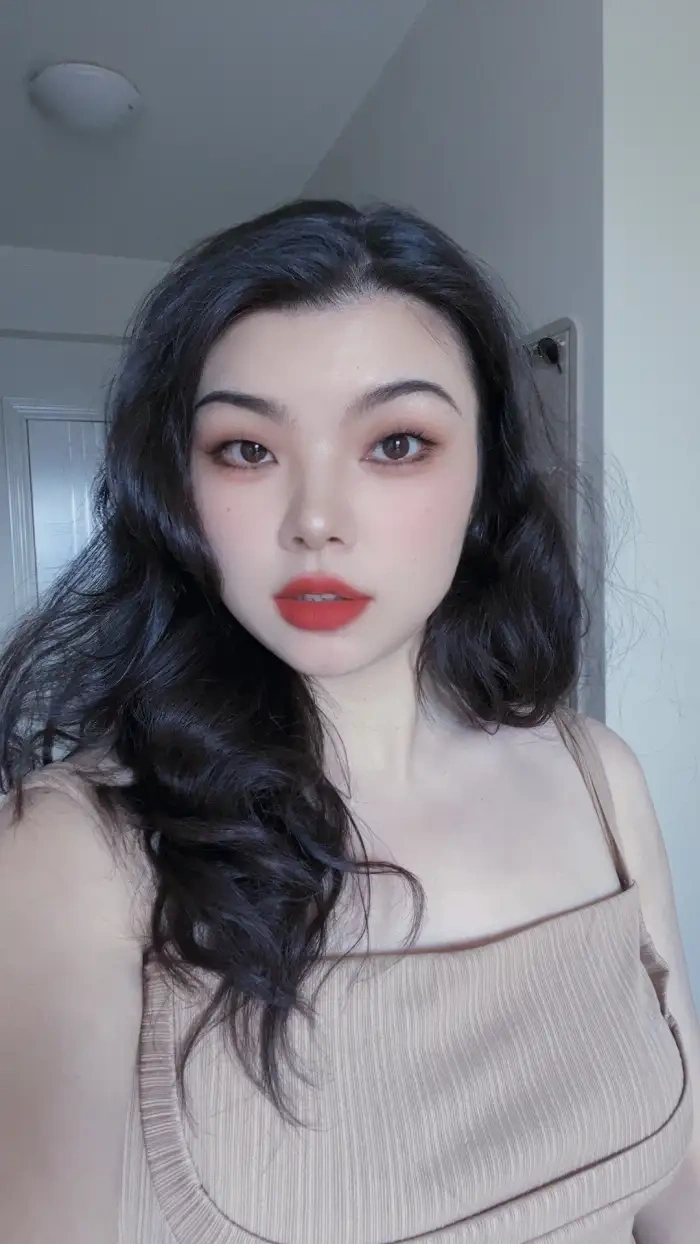 Before
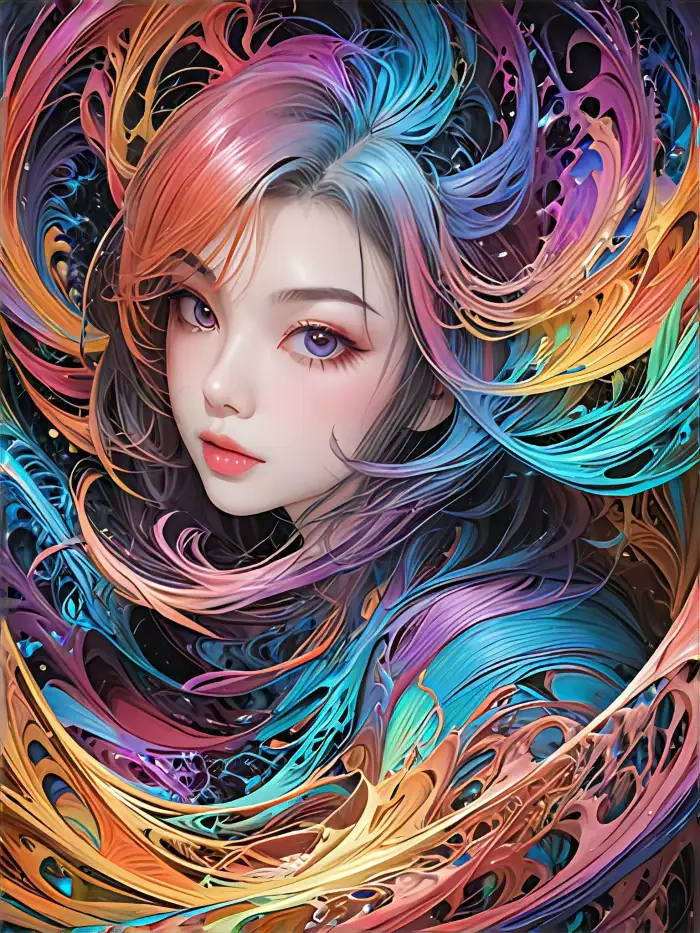 After
AfterAnime Hair Consistency Across Looks
Lock the anime hair look once, then drop the same character into new photos and short videos. CoupleLens holds the color, length, and texture steady so your OC reads the same across panels, profile pics, or a Ghibli style clip. Build a real lookbook, not just one off renders, all from inside the CoupleLens mobile app on your phone.
Anime Hair Looks Made with CoupleLens
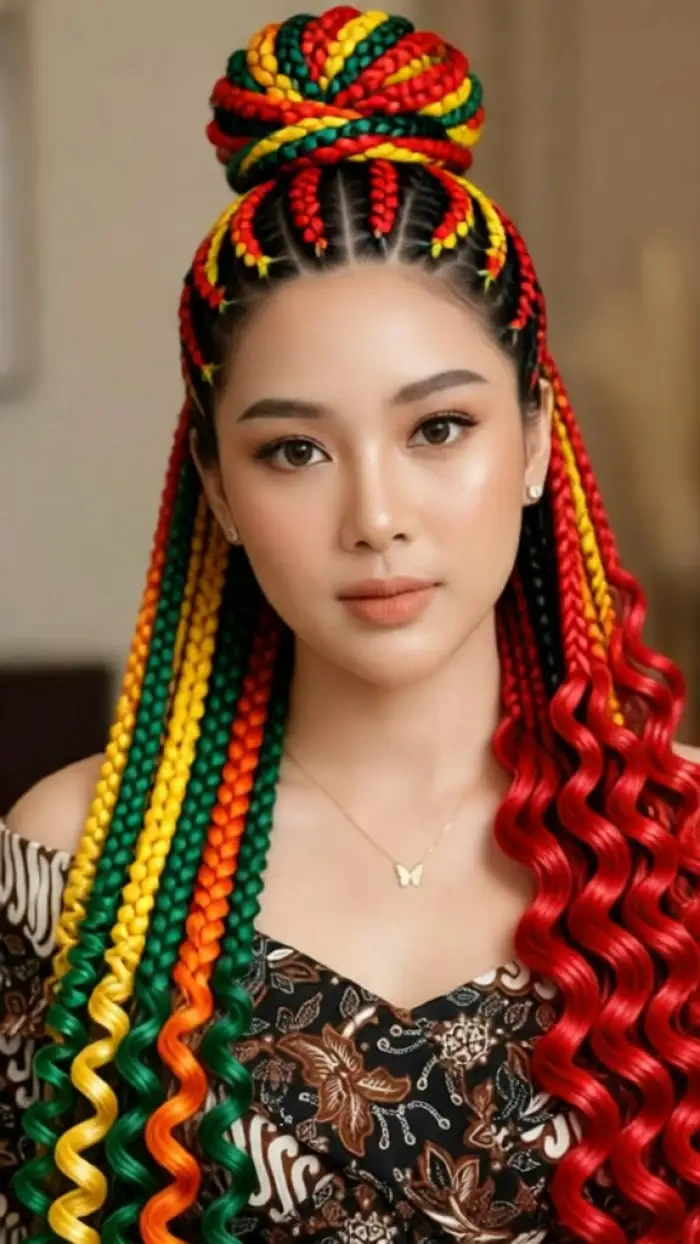
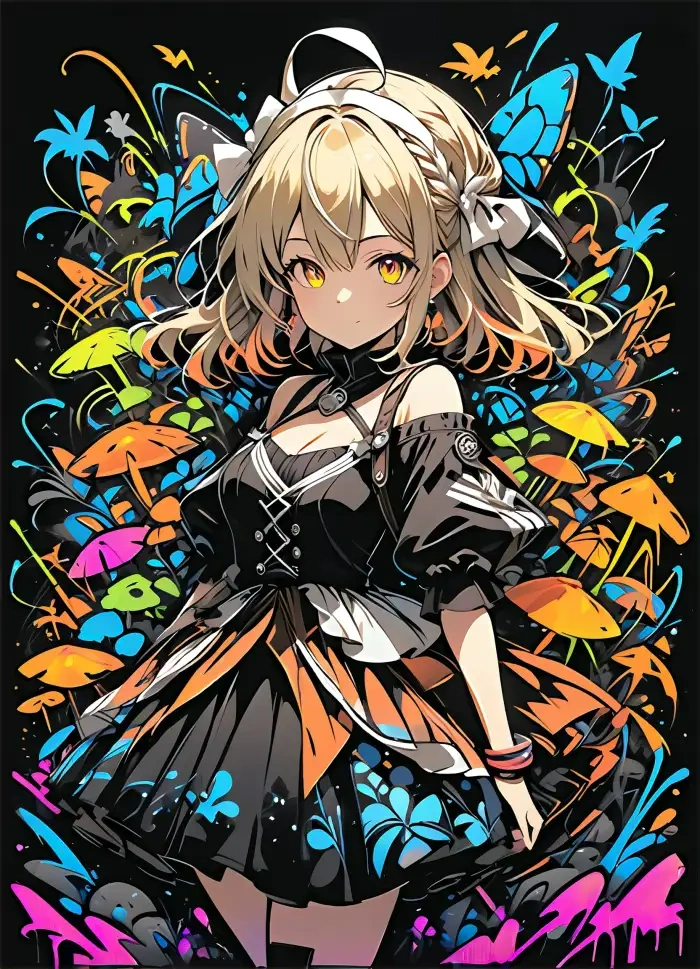
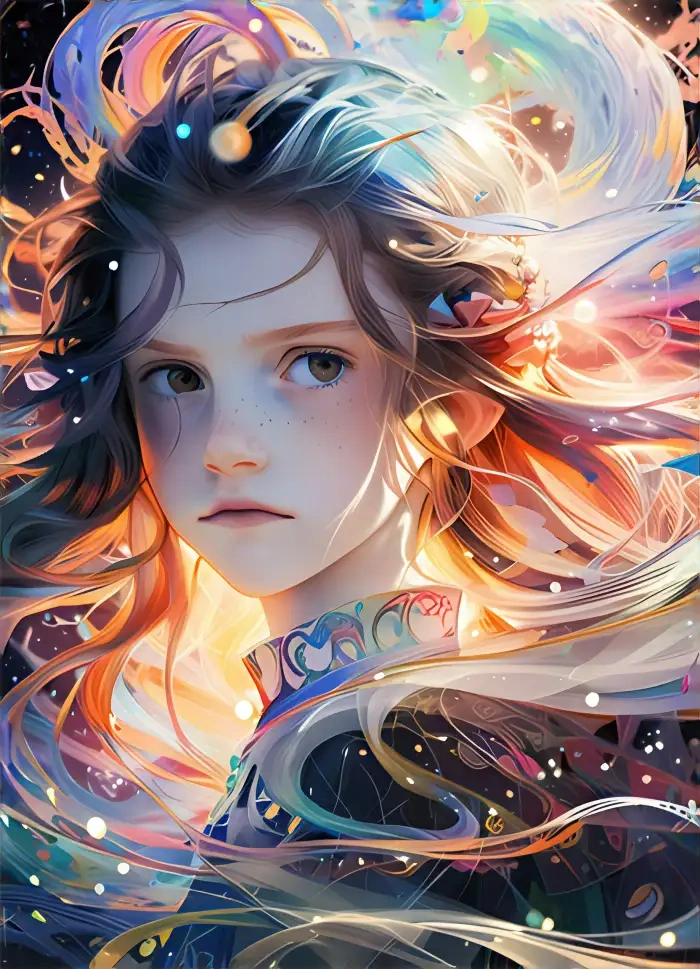
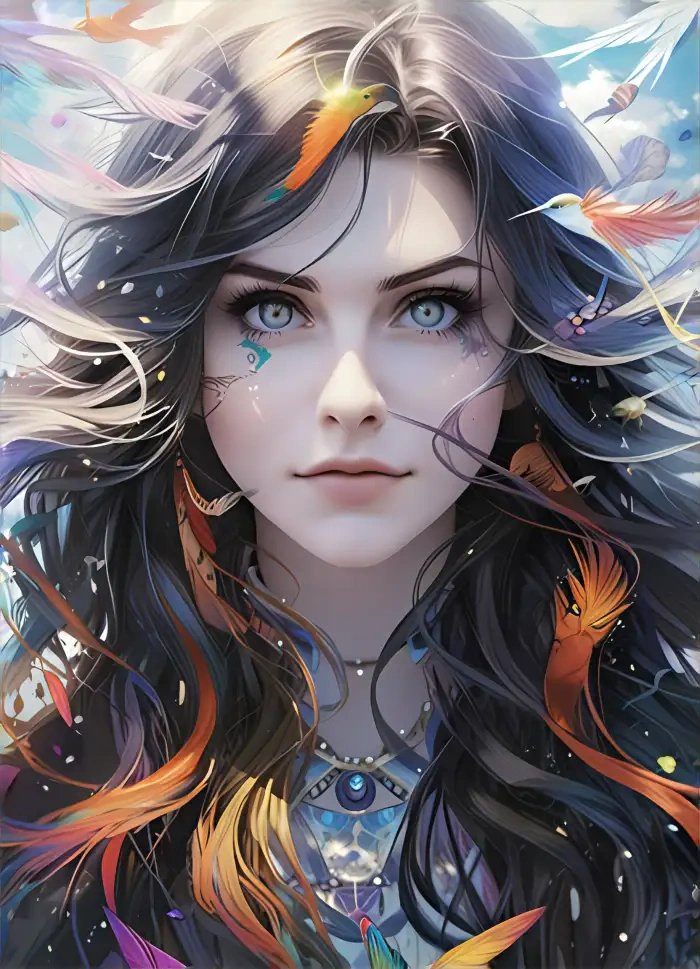
Real results from the CoupleLens anime hair generator. Spiky cuts, twin tails, gradient colors, and Ghibli looks from the app.
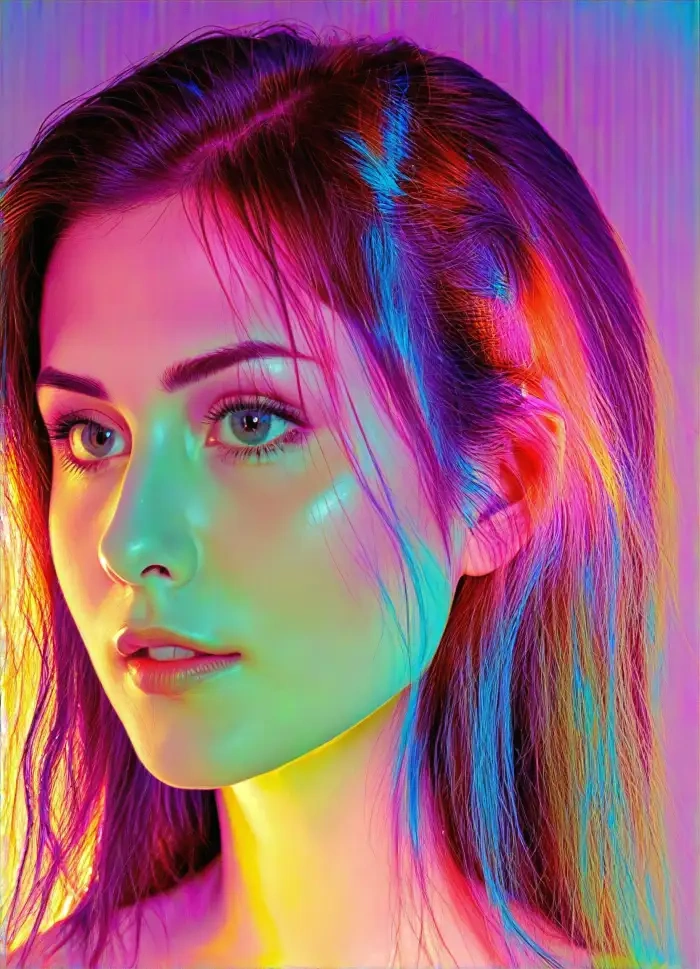
How to Create Anime Hair Looks in CoupleLens?
Three quick moves from idea to anime hair render. Everything happens inside the CoupleLens mobile app right on your phone.

Step 01.
Open Google Play on your phone, search for CoupleLens, and tap install. Sign up takes under a minute.

Step 02.
Open the filter library inside the app, choose an anime hair style that fits your character, and upload one photo or type a short line.

Step 03.
Save the image to your phone or post it straight to your CoupleLens public profile in one tap.
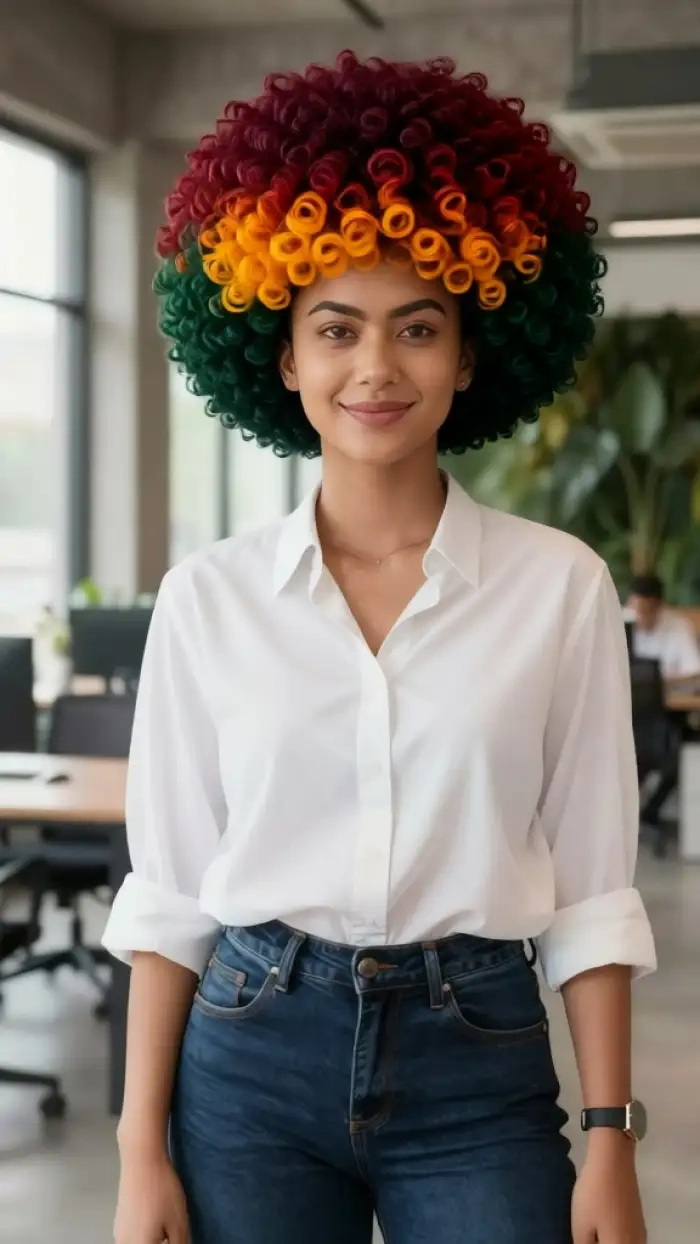
Use CoupleLens as Your Anime Hair Generator
Most anime hair tools need long prompts and a desktop setup. CoupleLens flips that. Open the mobile app, tap a hair filter, and the anime hair render is done in seconds. With 25,000 style templates, daily fresh looks, and a built in Ghibli mood, the app gives anime fans a faster way to try new hair for any OC design.

Watch CoupleLens in Action
Two short videos cover the CoupleLens anime hair generator. Watch how to pick a filter and lock your favorite look inside the app.
Frequently Asked Questions
Quick answers about the CoupleLens anime hair generator and how the mobile app handles every anime hair style you want.
More Topics You May Like
Keep the anime hair fun going. Browse other CoupleLens pages for character art, Ghibli filters, and full avatar design looks.

Vishwakarma Puja AI Photo Generator: Create Your Vishwakarma Puja AI Picture with CoupleLens
Create Devotional Radha Ashtami AI Photos with CoupleLens
Long Exposure AI Photo Editor: Silky Motion in One Tap on Mobile with CoupleLens
Gopikamma Outfit AI Photo: Create Traditional Indian Looks on CoupleLens
Vishwakarma Puja AI Photo Generator: Create Your Vishwakarma Puja AI Picture with CoupleLens
Create Devotional Radha Ashtami AI Photos with CoupleLens
Long Exposure AI Photo Editor: Silky Motion in One Tap on Mobile with CoupleLens
Gopikamma Outfit AI Photo: Create Traditional Indian Looks on CoupleLens
Start Your Anime Hair Look on Mobile
Grab CoupleLens on Google Play and try the anime hair generator in under a minute. New Ghibli, cyberpunk, and 3D clay style templates drop every day, all ready to try inside the app.
Start Your Anime Hair Look on Mobile
Grab CoupleLens on Google Play and try the anime hair generator in under a minute. New Ghibli, cyberpunk, and 3D clay style templates drop every day, all ready to try inside the app.