Underwater AI Photo Editor
Take a normal portrait and drop it under the sea in one tap. The CoupleLens underwater AI photo editor adds sunlit currents, floating bubbles, soft turquoise light, and ocean depth around your subject. No prompt writing. No masking. No desktop software. Just open the CoupleLens app, pick the Underwater Portrait filter, and your underwater AI photo editing result is ready in 10 to 20 seconds. Every filter runs on your phone, every face stays recognizable, and every image is built to share.
 Before
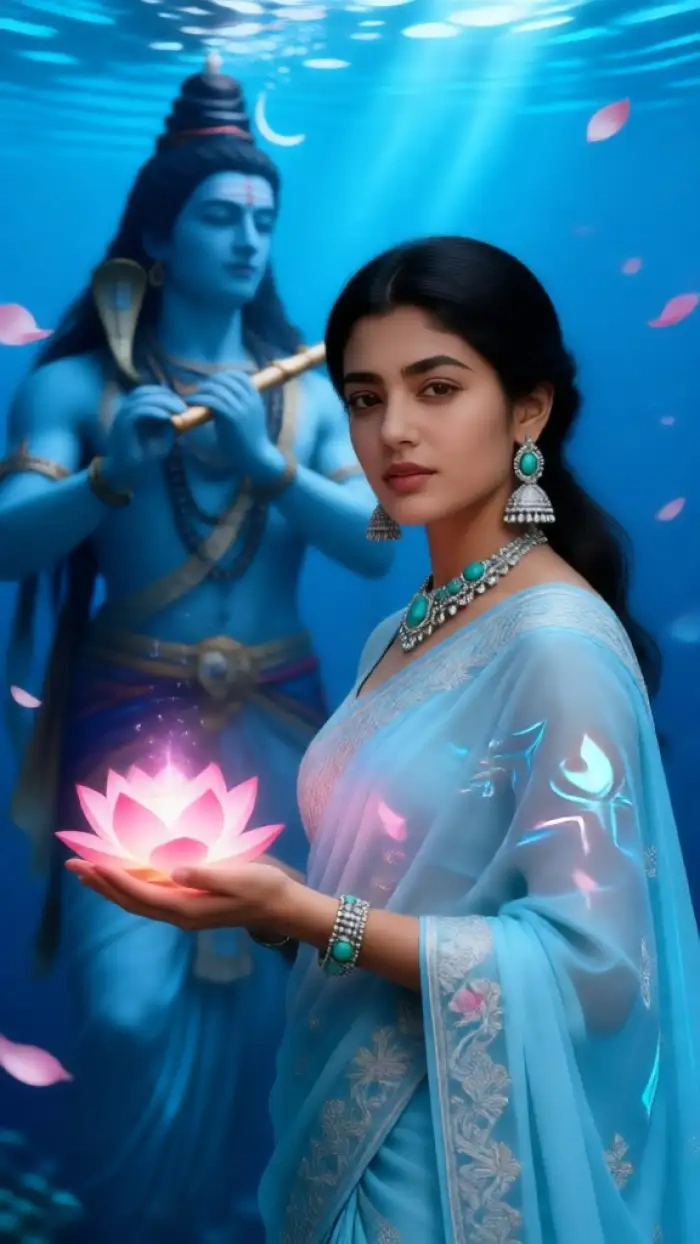 After
After
CoupleLens
Download CoupleLens on Google Play and try the underwater AI photo editor filter free today.

Pick the Underwater Filter That Fits Your Photo
CoupleLens ships five ready-to-use underwater AI photo generator filters, each tuned for a different ocean look.
Key Features of Underwater AI Photo Editor
Built for casual users, Three capabilities that make CoupleLens the easiest underwater AI photo editor on mobile.
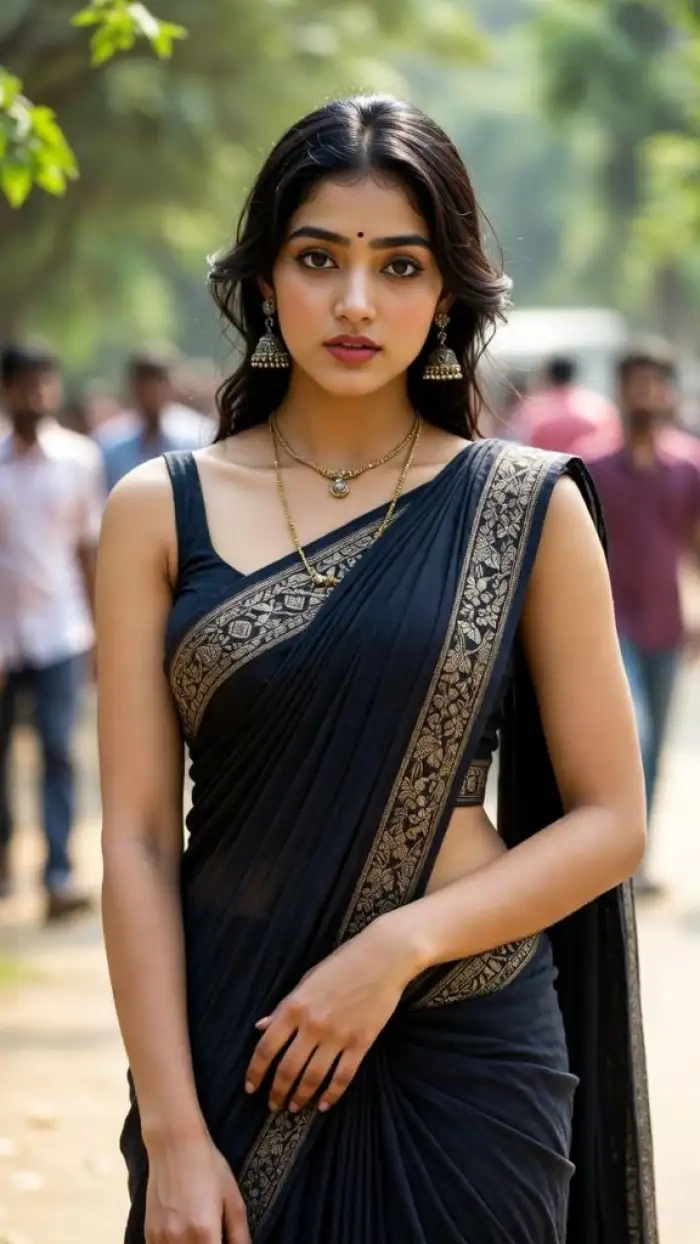 Before
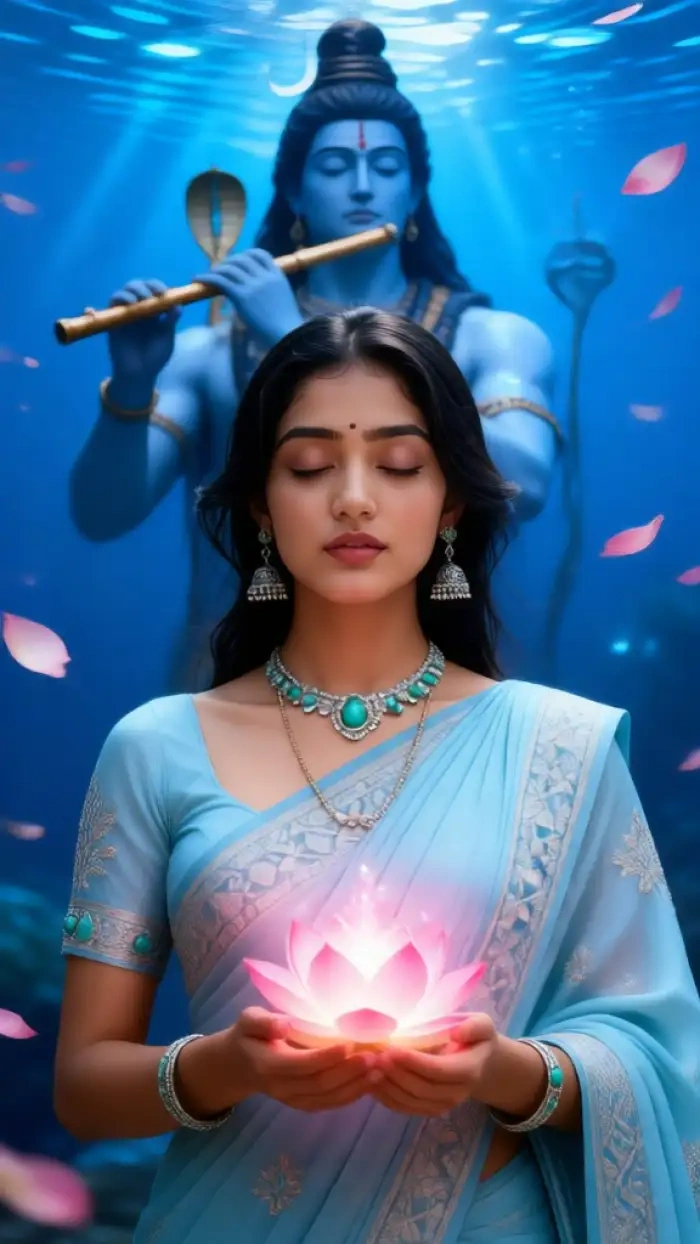 After
AfterOne-Tap Underwater AI Photo Generator
Skip the prompt. Skip the masking. Open the filter, drop in your photo, and the AI builds the full underwater scene around you in about 10 to 20 seconds. Coral reef textures, drifting bubbles, sun rays through the water surface, and natural light refraction on skin all show up automatically. The filter is part of a 25,000+ style library, so you can try underwater, mermaid, ocean glow, and 3D clay versions of the same shot in a row without leaving the app. No technical skills, no Photoshop, no web editor.
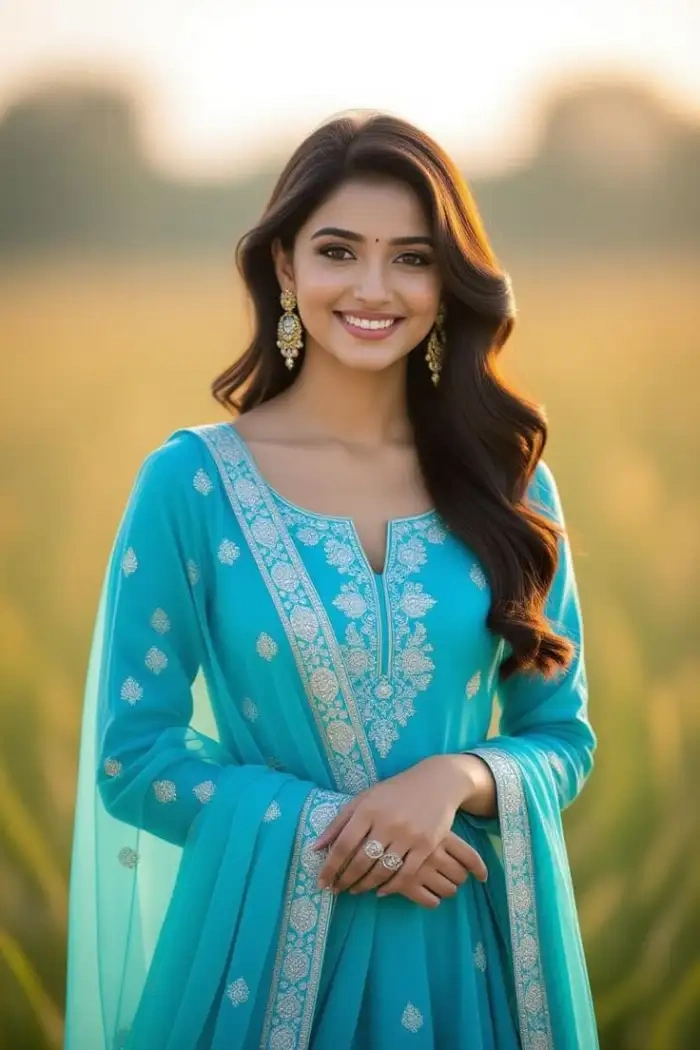 Before
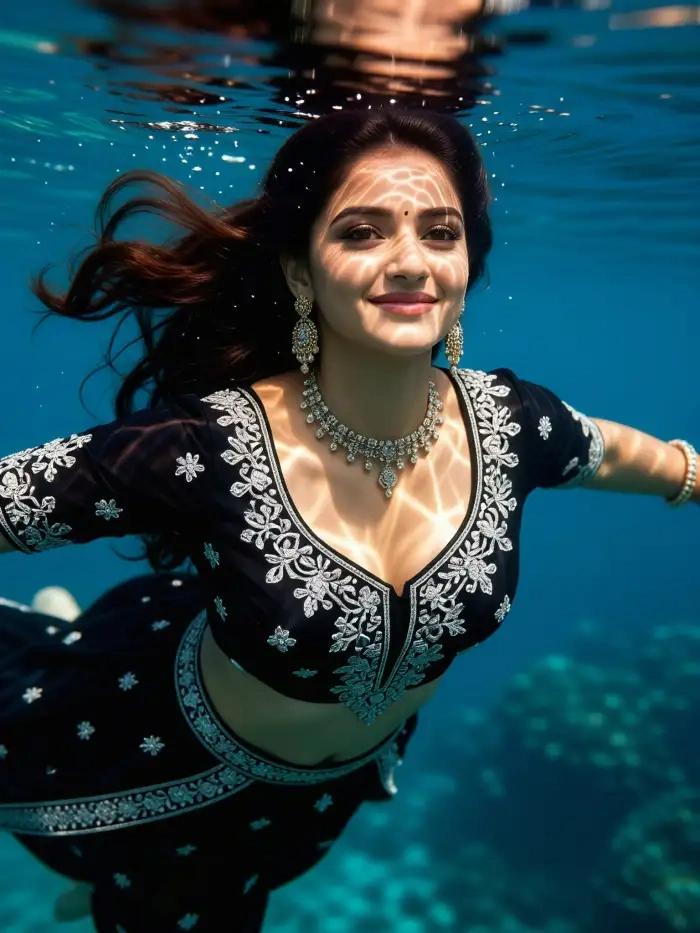 After
AfterIdentity-Preserving Underwater Portrait AI
Your face stays your face. The same model that powers CoupleLens character consistency recognizes the original subject and keeps facial structure, hairline, eye shape, and skin tone stable across every underwater AI photo editing generation. You can run the same selfie through ten different ocean filters and still look like you in every result. Couples and group photos benefit too, with multi-person AI that separates distinct faces, so two people or a small group will not blur into one subject in the final image.
 Before
Image-to-Video Underwater AI Photo Editor
Turn a still underwater AI photo into a short cinematic clip with one extra tap. The Deep Sea Video filter animates hair flowing, bubbles rising, light rays shifting, and small head or hand movements, giving you a social-ready vertical video without filming anything new. Great for Instagram Reels, TikTok, and Stories when you want the same underwater AI photo generator look but in motion. Output lands in 1080p and stays share-ready straight from the CoupleLens app.
How to Create an Underwater AI Photo with CoupleLens?
Test every underwater AI photo editing filter in the CoupleLens app before you commit to anything.

Step 01.
Grab the CoupleLens app from Google Play and sign up to use this underwater AI photo editor.

Step 02.
Open the app, tap Filters, and search for "underwater." Upload one photo of yourself, your couple, or a small group.

Step 03.
Download the finished image or video to your phone, or post it straight to your CoupleLens profile with one tap.
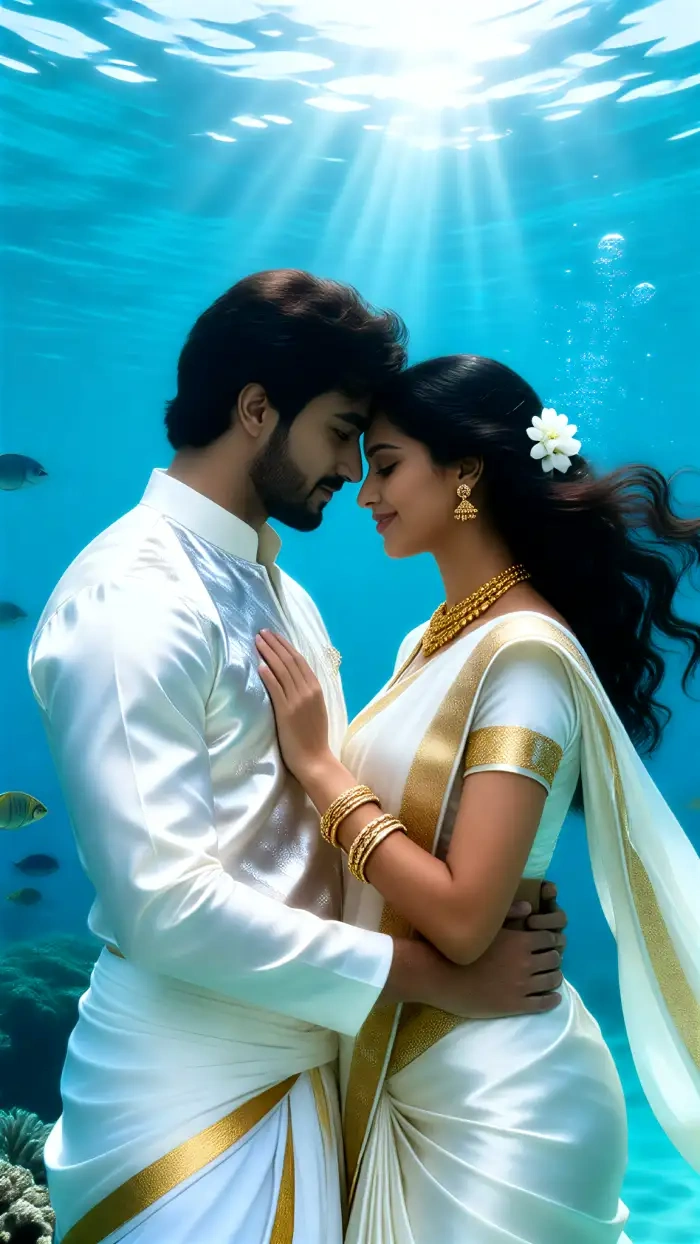
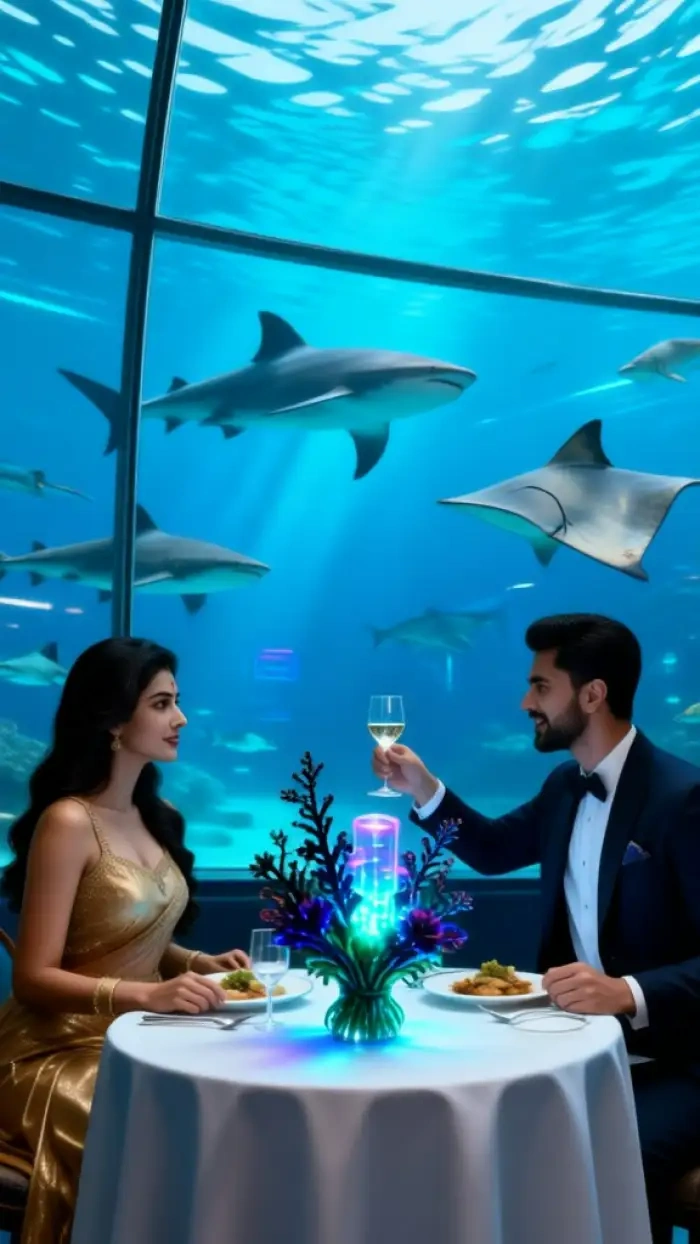
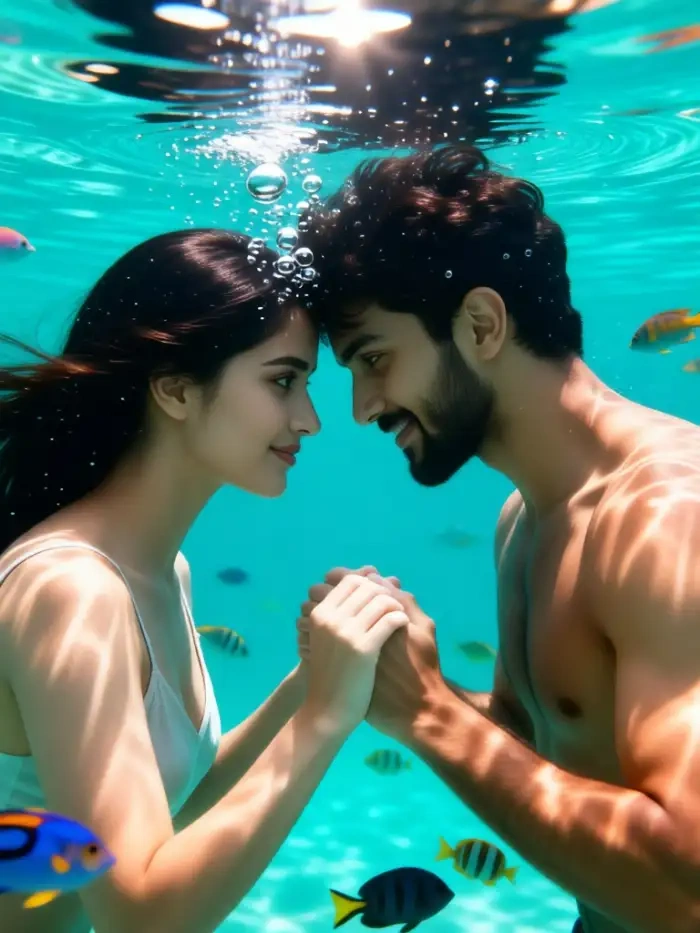
Underwater AI Photos Made with CoupleLens
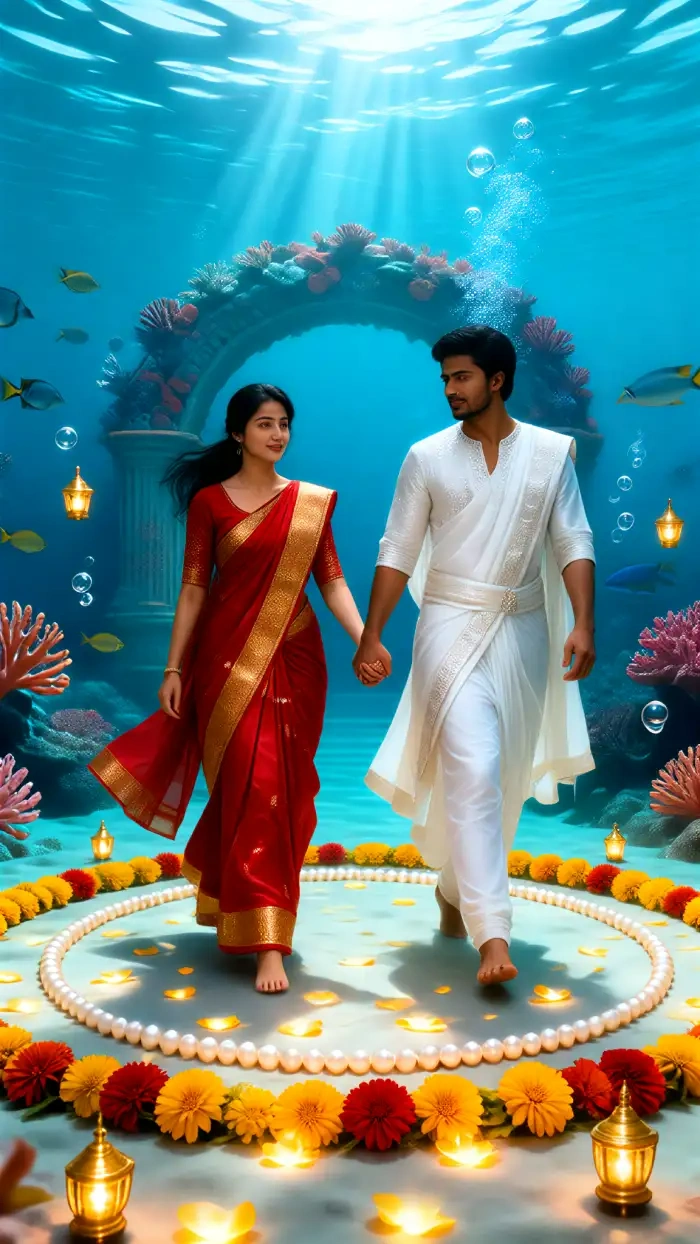
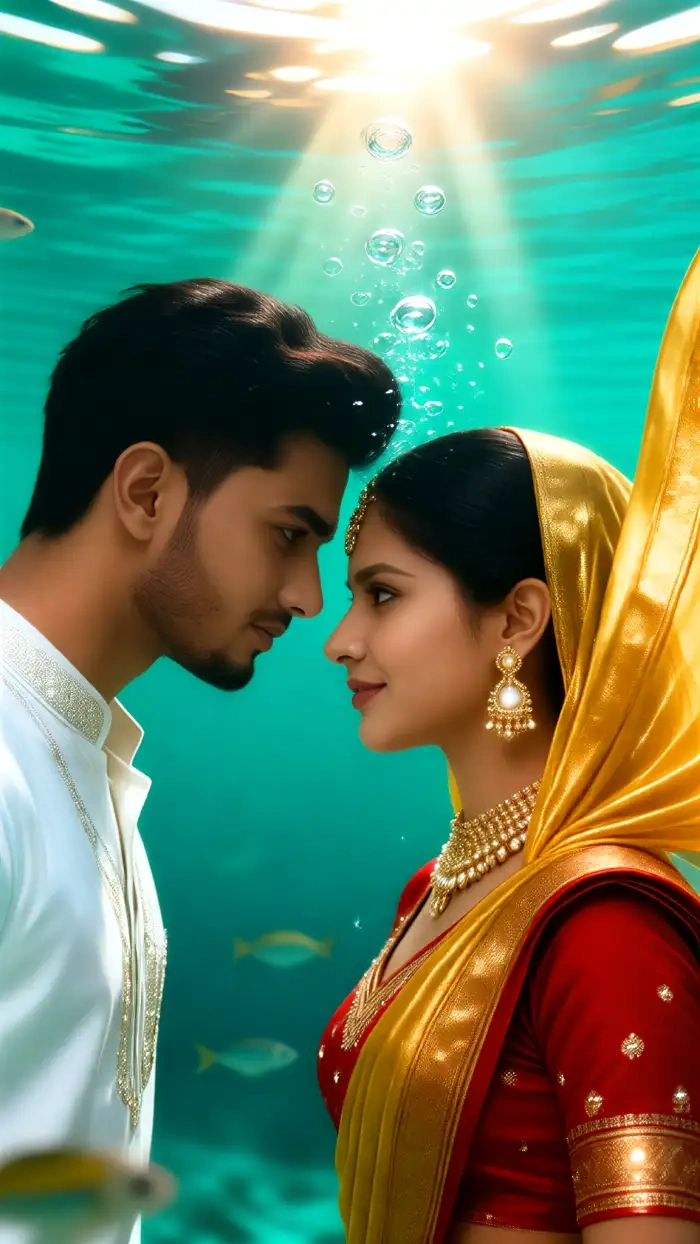
A quick scroll of underwater portraits, mermaid looks, and animated ocean clips from the CoupleLens community.
YouTube Videos About Underwater AI Photo Generator
Two short video walkthroughs that show the underwater AI photo editor filters running inside the CoupleLens app, from filter pick to final share.
Frequently Asked Questions
Quick answers to the most common questions about the CoupleLens underwater AI photo editor, and how it works on mobile.
More Topics You May Like
More AI photo and video filters from CoupleLens that pair well with the underwater AI photo editor look.
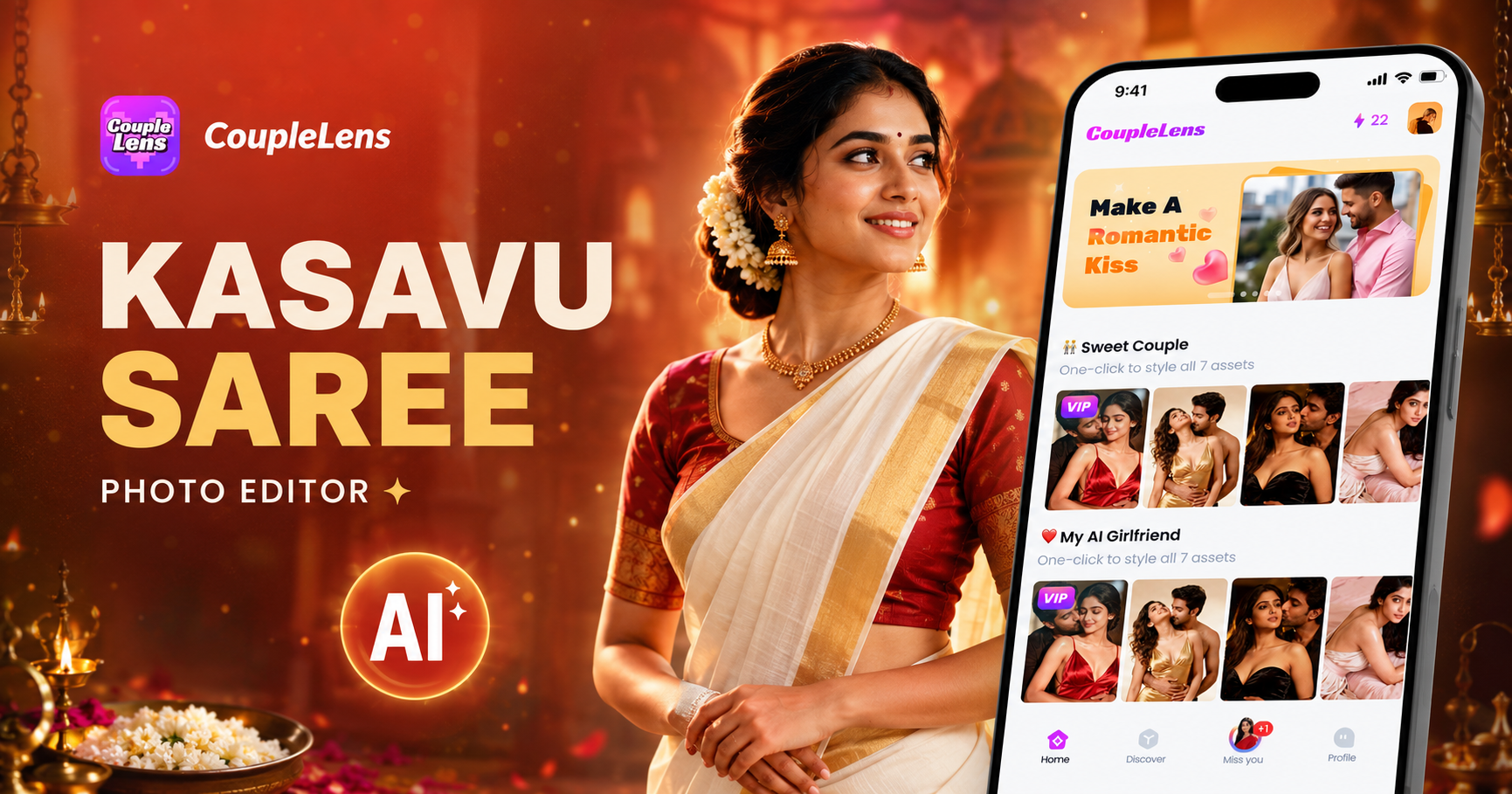
Kasavu Saree Photo Editor for Onam & Kerala Looks | CoupleLens
Independence Day AI Photo Generator: Create Patriotic Portraits on CoupleLens
15 August Photo AI Generator: Independence Day Pictures by CoupleLens
World Cup 2026 Prompt: Create FIFA Fan Art, Jersey Edits & Stadium Posters | CoupleLens
Kasavu Saree Photo Editor for Onam & Kerala Looks | CoupleLens
Independence Day AI Photo Generator: Create Patriotic Portraits on CoupleLens
15 August Photo AI Generator: Independence Day Pictures by CoupleLens
World Cup 2026 Prompt: Create FIFA Fan Art, Jersey Edits & Stadium Posters | CoupleLens
Ready to Drop Your Next Photo Under the Sea?
Download CoupleLens on Google Play, pick the Underwater Portrait filter, and turn any selfie, couple shot, or group photo into a shareable underwater AI photo in under 20 seconds.
Ready to Drop Your Next Photo Under the Sea?
Download CoupleLens on Google Play, pick the Underwater Portrait filter, and turn any selfie, couple shot, or group photo into a shareable underwater AI photo in under 20 seconds.