Transformation Video
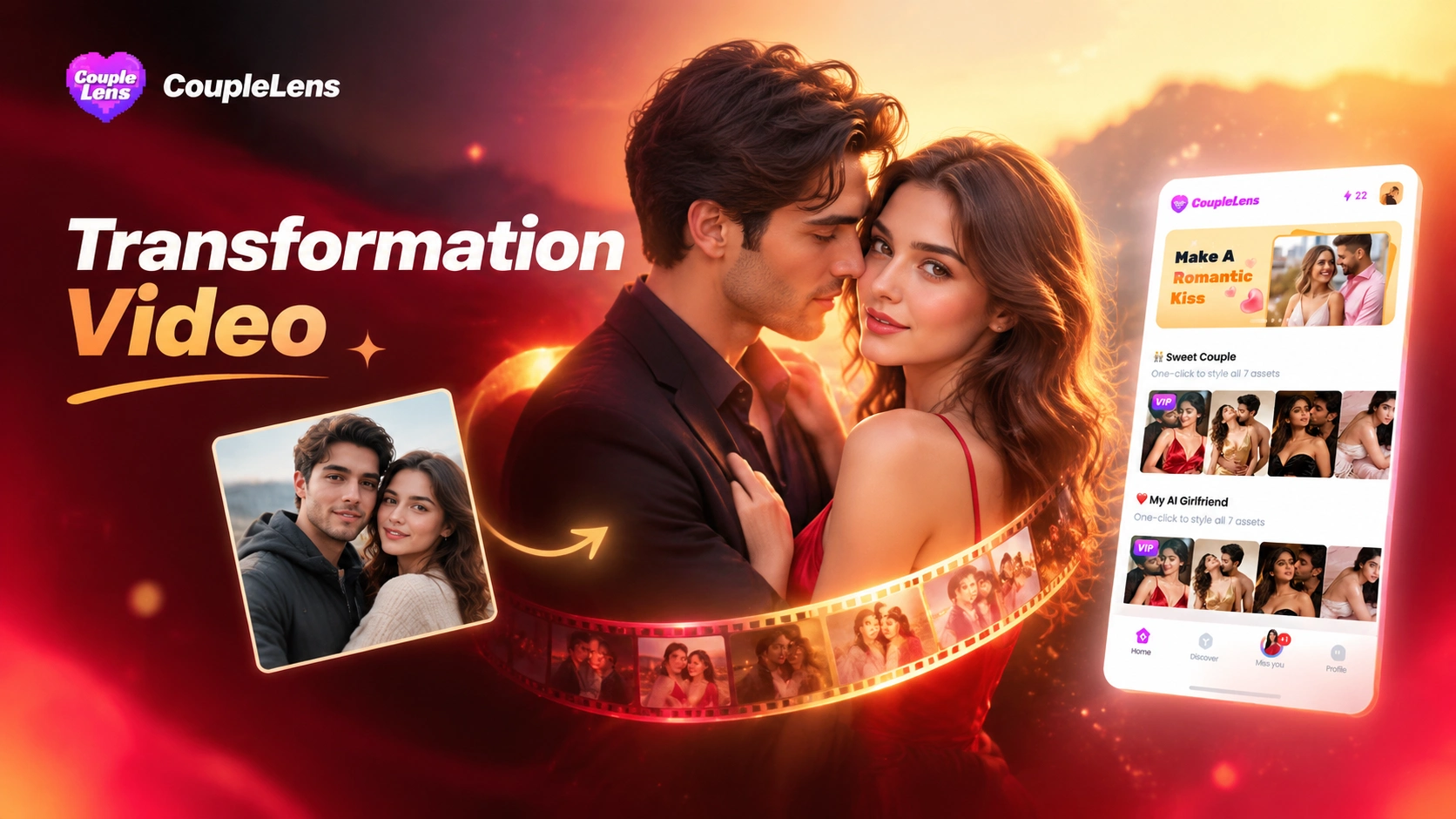
Trending Filters for Your Next Transformation Video
These eight CoupleLens filters cover the styles creators ask for most right now, from mech armor to starry skies to romantic couple moments.
Use CoupleLens for Transformation Video AI
Most transformation video AI tools live in a browser tab. CoupleLens lives on your phone. The app ships 25,000 built in templates and finishes a clip in 10 to 20 seconds. Daily drops keep your feed fresh. Multi face tracking keeps group shots clean. The built in community gives every clip a real audience the moment you post. Made for the way people actually scroll.

How to Create a Transformation Video in CoupleLens?
Three steps, one app, no setup. Anyone with a photo and a phone can ship a transformation video AI clip today.

Step 01.
Tap the Google Play badge, install CoupleLens, and open the app. The full creative studio lives on your phone. There is no separate web tool to sign into later.

Step 02.
Browse the transformation video AI filter list or type a vibe into search. Choose a filter. Upload one or more photos. Let the app read your faces. The preview loads in seconds.

Step 03.
Tap generate. CoupleLens builds the transformation video AI clip in 10 to 20 seconds. Save it to your camera roll or post straight to your CoupleLens profile.
See What the Transformation Video AI Community Has Made
A quick scroll through real outputs from the CoupleLens community. Every clip below was generated inside the app in under twenty seconds.
Key Features of Transformation Video AI in CoupleLens
CoupleLens packs three core tools into one mobile app. You can shoot, edit, and post a transformation video AI clip without leaving your phone.
 Before
One Tap Filter to Video Generation
Pick a filter, drop in one photo, hit generate. CoupleLens does the rest. The transformation video AI renders in 10 to 20 seconds on most phones. Try five styles before your coffee gets cold. No prompt box. No parameter panel. No queue. The whole pipeline runs inside the CoupleLens app and lands in your camera roll.
Massive Template Library With Daily Trend Drops
The CoupleLens library holds more than 25,000 templates. Wedding, anime, 3D clay, Ghibli, cyberpunk, and dozens more styles are all inside. The team adds fresh filters every day to match what is going viral on TikTok, Reels, and Shorts. When a new trend breaks tonight, the matching transformation video AI template usually shows up by morning.
Multi Person Recognition and Character Consistency
Upload a couple photo, a family group, or a friends selfie. CoupleLens separates every face. Each one stays recognizable through every frame of the transformation video AI output. Two people can hug without losing either face. Three friends can stand shoulder to shoulder. The same character can star in a five clip series and still look like one person.
What Our Users Say About CoupleLens
CoupleLens is now my first stop for any new trend filter.
I made a mech transformation video AI clip of my dog in the CoupleLens app during my train ride. Posted it at 9 am. Hit 200k views by dinner. The filter did the heavy lifting. I barely touched a thing.
CoupleLens saves me hours of editing on every client deliverable.
I use the CoupleLens transformation video AI filters on every engagement shoot sneak peek. Clients see themselves in three styles within minutes. They pick the gallery they love faster. The couple filter is the clear favorite.
CoupleLens is the only app that keeps every face in a group shot clean.
I tried three other apps before CoupleLens. They all choked on a group photo. CoupleLens handled five friends in one frame. It kept every face sharp through the transformation video AI animation. My basketball team group chat is obsessed.
Frequently Asked Questions
Quick answers to the most common questions creators ask before they download CoupleLens and make their first transformation video AI clip.
More Topics You May Like
Other CoupleLens guides that pair well with the transformation video AI workflow once you are ready to level up your content.
12 Rabi Ul Awal Whatsapp Status AI: Make a Personal Mawlid Greeting Fast
Viral Eye Close Up CapCut Style Video with CoupleLens
Eid Milad Un Nabi AI Photo Editing: Create Festive Portraits with CoupleLens

Edit ID Picture with Formal Attire: One Tap in CoupleLens
12 Rabi Ul Awal Whatsapp Status AI: Make a Personal Mawlid Greeting Fast
Viral Eye Close Up CapCut Style Video with CoupleLens
Eid Milad Un Nabi AI Photo Editing: Create Festive Portraits with CoupleLens
Edit ID Picture with Formal Attire: One Tap in CoupleLens
Your Transformation Video Is One Filter Away
Skip the prompt. Skip the queue. Open CoupleLens, pick a style, and post your transformation video AI clip before the trend moves on.
Your Transformation Video Is One Filter Away
Skip the prompt. Skip the queue. Open CoupleLens, pick a style, and post your transformation video AI clip before the trend moves on.