Princess Dress Change AI Video Generator
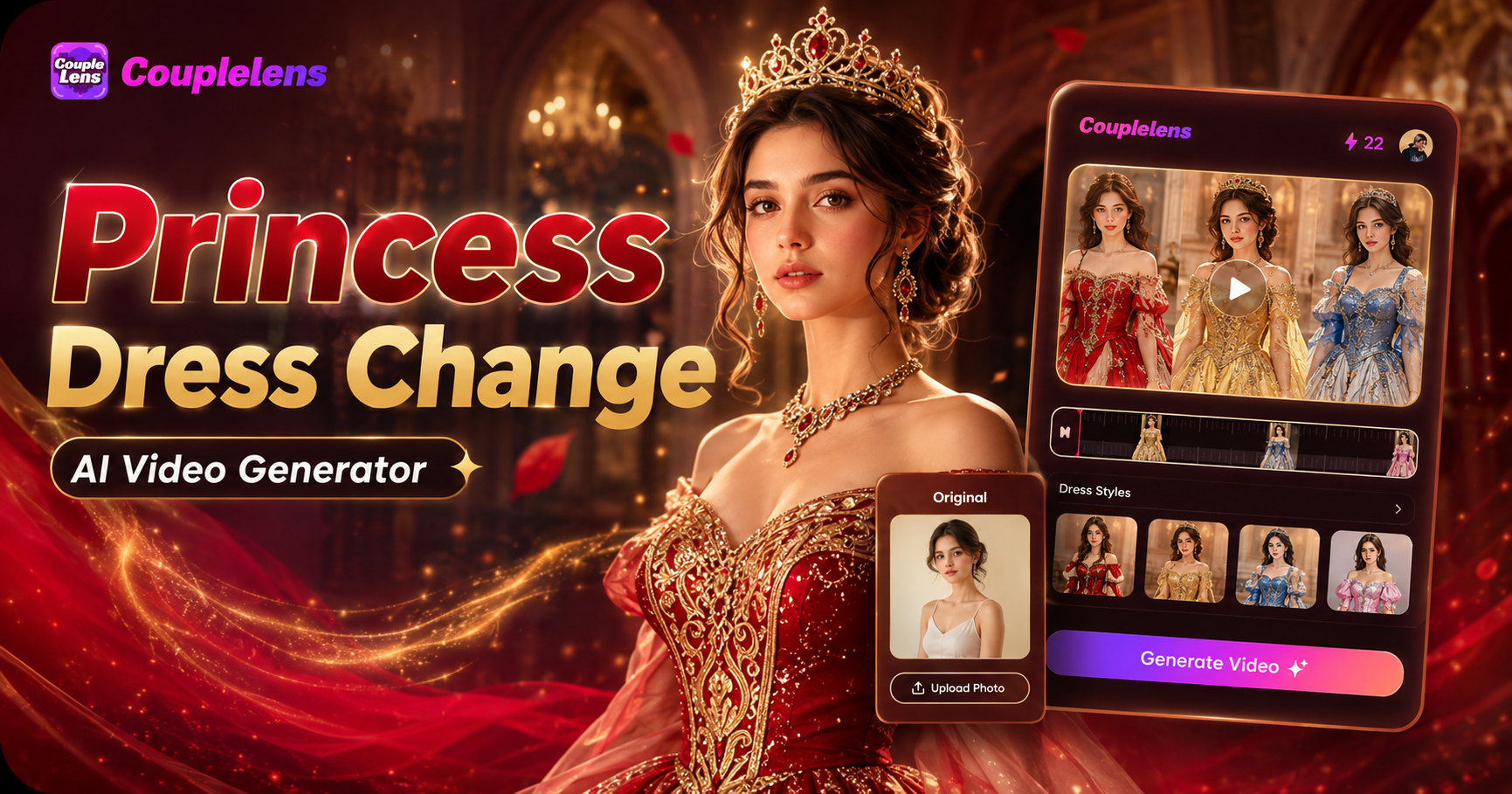
Choose the Beautiful Princess Dress Like Filter
Discover the gorgeous dress style filter that perfectly matches your royal style and dream.
Key Features of a Princess Dress Change AI Video Generator
The app gives you three core powers that turn a plain back view photo into a cinematic princess gown AI video on your phone.
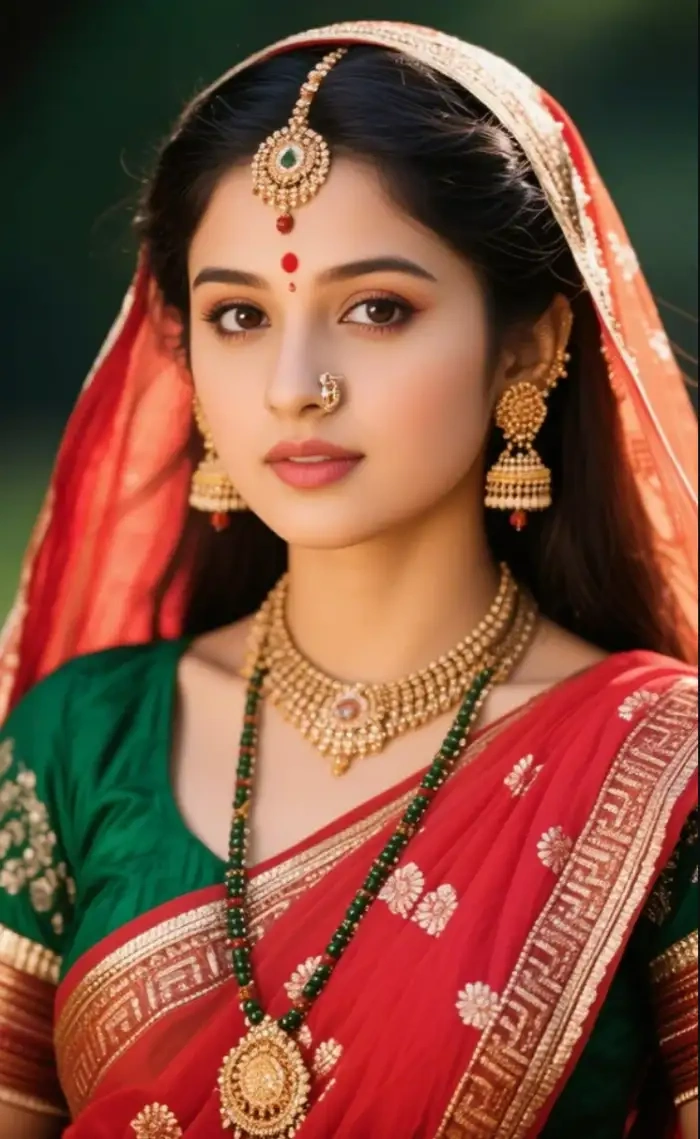 Before
Your Face, Hair, and Pose Stay the Same
CoupleLens reads your face shape, your hair, your body shape, and your pose from the photo you upload. Then it builds the new gown on top of you without changing who you are. The result feels like you, just wearing a royal gown. No face swap. No mixed features. No identity drift between frames in your princess AI video.
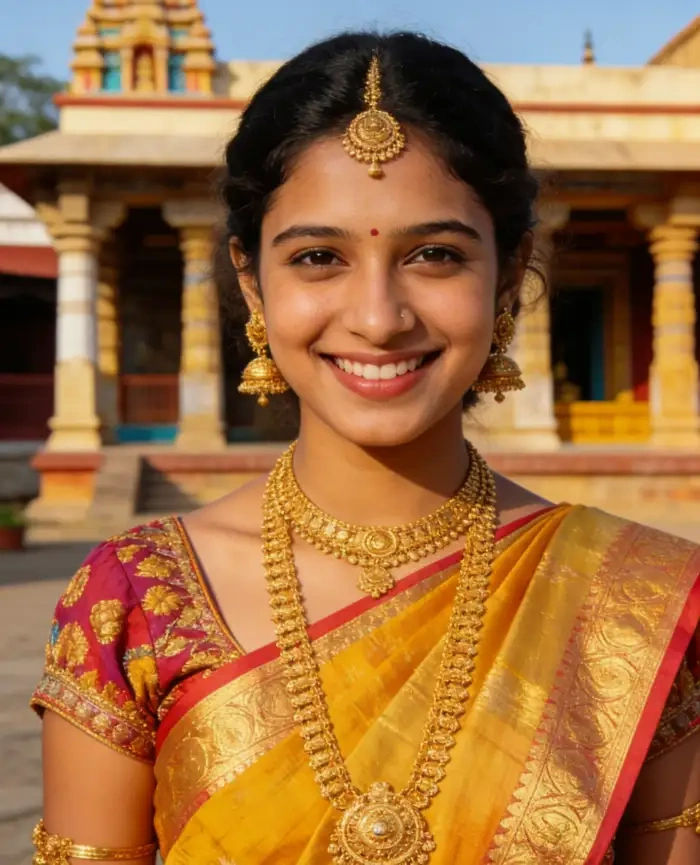 Before
25,000 Styles Cover Every Royal Mood
The app ships with 25,000 ready filters. Princess, royal, wedding, fantasy, anime, 3D clay, Ghibli, cyberpunk, watercolor, oil paint, and film grade. You can stay inside the royal lane with red, blue, gold, and pink gowns. Or you can swing into Ghibli, 3D clay, or anime for a fun twist on the princess transformation AI trend.
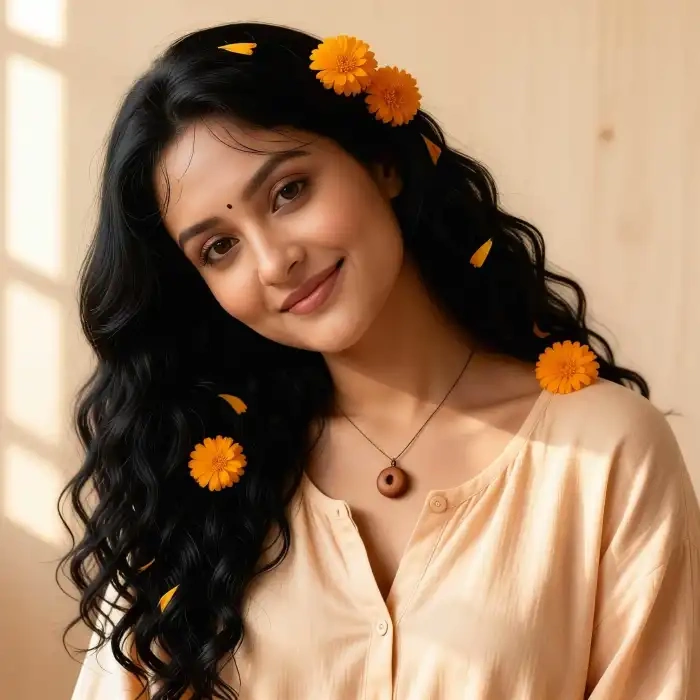 Before
Fast Princess Dress Change
CoupleLens runs the full princess dress change AI video pipeline on your phone. The image to video engine takes one back view photo, places the gown, walks you forward, and renders the 9:16 clip in about 10 to 20 seconds. You tap generate. You get a share ready royal dress change video.
How to Create a Princess Dress Change AI Video in CoupleLens?
You do not need a wardrobe. You do not need a video editor. You only need your phone and CoupleLens princess dress Change AI video generator.

Step 01.
Open Google Play, search CoupleLens, and install the app. Inside, tap the Effects tab, then pick the princess dress change filter that matches your mood.

Step 02.
Choose a clear back view photo of you. Stand near a doorway or a bright entrance. Tap generate.

Step 03.
Preview the result. If you love it, save the 9:16 clip to your phone. You can also post it straight from CoupleLens to your public page.
Use CoupleLens for a Princess Dress Change AI Video?
CoupleLens is mobile first. You open the app, pick a filter, drop one back view photo, and get a cinematic royal dress change video in about 20 seconds. The app keeps your face, hair, and pose untouched, so the gown feels real, not pasted on. You get 25,000 ready filters, daily free credits, and a built in community page to post your princess AI video the second it is done. No watermark hassle. No PC. No learning curve.
What Our Princess Dress Change AI Video Users Say
Posted on Reels and it pulled more comments than any video I made last month.
I tried four web tools for the princess dress change trend and they all gave me a stiff walking clip. CoupleLens gave me a smooth slow motion royal walk in one try. The gown moved with me. My face stayed mine.
Download CoupleLens and skip the long AI prompt videos on YouTube.
I am not a video person. I opened CoupleLens, picked the gold lehenga filter, dropped one photo of my sister from behind, and got a princess dress change AI video in under a minute. She cried. We posted it on her birthday. Easy.
I use CoupleLens to mock up royal gown looks for my bridal clients.
he face stays the same across the whole clip, which is huge. The 9:16 export is clean. No watermark, no sign in wall blocking the result. Just a usable princess dress transformation for mood boards.
More AI Video & Image Ideas You May Like
Want more viral moments after your royal dress change video? Learn how to use more AI image filters and AI video editors.
Frequently Asked Questions
These quick answers cover what most people ask before they try a royal dress change video on mobile.
More Topics You May Like
Explore more topics you may like and discover fresh ideas tailored to your interests.
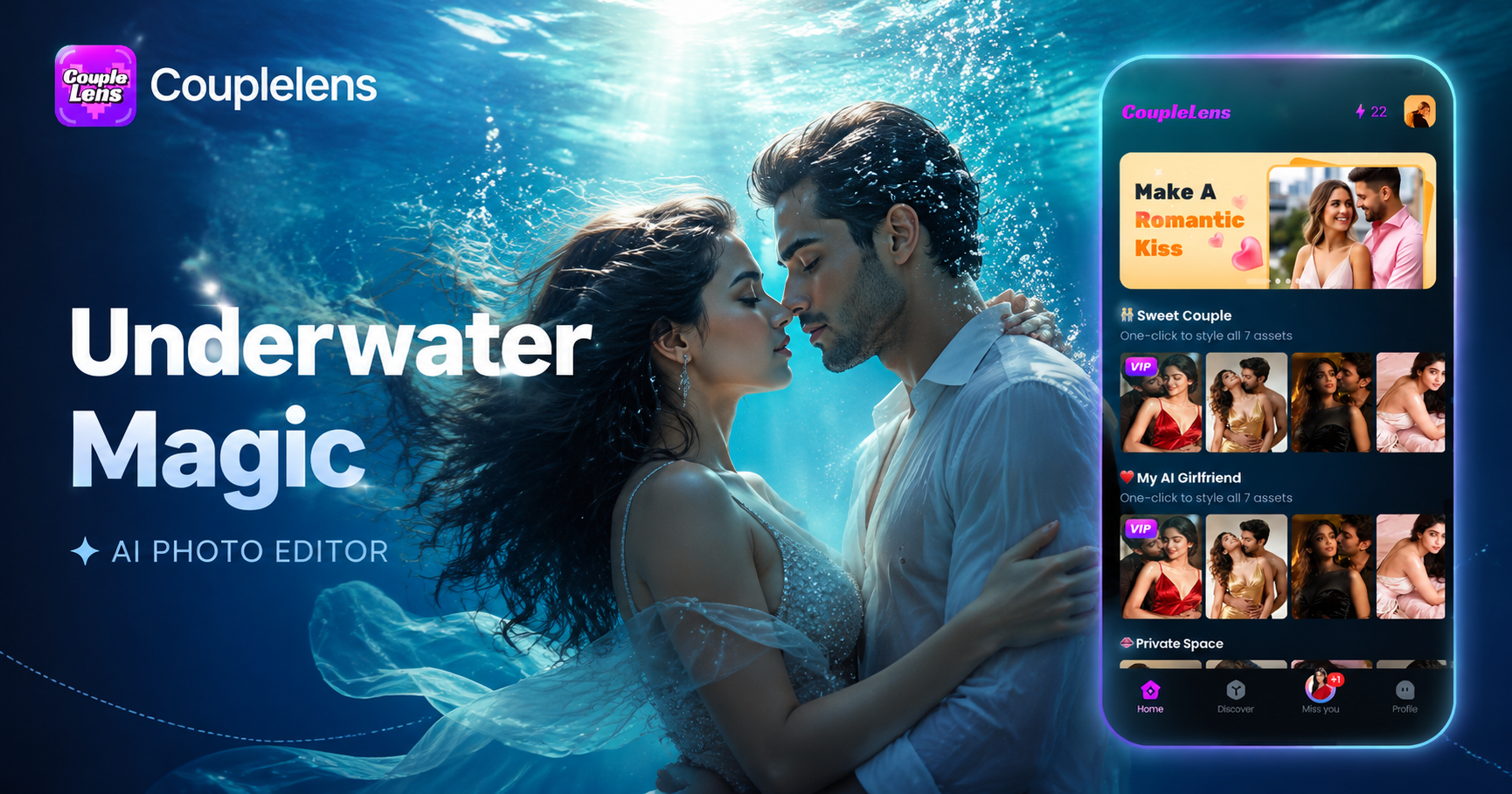
Underwater AI Photo Editor: One-Tap Ocean Filter in CoupleLens
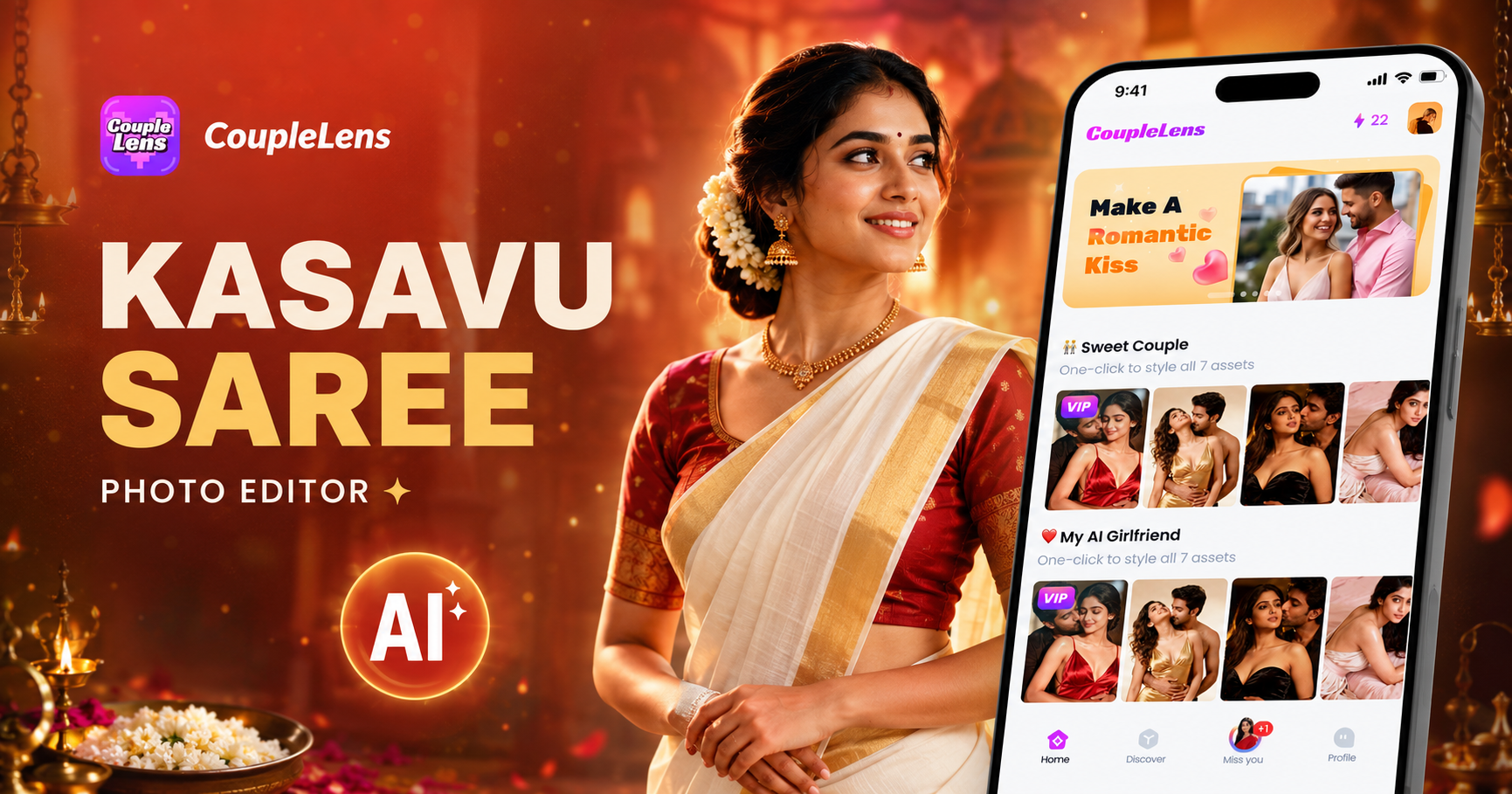
Kasavu Saree Photo Editor for Onam & Kerala Looks | CoupleLens
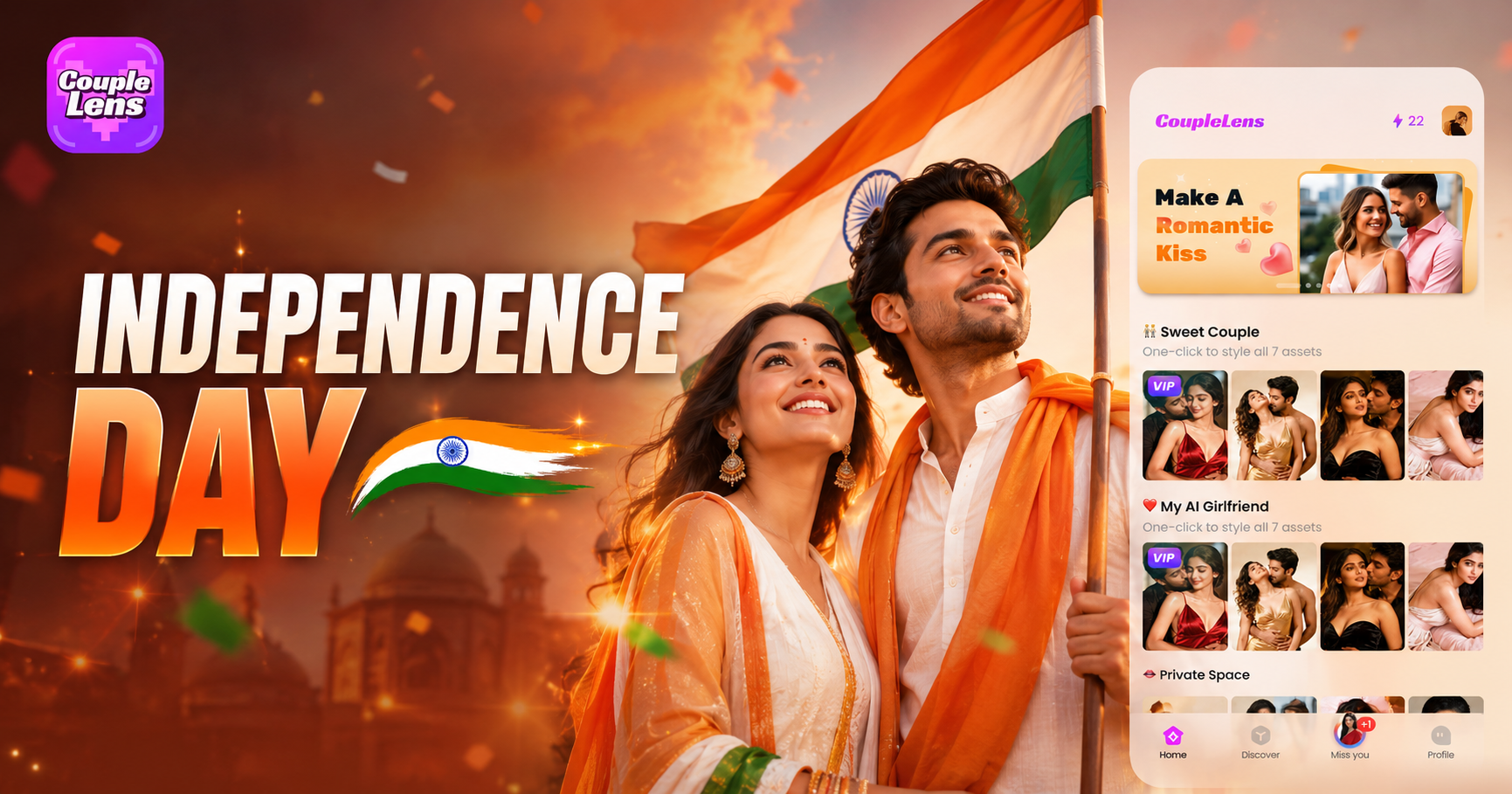
Independence Day AI Photo Generator: Create Patriotic Portraits on CoupleLens
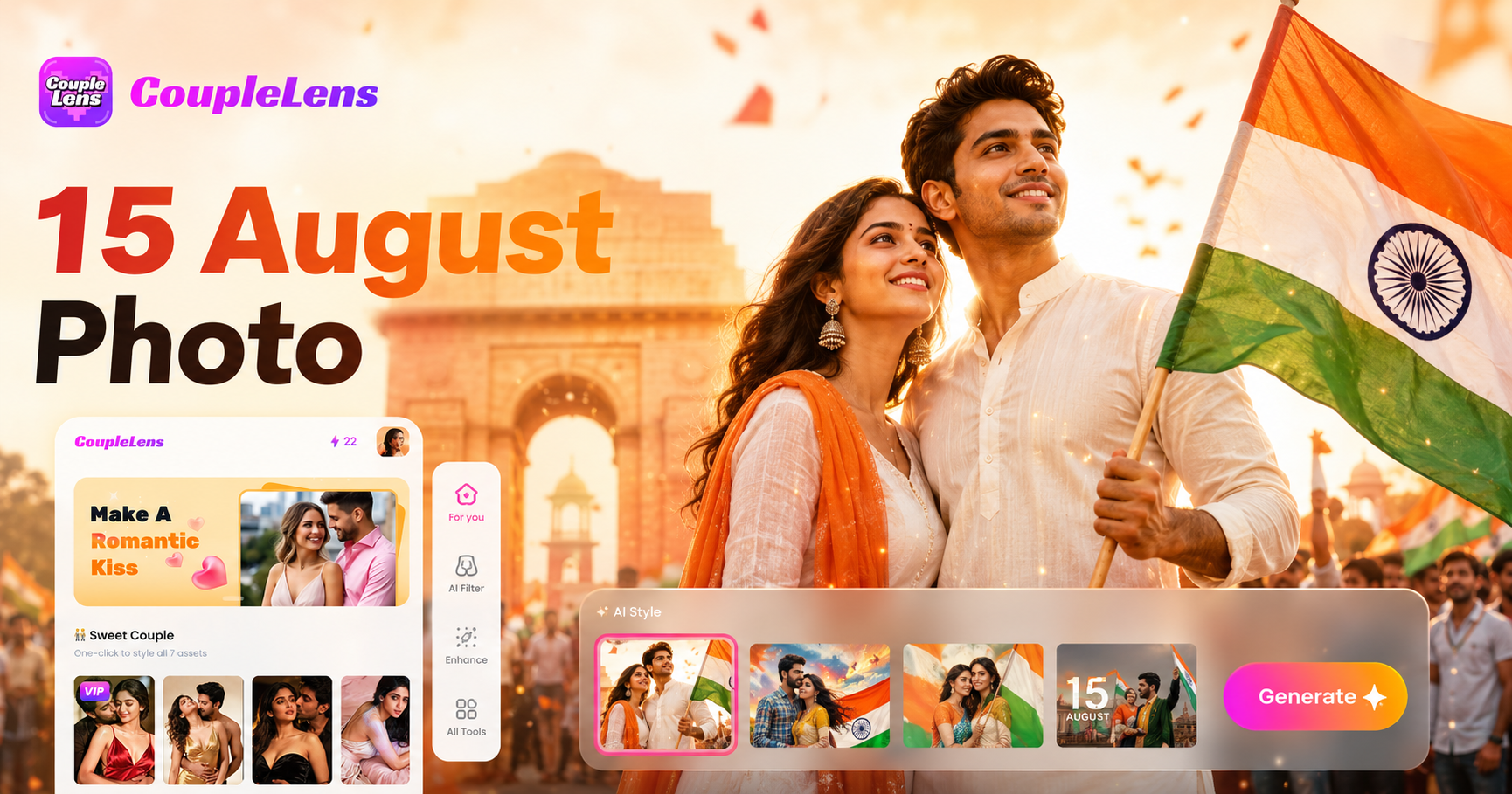
15 August Photo AI Generator: Independence Day Pictures by CoupleLens
Underwater AI Photo Editor: One-Tap Ocean Filter in CoupleLens
Kasavu Saree Photo Editor for Onam & Kerala Looks | CoupleLens
Independence Day AI Photo Generator: Create Patriotic Portraits on CoupleLens
15 August Photo AI Generator: Independence Day Pictures by CoupleLens
Your Princess Dress Change Video Is One Filter Away
Open CoupleLens, pick a princess filter, and walk into a cinematic doorway in a flowing gown in about 20 seconds.
Your Princess Dress Change Video Is One Filter Away
Open CoupleLens, pick a princess filter, and walk into a cinematic doorway in a flowing gown in about 20 seconds.